Home>Comparison>Renderforest

Renderforest AI Creative Platform Review

Renderforest works more like a broad creative platform than a single AI video generator, combining template videos, brand assets, designs, websites, logos, and campaign materials. That breadth helps teams draft polished-looking assets quickly, but it can also make the workflow heavier than a focused generation task. Media.io is better suited when the immediate need is a lightweight AI video, image, music-led, ad, or story asset with simple browser-based polish.

Core Features of Renderforest AI Video Generator

Renderforest is an online AI creation platform focused on template-led videos, design assets, websites, logos, avatar clips, and AI commercial drafts. It is especially relevant to small teams that need ready-made creative assets for videos, brand materials, websites, logo concepts, or campaign mockups.

Core Feature Overview

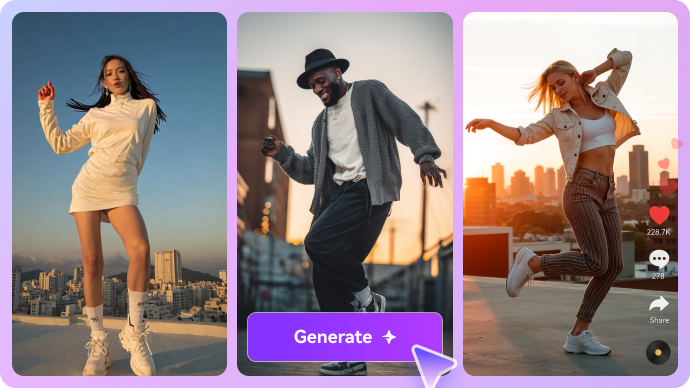
  • Image-to-Video: Image-to-Video helps creators animate product photos, portraits, reference frames, or campaign images into short motion assets.
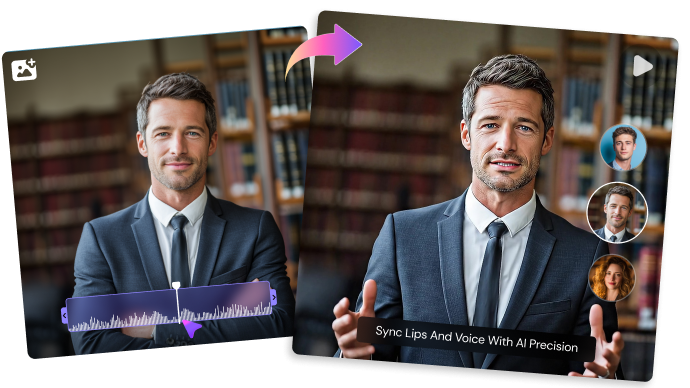
  • AI Avatars: AI Avatars matters when the video depends on a presenter, portrait, lip-sync moment, face-swap concept, or localized avatar-style message.
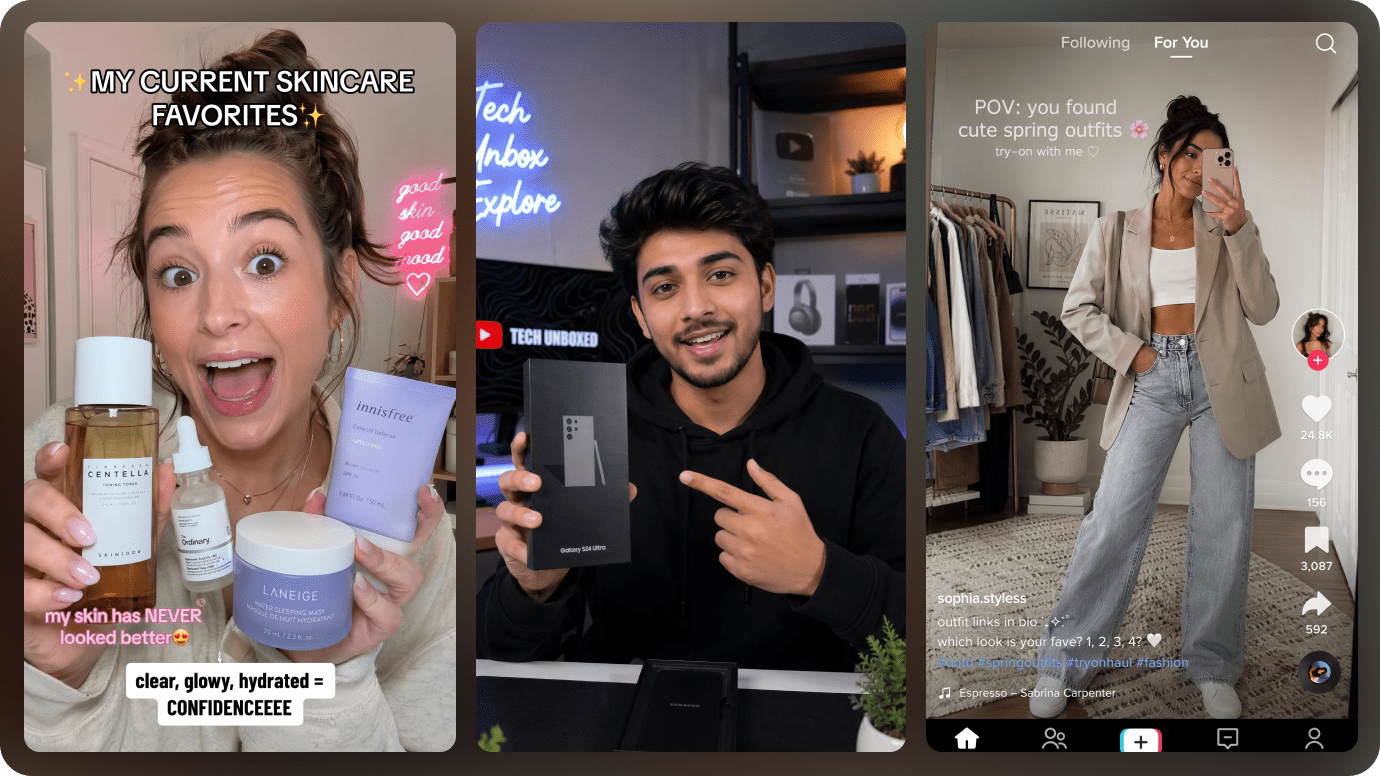
  • AI Ad and UGC Videos: AI Ad and UGC Videos should be judged by how directly it turns a product, URL, offer, or marketing brief into a usable campaign video.
  • AI Video Generator: AI Video Generator is the broad entry point for turning prompts, images, products, or campaign concepts into short AI video drafts.
  • AI Audio Tools: AI Audio Tools matters when the visual concept also needs narration, soundtrack direction, sound design, or music-led social variants.
  • Template-Led Creation: Template-Led Creation helps creators move faster with reusable layouts, preset structures, and repeatable short-form formats.

Image-to-Video in Renderforest

Renderforest's Image-to-Video workflow is useful when creators already have a product image, portrait, style frame, or reference visual and want to test motion quickly. Quality depends on the source image, prompt clarity, subject stability, and whether the motion fits the intended ad, social, or story format. Media.io AI Image to Video lets users upload an image, choose from multiple AI video models, and write detailed motion prompts of up to 8,000 characters. For more visual control, Media.io can also use up to 9 reference images, which helps with product photos, portraits, character frames, and campaign visuals that need clearer direction.

Renderforest Image-to-Video

AI Avatars in Renderforest

AI Avatars is strongest when Renderforest needs to create a repeatable presenter, product spokesperson, training role, or customer-facing digital human rather than a one-off generated clip. Review avatar quality through expression control, voice fit, language needs, brand safety, and whether the output can support repeat campaigns. Media.io AI Character Generator is the better Media.io angle for reusable character assets, while Media.io AI Talking Avatar can turn a selected presenter image into a talking video.

Renderforest AI Avatars

AI Ad and UGC Videos in Renderforest

Renderforest's AI Ad and UGC Videos capability should be judged by how much campaign structure it creates, not only whether it produces a short clip. In practice, its ad feature may start from prompts, templates, avatars, or generated visuals; the team still has to check the hook, offer, product proof, CTA, caption style, and platform format. Media.io AI Ad Generator gives Media.io a different angle: it can work from a URL, product page, or marketing input to draft ad-oriented video concepts, then pair the result with image-to-video, sound effects, music-led variants, and light polish for quick campaign testing.

Renderforest AI Ad and UGC Videos

AI Video Generator in Renderforest

Renderforest's AI Video Generator gives creators a broad starting point for testing prompts, images, visual styles, and short campaign ideas. It is helpful for quick creative direction, but the first result still needs checks for motion quality, subject consistency, sound direction, and final format. Media.io can support prompt-based generation too, while Media.io AI Script to Video is useful when the input is closer to a full script, narration draft, or brand story that needs an outline, characters, storyboard preview, and a more complete final video.

Renderforest AI Video Generator

AI Audio Tools in Renderforest

AI Audio Tools matters because many AI videos fail at the audio stage: the visuals may be usable, but narration, soundtrack, rhythm, and sound design decide whether the asset feels complete. Renderforest is useful if its audio feature matches the creator's exact need, such as speech, music, or a quick soundtrack for a draft. Media.io is more scenario-led here: Media.io AI Music Video Generator can turn songs or audio ideas into MV-style visuals, while Media.io AI Sound Effects Generator can add atmosphere for ads, story videos, explainers, or short social scenes.

Renderforest AI Audio Tools

Template-Led Creation in Renderforest

Renderforest's Template-Led Creation can speed up short-form production when creators need reusable layouts, preset structures, or quick visual formats instead of building every asset from scratch. The output still needs enough customization to avoid feeling generic, especially for ads, branded posts, and creator campaigns. Media.io adds value when the template needs new source material: product images can become motion clips with Media.io AI Image to Video, scripts can become fuller story videos, and AI effects or music-video tools can create fresh creative variations.

Renderforest Template-Led Creation

How to Use Media.io AI Video Generator

1
2
3
1
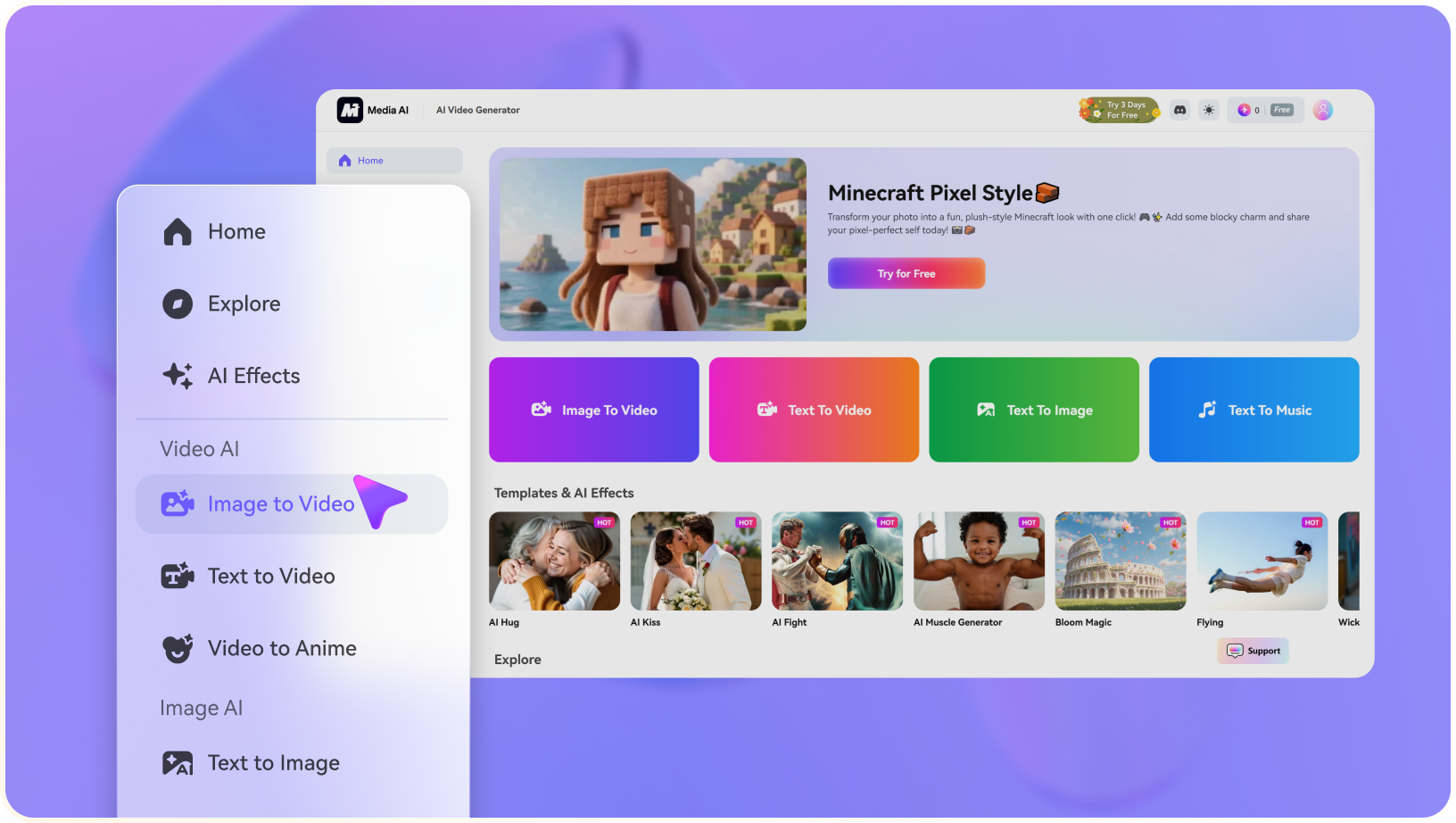
Step 1: Open Media.io and Choose Your Input

Launch Media.io AI Video Generator and choose whether to start from text or an image.

2
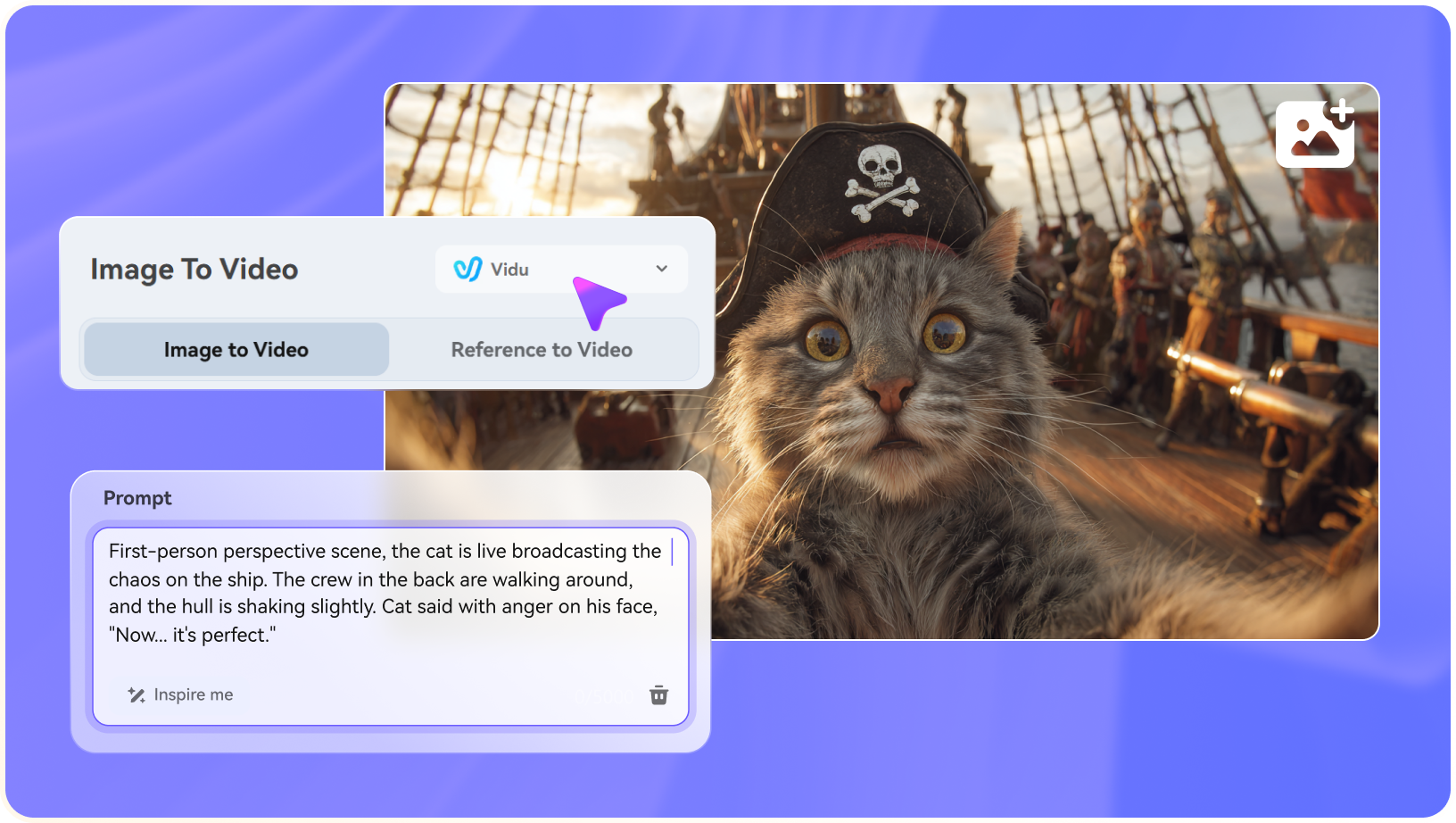
Step 2: Describe the Video or Upload a Reference

Enter a concise prompt, upload a source image when needed, and specify the motion, camera style, mood, or output goal.

3
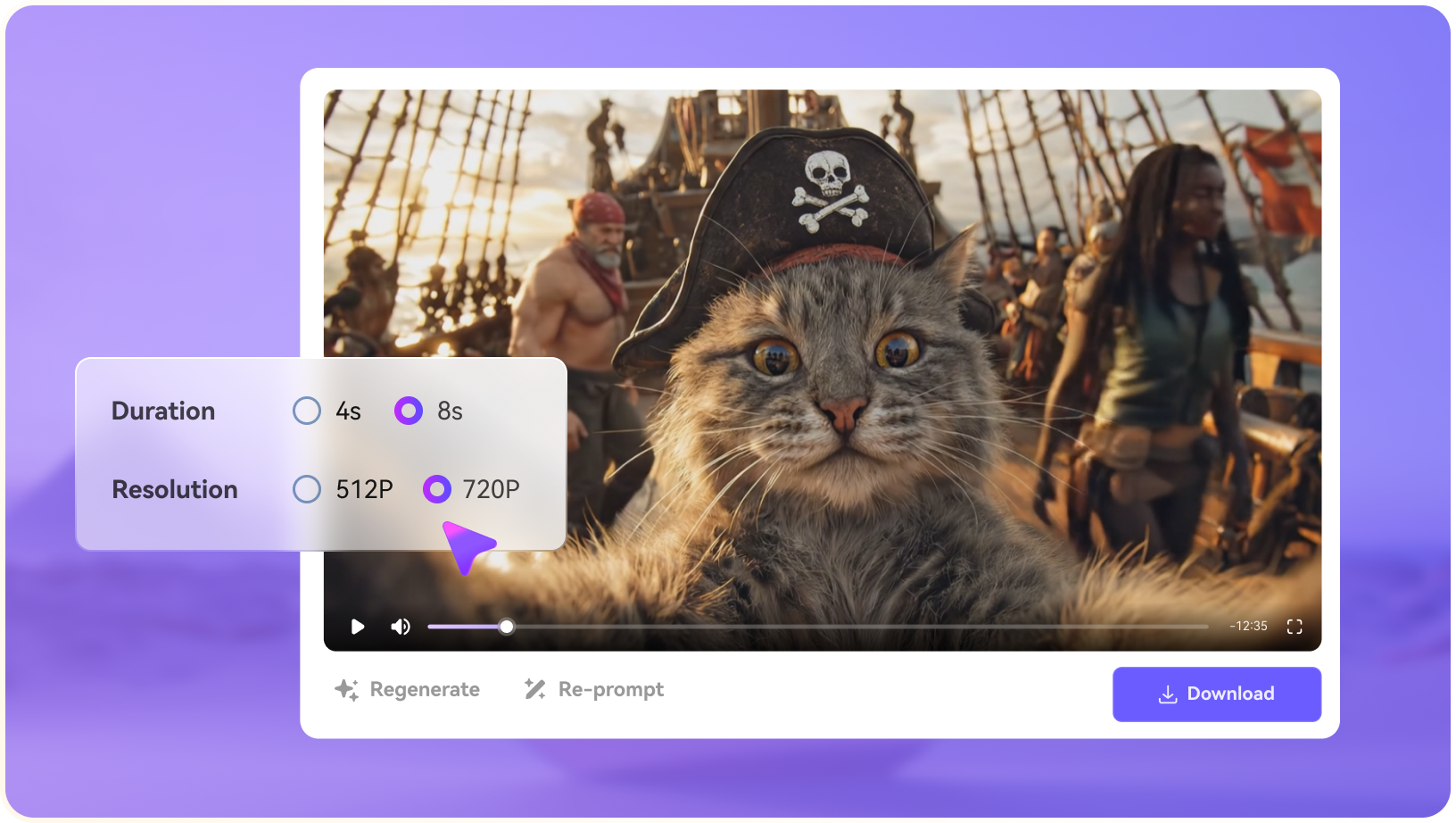
Step 3: Generate, Preview, and Continue Editing

Generate the clip, preview the result, then use light polish tools such as enhancement, subtitles, music, resizing, or export when the asset needs them.

step1 visit media.io
step2 choose a model and upload an image
step3 generate video from photo

Real-World Use Cases: Where Renderforest Fits

Renderforest is most useful when its strongest capabilities match a specific production job, such as image-to-video, ai avatars, ai ad and ugc videos, ai video generator, ai audio tools workflows, rather than when users expect every generation, editing, rights, and export task to be solved automatically.

Social Video and Ad Variants

Creators can use Renderforest to turn prompts, product shots, portraits, or style frames into short clips for TikTok, Reels, Shorts, paid ads, and landing-page tests. The workflow is strongest when the team needs several visual directions quickly before deciding which version deserves full editing.

Product Visuals and Campaign Concepts

Marketing teams can test product motion, lifestyle scenes, seasonal offers, and concept ads without booking a shoot. The generated output still needs review for brand accuracy, offer clarity, aspect ratio, captions, and platform-specific export requirements.

Story, Explainer, and Moodboard Drafts

Writers, educators, and creative teams can use Renderforest to turn a short idea into visual material for storyboards, explainers, moodboards, or presentation openers. This is useful for early alignment, but final storytelling often needs pacing, music, subtitles, and continuity work.

Portrait, Face Swap, and Lip-Sync Clips

Renderforest can support portrait-led social content, face-swap experiments, talking-photo ideas, localization drafts, and influencer-style edits. These projects require careful review of consent, likeness rights, commercial terms, and whether the result feels natural enough for the target audience.

Template-Led Creator Workflows

Teams can use templates, effects, and editing controls in Renderforest to create repeatable formats for hooks, promos, announcements, comparison clips, and channel-specific content. The value is speed, but the output still benefits from cleanup, subtitles, music, enhancement, and export checks.

Model and Style Exploration

Creators comparing AI tools can use Renderforest to understand its visual style, prompt behavior, motion limits, and export quality before committing to a production workflow. Test with real campaign assets instead of only demo prompts so the result reflects likely production conditions.

Where Renderforest Falls Short

The strongest limitations are practical workflow boundaries, source-rights concerns, and production-readiness checks around Renderforest's actual feature set.

Generation Is Not the Whole Workflow

Renderforest may help create clips, but teams still need editing, captions, resizing, asset cleanup, and final export.

Results Can Vary by Input Quality

Prompt clarity, image quality, face visibility, scene complexity, and model behavior can change the output quality significantly.

Policies and Credits Can Change

Credits, commercial usage terms, model access, and refund policies should be checked against the current official source before publishing.

Brand Control Needs Review

Teams with strict brand guidelines may need manual review before using generated scenes in production materials.

Advanced Editing May Require Another Tool

Timeline editing, subtitle styling, enhancement, conversion, and multi-format exports may sit outside the competitor's main workflow.

Source Rights Still Matter

Users remain responsible for uploaded images, voices, trademarks, likeness rights, and any third-party assets used in generated content.

Renderforest vs Media.io: Which One Fits Your Workflow?

This table compares Renderforest with Media.io by real workflow decisions instead of forcing a generic feature checklist. For this topic, Media.io is most relevant around AI Script to Video, AI Ad Generator, AI Music Video Generator, and AI Image to Video, with light editing or export only as supporting steps when the generated asset needs them.

Workflow Need Renderforest Media.io
Primary WorkflowRenderforest is strongest when the brief matches image-to-video, ai avatars, ai ad and ugc videos, ai video generator, ai audio tools workflows.Media.io is stronger when the project needs lightweight, scenario-based AI audio, video, and image generation platform with light editing, enhancement, subtitles, conversion, and export as supporting steps.
Text-to-VideoUseful when the product supports prompt-led generation and model selection for short clips.Strong Fit best fit
Useful for creators who want lightweight prompt-to-video generation for story, social, product, or campaign scenes.
Image-to-VideoUseful when motion effects, camera movement, or reference-image animation are central.Strong Fit best fit
Useful when users want to animate a source image into a short scenario-based video rather than open a complex editing workflow.
Avatar or Presenter VideoStrong Fit best fit
A better fit when avatar, translation, lip-sync, or presenter workflows are the main reason to buy.
A better fit when avatar output is only one asset inside a wider video workflow.
Light Polish After GenerationMay require additional tools for captions, enhancement, resizing, conversion, or final formatting.Strong Fit best fit
Covers practical polish after generation, but is best framed as lightweight support rather than a heavy editing suite.
Ease for BeginnersCan be effective but may require learning credits, models, settings, or product-specific controls.Strong Fit best fit
Designed for creators who want a simpler path from idea to a usable generated asset.
Developer or API NeedsStrong Fit best fit
Can be a stronger choice when API access or automated pipelines are the core requirement.
Better for no-code creators and teams that prefer a ready-to-use interface.
Best FitChoose Renderforest when image-to-video, ai avatars, ai ad and ugc videos, ai video generator, ai audio tools workflows is the main reason for the project.Choose Media.io when the bottleneck is lightweight, scenario-based AI audio, video, and image generation platform with light editing, enhancement, subtitles, conversion, and export as supporting steps.
Best for Core Workflow

Choose Renderforest When You Need:

Renderforest is better suited when the main objective is image-to-video, ai avatars, ai ad and ugc videos, ai video generator, ai audio tools workflows.

  • A project centered on image-to-video, ai avatars, ai ad and ugc videos, ai video generator, ai audio tools workflows
  • Direct experimentation with the product's own modes, effects, editor, or presentation style
  • A workflow where the competitor's interface, templates, team features, or API are already preferred
  • Fast first drafts where downstream enhancement, cleanup, and format conversion are secondary
  • A focused evaluation of the competitor's core creation path before adding extra finishing tools
Explore Renderforest
Best for Scenario Generation

Choose Media.io When You Need:

Media.io is better suited when the brief needs lightweight, scenario-based AI audio, video, and image generation platform with light editing, enhancement, subtitles, conversion, and export as supporting steps, especially for lightweight content generation rather than complex editing.

  • AI Script to Video: turns scripts or story ideas into structured AI story videos with character setup and storyboard planning
  • AI Ad Generator: creates ad-oriented video concepts and campaign drafts from product or marketing inputs
  • AI Music Video Generator: turns music-led ideas, songs, or audio concepts into MV-style AI video visuals
  • AI Image to Video: animates source images into video clips with prompt-led motion and browser-based preview
  • AI Talking Avatar: creates talking avatar or presenter-style videos from portraits or avatar assets
Try AI Video Now

Final Verdict

Our Take

Renderforest can be a strong choice when the brief depends on image-to-video, ai avatars, ai ad and ugc videos, ai video generator, ai audio tools workflows. Its value should be judged by the exact asset the user needs, the quality of the source material, and the amount of review required before publishing.

The main tradeoff is workflow fit. Renderforest may be useful for its specialized creation task, but teams often still need a clearer way to create scenario-based video, image, audio, music, or character assets without moving into a heavy editing workflow. Media.io is a better fit when the project aligns with AI Script to Video, AI Ad Generator, AI Music Video Generator, and AI Image to Video and needs light polish such as cleanup, captions, resizing, conversion, or export after generation.

Bottom line: Choose Renderforest when its specialized workflow is the center of the brief. Choose Media.io when the project needs lightweight, scenario-based AI media generation with practical support tools around it.

Renderforest FAQ

What is Renderforest best used for?
faqfaq

Renderforest is most relevant when its strengths around image-to-video, ai avatars, ai ad and ugc videos, ai video generator, ai audio tools workflows match the user's production task.

Consider Renderforest if you need image-to-video, ai avatars, ai ad and ugc videos, ai video generator, ai audio tools workflows and are prepared to verify current source rights, pricing, output limits, and export requirements.

It depends on the job. A specialized competitor can be better for its narrow strongest workflow, while Media.io is more practical when lightweight AI video, image, audio, music, and character generation need to stay connected.

Not completely in most production workflows. AI-generated clips often still need trimming, captions, enhancement, music, conversion, brand review, and platform-specific exports.

Check the current official terms for commercial use, input ownership, likeness rights, watermark behavior, and plan restrictions before publishing or selling generated work.

Support varies by product, model, plan, and release date. Verify current official documentation before relying on image-to-video for production work.

Some AI video platforms provide APIs or developer workflows, but availability can change. Treat API access as a volatile fact unless official documentation confirms it.

Media.io is a practical alternative when you need lightweight AI video generation plus image-to-video, text-to-video, AI music video, sound effects, enhancement, object removal, subtitles, music, resizing, conversion, and browser-based export.

Choose Media.io when the bottleneck is not only testing media, but creating a specific scenario asset from generated or existing video, image, audio, music, character, or product materials.

What Creators Say About Media.io AI Video Generator

Media.io user
Sarah L.

Content Creator

starstarstarstarstar

Media.io makes it easier to test different AI video styles without jumping between platforms.

I usually start with a product photo or a short prompt, generate a few motion directions, and then keep the stronger version for social posts. Having image-to-video, sound, basic polish, subtitles, and export options in the same browser workspace saves a lot of cleanup time.

Media.io user
John D.

Social Media Marketer

starstarstarstarstar

I can start with a prompt or image, then resize, caption, and polish the result before publishing.

For campaign tests, the useful part is speed: our team can turn one concept into multiple short video drafts, compare hooks, add captions, and prepare different aspect ratios without rebuilding the whole asset from scratch.

Media.io user
Emily T.

Freelance Designer

starstarstarstarstar

The browser workflow is approachable when experimenting with unfamiliar AI video models.

When a client needs a quick visual direction, I can create motion samples from reference images, refine the mood, and send a cleaner preview before committing to a full edit. It works well for concept boards, ads, and lightweight story videos.

Media.io Online Tools Quality Rating:
vote 4.7 (162,357 Votes)
media.io

AI Video Generator star

Easily generate videos from text or images

Generate