Home>Comparison>Pebblely

Pebblely AI Product Photos: Themes, Bulk Tools and Costs

A small shop may need ten lifestyle variations from one candle photo rather than a complex design suite. Pebblely prioritizes background themes and custom product scenes; its published monthly image allowances help determine whether the workload fits. Describe a custom lifestyle setting in Image to Image instead of relying on a fixed theme library.

Primary Features of Pebblely Product Photography

Pebblely is an AI product photography generator that creates branded lifestyle backgrounds from existing item photos, with reusable scene themes, custom prompts and bulk image creation on higher tiers.

Core Feature Overview

Theme-Based Product Backgrounds

Choose from ready-made background themes for a product image before writing a detailed prompt. Create warm wood-table scenes across three candle scents using the same visual direction. Official Lite, Basic and Pro plans list different monthly image allowances and renew on a subscription cycle.

Illustrative Media.io workflow graphic, not a Pebblely interface screenshot

Custom Product Scene Prompts

Describe setting, lighting and supporting props to create a new lifestyle image around an item. Place a product against an appropriately festive setting with realistic reflections. Bulk creation is listed on higher plans, not every subscription.

Illustrative Media.io workflow graphic, not a Pebblely interface screenshot

Reusable Ecommerce Visual Styles

Generate a family of images with a comparable mood for marketplace and store collections. Keep a clean product cutout separate from lifestyle images required for campaign storytelling. Readable text and small packaging details can be changed by generated surroundings or reflections.

Illustrative Media.io workflow graphic, not a Pebblely interface screenshot

Bulk Product Image Generation

Run multiple visuals for catalog variants on plans that list bulk generation. Create complementary images for different box themes from approved pack shots. Surface shadows and scale may be unrealistic when the source product crop is poor.

Illustrative Media.io workflow graphic, not a Pebblely interface screenshot

Product Cutout Starting Point

Use a clear isolated product photograph to reduce ambiguity when the model creates its scene. Try neutral, kitchen and outdoors backgrounds around one decorative product. A beautiful background cannot replace required accuracy, multiple camera angles or legally mandated listing photos.

Illustrative Media.io workflow graphic, not a Pebblely interface screenshot

Image Quota Management

Match expected monthly catalog output to the plan's generation allowance instead of assuming unlimited edits. Compare two seasonal styles and track which version better communicates the actual item. Confirm current rollover and cancellation terms before purchasing a large package for an intermittent launch.
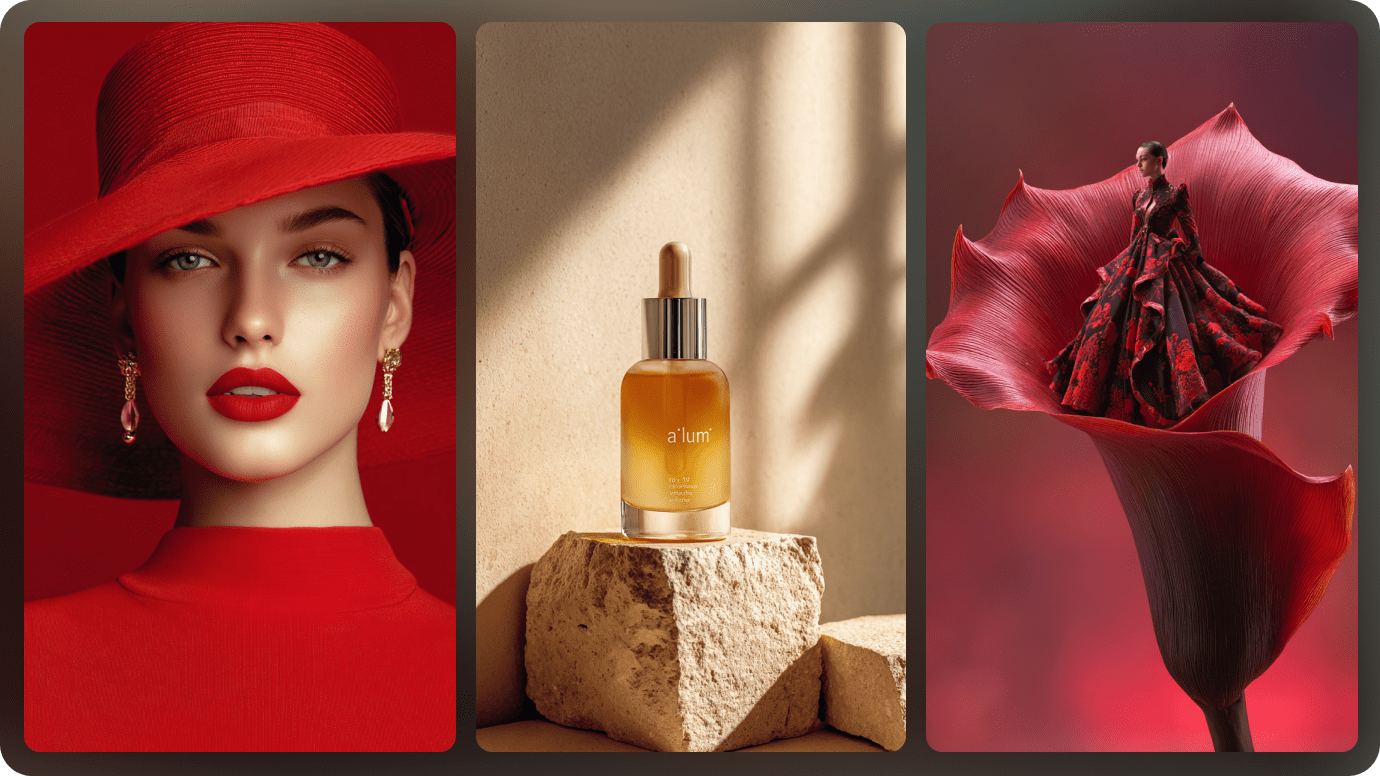
Illustrative Media.io workflow graphic, not a Pebblely interface screenshot

How to Edit Product Photos Online With Media.io

1
2
3
1
Upload Your Product Photo

Upload a rights-cleared product image and describe the edits you want to make while preserving key product details.

2
Set Your Image Options

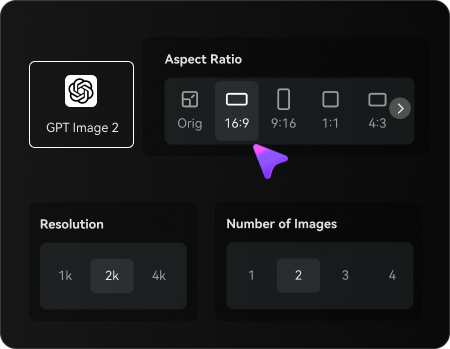
Choose an AI model, adjust the aspect ratio and resolution, and select the number of images to generate.

3
Generate and Review

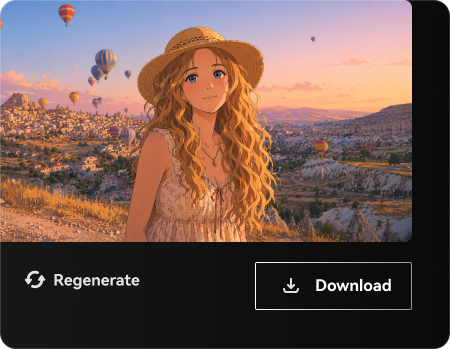
Generate your edited product photos, check product details and visual accuracy, then regenerate or download your preferred result.

Illustrative Media.io workflow graphic, not a Pebblely interface screenshot

Best Use Cases for Pebblely: Product and Design Workflows

Create warm wood-table scenes across three candle scents using the same visual direction. Other realistic decisions include marketplace main and lifestyle photos and etsy product variations; those jobs test the exact value of theme-based product backgrounds before committing to a subscription.

Handmade Candle Collection

Create warm wood-table scenes across three candle scents using the same visual direction. For a related Media.io workflow, see Food Product Photography.

Jewelry Holiday Banner

Place a product against an appropriately festive setting with realistic reflections.

Marketplace Main and Lifestyle Photos

Keep a clean product cutout separate from lifestyle images required for campaign storytelling.

Subscription Box Campaign

Create complementary images for different box themes from approved pack shots. For a related Media.io workflow, see AI AI Product Background Generator.

Etsy Product Variations

Try neutral, kitchen and outdoors backgrounds around one decorative product.

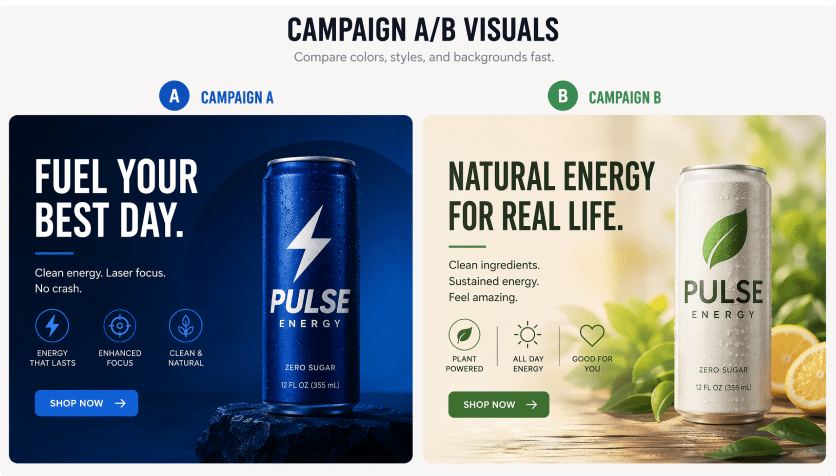
Storefront A/B Visual Test

Compare two seasonal styles and track which version better communicates the actual item.

Pebblely Pricing, Quality Limits and Production Tradeoffs

Official Lite, Basic and Pro plans list different monthly image allowances and renew on a subscription cycle. Surface shadows and scale may be unrealistic when the source product crop is poor. These tradeoffs matter for etsy product variations as much as they do for a first sample.

Generation Quotas Are Finite

Official Lite, Basic and Pro plans list different monthly image allowances and renew on a subscription cycle.

Bulk Generation Is Tier-Specific

Bulk creation is listed on higher plans, not every subscription.

Product Labels May Drift

Readable text and small packaging details can be changed by generated surroundings or reflections.

Scene Realism Requires Review

Surface shadows and scale may be unrealistic when the source product crop is poor.

The Tool Is Not Full Photography Production

A beautiful background cannot replace required accuracy, multiple camera angles or legally mandated listing photos.

Unused Credits Need Checking

Confirm current rollover and cancellation terms before purchasing a large package for an intermittent launch.

Pebblely vs Media.io: Features, Pricing and Best Uses

Pebblely is designed around fast reusable product-background concepts for small ecommerce catalogs. Describe a custom lifestyle setting in Image to Image instead of relying on a fixed theme library. A meaningful comparison must account for bulk generation is tier-specific and subscription box campaign rather than assuming the products are interchangeable.

Decision Factor Pebblely Media.io
Primary creation task fast reusable product-background concepts for small ecommerce catalogs creative image transformations from existing photos
Distinctive feature Theme-Based Product Backgrounds. Choose from ready-made background themes for a product image before writing a detailed prompt. Describe a custom lifestyle setting in Image to Image instead of relying on a fixed theme library.
Source and reference Generate a family of images with a comparable mood for marketplace and store collections. Explore food or beauty product photography themes for specific marketing concepts.
Typical production result Create complementary images for different box themes from approved pack shots. Edit one approved product image before investing in a larger background-generation plan.
Limits to examine Official Lite, Basic and Pro plans list different monthly image allowances and renew on a subscription cycle. Build an ad layout around a product while preserving its logo, hue and proportions.
Iteration or credits The official Lite, Basic and Pro pricing page lists 30, 200 and 500 monthly image generations respectively, with bulk generation on Basic and Pro. Use related product mockup or background tools if a non-photo creative is more useful.
Workflow complexityRun multiple visuals for catalog variants on plans that list bulk generation.Compare the cost of a handful of variations with Pebblely monthly image quotas.
Rights and quality Confirm current rollover and cancellation terms before purchasing a large package for an intermittent launch. Use related product mockup or background tools if a non-photo creative is more useful. Check licensing and output details on both services.
Best-fit audience fast reusable product-background concepts for small ecommerce catalogs Compare the cost of a handful of variations with Pebblely monthly image quotas.
Best for Pebblely

Choose Pebblely If You Need:

Choose from ready-made background themes for a product image before writing a detailed prompt. In particular, Create warm wood-table scenes across three candle scents using the same visual direction. Official Lite, Basic and Pro plans list different monthly image allowances and renew on a subscription cycle.

  • Handmade Candle Collection: Create warm wood-table scenes across three candle scents using the same visual direction.
  • Jewelry Holiday Banner: Place a product against an appropriately festive setting with realistic reflections.
  • Marketplace Main and Lifestyle Photos: Keep a clean product cutout separate from lifestyle images required for campaign storytelling.
  • Subscription Box Campaign: Create complementary images for different box themes from approved pack shots.
  • Etsy Product Variations: Try neutral, kitchen and outdoors backgrounds around one decorative product.
Visit Pebblely
Best for Media.io

Choose Media.io If You Need:

Describe a custom lifestyle setting in Image to Image instead of relying on a fixed theme library. Compare the cost of a handful of variations with Pebblely monthly image quotas.

  • Describe a custom lifestyle setting in Image to Image instead of relying on a fixed theme library.
  • Explore food or beauty product photography themes for specific marketing concepts.
    • Edit one approved product image before investing in a larger background-generation plan.
  • Build an ad layout around a product while preserving its logo, hue and proportions.
  • Use related product mockup or background tools if a non-photo creative is more useful.
Create Product Lifestyle Images with Media.io

Is Pebblely Worth It? Our Final Verdict

Our Take

Create warm wood-table scenes across three candle scents using the same visual direction. Choose from ready-made background themes for a product image before writing a detailed prompt. A more telling test is marketplace main and lifestyle photos: Keep a clean product cutout separate from lifestyle images required for campaign storytelling.

Official Lite, Basic and Pro plans list different monthly image allowances and renew on a subscription cycle. Bulk creation is listed on higher plans, not every subscription. On cost, the official Lite, Basic and Pro pricing page lists 30, 200 and 500 monthly image generations respectively, with bulk generation on Basic and Pro. For etsy product variations, a beautiful background cannot replace required accuracy, multiple camera angles or legally mandated listing photos.

Use Pebblely for fast reusable product-background concepts for small ecommerce catalogs, particularly jewelry holiday banner. Build an ad layout around a product while preserving its logo, hue and proportions. Compare the cost of a handful of variations with Pebblely monthly image quotas.

Pebblely FAQ: Features, Pricing and Alternatives

What is Pebblely used for?
faq faq

Pebblely is an AI product photography generator that creates branded lifestyle backgrounds from existing item photos, with reusable scene themes, custom prompts and bulk image creation on higher tiers.

Choose from ready-made background themes for a product image before writing a detailed prompt.

Place a product against an appropriately festive setting with realistic reflections. Readable text and small packaging details can be changed by generated surroundings or reflections.

Bulk Product Image Generation: Run multiple visuals for catalog variants on plans that list bulk generation.

Pebblely lists paid Lite, Basic and Pro tiers with 30, 200 and 500 monthly images. Check the current trial policy separately from those paid quotas.

The official Lite, Basic and Pro pricing page lists 30, 200 and 500 monthly image generations respectively, with bulk generation on Basic and Pro.

Bulk creation is listed on higher plans, not every subscription. A beautiful background cannot replace required accuracy, multiple camera angles or legally mandated listing photos.

Create warm wood-table scenes across three candle scents using the same visual direction. Describe a custom lifestyle setting in Image to Image instead of relying on a fixed theme library. This distinction matters because official lite, basic and pro plans list different monthly image allowances and renew on a subscription cycle.

Pebblely addresses fast reusable product-background concepts for small ecommerce catalogs. Build an ad layout around a product while preserving its logo, hue and proportions. For the specialist use case, confirm current rollover and cancellation terms before purchasing a large package for an intermittent launch.

What Media.io Creators Say About Their Workflow

Media.io AI video generator user
Sarah L.

Content Creator

star star star star half star

Media.io makes it much easier to test different AI video styles without jumping between several platforms. I can start with a text prompt or image, compare model results, and then resize or polish the clip for social media in the same workspace.

Media.io AI video creator
John D.

Social Media Marketer

star star star star half star

I use Media.io to create quick product clips, ad concepts, and short-form videos from images. The biggest advantage is that generation does not feel like the final step - I can continue with music, captions, enhancement, and format conversion before publishing.

Media.io AI video editing user
Emily T.

Freelance Designer

star star star star half star

The workflow is approachable even when I am experimenting with unfamiliar AI models. I can animate artwork, try different motion prompts, preview the output, and prepare a cleaner final version without needing advanced video-editing experience.

Media.io Online Tools Quality Rating:
vote 4.7 (162,357 Votes)
media.io

AI Video Generator star

Easily generate videos from text or images

Generate