Home>Comparison>MakeReels AI

MakeReels AI: Reel Automation, Publishing and Pricing

Keeping a Reels account active involves more than producing a clip: someone must collect topics, build captions, choose a voice and publish consistently. MakeReels AI offers an automated approach to those repetitive jobs, especially for text, news and avatar-led formats. It is a different purchase from a cinematic model generator because scheduling, RSS inputs and connected accounts are part of the value. The central question is whether autopilot volume and cloned identity controls match the creator's review process.

Primary Features of MakeReels AI Reel Generator

MakeReels AI is an automated social-video platform for text and news Reels, AI face and voice videos, RSS-to-Reels pipelines, cloned-voice content and scheduled publishing to supported social platforms.

Core Feature Overview

  • Text and News to Reels: MakeReels converts written topics or news inputs into vertical video content. Facts and attributions must be checked before an automatically narrated post is published.
  • Auto-Pilot Reel Workflows: Paid plans list scheduled automation workflows with different quantities. A working schedule still needs an approval step for sensitive or dated stories.
  • AI Face and Avatar Reels: The product advertises a library of AI faces and face-focused video formats. Cloning a real face requires authorization and transparent use.
  • Voice Library and Voice Cloning: Users can choose prebuilt narration voices or use voice-cloning allowances under suitable plans. Verify pronunciation and identity rights.
  • RSS Feed to Reels Automation: Higher plans include news RSS ingestion for regular topic-driven content. Source freshness and copyright restrictions still apply to automated summaries.
  • Multi-Platform Publishing and Templates: The service supports publishing across connected platforms and adds image/media libraries. The number of channels and publishing functions differs by plan.


Text and News to Reels

MakeReels converts written topics or news inputs into vertical video content. Facts and attributions must be checked before an automatically narrated post is published. For MakeReels AI, a useful first project is daily industry news reels; Turn a licensed industry update into a short recap with sources checked before publication.

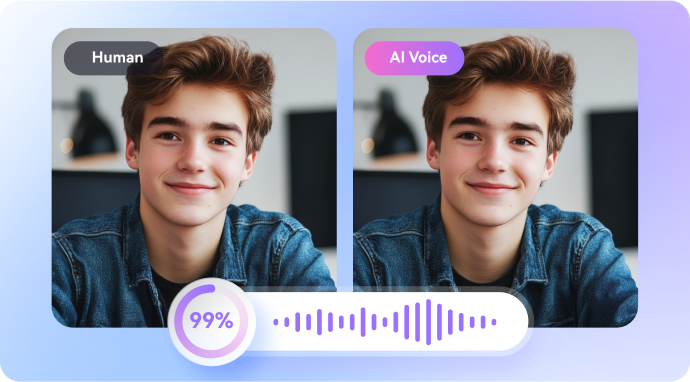
Illustrative Media.io workflow graphic; not a screenshot of MakeReels AI

Auto-Pilot Reel Workflows

Paid plans list scheduled automation workflows with different quantities. A working schedule still needs an approval step for sensitive or dated stories. Before relying on auto-pilot reel workflows, check the tradeoff named autopilot workflow limits vary: The public page lists different numbers of recurring automations by tier. Calculate the number of clients and feeds before committing.

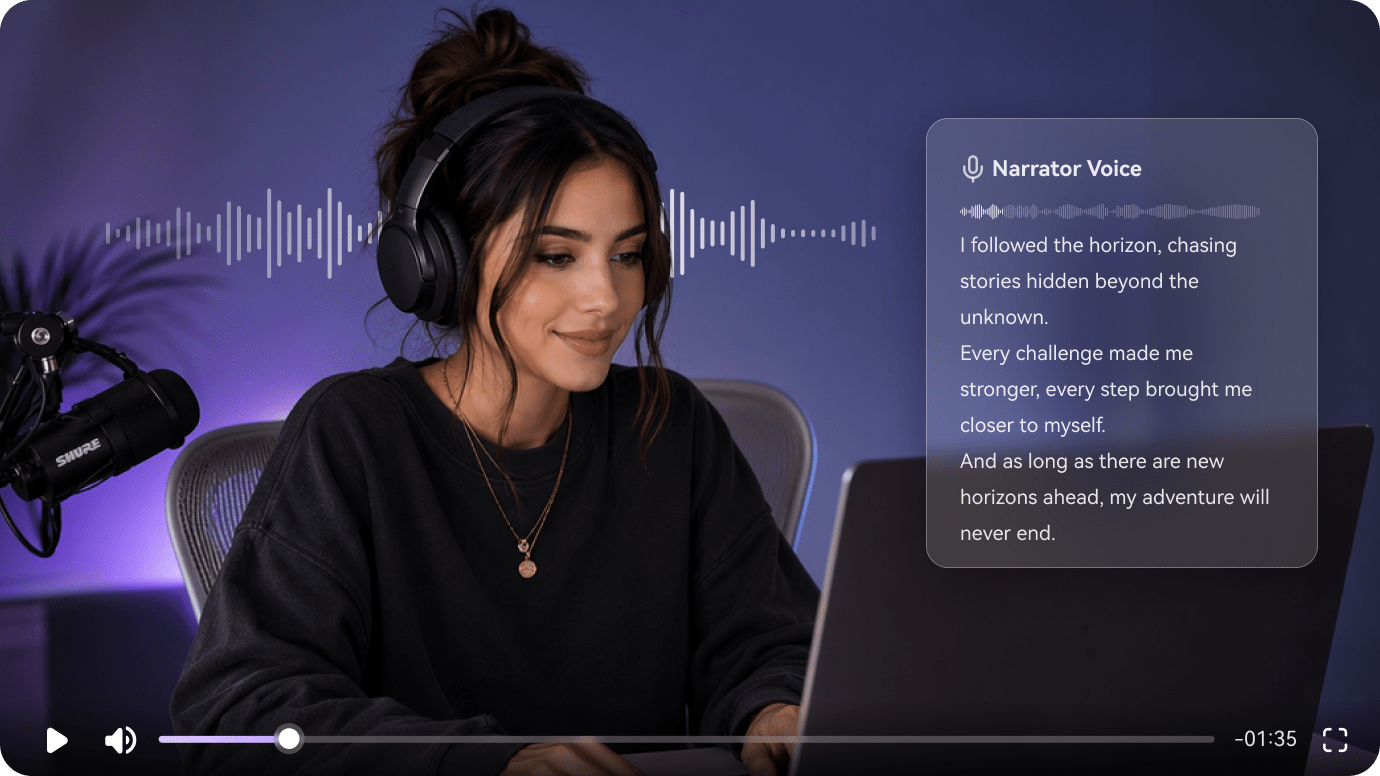
Illustrative Media.io workflow graphic; not a screenshot of MakeReels AI

AI Face and Avatar Reels

The product advertises a library of AI faces and face-focused video formats. Cloning a real face requires authorization and transparent use. For MakeReels AI work on automated Instagram reels and RSS publishing, Use a properly authorized brand avatar to present a weekly announcement.

Illustrative Media.io workflow graphic; not a screenshot of MakeReels AI

Voice Library and Voice Cloning

Users can choose prebuilt narration voices or use voice-cloning allowances under suitable plans. Verify pronunciation and identity rights. To assess whether this is repeatable, translate incoming articles into draft Reels for a human fact-check queue.

Illustrative Media.io workflow graphic; not a screenshot of MakeReels AI

RSS Feed to Reels Automation

Higher plans include news RSS ingestion for regular topic-driven content. Source freshness and copyright restrictions still apply to automated summaries. For a concrete example, use an approved cloned voice for consistent narration across an ongoing series.

Illustrative Media.io workflow graphic; not a screenshot of MakeReels AI

Multi-Platform Publishing and Templates

The service supports publishing across connected platforms and adds image/media libraries. The number of channels and publishing functions differs by plan. The final check is connected platforms can change rules: Auto-publishing may fail when external platform permissions or account restrictions change. Monitor delivery rather than assuming scheduled posts always go live.
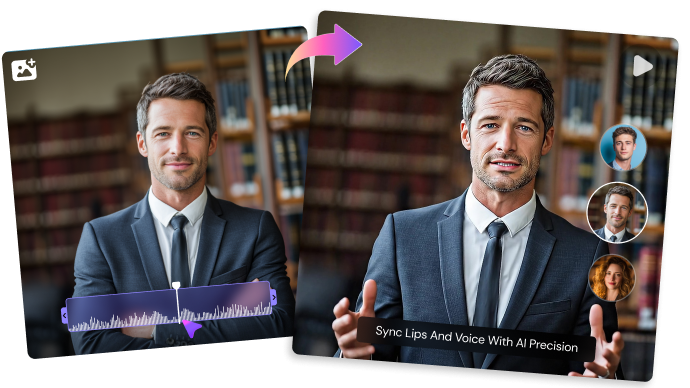
Illustrative Media.io workflow graphic; not a screenshot of MakeReels AI

How to Create a Reel-Ready Video With AI

1
2
3
1
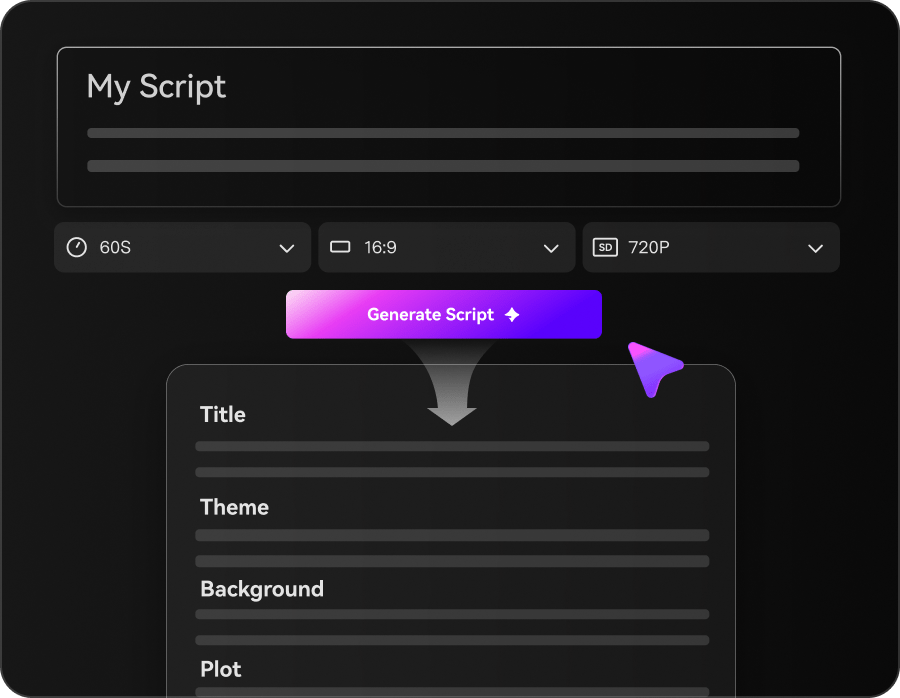
Choose a topic and Write Your Script 

Start with an original idea, prompt, or script for your Reel.

2
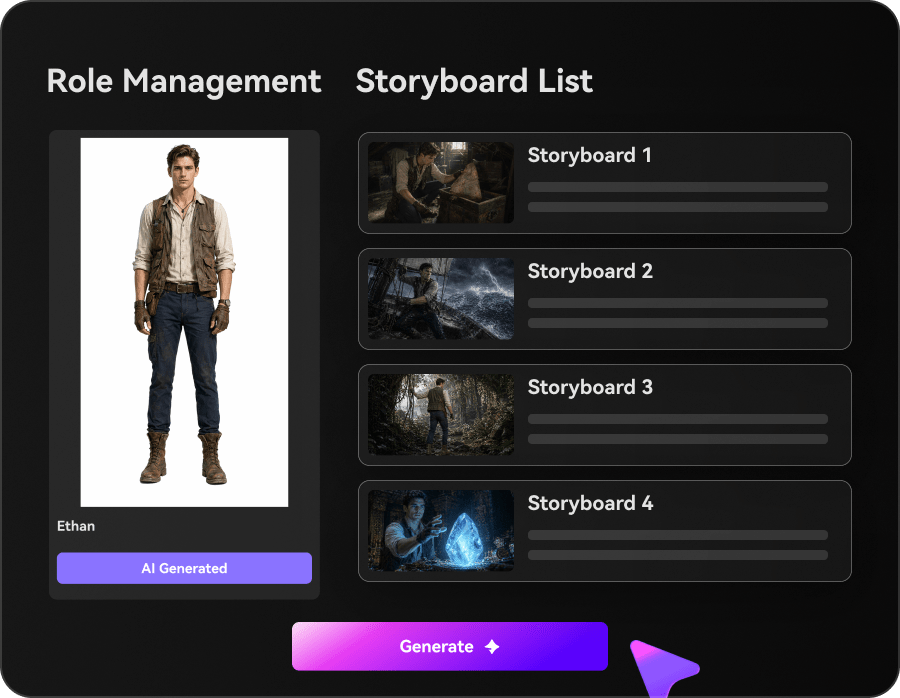
Customize Characters and Storyboard

Set up characters, choose a visual style, and review the storyboard, music, and subtitles.

3
Generate and Review Your Video

Generate your video, check the visuals, voiceover, and captions, then export it for social media.

Illustrative Media.io workflow graphic; not a screenshot of MakeReels AI

Best MakeReels AI Workflows for Social Teams

From daily industry news reels to creator voice continuity, these are distinct projects where MakeReels AI could be useful, with checks that match each task.

Daily Industry News Reels

Turn a licensed industry update into a short recap with sources checked before publication. A related Media.io workflow to explore is AI Reel Generator.

Faceless Explainer Feed

Publish a recurring series of original one-minute tips without filming a presenter.

AI Avatar Brand Updates

Use a properly authorized brand avatar to present a weekly announcement.

RSS Editorial Monitoring

Translate incoming articles into draft Reels for a human fact-check queue. A related Media.io workflow to explore is Viral Reels Generator.

Creator Voice Continuity

Use an approved cloned voice for consistent narration across an ongoing series.

Small Agency Social Calendar

Schedule platform-specific variations while staying within permitted account and workflow limits.

MakeReels AI Subscription and Publishing Limitations

Before planning automated Instagram reels and RSS publishing, evaluate text reels and face reels have separate quotas and autopilot workflow limits vary as carefully as the headline features.

Text Reels and Face Reels Have Separate Quotas

Plan tables distinguish counts for face-based videos from text or news generation. A headline claiming unlimited Reels may not cover every format.

Autopilot Workflow Limits Vary

The public page lists different numbers of recurring automations by tier. Calculate the number of clients and feeds before committing.

Free Plan Has Narrow Capability

A limited free route exists, but premium face Reels, cloning and large automation quotas are not part of every trial.

RSS Content Needs Fact Checking

Automatically turning external news into a video can introduce mistakes or republish protected content without sufficient rights.

Voice and Face Cloning Need Consent

Creating a video that looks or sounds like a real person requires explicit permission for that use.

Connected Platforms Can Change Rules

Auto-publishing may fail when external platform permissions or account restrictions change. Monitor delivery rather than assuming scheduled posts always go live.

MakeReels AI vs Media.io: Which Workflow Fits?

The deciding difference for MakeReels AI is its text and news to reels and voice library and voice cloning; by comparison, the Media.io Viral Studio option focuses on daily industry news reels; compare supported inputs and output rights.

Decision Factor MakeReels AI Media.io
Starting workflow MakeReels converts written topics or news inputs into vertical video content. For daily industry news reels, Media.io Viral Studio starts with a targeted tool; MakeReels AI instead emphasizes text and news to reels.
Primary capability Auto-Pilot Reel Workflows: Paid plans list scheduled automation workflows with different quantities. Choose a relevant creation feature for daily industry news reels, subject to the tool's current options.
Reference handling The product advertises a library of AI faces and face-focused video formats. Use supported reference input where helpful for faceless explainer feed.
Editing and revision Users can choose prebuilt narration voices or use voice-cloning allowances under suitable plans. For ai avatar brand updates, use the available editing and finishing controls as needed.
Output workflow Higher plans include news RSS ingestion for regular topic-driven content. Check whether rss editorial monitoring needs captions, enhancement or editing after generation.
Cost model MakeReels lists Free, Creator and higher automated-Reels plans with distinct face-video counts, publishing allowances and workflow limits. Check current charges for the Viral Studio route, not MakeReels AI subscription pricing.
Key buying constraintPlan tables distinguish counts for face-based videos from text or news generation.Confirm supported input and export conditions for automated Instagram reels and RSS publishing alternatives.
Specialized strength Multi-Platform Publishing and Templates. A focused option for creator voice continuity and the corresponding downstream edits.
Best fit Automated instagram reels and rss publishing. For a project like daily industry news reels, choose the Media.io Viral Studio workflow over the broader MakeReels AI offering.
Best for MakeReels AI Projects

Choose MakeReels AI If You Need:

Choose MakeReels AI when text and news to reels and auto-pilot reel workflows are needed in your real work. For creator voice continuity, check cost and revision permissions before committing to production.

  • Daily Industry News Reels: Turn a licensed industry update into a short recap with sources checked before publication.
  • Faceless Explainer Feed: Publish a recurring series of original one-minute tips without filming a presenter.
  • AI Avatar Brand Updates: Use a properly authorized brand avatar to present a weekly announcement.
  • RSS Editorial Monitoring: Translate incoming articles into draft Reels for a human fact-check queue.
  • Creator Voice Continuity: Use an approved cloned voice for consistent narration across an ongoing series.
Visit MakeReels AI
Best for Media.io Faceless Explainer Feed Projects

Choose Media.io for Daily Industry News Reels If You Need:

For MakeReels AI readers pursuing daily industry news reels, the Media.io Viral Studio route is one option for ai avatar brand updates. It differs from MakeReels AI auto-pilot reel workflows.

  • Make Reels With AI workflow: Begin from a permitted input related to daily industry news reels.
  • Faceless Explainer Feed review: Assess whether Media.io output supports faceless explainer feed without special manual corrections.
    • Finishing for AI Avatar Brand Updates: Explore relevant Media.io editing tools for ai avatar brand updates.
  • Focused generation scope: Choose only the tools required for rss editorial monitoring.
  • Rights for Creator Voice Continuity: Use authorized source media and double-check outputs intended for creator voice continuity.
Make Reels With AI

Is MakeReels AI Worth It? Our Verdict

Our Take

MakeReels AI deserves consideration when daily industry news reels or faceless explainer feed is the core job. The combination of text and news to reels and rss feed to reels automation distinguishes its proposition.

MakeReels lists Free, Creator and higher automated-Reels plans with distinct face-video counts, publishing allowances and workflow limits. Discounts and the monthly-versus-yearly display should be checked at checkout. The purchase risk centers on text reels and face reels have separate quotas and free plan has narrow capability. Budget a complete project with corrections and final export.

Choose MakeReels AI for automated Instagram reels and RSS publishing, especially when ai face and avatar reels is required. Consider Media.io Viral Studio when creator voice continuity matters more than the specialist ai face and avatar reels capability; verify output and export terms.

MakeReels AI FAQ: Features, Pricing and Alternatives

What makes MakeReels AI different from a video generator?
faq faq

MakeReels AI is an automated social-video platform for text and news Reels, AI face and voice videos, RSS-to-Reels pipelines, cloned-voice content and scheduled publishing to supported social platforms.

MakeReels converts written topics or news inputs into vertical video content. Facts and attributions must be checked before an automatically narrated post is published.

Paid plans list scheduled automation workflows with different quantities. A working schedule still needs an approval step for sensitive or dated stories.

MakeReels lists Free, Creator and higher automated-Reels plans with distinct face-video counts, publishing allowances and workflow limits. Discounts and the monthly-versus-yearly display should be checked at checkout.

Plan tables distinguish counts for face-based videos from text or news generation. A headline claiming unlimited Reels may not cover every format. The public page lists different numbers of recurring automations by tier. Calculate the number of clients and feeds before committing.

Turn a licensed industry update into a short recap with sources checked before publication. A limited free route exists, but premium face Reels, cloning and large automation quotas are not part of every trial.

Users can choose prebuilt narration voices or use voice-cloning allowances under suitable plans. Verify pronunciation and identity rights.

For daily industry news reels, compare the Media.io Viral Studio path against MakeReels AI results. It can handle a distinct video step; MakeReels AI remains more specific to auto-pilot reel workflows, so compare current plan costs and usage rights.

If your recurring task is creator voice continuity, the main question is whether the advantages of text and news to reels outweigh the limitations. Creating a video that looks or sounds like a real person requires explicit permission for that use.

What Media.io Creators Say About Their Workflow

Media.io AI video generator user
Sarah L.

Content Creator

star star star star half star

Media.io makes it much easier to test different AI video styles without jumping between several platforms. I can start with a text prompt or image, compare model results, and then resize or polish the clip for social media in the same workspace.

Media.io AI video creator
John D.

Social Media Marketer

star star star star half star

I use Media.io to create quick product clips, ad concepts, and short-form videos from images. The biggest advantage is that generation does not feel like the final step - I can continue with music, captions, enhancement, and format conversion before publishing.

Media.io AI video editing user
Emily T.

Freelance Designer

star star star star half star

The workflow is approachable even when I am experimenting with unfamiliar AI models. I can animate artwork, try different motion prompts, preview the output, and prepare a cleaner final version without needing advanced video-editing experience.

Media.io Online Tools Quality Rating:
vote 4.7 (162,357 Votes)
media.io

AI Video Generator star

Easily generate videos from text or images

Generate