Luna AI Review: Photo Animation and Video Plan Limits

Turning a still photo into a moving greeting or a quick social effect is the main reason many people find Luna AI. The LunaAI.video website offers image-to-video and text-to-video ideas, including hug and dance effects, and prominently references Luma Dream Machine. It is important not to confuse this third-party website with Luma Labs' official service or apply Luma's prices to it. The useful comparison is simpler: what does each LunaAI.video subscription include for five-second clips, and how much editing will a finished video still need?

Core Feature Overview: What Makes Luna AI Different

LunaAI.video positions itself as an accessible interface for animating images and short video ideas. Its published paid plans are organized around five-second base generations, with Basic, Pro and Ultra offering different monthly quotas. Evaluate the website as a separate service from Luma Labs.

Core Feature Overview

Text-to-Video with Dream Machine Branding

LunaAI.video advertises text-based AI video generation and refers repeatedly to Luma Labs' Dream Machine technology. The website is a separate provider; verify the active model and output in the actual LunaAI.video interface rather than assuming it has every feature of Luma's official service.

Illustrative Media.io creative workflow graphic; not a luna-ai interface screenshot

Photo Animation from an Image

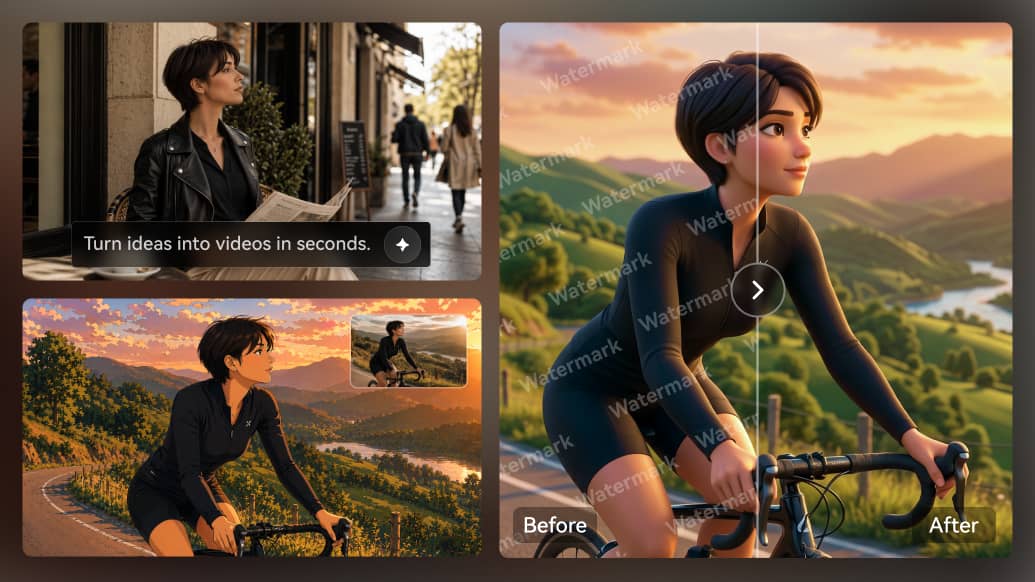
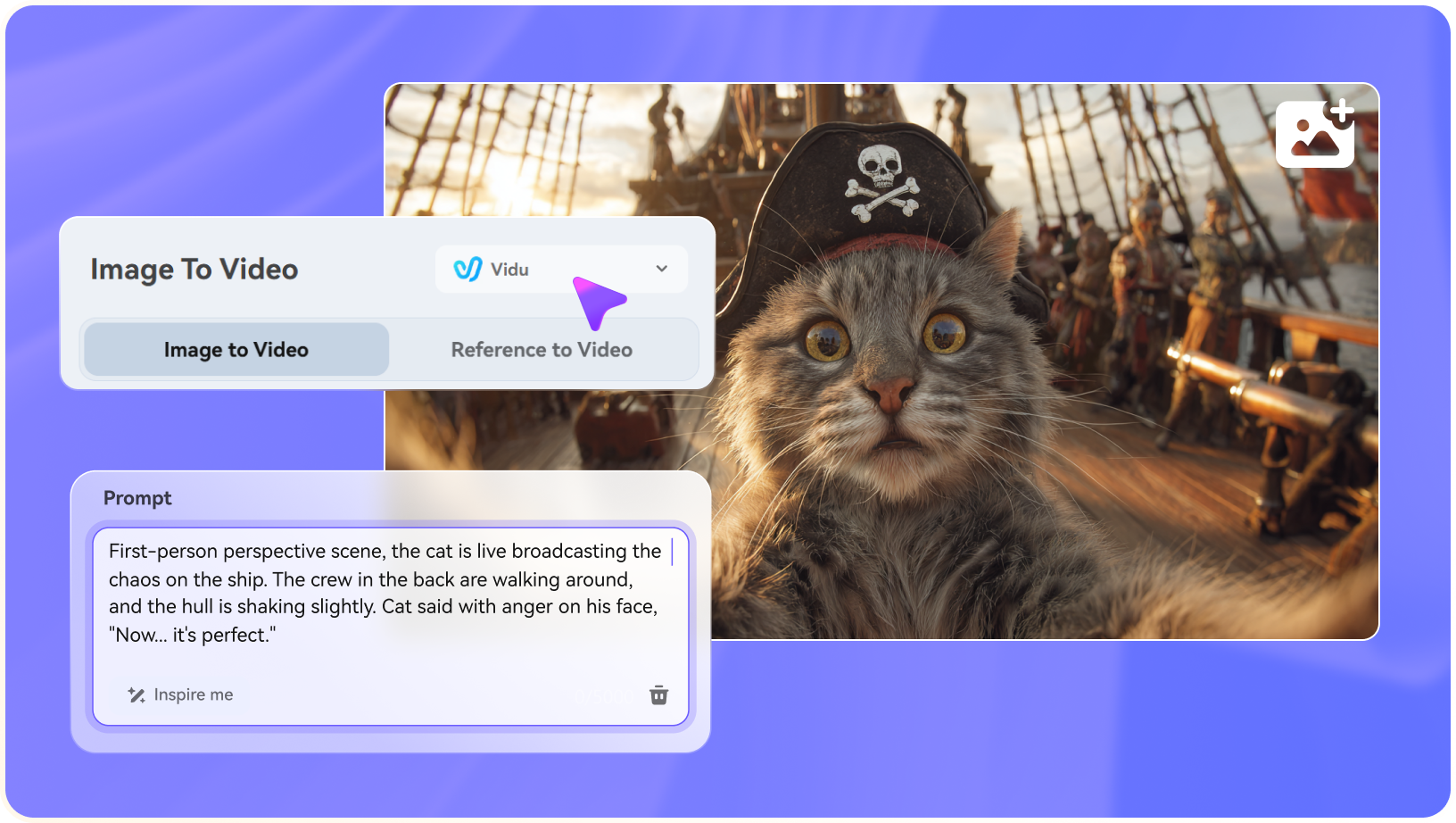
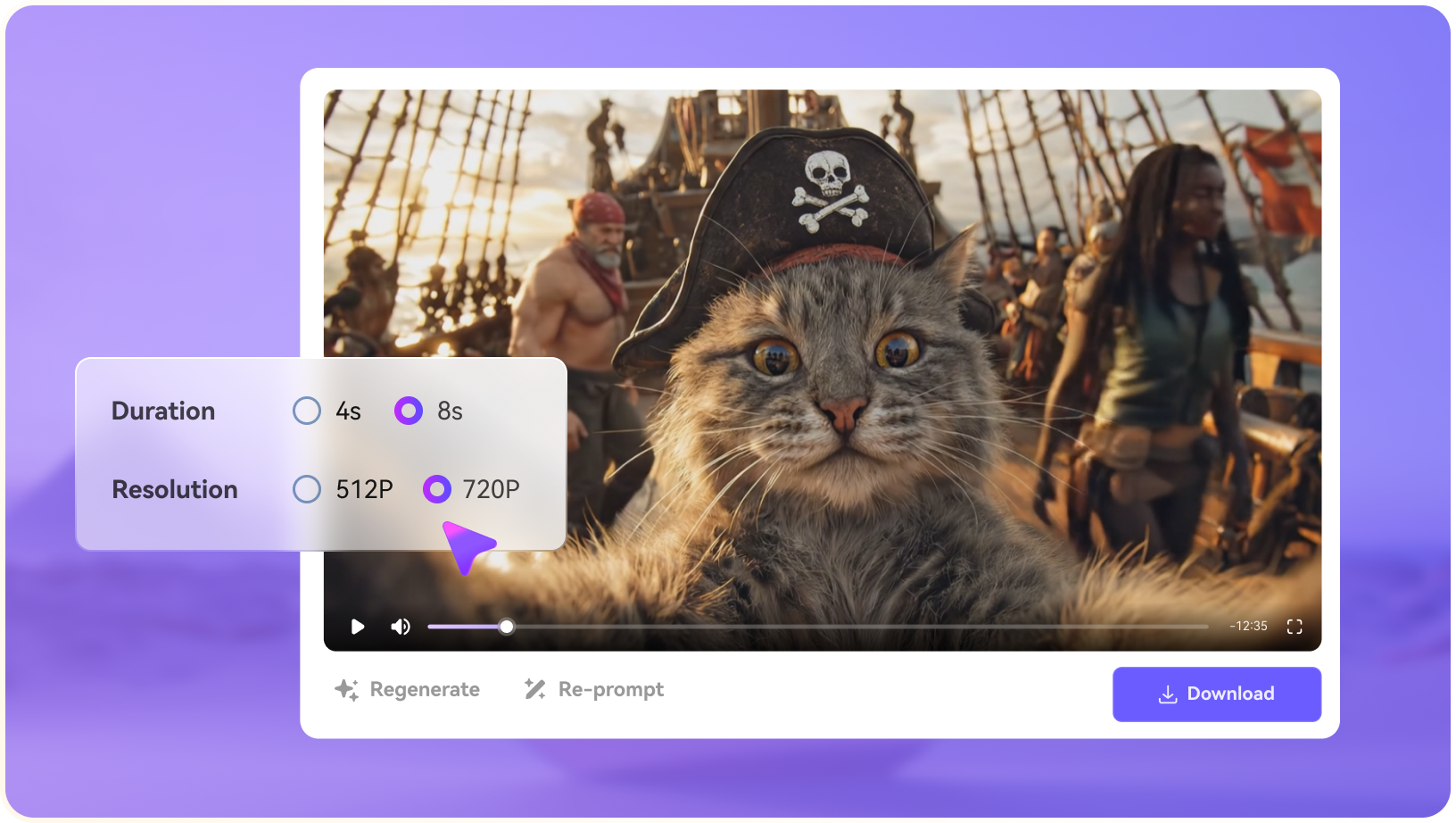
The Luna AI image to video workflow brings a still photograph to life for a simple gesture or camera move. Preserve the original picture for comparison, since even small facial or object changes can become obvious when the generated clip is played full size.

Illustrative Media.io creative workflow graphic; not a luna-ai interface screenshot

Hug and Couple Effects

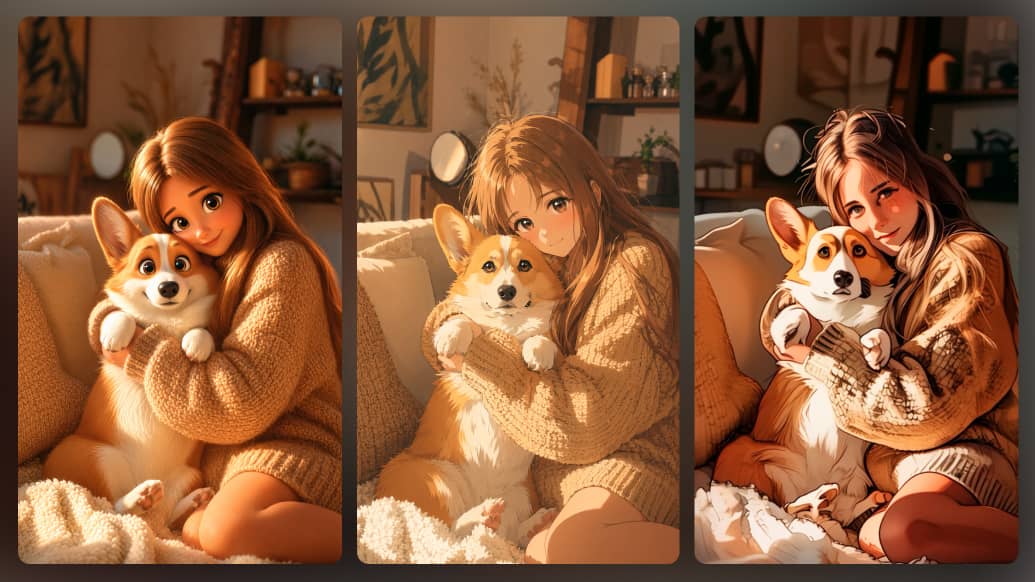
The homepage promotes hug and couple-themed animations. These are attractive for personal greetings, but they require permission for the uploaded portraits and careful review of hand placement, facial likeness and whether the synthetic scene is presented honestly.

Illustrative Media.io creative workflow graphic; not a luna-ai interface screenshot

Animal Dance and Playful Motion

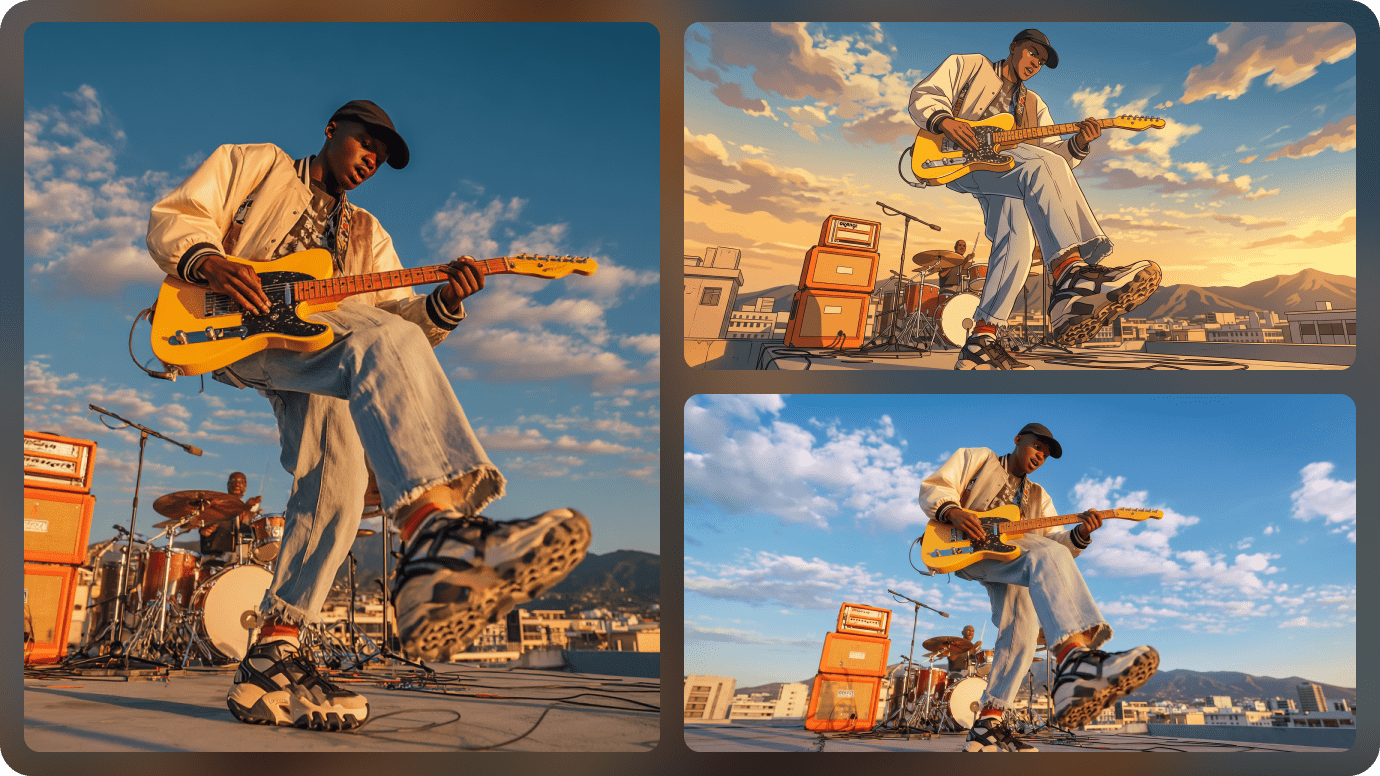
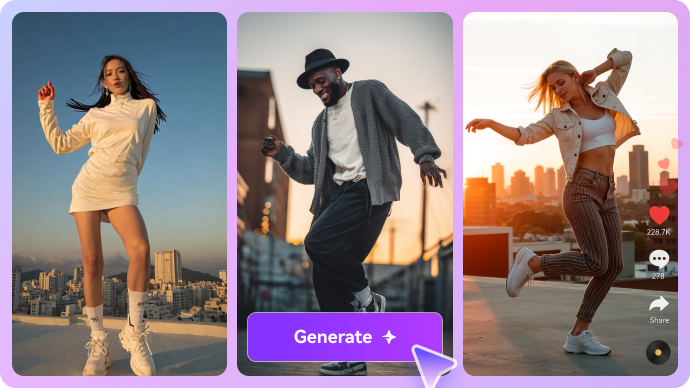
Dance presets and animal movements help create meme-style clips without a long script. They are best evaluated as short effects rather than complete stories; complex motion may need several attempts before a satisfying export.

Illustrative Media.io creative workflow graphic; not a luna-ai interface screenshot

Browser-Based Generation and Examples

The site provides examples to browse before writing a prompt. The examples communicate a desired look, but a generated result for a new photo can differ. Test the exact image, prompt and selected option under the account you plan to use.

Illustrative Media.io creative workflow graphic; not a luna-ai interface screenshot

Five-Second Subscriptions and Extension

LunaAI.video's pricing page states a five-second base length with extension options. The published annual-billing-equivalent prices are $7.90 for Basic, $39.90 for Pro and $79.90 for Ultra, with 50, 300 and 900 base generations respectively. Extensions may change a project's practical cost.
Illustrative Media.io creative workflow graphic; not a luna-ai interface screenshot

How to Animate a Photo into a Short Video with Media.io

1
2
3
1
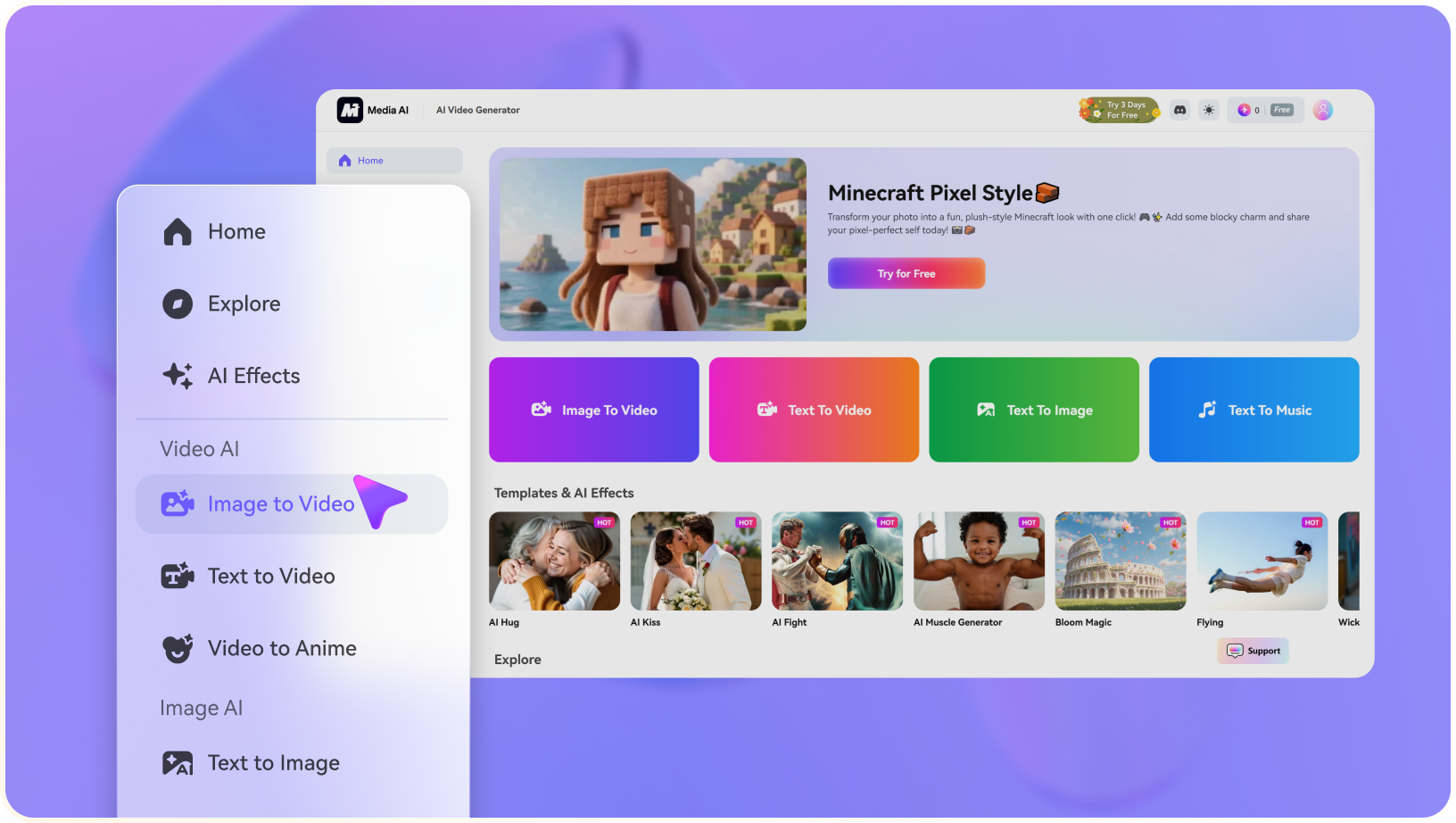
Step 1: Choose the Original Photo

Upload a photo you have permission to animate.

2
Step 2: Describe a Gentle Movement

Specify one action or camera move rather than several competing effects.

3
Step 3: Review Faces and Export

Compare identity and details against the source; polish the clip as needed.

Illustrative Media.io creative workflow graphic; not a luna-ai interface screenshot

Six Practical Uses for Luna AI

Short effect videos work best when the source photo and desired action are simple. These uses emphasize identity quality, context and whether five seconds can communicate the full message.

Animate an old family photograph

Begin with a high-quality, consented source picture and add gentle camera movement. Protect the memory by checking eyes, faces and clothing details against the original.

Couple hug for a private greeting

Use the hug effect for a playful anniversary message, with permission from the people shown. Keep the synthetic nature clear when sharing.

Pet or animal dance meme

Choose a clearly fictional, lighthearted animal effect for a vertical clip. Watch the paws, number of limbs and motion between frames before posting.

Travel photo with moving clouds

Try image-to-video on a landscape, requesting modest parallax and slow cloud motion. A restrained result can be more convincing than an elaborate transformation.

Birthday invitation animation

Turn one portrait or invitation image into a brief motion greeting, then add readable event text in an editor. A five-second base clip may not have enough time for the entire message.

Compare several video interfaces

Use the same starting photo and one simple camera prompt to compare LunaAI.video, the official Luma service and Media.io. Keep pricing, model access and commercial rights separate for each account.

What to Check Before Buying Luna AI

The two easy mistakes are confusing LunaAI.video with Luma Labs and treating a five-second base allowance as a finished long video.

LunaAI.video Is Not the Luma Labs Billing Site

LunaAI.video references Dream Machine, but its own subscriptions are listed on lunaai.video/pricing. Do not treat a LunaAI.video purchase as a Luma Labs entitlement.

Paid Quotas Are Counted in Five-Second Bases

The site lists 50, 300 and 900 monthly generations at a five-second base length, with extension available. Budget the actual desired duration rather than treating all longer videos as one base job.

Free Marketing Copy Needs Account Verification

The homepage describes free video creation, while paid pricing specifies the larger quotas and private, watermark-free outputs. Check the current free account restrictions before committing.

Faces Can Shift in Synthetic Motion

Hug, dance and portrait effects can modify identity details, hands or proportions. Review every exported clip closely, particularly when it depicts a real person.

Effects Do Not Create a Complete Narrative

A five-second hug or motion preset may be sufficient for a meme but not a multi-scene brand story. Longer work needs planning, transitions and an editing pass.

Consent and Commercial Terms Matter

The paid pricing grid lists private output and commercial-use licensing. Still obtain consent for people in uploaded photos and verify current terms for user-uploaded footage.

Luna AI vs Media.io: Which Workflow Fits?

LunaAI.video focuses on quick image animations and effect-driven clips with separate subscriptions. Media.io offers image animation and broader story and editing tools. Neither should be confused with Luma Labs subscriptions.

Decision Factor Luna AI Media.io
Provider identity LunaAI.video, a separate site promoting Dream Machine-style video tools. Media.io, a distinct creation and editing platform; neither is Luma Labs.
Image animation Photo-based video effects and example-driven prompts. Dedicated image-to-video route and further editing/enhancement tools.
Social effects Hug, dance and couple animation samples. Specific hug, kiss, dance and image animation pages; effects are not identical.
Clip duration Published paid quotas are for five-second base generations; extension is advertised. Choose an image-to-video or scripted video route with its own length options.
Basic plan 50 base generations monthly at $7.90/month equivalent billed annually, per current pricing page. Check the current Media.io model and task price rather than comparing unmatched credit units.
Pro and Ultra plans 300 and 900 five-second base generations; annual equivalent $39.90 and $79.90 monthly. No one-to-one plan quota equivalence is implied.
Watermarks and privacyPaid plans claim private generation and watermark-free output.Verify export options and privacy conditions for the selected Media.io tool.
Longer stories Short effects need external assembly and editing. Script-to-video and other task-specific story creation tools may fit multi-scene work.
Best-fit user A creator who wants quick photo animations or familiar viral effects. A creator who needs reference-image control, story construction or post-generation finishing.
Best for Luna AI Projects

Choose Luna AI If You Need:

Choose LunaAI.video if you want its specific short photo-based effects and a subscription measured in five-second base generations. Confirm the active model and the price of any extension in your own account.

  • Dream Machine-Style Text to Video: The site positions its core video creation around Dream Machine.
  • Animate a Still Photo: An image-to-video workflow starts with composition that already works.
  • AI Hug and Couple Effects: Luna AI displays hug and couple-style effects for personal photos.
  • AI Dance and Animal Scenes: Its playful gallery includes dancing animals and other short motion concepts.
  • Plan selection: Luna promotes free video or photo animation trials, but independent verification of current plan prices and export entitlements was incomplete. Confirm watermark, resolution and credit limits from the live account before publishing a price comparison.
Visit Luna AI
Best for Connected Creation

Choose Media.io If You Need:

Choose Media.io if a simple image animation is only one part of the task and you also need script-driven scenes, enhancement or other finishing tools. Neither platform should be presented as the official Luma AI service.

  • Media.io image-to-video starts from a chosen still photo; select motion prompts deliberately.
  • Upload a well-framed approved image before deciding on the animation.
    • Use themed video effects only where the current tool explicitly supports the requested scene.
  • Choose a motion-oriented effect suited to the photo and audience.
  • Final production: if the animated photograph is one component of a deliberately edited scene or campaign; protect the consent and privacy of every depicted person.
Explore Media.io AI Tools

Final Verdict: Who Should Use Luna AI?

Our Take

LunaAI.video can be a convenient starting point for quick portraits, animal dances and couple-themed video effects. Its examples are approachable, but the real test is whether a familiar face or source object remains recognizable when your own photo is animated.

The separate vendor identity matters as much as the advertised model name. LunaAI.video posts its own prices and monthly five-second generation quotas; those are not the same product or subscription as Luma Labs' Dream Machine plans.

Choose LunaAI.video for short effect-led experiments after testing privacy, identity quality and extension costs. Choose Media.io for task-specific image animation, story creation and editing when a single five-second preset is not the whole deliverable.

Luna AI Frequently Asked Questions

Luna AI vs Luma AI: Are they the same service?
faq faq

No. This review concerns LunaAI.video, a separate website that describes Dream Machine-powered video features. Luma Labs operates its own official services and subscriptions. Do not apply a Luma purchase or price to LunaAI.video.

Yes. Its homepage advertises image-to-video generation and effects such as hug and dance animations. Results depend on the chosen picture, prompt and model settings.

The LunaAI.video pricing page lists $7.90 per month equivalent when billed yearly, with 50 monthly AI video generations based on a five-second clip length. Check the monthly billing option and extensions at checkout.

The site lists 300 base generations monthly on Pro and 900 on Ultra, with five-second base length and a video extension option. Annual-billing-equivalent listed prices are $39.90 and $79.90 per month.

Its pricing page says all paid plans include a five-second base video length with an option to extend. The final cost and availability of extensions should be tested in the account.

The homepage advertises free online generation. Current free allocation, speed, watermark and export restrictions should be confirmed in the live interface, not inferred from paid quotas.

Its paid plan page advertises no watermarks and private video generation. Check whether those conditions apply to the exact account tier and exported file.

Get permission first, read the upload and privacy terms and do not imply a generated action happened in real life. Synthetic facial motion can change recognizable details.

Media.io offers image animation and task-led story or video workflows with editing and enhancement tools for finishing. Compare against Luma Labs separately if you are looking for an official Luma subscription, rather than a third-party Luna AI video generator.

What Media.io Creators Say About Their Workflow

Media.io AI video generator user
Sarah L.

Content Creator

star star star star half star

Media.io makes it much easier to test different AI video styles without jumping between several platforms. I can start with a text prompt or image, compare model results, and then resize or polish the clip for social media in the same workspace.

Media.io AI video creator
John D.

Social Media Marketer

star star star star half star

I use Media.io to create quick product clips, ad concepts, and short-form videos from images. The biggest advantage is that generation does not feel like the final step - I can continue with music, captions, enhancement, and format conversion before publishing.

Media.io AI video editing user
Emily T.

Freelance Designer

star star star star half star

The workflow is approachable even when I am experimenting with unfamiliar AI models. I can animate artwork, try different motion prompts, preview the output, and prepare a cleaner final version without needing advanced video-editing experience.

Media.io Online Tools Quality Rating:
vote 4.7 (162,357 Votes)
media.io

AI Video Generator star

Easily generate videos from text or images

Generate