Home>Comparison>LumeFlow AI

LumeFlow AI: Features, Model Credits and Alternatives

Choosing an AI model for every shot can take longer than writing the prompt. LumeFlow AI draws users who want several image and video model families under one interface, from animated photo concepts to more cinematic scenes. The range is useful, but it raises a practical question: which model and settings actually deliver the motion, sound and continuity needed at an affordable credit cost? The review focuses on the workflow and model-specific tradeoffs rather than treating every listed model as equally available.

Primary Features of LumeFlow AI Video Generator

LumeFlow AI is a multi-model AI image and video creation platform that provides prompt-to-video, image-to-video, visual effect workflows and selectable video model families including Seedance, Kling, Wan, PixVerse, Hailuo and Sora.

Core Feature Overview

  • Multi-Model Video Selection: The LumeFlow website displays model families including Seedance, Kling, Wan, PixVerse, Hailuo and Sora. A model name on a discovery page does not prove every version is in every account.
  • Text to Video From Creative Prompts: The platform supports describing a scene with visual direction and generating a video candidate. Prompt clarity helps, but the result still needs checking for motion and visual consistency.
  • Image to Video Animation: Turn a supported reference photo or image into motion. Review faces, hands and text closely when the source image is important.
  • Multi-Shot and Scene-Led Models: Some of the marketed model variants emphasize multiple shots and character continuity. This does not make automatic story assembly identical across the model catalog.
  • Stylized Video Effects and Templates: LumeFlow offers additional visual creation modes for social and creative outputs. Effects should be chosen for the specific use case rather than added for novelty.
  • Image and Video Generation in One Workspace: Users can prepare an image concept and then animate it without moving to a separate model marketplace. Confirm any separate credit charges for both stages.
Multi-Model Video Selection

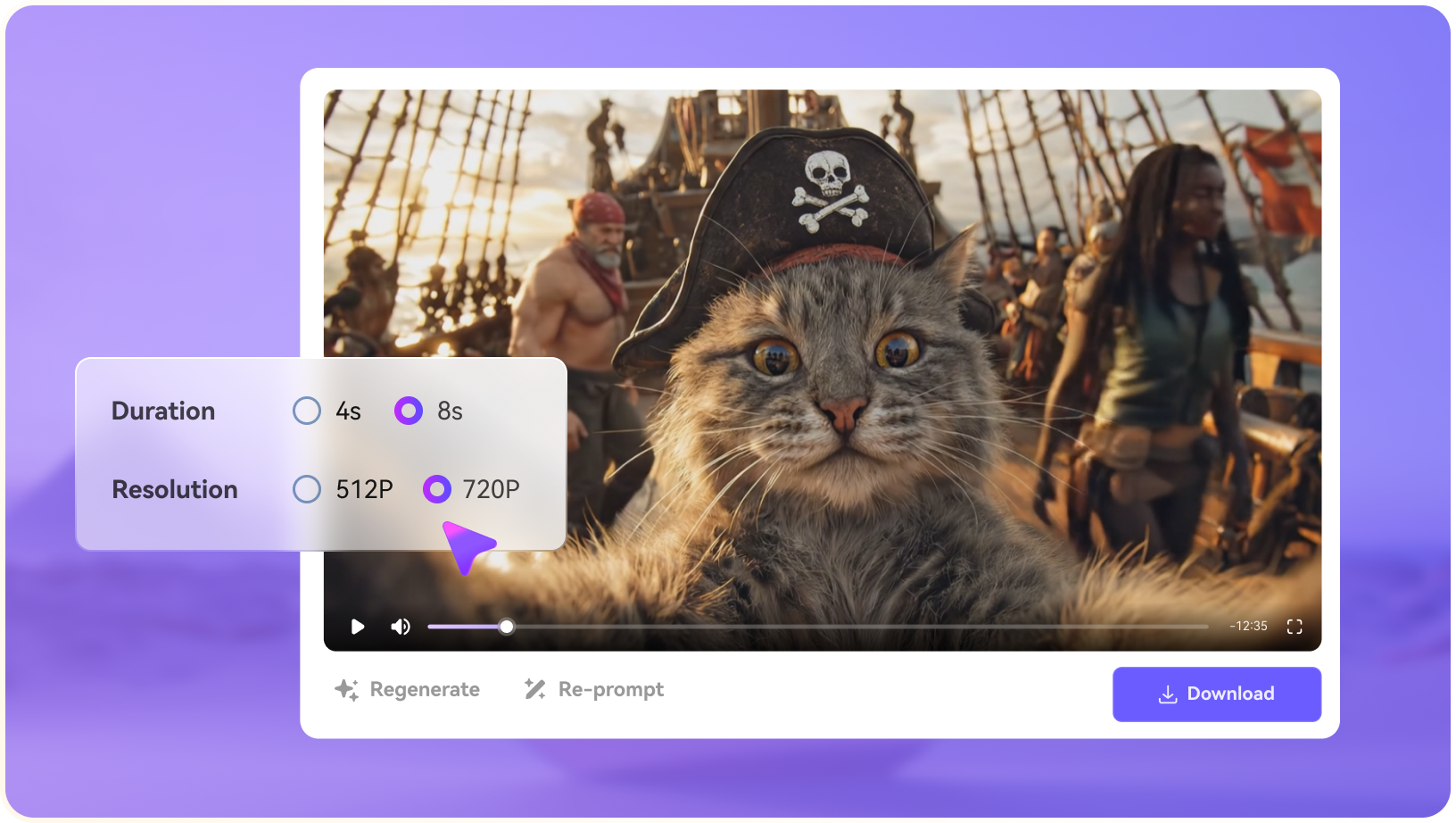
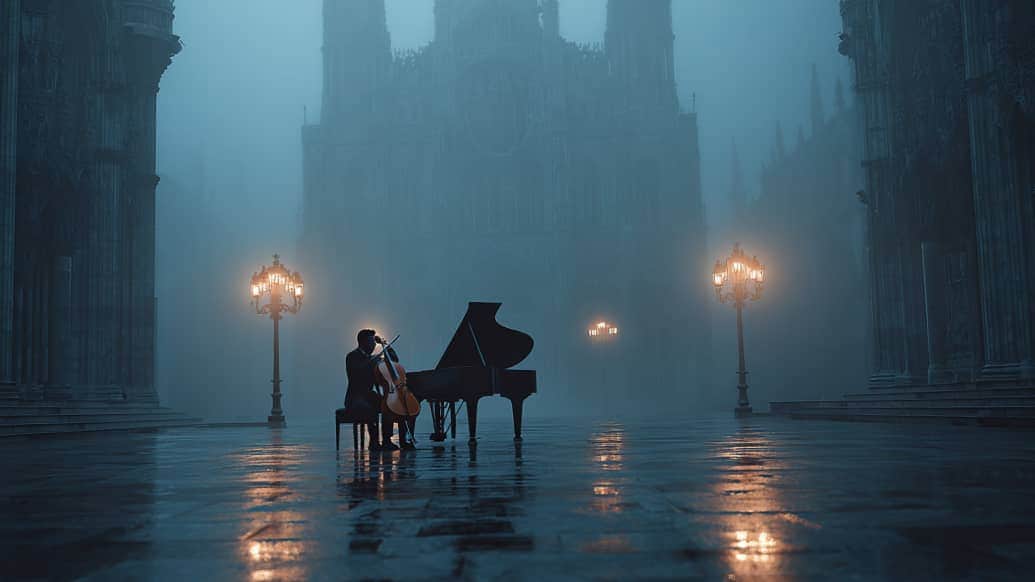
The LumeFlow website displays model families including Seedance, Kling, Wan, PixVerse, Hailuo and Sora. A model name on a discovery page does not prove every version is in every account. For LumeFlow AI, a useful first project is cinematic mood test; Generate one short atmospheric scene with a chosen model and document the settings before making more shots.

Illustrative Media.io workflow graphic; not a screenshot of LumeFlow AI

Text to Video From Creative Prompts

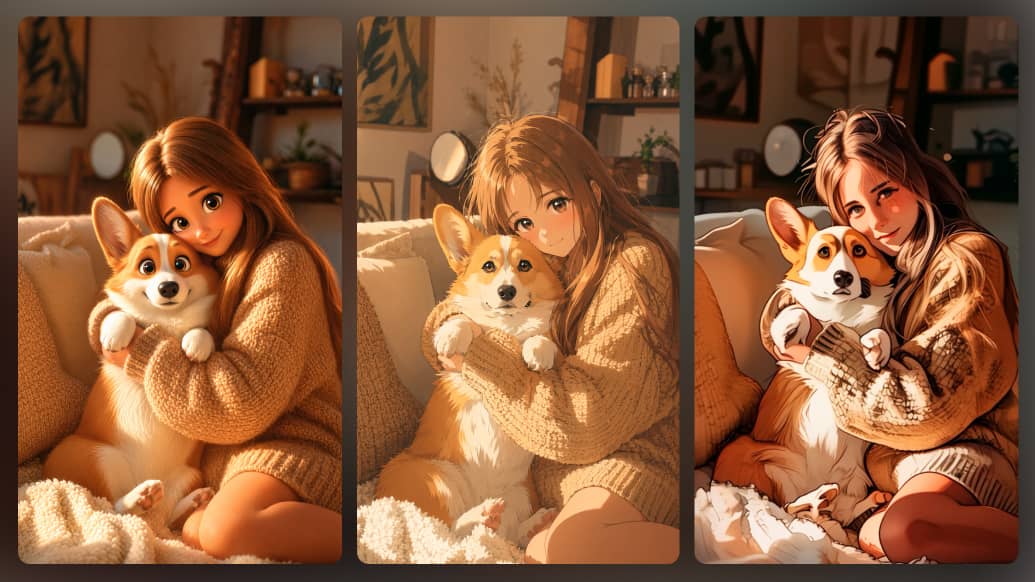
The platform supports describing a scene with visual direction and generating a video candidate. Prompt clarity helps, but the result still needs checking for motion and visual consistency. Before relying on text to video from creative prompts, check the tradeoff named credits depend on the model chosen: Generation costs can vary with model, quality and length. Budget each step instead of assuming one generic per-video price.

Illustrative Media.io workflow graphic; not a screenshot of LumeFlow AI

Image to Video Animation

Turn a supported reference photo or image into motion. Review faces, hands and text closely when the source image is important. For LumeFlow AI work on multi-model image to video and text to video, Create a short stylized video effect for an original character or image.

Illustrative Media.io workflow graphic; not a screenshot of LumeFlow AI

Multi-Shot and Scene-Led Models

Some of the marketed model variants emphasize multiple shots and character continuity. This does not make automatic story assembly identical across the model catalog. To assess whether this is repeatable, run an equivalent brief through two accessible models and compare outputs rather than relying on marketing labels.

Illustrative Media.io workflow graphic; not a screenshot of LumeFlow AI

Stylized Video Effects and Templates

LumeFlow offers additional visual creation modes for social and creative outputs. Effects should be chosen for the specific use case rather than added for novelty. For a concrete example, make a visual reference first, then use it as the input for a social campaign video.

Illustrative Media.io workflow graphic; not a screenshot of LumeFlow AI

Image and Video Generation in One Workspace

Users can prepare an image concept and then animate it without moving to a separate model marketplace. Confirm any separate credit charges for both stages. The final check is public pricing needs live verification: A stable, complete product-wide pricing table for all model versions was not confirmed during this review. Avoid quoting unverified fixed credits.
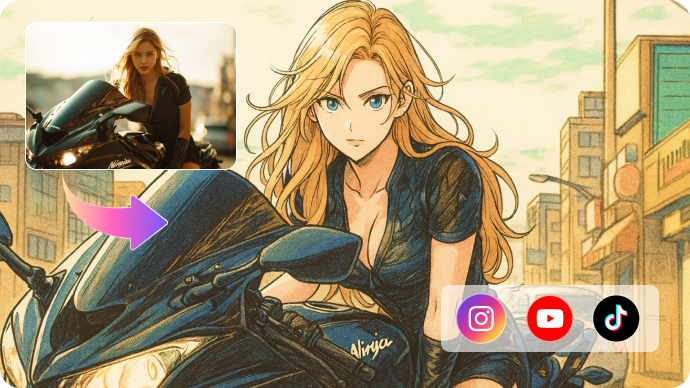
Illustrative Media.io workflow graphic; not a screenshot of LumeFlow AI

How to Create a Cinematic Mood Test Video with Media.io

1
2
3
1
Choose your cinematic mood test source

Generate one short atmospheric scene with a chosen model and document the settings before making more shots.

2
Define the text to video from creative prompts brief

The platform supports describing a scene with visual direction and generating a video candidate.

3
Evaluate the image-to-video campaign output

Make a visual reference first, then use it as the input for a social campaign video.

Illustrative Media.io workflow graphic; not a screenshot of LumeFlow AI

LumeFlow AI Use Cases for Different Video Models

From cinematic mood test to image-to-video campaign, these are distinct projects where LumeFlow AI could be useful, with checks that match each task.

Cinematic Mood Test

Generate one short atmospheric scene with a chosen model and document the settings before making more shots. A related Media.io workflow to explore is Seedance 2 0.

Product Hero Animation

Animate an approved product still and check that logos, proportions and labels remain accurate.

Social Visual Effect

Create a short stylized video effect for an original character or image.

Model Comparison Study

Run an equivalent brief through two accessible models and compare outputs rather than relying on marketing labels. A related Media.io workflow to explore is Seedance 2 0 Fast.

Image-to-Video Campaign

Make a visual reference first, then use it as the input for a social campaign video.

Character Sequence Prototype

Test whether a recurring character remains recognizable across several selected shots.

LumeFlow AI Limitations in a Multi-Model Workflow

Before planning multi-model image to video and text to video, evaluate model version availability changes and credits depend on the model chosen as carefully as the headline features.

Model Version Availability Changes

A model listed on the website may be introduced, restricted or replaced over time. Check the current account before promising a particular version.

Credits Depend on the Model Chosen

Generation costs can vary with model, quality and length. Budget each step instead of assuming one generic per-video price.

Different Models Behave Differently

Camera movement, identity preservation, sound and prompt adherence vary, requiring manual comparison of actual outputs.

Short Clips Still Need Assembly

A multi-model collection does not automatically guarantee a coherent long-form edit. Plan scene transitions and final sound separately.

Uploaded Images Must Be Licensed

Image-to-video animation can make existing imagery appear to portray new behavior. Confirm consent and ownership for recognizable subjects.

Public Pricing Needs Live Verification

A stable, complete product-wide pricing table for all model versions was not confirmed during this review. Avoid quoting unverified fixed credits.

LumeFlow AI vs Media.io: Which Workflow Fits?

The deciding difference for LumeFlow AI is its multi-model video selection and multi-shot and scene-led models; by comparison, the Media.io Image to Video option focuses on cinematic mood test; compare supported inputs and output rights.

Decision Factor LumeFlow AI Media.io
Starting workflow The LumeFlow website displays model families including Seedance, Kling, Wan, PixVerse, Hailuo and Sora. For cinematic mood test, Media.io Image to Video starts with a targeted tool; LumeFlow AI instead emphasizes multi-model video selection.
Primary capability Text to Video From Creative Prompts: The platform supports describing a scene with visual direction and generating a video candidate. Choose a relevant creation feature for cinematic mood test, subject to the tool's current options.
Reference handling Turn a supported reference photo or image into motion. Use supported reference input where helpful for product hero animation.
Editing and revision Some of the marketed model variants emphasize multiple shots and character continuity. For social visual effect, use the available editing and finishing controls as needed.
Output workflow LumeFlow offers additional visual creation modes for social and creative outputs. Check whether model comparison study needs captions, enhancement or editing after generation.
Cost model LumeFlow advertises multiple model families on its official site. Check current charges for the Image to Video route, not LumeFlow AI subscription pricing.
Key buying constraintA model listed on the website may be introduced, restricted or replaced over time.Confirm supported input and export conditions for multi-model image to video and text to video alternatives.
Specialized strength Image and Video Generation in One Workspace. A focused option for image-to-video campaign and the corresponding downstream edits.
Best fit Multi-model image to video and text to video. For a project like cinematic mood test, choose the Media.io Image to Video workflow over the broader LumeFlow AI offering.
Best for LumeFlow AI Projects

Choose LumeFlow AI If You Need:

Choose LumeFlow AI when multi-model video selection and text to video from creative prompts are needed in your real work. For image-to-video campaign, check cost and revision permissions before committing to production.

  • Cinematic Mood Test: Generate one short atmospheric scene with a chosen model and document the settings before making more shots.
  • Product Hero Animation: Animate an approved product still and check that logos, proportions and labels remain accurate.
  • Social Visual Effect: Create a short stylized video effect for an original character or image.
  • Model Comparison Study: Run an equivalent brief through two accessible models and compare outputs rather than relying on marketing labels.
  • Image-to-Video Campaign: Make a visual reference first, then use it as the input for a social campaign video.
Visit LumeFlow AI
Best for Media.io Product Hero Animation Projects

Choose Media.io for Cinematic Mood Test If You Need:

For LumeFlow AI readers pursuing cinematic mood test, the Media.io Image to Video route is one option for social visual effect. It differs from LumeFlow AI text to video from creative prompts.

  • Try AI Video Generation workflow: Begin from a permitted input related to cinematic mood test.
  • Product Hero Animation review: Assess whether Media.io output supports product hero animation without special manual corrections.
    • Finishing for Social Visual Effect: Explore relevant Media.io editing tools for social visual effect.
  • Focused generation scope: Choose only the tools required for model comparison study.
  • Rights for Image-to-Video Campaign: Use authorized source media and double-check outputs intended for image-to-video campaign.
Try AI Video Generation

Is LumeFlow AI Worth It? Our Verdict

Our Take

LumeFlow AI deserves consideration when cinematic mood test or product hero animation is the core job. The combination of multi-model video selection and stylized video effects and templates distinguishes its proposition.

LumeFlow advertises multiple model families on its official site. Credit rates and version access should be checked directly in the live workspace; no fixed total budget is assumed for every video. The purchase risk centers on model version availability changes and different models behave differently. Budget a complete project with corrections and final export.

Choose LumeFlow AI for multi-model image to video and text to video, especially when image to video animation is required. Consider Media.io Image to Video when image-to-video campaign matters more than the specialist image to video animation capability; verify output and export terms.

LumeFlow AI FAQ: Features, Pricing and Alternatives

What does LumeFlow AI offer in one video workspace?
faq faq

LumeFlow AI is a multi-model AI image and video creation platform that provides prompt-to-video, image-to-video, visual effect workflows and selectable video model families including Seedance, Kling, Wan, PixVerse, Hailuo and Sora.

The LumeFlow website displays model families including Seedance, Kling, Wan, PixVerse, Hailuo and Sora. A model name on a discovery page does not prove every version is in every account.

The platform supports describing a scene with visual direction and generating a video candidate. Prompt clarity helps, but the result still needs checking for motion and visual consistency.

LumeFlow advertises multiple model families on its official site. Credit rates and version access should be checked directly in the live workspace; no fixed total budget is assumed for every video.

A model listed on the website may be introduced, restricted or replaced over time. Check the current account before promising a particular version. Generation costs can vary with model, quality and length. Budget each step instead of assuming one generic per-video price.

Generate one short atmospheric scene with a chosen model and document the settings before making more shots. Camera movement, identity preservation, sound and prompt adherence vary, requiring manual comparison of actual outputs.

Some of the marketed model variants emphasize multiple shots and character continuity. This does not make automatic story assembly identical across the model catalog.

For cinematic mood test, compare the Media.io Image to Video path against LumeFlow AI results. It can handle a distinct video step; LumeFlow AI remains more specific to text to video from creative prompts, so compare current plan costs and usage rights.

If your recurring task is image-to-video campaign, the main question is whether the advantages of multi-model video selection outweigh the limitations. Image-to-video animation can make existing imagery appear to portray new behavior. Confirm consent and ownership for recognizable subjects.

What Media.io Creators Say About Their Workflow

Media.io AI video generator user
Sarah L.

Content Creator

star star star star half star

Media.io makes it much easier to test different AI video styles without jumping between several platforms. I can start with a text prompt or image, compare model results, and then resize or polish the clip for social media in the same workspace.

Media.io AI video creator
John D.

Social Media Marketer

star star star star half star

I use Media.io to create quick product clips, ad concepts, and short-form videos from images. The biggest advantage is that generation does not feel like the final step - I can continue with music, captions, enhancement, and format conversion before publishing.

Media.io AI video editing user
Emily T.

Freelance Designer

star star star star half star

The workflow is approachable even when I am experimenting with unfamiliar AI models. I can animate artwork, try different motion prompts, preview the output, and prepare a cleaner final version without needing advanced video-editing experience.

Media.io Online Tools Quality Rating:
vote 4.7 (162,357 Votes)
media.io

AI Video Generator star

Easily generate videos from text or images

Generate