Home>Comparison>FASHN AI

FASHN AI for Fashion Photos, Virtual Try-On and API

A clothing marketplace may need hundreds of consistent on-model images, while a brand engineer may need an API that accepts separate garment and person photos. FASHN AI serves both through fashion-focused generation and editing. Its app combines product-to-model and try-on workflows, and its developer API provides endpoints for production integration. Crucially, the app and API have separate credits, so costs should be modeled per successful output rather than summed into one generic subscription.

Primary Features of FASHN AI Fashion Photography and Virtual Try-On

FASHN AI is a fashion image and video production platform offering Product-to-Model, virtual try-on, fashion model creation and swaps, garment-aware editing, reframe tools and a separate credit-based developer API.

Core Feature Overview

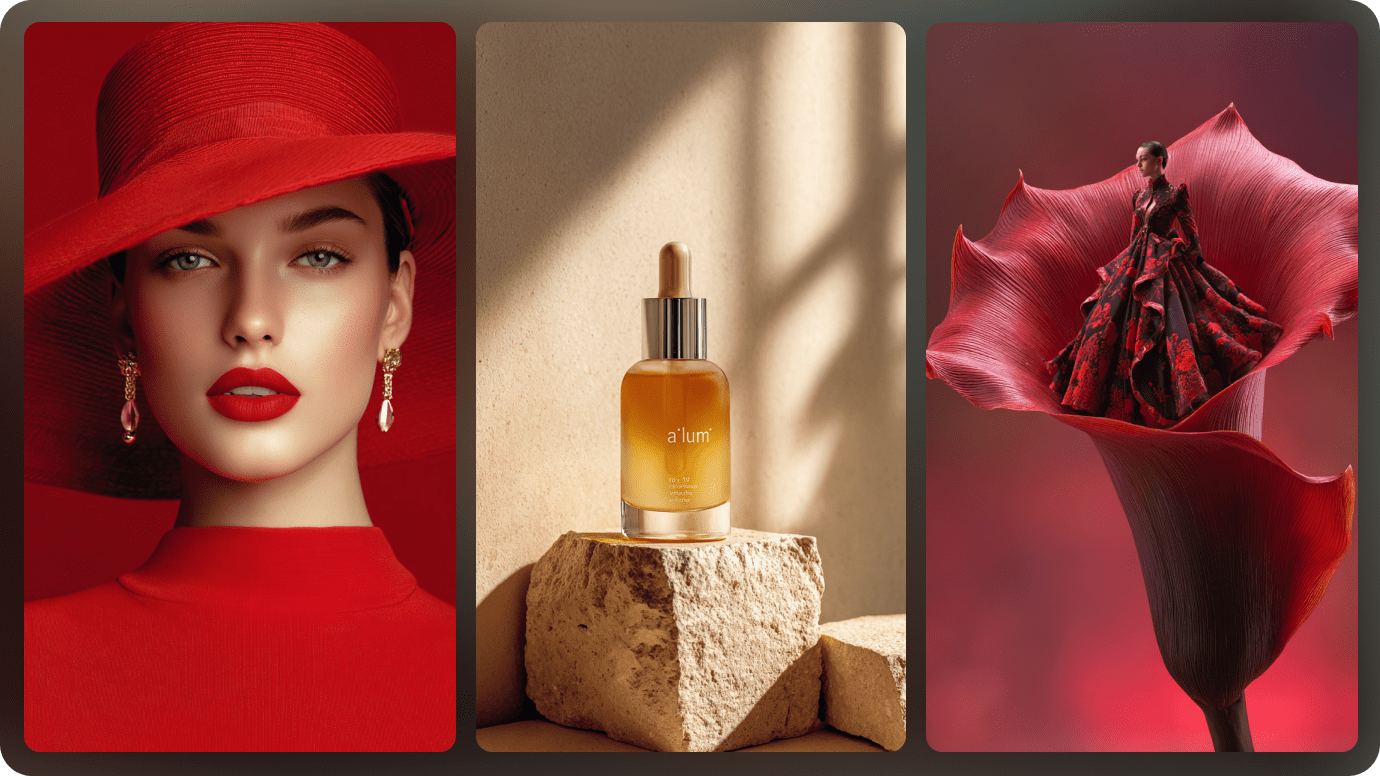
  • Product-to-Model Fashion Images: Turn standalone garment products into model-worn editorial and catalog photographs, with options for visual direction and references.
  • Try-On Max for Fashion Items: Use a higher-fidelity endpoint designed for clothing, footwear, jewelry, bags and other wearable products.
  • Fast Virtual Try-On v1.6: Choose the lighter stable virtual try-on endpoint when quick garment previews are more important than the broadest 4K output.
  • Model Creation and Model Swap: Create a fashion model or change the displayed model identity while trying to preserve the original outfit.
  • Fashion-Safe Edit and Reframe: Edit model and product imagery or adapt aspect ratios with controls intended to keep garments recognizable.
  • Image-to-Video and Developer API: Generate short fashion movements and integrate model, try-on and image tools via published API endpoints.
Product-to-Model Fashion Images

Turn standalone garment products into model-worn editorial and catalog photographs, with options for visual direction and references. For fashion marketplace integration, call a try-on endpoint from an e-commerce application using garment and model images. For the fashion marketplace integration brief, check details against the original before publication.

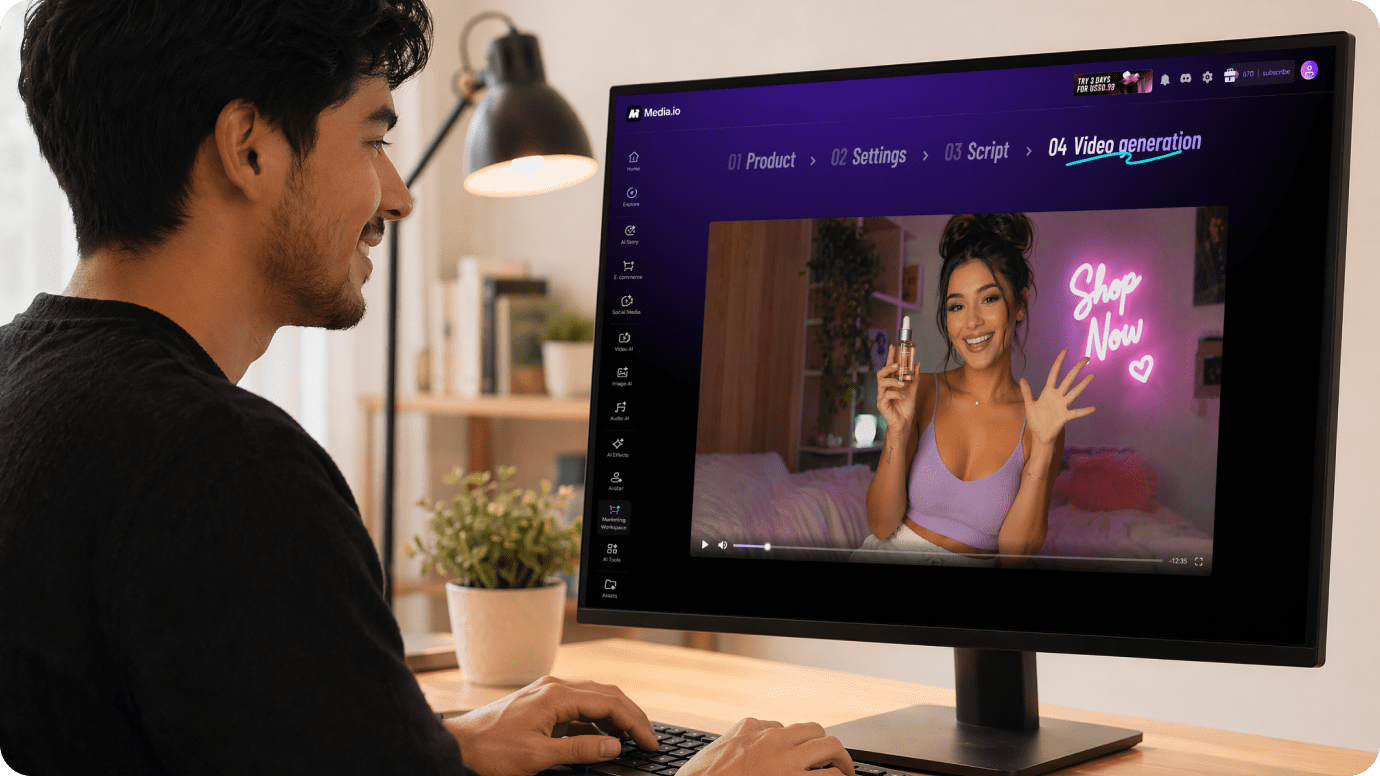
Illustrative Media.io workflow graphic, not a FASHN AI interface screenshot

Try-On Max for Fashion Items

Use a higher-fidelity endpoint designed for clothing, footwear, jewelry, bags and other wearable products. For new product drop catalog, create repeatable on-model product photos from flat-lay apparel images. Decide in advance which details must remain faithful for new product drop catalog.

Illustrative Media.io workflow graphic, not a FASHN AI interface screenshot

Fast Virtual Try-On v1.6

Choose the lighter stable virtual try-on endpoint when quick garment previews are more important than the broadest 4K output. For jewelry and bag advertising, test a wearable product on a model with specialized visual fidelity checks. For jewelry and bag advertising, the visual is a preview rather than proof of a physical outcome.

Illustrative Media.io workflow graphic, not a FASHN AI interface screenshot

Model Creation and Model Swap

Create a fashion model or change the displayed model identity while trying to preserve the original outfit. For fashion agency production, produce image variations with approved references for several client brands. Compare controlled changes to the source before finalizing fashion agency production.

Illustrative Media.io workflow graphic, not a FASHN AI interface screenshot

Fashion-Safe Edit and Reframe

Edit model and product imagery or adapt aspect ratios with controls intended to keep garments recognizable. For shopper try-on prototype, explore a low-latency clothes preview while monitoring failed requests and response times. Confirm license and export permissions for shopper try-on prototype before delivery.

Illustrative Media.io workflow graphic, not a FASHN AI interface screenshot

Image-to-Video and Developer API

Generate short fashion movements and integrate model, try-on and image tools via published API endpoints. For product motion campaign, turn approved still product images into short fashion video loops for social channels. Test a representative sample of product motion campaign outputs before scaling.
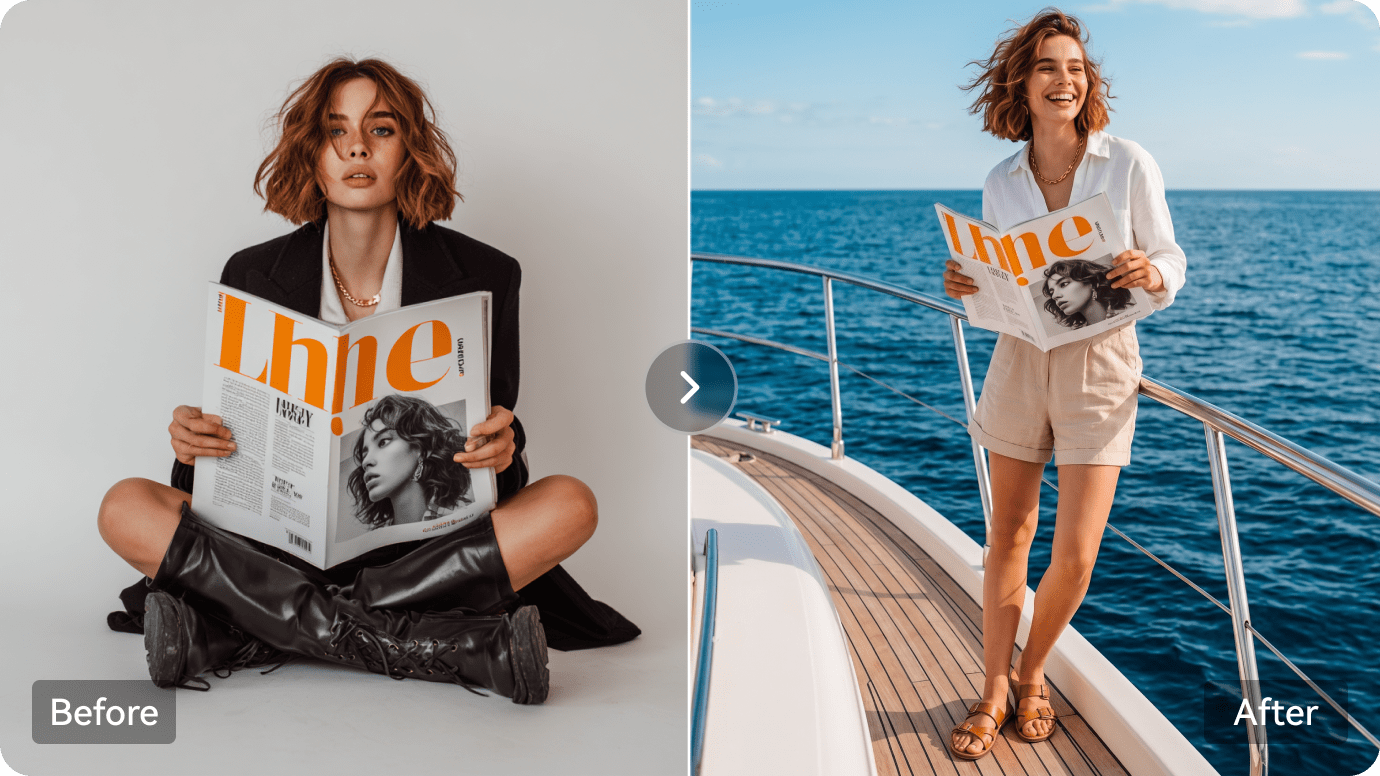
Illustrative Media.io workflow graphic, not a FASHN AI interface screenshot

How to Create Fashion Product Visuals With AI

1
2
3
1
Upload Your Fashion Image

Upload a licensed fashion or accessory photo, then describe the desired styling, background, and visual concept.

2
Set Your Image Options

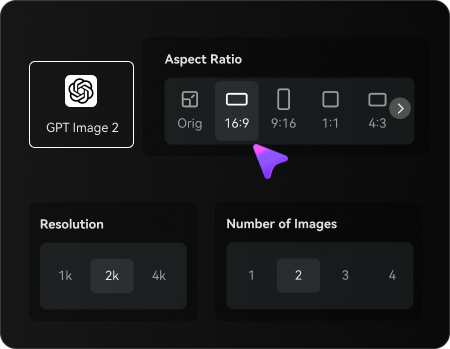
Choose an AI model, adjust the aspect ratio and resolution, and select the number of images to generate.

3
Generate and Refine Your Fashion Visuals

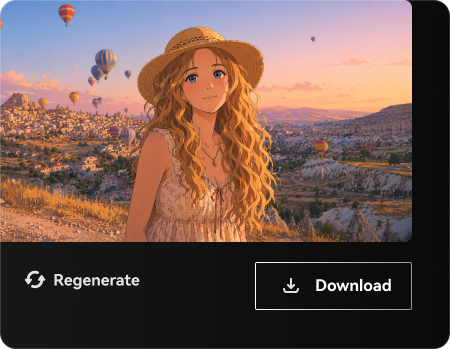
Generate your fashion images, review garment details, colors, and visual consistency, then refine or regenerate your preferred result before downloading.

Illustrative Media.io workflow graphic, not a FASHN AI interface screenshot

Best Use Cases for FASHN AI

Explore FASHN AI in real projects such as fashion marketplace integration, jewelry and bag advertising and product motion campaign. Each has a different input, output and quality check.

Fashion Marketplace Integration

Call a try-on endpoint from an e-commerce application using garment and model images.

New Product Drop Catalog

Create repeatable on-model product photos from flat-lay apparel images. A related Media.io resource for this specific scenario is Product Photo To Video Prompts; this explores new product drop catalog as a related image task, not the full FASHN AI product workflow.

Jewelry and Bag Advertising

Test a wearable product on a model with specialized visual fidelity checks.

Fashion Agency Production

Produce image variations with approved references for several client brands.

Shopper Try-On Prototype

Explore a low-latency clothes preview while monitoring failed requests and response times. A related Media.io resource for this specific scenario is Fashion Product Ads; this explores shopper try-on prototype as a related image task, not the full FASHN AI product workflow.

Product Motion Campaign

Turn approved still product images into short fashion video loops for social channels.

FASHN AI Pricing, API Credits and Output Fidelity

FASHN AI has distinct tradeoffs for new product drop catalog: evaluate app and api credits are separate, different endpoints have different rates and the current usage terms before investing.

App And API Credits Are Separate

Official API pricing explicitly says API credits cannot be treated as app credits; budget the systems independently.

Resolution And Mode Change Cost

API generations vary by 1K, 2K or 4K output and Fast, Balanced or Quality mode.

Different Endpoints Have Different Rates

Try-On Max, v1.6, background removal and video each use their own published credit cost.

Subscription Top-Ups Have Expiration Rules

On-demand and discounted top-ups have different expiry conditions; check the official API billing documentation.

Clothing Fidelity Is Not Guaranteed

Buttons, prints, accessories and fit presentation still need visual review against the physical item.

Privacy And Rights Need Governance

A production e-commerce integration must manage customer portraits, permissions and data retention.

FASHN AI vs Media.io: Features, Pricing and Audience

Choose FASHN AI for structured fashion image production and API integrations with verified garment and model inputs. Choose Media.io for creative product imagery, image editing and video concepts when a dedicated fashion API or virtual fitting integration is unnecessary. The deciding factor for fashion marketplace integration is whether you need product-to-model fashion images or creative apparel concepts, product edits and ad visuals without fashion API integration.

Decision Factor FASHN AI Media.io
Primary job fashion product-to-model generation, virtual try-on and developer APIs creative apparel concepts, product edits and ad visuals without fashion API integration
Distinctive workflow Turn standalone garment products into model-worn editorial and catalog photographs, with options for visual direction and references. Media.io supports image transformation for fashion marketplace integration without claiming the same specialist workflow.
Reference inputs Use a higher-fidelity endpoint designed for clothing, footwear, jewelry, bags and other wearable products. Use an uploaded image and an edit prompt for new product drop catalog; confirm fidelity manually.
Creative control Choose the lighter stable virtual try-on endpoint when quick garment previews are more important than the broadest 4K output. Iterate image treatments for jewelry and bag advertising rather than assuming feature parity.
Editing depth Create a fashion model or change the displayed model identity while trying to preserve the original outfit. FASHN AI includes model creation and model swap for fashion agency production; Media.io instead supports creative apparel concepts, product edits and ad visuals without fashion API integration.
Production workflow Edit model and product imagery or adapt aspect ratios with controls intended to keep garments recognizable. Media.io is useful for creative apparel concepts, product edits and ad visuals without fashion API integration where the specialized interface is unnecessary.
Pricing and quotasFASHN app subscriptions start with a Basic plan listed at $19 per month. The API instead starts at $0.075 per credit on-demand, with separate monthly commitment tiers; output mode, resolution and endpoint determine how many credits one job uses.Media.io budgets for fashion marketplace integration should compare image creation attempts against the distinct FASHN AI plan or credit system.
Risk and rights A production e-commerce integration must manage customer portraits, permissions and data retention. Media.io outputs for product motion campaign also require licensed source images and human review.
Best-fit users Choose FASHN AI for structured fashion image production and API integrations with verified garment and model inputs. Choose Media.io for creative product imagery, image editing and video concepts when a dedicated fashion API or virtual fitting integration is unnecessary.
Best for FASHN AI

Choose FASHN AI If You Need:

Choose FASHN AI for structured fashion image production and API integrations with verified garment and model inputs. The leading fashion marketplace integration tasks include:

  • Fashion Marketplace Integration: Call a try-on endpoint from an e-commerce application using garment and model images.
  • New Product Drop Catalog: Create repeatable on-model product photos from flat-lay apparel images.
  • Jewelry and Bag Advertising: Test a wearable product on a model with specialized visual fidelity checks.
  • Fashion Agency Production: Produce image variations with approved references for several client brands.
  • Shopper Try-On Prototype: Explore a low-latency clothes preview while monitoring failed requests and response times.
Explore Image Enhancement
Media.io for Jewelry and Bag Advertising

Choose Media.io for Jewelry and Bag Advertising:

Choose Media.io for creative product imagery, image editing and video concepts when a dedicated fashion API or virtual fitting integration is unnecessary. For the jewelry and bag advertising brief, related image-creation tasks include:

  • New Product Drop Catalog: Choose Media.io for creative product imagery, image editing and video concepts when a dedicated fashion API or virtual fitting integration is unnecessary. For fashion marketplace integration, compare the practical outcome with product-to-model fashion images rather than assuming identical capabilities.
  • Jewelry and Bag Advertising: Choose Media.io for creative product imagery, image editing and video concepts when a dedicated fashion API or virtual fitting integration is unnecessary. For new product drop catalog, compare the practical outcome with try-on max for fashion items rather than assuming identical capabilities.
    • Shopper Try-On Prototype: Choose Media.io for creative product imagery, image editing and video concepts when a dedicated fashion API or virtual fitting integration is unnecessary.
  • Fashion Agency Production: Choose Media.io for creative product imagery, image editing and video concepts when a dedicated fashion API or virtual fitting integration is unnecessary. For jewelry and bag advertising, compare the practical outcome with fast virtual try-on v1.6 rather than assuming identical capabilities.
  • Shopper Try-On Prototype: Choose Media.io for creative product imagery, image editing and video concepts when a dedicated fashion API or virtual fitting integration is unnecessary. For fashion agency production, compare the practical outcome with model creation and model swap rather than assuming identical capabilities.
Create Jewelry & Bag Ads with Media.io

Is FASHN AI Worth It? Final Verdict

Our Take

FASHN AI is most relevant when fashion product-to-model generation, virtual try-on and developer APIs is the actual deliverable. Turn standalone garment products into model-worn editorial and catalog photographs, with options for visual direction and references. For a team preparing fashion marketplace integration, that specialist capability can justify a pilot.

FASHN app subscriptions start with a Basic plan listed at $19 per month. The API instead starts at $0.075 per credit on-demand, with separate monthly commitment tiers; output mode, resolution and endpoint determine how many credits one job uses. Try-On Max, v1.6, background removal and video each use their own published credit cost. For product motion campaign, record the cost of usable outputs before increasing volume.

Choose FASHN AI for structured fashion image production and API integrations with verified garment and model inputs. Choose Media.io for creative product imagery, image editing and video concepts when a dedicated fashion API or virtual fitting integration is unnecessary. Validate a sample project, image rights and current plan details before scaling.

FASHN AI FAQ: Features, Pricing and Alternatives

What is FASHN AI mainly used for?
faq faq

FASHN AI is a fashion image and video production platform offering Product-to-Model, virtual try-on, fashion model creation and swaps, garment-aware editing, reframe tools and a separate credit-based developer API.

Turn standalone garment products into model-worn editorial and catalog photographs, with options for visual direction and references.

Use a higher-fidelity endpoint designed for clothing, footwear, jewelry, bags and other wearable products. Create repeatable on-model product photos from flat-lay apparel images.

Choose the lighter stable virtual try-on endpoint when quick garment previews are more important than the broadest 4K output. Create a fashion model or change the displayed model identity while trying to preserve the original outfit.

FASHN app subscriptions start with a Basic plan listed at $19 per month. The API instead starts at $0.075 per credit on-demand, with separate monthly commitment tiers; output mode, resolution and endpoint determine how many credits one job uses.

FASHN app subscriptions start with a Basic plan listed at $19 per month. The API instead starts at $0.075 per credit on-demand, with separate monthly commitment tiers; output mode, resolution and endpoint determine how many credits one job uses. Official API pricing explicitly says API credits cannot be treated as app credits; budget the systems independently.

API generations vary by 1K, 2K or 4K output and Fast, Balanced or Quality mode. Try-On Max, v1.6, background removal and video each use their own published credit cost.

Choose FASHN AI for structured fashion image production and API integrations with verified garment and model inputs. Choose Media.io for creative product imagery, image editing and video concepts when a dedicated fashion API or virtual fitting integration is unnecessary.

Choose FASHN AI for structured fashion image production and API integrations with verified garment and model inputs. A production e-commerce integration must manage customer portraits, permissions and data retention.

What Media.io Creators Say About Their Workflow

Media.io AI video generator user
Sarah L.

Content Creator

star star star star half star

Media.io makes it much easier to test different AI video styles without jumping between several platforms. I can start with a text prompt or image, compare model results, and then resize or polish the clip for social media in the same workspace.

Media.io AI video creator
John D.

Social Media Marketer

star star star star half star

I use Media.io to create quick product clips, ad concepts, and short-form videos from images. The biggest advantage is that generation does not feel like the final step - I can continue with music, captions, enhancement, and format conversion before publishing.

Media.io AI video editing user
Emily T.

Freelance Designer

star star star star half star

The workflow is approachable even when I am experimenting with unfamiliar AI models. I can animate artwork, try different motion prompts, preview the output, and prepare a cleaner final version without needing advanced video-editing experience.

Media.io Online Tools Quality Rating:
vote 4.7 (162,357 Votes)
media.io

AI Video Generator star

Easily generate videos from text or images

Generate