Home>Comparison>Diffus AI

Diffus AI Review: Models, ControlNet and Creative Workflow

Build a repeatable graph for one authorized style experiment. If that brief sounds familiar, Diffus AI supports experienced Stable Diffusion creators who want model libraries and advanced control. In this review, Explore community-trained models for specific visual styles; inspect model licenses and required prompts before using them in a client job. However, A large checkpoint count creates licensing and quality variability, not guaranteed superiority. If you instead need a simpler photo editing and image-to-image production path, consider the relevant Media.io image workflow.

Primary Features of Diffus AI Image Generator and Models

Diffus AI is an advanced cloud image generation environment offering a large library of checkpoints and LoRAs, Automatic1111, ComfyUI and Fooocus interfaces, ControlNet guidance, and face-detail refinement.

Core Feature Overview

Extensive Checkpoint and LoRA Library

Explore community-trained models for specific visual styles; inspect model licenses and required prompts before using them in a client job. In a comfyui workflow prototype project, build a repeatable graph for one authorized style experiment. When preparing the output, a weak pose or edge map can constrain the wrong parts of a scene. Diffus AI models offer a broad range of checkpoint and LoRA variations rather than one fixed house style.

Illustrative Media.io workflow graphic, not a Diffus AI interface screenshot

Automatic1111 Workspace

Access a familiar diffusion UI with detailed prompts, negative prompts and sampling settings. In a character lora exploration project, compare licensed LoRAs on the same original portrait prompt. Node graphs require setup, model compatibility checks and debugging.

Illustrative Media.io workflow graphic, not a Diffus AI interface screenshot

ComfyUI Node Workflows

Construct a repeatable image graph with branching steps where advanced pipeline control matters. In a pose-controlled illustration project, use a rights-cleared pose reference for a character design. When preparing the output, verify subscription, GPU resources and any usage caps for the workflow you actually run.

Illustrative Media.io workflow graphic, not a Diffus AI interface screenshot

Fooocus Alternative Interface

Choose a less parameter-heavy route when working from a conceptual brief rather than reproducing a complex workflow. In a portrait detail repair project, refine faces and hands after selecting a stronger overall composition. Adetailer can change expression and likeness; compare source and output.

Illustrative Media.io workflow graphic, not a Diffus AI interface screenshot

ControlNet Pose and Edge Guidance

Anchor image geometry with an appropriate control map to preserve selected scene features. In a model performance comparison project, keep prompts and settings fixed when judging two model checkpoints. When preparing the output, a large checkpoint count creates licensing and quality variability, not guaranteed superiority. Diffus ControlNet can help maintain an approved source pose while experimenting with style.

Illustrative Media.io workflow graphic, not a Diffus AI interface screenshot

Adetailer and Postprocessing

Apply face- or hand-focused correction after generation without assuming every anatomy defect can be repaired. In a creative team experiment project, evaluate reproducible pipeline components before production investment. Diffus emphasizes generation control, while commerce-ready layout and design finishing may require other tools.
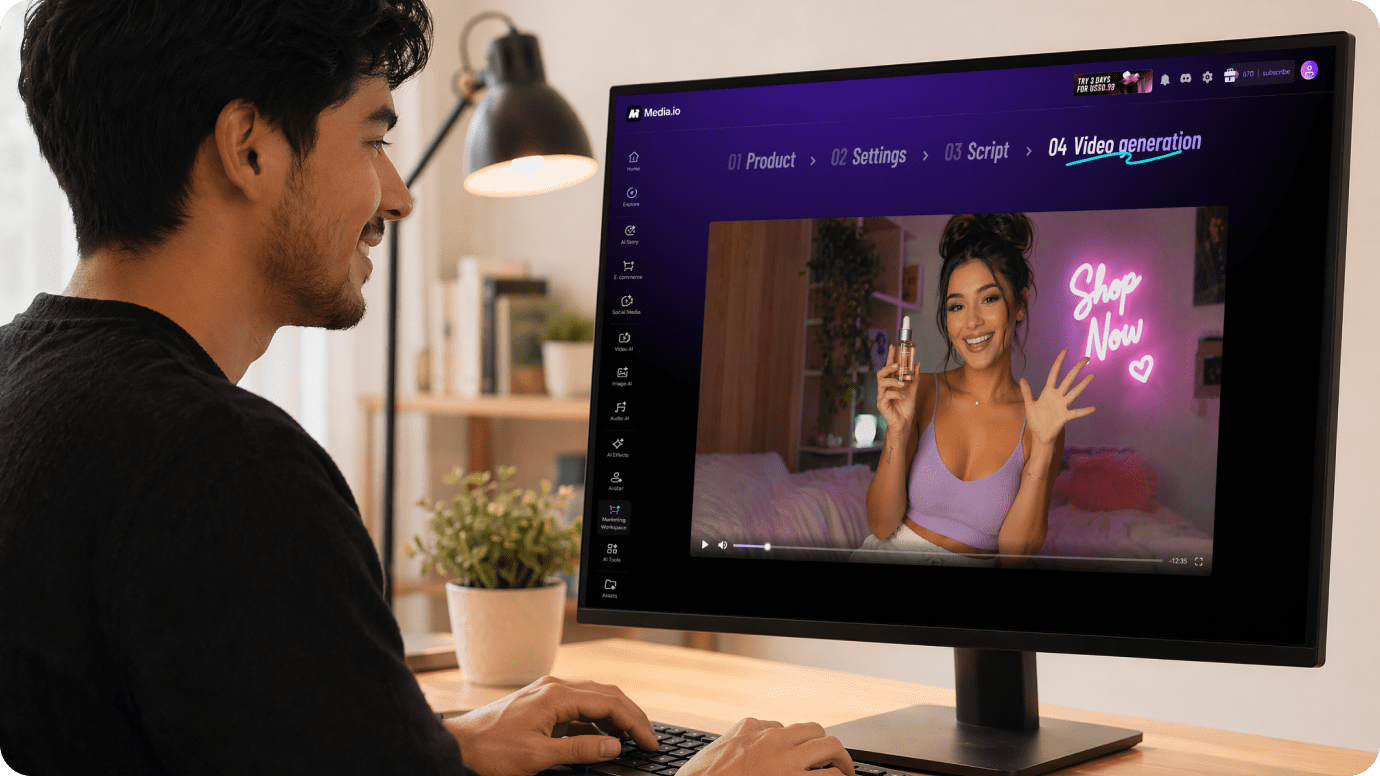
Illustrative Media.io workflow graphic, not a Diffus AI interface screenshot

How to Edit a Photo Online With Media.io

1
2
3
1
Start from your ad brief

Upload a rights-cleared image relevant to technical diffusion control and community model access, or start with a clear brief.

2
Choose the ad workflow

Choose an available Media.io image editing mode and describe the changes to keep or avoid.

3
Generate and review the result

Generate the result, inspect subject fidelity and export only after a rights and quality check.

Illustrative Media.io workflow graphic, not a Diffus AI interface screenshot

When to Use Diffus AI for Technical Diffusion Control And Community Model Access

From comfyui workflow prototype to creative team experiment, these are practical situations to evaluate Diffus AI rather than treating every visual tool as interchangeable.

Character LoRA Exploration

Compare licensed LoRAs on the same original portrait prompt.

Pose-Controlled Illustration

Use a rights-cleared pose reference for a character design.

Portrait Detail Repair

Refine faces and hands after selecting a stronger overall composition. A related Media.io idea is Dark Ai Image Generator.

Model Performance Comparison

Keep prompts and settings fixed when judging two model checkpoints.

Creative Team Experiment

Evaluate reproducible pipeline components before production investment.

Diffus AI Pricing, Workflow Limits and What to Verify

Diffus AI can be a good fit for experienced Stable Diffusion creators who want model libraries and advanced control, but these six tradeoffs affect the real result and total workload.

Large Model Catalog Needs Vetting

A large checkpoint count creates licensing and quality variability, not guaranteed superiority.

ComfyUI Has a Learning Curve

Node graphs require setup, model compatibility checks and debugging.

ControlNet Input Quality Matters

A weak pose or edge map can constrain the wrong parts of a scene.

Face Correction Can Distort Identity

Adetailer can change expression and likeness; compare source and output.

Model Runtime Costs Differ

Verify subscription, GPU resources and any usage caps for the workflow you actually run.

Not a Simple Marketing Template Tool

Diffus emphasizes generation control, while commerce-ready layout and design finishing may require other tools.

Diffus AI vs Media.io: Features, Pricing and Best Fit

Choose Diffus AI if your priority is experienced Stable Diffusion creators who want model libraries and advanced control. Compare Media.io when the task instead centers on a simpler photo editing and image-to-image production path; these are related tools, not identical products.

Decision Factor Diffus AI Media.io
Primary creation task experienced Stable Diffusion creators who want model libraries and advanced control a simpler photo editing and image-to-image production path
Distinctive feature Automatic1111 Workspace. Access a familiar diffusion UI with detailed prompts, negative prompts and sampling settings. For comfyui workflow prototype, Media.io can attempt a source-image restyling instead of using extensive checkpoint and lora library.
Source and reference Construct a repeatable image graph with branching steps where advanced pipeline control matters. For pose-controlled illustration, compare Media.io image editing with comfyui node workflows.
Typical production result Refine faces and hands after selecting a stronger overall composition. For portrait detail repair, an image-to-image editor offers a simpler approach than fooocus alternative interface.
Limits to examine Verify subscription, GPU resources and any usage caps for the workflow you actually run. For model performance comparison, compare the available Media.io output format with model runtime costs differ.
Iteration or credits Diffus emphasizes generation control, while commerce-ready layout and design finishing may require other tools. When doing creative team experiment, measure actual image editing attempts rather than comparing nominal credits.
Workflow complexityChoose a less parameter-heavy route when working from a conceptual brief rather than reproducing a complex workflow.For character lora exploration, image-to-image workflows may be simpler than automatic1111 workspace.
Rights and quality Diffus emphasizes generation control, while commerce-ready layout and design finishing may require other tools. When working with model performance comparison, inspect generated details and check permission for source images.
Best-fit audience experienced Stable Diffusion creators who want model libraries and advanced control a simpler photo editing and image-to-image production path
Best for Diffus AI

Choose Diffus AI If You Need:

Consider Diffus AI for comfyui workflow prototype and pose-controlled illustration. The strongest differentiator is extensive checkpoint and lora library; a buying risk is large model catalog needs vetting.

  • ComfyUI Workflow Prototype: Build a repeatable graph for one authorized style experiment.
  • Character LoRA Exploration: Compare licensed LoRAs on the same original portrait prompt.
  • Pose-Controlled Illustration: Use a rights-cleared pose reference for a character design.
  • Portrait Detail Repair: Refine faces and hands after selecting a stronger overall composition.
  • Model Performance Comparison: Keep prompts and settings fixed when judging two model checkpoints.
Visit Diffus AI
Best for Media.io

Choose Media.io If You Need:

For portrait detail repair, a Media.io editing workflow may better suit a simpler photo editing and image-to-image production path. It is not a substitute for every professional Stable Diffusion model workspace capability.

  • Create an image edit for comfyui workflow prototype using an authorized source.
  • Try a different composition for pose-controlled illustration before exporting.
    • Use the image editing console for portrait detail repair where a simple workflow suffices.
  • Review an image-based approach to creative team experiment without promising the specialized competitor feature.
  • Create an image edit for comfyui workflow prototype using an authorized source.
Edit an Image With Media.io

Is Diffus AI Worth It? Final Verdict

Our Take

Build a repeatable graph for one authorized style experiment. Diffus AI offers extensive checkpoint and lora library alongside automatic1111 workspace, which makes it an option for teams focused on technical diffusion control and community model access. The key proof is whether the workflow achieves an approved result for creative team experiment.

A large checkpoint count creates licensing and quality variability, not guaranteed superiority. Also, verify subscription, GPU resources and any usage caps for the workflow you actually run. These conditions matter when planning model performance comparison rather than a one-off test.

Choose Diffus AI for experienced Stable Diffusion creators who want model libraries and advanced control, particularly pose-controlled illustration. Consider Media.io for a simpler photo editing and image-to-image production path, such as portrait detail repair. Verify both the license and final output with a small representative project.

Diffus AI FAQ: Features, Free Access and Alternatives

What is Diffus AI used for?
faq faq

Diffus AI is an advanced cloud image generation environment offering a large library of checkpoints and LoRAs, Automatic1111, ComfyUI and Fooocus interfaces, ControlNet guidance, and face-detail refinement.

Explore community-trained models for specific visual styles; inspect model licenses and required prompts before using them in a client job.

Construct a repeatable image graph with branching steps where advanced pipeline control matters.

Choose a less parameter-heavy route when working from a conceptual brief rather than reproducing a complex workflow.

Node graphs require setup, model compatibility checks and debugging. Check the current allowance for comfyui workflow prototype.

A large checkpoint count creates licensing and quality variability, not guaranteed superiority. Before paying for model performance comparison, check the published tier limits.

Verify subscription, GPU resources and any usage caps for the workflow you actually run. Diffus emphasizes generation control, while commerce-ready layout and design finishing may require other tools.

Diffus AI is particularly suited to experienced Stable Diffusion creators who want model libraries and advanced control. Media.io provides a different route for a simpler photo editing and image-to-image production path; compare your real input files and export needs.

Choose Diffus AI when experienced Stable Diffusion creators who want model libraries and advanced control is essential. Consider Media.io when a simpler photo editing and image-to-image production path is the priority, and review both products' current usage policies.

What Media.io Creators Say About Their Workflow

Media.io AI video generator user
Sarah L.

Content Creator

star star star star half star

Media.io makes it much easier to test different AI video styles without jumping between several platforms. I can start with a text prompt or image, compare model results, and then resize or polish the clip for social media in the same workspace.

Media.io AI video creator
John D.

Social Media Marketer

star star star star half star

I use Media.io to create quick product clips, ad concepts, and short-form videos from images. The biggest advantage is that generation does not feel like the final step - I can continue with music, captions, enhancement, and format conversion before publishing.

Media.io AI video editing user
Emily T.

Freelance Designer

star star star star half star

The workflow is approachable even when I am experimenting with unfamiliar AI models. I can animate artwork, try different motion prompts, preview the output, and prepare a cleaner final version without needing advanced video-editing experience.

Media.io Online Tools Quality Rating:
vote 4.7 (162,357 Votes)
media.io

AI Video Generator star

Easily generate videos from text or images

Generate