
Create from Text or Photos
Start with a written prompt or upload a reference image to generate original visuals in a way that matches your workflow.
 ToMoviee Lite
Create original visuals in minutes with Media.io's free AI image generator. Start from a text prompt or upload a reference photo, explore different styles, and generate images for social posts, marketing, blogs, presentations, and creative projects in one simple online workflow.
Free online AI image generation for everyday creative work.
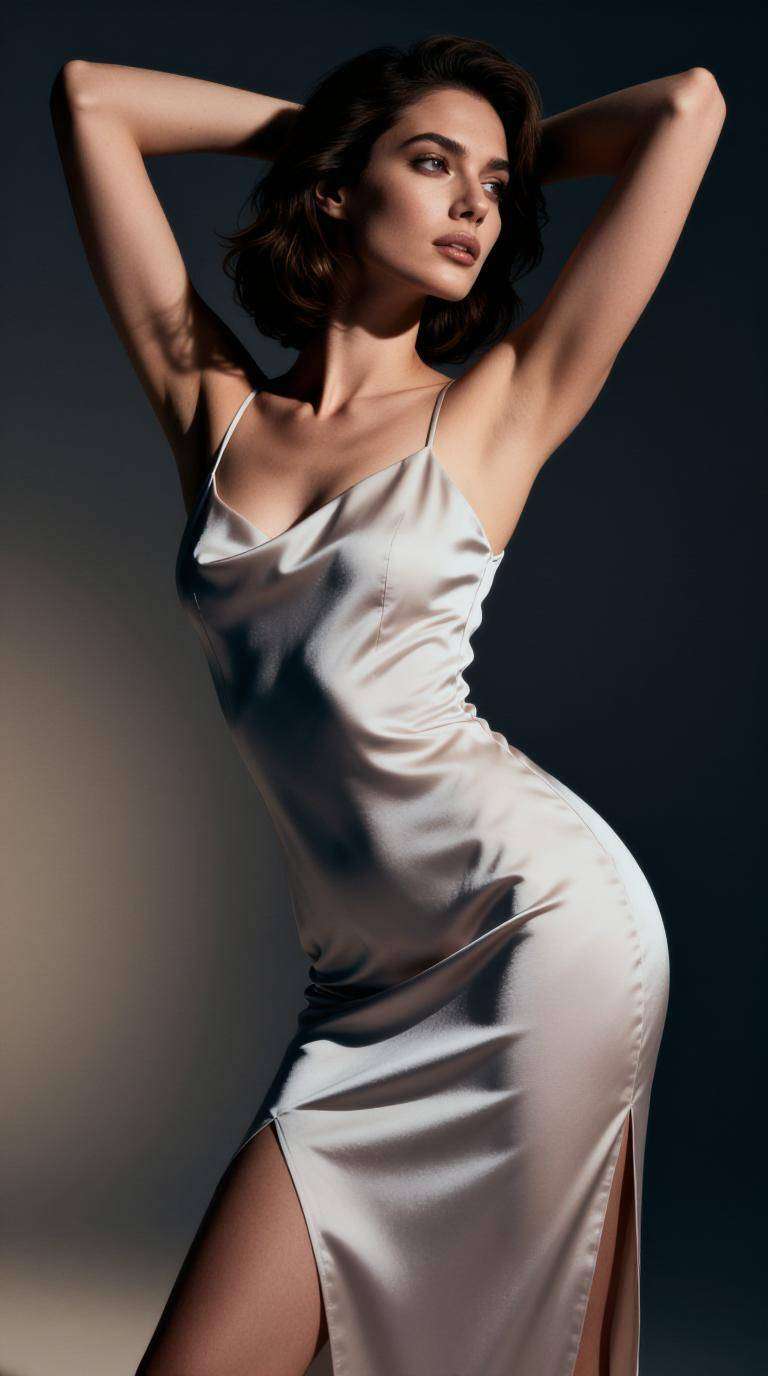
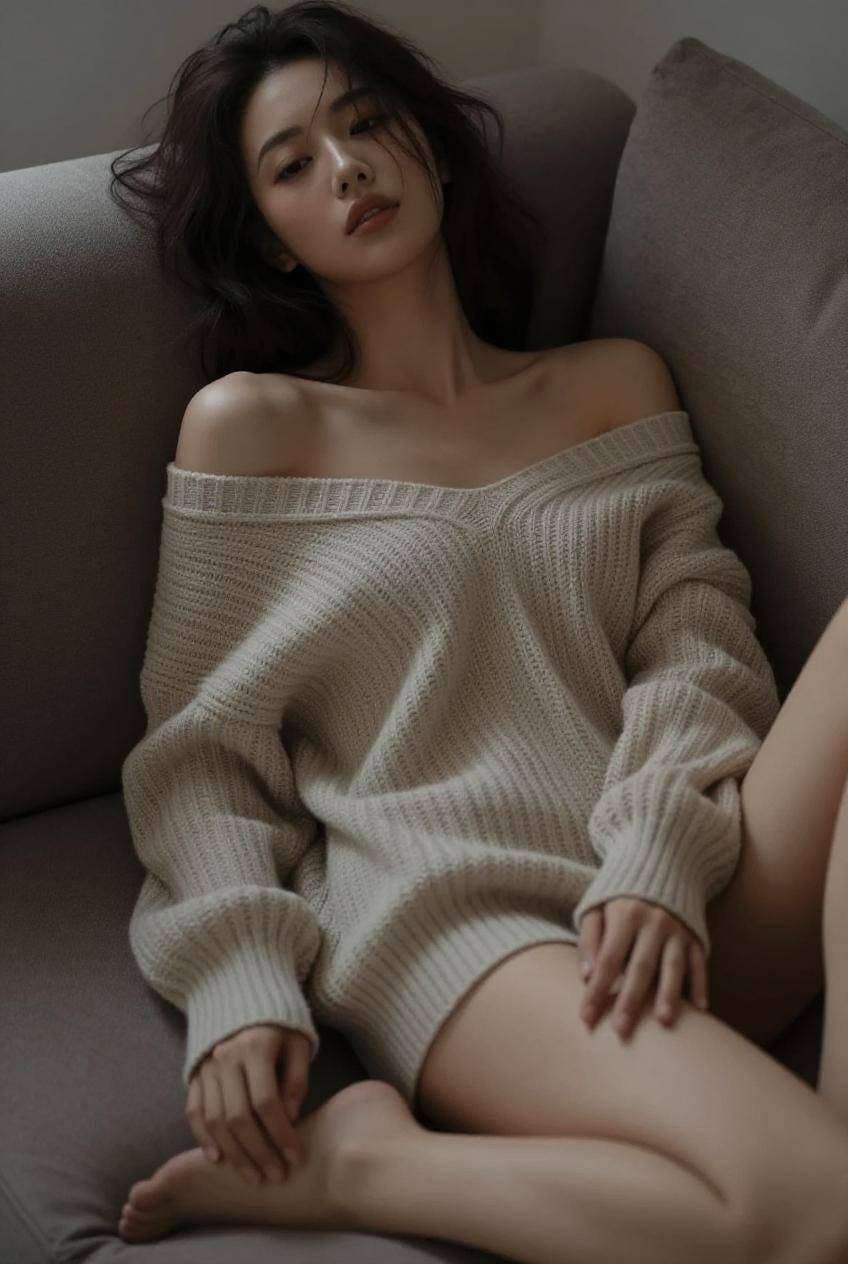
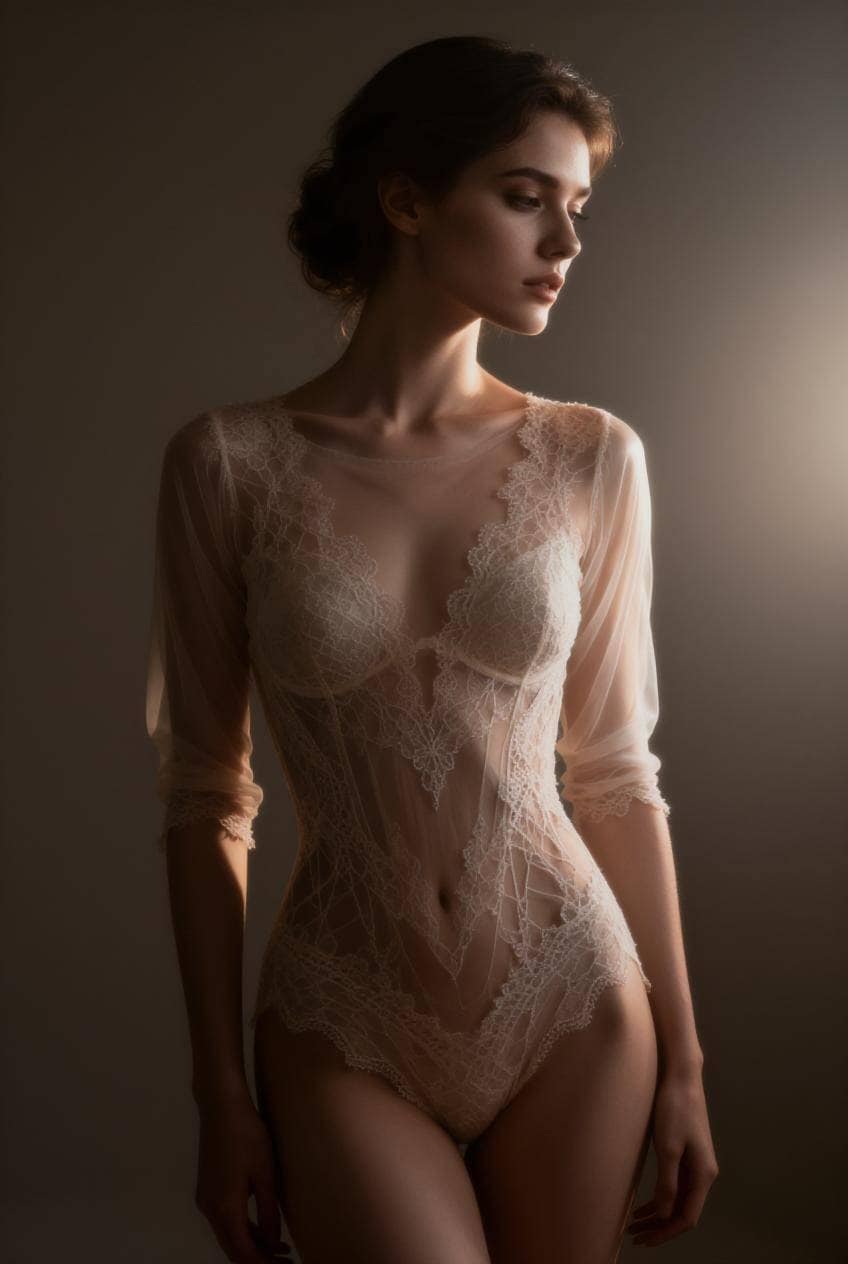
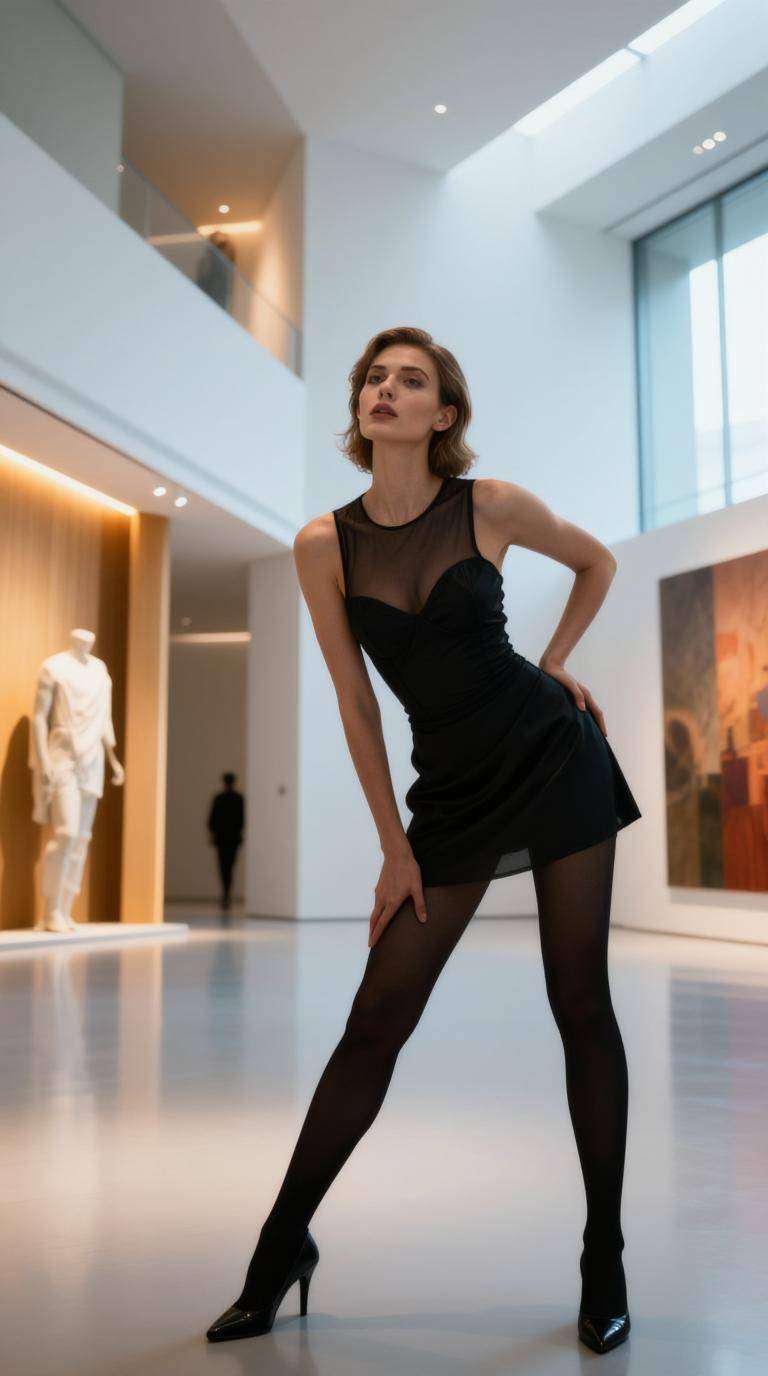
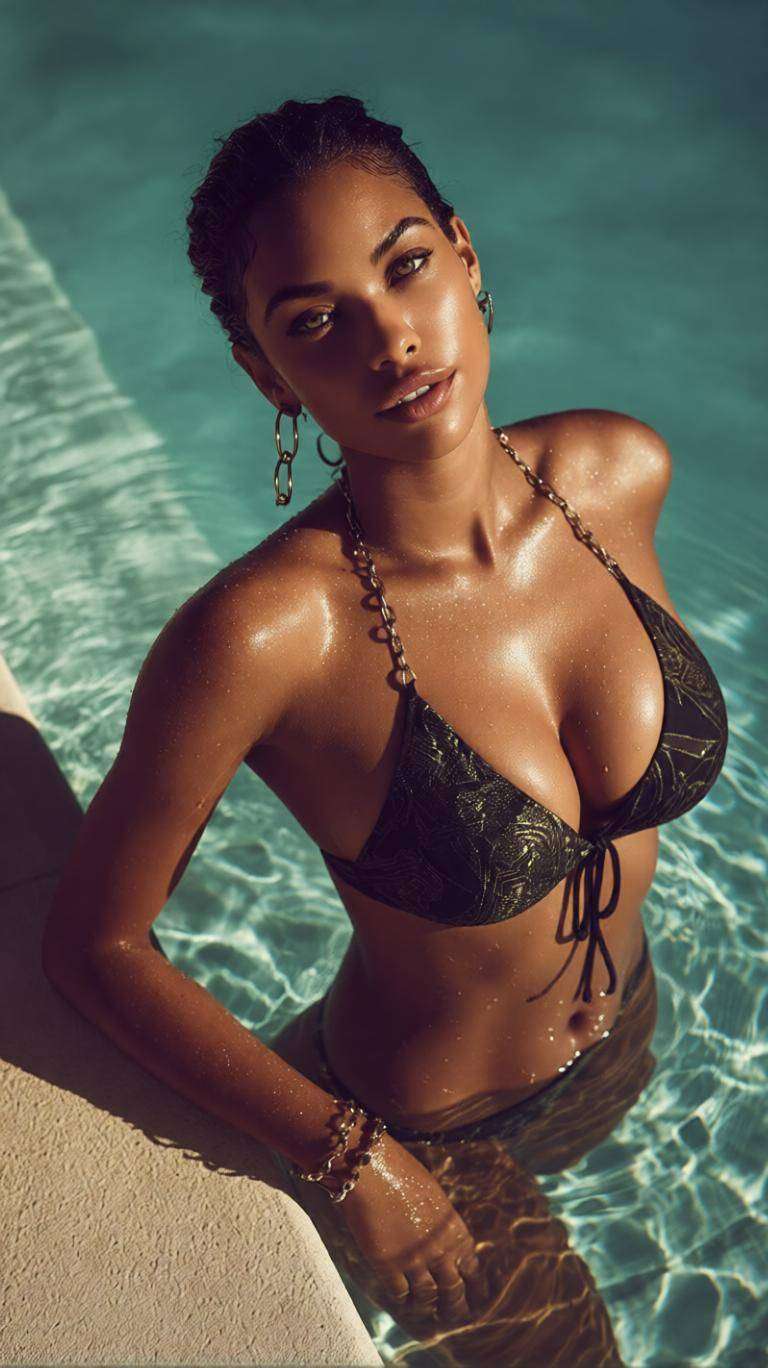
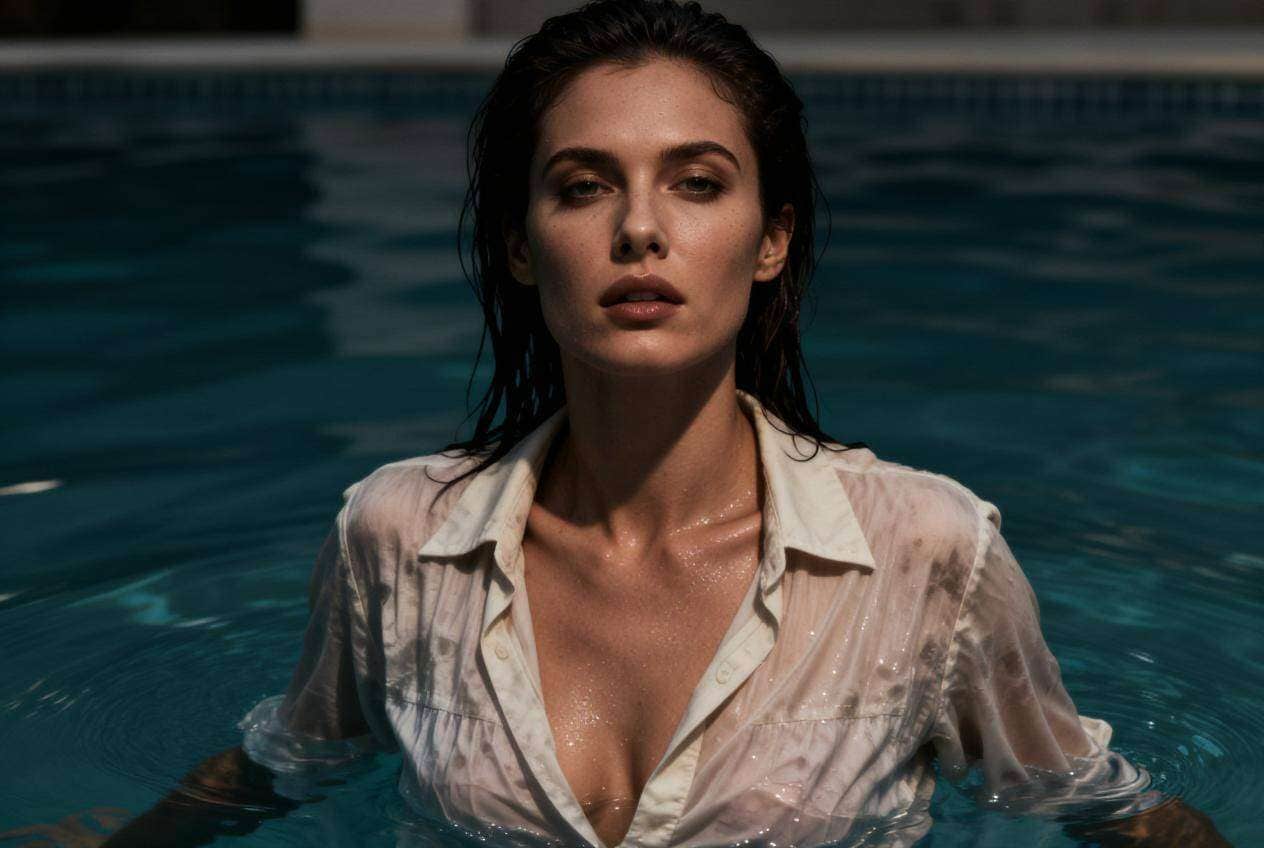
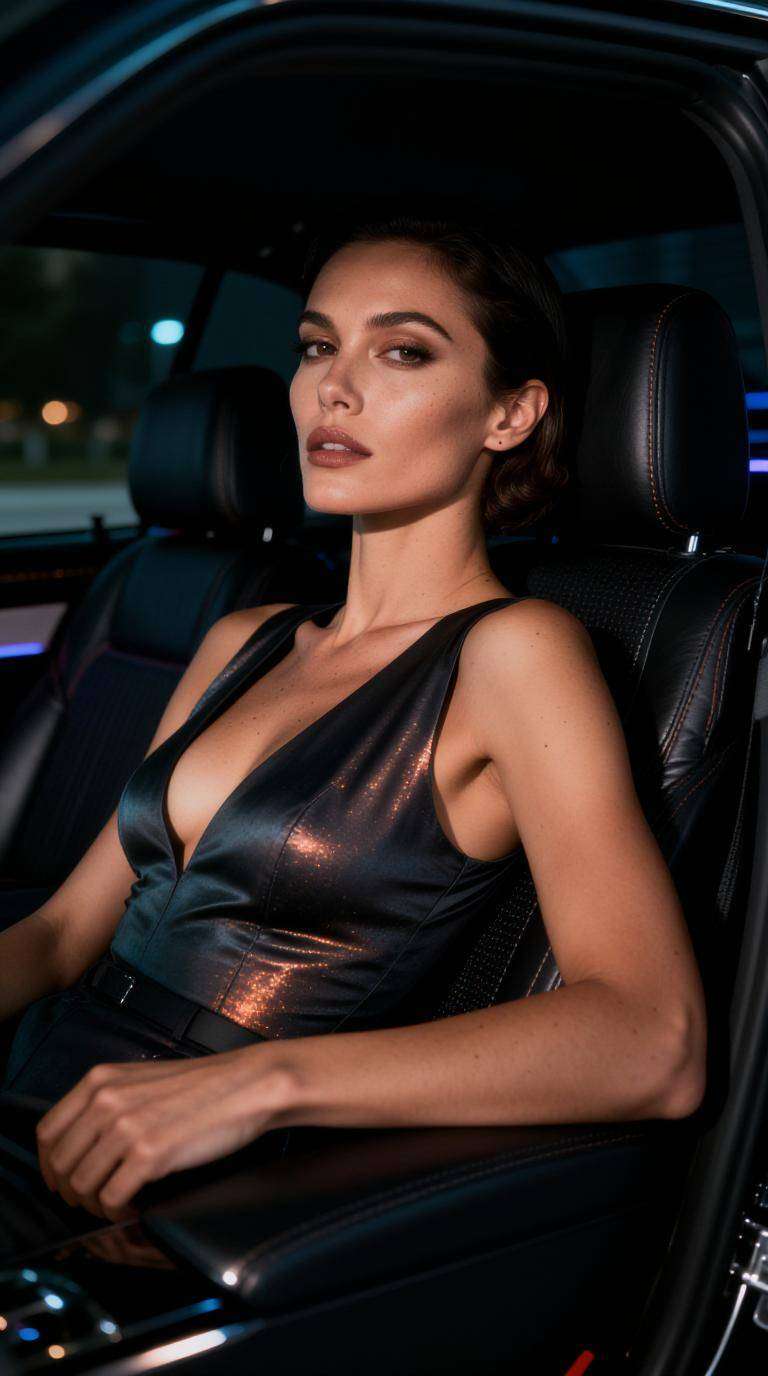
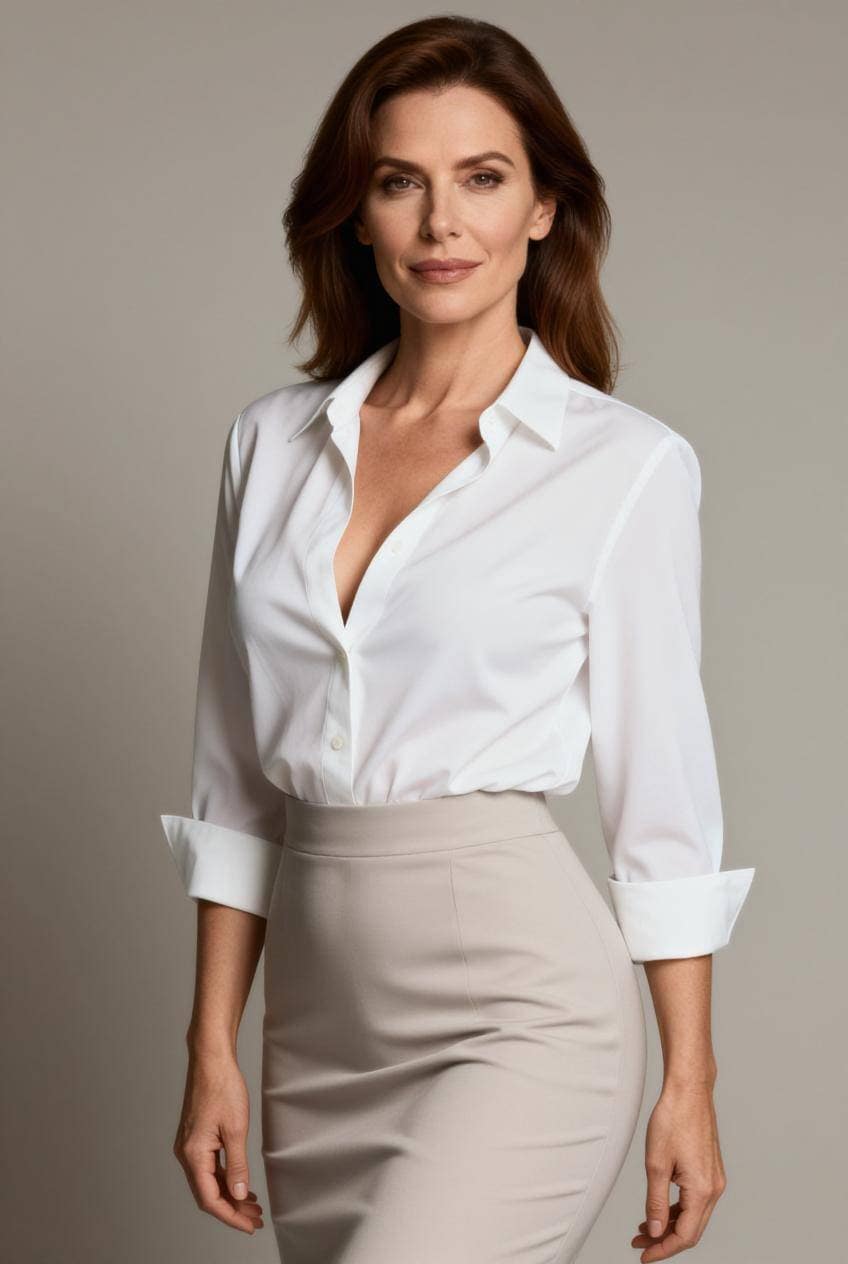
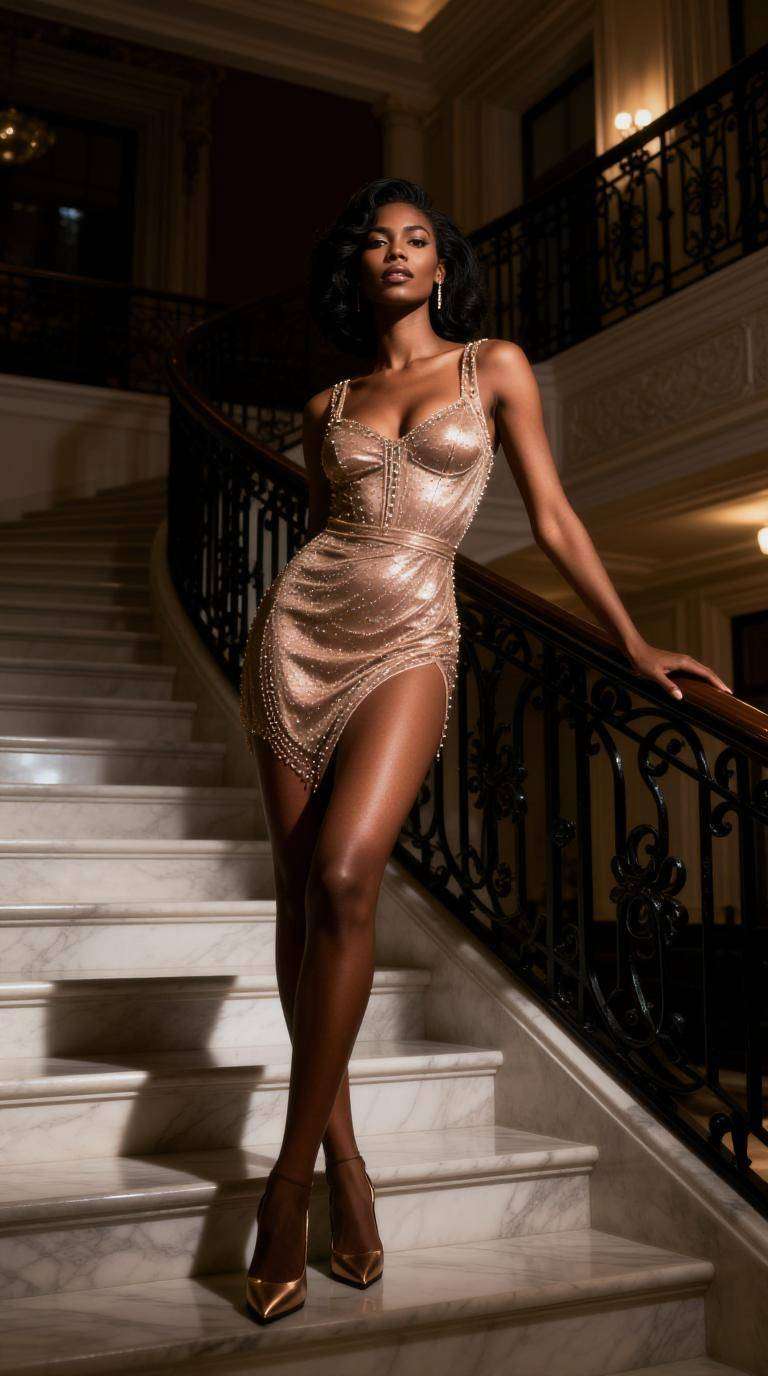
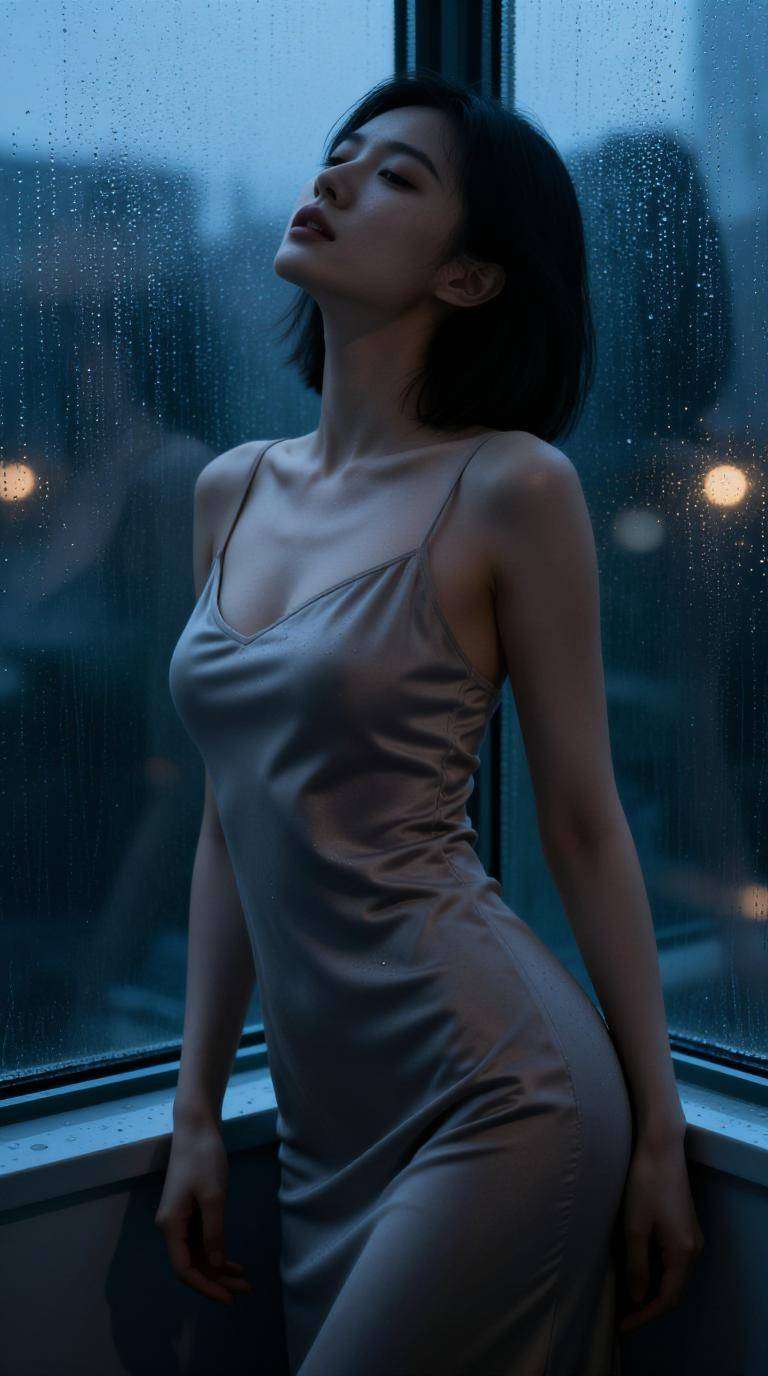
Creative Inspiration: Explore example outputs and prompt ideas for your next project with Media.io's free AI image generator.
Start with a written prompt or upload a reference image to generate original visuals in a way that matches your workflow.
Generate polished AI images with an easy online workflow that works well even if you have no design or editing experience.
Try realistic, fantasy, anime-inspired, editorial, lifestyle, and artistic looks to match different creative ideas and content goals.
Social media graphics
Marketing concepts
Blog and presentation visuals
Portraits, inspiration, and creative experiments
Start with a text idea or a reference photo you want to transform into a new visual style.
Explore different aesthetics such as realistic, artistic, fantasy, anime-inspired, or promotional image styles.
Create your AI image in seconds and save it for content creation, inspiration, marketing, or personal projects.

Content Creator

“Fast visual ideas” I use Media.io when I need fresh content directions for social posts. It helps me explore different looks quickly without spending too much time on manual editing.
Freelance Marketer
“Great for mockups” I use it to make quick ad concepts, blog visuals, and campaign ideas. It's a practical way to test creative direction before moving into full production.
Student Designer
“Easy to explore” I like that I can start with either a prompt or a photo. It works well for class projects, presentation images, and creative portfolio experiments.
A free AI image generator is an online tool that creates images from text prompts or reference photos. It helps users make original visuals quickly for social media, blogs, marketing, presentations, and creative projects.
Yes. Media.io supports both text-to-image and image-to-image workflows, so you can start with a written prompt or upload a photo and transform it into a new style or polished visual direction.
You can create portraits, illustrations, product-style images, social graphics, ad concepts, fantasy scenes, artistic edits, blog visuals, and many other image styles depending on your prompt and reference material.
Yes. The workflow is simple: enter a prompt or upload an image, choose a style, and generate your result. It's designed to be easy to use even if you do not have editing experience.
It works well for creators, marketers, bloggers, students, ecommerce sellers, and anyone who needs quick visual content for personal or professional use.
 4.7 (162,357 Votes)



