Home>Comparison>Claid AI

Claid AI Product Photography: Studio Tools vs API

Ecommerce teams often receive uneven photos from dozens of suppliers. Claid AI concentrates on turning those inputs into consistent catalog visuals through Photoshoot, image enhancement and background APIs. The key decision is whether you need a designer's single image or an automated feed pipeline. Generate a single product-scene variation rather than operate a full catalog image API.

Primary Features of Claid AI Product Photography

Claid AI is an ecommerce product photography and image-enhancement platform that provides AI Photoshoot, generated product backgrounds, retouching, high-resolution image tools and automation APIs.

Core Feature Overview

AI Photoshoot for Products

Build editorial product scenes from an upload, a prompt, an aspect ratio and placement settings. Normalize supplier photos from multiple vendors into a cohesive listing style. Packaging copy and small logos may be distorted during generative retouching and need exact comparison.

Illustrative Media.io workflow graphic, not a Claid AI interface screenshot

Background Generation and Replacement

Create studio and lifestyle backgrounds behind catalog items without reshooting every collection. Place a serum on a textured stone surface without losing its packaging proportions. A web subscription budget is not automatically an API production budget.

Illustrative Media.io workflow graphic, not a Claid AI interface screenshot

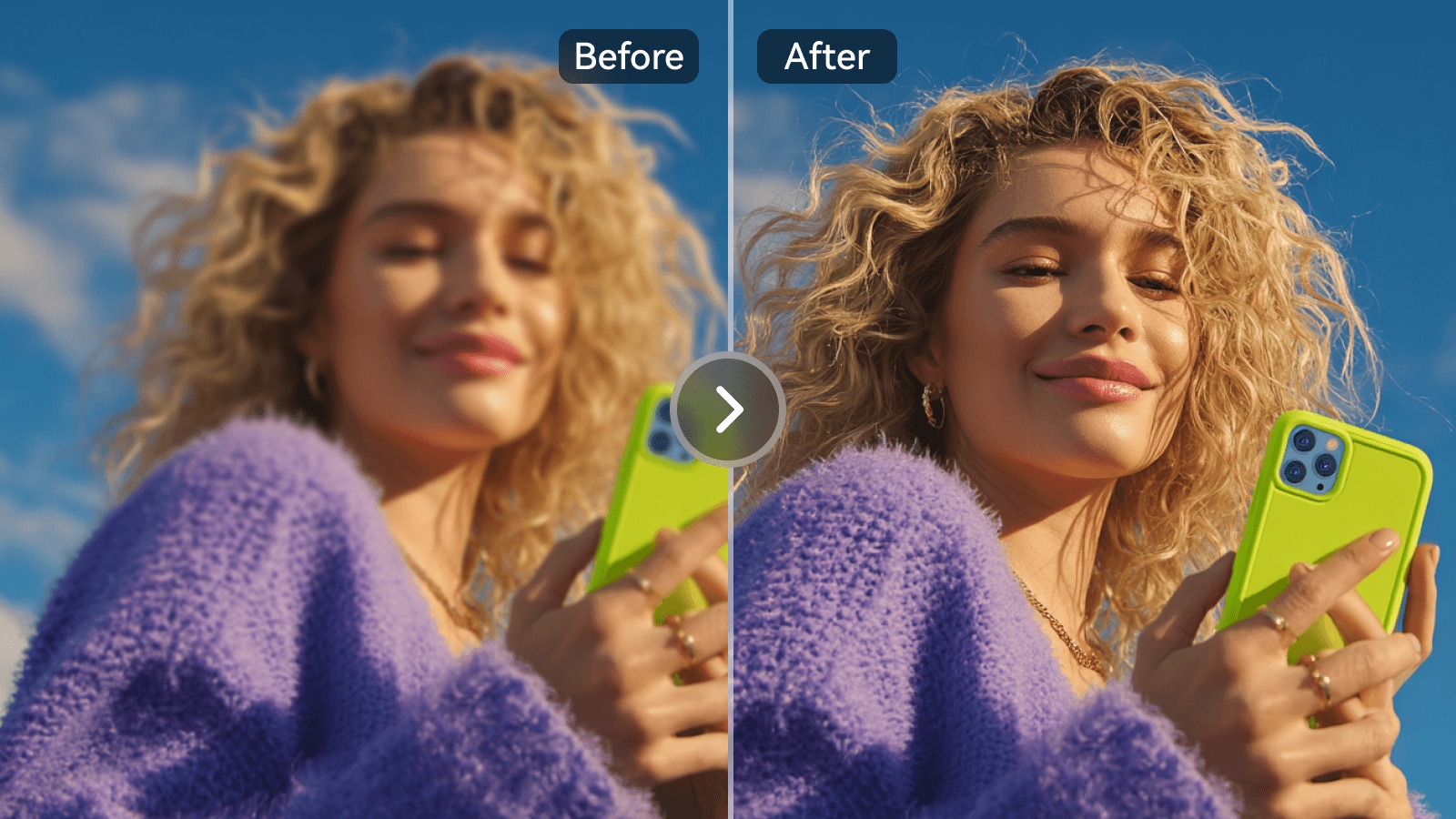
Image Enhancement and Upscaling

Improve ecommerce source photos for marketplaces while checking that labels and textures remain accurate. Produce several holiday-themed product settings for a single approved SKU. Generative scene modes should be evaluated on real SKU fidelity before batch rollout.

Illustrative Media.io workflow graphic, not a Claid AI interface screenshot

Smart Product Retouching

Correct lighting, composition or imperfections in product photos for a more consistent gallery. Use the image API in a product pipeline that handles many thousands of thumbnails. File formats, upload sizes and 2K or 4K features differ between tool and plan tiers.

Illustrative Media.io workflow graphic, not a Claid AI interface screenshot

Batch and API Automation

Integrate background generation or enhancement into high-volume image pipelines with developer documentation. Compare neutral studio white against an outdoor lifestyle scene for the same item. Large product feeds still require spot checks for inaccurate shadows, shapes and color.

Illustrative Media.io workflow graphic, not a Claid AI interface screenshot

Precise Versus Creative Modes

Choose a fidelity-oriented product photoshoot mode or a more exploratory visual direction according to the task. Upscale a rights-cleared image before design export when the source resolution is too low. Motion from a product still is a separate operation rather than evidence every photo plan includes video.

Illustrative Media.io workflow graphic, not a Claid AI interface screenshot

How to Edit Product Photos Online With Media.io

1
2
3
1
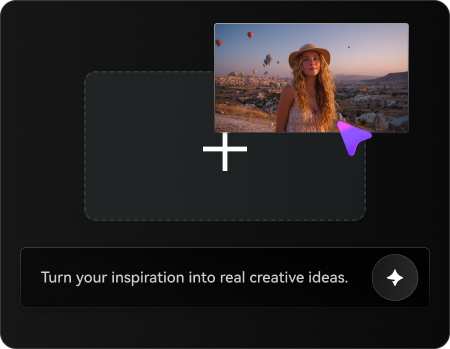
Upload Your Product Photo

Upload a rights-cleared product image and describe the changes you want while keeping key product details intact.

2
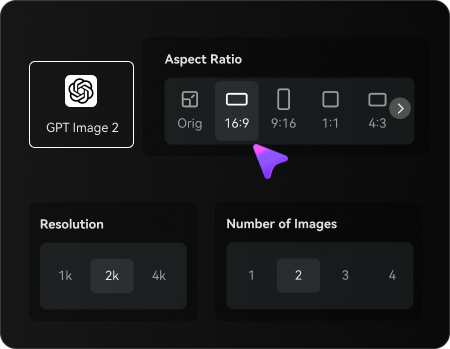
Set Your Image Options

Choose an AI model, adjust the aspect ratio and resolution, and select the number of images to generate.

3
Generate and Review

Generate your edited product photo, check product details and visual accuracy, then refine or regenerate the result before downloading.

Illustrative Media.io workflow graphic, not a Claid AI interface screenshot

Best Use Cases for Claid AI: Product and Design Workflows

Normalize supplier photos from multiple vendors into a cohesive listing style. Other realistic decisions include seasonal product launch and a/b product photography; those jobs test the exact value of ai photoshoot for products before committing to a subscription.

Marketplace Seller Catalog

Normalize supplier photos from multiple vendors into a cohesive listing style. For a related Media.io workflow, see AI AI Product Background Generator.

Skincare Campaign Hero

Place a serum on a textured stone surface without losing its packaging proportions.

Seasonal Product Launch

Produce several holiday-themed product settings for a single approved SKU.

Inventory Feed Processing

Use the image API in a product pipeline that handles many thousands of thumbnails. For a related Media.io workflow, see Lifestyle Product Photography.

A/B Product Photography

Compare neutral studio white against an outdoor lifestyle scene for the same item.

Asset Quality Recovery

Upscale a rights-cleared image before design export when the source resolution is too low.

Claid AI Pricing, Quality Limits and Production Tradeoffs

Packaging copy and small logos may be distorted during generative retouching and need exact comparison. File formats, upload sizes and 2K or 4K features differ between tool and plan tiers. These tradeoffs matter for a/b product photography as much as they do for a first sample.

Preserving Label Text Is Critical

Packaging copy and small logos may be distorted during generative retouching and need exact comparison.

Web and API Pricing Are Separate

A web subscription budget is not automatically an API production budget.

Creative Backgrounds Can Change Product Details

Generative scene modes should be evaluated on real SKU fidelity before batch rollout.

Upload and Resolution Limits Vary

File formats, upload sizes and 2K or 4K features differ between tool and plan tiers.

Batch Output Needs Human Sampling

Large product feeds still require spot checks for inaccurate shadows, shapes and color.

Video Workflows Are Separate

Motion from a product still is a separate operation rather than evidence every photo plan includes video.

Claid AI vs Media.io: Features, Pricing and Best Uses

Claid AI is designed around SKU-scale image enhancement and product scene generation for ecommerce catalogs. Generate a single product-scene variation rather than operate a full catalog image API. A meaningful comparison must account for web and api pricing are separate and inventory feed processing rather than assuming the products are interchangeable.

Decision Factor Claid AI Media.io
Primary creation task SKU-scale image enhancement and product scene generation for ecommerce catalogs creative image transformations from existing photos
Distinctive feature AI Photoshoot for Products. Build editorial product scenes from an upload, a prompt, an aspect ratio and placement settings. Generate a single product-scene variation rather than operate a full catalog image API.
Source and reference Improve ecommerce source photos for marketplaces while checking that labels and textures remain accurate. Try browser-based product background editing on a limited set of licensed photos.
Typical production result Use the image API in a product pipeline that handles many thousands of thumbnails. Explore image enhancement separately when the source asset needs cleanup.
Limits to examine Packaging copy and small logos may be distorted during generative retouching and need exact comparison. Make campaign concepts for a hero SKU without assuming Claid-style batch automation.
Iteration or credits Claid lists a free Studio trial and paid web plans with distinct monthly credit and resolution allowances; its API operations have separate published pricing, so web and programmatic volume costs must be compared. Review small packaging text and product colors after each generated edit.
Workflow complexityCorrect lighting, composition or imperfections in product photos for a more consistent gallery.Budget against finished individual product visuals, not Claid Studio API throughput.
Rights and quality Motion from a product still is a separate operation rather than evidence every photo plan includes video. Review small packaging text and product colors after each generated edit. Check licensing and output details on both services.
Best-fit audience SKU-scale image enhancement and product scene generation for ecommerce catalogs Budget against finished individual product visuals, not Claid Studio API throughput.
Best for Claid AI

Choose Claid AI If You Need:

Build editorial product scenes from an upload, a prompt, an aspect ratio and placement settings. In particular, Normalize supplier photos from multiple vendors into a cohesive listing style. Packaging copy and small logos may be distorted during generative retouching and need exact comparison.

  • Marketplace Seller Catalog: Normalize supplier photos from multiple vendors into a cohesive listing style.
  • Skincare Campaign Hero: Place a serum on a textured stone surface without losing its packaging proportions.
  • Seasonal Product Launch: Produce several holiday-themed product settings for a single approved SKU.
  • Inventory Feed Processing: Use the image API in a product pipeline that handles many thousands of thumbnails.
  • A/B Product Photography: Compare neutral studio white against an outdoor lifestyle scene for the same item.
Visit Claid AI
Best for Media.io

Choose Media.io If You Need:

Generate a single product-scene variation rather than operate a full catalog image API. Budget against finished individual product visuals, not Claid Studio API throughput.

  • Generate a single product-scene variation rather than operate a full catalog image API.
  • Try browser-based product background editing on a limited set of licensed photos.
    • Explore image enhancement separately when the source asset needs cleanup.
  • Make campaign concepts for a hero SKU without assuming Claid-style batch automation.
  • Review small packaging text and product colors after each generated edit.
Create AI Product Images With Media.io

Is Claid AI Worth It? Our Final Verdict

Our Take

Normalize supplier photos from multiple vendors into a cohesive listing style. Build editorial product scenes from an upload, a prompt, an aspect ratio and placement settings. A more telling test is seasonal product launch: Produce several holiday-themed product settings for a single approved SKU.

Packaging copy and small logos may be distorted during generative retouching and need exact comparison. A web subscription budget is not automatically an API production budget. On cost, claid lists a free Studio trial and paid web plans with distinct monthly credit and resolution allowances; its API operations have separate published pricing, so web and programmatic volume costs must be compared. For a/b product photography, large product feeds still require spot checks for inaccurate shadows, shapes and color.

Use Claid AI for SKU-scale image enhancement and product scene generation for ecommerce catalogs, particularly skincare campaign hero. Make campaign concepts for a hero SKU without assuming Claid-style batch automation. Budget against finished individual product visuals, not Claid Studio API throughput.

Claid AI FAQ: Features, Pricing and Alternatives

What is Claid AI used for?
faq faq

Claid AI is an ecommerce product photography and image-enhancement platform that provides AI Photoshoot, generated product backgrounds, retouching, high-resolution image tools and automation APIs.

Build editorial product scenes from an upload, a prompt, an aspect ratio and placement settings.

Place a serum on a textured stone surface without losing its packaging proportions. Generative scene modes should be evaluated on real SKU fidelity before batch rollout.

Smart Product Retouching: Correct lighting, composition or imperfections in product photos for a more consistent gallery.

Claid lists a free web trial with 50 credits and separate introductory API credits, not an unlimited catalog production plan.

Claid lists a free Studio trial and paid web plans with distinct monthly credit and resolution allowances; its API operations have separate published pricing, so web and programmatic volume costs must be compared.

A web subscription budget is not automatically an API production budget. Large product feeds still require spot checks for inaccurate shadows, shapes and color.

Normalize supplier photos from multiple vendors into a cohesive listing style. Generate a single product-scene variation rather than operate a full catalog image API. This distinction matters because packaging copy and small logos may be distorted during generative retouching and need exact comparison.

Claid AI addresses SKU-scale image enhancement and product scene generation for ecommerce catalogs. Make campaign concepts for a hero SKU without assuming Claid-style batch automation. For the specialist use case, motion from a product still is a separate operation rather than evidence every photo plan includes video.

What Media.io Creators Say About Their Workflow

Media.io AI video generator user
Sarah L.

Content Creator

star star star star half star

Media.io makes it much easier to test different AI video styles without jumping between several platforms. I can start with a text prompt or image, compare model results, and then resize or polish the clip for social media in the same workspace.

Media.io AI video creator
John D.

Social Media Marketer

star star star star half star

I use Media.io to create quick product clips, ad concepts, and short-form videos from images. The biggest advantage is that generation does not feel like the final step - I can continue with music, captions, enhancement, and format conversion before publishing.

Media.io AI video editing user
Emily T.

Freelance Designer

star star star star half star

The workflow is approachable even when I am experimenting with unfamiliar AI models. I can animate artwork, try different motion prompts, preview the output, and prepare a cleaner final version without needing advanced video-editing experience.

Media.io Online Tools Quality Rating:
vote 4.7 (162,357 Votes)
media.io

AI Video Generator star

Easily generate videos from text or images

Generate