Home>Comparison>Botika AI

Botika AI for Fashion Product Photography: Best Fit

Apparel photography fails if a sleeve, seam or fabric print looks different from the real item. Botika AI specializes in turning garment imagery into model-led assets, with tiered retouch support and export resolution. Those details matter more than a generic image-generation benchmark. Explore fashion concepts and backgrounds without implying every garment can be faithfully fitted to a model.

Primary Features of Botika AI Fashion Photography

Botika AI is a fashion ecommerce imaging platform that turns existing garment photographs into AI model imagery, with fashion model selection, background styling, retouch requests and tier-dependent export quality.

Core Feature Overview

AI Fashion Models for Apparel

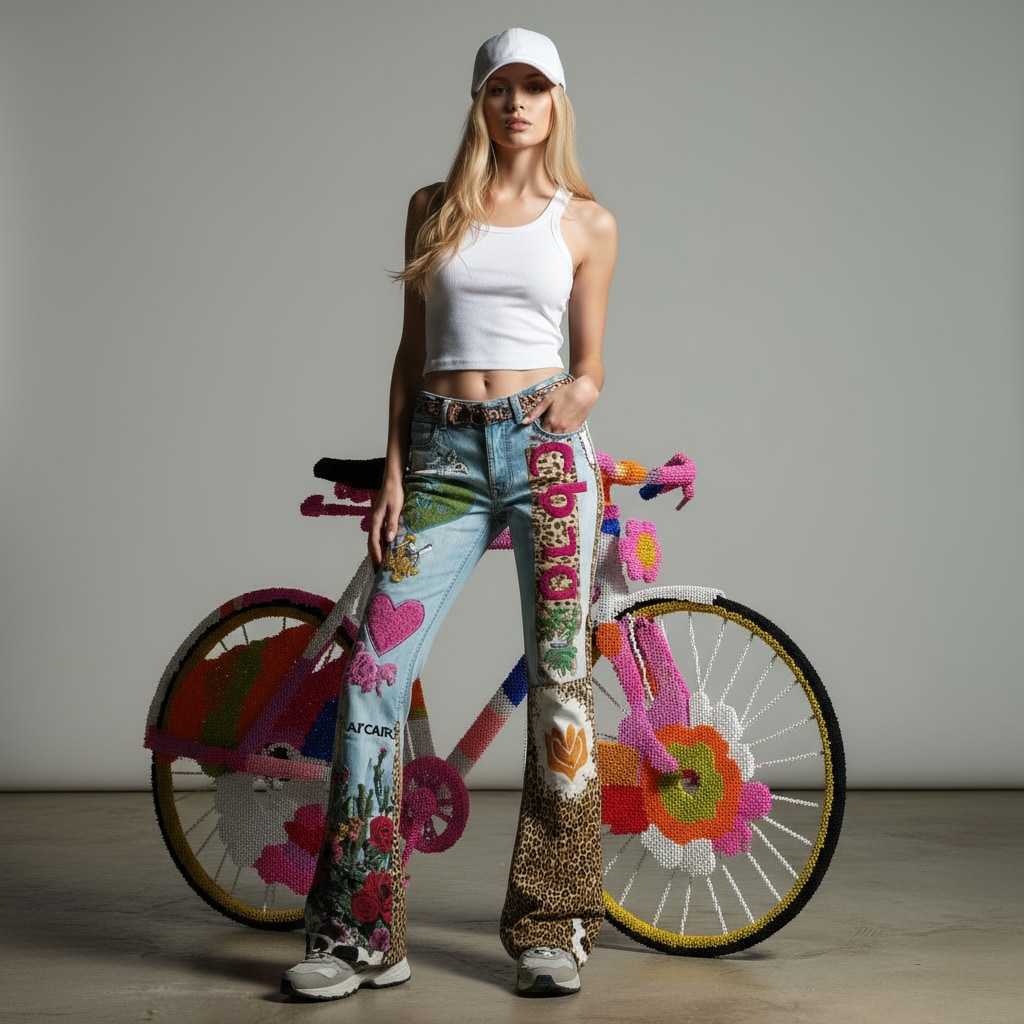
Place clothing on synthetic fashion models without scheduling a full model photoshoot for every catalog item. Turn flat garment imagery into several styled model shots before catalog launch. Patterns, seams, fit and garment details can differ in generated images and must be reviewed against source photography.

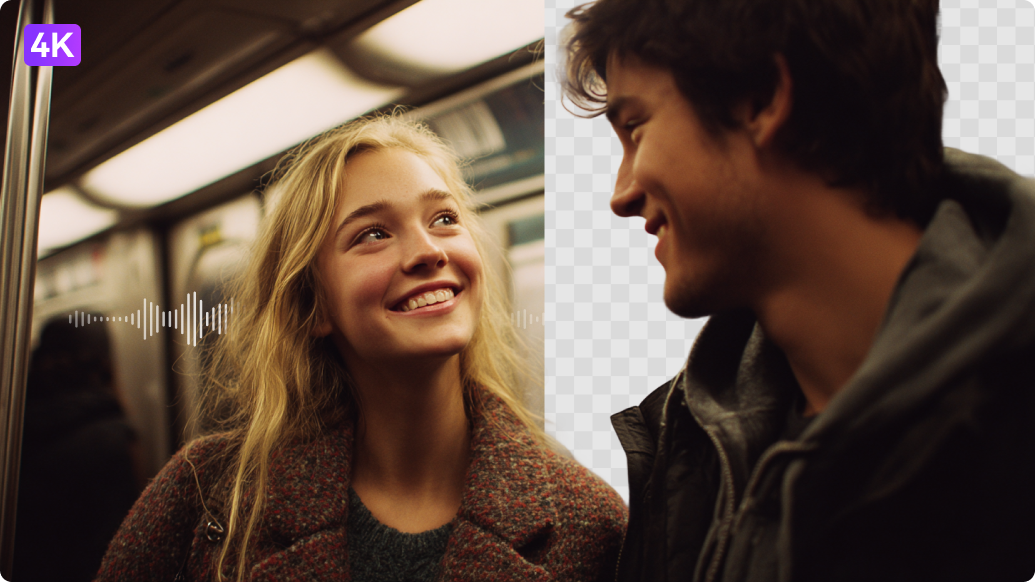
Illustrative Media.io workflow graphic, not a Botika AI interface screenshot

Garment-Focused Image Transformation

Turn eligible source product photographs into model-led ecommerce imagery while reviewing garment shape. Show a range of approved digital models across a clothing collection. Correction rounds and their service times differ by subscription tier.

Illustrative Media.io workflow graphic, not a Botika AI interface screenshot

Fashion Background Choices

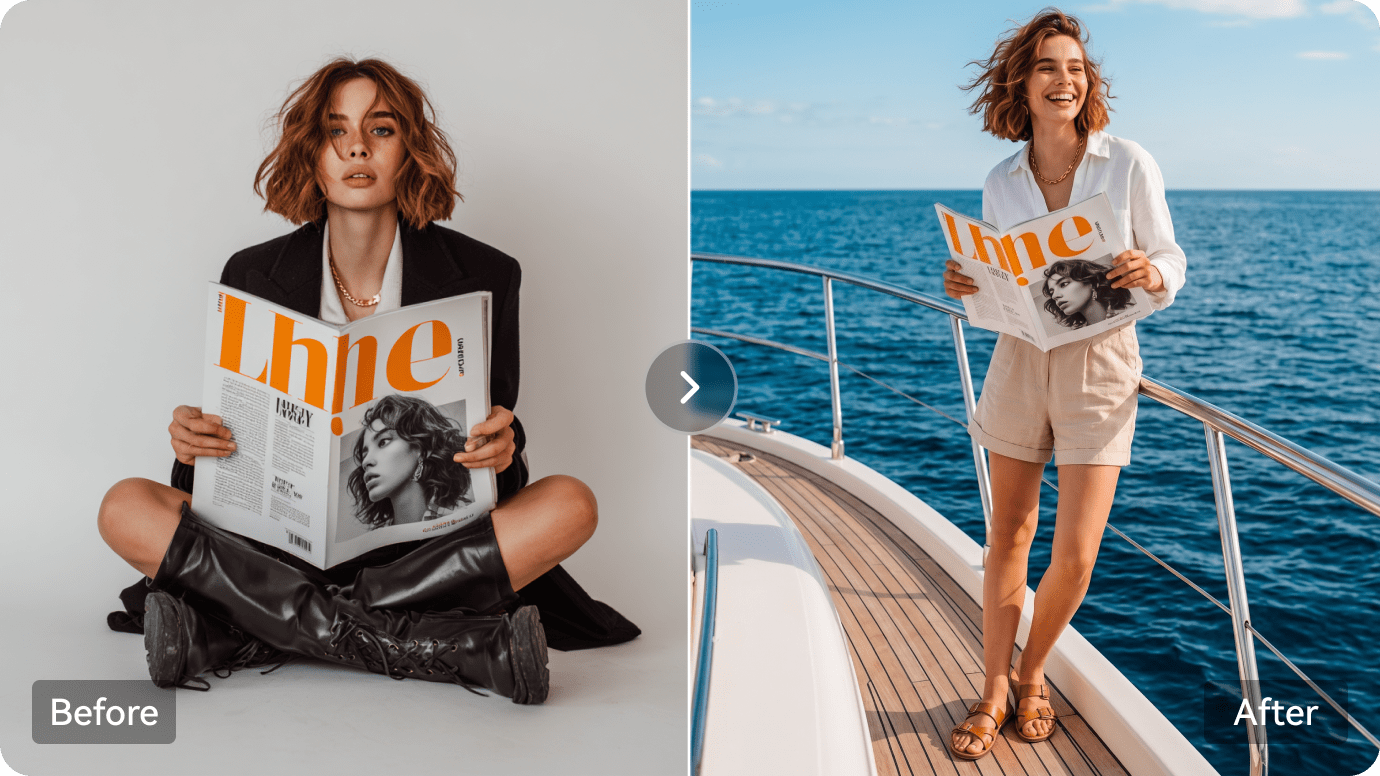
Test backgrounds and studio looks for a consistent online apparel collection. Build a consistent visual direction for dresses and jackets with closely checked seams. The official plan table distinguishes 2K from 4K image availability.

Illustrative Media.io workflow graphic, not a Botika AI interface screenshot

Human Retouch Request Rounds

Certain plans include a published number of requested photo corrections and delivery timing. Use compatible model images to visualize an outfit including uploaded footwear where supported. Published yearly billing and up-front credits can make the effective monthly price look misleading.

Illustrative Media.io workflow graphic, not a Botika AI interface screenshot

Resolution and Plan Differences

Compare tier-specific 2K and 4K export allowances before creating premium product detail photos. Send approved retouch requests for problem images rather than rerender every SKU. Synthetic clothing presentation cannot verify real-world fit for a specific customer.

Illustrative Media.io workflow graphic, not a Botika AI interface screenshot

Team and High-Volume Options

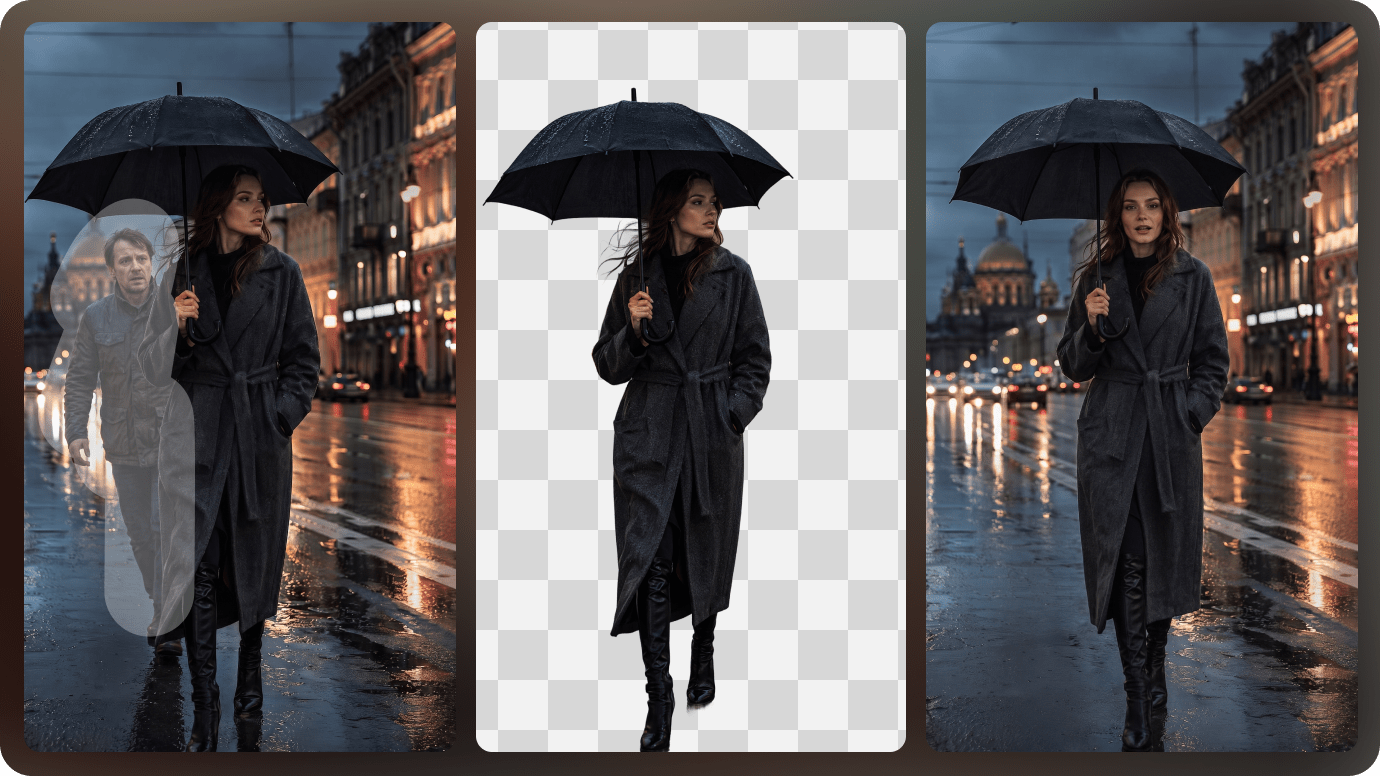
Evaluate shared workflows and higher-volume custom terms when managing seasonal fashion inventory. Forecast image credits and turnaround for hundreds of color and size variants. Use authorized source imagery and check disclosures, trademarks and claims before publishing.
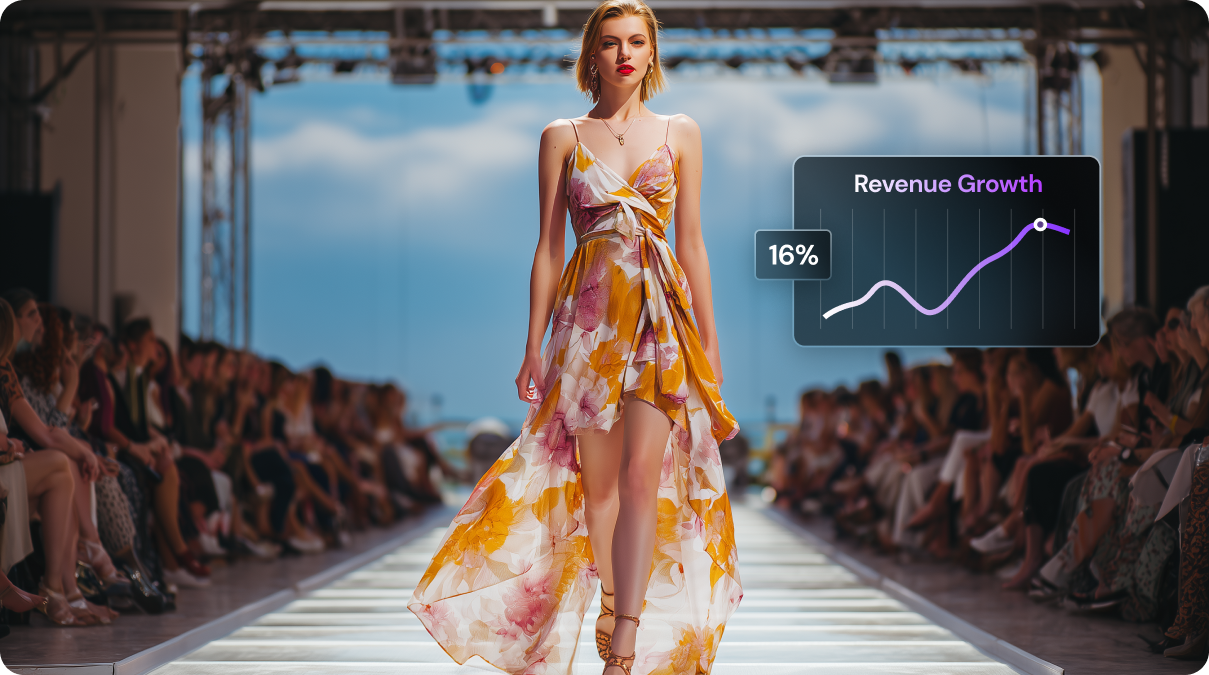
Illustrative Media.io workflow graphic, not a Botika AI interface screenshot

How to Edit Product Photos Online With Media.io

1
2
3
1
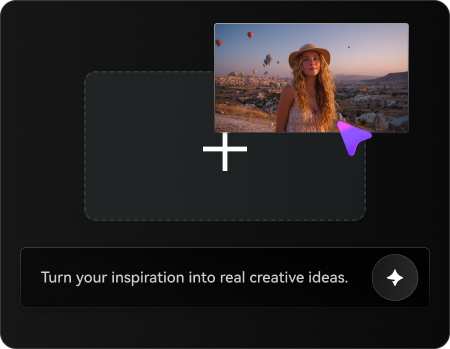
Upload your source product photo

Upload a clear, rights-cleared product image and describe the changes you want to make.

2
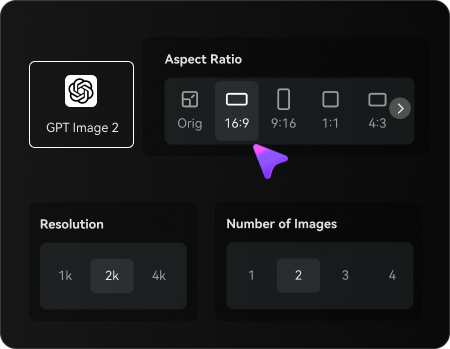
Set Your Image Options

Choose an AI model, adjust the aspect ratio and resolution, and select the number of images to generate.

3
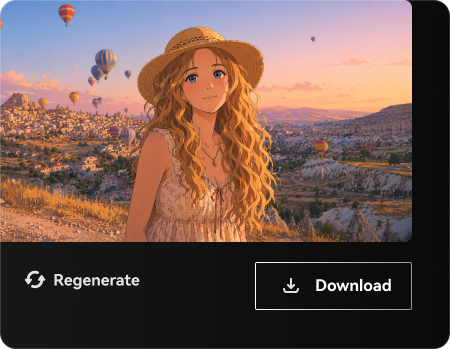
Generate and Review

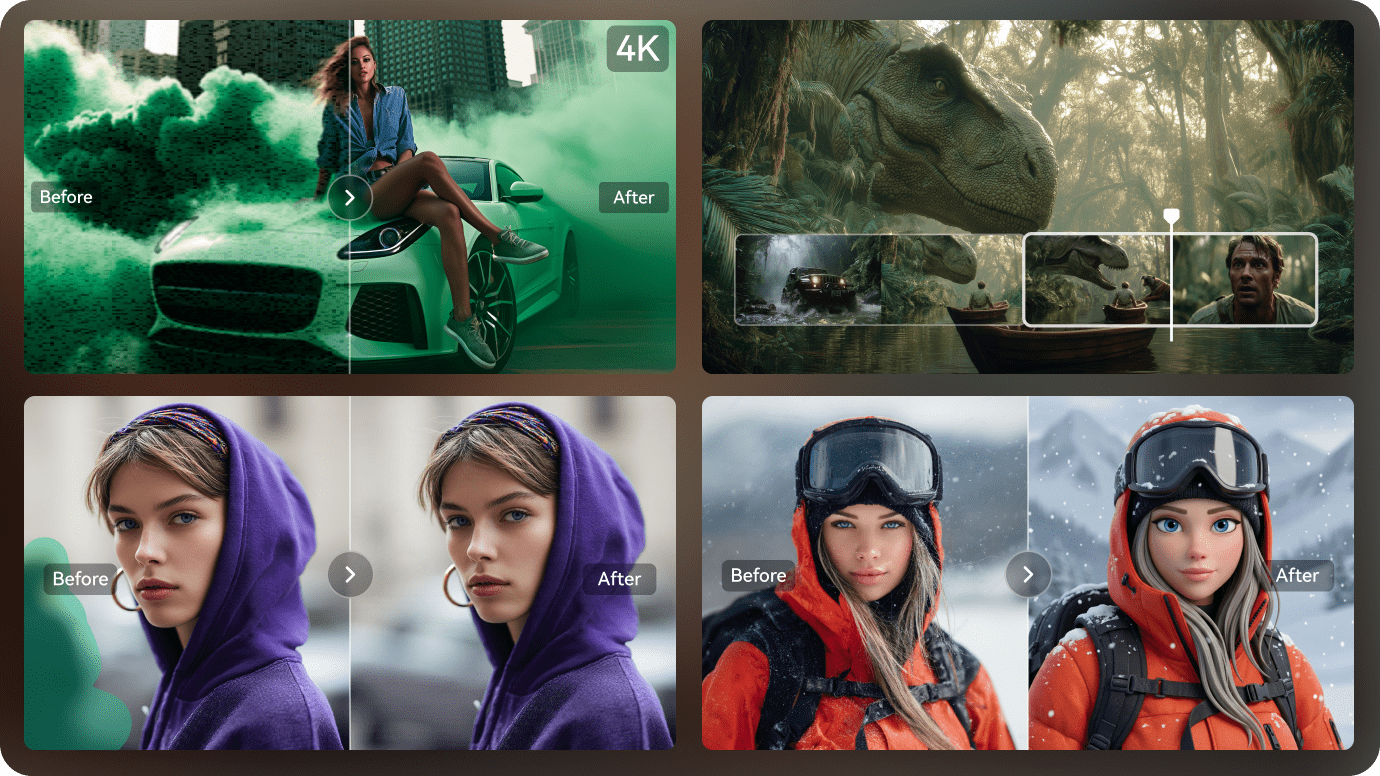
Generate your edited product photos, check product details and visual accuracy, then refine or download your preferred result.

Illustrative Media.io workflow graphic, not a Botika AI interface screenshot

Best Use Cases for Botika AI: Product and Design Workflows

Turn flat garment imagery into several styled model shots before catalog launch. Other realistic decisions include boutique product detail page and retail team approval; those jobs test the exact value of ai fashion models for apparel before committing to a subscription.

New Season Clothing Drop

Turn flat garment imagery into several styled model shots before catalog launch. For a related Media.io workflow, see Fashion Model Generator.

Diverse Storefront Campaign

Show a range of approved digital models across a clothing collection.

Boutique Product Detail Page

Build a consistent visual direction for dresses and jackets with closely checked seams.

Footwear Styling Preview

Use compatible model images to visualize an outfit including uploaded footwear where supported. For a related Media.io workflow, see Fashion Photography.

Retail Team Approval

Send approved retouch requests for problem images rather than rerender every SKU.

High-volume Collection Launch

Forecast image credits and turnaround for hundreds of color and size variants.

Botika AI Pricing, Quality Limits and Production Tradeoffs

Patterns, seams, fit and garment details can differ in generated images and must be reviewed against source photography. Published yearly billing and up-front credits can make the effective monthly price look misleading. These tradeoffs matter for retail team approval as much as they do for a first sample.

Fashion Fidelity Needs Inspection

Patterns, seams, fit and garment details can differ in generated images and must be reviewed against source photography.

Retouch Quotas Are Plan-Specific

Correction rounds and their service times differ by subscription tier.

High-Resolution Is Not Universal

The official plan table distinguishes 2K from 4K image availability.

Annual Credits Are Not Monthly Credits

Published yearly billing and up-front credits can make the effective monthly price look misleading.

A Model Image Is Not a Size Guarantee

Synthetic clothing presentation cannot verify real-world fit for a specific customer.

Consent and Brand Policy Still Matter

Use authorized source imagery and check disclosures, trademarks and claims before publishing.

Botika AI vs Media.io: Features, Pricing and Best Uses

Botika AI is designed around garment-first AI fashion model photography for online stores and fashion brands. Explore fashion concepts and backgrounds without implying every garment can be faithfully fitted to a model. A meaningful comparison must account for retouch quotas are plan-specific and footwear styling preview rather than assuming the products are interchangeable.

Decision Factor Botika AI Media.io
Primary creation task garment-first AI fashion model photography for online stores and fashion brands creative image transformations from existing photos
Distinctive feature AI Fashion Models for Apparel. Place clothing on synthetic fashion models without scheduling a full model photoshoot for every catalog item. Explore fashion concepts and backgrounds without implying every garment can be faithfully fitted to a model.
Source and reference Test backgrounds and studio looks for a consistent online apparel collection. Try related Media.io fashion model imagery when a simple styled marketing concept is enough.
Typical production result Use compatible model images to visualize an outfit including uploaded footwear where supported. Use photo editing for surrounding scenes rather than replacing a rigorous garment accuracy process.
Limits to examine Patterns, seams, fit and garment details can differ in generated images and must be reviewed against source photography. Develop short fashion ad concepts with an existing rights-cleared apparel product image.
Iteration or credits Its pricing page separates Pro and Advanced image quality, retouch allowance and model selection; annual billing and up-front annual credits should not be confused with monthly usage. Inspect sleeve length, seams and fabric print instead of trusting attractive AI imagery alone.
Workflow complexityCertain plans include a published number of requested photo corrections and delivery timing.Choose Botika for specialist retouch service and garment catalog production when those are necessary.
Rights and quality Use authorized source imagery and check disclosures, trademarks and claims before publishing. Inspect sleeve length, seams and fabric print instead of trusting attractive AI imagery alone. Check licensing and output details on both services.
Best-fit audience garment-first AI fashion model photography for online stores and fashion brands Choose Botika for specialist retouch service and garment catalog production when those are necessary.
Best for Botika AI

Choose Botika AI If You Need:

Place clothing on synthetic fashion models without scheduling a full model photoshoot for every catalog item. In particular, Turn flat garment imagery into several styled model shots before catalog launch. Patterns, seams, fit and garment details can differ in generated images and must be reviewed against source photography.

  • New Season Clothing Drop: Turn flat garment imagery into several styled model shots before catalog launch.
  • Diverse Storefront Campaign: Show a range of approved digital models across a clothing collection.
  • Boutique Product Detail Page: Build a consistent visual direction for dresses and jackets with closely checked seams.
  • Footwear Styling Preview: Use compatible model images to visualize an outfit including uploaded footwear where supported.
  • Retail Team Approval: Send approved retouch requests for problem images rather than rerender every SKU.
Visit Botika AI
Best for Media.io

Choose Media.io If You Need:

Explore fashion concepts and backgrounds without implying every garment can be faithfully fitted to a model. Choose Botika for specialist retouch service and garment catalog production when those are necessary.

  • Explore fashion concepts and backgrounds without implying every garment can be faithfully fitted to a model.
  • Try related Media.io fashion model imagery when a simple styled marketing concept is enough.
    • Use photo editing for surrounding scenes rather than replacing a rigorous garment accuracy process.
  • Develop short fashion ad concepts with an existing rights-cleared apparel product image.
  • Inspect sleeve length, seams and fabric print instead of trusting attractive AI imagery alone.
Create Fashion Images With Media.io

Is Botika AI Worth It? Our Final Verdict

Our Take

Turn flat garment imagery into several styled model shots before catalog launch. Place clothing on synthetic fashion models without scheduling a full model photoshoot for every catalog item. A more telling test is boutique product detail page: Build a consistent visual direction for dresses and jackets with closely checked seams.

Patterns, seams, fit and garment details can differ in generated images and must be reviewed against source photography. Correction rounds and their service times differ by subscription tier. On cost, its pricing page separates Pro and Advanced image quality, retouch allowance and model selection; annual billing and up-front annual credits should not be confused with monthly usage. For retail team approval, synthetic clothing presentation cannot verify real-world fit for a specific customer.

Use Botika AI for garment-first AI fashion model photography for online stores and fashion brands, particularly diverse storefront campaign. Develop short fashion ad concepts with an existing rights-cleared apparel product image. Choose Botika for specialist retouch service and garment catalog production when those are necessary.

Botika AI FAQ: Features, Pricing and Alternatives

What is Botika AI used for?
faq faq

Botika AI is a fashion ecommerce imaging platform that turns existing garment photographs into AI model imagery, with fashion model selection, background styling, retouch requests and tier-dependent export quality.

Place clothing on synthetic fashion models without scheduling a full model photoshoot for every catalog item.

Show a range of approved digital models across a clothing collection. The official plan table distinguishes 2K from 4K image availability.

Human Retouch Request Rounds: Certain plans include a published number of requested photo corrections and delivery timing.

Botika offers a start-for-free entry point, but export quality, retouch service and output quantities are tied to the chosen paid plan.

Its pricing page separates Pro and Advanced image quality, retouch allowance and model selection; annual billing and up-front annual credits should not be confused with monthly usage.

Correction rounds and their service times differ by subscription tier. Synthetic clothing presentation cannot verify real-world fit for a specific customer.

Turn flat garment imagery into several styled model shots before catalog launch. Explore fashion concepts and backgrounds without implying every garment can be faithfully fitted to a model. This distinction matters because patterns, seams, fit and garment details can differ in generated images and must be reviewed against source photography.

Botika AI addresses garment-first AI fashion model photography for online stores and fashion brands. Develop short fashion ad concepts with an existing rights-cleared apparel product image. For the specialist use case, use authorized source imagery and check disclosures, trademarks and claims before publishing.

What Media.io Creators Say About Their Workflow

Media.io AI video generator user
Sarah L.

Content Creator

star star star star half star

Media.io makes it much easier to test different AI video styles without jumping between several platforms. I can start with a text prompt or image, compare model results, and then resize or polish the clip for social media in the same workspace.

Media.io AI video creator
John D.

Social Media Marketer

star star star star half star

I use Media.io to create quick product clips, ad concepts, and short-form videos from images. The biggest advantage is that generation does not feel like the final step - I can continue with music, captions, enhancement, and format conversion before publishing.

Media.io AI video editing user
Emily T.

Freelance Designer

star star star star half star

The workflow is approachable even when I am experimenting with unfamiliar AI models. I can animate artwork, try different motion prompts, preview the output, and prepare a cleaner final version without needing advanced video-editing experience.

Media.io Online Tools Quality Rating:
vote 4.7 (162,357 Votes)
media.io

AI Video Generator star

Easily generate videos from text or images

Generate