Home>Comparison>Atlabs AI

Is Atlabs AI Worth It for Multi-Scene Story Videos?

One impressive scene is not enough when a story needs the same character across ten shots. Atlabs AI combines script-based storyboards, character continuity, voiceovers and motion in a guided video workflow. But a free preview does not mean you can export a complete film, and credit use can change with voices, shots and lip sync. This review examines what its Lite, Pro, Plus and Max plans actually enable, how to budget a real episode, and when Media.io's script-first video tools better match a shorter project.

Core Feature Overview: What Makes Atlabs AI Different

Atlabs is most relevant when the output is a connected story, not an isolated five-second clip. Storyboarding, scene-specific spending, consistent characters and export permissions determine the practical value.

Core Feature Overview

Guided Script and Storyboard Production

Start with a narrative or brief and let the guided workflow arrange visual scenes before motion generation. Atlabs describes storyboards for animation, ads and educational explainers. An editor should inspect the transitions and factual statements shot by shot before authorizing full rendering. A one-line idea is only a starting point; the production plan still needs human direction.

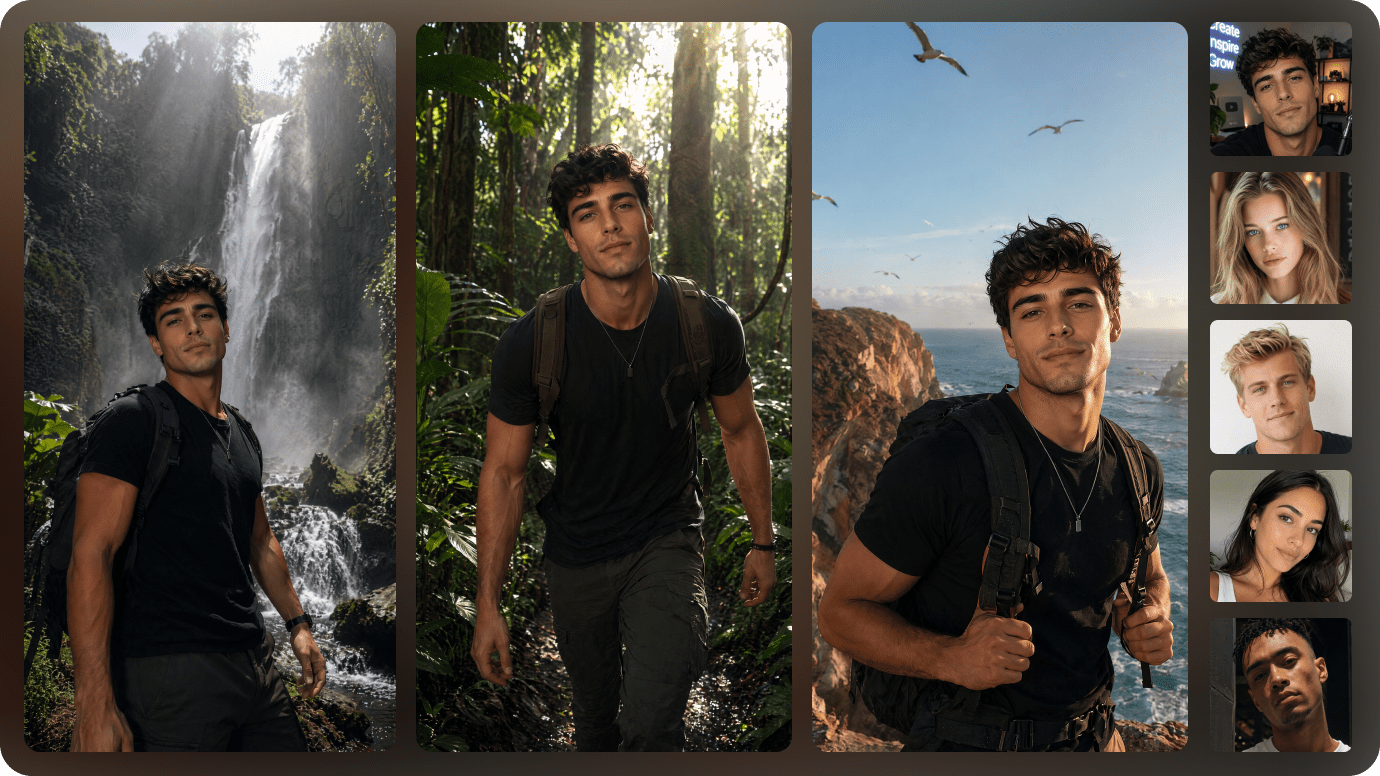
Illustrative Media.io creation workflow graphic, not a Atlabs AI product screenshot

Character Continuity Between Shots

Atlabs promotes consistent characters to reduce the visual drift that can make serial storytelling confusing. Compare hair, costume, props and the position of recurring objects in successive frames. This is especially valuable in a children's tale or recurring mascot campaign, but a consistency feature is not a guarantee that every render matches its references.

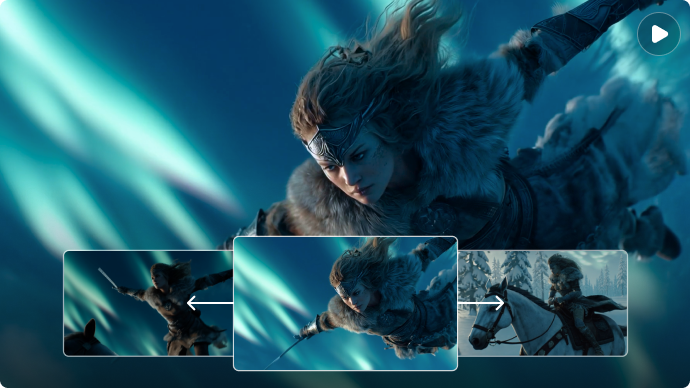
Illustrative Media.io creation workflow graphic, not a Atlabs AI product screenshot

Narration and Voiceover Pacing

Synthetic voiceover can turn a written scene sequence into a narrated video. Script timing affects how long each shot must remain on screen, and changing the wording can force subsequent cuts. For a product demo, listen to technical terms and brand names before purchasing expensive motion shots; for an educational film, check every spoken claim.

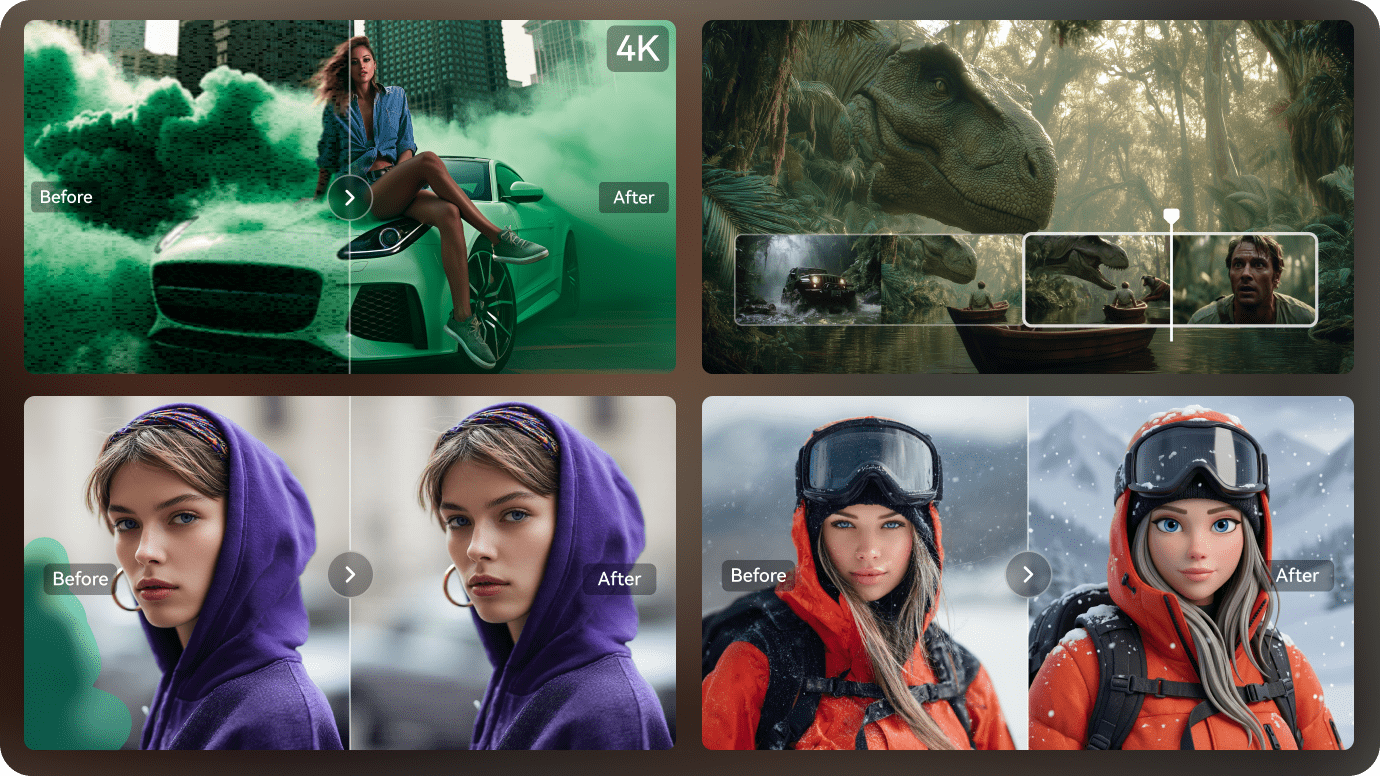
Illustrative Media.io creation workflow graphic, not a Atlabs AI product screenshot

Shot-Level Image, Motion and Lip Sync

The Atlabs account history separates spending on images, voiceover, motion and lip sync, with detail available by scene and shot. This is more informative than a single video-generation credit estimate. Use its breakdown to learn which scenes cause most of the cost and to decide whether a different shot can tell the same story more economically.

Illustrative Media.io creation workflow graphic, not a Atlabs AI product screenshot

Export and Advanced Editing Controls

Official help describes preview generation before subscription and full storyboard export after paying. Certain advanced functions, including trained models, lip sync or Adobe Premiere Pro export, are associated with higher plans. Teams should confirm their needed export and editing rights at checkout instead of treating the free demo as a production license.

Illustrative Media.io creation workflow graphic, not a Atlabs AI product screenshot

Lite to Max Plan Length and Credits

Atlabs help lists Lite at $19 monthly with 150 credits and a two-minute limit, Pro at $39 and five minutes, Plus at $79 and ten minutes, and Max at $249 and twenty minutes. Annual payments have different effective monthly rates. Longer output consumes more than just additional seconds: storyboard revisions, sound and motion increase real project cost.
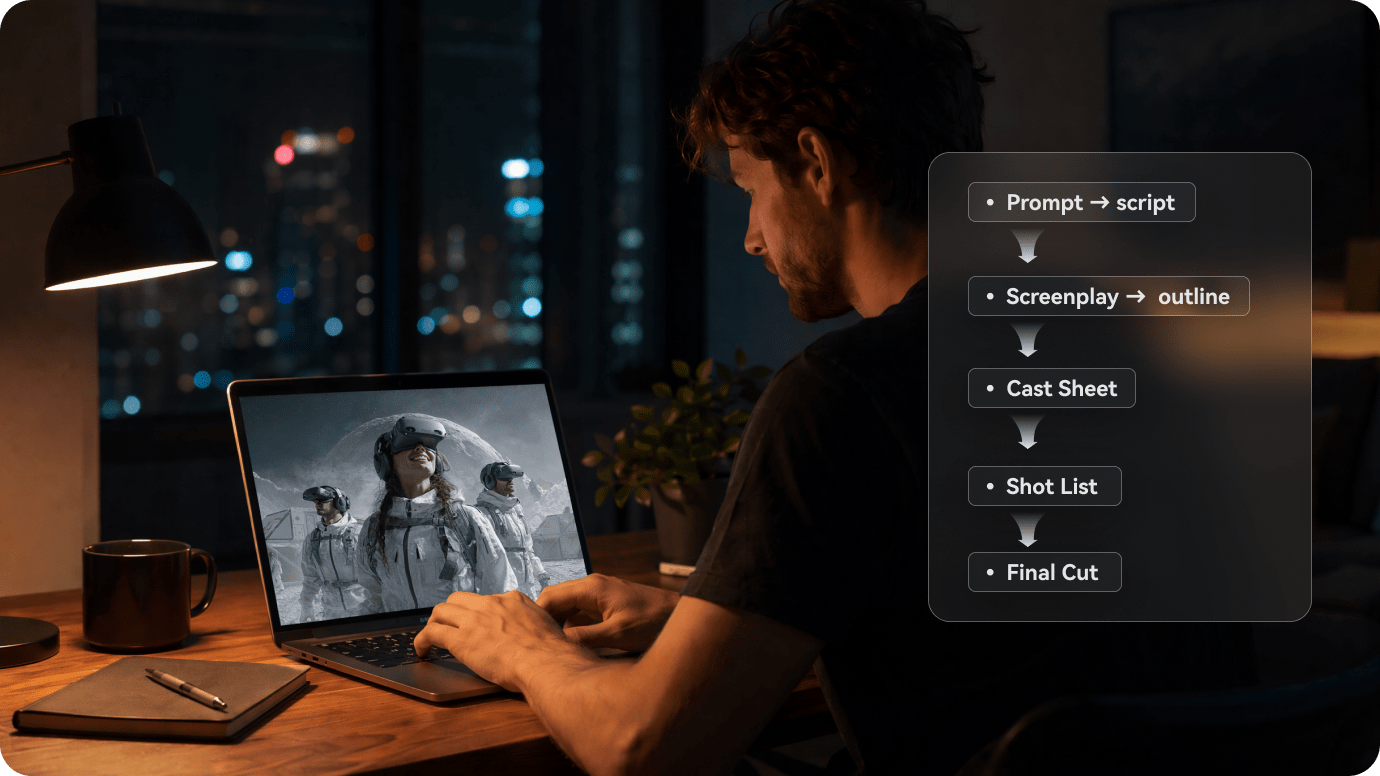
Illustrative Media.io creation workflow graphic, not a Atlabs AI product screenshot

How to Create a Story Video from a Script with Media.io

1
2
3
1
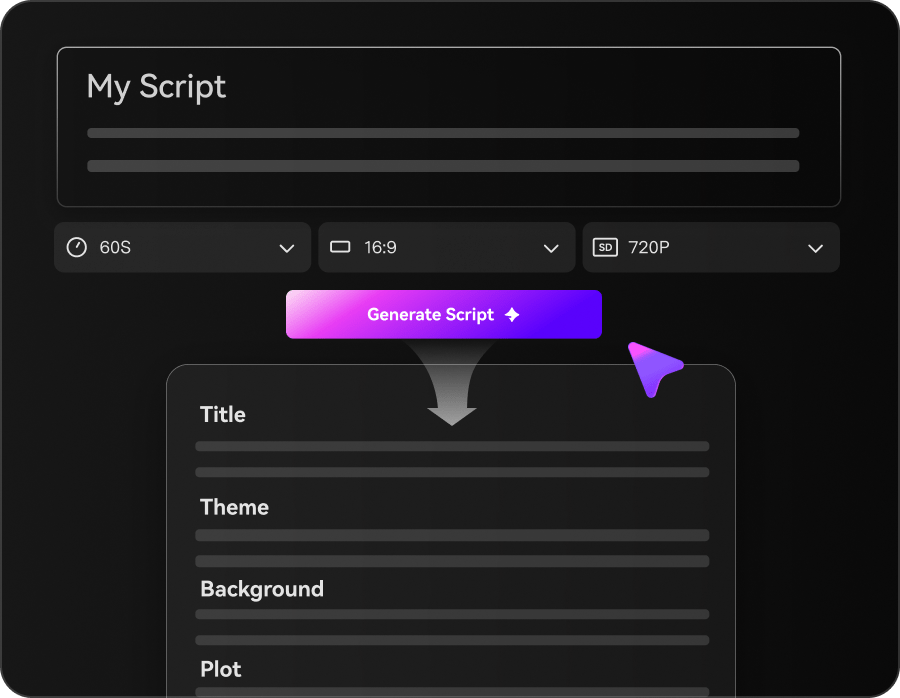
Step 1: Enter Your Script and Choose a Mode

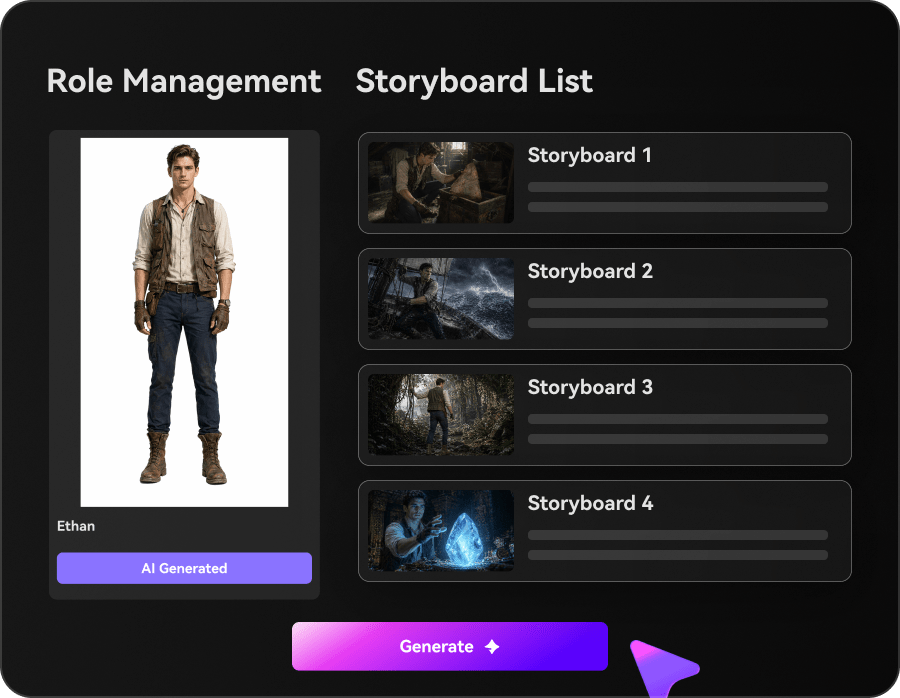
Enter your script or story idea, then choose Agent Mode for automatic creation or Structured Mode to review the story plan.

2
Step 2: Review Scenes and Customize Settings

Review the storyboard, set characters and visual styles, and adjust music or subtitles as needed.

3
Step 3: Generate and Download

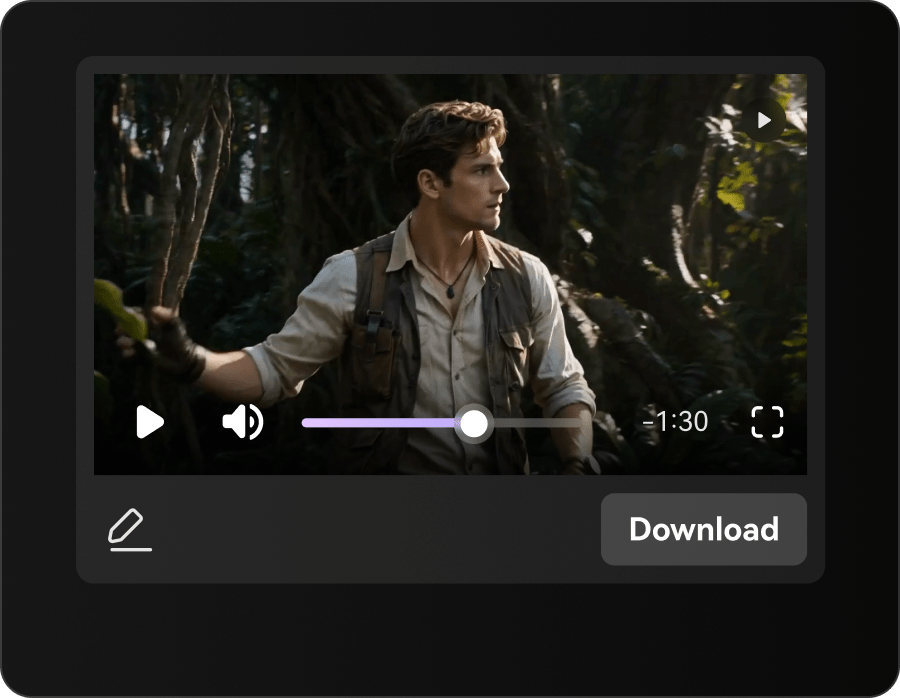
Generate your video, preview the scenes and audio, then make any final adjustments before downloading.

Illustrative Media.io creation workflow graphic, not a Atlabs AI product screenshot

Six Practical Uses for Atlabs AI

Storyboarding matters most when a video has recurring people and several shots. These scenarios show how to use approvals, plan duration and pay attention to voice timing.

A Four-Scene Brand Explanation

Map a product problem, demonstration, result and call to action into separate shots. Use the storyboard to verify approved product claims before adding movement.

Recurring School Characters

Build an illustrated lesson with the same teacher and student across several scenes. Keep clothing, props and names consistent so younger viewers can follow the narrative.

Narrated Animated Short Film

Write a concise script first, add synthetic narration and then adjust visual timing. Compare the planned duration against the subscription limit before rendering.

Bilingual Education Clip

Prepare two approved versions of the same lesson. Confirm language support, voice pronunciation and whether separate renders affect the credit balance.

A Storyboard for Client Approval

Share a scene plan before investing in all motion assets. The storyboard becomes a sign-off tool for character design, story order and brand suitability.

A Multi-Episode Mascot Series

Reuse a recognizable fictional character for an ongoing series, but inspect each episode for background, identity and motion drift rather than assuming consistency is automatic.

What to Check Before Buying Atlabs AI

The official help center documents clear plan restrictions, especially video duration, preview access and shot-level credits. These are purchase considerations rather than first-hand performance test results.

Free Preview Is Not a Full Export

Official help says the free tier can create a short preview, while completed storyboards, editing and downloads require subscription. Evaluate the preview as an experiment, not evidence of the full output allowance.

Lite Limits Narratives to Two Minutes

The official Lite maximum is two minutes, with longer limits on higher plans. A script containing extensive dialog may need to be condensed or produced using a larger tier.

Costs Accumulate at Scene Level

Images, motion, lip sync and voiceover each contribute to credit use. Repeatedly regenerating one difficult shot can raise the cost beyond the initial plan estimate.

Advanced Production Rights Are Tiered

Model training, lip sync and Premiere Pro export are presented with higher-plan access. Confirm the current entitlement list before promising a client a particular deliverable.

Reference Continuity Still Needs Inspection

Consistent-character workflows reduce manual reconstruction but do not remove the need to compare faces, props and locations after each generation. Keep an approved reference sheet.

Monthly and Annual Rates Are Different

Atlabs shows an annual effective monthly price but bills the full year upfront. Do not compare the $15 effective Lite annual rate with a rival's cancellable monthly subscription as though they were identical.

Atlabs AI vs Media.io: Features, Costs and Workflow Fit

Compare Atlabs as a multi-shot studio with credit reports, not as a generic clip model. Media.io is better judged on the precise script, story or finishing task needed.

Decision Factor Atlabs AI Media.io
Narrative starting point Guided storyboards and scene planning Script-to-video creates task-oriented video drafts
Character continuity Character-focused multi-scene approach Reference consistency varies by selected video model and workflow
Voice and dialog Voiceover and higher-tier lip sync options Separate speech and video creation tools; confirm selected workflow
Credit traceability Image, motion, voice and lip sync charges visible by shot Check generation cost per selected model or tool
Free experience Limited preview; completed export requires subscription Compare the selected tool's live free or paid access
Maximum duration Lite 2 min, Pro 5 min, Plus 10 min, Max 20 min Duration varies by production route, not equivalent to Atlabs tiers
Editing handoffEligible paid plans offer advanced export workflowsEditing and finishing are spread across relevant tools
Story formats Animation, product explainers, education AI Story and script-led scene production for specific formats
Best fit Series creators needing guided continuity and longer narrative production Creators developing directed short videos with cross-tool finishing
Best for Atlabs AI Projects

Choose Atlabs AI If You Need:

Choose Atlabs when character consistency, scene plans and story duration are central to the deliverable. Its plan caps and shot-by-shot credit tracking are especially relevant to serialized projects.

  • Script to Storyboard Creation: Atlabs emphasizes converting a narrative into shots rather than generating a single anonymous motion clip.
  • Consistent Animated Characters: Recurring protagonists are important for educational series and short films.
  • AI Voiceover and Narration: The platform lists a large synthetic-voice library.
  • Styles for Ads and Short Films: Atlabs includes different aesthetic treatments and ready-made video formats.
  • Plan selection: Atlabs officially lists Lite at $19/month for 150 monthly credits and a 2-minute cap; Pro at $39 for 350 credits and a 5-minute cap; Plus at $79 for 750 credits and a 10-minute cap. The site also offers annual billing and top-ups. Check the final account quote.
Visit Atlabs AI
Best for Connected Creation

Choose Media.io If You Need:

Choose Media.io when you want to convert a focused script into a short video, then use dedicated tools for ad visuals, image motion and finishing. It is not a like-for-like replacement for Atlabs shot budgeting or its export stack.

  • Media.io Script to Video supports a script-led route; validate scene and story workflow against the assignment.
  • Reuse approved images and direction notes; do not assume Atlabs-style dedicated character library parity.
    • Match voice and timing with available audio production utilities.
  • Media.io also targets stories and ads, with a different set of visual controls.
  • Final production: when a script-led production will also depend on standalone image work, ads or other specialized finishing tasks; compare one complete episode, not one frame.
Explore Media.io AI Tools

Final Verdict: Who Should Use Atlabs AI?

Our Take

Atlabs has a distinct argument for script-led films: plan the story, preserve recurring characters and pay for motion, voice and lip sync at the scene level.

Its free preview should not be mistaken for a finished downloadable video. Check the two-to-twenty-minute plan ceiling and the advanced editing entitlements before committing to longer client work.

Choose Atlabs for multi-shot storytelling with a planned cast and budget. Choose Media.io for shorter scenario-driven video production with separate editing options. Test one actual storyboard with your own narration and review its credit breakdown.

Atlabs AI Frequently Asked Questions

What is Atlabs AI designed to make?
faq faq

Atlabs is a guided AI video production platform for storyboards, consistent animated characters, voiceovers and connected scenes. It is most relevant to multi-shot stories and explainers.

The official help describes free credits and a short preview, including motion and lip sync, but completed storyboards, edits and full downloads require a paid plan.

Atlabs help lists Lite at $19 per month with 150 credits. The annual option is advertised at an effective $15 per month, paid upfront for the year; verify the checkout before paying.

Help documentation lists Lite up to 2 minutes, Pro up to 5 minutes, Plus up to 10 minutes and Max up to 20 minutes. Other workflows may support shorter single clips.

The account usage view separates image, voiceover, motion and lip-sync charges, including shot-level records. A longer scene or repeated generation can increase total cost.

Consistent characters are an explicit part of its story workflow. Inspect identity, clothing and props across the final shots because generated video still needs visual quality control.

Atlabs help lists Premiere Pro export among higher-plan advanced features. Check current tier entitlements before planning an external editing handoff.

No. Its core offer includes story and scene planning, voice and connected shots rather than a single prompted clip, although it also offers short motion tools.

Choose Media.io for short script-to-video and adjacent editing workflows; choose Atlabs when recurring cast, longer storyboards and shot-level production planning matter more.

What Media.io Creators Say About Their Workflow

Media.io AI video generator user
Sarah L.

Content Creator

star star star star half star

Media.io makes it much easier to test different AI video styles without jumping between several platforms. I can start with a text prompt or image, compare model results, and then resize or polish the clip for social media in the same workspace.

Media.io AI video creator
John D.

Social Media Marketer

star star star star half star

I use Media.io to create quick product clips, ad concepts, and short-form videos from images. The biggest advantage is that generation does not feel like the final step - I can continue with music, captions, enhancement, and format conversion before publishing.

Media.io AI video editing user
Emily T.

Freelance Designer

star star star star half star

The workflow is approachable even when I am experimenting with unfamiliar AI models. I can animate artwork, try different motion prompts, preview the output, and prepare a cleaner final version without needing advanced video-editing experience.

Media.io Online Tools Quality Rating:
vote 4.7 (162,357 Votes)
media.io

AI Video Generator star

Easily generate videos from text or images

Generate