Build Eye Catching Educational Video Maker with AI
Deliver engaging lessons in minutes, not hours
The Media.io educational video maker lets teachers, trainers, and creators turn simple text or visuals into powerful learning videos powered by AI. Just write your educational concept or upload classroom visuals, and watch as our intelligent engine crafts captivating video lessons ready for students worldwide. Whether you’re building explainer content, online course material, or branded e-learning tutorials, Media.io brings animation, voiceover, and scene timing together seamlessly. Create on any topic and deliver consistent, professional quality within minutes — no editing experience needed.
Animate Your Lesson Slides into Dynamic Videos
Transform static images or classroom slides into motion-based learning experiences using Media.io’s image-to-video AI. Simply upload diagrams, charts, or whiteboard photos, and our smart system animates them with transitions, captions, and narration. Whether you’re teaching science experiments through visuals or history timelines through motion, this feature helps you engage students visually without manual animation. The result: vivid educational videos that make abstract ideas simple, boost retention, and look ready for any e-learning platform or social feed.
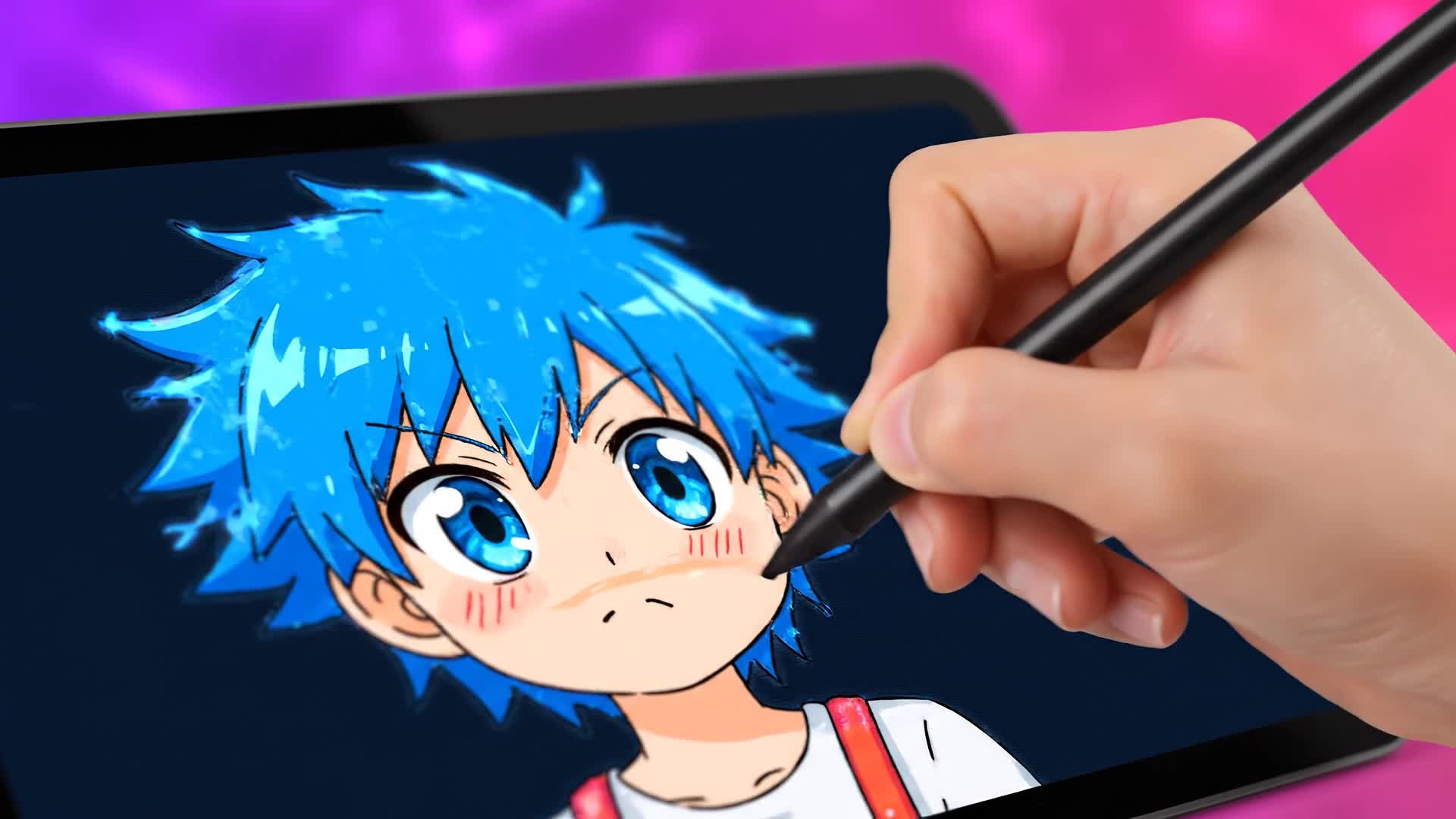

Turn Written Lessons into Videos Instantly
With Media.io’s text-to-video AI, your written content becomes an engaging viewing experience. Type a lesson, upload a course outline, or paste sections from your study notes, and our system transforms them into animated videos with visuals, music, and optional voiceover. It’s perfect for teachers converting lesson plans into bite-sized videos or creators producing educational content for YouTube or TikTok. The result is clean, structured, classroom-ready videos that explain concepts clearly and hold attention longer than static text ever could.
| Style | Educational Video Maker Prompts for AI Creation | Copy & Create |
|---|---|---|
|
Science Explainer
|
Create a short explainer video on 'The Water Cycle.' Start with an ocean view and animated droplets evaporating. Show condensation forming clouds, then rainfall returning to the sea. Add arrows and labels for each stage. Use gentle background music and a friendly voiceover. Keep pacing quick for a 60-second format perfect for class or social reels. |
|
|
History Recap
|
Make a video titled 'Ancient Egypt in 60 Seconds.' Begin with a desert sunrise over pyramids. Zoom into hieroglyphics being carved, then transition to merchants trading along the Nile. Overlay short fact captions for key events. End on a panoramic view of temples fading into the modern world. Keep narration light yet informative for learning appeal. |
|
|
Math Tutorial
|
Produce a short tutorial explaining 'Fractions Made Simple.' Start with colorful fruit slices dividing into equal parts. Illustrate numerator and denominator visually. Animate step-by-step fraction addition with clear arrows. Include upbeat background music and big on-screen text cues. Finish with a quick test question and celebratory feedback. |
|
|
Language Learning
|
Create a video showcasing 'Spanish Greetings for Beginners.' Begin with cheerful characters meeting. Introduce phrases like 'Hola,' 'Buenos días,' and '¿Cómo estás?' Show text translations side by side. Use friendly voiceovers and expressive motion. Wrap up with a quiz slide inviting viewers to repeat out loud. Maintain lively pacing for mobile learners. |
|
|
STEM Demo
|
Generate a practical demo video on 'Electric Circuits 101.' Show a simple diagram turning into a live animation of current flowing through wires. Highlight components like resistors and switches. Add sparks or glowing effects for visual clarity. Narrate the flow of electricity in easy words. Conclude with a tip on real-life circuit safety. |
|
|
Motivational Learning Clip
|
Produce an inspirational educational short titled 'Never Stop Learning.' Start with scenes of people studying in different environments. Show progress milestones like exams passed or skills mastered. Fade in messages about lifelong growth. Pair uplifting background music with motivational quotes. End with a call-to-action encouraging continuous education. |








How to Create Educational Video Maker with Media.io
Create educational video maker content faster with Media.io using text to video, image to video, video to video, and built-in editing tools.
Enter Your Topic or Script
Begin with your lesson outline, article, or teaching idea. Media.io reads your text and turns it into a creative video structure automatically. This helps you create educational video maker content faster with a more structured workflow. You can easily adapt the output for platforms like TikTok, Instagram Reels, and YouTube Shorts.
Add Visuals or Images
Upload slides, illustrations, or charts. The AI animates them smoothly, turning static materials into motion-rich explanations that feel alive. This helps you create educational video maker content faster with a more structured workflow. You can easily adapt the output for platforms like TikTok, Instagram Reels, and YouTube Shorts. The process reduces manual editing and improves overall production efficiency.
Edit and Export Instantly
Refine with captions, voiceovers, and background music. Then export your educational video for classroom use, YouTube, or any LMS platform. This helps you create educational video maker content faster with a more structured workflow. You can easily adapt the output for platforms like TikTok, Instagram Reels, and YouTube Shorts. The process reduces manual editing and improves overall production efficiency.
Why Choose Media.io for Educational Video Maker
Smart AI Storyboarding
Media.io analyzes your educational material and auto-generates a logical storyboard, saving the effort of planning each shot manually. This makes educational video maker creation more efficient and easier to manage. It helps improve consistency across different video styles and formats.
Multiple Input Options
Start with images, text, or existing video clips. Media.io blends them seamlessly using AI to craft cohesive learning videos in any style. This makes educational video maker creation more efficient and easier to manage.
Professional Voiceovers
Generate clear, natural narration in various tones to match your teaching style—great for multilingual or e-learning audiences. This makes educational video maker creation more efficient and easier to manage. It helps improve consistency across different video styles and formats. You can use this feature to produce more engaging and platform-ready content.
Instant Editing Tools
Trim, subtitle, and adjust transitions directly in your browser. Every edit is intuitive, keeping creators focused on content, not software. This makes educational video maker creation more efficient and easier to manage. It helps improve consistency across different video styles and formats.
AI Background Music
Add automatically synced audio tracks to set the right classroom mood—calm for lessons, upbeat for summaries, inspiring for recaps. This makes educational video maker creation more efficient and easier to manage. It helps improve consistency across different video styles and formats. You can use this feature to produce more engaging and platform-ready content.
Social-Ready Exports
Render videos optimized for YouTube, TikTok, or school platforms with auto-resizing and perfect resolution for every learning channel. This makes educational video maker creation more efficient and easier to manage. It helps improve consistency across different video styles and formats. You can use this feature to produce more engaging and platform-ready content.
FAQs About
Educational Video Maker
1. What makes Media.io a good educational video maker?


Media.io uses advanced AI to create engaging teaching videos quickly. It automates animation, narration, and visuals so educators save time while still producing professional results.
2. Do I need editing skills to use the educational video maker?
No. Media.io is built for beginners and teachers. Just enter your lesson idea or upload materials and the AI handles visuals, transitions, and pacing.
3. Can I use my own images or slides?
Yes. You can upload any classroom slides, textbook charts, or visuals. Media.io turns them into polished animated videos instantly.
4. What file formats can I export my videos in?
You can export in MP4 or MOV formats, optimized for web, social media, or LMS platforms with just one click.
5. Is it suitable for online courses and e-learning?
Absolutely. Many instructors use Media.io to produce course modules, micro-lessons, and topic explainers perfectly suited for online education.
6. How long does it take to make a video?
Most creators can generate and finalize a complete educational video in just minutes thanks to Media.io’s fast AI rendering pipeline.



