Home>Comparison>AnimeGenius AI Video Generator

AnimeGenius AI: Anime Characters, Motion and Feature Limits

Most searches for an AnimeGenius AI Video Generator begin with an anime character rather than a live-action script. AnimeGenius, associated with Live3D, is primarily documented for text-to-anime images, image-to-image conversion, pose guidance and dynamic image effects. This review identifies what those tools can contribute to an animated sequence without assuming a fully fledged multi-shot video production studio or borrowing features from similarly named anime services.

Primary Features of AnimeGenius AI Anime Generator

AnimeGenius is a browser-based anime-art creation service associated with Live3D, offering text-to-image, image-to-image, pose-guided character artwork, community models and dynamic image effects; evidence for a comprehensive script-to-video editor is limited.

Core Feature Overview

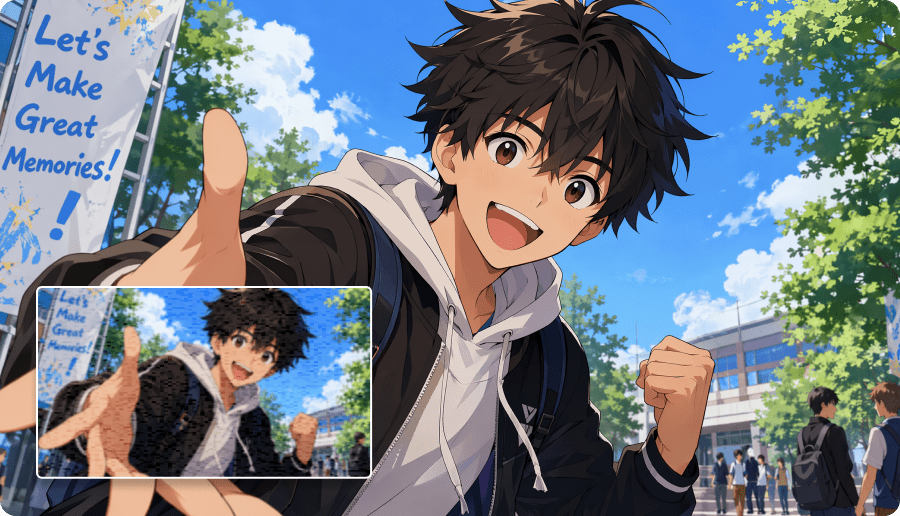
  • Text-to-Anime Image Creation: The Live3D-linked AnimeGenius offering generates anime-style characters and scenes from written prompts, suited to initial concept art.
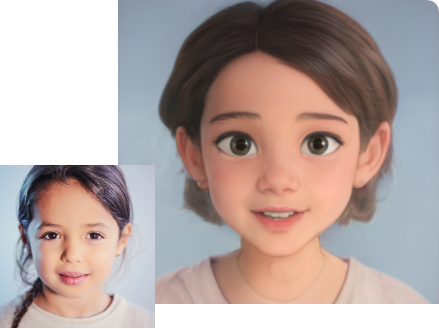
  • Image-to-Image Character Styling: Users can provide a photo or artwork as a starting point and request an anime-styled reinterpretation.
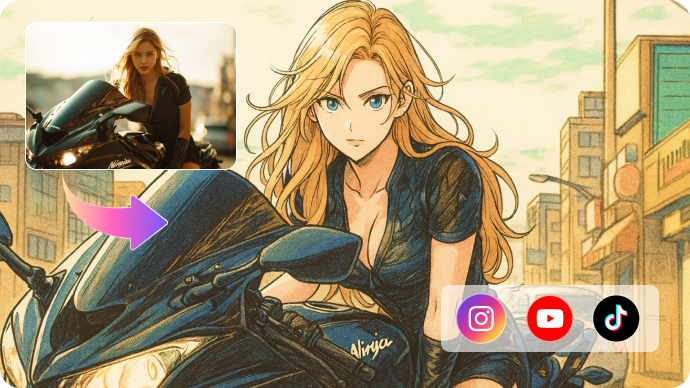
  • Pose-Guided Anime References: Pose-to-image features provide a way to guide a character's body position when developing illustrations or scene references.
  • Community Anime Models and Styles: The product is associated with a broad set of community-trained anime style models; model access and attribution deserve review.
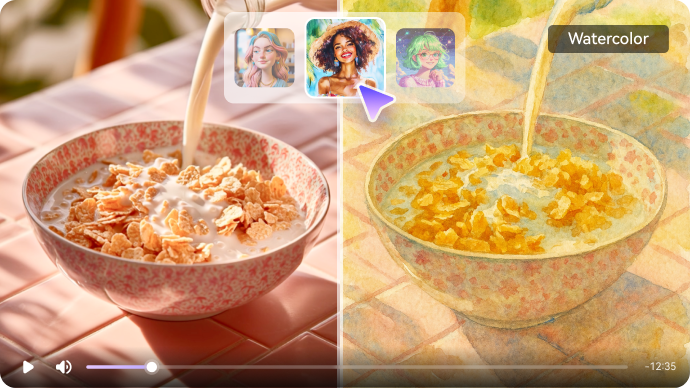
  • Dynamic Image and Animation Effects: Promotional materials discuss animating static characters, but do not establish a comprehensive film-length editing timeline.
  • Anime Character Iteration: Changing appearance, costume and expression across still generations is useful for character exploration, with consistency requiring explicit checks.
Text-to-Anime Image Creation

The Live3D-linked AnimeGenius offering generates anime-style characters and scenes from written prompts, suited to initial concept art. For AnimeGenius AI Video Generator, a useful first project is original character concept; Develop a new fantasy character and compare several outfit and color variations for a story pitch.

Illustrative Media.io workflow graphic; not a screenshot of AnimeGenius AI Video Generator

Image-to-Image Character Styling

Users can provide a photo or artwork as a starting point and request an anime-styled reinterpretation. Before relying on image-to-image character styling, check the tradeoff named official domain access is inconsistent: The Live3D-linked product URL could not be consistently inspected through search. Treat third-party summaries and mirror pages with caution.

Illustrative Media.io workflow graphic; not a screenshot of AnimeGenius AI Video Generator

Pose-Guided Anime References

Pose-to-image features provide a way to guide a character's body position when developing illustrations or scene references. For AnimeGenius AI Video Generator work on anime artwork and character-to-animation concepts, Use a pose guide to prepare one panel and assess whether hands and perspective remain plausible.

Illustrative Media.io workflow graphic; not a screenshot of AnimeGenius AI Video Generator

Community Anime Models and Styles

The product is associated with a broad set of community-trained anime style models; model access and attribution deserve review. To assess whether this is repeatable, generate a collection of avatar references for further work in a dedicated rigging or animation tool.

Illustrative Media.io workflow graphic; not a screenshot of AnimeGenius AI Video Generator

Dynamic Image and Animation Effects

Promotional materials discuss animating static characters, but do not establish a comprehensive film-length editing timeline. For a concrete example, experiment with a supported dynamic effect and check whether export format fits a short social post.

Illustrative Media.io workflow graphic; not a screenshot of AnimeGenius AI Video Generator

Anime Character Iteration

Changing appearance, costume and expression across still generations is useful for character exploration, with consistency requiring explicit checks. The final check is animation claims need account testing: Any advertised dynamic image function should be checked for actual export quality, formats and credit costs.
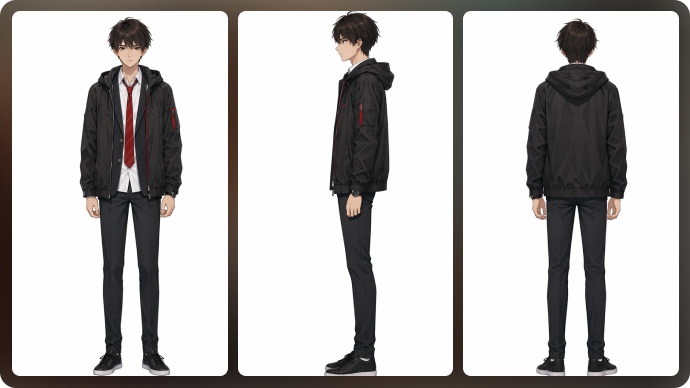
Illustrative Media.io workflow graphic; not a screenshot of AnimeGenius AI Video Generator

How to Make an Animated Story Video Online

1
2
3
1
Write the animation script

Describe the characters, setting, and scene-by-scene action to build your story outline.

2
Plan the storyboard

Review the scene directions, refine character appearances, and adjust each scene to match your animation concept.

3
Create and inspect

Generate the animated story video, then check scene timing, visuals, and character consistency before exporting.

Illustrative Media.io workflow graphic; not a screenshot of AnimeGenius AI Video Generator

AnimeGenius Anime Creation Scenarios

From original character concept to small motion concept, these are distinct projects where AnimeGenius AI Video Generator could be useful, with checks that match each task.

Original Character Concept

Develop a new fantasy character and compare several outfit and color variations for a story pitch. A related Media.io workflow to explore is AI Anime Story Video Generator.

Anime Portrait From Photo

Transform an authorized reference image into a stylized portrait without presenting it as an official anime character.

Pose Study for Comics

Use a pose guide to prepare one panel and assess whether hands and perspective remain plausible.

VTuber Avatar Moodboard

Generate a collection of avatar references for further work in a dedicated rigging or animation tool. A related Media.io workflow to explore is Consistent Character Generator.

Small Motion Concept

Experiment with a supported dynamic effect and check whether export format fits a short social post.

Visual Novel Story Assets

Create separate backgrounds and character illustrations, then assemble them in a dedicated editor.

AnimeGenius Product Scope and Rights Checks

Before planning anime artwork and character-to-animation concepts, evaluate image generation leads the offering and official domain access is inconsistent as carefully as the headline features.

Image Generation Leads the Offering

The strongest available evidence concerns anime art and image editing. Don't assume professional storyboard-to-video or lip-sync abilities.

Official Domain Access Is Inconsistent

The Live3D-linked product URL could not be consistently inspected through search. Treat third-party summaries and mirror pages with caution.

Pricing Requires Direct Confirmation

Several secondary pages quote tier prices, but current official purchase terms and credit allowances were not independently confirmed.

Character Consistency Is Not Automatic

Repeated prompts can vary poses and facial details. A separate reference-control approach may be needed for a sequence.

Community Models Can Have Separate Licenses

A model's availability does not establish permission to monetize derivative images based on third-party characters.

Animation Claims Need Account Testing

Any advertised dynamic image function should be checked for actual export quality, formats and credit costs.

AnimeGenius vs Media.io: Anime Art or Animated Video?

The deciding difference for AnimeGenius AI Video Generator is its text-to-anime image creation and community anime models and styles; by comparison, the Media.io Script to Video option focuses on original character concept; compare supported inputs and output rights.

Decision Factor AnimeGenius AI Video Generator Media.io
Starting workflow The Live3D-linked AnimeGenius offering generates anime-style characters and scenes from written prompts, suited to initial concept art. For original character concept, Media.io Script to Video starts with a targeted tool; AnimeGenius AI Video Generator instead emphasizes text-to-anime image creation.
Primary capability Image-to-Image Character Styling: Users can provide a photo or artwork as a starting point and request an anime-styled reinterpretation. Choose a relevant creation feature for original character concept, subject to the tool's current options.
Reference handling Pose-to-image features provide a way to guide a character's body position when developing illustrations or scene references. Use supported reference input where helpful for anime portrait from photo.
Editing and revision The product is associated with a broad set of community-trained anime style models; model access and attribution deserve review. For pose study for comics, use the available editing and finishing controls as needed.
Output workflow Promotional materials discuss animating static characters, but do not establish a comprehensive film-length editing timeline. Check whether vtuber avatar moodboard needs captions, enhancement or editing after generation.
Cost model A current, independently verified official pricing page for AnimeGenius at animegenius. Check current charges for the Script to Video route, not AnimeGenius AI Video Generator subscription pricing.
Key buying constraintThe strongest available evidence concerns anime art and image editing.Confirm supported input and export conditions for anime artwork and character-to-animation concepts alternatives.
Specialized strength Anime Character Iteration. A focused option for small motion concept and the corresponding downstream edits.
Best fit Anime artwork and character-to-animation concepts. For a project like original character concept, choose the Media.io Script to Video workflow over the broader AnimeGenius AI Video Generator offering.
Best for AnimeGenius AI Video Generator Projects

Choose AnimeGenius AI Video Generator If You Need:

Choose AnimeGenius AI Video Generator when text-to-anime image creation and image-to-image character styling are needed in your real work. For small motion concept, check cost and revision permissions before committing to production.

  • Original Character Concept: Develop a new fantasy character and compare several outfit and color variations for a story pitch.
  • Anime Portrait From Photo: Transform an authorized reference image into a stylized portrait without presenting it as an official anime character.
  • Pose Study for Comics: Use a pose guide to prepare one panel and assess whether hands and perspective remain plausible.
  • VTuber Avatar Moodboard: Generate a collection of avatar references for further work in a dedicated rigging or animation tool.
  • Small Motion Concept: Experiment with a supported dynamic effect and check whether export format fits a short social post.
Visit AnimeGenius AI Video Generator
Best for Media.io Anime Portrait From Photo Projects

Choose Media.io for Original Character Concept If You Need:

For AnimeGenius AI Video Generator readers pursuing original character concept, the Media.io Script to Video route is one option for pose study for comics. It differs from AnimeGenius AI Video Generator image-to-image character styling.

  • Create an AI Animation workflow: Begin from a permitted input related to original character concept.
  • Anime Portrait From Photo review: Assess whether Media.io output supports anime portrait from photo without special manual corrections.
    • Finishing for Pose Study for Comics: Explore relevant Media.io editing tools for pose study for comics.
  • Focused generation scope: Choose only the tools required for vtuber avatar moodboard.
  • Rights for Small Motion Concept: Use authorized source media and double-check outputs intended for small motion concept.
Create an AI Animation

Is AnimeGenius AI Video Generator Worth It? Our Verdict

Our Take

AnimeGenius AI Video Generator deserves consideration when original character concept or anime portrait from photo is the core job. The combination of text-to-anime image creation and dynamic image and animation effects distinguishes its proposition.

A current, independently verified official pricing page for AnimeGenius at animegenius.live3d.io was not available. Treat quoted third-party monthly tier prices as unconfirmed and check the live account before paying. The purchase risk centers on image generation leads the offering and pricing requires direct confirmation. Budget a complete project with corrections and final export.

AnimeGenius is most defensible as a tool for anime character art, pose studies and preliminary moving-image concepts. It should not be treated as a proven complete multi-scene video editor without account-level verification. For a scripted animated story, compare the dedicated Media.io story-video workflow and its current feature limits.

AnimeGenius AI Video Generator FAQ: Features, Pricing and Alternatives

Is AnimeGenius primarily an anime image generator?
faq faq

AnimeGenius is a browser-based anime-art creation service associated with Live3D, offering text-to-image, image-to-image, pose-guided character artwork, community models and dynamic image effects; evidence for a comprehensive script-to-video editor is limited.

The Live3D-linked AnimeGenius offering generates anime-style characters and scenes from written prompts, suited to initial concept art.

Users can provide a photo or artwork as a starting point and request an anime-styled reinterpretation.

A current, independently verified official pricing page for AnimeGenius at animegenius.live3d.io was not available. Treat quoted third-party monthly tier prices as unconfirmed and check the live account before paying.

The strongest available evidence concerns anime art and image editing. Don't assume professional storyboard-to-video or lip-sync abilities. The Live3D-linked product URL could not be consistently inspected through search. Treat third-party summaries and mirror pages with caution.

Develop a new fantasy character and compare several outfit and color variations for a story pitch. Several secondary pages quote tier prices, but current official purchase terms and credit allowances were not independently confirmed.

The product is associated with a broad set of community-trained anime style models; model access and attribution deserve review.

For original character concept, compare the Media.io Script to Video path against AnimeGenius AI Video Generator results. It can handle a distinct video step; AnimeGenius AI Video Generator remains more specific to image-to-image character styling, so compare current plan costs and usage rights.

If your recurring task is small motion concept, the main question is whether the advantages of text-to-anime image creation outweigh the limitations. A model's availability does not establish permission to monetize derivative images based on third-party characters.

What Media.io Creators Say About Their Workflow

Media.io AI video generator user
Sarah L.

Content Creator

star star star star half star

Media.io makes it much easier to test different AI video styles without jumping between several platforms. I can start with a text prompt or image, compare model results, and then resize or polish the clip for social media in the same workspace.

Media.io AI video creator
John D.

Social Media Marketer

star star star star half star

I use Media.io to create quick product clips, ad concepts, and short-form videos from images. The biggest advantage is that generation does not feel like the final step - I can continue with music, captions, enhancement, and format conversion before publishing.

Media.io AI video editing user
Emily T.

Freelance Designer

star star star star half star

The workflow is approachable even when I am experimenting with unfamiliar AI models. I can animate artwork, try different motion prompts, preview the output, and prepare a cleaner final version without needing advanced video-editing experience.

Media.io Online Tools Quality Rating:
vote 4.7 (162,357 Votes)
media.io

AI Video Generator star

Easily generate videos from text or images

Generate