Home>Comparison>Amuse AI Video Generator

Amuse AI Video Generator: Offline Models and GPU Requirements

Paying per cloud render makes sense for quick work, but not everyone wants to upload source files or depend on remote queues. Amuse AI Video Generator refers to the Amuse desktop project, an open-source-oriented Windows application that runs supported creative models locally. Its strongest selling point is control over hardware, pipelines and editing, with the tradeoff that GPU compatibility, installation and model files become the user's responsibility. The distinction matters more than a generic free-versus-paid comparison.

Key Features of Amuse AI Local Video Generator

Amuse is a local Windows AI creation application supporting on-device image and video models, video editing, upscaling, frame interpolation, inpainting, LoRA/ControlNet controls, speech tools and hardware-specific CUDA or Vulkan backends.

Core Feature Overview

  • Local Video Model Pipelines: The official repository lists Wan, CogVideoX and additional video pipelines, letting compatible Windows hardware run supported models without relying on a subscription cloud render.
  • Desktop Video Editor: Amuse includes editing tools for generated clips and imported local content, so a simple edit need not leave the desktop workspace.
  • Video Upscaling and Interpolation: Upscaling and frame interpolation are available for cleaning footage or making smoother slow-motion sequences, with results dependent on the chosen model.
  • Image Inpainting and Masking: The application combines image generation with local selection, masking and inpainting tools that help prepare visual sources for animation.
  • Model Formats and LoRA Control: Safetensors, GGUF and ONNX support are documented alongside LoRA and ControlNet features for model and generation control.
  • GPU Backend Selection: CUDA and Vulkan backends serve compatible NVIDIA, AMD and Intel hardware. Driver and VRAM requirements can determine which pipelines work at all.


Local Video Model Pipelines

The official repository lists Wan, CogVideoX and additional video pipelines, letting compatible Windows hardware run supported models without relying on a subscription cloud render. For Amuse AI Video Generator, a useful first project is private draft footage; Work on owned footage locally when project policies discourage sending source files to another cloud service.

Illustrative Media.io workflow graphic; not a screenshot of Amuse AI Video Generator

Desktop Video Editor

Amuse includes editing tools for generated clips and imported local content, so a simple edit need not leave the desktop workspace. Before relying on desktop video editor, check the tradeoff named model setup is not a hosted service: Users must obtain and maintain supported model dependencies and system configuration instead of expecting a browser account to handle deployment.

Illustrative Media.io workflow graphic; not a screenshot of Amuse AI Video Generator

Video Upscaling and Interpolation

Upscaling and frame interpolation are available for cleaning footage or making smoother slow-motion sequences, with results dependent on the chosen model. For Amuse AI Video Generator work on local Windows video generation and editing, Apply an interpolation workflow to a short owned clip and inspect motion artifacts after export.

Illustrative Media.io workflow graphic; not a screenshot of Amuse AI Video Generator

Image Inpainting and Masking

The application combines image generation with local selection, masking and inpainting tools that help prepare visual sources for animation. To assess whether this is repeatable, prepare an illustrative reference with inpainting and masking before trying a supported video pipeline.

Illustrative Media.io workflow graphic; not a screenshot of Amuse AI Video Generator

Model Formats and LoRA Control

Safetensors, GGUF and ONNX support are documented alongside LoRA and ControlNet features for model and generation control. For a concrete example, compare a lightweight pipeline with a heavier model to learn your own card's generation speed and memory requirements.

Illustrative Media.io workflow graphic; not a screenshot of Amuse AI Video Generator

GPU Backend Selection

CUDA and Vulkan backends serve compatible NVIDIA, AMD and Intel hardware. Driver and VRAM requirements can determine which pipelines work at all. The final check is private projects need local security: Keeping processing on device reduces cloud transfer but does not replace disk encryption, access control, backups or file lifecycle policies.
Illustrative Media.io workflow graphic; not a screenshot of Amuse AI Video Generator

How to Edit a Private Draft Video with Media.io

1
2
3
1
Upload Your Source Video

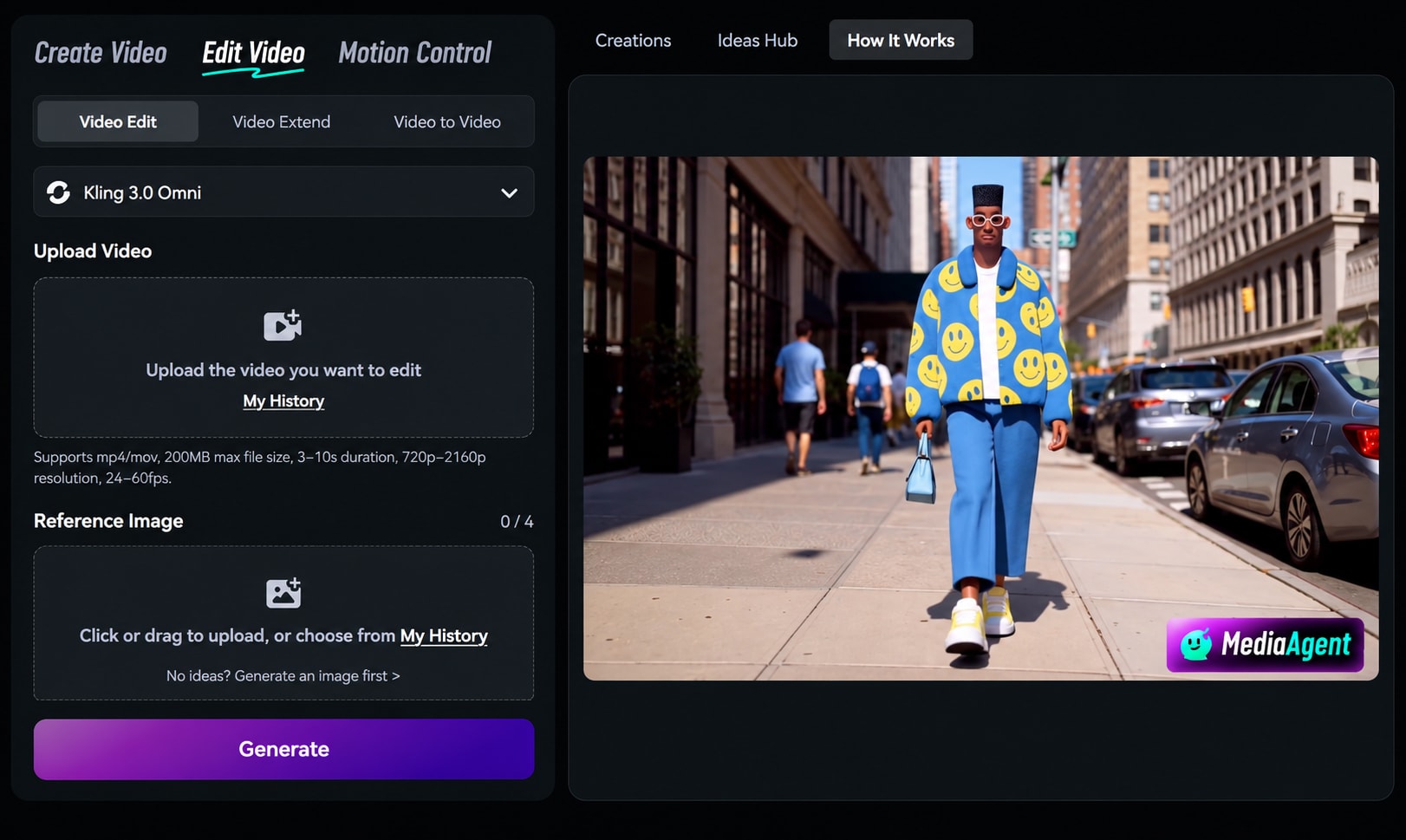
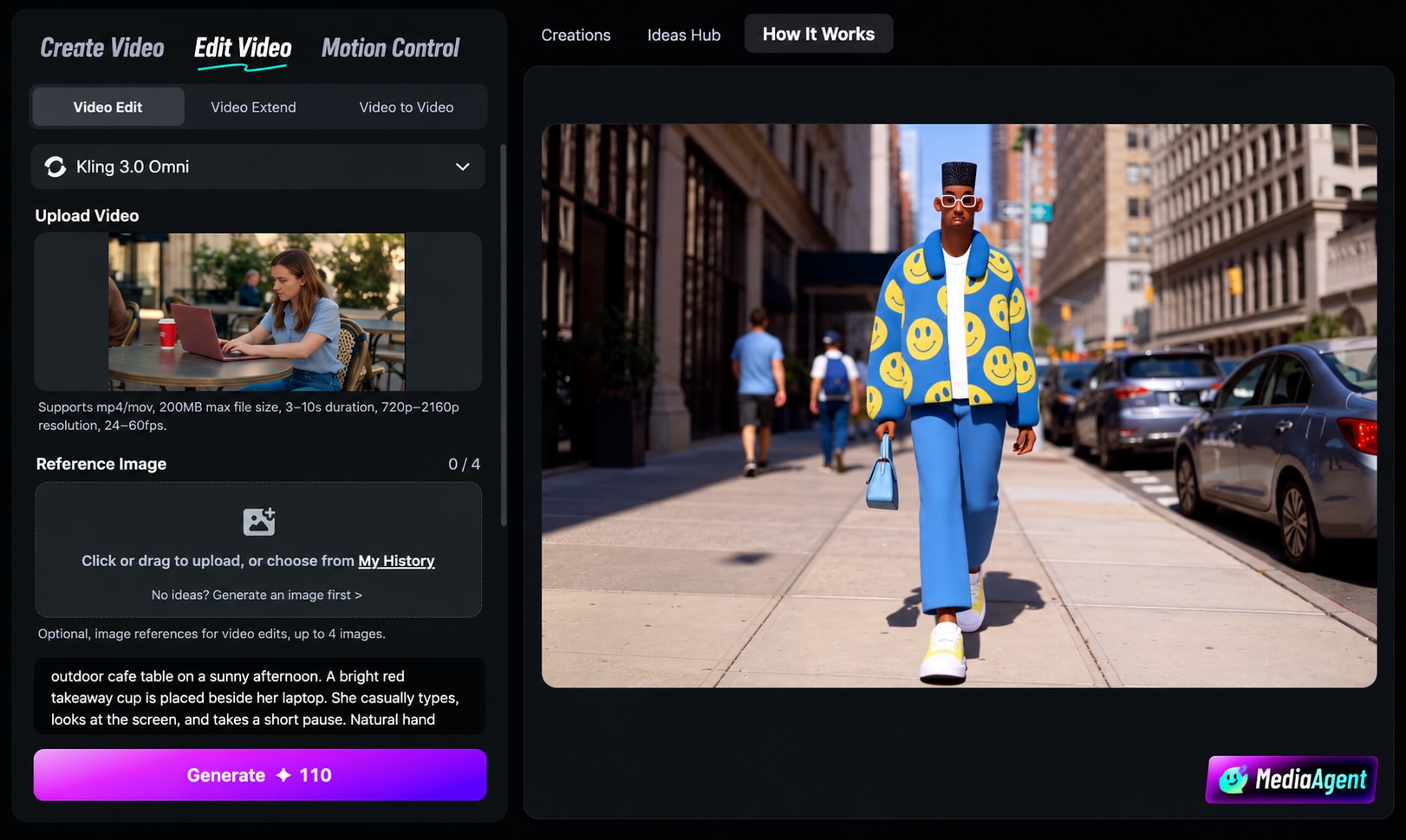
Upload a video you own or have permission to edit, making sure the footage you want to change is clearly visible.

2
Describe the Edit

Explain the changes you want to make and add reference images to help guide the desired visual result.

3
Generate and Review

Generate the edited video, then review the result to check visual consistency and whether the requested changes look right.

Illustrative Media.io workflow graphic; not a screenshot of Amuse AI Video Generator

Who Benefits From Amuse Local AI Video

From private draft footage to gpu benchmark session, these are distinct projects where Amuse AI Video Generator could be useful, with checks that match each task.

Private Draft Footage

Work on owned footage locally when project policies discourage sending source files to another cloud service. A related Media.io workflow to explore is Video Enhancer.

Offline Model Experiments

Run already downloaded supported models on compatible hardware while checking that required assets and dependencies are present.

Frame Rate Repair

Apply an interpolation workflow to a short owned clip and inspect motion artifacts after export.

Local Character Image Prep

Prepare an illustrative reference with inpainting and masking before trying a supported video pipeline. A related Media.io workflow to explore is Image Enhancer.

GPU Benchmark Session

Compare a lightweight pipeline with a heavier model to learn your own card's generation speed and memory requirements.

Open Source Exploration

Inspect the repository and adapt a personal local creative workflow, while checking license conditions for bundled binaries and model weights.

Amuse AI Hardware and Workflow Constraints

Before planning local Windows video generation and editing, evaluate windows and gpu dependence and model setup is not a hosted service as carefully as the headline features.

Windows and GPU Dependence

Amuse is documented as a Windows desktop application. Actual model support depends on GPU, drivers, VRAM and selected backend.

Model Setup Is Not a Hosted Service

Users must obtain and maintain supported model dependencies and system configuration instead of expecting a browser account to handle deployment.

Performance Cannot Be Assumed

Local generation times and image quality vary widely by model, resolution and computer; no general speed claim is reliable.

Model Licenses Are Separate

The application's repository license does not automatically grant commercial rights for every downloaded third-party model or source asset.

Backend Compatibility Changes

Recent releases add or change pipelines. A tutorial for an older version may describe outdated hardware or installation requirements.

Private Projects Need Local Security

Keeping processing on device reduces cloud transfer but does not replace disk encryption, access control, backups or file lifecycle policies.

Amuse vs Media.io: Local GPU Rendering or Browser Creation?

The deciding difference for Amuse AI Video Generator is its local video model pipelines and image inpainting and masking; by comparison, the Media.io Image to Video option focuses on private draft footage; compare supported inputs and output rights.

Decision Factor Amuse AI Video Generator Media.io
Starting workflow The official repository lists Wan, CogVideoX and additional video pipelines, letting compatible Windows hardware run supported models without relying on a subscription cloud render. For private draft footage, Media.io Image to Video starts with a targeted tool; Amuse AI Video Generator instead emphasizes local video model pipelines.
Primary capability Desktop Video Editor: Amuse includes editing tools for generated clips and imported local content, so a simple edit need not leave the desktop workspace. Choose a relevant creation feature for private draft footage, subject to the tool's current options.
Reference handling Upscaling and frame interpolation are available for cleaning footage or making smoother slow-motion sequences, with results dependent on the chosen model. Use supported reference input where helpful for offline model experiments.
Editing and revision The application combines image generation with local selection, masking and inpainting tools that help prepare visual sources for animation. For frame rate repair, use the available editing and finishing controls as needed.
Output workflow Safetensors, GGUF and ONNX support are documented alongside LoRA and ControlNet features for model and generation control. Check whether local character image prep needs captions, enhancement or editing after generation.
Cost model The GitHub source is publicly available under Apache-2. Check current charges for the Image to Video route, not Amuse AI Video Generator subscription pricing.
Key buying constraintAmuse is documented as a Windows desktop application.Confirm supported input and export conditions for local Windows video generation and editing alternatives.
Specialized strength GPU Backend Selection. A focused option for gpu benchmark session and the corresponding downstream edits.
Best fit Local windows video generation and editing. For a project like private draft footage, choose the Media.io Image to Video workflow over the broader Amuse AI Video Generator offering.
Best for Amuse AI Video Generator Projects

Choose Amuse AI Video Generator If You Need:

Choose Amuse AI Video Generator when local video model pipelines and desktop video editor are needed in your real work. For gpu benchmark session, check cost and revision permissions before committing to production.

  • Private Draft Footage: Work on owned footage locally when project policies discourage sending source files to another cloud service.
  • Offline Model Experiments: Run already downloaded supported models on compatible hardware while checking that required assets and dependencies are present.
  • Frame Rate Repair: Apply an interpolation workflow to a short owned clip and inspect motion artifacts after export.
  • Local Character Image Prep: Prepare an illustrative reference with inpainting and masking before trying a supported video pipeline.
  • GPU Benchmark Session: Compare a lightweight pipeline with a heavier model to learn your own card's generation speed and memory requirements.
Visit Amuse AI Video Generator
Best for Media.io Offline Model Experiments Projects

Choose Media.io for Private Draft Footage If You Need:

For Amuse AI Video Generator readers pursuing private draft footage, the Media.io Image to Video route is one option for frame rate repair. It differs from Amuse AI Video Generator desktop video editor.

  • Try AI Video Generation workflow: Begin from a permitted input related to private draft footage.
  • Offline Model Experiments review: Assess whether Media.io output supports offline model experiments without special manual corrections.
    • Finishing for Frame Rate Repair: Explore relevant Media.io editing tools for frame rate repair.
  • Focused generation scope: Choose only the tools required for local character image prep.
  • Rights for GPU Benchmark Session: Use authorized source media and double-check outputs intended for gpu benchmark session.
Try AI Video Generation

Is Amuse AI Video Generator Worth It? Our Verdict

Our Take

Amuse AI Video Generator deserves consideration when private draft footage or offline model experiments is the core job. The combination of local video model pipelines and model formats and lora control distinguishes its proposition.

The GitHub source is publicly available under Apache-2.0, but the project notes distinct licensing for compiled distributions and bundled dependencies. No hosted monthly-video plan is established by the repository. The purchase risk centers on windows and gpu dependence and performance cannot be assumed. Budget a complete project with corrections and final export.

Choose Amuse if you have compatible Windows GPU hardware, prefer local model processing, and are comfortable maintaining models and drivers. Consider Media.io when browser access and a managed image-to-video workflow matter more than local deployment. They solve different operational problems, so benchmark using your actual files and machine.

Amuse AI Video Generator FAQ: Features, Pricing and Alternatives

Does Amuse generate AI video locally on Windows?
faq faq

Amuse is a local Windows AI creation application supporting on-device image and video models, video editing, upscaling, frame interpolation, inpainting, LoRA/ControlNet controls, speech tools and hardware-specific CUDA or Vulkan backends.

The official repository lists Wan, CogVideoX and additional video pipelines, letting compatible Windows hardware run supported models without relying on a subscription cloud render.

Amuse includes editing tools for generated clips and imported local content, so a simple edit need not leave the desktop workspace.

The GitHub source is publicly available under Apache-2.0, but the project notes distinct licensing for compiled distributions and bundled dependencies. No hosted monthly-video plan is established by the repository.

Amuse is documented as a Windows desktop application. Actual model support depends on GPU, drivers, VRAM and selected backend. Users must obtain and maintain supported model dependencies and system configuration instead of expecting a browser account to handle deployment.

Work on owned footage locally when project policies discourage sending source files to another cloud service. Local generation times and image quality vary widely by model, resolution and computer; no general speed claim is reliable.

The application combines image generation with local selection, masking and inpainting tools that help prepare visual sources for animation.

For private draft footage, compare the Media.io Image to Video path against Amuse AI Video Generator results. It can handle a distinct video step; Amuse AI Video Generator remains more specific to desktop video editor, so compare current plan costs and usage rights.

If your recurring task is gpu benchmark session, the main question is whether the advantages of local video model pipelines outweigh the limitations. Recent releases add or change pipelines. A tutorial for an older version may describe outdated hardware or installation requirements.

What Media.io Creators Say About Their Workflow

Media.io AI video generator user
Sarah L.

Content Creator

star star star star half star

Media.io makes it much easier to test different AI video styles without jumping between several platforms. I can start with a text prompt or image, compare model results, and then resize or polish the clip for social media in the same workspace.

Media.io AI video creator
John D.

Social Media Marketer

star star star star half star

I use Media.io to create quick product clips, ad concepts, and short-form videos from images. The biggest advantage is that generation does not feel like the final step - I can continue with music, captions, enhancement, and format conversion before publishing.

Media.io AI video editing user
Emily T.

Freelance Designer

star star star star half star

The workflow is approachable even when I am experimenting with unfamiliar AI models. I can animate artwork, try different motion prompts, preview the output, and prepare a cleaner final version without needing advanced video-editing experience.

Media.io Online Tools Quality Rating:
vote 4.7 (162,357 Votes)
media.io

AI Video Generator star

Easily generate videos from text or images

Generate