25+ AI Mechanical Keyboard Mockup Prompts for Realistic Product Photos & Launch Visuals
Put every detail of your keyboard in the spotlight—from textured PBT keycaps and CNC aluminum frames to glossy accent keys, subtle RGB glow, and clean desk setups that feel premium at first glance. These 25+ AI mechanical keyboard mockup prompts are crafted for realistic product photos, Shopify listings, Kickstarter campaigns, landing pages, and social content that needs a polished tech aesthetic. Start with an image or a text idea, then generate keyboard visuals that look sharp, branded, and ready for launch without spending hours on styling or retouching.
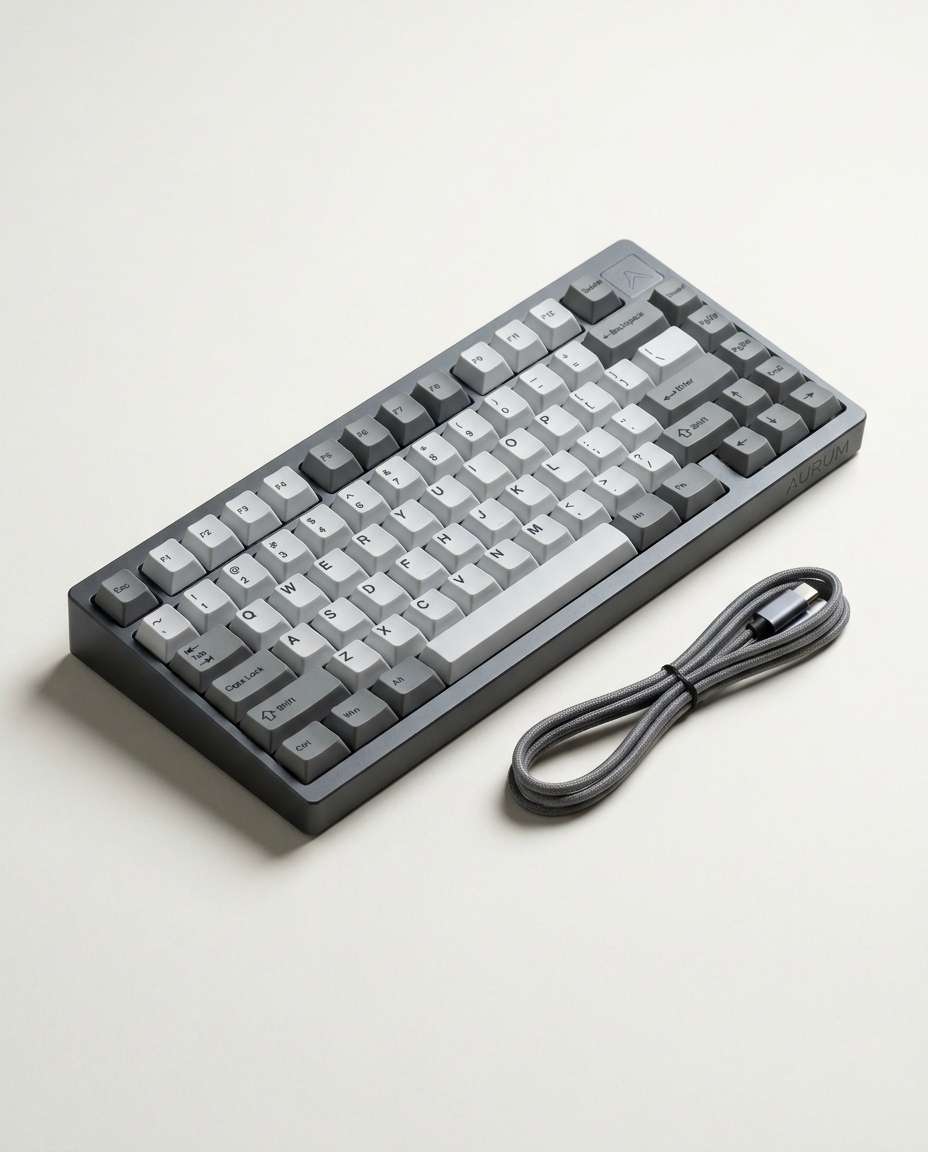
Stunning AI ai mechanical keyboard mockup generated with Media.io - powered by
Nano Banana Pro.
How to Create AI Mechanical Keyboard Mockups in 3 Steps
Making keyboard mockups in Media.io is a simple 3-step flow. Pick a look, paste the prompt, and let the AI handle lighting, composition, and polish.
1
Open Media.io AI Generator
Go to Media.io and open the AI Image Generator. Choose an image mode that fits your goal (product photo, lifestyle, or studio). This gives you a clean workspace to build consistent mockups across a full keyboard launch set.
2
Upload and Paste Prompt
Upload a reference photo of your keyboard (or start from text only), then paste one of the ready prompts below. Adjust details like layout (60%, TKL), case color, keycap profile, and RGB style to match your brand and your ai mechanical keyboard mockup prompt intent.
3
Generate and Download
Click Generate, review 2 to 4 variations, and refine with small edits like background, angle, or lighting. When it looks right, download in high quality for product pages, ads, thumbnails, or social posts without extra editing steps.
Best AI Mechanical Keyboard Mockup Prompt Ideas & Examples
Clean Studio Sweep
A premium 75% mechanical keyboard product mockup on a seamless off-white paper sweep, anodized aluminum case, double-shot PBT keycaps, subtle logo on the top right, soft diffused studio lighting with gentle shadow falloff, shot on Canon EOS R5 with 85mm lens, f/8, tack sharp, true-to-life color, commercial product photography, minimal and luxury aesthetic --ar 4:5
RGB Glow Closeup
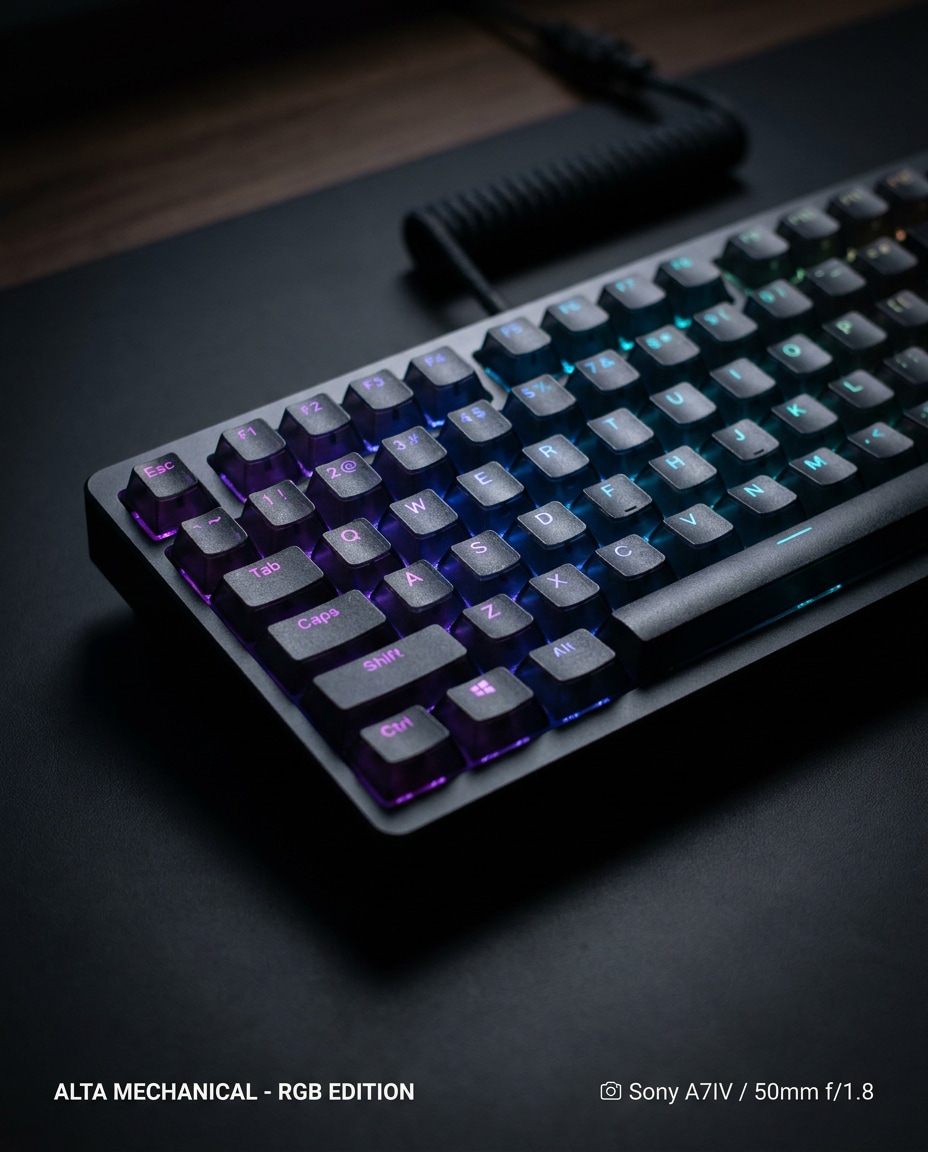
Close-up product photo of a mechanical keyboard at a 3/4 angle, translucent key legends glowing with smooth RGB underglow, dark matte desk surface, controlled low-key lighting, crisp specular highlights on keycap edges, shot on Sony A7IV 50mm f/1.8 with shallow depth of field, cinematic contrast, ultra-realistic texture, high-end e-commerce mockup --ar 4:5
Top-Down Flat Lay
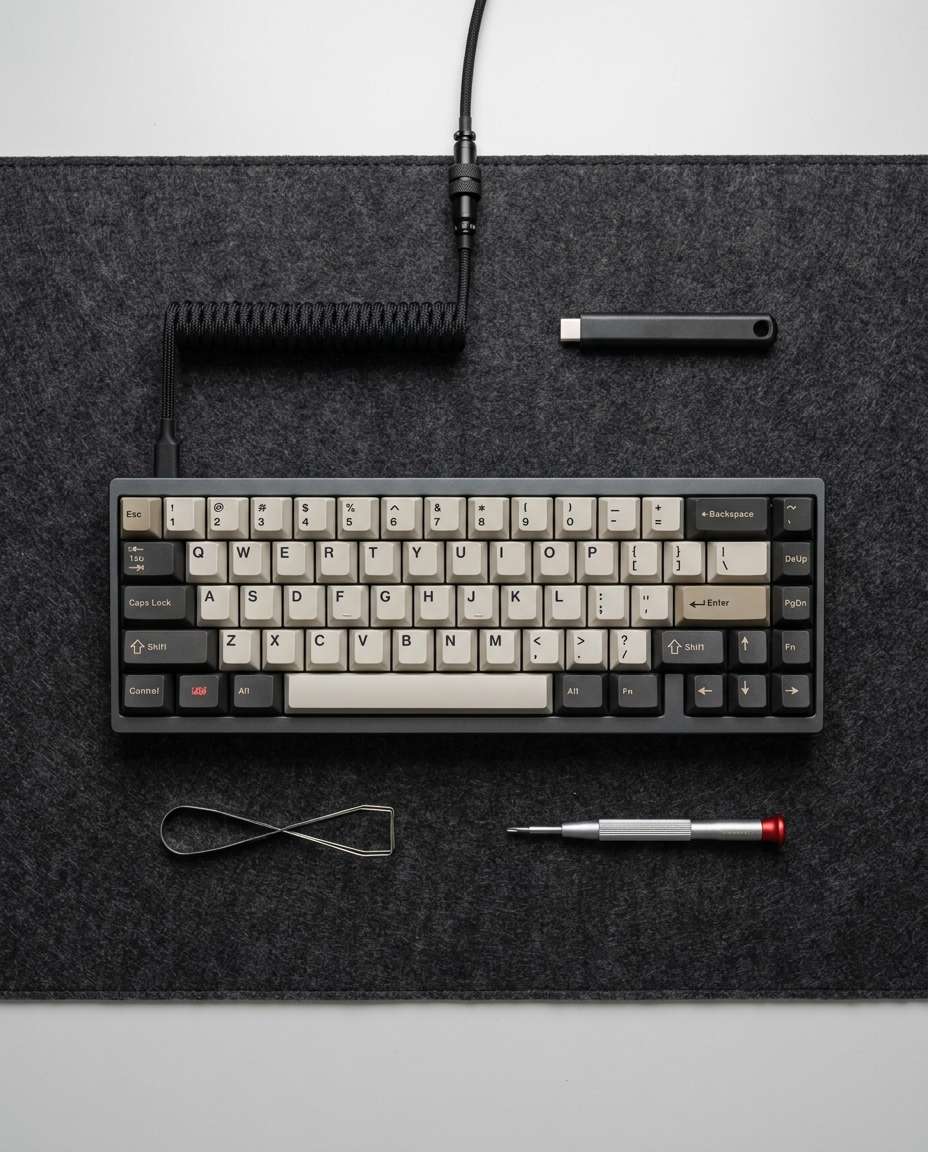
Top-down flat lay of a compact mechanical keyboard centered on a charcoal desk mat, neatly arranged accessories around it (USB-C coiled cable, keycap puller, small screwdriver), clean spacing, soft overhead diffused light, shot on Nikon Z7 II 35mm, f/5.6, neutral color grading, photorealistic product mockup for Amazon listing --ar 4:5
Macro Keycap Texture
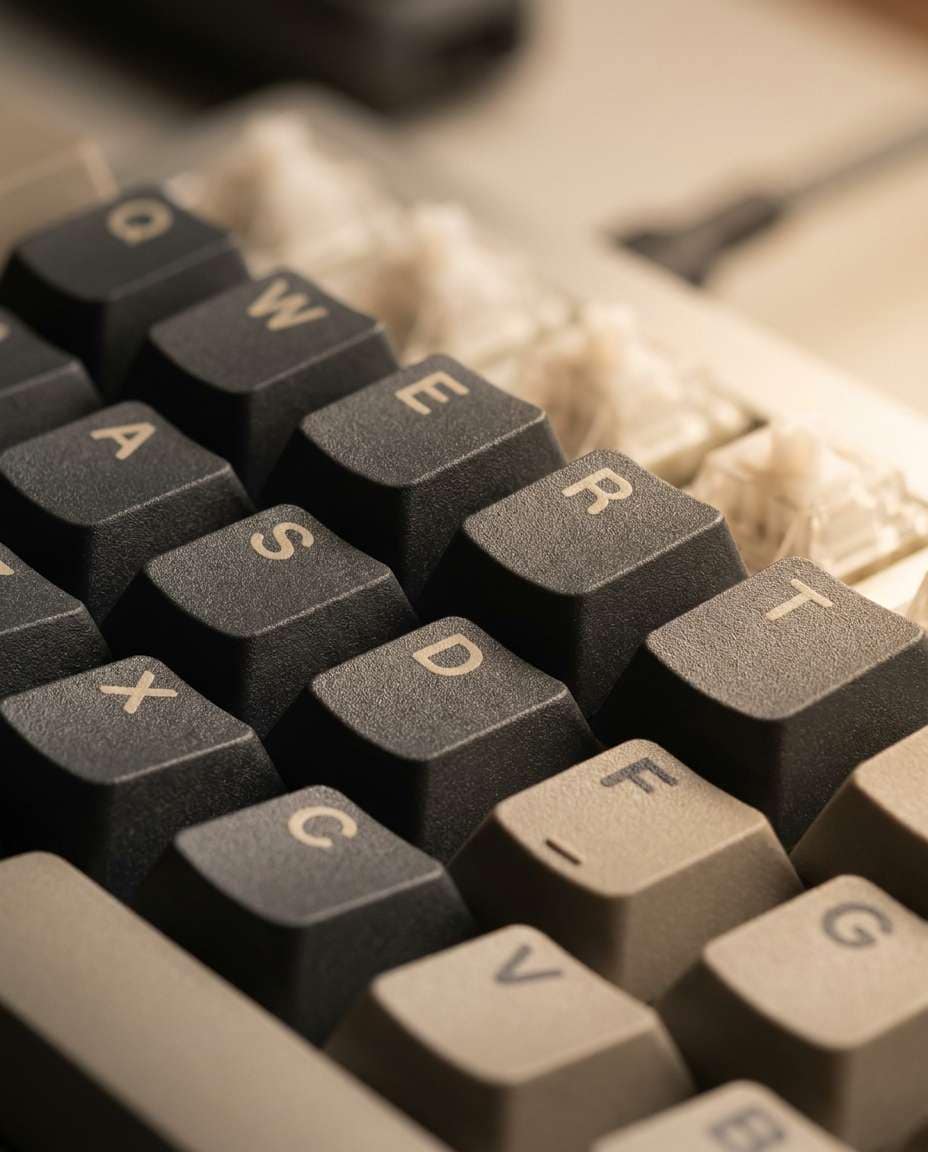
Extreme macro shot of PBT keycaps on a mechanical keyboard, visible fine grain texture and crisp double-shot legends, warm side lighting revealing micro shadows between keys, shot on a macro 100mm lens f/4, razor sharp focus on two rows of keys with creamy bokeh behind, editorial product detail photography, ultra-realistic --ar 4:5
Minimalist Desk Setup
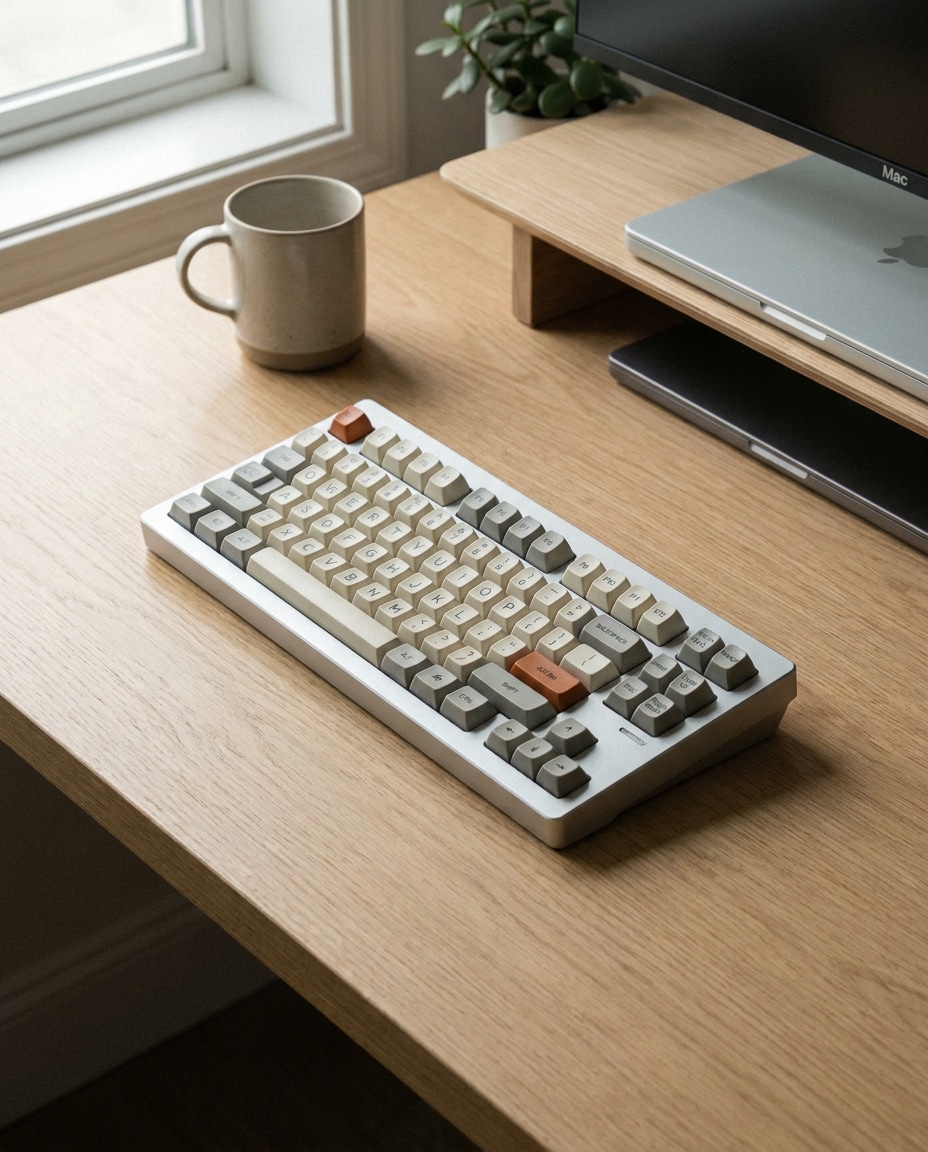
A mechanical keyboard hero mockup on a minimalist desk setup with a thin monitor stand and a single ceramic mug, light oak desktop, soft window light from the left, calm Scandinavian aesthetic, shot on Fujifilm GFX 100S 63mm f/4, clean composition with negative space, premium lifestyle product photography, photorealistic --ar 4:5
Neon Gamer Desk
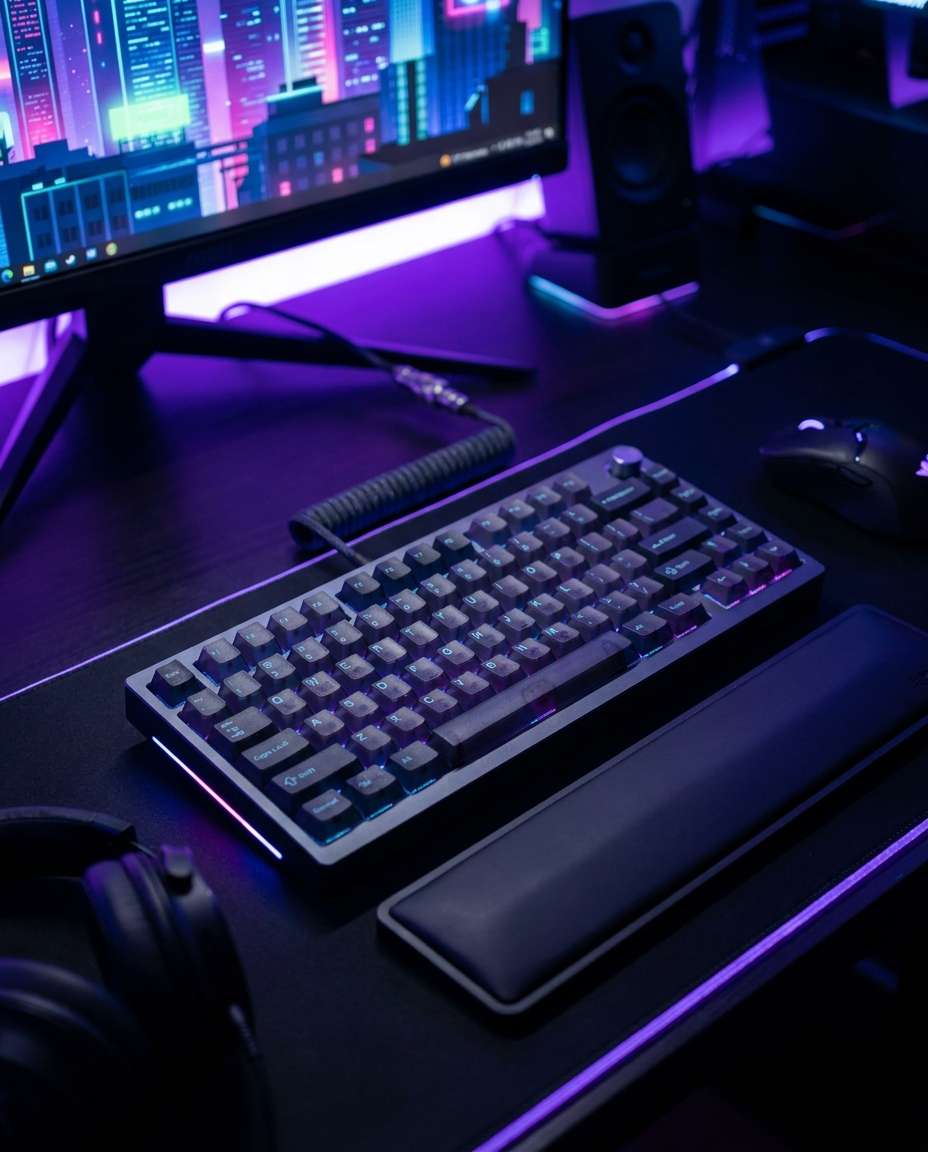
Mechanical keyboard product photo on a modern gamer desk with neon purple and blue ambient light, subtle RGB reflections on the case, blurred gaming monitor background, moody cyber vibe, shot on Sony A7S III 35mm f/1.8, shallow depth of field, high contrast color grade, sharp keycap details, photorealistic mockup --ar 4:5
Marble Luxury Shot
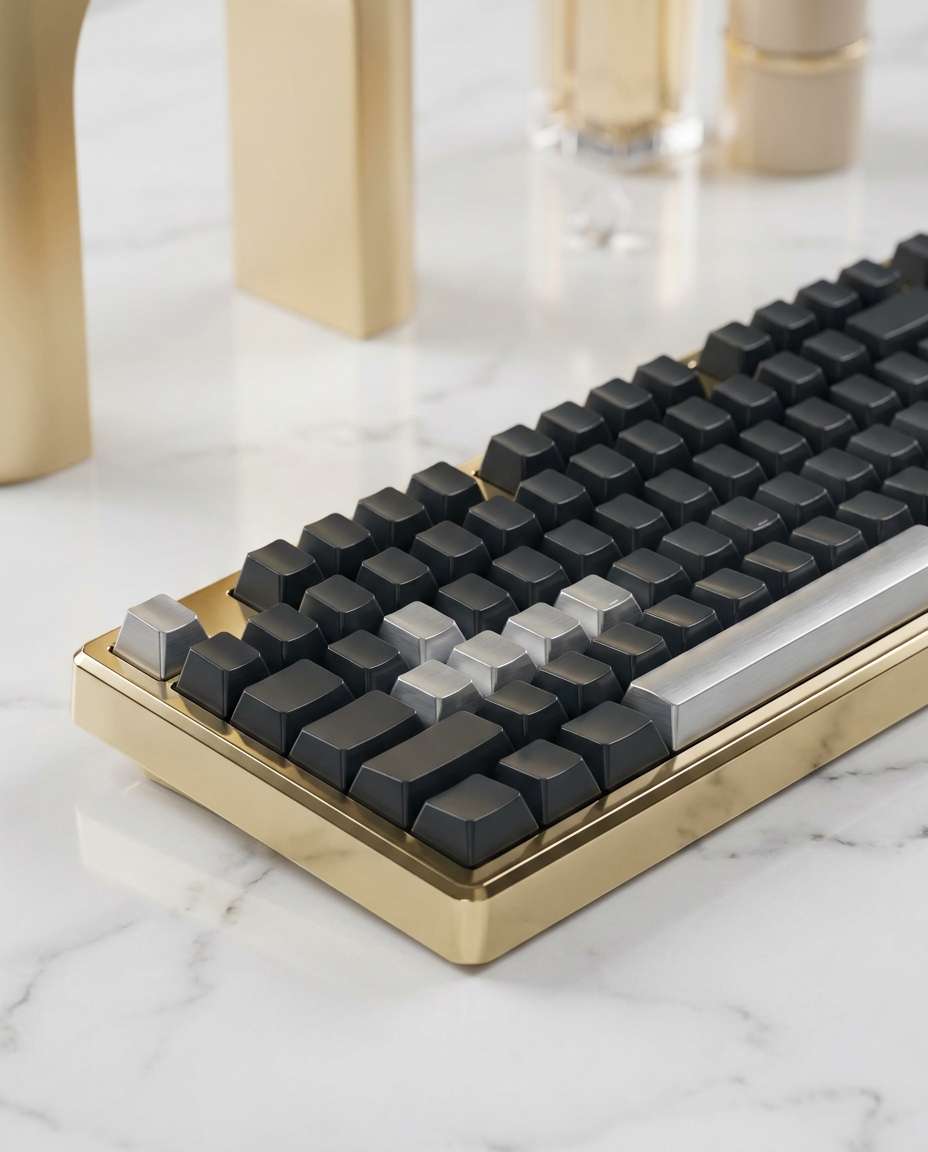
A premium mechanical keyboard mockup placed on white marble with soft gold accents in the background, elegant reflections, clean studio strobe with large softbox, controlled highlights on aluminum edges, shot on Canon EOS R5 70mm f/6.3, high resolution, luxury product campaign look, photorealistic --ar 4:5
Coffee Shop Lifestyle
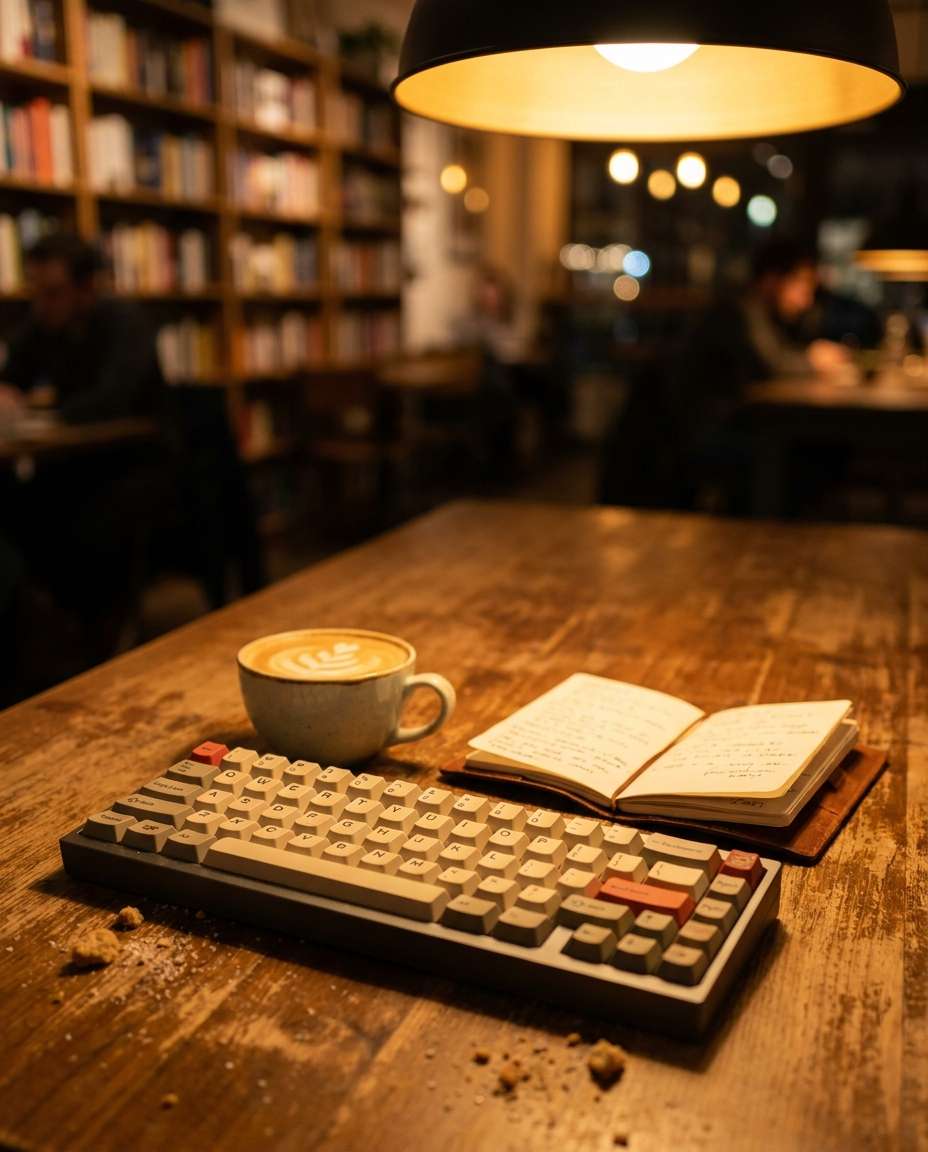
Mechanical keyboard mockup on a small cafe table next to a latte and notebook, warm cozy tungsten lighting, shallow depth of field with soft bokeh, slightly candid framing as if shot for Instagram, shot on Leica Q2 28mm f/2.8, realistic reflections and crumbs, lifestyle product photography --ar 4:5
Packaging Hero Scene
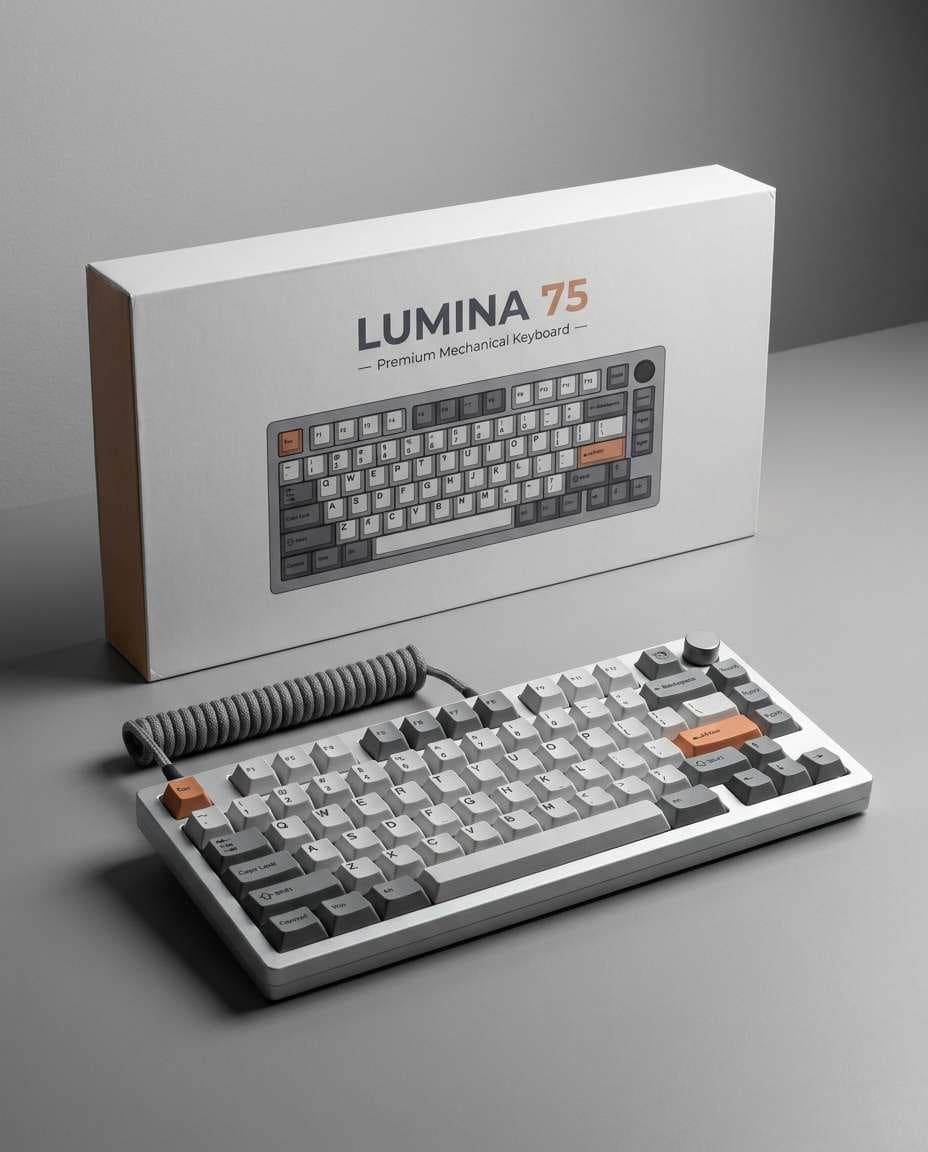
A mechanical keyboard product mockup with retail packaging standing behind it, box design clean and modern, keyboard angled forward as hero, studio lighting with soft shadow, shot on Nikon D850 50mm f/8, crisp text readability, commercial catalog quality, photorealistic and sharp --ar 4:5
Coiled Cable Focus
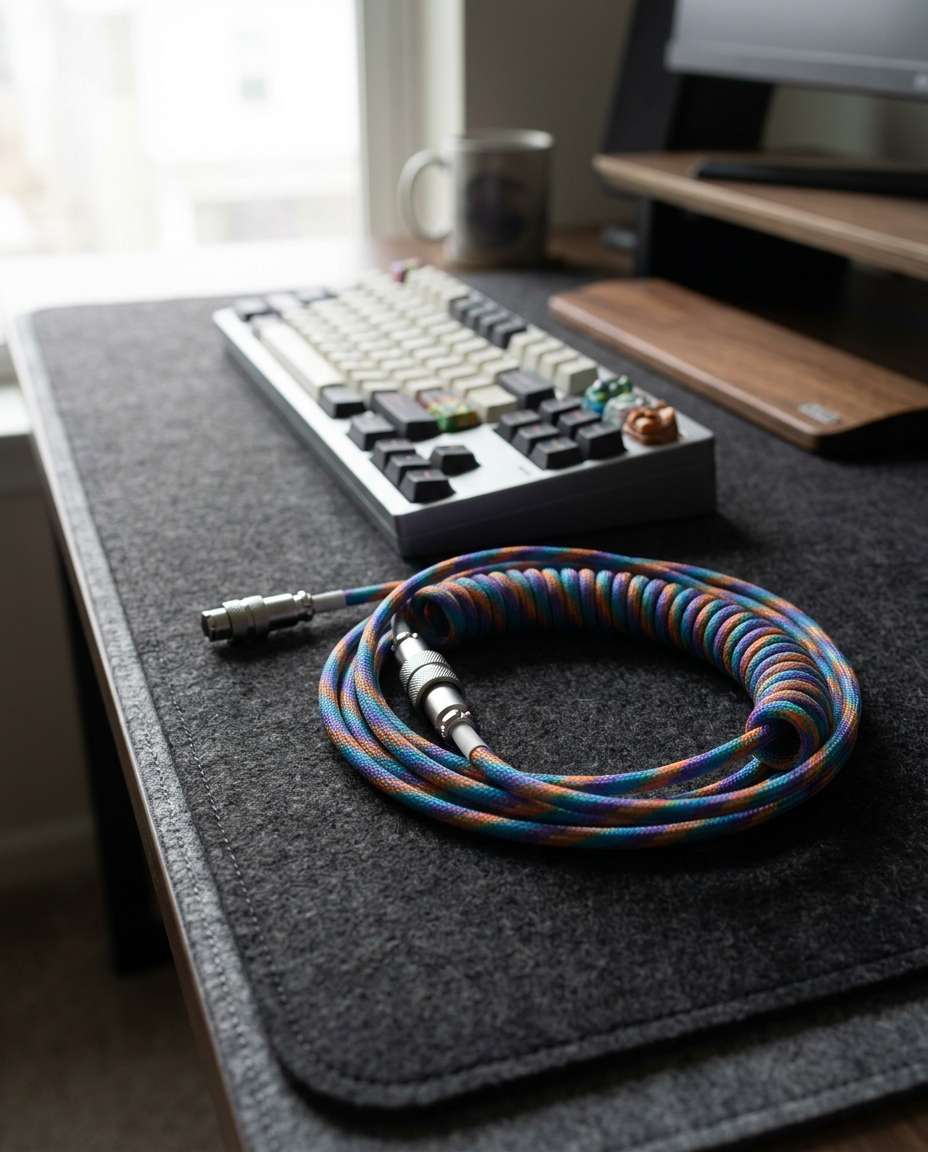
Mechanical keyboard mockup on a dark desk mat with a colorful coiled aviator cable in the foreground, keyboard slightly back, controlled depth of field, soft diffused light, shot on Sony A7IV 85mm f/2, premium enthusiast aesthetic, ultra-realistic materials and stitching detail --ar 4:5
Pastel Aesthetic Board
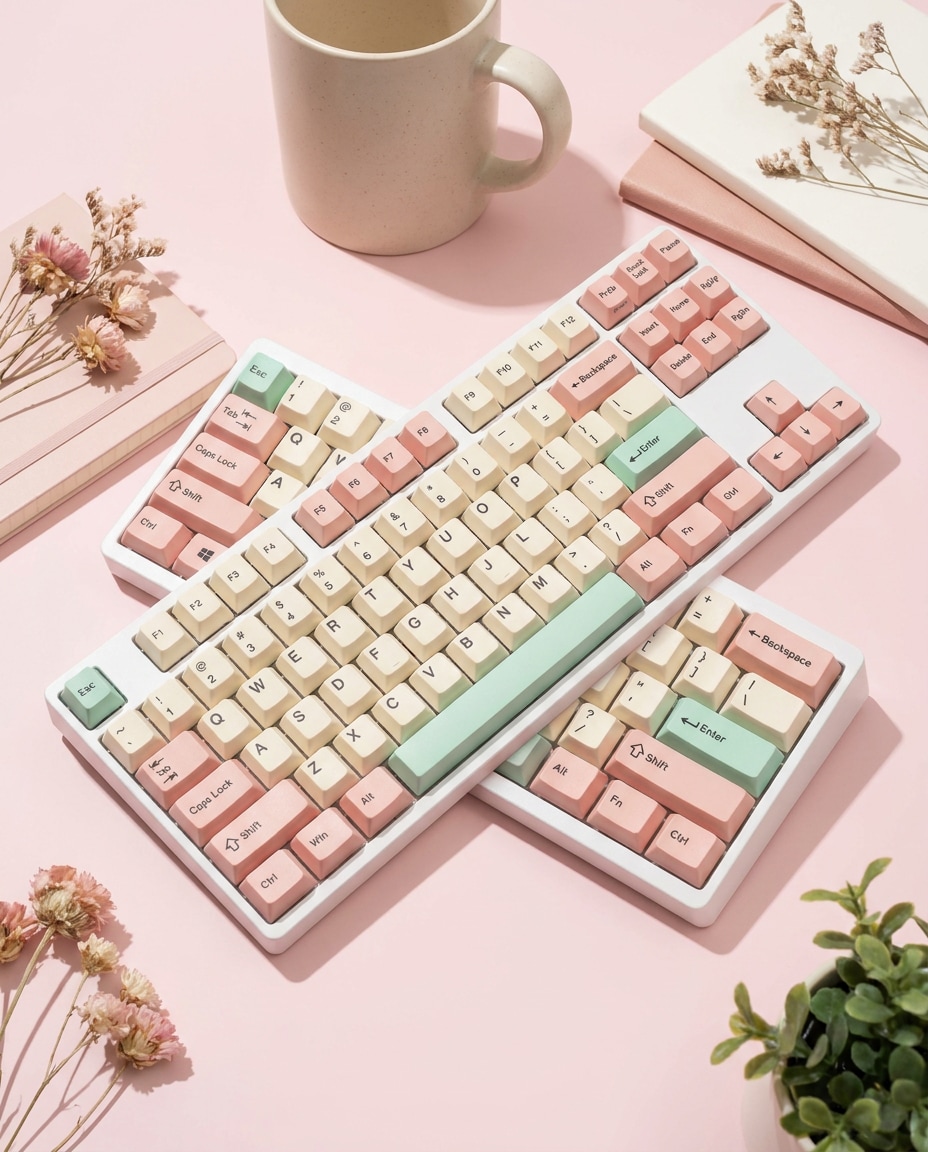
A mechanical keyboard mockup with pastel keycap set (cream, blush pink, mint accents), placed on a light pink background with soft props, bright high-key lighting, shot on Canon 5D Mark IV 50mm f/5.6, clean shadows, trendy Pinterest product styling, photorealistic --ar 4:5
Dark Matte Drama
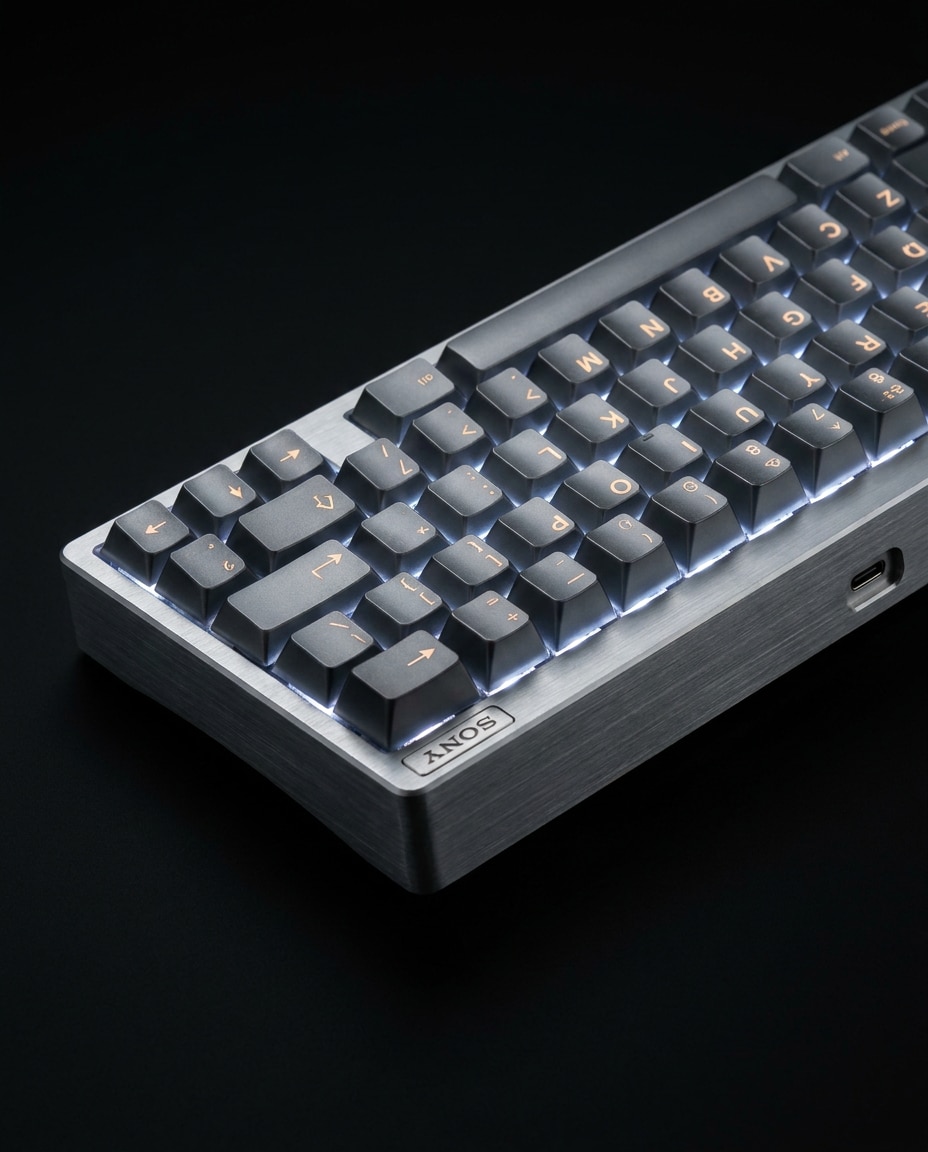
A mechanical keyboard product photo on a black seamless background, dramatic rim light outlining the case and keycaps, subtle fill to reveal legends, shot on Sony A1 90mm f/4, high contrast, crisp edges, luxury tech campaign style, photorealistic and ultra-detailed --ar 4:5
Exploded Accessories Layout
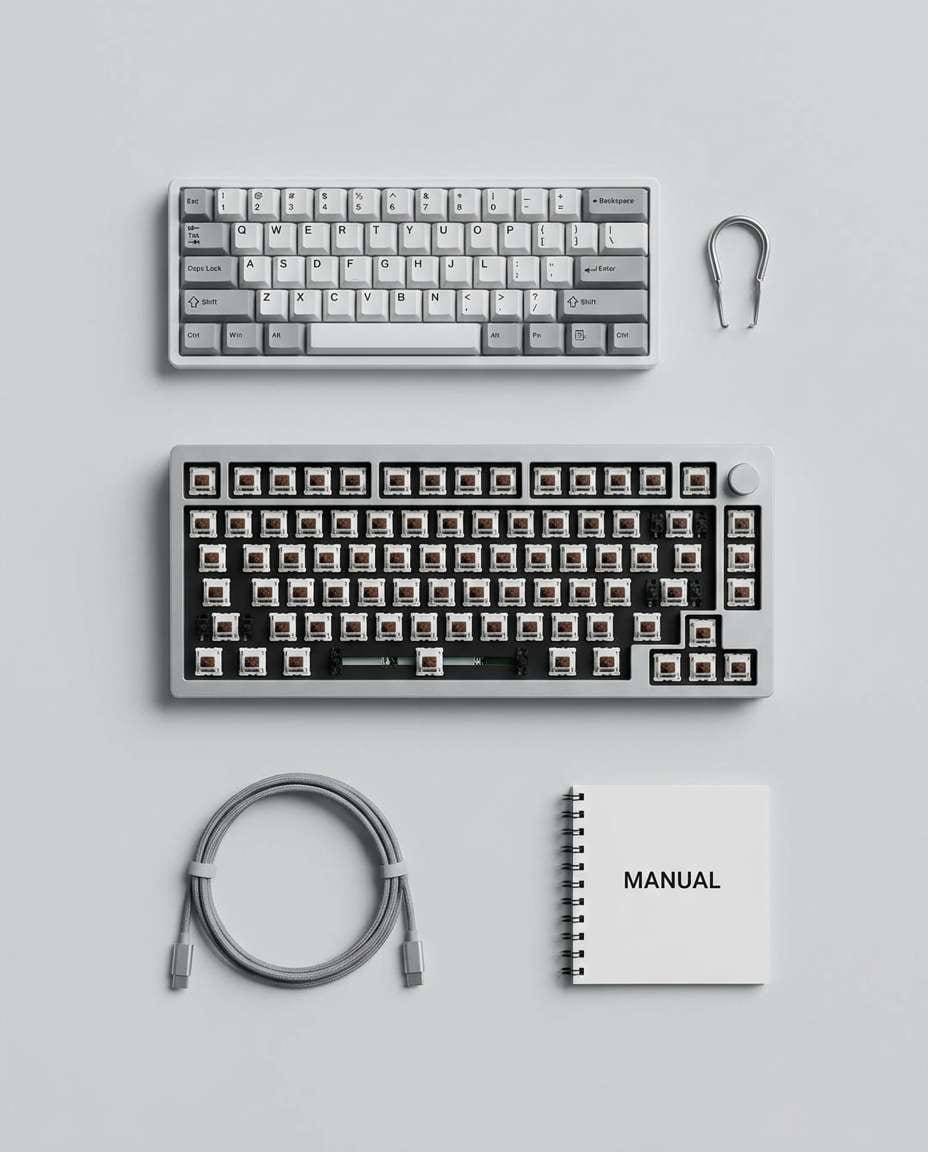
A mechanical keyboard mockup with accessories arranged in a clean exploded layout: keyboard, extra keycaps, switch puller, cable, manual, all evenly spaced on a light gray background, top-down studio shot, shot on Nikon Z8 35mm f/8, product catalog clarity, photorealistic --ar 4:5
Side Profile Showcase
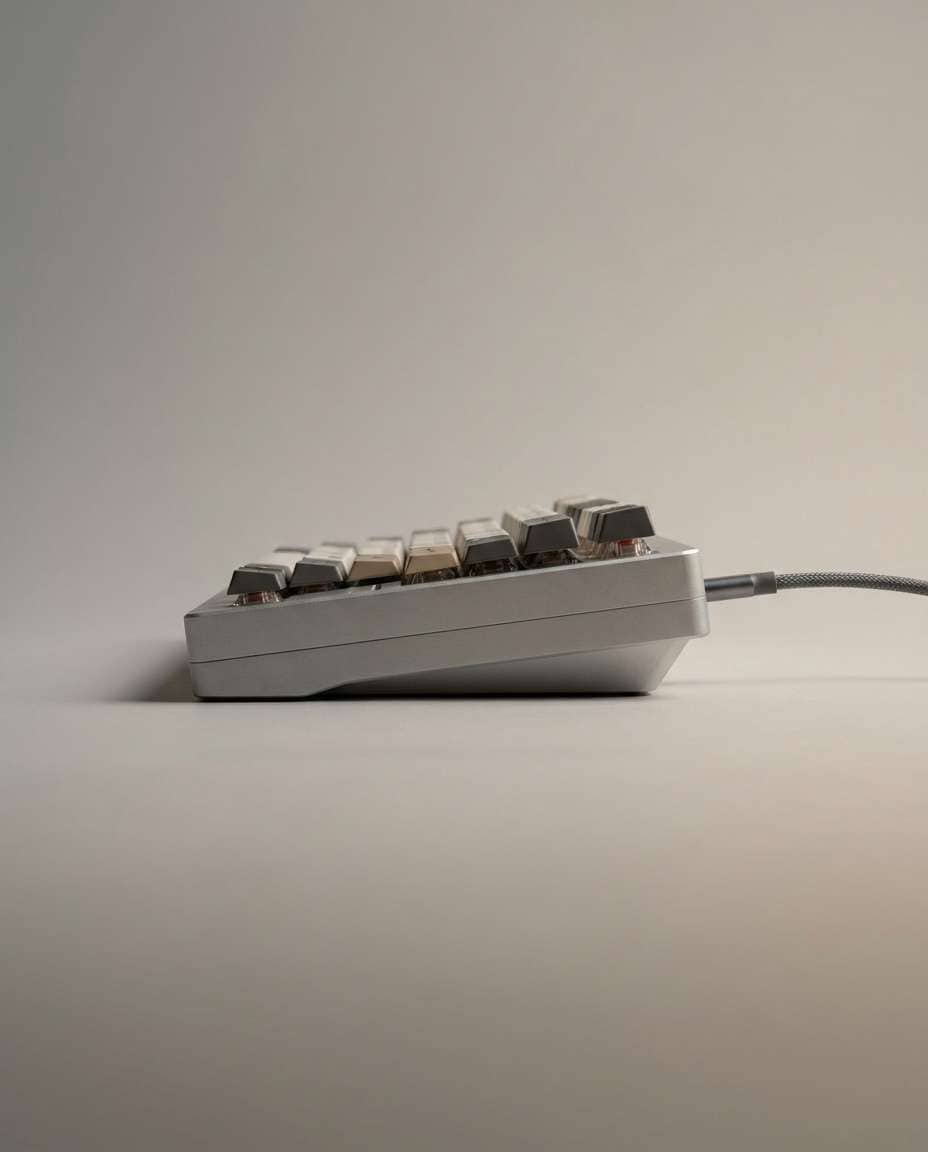
Side profile product mockup of a mechanical keyboard showing its case height and tilt angle, soft studio gradient background, gentle shadow under the board, shot on Canon EOS R6 85mm f/7.1, sharp focus, accurate proportions, e-commerce product photo style, soft cinematic lighting --ar 4:5
Wrist Rest Bundle
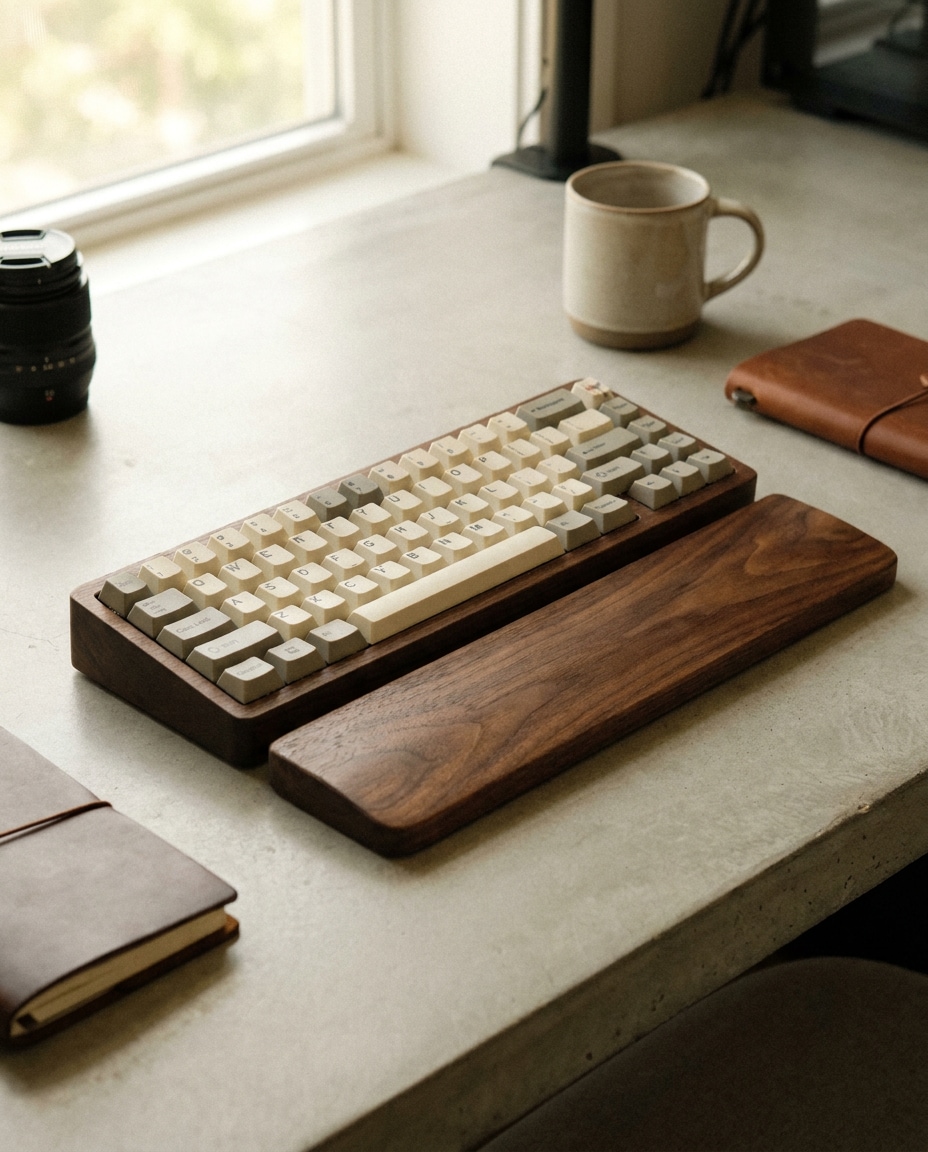
Mechanical keyboard mockup paired with a matching wooden wrist rest, both aligned neatly on a neutral desk surface, soft natural daylight, warm color grading, shot on Fujifilm X-T5 56mm f/4, clean lifestyle composition, photorealistic textures and grain --ar 4:5
Transparent Background Look
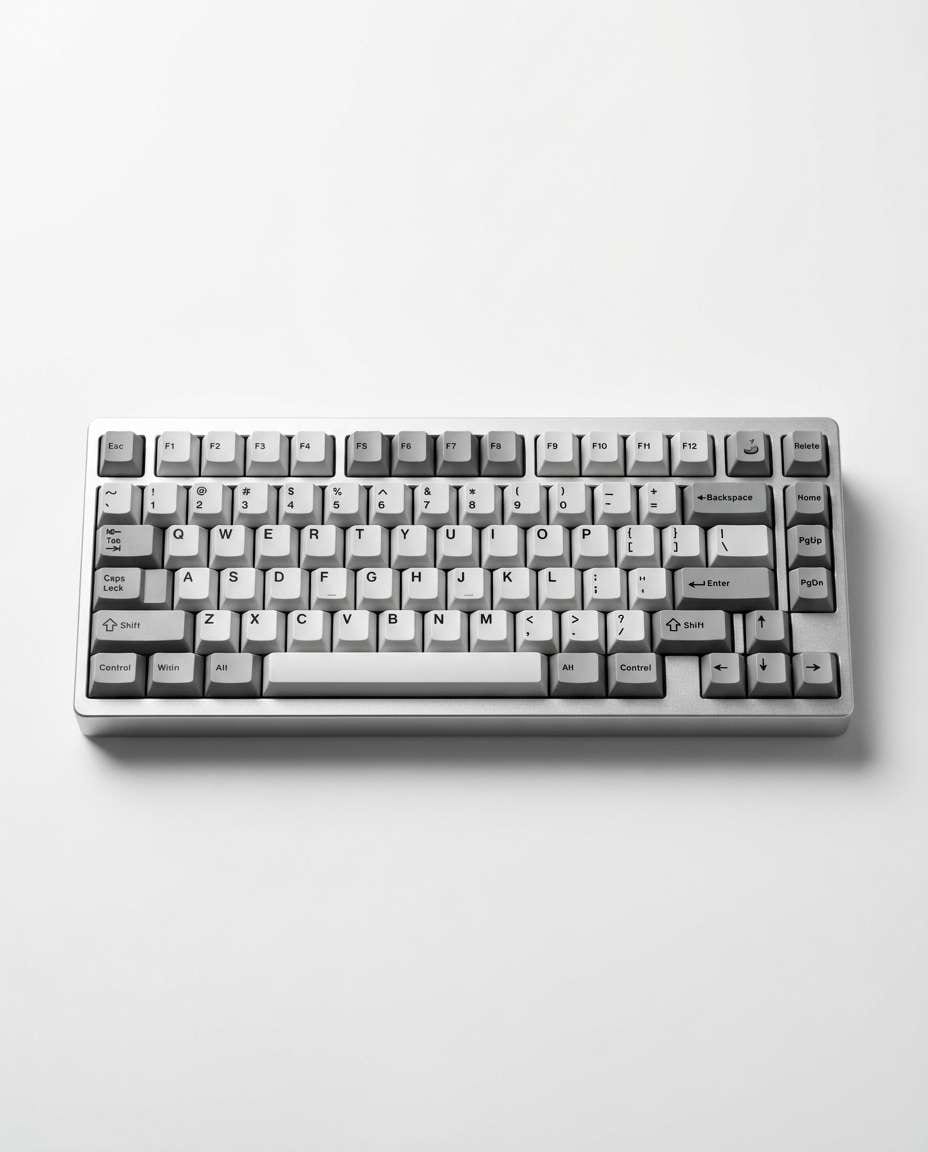
A mechanical keyboard product mockup isolated on a pure white background with clean contact shadow beneath, centered composition, even studio lighting, shot on Canon EOS R5 50mm f/8, sharp edges, no background clutter, ideal for Shopify product page, photorealistic --ar 4:5
Rainy Window Mood
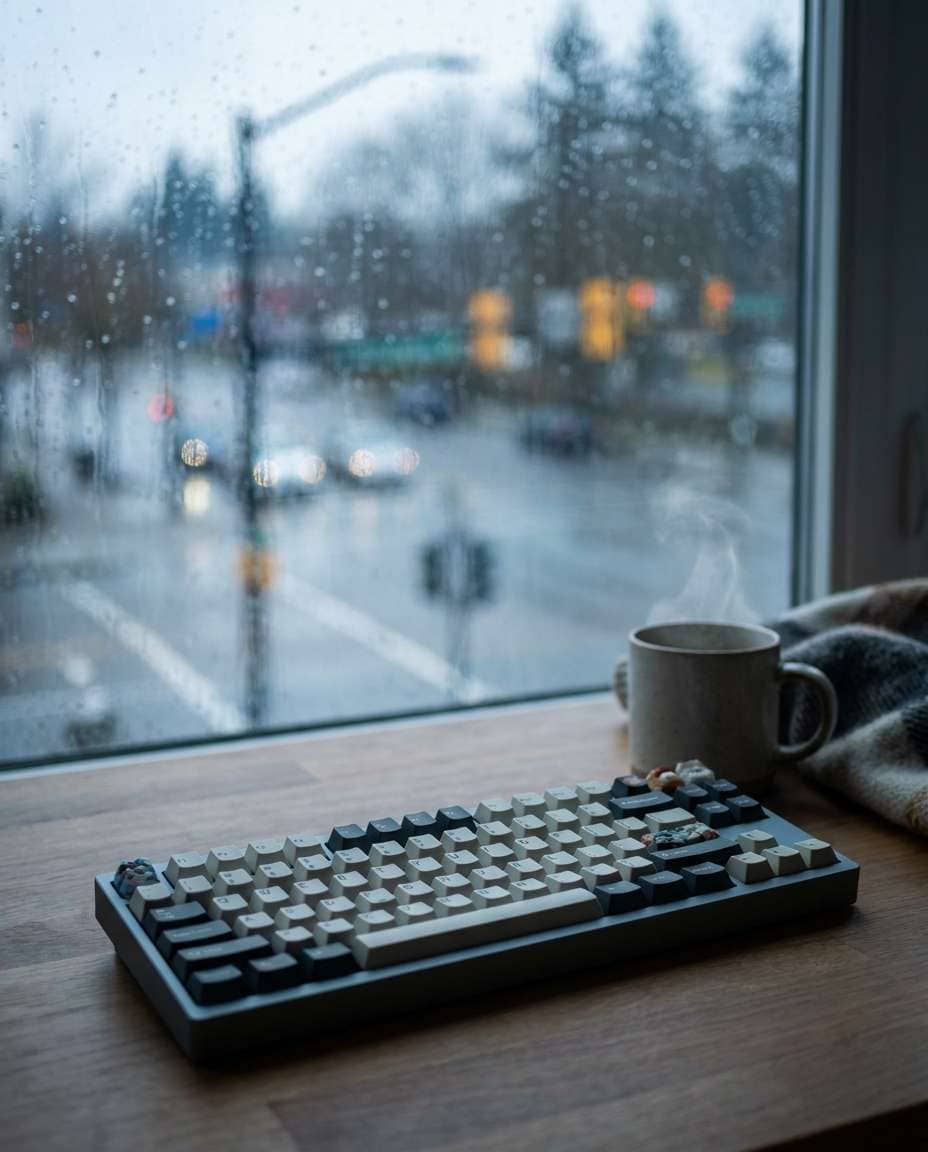
Mechanical keyboard mockup on a desk by a rainy window, soft overcast daylight, raindrops bokeh in the background, cozy muted tones, shot on Sony A7IV 35mm f/2, shallow depth of field, cinematic but realistic, premium lifestyle product photography --ar 4:5
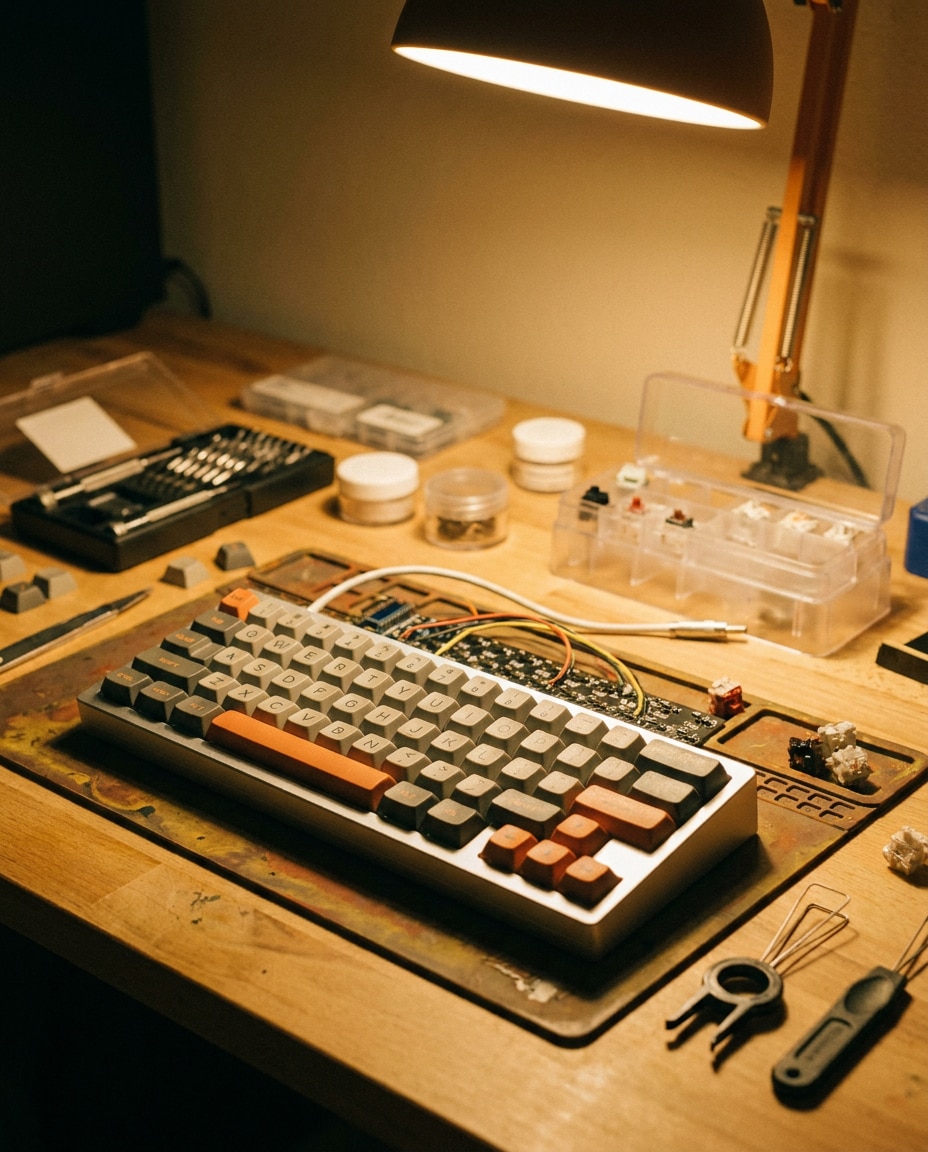
Workbench Custom Build
Mechanical keyboard mockup on a builder workbench with tasteful tools in the background (precision screwdriver, lube station blurred), warm task light, authentic enthusiast vibe, shot on Nikon D750 50mm f/1.8, focus on keyboard case and keycaps, photorealistic --ar 4:5
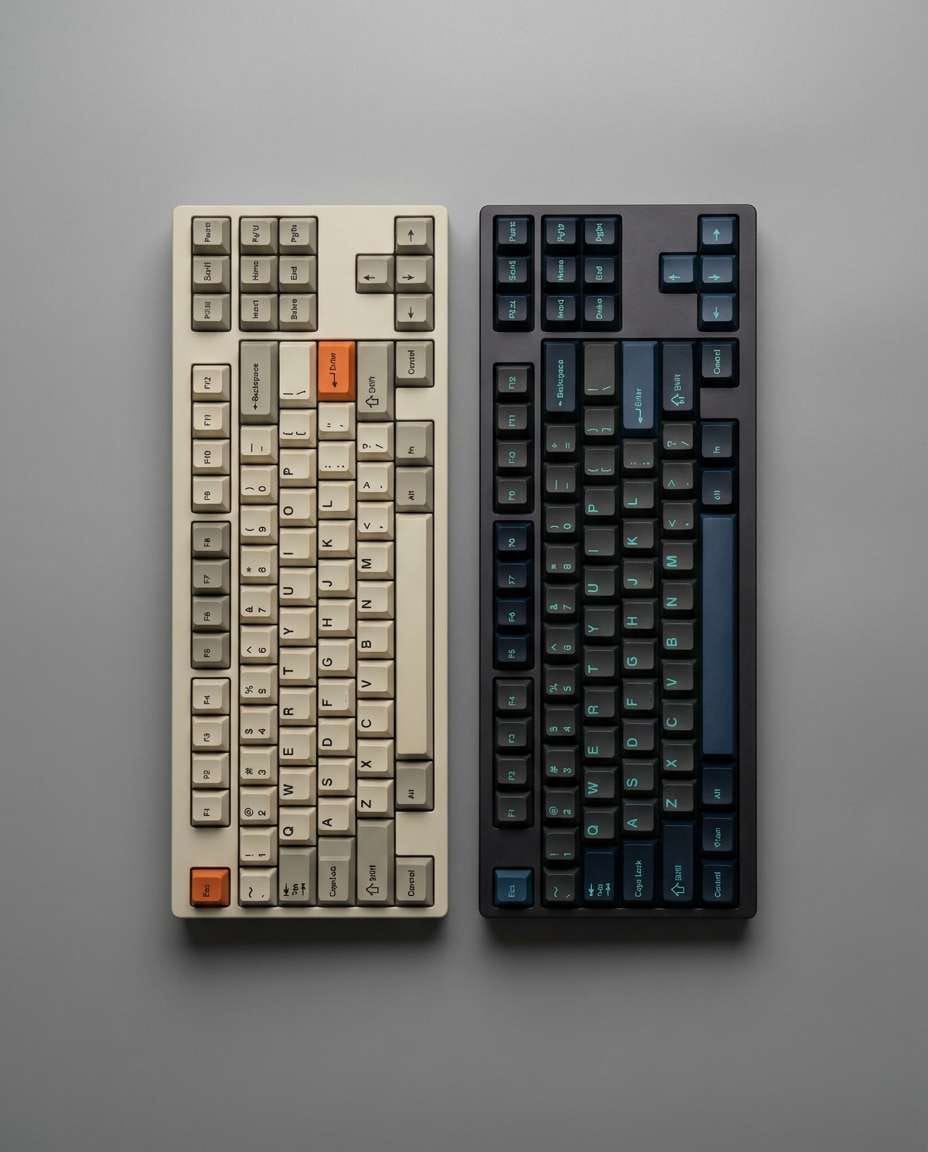
Colorway Swap Set
A mechanical keyboard mockup showing the same board with two colorway keycap sets placed side-by-side, clean studio background, consistent lighting for comparison, shot on Canon EOS R5 35mm f/8, crisp and neutral grading, product comparison photography, photorealistic --ar 4:5
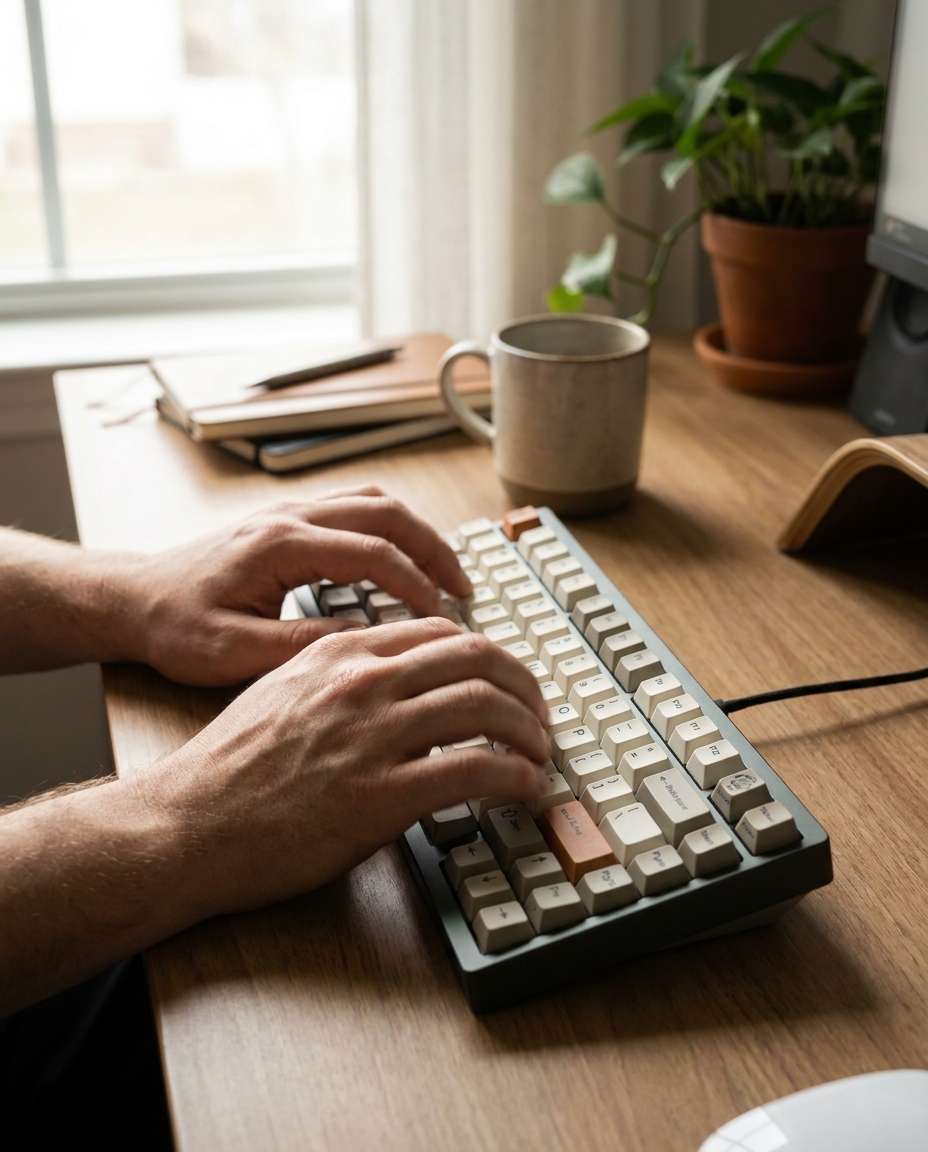
Hands Typing Angle
Lifestyle photo of hands typing on a mechanical keyboard on a modern desk, subtle motion blur on fingertips, keyboard sharp and centered, soft window light, shot on Sony A7IV 35mm f/2, warm natural tones, photorealistic skin texture, authentic work-from-home vibe --ar 4:5
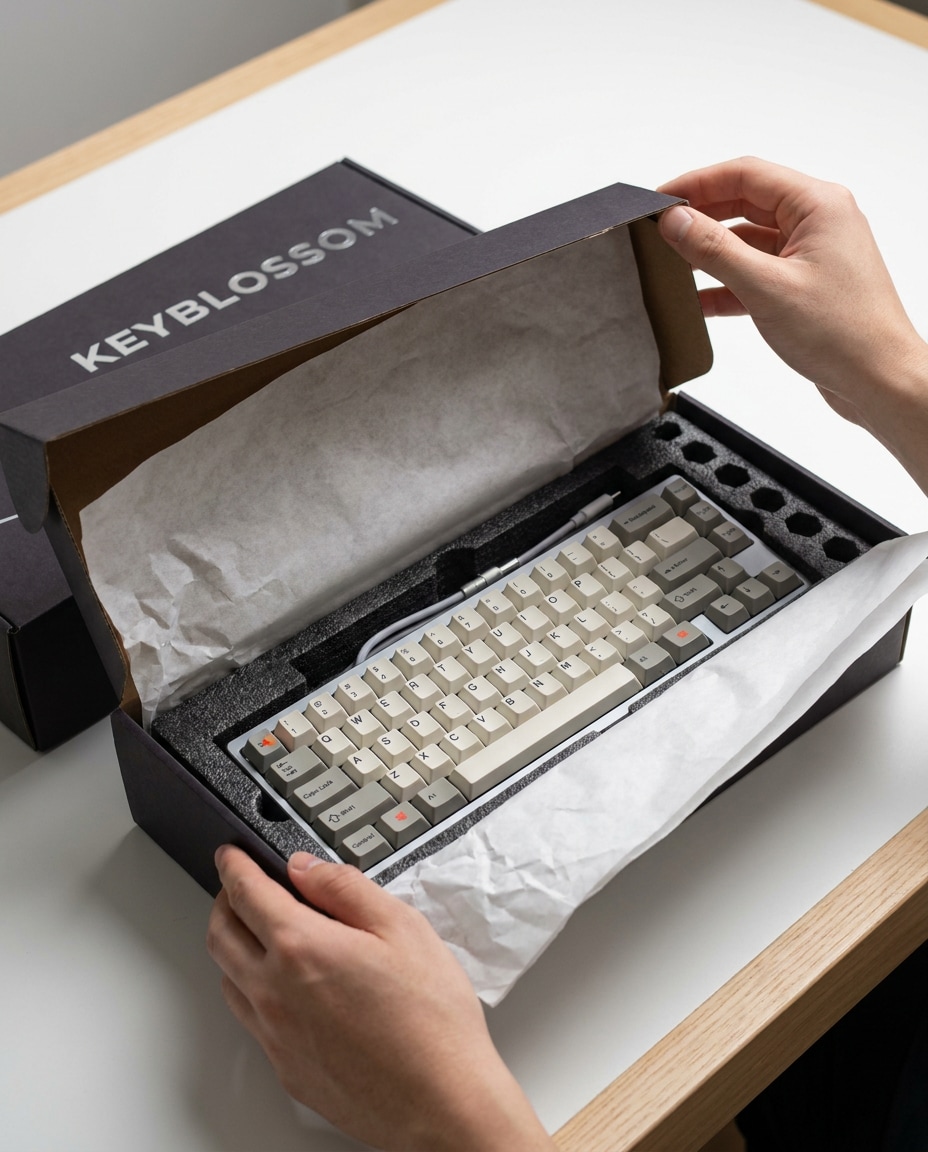
Unboxing Moment
Hands opening a mechanical keyboard box with tissue paper and foam insert visible, keyboard partially revealed, bright clean tabletop, soft studio lighting, shot on Canon EOS R6 50mm f/3.2, crisp detail on packaging and keycaps, photorealistic unboxing mockup --ar 4:5
Keycap Swap Closeup
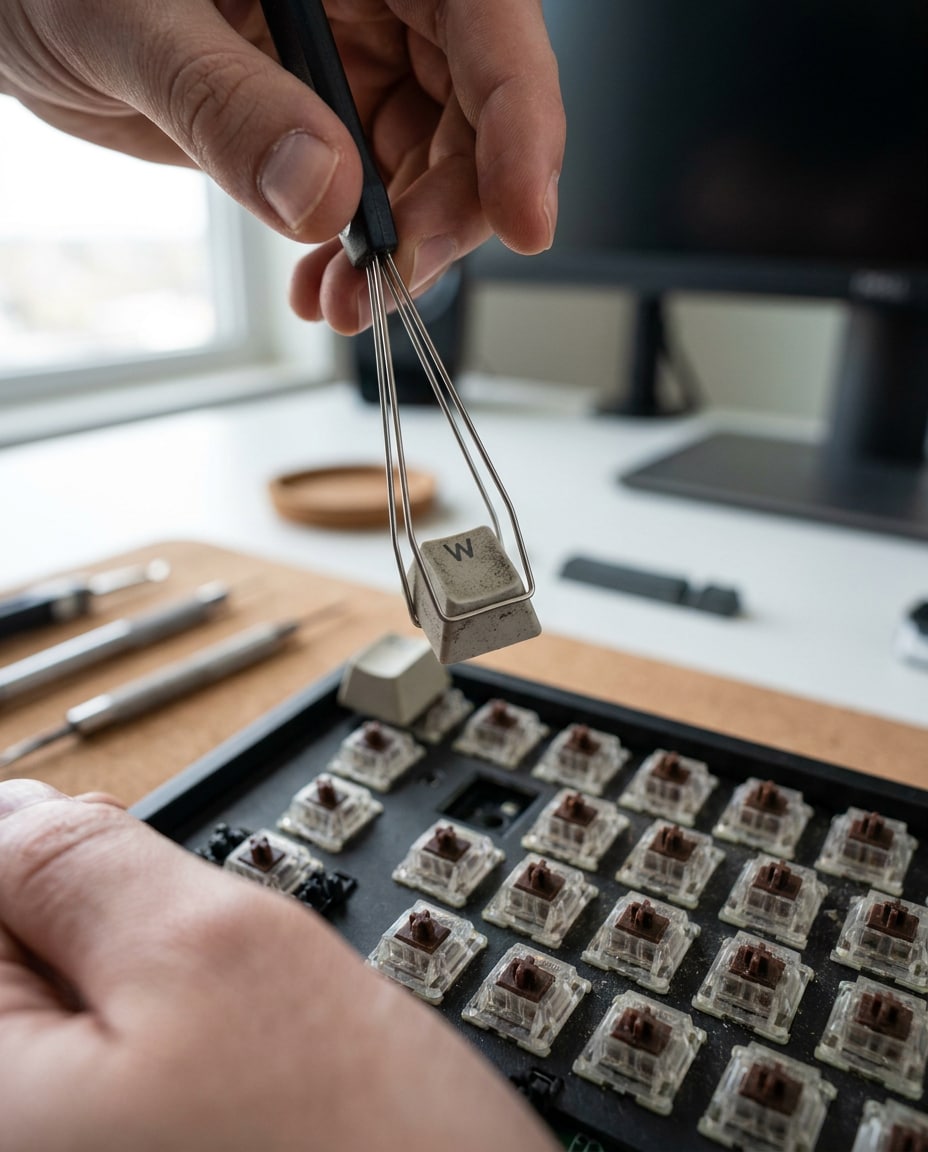
Close-up of hands using a keycap puller to remove a keycap from a mechanical keyboard, keycap lifted mid-air, sharp focus on the tool and key, blurred background desk, shot on Nikon Z6 II 85mm f/2, realistic lighting and textures, tutorial-style product photo --ar 4:5
Gaming Session Hands
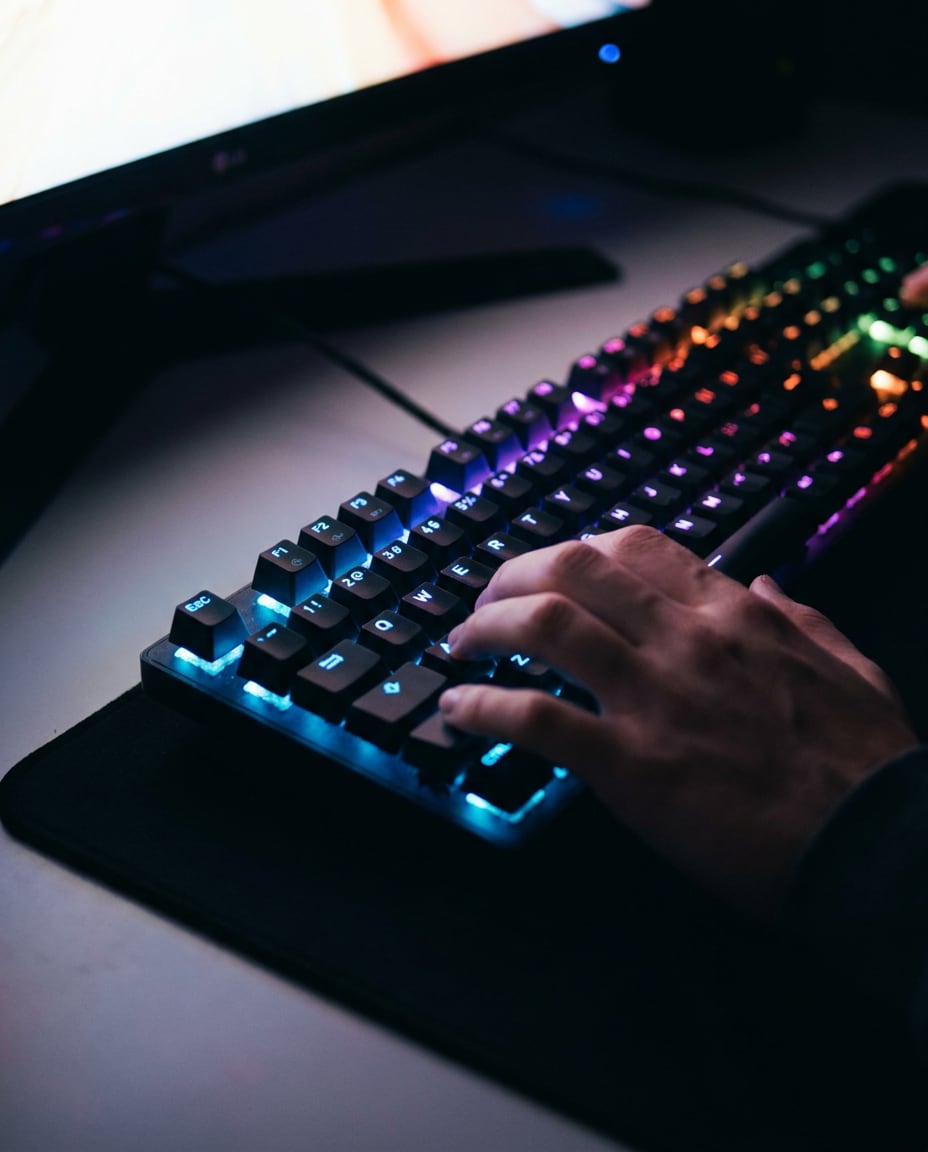
Hands on WASD keys during a gaming session, mechanical keyboard with vivid RGB lighting, dark room with monitor glow reflected on keycaps, shot on Sony A7S III 50mm f/1.8, cinematic moody lighting, sharp key legends, photorealistic and energetic --ar 4:5
Desk Carry Shot
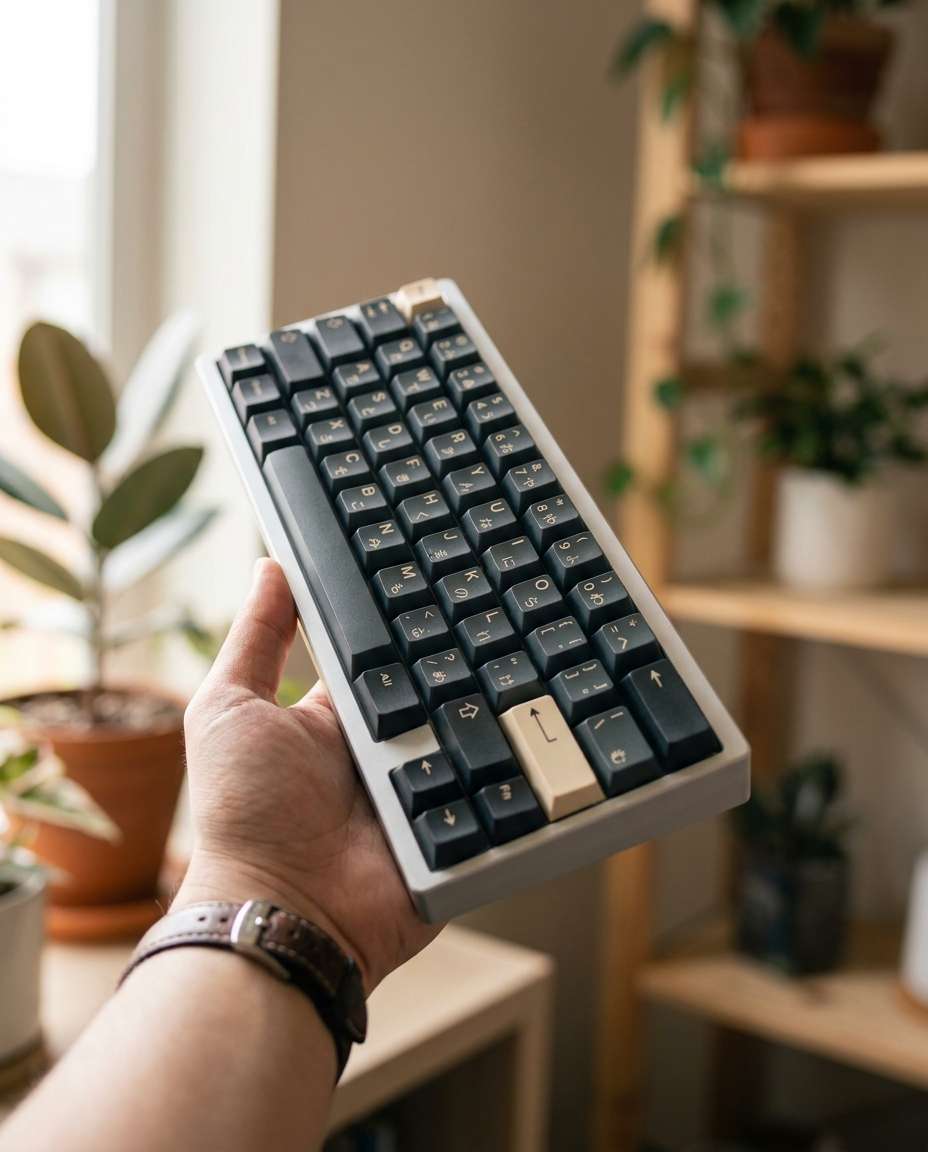
A person holding a compact mechanical keyboard with one hand, angled toward camera to show keycaps and case, clean background with soft bokeh, natural daylight, shot on Canon EOS R5 85mm f/1.8, realistic skin tones, influencer product showcase style --ar 4:5
Laptop Companion Scene
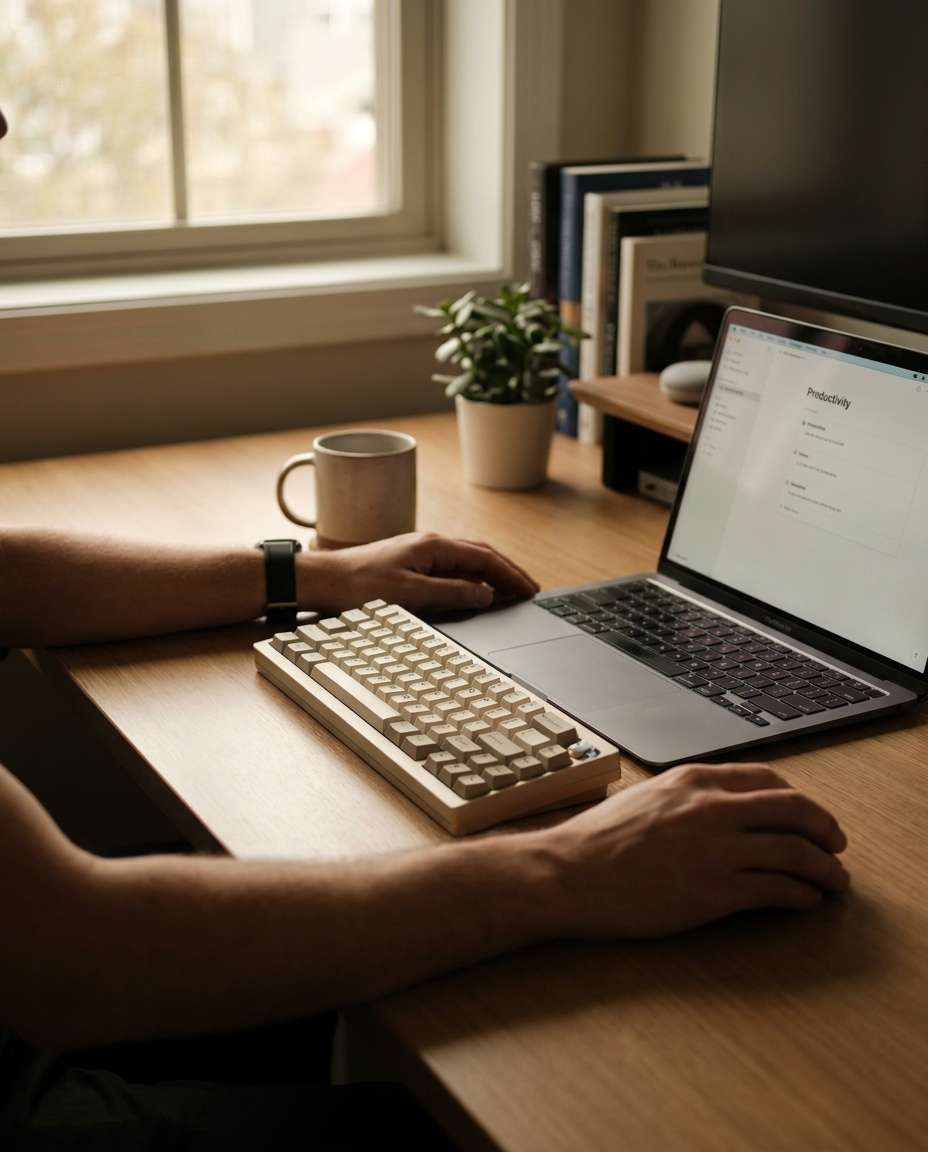
Hands resting near a mechanical keyboard beside an open laptop, tidy desk with minimal accessories, soft ambient light, professional remote-work mood, shot on Fujifilm GFX 100S 45mm f/3.5, shallow depth of field, photorealistic and modern tech lifestyle --ar 4:5
How to Write Better AI Mechanical Keyboard Mockup Prompt
The fastest way to get consistent results is to treat your keyboard like a real product shoot: define materials, lighting, and framing before you hit Generate. These photorealistic mechanical keyboard mockup prompts work best when you keep brand colors and angles consistent across a full set. Use the formula below, then swap one detail at a time for variations.
Recommended Prompt Formula
Subject lock: layout, case material, keycap profile, legend style
Color and finish: anodized aluminum, matte plastic, translucent accents
Lighting: softbox, window light, rim light, low-key RGB ambience
Framing: top-down, 3/4 hero angle, side profile, macro detail
Realism cues: camera model, focal length, sharp focus, natural shadows
Quick Prompt Tips That Convert
Match the shot to the use case: white background for listings, lifestyle for ads, macro for premium features.
Call out what must stay accurate: layout (60%, TKL), knob placement, logo position, and key legends.
Use one strong light description, not five; clean lighting usually looks more expensive.
Add a single hero prop only when it supports the story (coiled cable, wrist rest, packaging), not clutter.
For custom sets, specify legend style and profile; this is key for an ai prompt for custom keycap keyboard mockup.
Generate 3 to 6 variations, then tighten: change angle first, then background, then color grade.
Why Choose Media.io for AI Mechanical Keyboard Mockup Prompt
Generate realistic AI images faster with powerful tools and flexible prompt control.
Copy-Paste Prompt Packs
Skip guesswork. Grab ready-to-use prompt cards designed for keyboard listings, ads, and social posts. Each one is built to produce clean composition, believable reflections, and sellable detail shots, so your mockups look like a real studio day.
Photo Upload Control
Upload your board photo to guide shape, layout, and keycap placement. This keeps results consistent across angles and scenes, especially when you need repeatable assets for a full product page, carousel, or Kickstarter gallery.
Style Variations Fast
Generate multiple looks in minutes: minimal studio, neon gamer, cozy lifestyle, and macro texture. Perfect when you need an ai mechanical keyboard mockup prompt for brand launch and want options without reshooting or rebuilding a set.
Download Ready Assets
Export high-quality images that are ready for Shopify, Etsy, and ads. Clean lighting, sharp details, and modern color grading help your keyboard look premium. Pair with a studio lighting prompt for keyboard product mockup to keep every scene consistent.
FAQs About
AI Mechanical Keyboard Mockup Prompt
1. How do I use an ai mechanical keyboard mockup prompt on Media.io?
Open Media.io AI Image Generator, upload a keyboard photo (optional but recommended), then paste a prompt from this page and click Generate. Review variations, refine details like layout and keycap finish, and download. The best results come from keeping the board description consistent across all shots.
2. Do I need to upload a photo, or can I generate a keyboard mockup from text only?
You can do both. Text-only works for concept visuals and colorway ideas, but uploading a reference photo gives better accuracy for case shape, knob placement, and key spacing. If you are targeting a mechanical keyboard mockup generator prompt with hands, a reference image helps keep proportions believable.
3. What details matter most for realistic keycaps and legends?
Specify keycap material (PBT or ABS), legend type (double-shot, dye-sub), and profile (Cherry, OEM, SA). Add a macro shot request and realistic lighting to reveal texture. For photorealistic mechanical keyboard mockup prompts, include camera and aperture to control sharpness and bokeh.
4. How can I make RGB lighting look clean instead of messy?
Ask for smooth, even RGB glow with controlled reflections, and pair it with a low-key scene so the light reads clearly. Avoid over-saturated colors and request realistic spill on nearby surfaces. A good studio lighting prompt for keyboard product mockup can also keep highlights from blowing out.
5. Can I create mockups for a full launch kit like hero, details, and packaging?
Yes. Use a consistent base description of your board, then generate a set: white background hero, 3/4 angle lifestyle, macro keycap texture, side profile, and packaging shot. This workflow fits an ai mechanical keyboard mockup prompt for brand launch and keeps your product story cohesive.
Why Creators Love Media.io's AI Mechanical Keyboard Mockup Prompt?
Alex M.
Photographer
Ultra Realistic Results.
I used these ai mechanical keyboard mockup prompts to create visuals that looked like real photography. The lighting, textures, and colors felt incredibly natural.
Maya J.
Designer
Perfect Lighting & Detail.
The prompts produced cinematic compositions and soft lighting, making every image feel like a professional shoot.
Jordan P.
Creator
Perfect for Social Media.
I used these prompts to create viral content. It's fast, easy, and consistently produces stunning visuals.