1
Upload Your Portrait
Choose a front-facing selfie or portrait with visible hair. Clear lighting and an unobstructed face help the AI preserve identity.
Upload one portrait and create a realistic shaved-head prank video with electric clipper motion, gradual hair removal, natural scalp reveal, and social-ready 9:16 output.
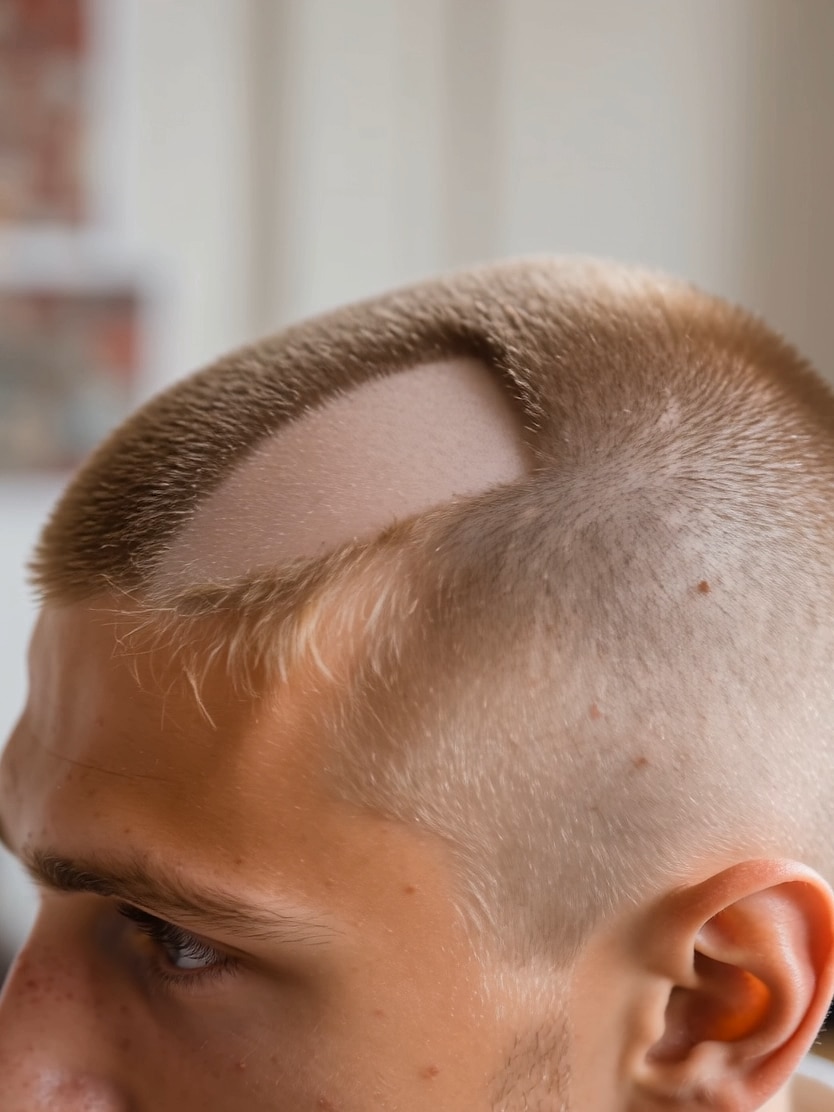
Keep the workflow simple: upload a clear portrait, copy the prompt, then generate a bald transformation video in Media.io.
Choose a front-facing selfie or portrait with visible hair. Clear lighting and an unobstructed face help the AI preserve identity.
Use the realistic shaving prompt below to guide clipper movement, hair fall, scalp texture, and the final bald reveal.
Create a 9:16 video, preview the result, and share the prank on TikTok, Instagram Reels, YouTube Shorts, or messages.
Each card shows the complete three-step flow: source image, copyable prompt, and output video. Click a card to open Image to Video.

Use the uploaded portrait image as the reference character. Create a realistic AI image-to-video transformation where the person manually shaves off their own hair using electric clippers. Keep the exact facial identity, skin tone, facial structure, and expression consistent with the uploaded person throughout the video. The video starts with the original hairstyle fully visible. The person stands naturally in front of a mirror or camera in a realistic indoor environment with soft cinematic lighting. They slowly lift electric hair clippers and begin shaving from the front hairline backward. Show realistic hair removal step by step, with visible shaved paths appearing naturally on the scalp. Hair falls gradually in small strands and particles. Include close-up shots of the clippers moving across the head, realistic scalp texture reveal, subtle head movement, and natural hand motion. Add smooth cinematic camera movement, slight handheld realism, soft depth of field, viral TikTok transformation energy, and beat-synced cuts. Keep the motion fluid and highly realistic. The final scene reveals a fully shaved bald head with a confident expression and clean cinematic lighting. Ultra realistic, cinematic social media aesthetic, realistic scalp details, smooth AI morph assistance, natural skin texture, 9:16 vertical video, high detail, realistic physics, emotionally satisfying transformation.
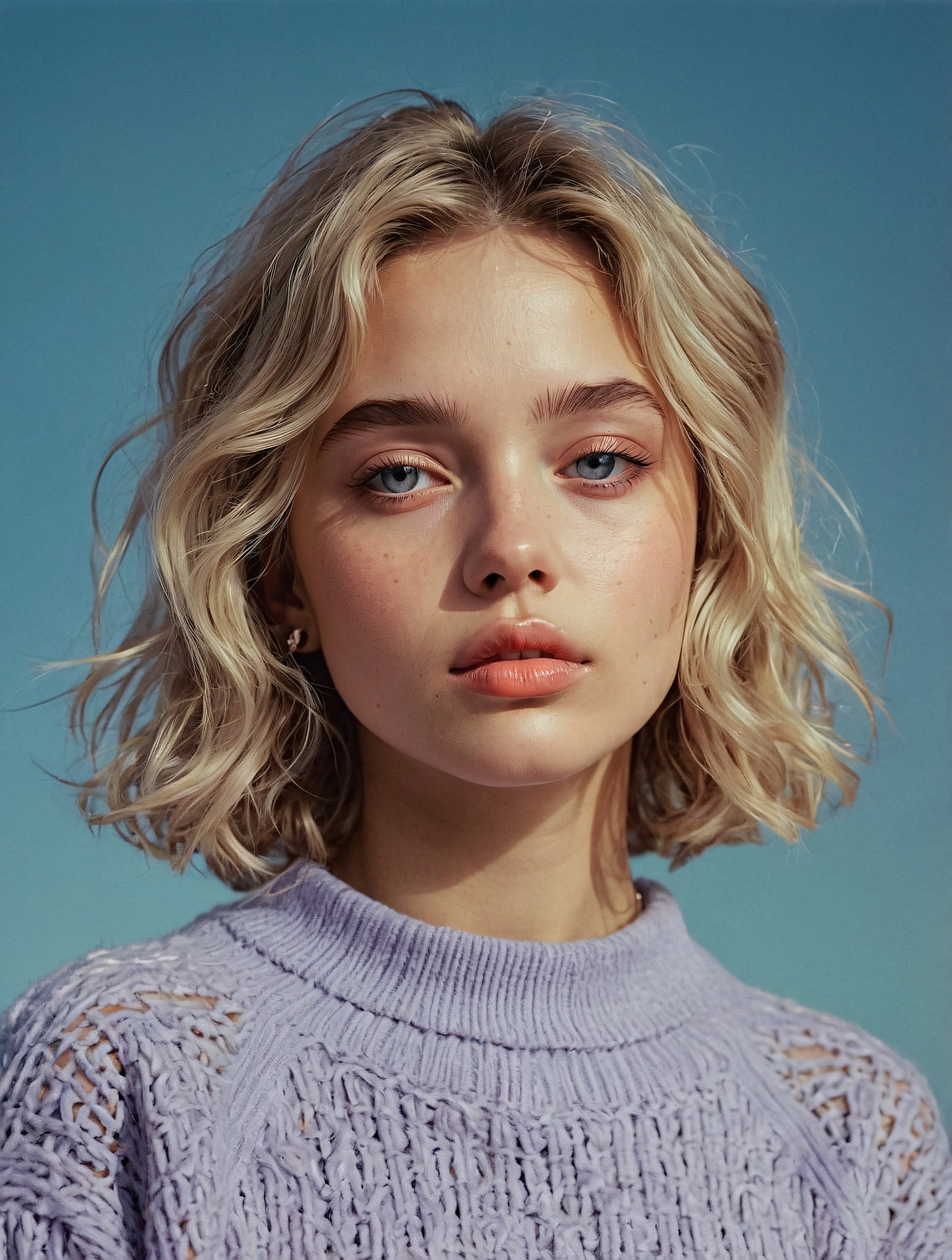
Use the uploaded portrait image as the reference character. Create a realistic AI image-to-video transformation where the person manually shaves off their own hair using electric clippers. Keep the exact facial identity, skin tone, facial structure, and expression consistent with the uploaded person throughout the video. The video starts with the original hairstyle fully visible. The person stands naturally in front of a mirror or camera in a realistic indoor environment with soft cinematic lighting. They slowly lift electric hair clippers and begin shaving from the front hairline backward. Show realistic hair removal step by step, with visible shaved paths appearing naturally on the scalp. Hair falls gradually in small strands and particles. Include close-up shots of the clippers moving across the head, realistic scalp texture reveal, subtle head movement, and natural hand motion. Add smooth cinematic camera movement, slight handheld realism, soft depth of field, viral TikTok transformation energy, and beat-synced cuts. Keep the motion fluid and highly realistic. The final scene reveals a fully shaved bald head with a confident expression and clean cinematic lighting. Ultra realistic, cinematic social media aesthetic, realistic scalp details, smooth AI morph assistance, natural skin texture, 9:16 vertical video, high detail, realistic physics, emotionally satisfying transformation.
Designed for prank videos, haircut previews, and viral transformation content—not just a flat bald overlay.
Guide the video with clipper passes, visible shaved paths, falling hair, and a final clean reveal.
Keep the uploaded face, skin tone, expression, and head shape recognizable across the transformation.
No app install, manual masking, or timeline editing. Use Media.io in the browser and generate quickly.
Create vertical videos for TikTok, Instagram Reels, YouTube Shorts, and reaction-based prank content.
Quick answers for creators who want realistic bald filter videos online.
It is an AI image-to-video effect that turns a portrait into a realistic bald transformation video with clipper movement, gradual hair removal, scalp reveal, and cinematic social-media styling.
Upload a clear portrait, copy the prompt from an example card, generate the AI bald transformation, then export the video in a vertical format for TikTok, Reels, or Shorts.
You can start online in Media.io without installing software. Availability of free exports or credits may depend on your Media.io plan and current product rules.
Use a clear front-facing portrait with visible hair, natural lighting, and no hats or heavy face obstruction. This gives the AI better information for hair removal and face consistency.
A normal bald filter usually creates a static overlay. This workflow creates a transformation video with shaving action, clipper detail, hair fall, scalp texture, and a shareable reveal moment.
Upload a portrait, generate realistic shaved head transformations, and create cinematic TikTok-ready AI prank videos instantly.
Try Shaved Head AI Prank Filter Now 4.7 (162,357 Votes)


