Marlon AI Video
Turn Yourself into a Viral Marlon-Style AI Character
The Marlon AI video trend is taking over TikTok, where users transform themselves into stylized “Marlon” characters using AI edits, cinematic filters, and street-style aesthetics. This guide shows how to recreate the viral look quickly with AI tools.
How to Create an AI Marlon Video
Follow these 3 simple steps to make your own AI Marlon video:
Step 1: Upload Your Photo
Upload a clear, front-facing portrait to Media.io for best results.
Step 2: Apply the AI Marlon Effect
Instantly transform your image with the AI Marlon street-style effect—no editing needed.
Step 3: Export & Share
Download your video in seconds and share it on TikTok, Instagram Reels, or Shorts to join the trend.
Marlon AI Video Examples
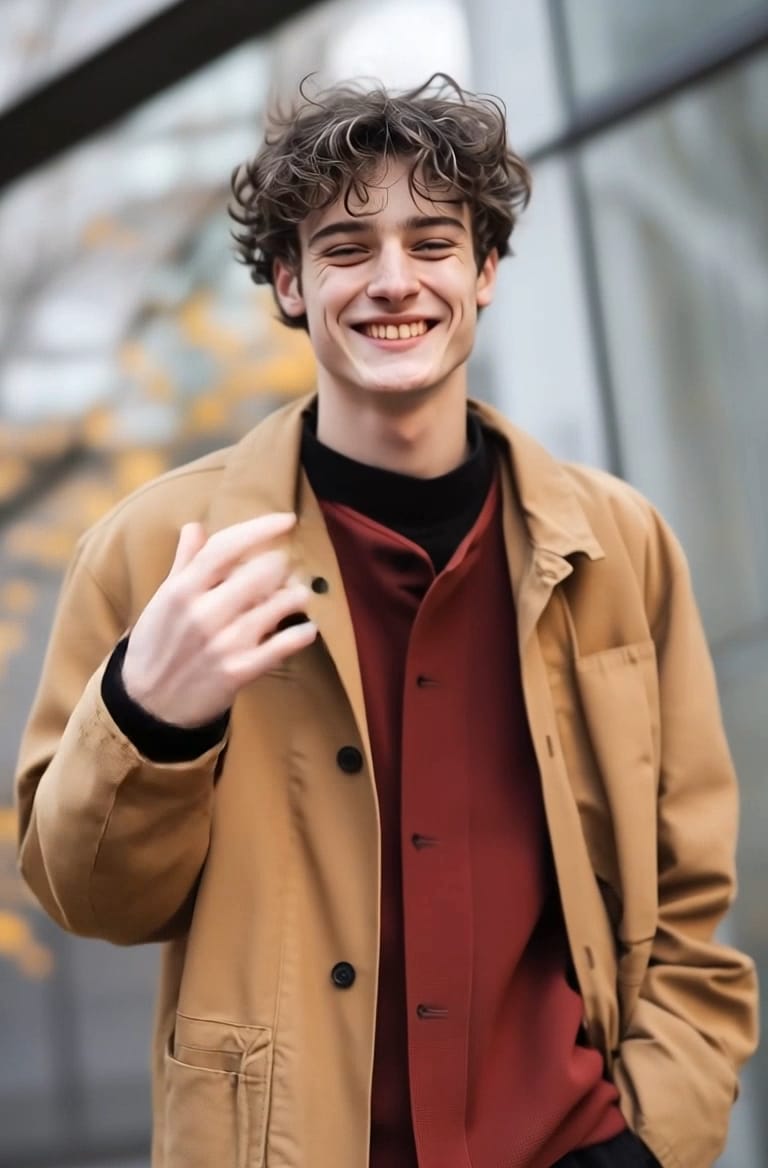
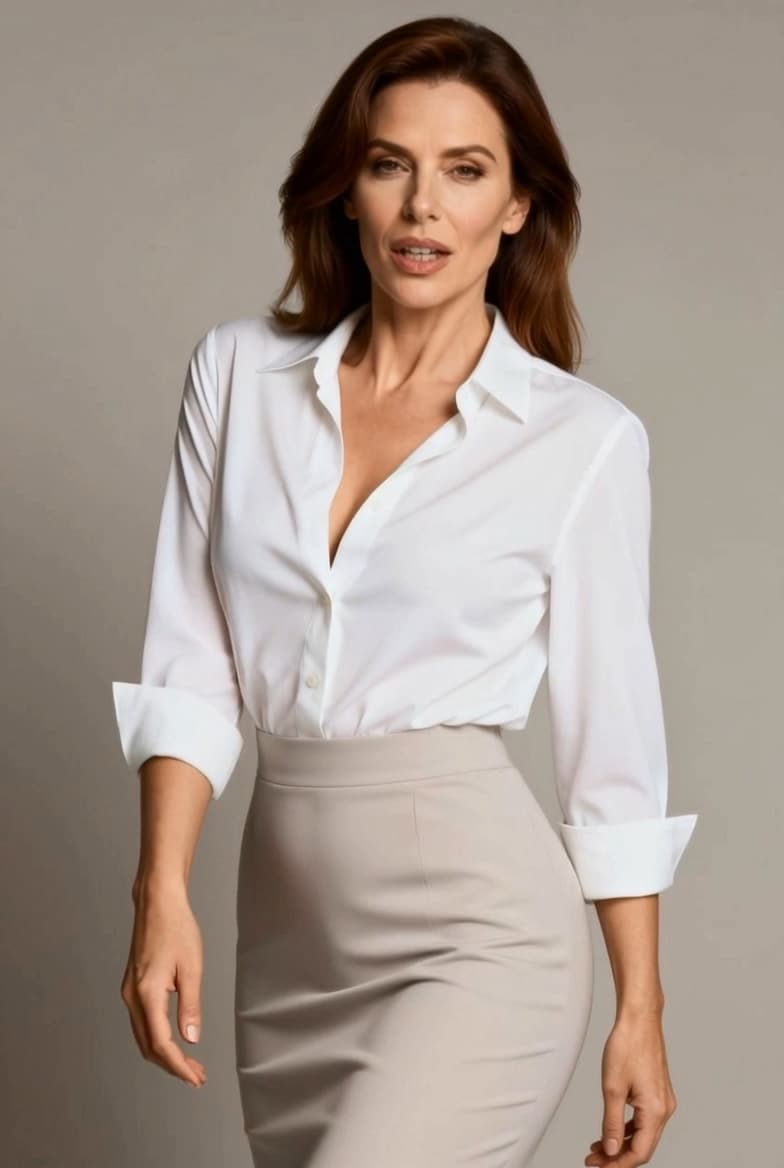
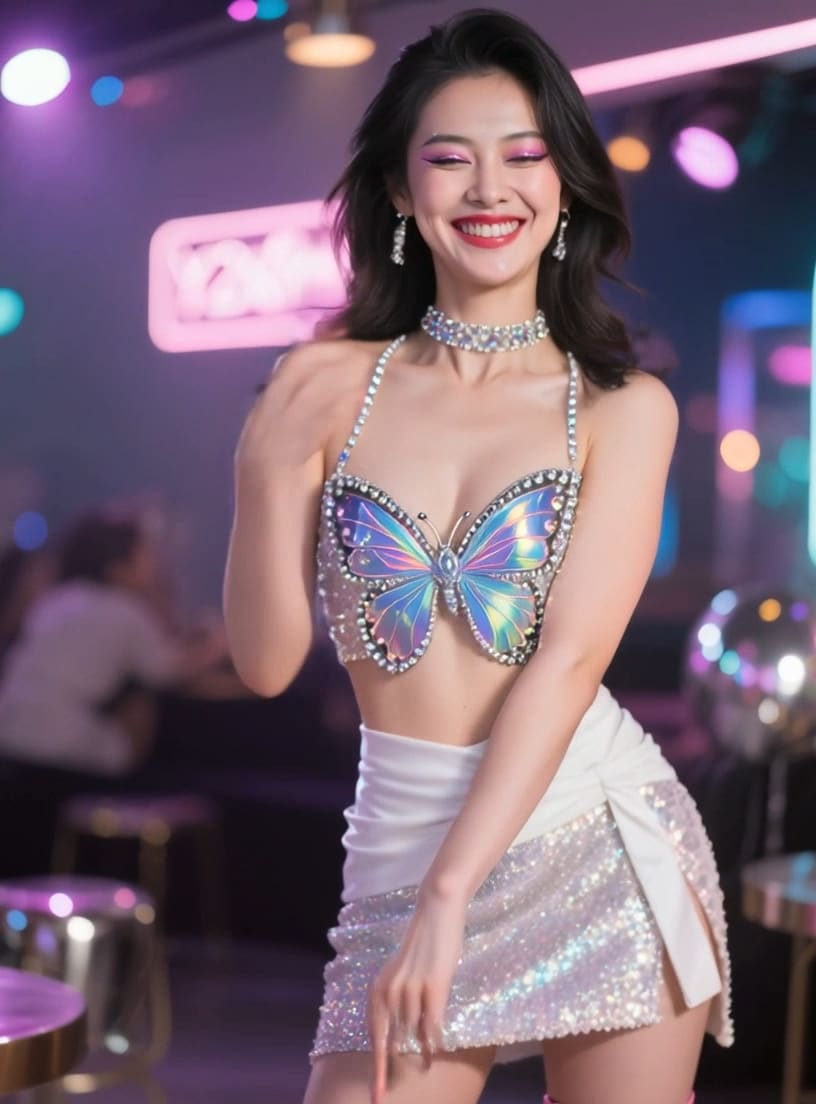
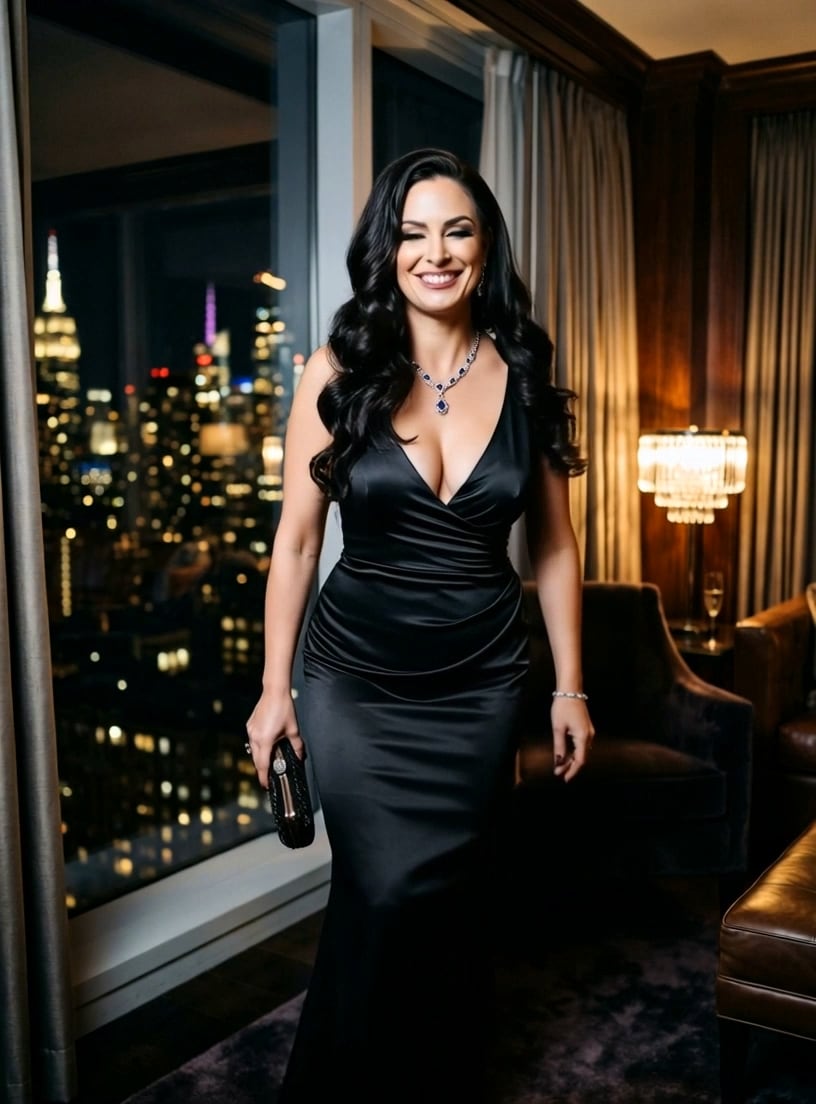
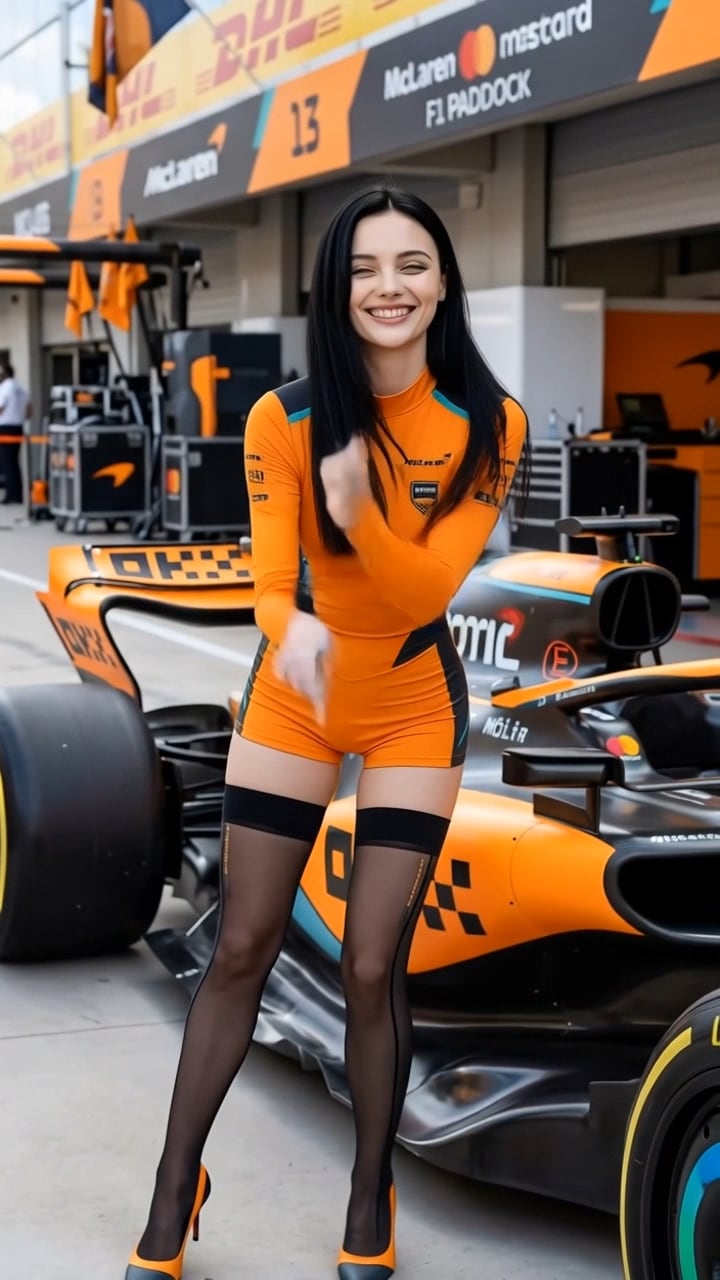








Why Users Love Marlon AI Video
Discover why creators are using AI tools to generate viral Marlon-style videos in seconds.

One-Click AI Marlon Transformation
Turn selfies into AI Marlon street videos instantly.
→ Perfect for beginners jumping into viral trends.

Prompt-Based Customization
Use tools like CSK prompts for Gemini to refine style (lighting, mood, realism).
→ Ideal for creators who want unique variations.

Cinematic AI Filters
Apply urban, street, and portrait enhancements automatically.
→ Great for replicating TikTok viral aesthetics.

No Editing Skills Required
No timeline editing, no manual masking—fully AI-powered workflow.
→ Best for fast content production.
FAQs About
Marlon AI Video
1. What is a Marlon AI video?


A Marlon AI video is a stylized clip where AI transforms a person into a cinematic, street-style character using lighting, contrast, and facial enhancement effects.
2. How to make a Marlon AI video for TikTok?
You can:
Upload a portrait or video
Apply AI effects or prompts
Export and post
No manual editing is required.
3. What tools are used for AI Marlon video editing?
Tools like Media.io AI video editor and prompt-based generators (e.g., Gemini) help create Marlon-style edits quickly.
4. Why is the AI Marlon trend going viral?
Because it:
Looks cinematic
Is easy to create
Works well for personal branding
Performs well on TikTok algorithms
5. How to get the best Marlon AI effect?
For best results:
Use clear, high-resolution images
Apply cinematic or street-style prompts
Avoid cluttered backgrounds
Experiment with lighting styles
What Users Say

Content Creator

Super fun AI tool I turned my selfie into a Jean-Claude Van Damme dance video in seconds. It looks surprisingly real and got tons of likes.

TikTok Influencer
Perfect viral content generator This JCVD dance effect helped me jump on the trend quickly. No filming needed, just upload and go.

Casual User
Easy and hilarious results I made a dance video of my dad using this tool-everyone loved it. Super simple to use.



