Higgsfield AI Genjutsu Tutorial
Learn the Higgsfield AI Genjutsu workflow step by step: choose Motion Transfer or Object Swap, upload a source video, add visual references, and describe what should change. Then apply the same reference-led editing logic with Media.io for character, scene, and motion-based AI video edits.
Free credits on signup/login.







Try More Reference-Led AI Video Effects
Explore motion-driven AI video effects that follow the same reference-led editing logic: start from a source clip, preserve key motion and camera behavior, then create new character, scene, or style variations. These examples show how reference-based workflows can extend beyond a single Genjutsu-style edit.
How to Make a Higgsfield AI Genjutsu Tutorial Video
Start with an existing video, decide whether you want to rebuild the shot around its motion or change only selected elements, then add references for the characters, products, wardrobe, or locations you want to introduce.
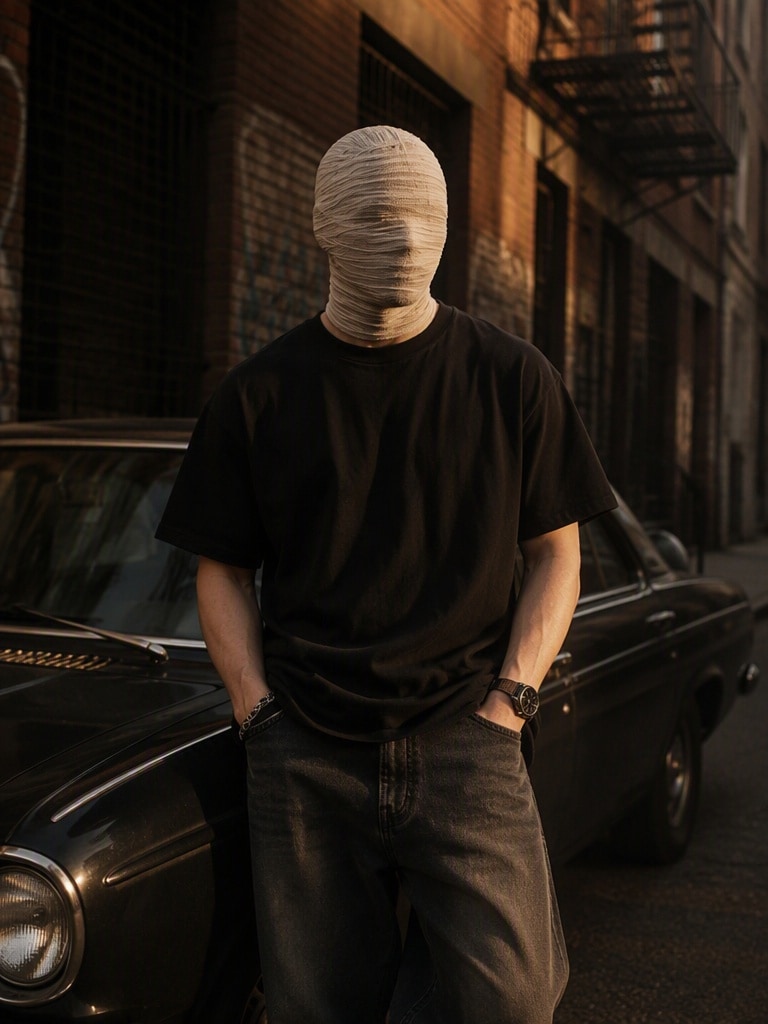
Reference Motion
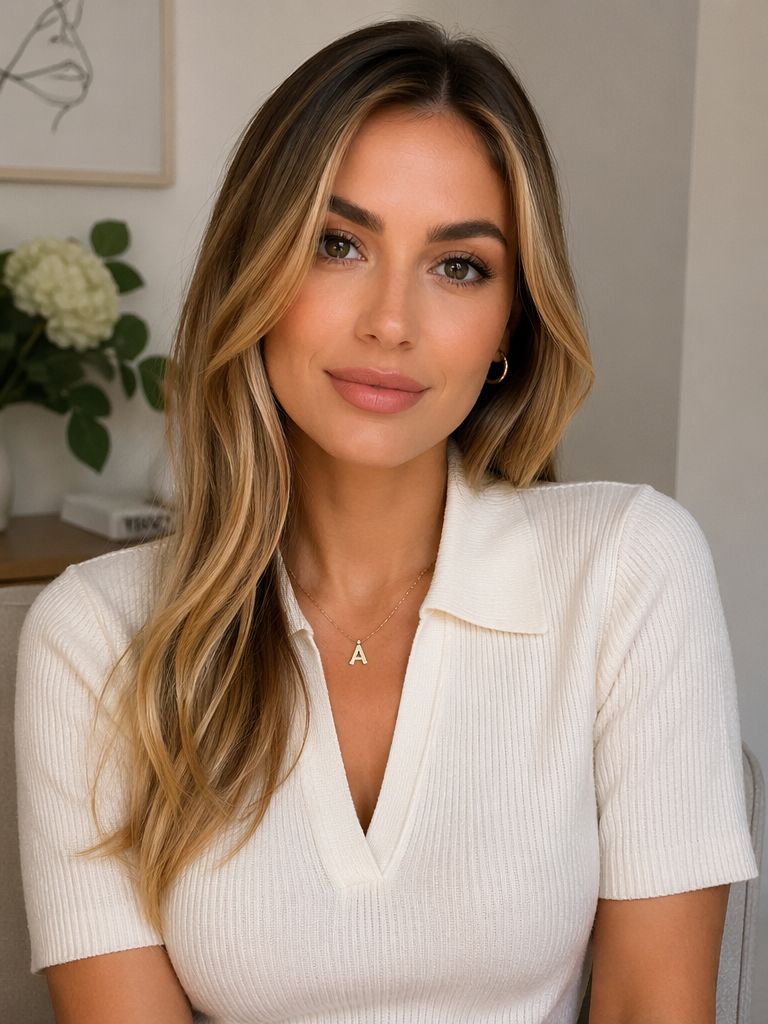
Lead & Cast References
Choose Motion Transfer or Object Swap
- Motion Transfer: use it when you want to keep the source motion, camera movement, cuts, and timing while rebuilding the cast, location, or visual world.
- Object Swap: use it when the shot already works and you only want to replace a character, outfit, product, location, or object.
- Choose the mode based on how much of the original shot you want to preserve.
- Use footage and references you own or have permission to edit.
MOTION TRANSFER EXAMPLE

Keep the original motion, timing, cuts, camera angle, camera movement, framing, and performance from the uploaded video. Recast the main character using Reference Image 1 and move the entire scene into the location shown in Reference Image 2. Preserve the action exactly while rebuilding the visual world around it.
OBJECT SWAP EXAMPLE

Replace only the selected character with the supplied reference person. Preserve the original background, other people, camera movement, timing, lighting direction, pose, and interaction. Keep the new character consistent across the full shot.
Upload Your Video & Add References
- Upload one short source video. Higgsfield currently documents Genjutsu for clips up to 30 seconds.
- Add clear reference images for the new character, product, wardrobe, object, or location.
- Use consistent, well-lit references when identity or product appearance matters.
- For a Media.io workflow, open AI Video Edit and use source footage plus references to guide the transformation.
GENJUTSU-STYLE RECAST PROMPT

Use the uploaded video as the reference for motion, timing, cuts, camera trajectory, framing, perspective, and performance.

CHANGE:
Replace the main character with Reference Image 1.
Move the scene to the environment shown in Reference Image 2.

PRESERVE:
Keep the original action, body movement, shot duration, camera motion, composition, and interaction timing.

CONSISTENCY:
Maintain the new character's face, hairstyle, body proportions, wardrobe, and scale. Match the new environment's lighting and perspective to the source shot.

AVOID:
identity drift, extra characters, warped hands, floating feet, changing costumes, altered choreography, new camera moves, text, logos, or watermarks.
Describe the Change, Generate & Review
- Describe only what should change: replace a character, move the action to a new location, change an outfit, or swap a product.
- State what should remain unchanged—motion, camera path, timing, composition, or surrounding scene.
- Generate a preview and check identity, object shape, contact points, occlusion, lighting, and continuity.
- Refine one variable at a time if the result drifts from the source performance.
Why Learn the Higgsfield AI Genjutsu Workflow
Understand Motion Transfer
Learn when to keep the source video’s motion, camera, cuts, and timing while rebuilding characters, locations, wardrobe, products, or the visual world.
Use Object Swap Precisely
Change one selected element while preserving the rest of the shot—useful for character swaps, outfit changes, product replacement, and location edits.
Build Better Reference Inputs
Use clear visual references to define the new person, product, clothing, object, or environment instead of relying on text alone.
Apply the Workflow in Media.io
Use the same reference-led AI video editing logic to experiment with character replacement, motion-guided transformations, and scene variations.