Home>AI Video Effects>Then vs Now AI Video Generator

Create Viral AI Then and Now Videos: Celebrity Evolution Video Trend

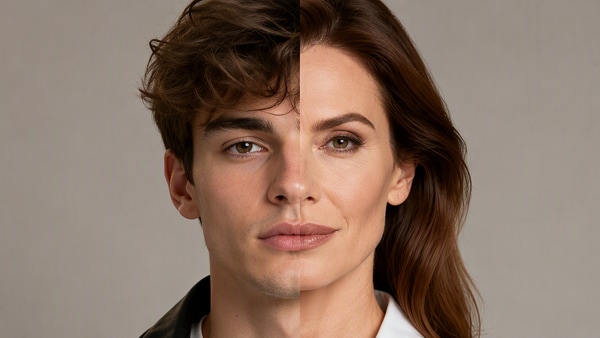
Recreate the viral AI Then vs Now video trend seen on TikTok and YouTube. Upload two photos — such as a younger version and a current portrait — and generate a cinematic AI evolution video where both versions appear together, interact, and walk toward the camera. Perfect for nostalgic edits, celebrity evolution videos, and emotional “past meets present” moments.

Create Then vs Now AI Video Free

Free credits on signup/login.

✓ AI evolution video ✓ Past vs present photos ✓ Celebrity trend style ✓ Online & free to try

How to Make AI Then and Now Celebrity Video

Upload the young and present-day celebrity photos → generate a perfect Now & Then image with Image to Image → animate it with Image to Video → combine multiple celebrity clips in the online editor.
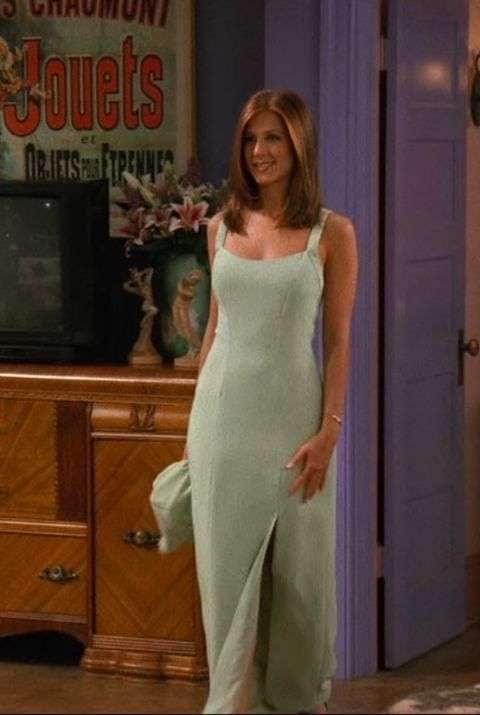
Young Rachel Green reference photo for AI then and now effect

Young Photo Reference

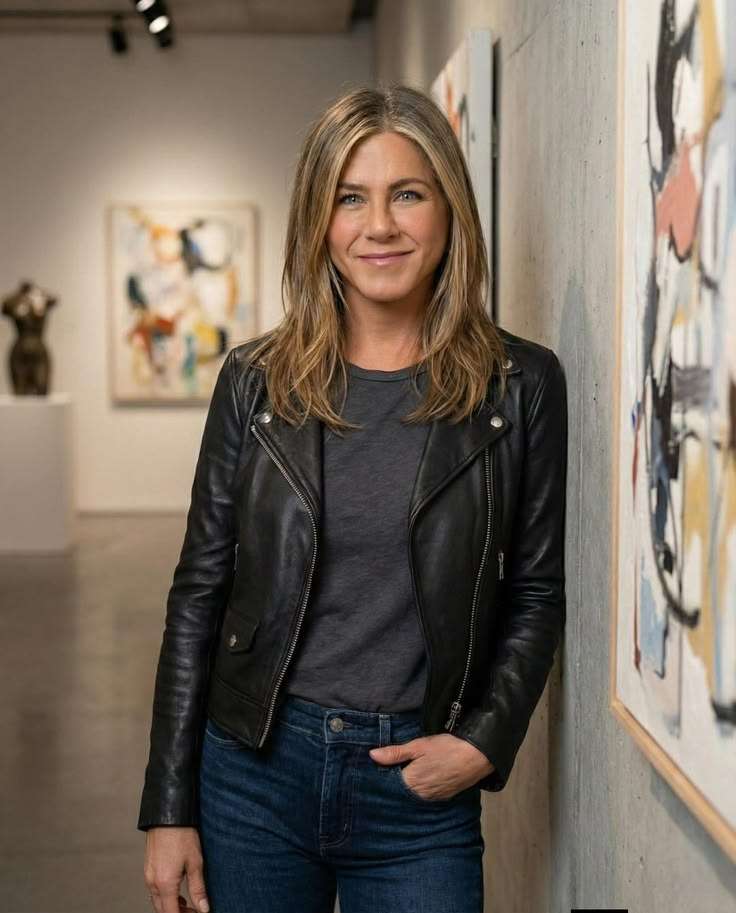
Present-day Jennifer Aniston reference photo for AI then and now effect

Present-Day Photo Reference

Step 1

Generate the Perfect AI Then & Now Image

  1. Open Media.io Image to Image and choose your preferred model.
  2. Upload the young celebrity photo as the first reference image.
  3. Upload the present-day celebrity photo as the second reference image.
  4. Replace the placeholders in the prompt with the celebrity details.
    Example: Change {ACTOR FULL NAME} to Jennifer Aniston, {CHARACTER NAME} to Rachel Green, and {MOVIE TITLE} to Friends.
  5. Paste the prompt below → Generate → Download your AI now-and-then image.
Image Prompt
Create a hyper-realistic cinematic scene of the same celebrity in two life stages walking side by side.
Celebrity Name: {ACTOR FULL NAME}
Famous Character: {CHARACTER NAME}
Movie Title: {MOVIE TITLE}

On the left: younger version of {ACTOR FULL NAME} as {CHARACTER NAME} in {MOVIE TITLE}, based on the first reference image, wearing their iconic movie outfit from that role, age accurate, detailed facial resemblance, soft youthful features.

On the right: present-day version of {ACTOR FULL NAME}, based on the second reference image, realistic aging progression, mature facial structure, natural wrinkles, modern outfit that matches their personality today.

Both are walking together on a cozy European street during winter, decorated with Christmas lights, warm golden fairy lights, wreaths on lamp posts, light snow on the ground, cinematic depth of field.

They are smiling at each other, emotional eye contact, warm nostalgic atmosphere, natural walking motion, one arm around the shoulder in a friendly supportive way.

Ultra realistic, cinematic lighting, 85mm lens, shallow depth of field, high detail skin texture, volumetric lighting, photorealistic, movie still, soft bokeh background, 8k resolution, preserve facial identity, highly accurate likeness.

If the user writes "passed away" or "sudah meninggal" after the actor's name, automatically add a pair of subtle, elegant, soft white angel wings on the back of the present-day version, glowing slightly with gentle heavenly light, cinematic and respectful, not cartoonish.
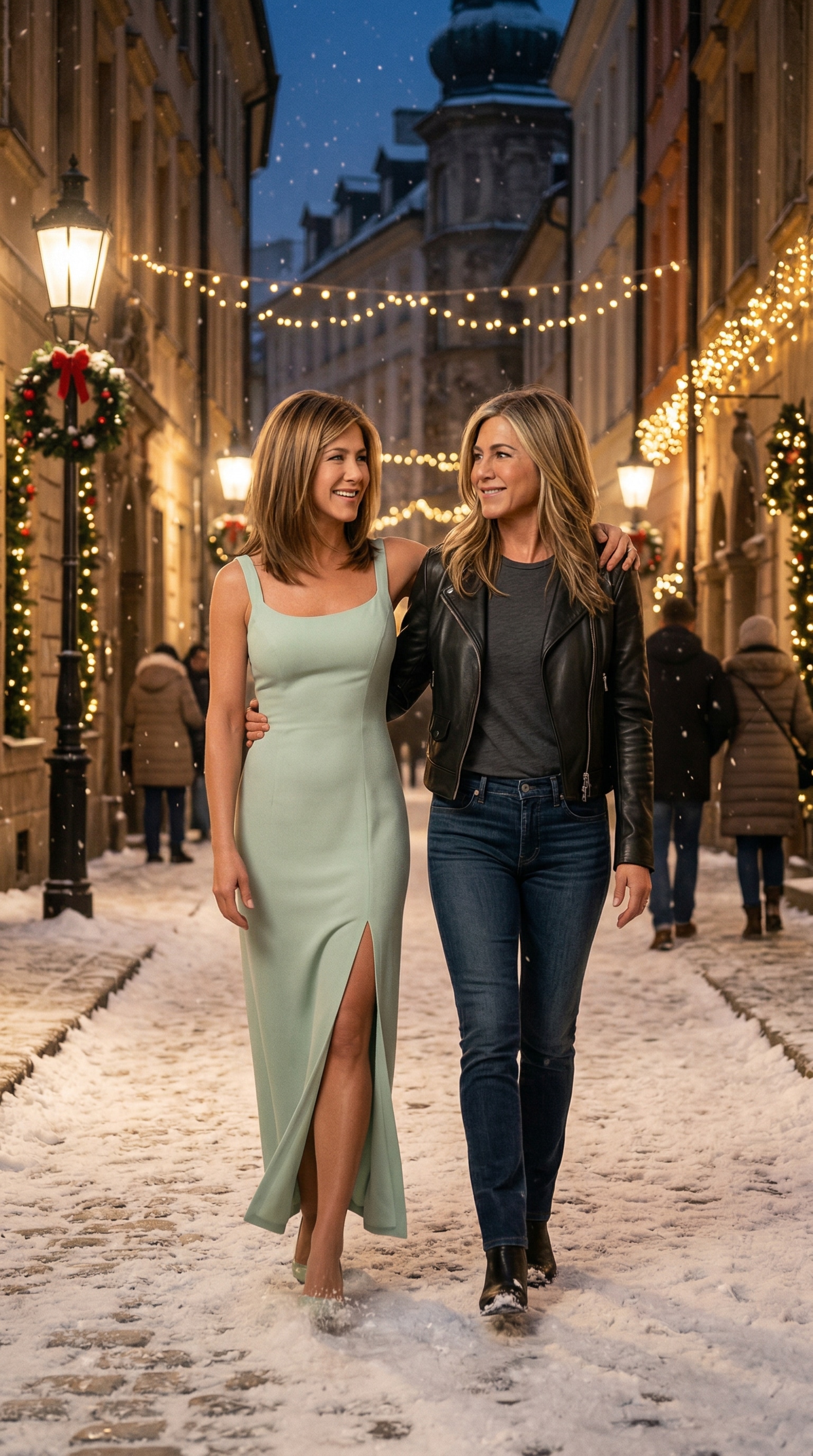
Generate Then & Now Image ✨ Tip: Use clear front-facing photos for the most accurate facial identity preservation.
AI-generated then and now celebrity image result

AI Then & Now Image Result

Step 2

Animate the Image with Image to Video

  1. Open Media.io Image to Video .
  2. Upload your AI-generated then and now image from Step 1.
  3. Paste the cinematic animation prompt below.
  4. Click Generate to create a smooth now-and-then walking video.
  5. Download the final animated celebrity clip.
Video Animation Prompt
Create a smooth cinematic walking animation.

Both characters are walking naturally toward the camera at slow pace.
The younger version looks up and smiles.
The older version gently puts his arm around the younger one's shoulder.
They briefly make eye contact and softly laugh.

Camera movement: slow dolly backward, stabilized cinematic motion.
Subtle body movement, realistic walking physics.
Winter atmosphere, soft falling snow.
Warm golden lighting, emotional nostalgic mood.

High realism, smooth motion, no distortion, no face morphing, preserve facial identity, cinematic film look.
Animate Then & Now Video 🎬 Pro tip: Use a high-resolution image to get smoother motion and cleaner facial details.
Step 3

Download, Combine Multiple Celebrities & Share

  1. Download your final AI then and now celebrity video.
  2. Create multiple celebrity versions using the same workflow.
  3. Open the Media.io Online Video Editor to combine and switch multiple celebrity clips together.
  4. Add transitions, music, captions, and export for TikTok, Reels, or YouTube Shorts.
Edit Multi-Celebrity Video 🔥 Bonus: Stitch several stars into one montage for a viral nostalgic transformation video.

Social Media Showcase

Watch real examples on Instagram: Sky Fall Trend, Walk Transition, and Minecraft Background.

Why Choose Media.io for AI Evolution Videos

Viral "Walking Together" Trend

Recreate the specific viral format where young and current versions interact. Whether it's walking together, a shoulder tap, or a hug, our AI handles the complex motion generation.

Cinematic Nostalgia Effects

The tool automatically applies a nostalgic atmosphere to your video. Perfect for emotional edits showing life progress, celebrity evolution, or past vs present reflections.

No Editing Skills Required

Forget After Effects. Just upload your photos and let the AI video generator create the transition and animation in seconds. It’s the fastest way to join the trend.

Optimized for TikTok & Reels

Get high-quality, vertical videos ready for social media. Export your AI then and now video without watermarks and watch your engagement grow.


bg bg

Frequently Asked Questions About Then and Now AI Videos

Then vs Now AI videos are trending on TikTok, YouTube Shorts, and Instagram Reels because they combine nostalgia, emotion, and cinematic storytelling in one short clip. Popular formats include celebrities walking beside their younger selves, actors meeting their iconic movie characters, and emotional past-vs-present edits that show growth, memory, and life progression. These videos feel personal, dramatic, and highly shareable, which is why the trend spreads so fast on social media.
To create a Then vs Now AI video, upload two photos: one older photo and one current photo. First, use AI to generate a realistic image where both versions appear together in the same scene, such as walking side by side, looking at each other, or standing face to face. Then animate that image into a short cinematic video with natural movement, emotional interaction, and a nostalgic atmosphere. This is one of the easiest ways to create viral celebrity edits, character reunion videos, and past-meets-present storytelling clips.
Clear portraits work best. Try to use one older image and one newer image with visible facial details and similar framing if possible. The better the source photos, the more natural your AI then vs now video will look.
Common “Then vs Now” interactions include walking together toward the camera, a shoulder touch, standing side by side, or a subtle emotional look between past and present. These cinematic interactions are what make the AI evolution video trend feel nostalgic and share-worthy.
No. Media.io is designed for creators who want the Then and Now AI video look without learning complex editing software. Just upload your photos, generate the scene, and download your video.
Yes. Media.io offers 3 days free trial, so you can try the AI then vs now video generator, preview your result, and create a share-ready clip before upgrading for more usage.
Media.io Online Tools Quality Rating:
vote 4.7 (162,357 Votes)
media.io

AI Video Generator star

Easily generate videos from text or images

Generate