ChatGPT
 Perplexity
 Gemini
 Claude
 Grok
Grok
The need to loop videos on TV arises in several situations like commercial advertisements, trade shows, presentations, and more. So if you too are looking for ways to repeat videos on your Samsung, LG, Apple, Sharp, and other TV sets, the article below will help you with the best solutions.
Way 1. Use USB to Loop Videos on TV
You can loop the videos on a TV using a USB drive having the content as most TV sets these days that come with the support for a USB flash drive. To get this done, connect the USB drive with your TV and then play the video. While the video is being played, hit on the Menu option at your remote, and then move to the Repeat Mode menu. Here you can choose the Once option if you want to loop the video once, Single option to loop the current video and in case if you want to loop all the videos in the directory, you need to select the All option.
Way 2. Loop videos on TV without USB Flash Drive
In case if your TV does not support the USB flash drive or there is no option for repeating videos on your USB, there is an another way. You can connect your TV set with your laptop and then can use a player like VLC that supports video looping to play the desired content on your TV.
Way 3. Use Online Video Looper to repeat videos on TV
If you are looking for a quick solution to loop videos on your desktop or smartphone, I suggest Media.io Online Video Looper as your best choice. This is an online tool that works straight from your system browser and supports to loop local videos in an array of formats. Available for computer and mobile phone, this program allows you to online loop videos up to 8X times without any quality loss. There is also a video trimer, with which you can remove or get rid of the unwanted parts of the video.
You might be also interested in: how to turn a video to boomerang with online video looper?
How to loop a video online with Media.io? [video guide]
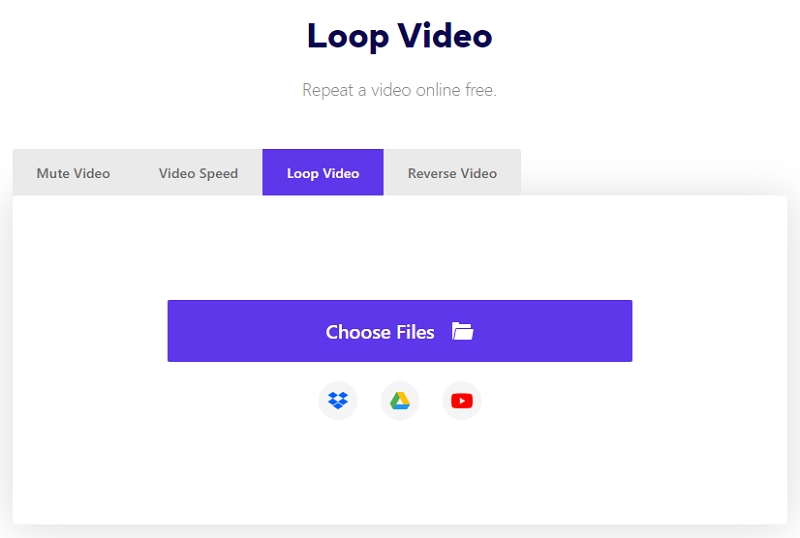
With online video looper, you can easily repeat video many times and choose a wanted target format from the supported list. The processed video can be downloaded to your local system or the Dropbox account. After that, cast the looped video to TV with media player and enjoy it!
So either you can use a USB flash drive or connect your TV to your laptop and play videos using VLC or other media players that support looping. For looping videos on your computer, Media.io is the simplest solution.