Make Youtube Outro Maker from Text, Images, or Clips
Transform your video endings with AI-powered design
Create polished youtube outro maker content faster with Media.io’s AI workflow. Start from a prompt, upload photos, or refine existing clips to build scroll-stopping videos for Reels, Stories, and feed posts without the usual editing burden. From quick social promos to creator-ready visual storytelling, Media.io helps you turn raw ideas into cleaner, more engaging videos that look made for social media from the first draft.
Turn Still Images into Dynamic Outros
Bring static visuals to life with Media.io’s image-to-video feature. Transform a simple logo, channel banner, or product image into a motion-rich outro clip using smart animation styles and background music. Perfect for creators who want branded endings without complex editing, this feature helps you turn still assets into moving scenes that match your YouTube vibe. You can quickly preview multiple styles, tweak text overlays, and export in YouTube-friendly formats. The AI automatically generates smooth transitions, fades, and motion paths, saving hours of design work while delivering a catchy, professional-grade outro. With Media.io, every outro feels alive and cohesive, ready to engage viewers instantly.
Create Outros from Simple Text Prompts
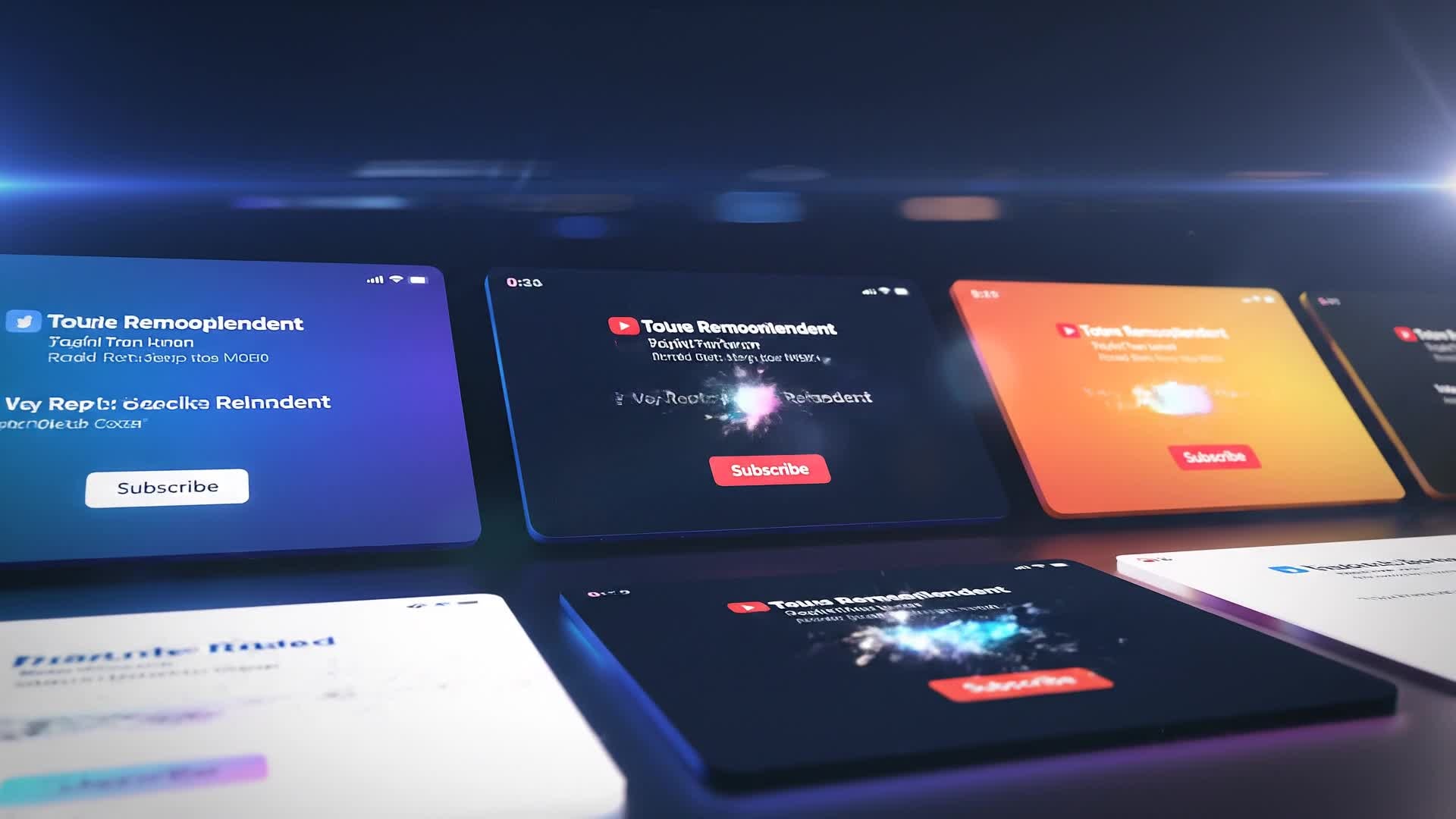
Media.io’s text-to-video engine lets you describe your ideal outro and watch it come to life instantly. Just enter a quick idea like 'modern outro with geometric shapes and upbeat background track' and the AI handles the animation, transitions, and timing. This makes it effortless for YouTubers, marketers, or educators to design branded outros without editing experience. The tool supports motion titles, CTA buttons, and color consistency across your channel aesthetic. You can test several visual styles until you find the one that feels most authentic to your brand. It’s creativity made simple, turning your ideas into polished, ready-to-upload outros in seconds.
| Style | Creative Prompts for YouTube Outro Maker | Copy & Create |
|---|---|---|
|
Minimal Modern
|
Begin with a clean white background and your logo subtly animating in. Add a line of text: 'Thanks for watching' in a thin sans-serif font. Transition into a smooth fade showing two video thumbnail placeholders for recommended content. Include soft background music to maintain attention. Finish with a clean fade-out aligned with the beat of the track. |
|
|
Tech Promo
|
Start with dynamic neon edges forming your channel name. Use glitch-style transitions leading to a rotating logo reveal. Introduce buttons for Subscribe and Watch Next with bright glowing borders. Maintain a dark futuristic color scheme. End with a rapid light sweep animation and fade-out sound effect. |
|
|
Lifestyle Vlogger
|
Open with a camera shutter sound followed by a blurred bokeh background. Display a happy selfie image fading into your brand name. Insert an animated Subscribe button that pops up playfully. Add animated hearts fading on beat. Close with warm acoustic background music and soft fade to white. |
|
|
Tutorial Wrap-up
|
Begin with a chalkboard texture and animated text ‘You Got This!’ appearing. Fade in two rectangle areas marked for next tutorial and playlist. Insert icons encouraging viewers to subscribe for more. Use smooth hand-drawn animation reveals. End with upbeat tutorial theme music and a short final quote overlay. |
|
|
Before and After Reveal
|
Start with side-by-side splits showing before and after results from your video. Transition using a diagonal wipe with glowing lines to show the outro message ‘Watch More Transformations’. Include catchy text animations syncing with the beat. Highlight your logo and maintain consistent brand colors. End with a neat bounce-out motion. |
|
|
Aesthetic Gradient
|
Open with a pastel gradient swirl moving slowly. Display your social icons fading in with elegant circular frames. Add text ‘Let’s Stay Connected’. Animate thumbnail placeholders with a soft zoom. Subtly introduce your logo at center fade-out while keeping dreamy background music playing softly to the end. |








How to Create Youtube Outro Maker with Media.io
Create youtube outro maker content faster with Media.io using text to video, image to video, video to video, and built-in editing tools.
Type or Upload Your Idea
Enter a short description, image, or video clip to tell Media.io what you want your outro to look like. You can even start from text-only prompts or use your brand logo and background for style consistency. This helps you create youtube outro maker content faster with a more structured workflow. You can easily adapt the output for platforms like TikTok, Instagram Reels, and YouTube Shorts.
Customize and Preview
Choose from multiple outro templates, tweak text, animations, and fonts, and let AI instantly preview your outro. Adjust details to ensure your outro fits your YouTube channel’s theme perfectly. This helps you create youtube outro maker content faster with a more structured workflow. You can easily adapt the output for platforms like TikTok, Instagram Reels, and YouTube Shorts. The process reduces manual editing and improves overall production efficiency.
Export and Upload to YouTube
Finalize your outro and export directly in HD format with sound and transitions ready for upload. Add it to your video’s end screen and keep your viewers watching more of your content. This helps you create youtube outro maker content faster with a more structured workflow. You can easily adapt the output for platforms like TikTok, Instagram Reels, and YouTube Shorts. The process reduces manual editing and improves overall production efficiency.
Why Choose Media.io for Youtube Outro Maker
AI-Powered Outro Creation
Use smart AI to instantly craft professional-quality YouTube outros with transitions, music, and calls-to-action matched to your content style. This makes youtube outro maker creation more efficient and easier to manage. It helps improve consistency across different video styles and formats. You can use this feature to produce more engaging and platform-ready content.
Multiple Input Options
Start from text, images, or video snippets and let Media.io mix them into a dynamic outro that perfectly matches your visual branding. This makes youtube outro maker creation more efficient and easier to manage. It helps improve consistency across different video styles and formats.
Customizable Templates
Pick from a wide array of ready-made outro templates designed for YouTube creators, making customization effortless and fast. This makes youtube outro maker creation more efficient and easier to manage. It helps improve consistency across different video styles and formats. You can use this feature to produce more engaging and platform-ready content.
Fast Rendering
Produce full-quality outros in seconds with Media.io’s cloud-based engine, freeing you from heavy desktop editing software. This makes youtube outro maker creation more efficient and easier to manage. It helps improve consistency across different video styles and formats.
Seamless YouTube Integration
Export in YouTube-compatible aspect ratios and resolutions, with end-screen placeholders ready for quick placement in your uploads. This makes youtube outro maker creation more efficient and easier to manage. It helps improve consistency across different video styles and formats. You can use this feature to produce more engaging and platform-ready content.
Consistent Branding
Keep your outro visuals, fonts, and colors aligned across all videos, reinforcing your professional presence on YouTube automatically. This makes youtube outro maker creation more efficient and easier to manage. It helps improve consistency across different video styles and formats. You can use this feature to produce more engaging and platform-ready content.
FAQs About
Youtube Outro Maker
1. What is Media.io YouTube Outro Maker?


It’s an AI-powered online tool that helps you create customized YouTube outro videos easily. You can transform text, images, or clips into professional end screens with animations, music, and branding elements.
2. Do I need editing skills to use it?
Not at all. Media.io automates transitions, layouts, and effects, so even beginners can create polished outros without any video editing experience.
3. Can I use my logo and images?
Yes. You can upload your brand logo, photos, or background images, and Media.io will integrate them naturally into your outro design.
4. Does Media.io support YouTube end screen elements?
Absolutely. The tool generates outros that align with YouTube’s end screen format, giving you placeholders to add Subscribe and Next Video boxes easily.
5. How long does it take to make an outro?
With AI automation, you can generate a complete outro in under a minute. Adjust a few details and it’s export-ready immediately.
6. Is it free to try Media.io?
Yes, you can try creating and previewing your YouTube outro for free before deciding to download or export your final version.



