Create Vintage Videos in Seconds
Turn modern clips into timeless vintage memories
With Media.io’s AI-powered vintage video maker, you can instantly recreate the charm of the past. Upload images, short clips, or even text, and our intelligent system transforms them into retro-inspired videos that feel like an old film reel. Add grain, faded tones, and subtle camera noise for a genuine aesthetic. Perfect for creators, brands, or storytellers looking to add nostalgic flair to social posts, ads, or short films. Start in your browser, no editing skills required.
Create Vintage Video Maker Videos from Photos
Transform still photos into cinematic vintage clips with Media.io’s image-to-video AI. Simply upload your old photographs or styled images, and the system animates them into soft-motion, analog-textured films that bring back classic vibes. Whether you’re reviving family moments, curating aesthetic reels, or producing campaign visuals, this AI workflow keeps it effortless. Each frame gains that warm, sun-faded depth unique to vintage storytelling, delivered in a share-ready format you can instantly download or post.
Generate Vintage Video from a Simple Prompt
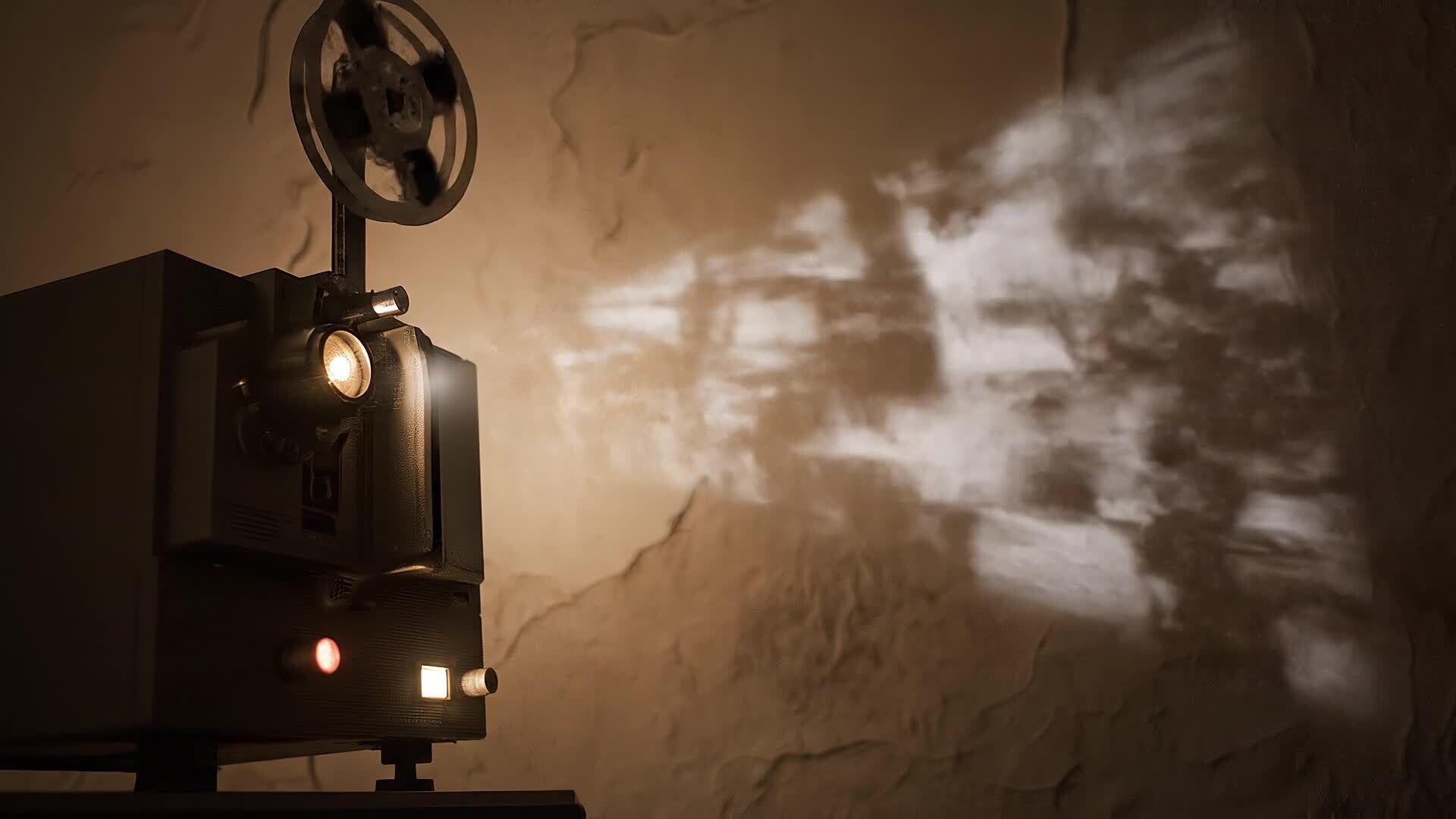
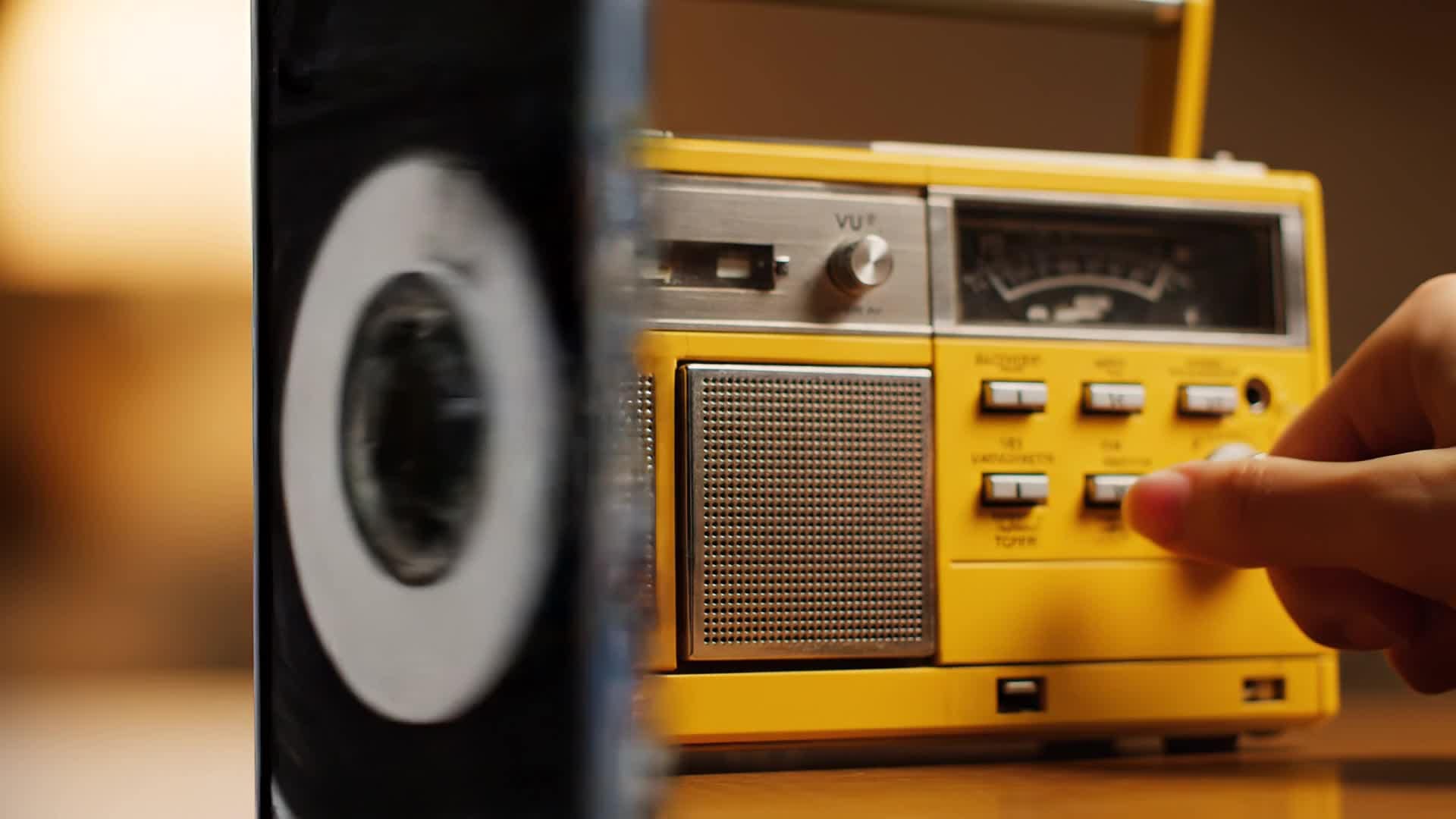
Write a scene idea, and Media.io turns it into a moving vintage masterpiece. The AI text-to-video engine understands your descriptions, builds coherent sequences, and styles them with film-like filters, soft edges, and ambient grain. It’s ideal for retro-themed ads, aesthetic reels, travel recaps, or creative intros. With one prompt, you can produce professional mood-driven output without camera gear or editing software, saving time and unlocking limitless nostalgia-filled storytelling possibilities.
| Style | Vintage Video Maker Prompt Ideas | Copy & Create |
|---|---|---|
|
Retro Fashion Reel
|
Show a model trying on 1970s-inspired outfits inside a sunlit studio. Include mirror reflections, slow zooms, and super 8 film textures. Transition between scenes using a soft flicker effect. Add film grain overlays and muted tones. End with a close-up smile freeze-framed like an old magazine shot. |
|
|
Nostalgic Travel Diary
|
Open with a train departing a small countryside station. Show window reflections of the passing fields, overlaid with vintage scratches. Include a warm text caption reading 'Somewhere in Time'. Transition to sunset silhouettes and end with a faded postcard effect that completes the travel nostalgia. |
|
|
Vintage Brand Promo
|
Display your product on a wooden shelf with sepia lighting. Cut to slow-motion shots highlighting texture and craftsmanship. Add typewriter-style captions and subtle jazz background. End with your brand logo fading in gently like an old cinema title card, evoking timeless quality. |
|
|
DIY Film Tutorial
|
Show the process of making a retro filter effect at home. Mix color grading steps with overlays of film reels turning. Include quick tips on matching exposure and fading saturation. End with a before-and-after split showing how sleek modern clips gain vintage soul in seconds. |
|
|
Before & After Aesthetic
|
Start with crisp HD footage. Then reveal how AI transforms it into vintage charm—grainier texture, warm hues, and reduced sharpness. Showcase multiple angles of the same scene for visual comparison. Conclude with audience reactions or side-by-side overlay revealing the authentic analog mood. |
|
|
Old Camera Vlog
|
Begin with a handheld camera shake simulating a 1980s camcorder. Presenter narrates their day with imperfect lighting for authenticity. Include jump cuts, timestamp overlays, and muffled tape audio. Conclude with a fade-to-black moment that makes it feel like a rediscovered home video. |








How to Create Vintage Video Maker with Media.io
Create vintage video maker content faster with Media.io using text to video, image to video, video to video, and built-in editing tools.
Write or Upload Content
Start by entering text notes, uploading images, or importing short clips as your vintage video base. This helps you create vintage video maker content faster with a more structured workflow. You can easily adapt the output for platforms like TikTok, Instagram Reels, and YouTube Shorts. The process reduces manual editing and improves overall production efficiency. Each step improves visual quality, pacing, and content consistency.
Let AI Transform It
Media.io analyzes and styles your input using retro filters, motion blend, and cinematic texture that mimic old film. This helps you create vintage video maker content faster with a more structured workflow. You can easily adapt the output for platforms like TikTok, Instagram Reels, and YouTube Shorts. The process reduces manual editing and improves overall production efficiency.
Edit & Export Instantly
Polish timing, adjust tone, and download your AI-generated vintage video ready for social uploads or personal projects. This helps you create vintage video maker content faster with a more structured workflow. You can easily adapt the output for platforms like TikTok, Instagram Reels, and YouTube Shorts. The process reduces manual editing and improves overall production efficiency. Each step improves visual quality, pacing, and content consistency.
Why Choose Media.io for Vintage Video Maker
AI-Powered Vintage Styling
Generate realistic film grain, faded colors, and authentic analog texture with intelligent AI filters that reproduce genuine retro looks. This makes vintage video maker creation more efficient and easier to manage. It helps improve consistency across different video styles and formats. You can use this feature to produce more engaging and platform-ready content.
Fast Rendering
Transform your ideas into completed clips in under a minute, giving you production-quality results without editing complexity. This makes vintage video maker creation more efficient and easier to manage. It helps improve consistency across different video styles and formats. You can use this feature to produce more engaging and platform-ready content.
Multiple Input Formats
Create from text, photos, or existing footage—the system automatically adjusts tone and texture for authentic vintage results. This makes vintage video maker creation more efficient and easier to manage. It helps improve consistency across different video styles and formats. You can use this feature to produce more engaging and platform-ready content.
Precision Editing Tools
Trim, sync, or overlay filters right in the browser to fine-tune every frame of your vintage masterpiece before export. This makes vintage video maker creation more efficient and easier to manage. It helps improve consistency across different video styles and formats. You can use this feature to produce more engaging and platform-ready content.
Social-Ready Output
Render aspect ratios optimized for TikTok, Reels, and YouTube Shorts so your nostalgic videos perform across platforms. This makes vintage video maker creation more efficient and easier to manage. It helps improve consistency across different video styles and formats. You can use this feature to produce more engaging and platform-ready content.
Free Online Access
No downloads or setup needed. Use Media.io online, craft your retro clips, and export instantly from any device. This makes vintage video maker creation more efficient and easier to manage.
FAQs About
Vintage Video Maker
1. What is a vintage video maker?


It’s an AI tool that lets you recreate the look and feel of old films by adding retro textures, color tones, and motion effects automatically.
2. Can I make a vintage video from photos?
Yes. Upload your photos and Media.io will animate them with motion, lighting effects, and grain to create classic-style moving clips.
3. Do I need editing skills to use it?
Not at all. The AI manages composition, color grading, and motion styling for you, so you can focus on your creative idea.
4. Is the vintage style customizable?
You can adjust grain, lighting warmth, frame rate, and fade levels to achieve a subtle or heavy retro effect.
5. Can I use it for commercial videos?
Yes, you can create vintage-style ads, intros, or aesthetic reels for business purposes as long as you own your media rights.
6. Is the tool free to try?
Yes. You can explore the AI vintage video maker for free within your browser before upgrading for longer clips or HD exports.



