Make a Job-Winning Video Resume
Turn your skills into a visual story
Media.io’s AI Video Resume Maker helps you create a stunning professional video profile that captures attention instantly. Just upload your clips or text, and the AI assists with editing, motion, and pacing to craft a polished presentation. Whether you're applying to creative roles, tech positions, or internships, this tool ensures you stand out in seconds. Generate personalized introductions, seamless transitions, and subtitles automatically—no editing experience required. Build trust and personality beyond a traditional CV and impress recruiters with your best version in one AI-made video resume.
Turn Resume Photos into Dynamic Videos
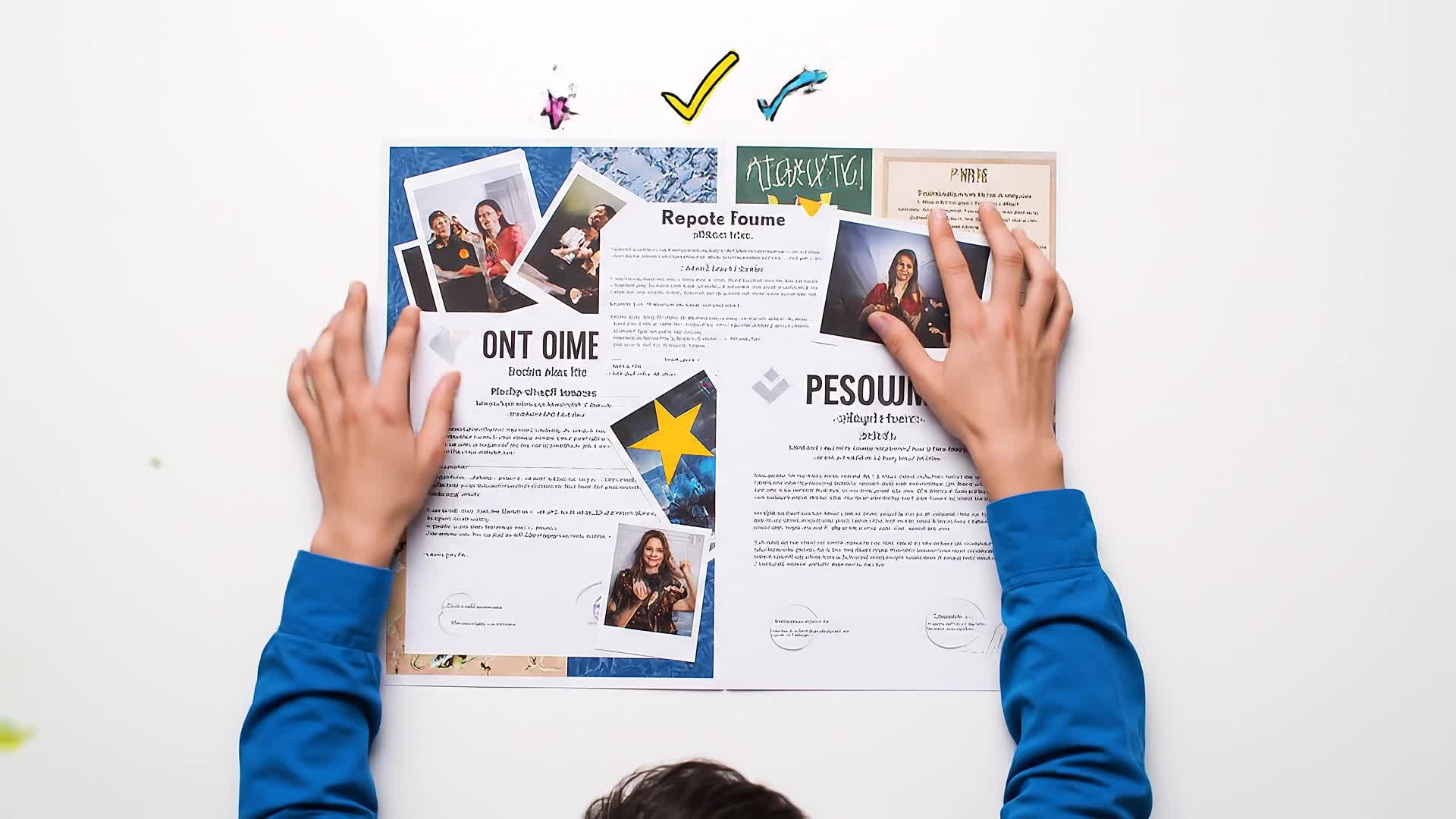
Transform static headshots, certificates, and projects into a lively video resume sequence using Media.io’s AI image-to-video creator. The tool animates stills, adds motion graphics, and synchronizes captions to make your portfolio feel active and engaging. Perfect for freelancers, students, and professionals who lack recorded footage but want a visual edge. Showcase your design layouts, achievements, or creative process with smooth transitions and subtle camera movements. The AI ensures every frame looks polished and professional, helping your resume feel personal, modern, and ready for LinkedIn or career platforms.
Create a Video Resume from a Script
Write a few sentences about your experience, and Media.io’s text-to-video generator will turn it into a customized visual presentation. The AI converts your script into a human-like delivery using motion templates, background clips, and subtitles that match your message. You can emphasize personal achievements, career goals, or project highlights without appearing on camera. This makes the process ideal for shy presenters, remote candidates, and busy professionals who need a high-quality output fast. Simply describe your ideal tone and visuals; the AI handles narration, timing, and design seamlessly.
| Style | Creative Video Resume Maker Prompts | Copy & Create |
|---|---|---|
|
Modern Professional
|
Introduce yourself with clean typography and a sleek background. Transition between scenes showing your work tools and achievements. Highlight skills using icons or motion text. Insert smooth fade-ins between content. Finish with a professional tagline that reinforces your confidence and reliability. Keep the visual tone minimal and polished for maximum recruiter appeal. |
|
|
Casual Personal Story
|
Open with a friendly greeting in a bright, natural setting. Show a few candid shots of daily workflow. Add overlay text highlighting creative traits and hobbies. Include quick clips of accomplishments with encouraging music. Transition to a closing scene where you express career goals naturally. Keep the style authentic and relatable. |
|
|
Portfolio Showcase
|
Start with a dynamic title card displaying your name and role. Follow with short clips of your best design, photography, or coding projects. Include motion infographics summarizing results. Use consistent color grading for brand identity. End with a contact slide encouraging employers to reach out. Keep transitions fast-paced and visually consistent. |
|
|
Student Introduction
|
Begin in a classroom or home desk setting. Introduce your major, interests, and projects. Include animated text for achievements or internship roles. Add short clips of group work or presentations. Finish with a quick future aspiration statement. Maintain upbeat music and energetic motion to feel youthful and motivated. |
|
|
Before & After Journey
|
Show your personal or career growth through a two-part structure. Start with early moments or challenges using grayscale visuals. Transition to vibrant color scenes showing progress, achievements, and leadership. Overlay visual cues like arrows or icons showing improvement. End with a confident smile and call-to-action to connect. |
|
|
Minimalist Aesthetic
|
Use neutral tones and clean compositions throughout. Highlight one key quote or skill at a time using centered text animation. Include a slow pan over workspace footage. Avoid clutter, focusing on calm motion and balanced layouts. Finish with a closing frame displaying your name and title elegantly. |








How to Create Video Resume Maker with Media.io
Create video resume maker content faster with Media.io using text to video, image to video, video to video, and built-in editing tools.
Upload or Write Your Resume Script
Start by uploading text, clips, or still images. The AI instantly reads and structures your resume content for smooth storytelling. This helps you create video resume maker content faster with a more structured workflow. You can easily adapt the output for platforms like TikTok, Instagram Reels, and YouTube Shorts. The process reduces manual editing and improves overall production efficiency.
Customize Your Video Look
Choose from professional templates, voiceovers, and captions. Add background music or adjust scenes visually to reflect your career tone. This helps you create video resume maker content faster with a more structured workflow. You can easily adapt the output for platforms like TikTok, Instagram Reels, and YouTube Shorts. The process reduces manual editing and improves overall production efficiency.
Export and Share Anywhere
Download in high-quality MP4 or share directly to LinkedIn, job boards, or emails. Your video resume is instantly ready to impress. This helps you create video resume maker content faster with a more structured workflow. You can easily adapt the output for platforms like TikTok, Instagram Reels, and YouTube Shorts. The process reduces manual editing and improves overall production efficiency.
Why Choose Media.io for Video Resume Maker
AI Story Structuring
Automatically organizes your experience and key skills into storytelling segments that engage hiring managers in seconds. This makes video resume maker creation more efficient and easier to manage. It helps improve consistency across different video styles and formats. You can use this feature to produce more engaging and platform-ready content.
Multiple Input Formats
Upload text, images, or existing clips—Media.io blends them seamlessly into motion-driven resume videos suited for any profession. This makes video resume maker creation more efficient and easier to manage. It helps improve consistency across different video styles and formats.
Instant Customization
Edit scenes, text, and colors in real time. Adjust tone from corporate to creative to perfectly match your career goals. This makes video resume maker creation more efficient and easier to manage. It helps improve consistency across different video styles and formats.
Voice & Subtitle Sync
Generate natural voiceovers and captions automatically. Every line is synced with scene timing for clear communication. This makes video resume maker creation more efficient and easier to manage. It helps improve consistency across different video styles and formats.
Polished Templates
Pick from refined, recruiter-friendly styles crafted to balance personality with professionalism. No design skills required. This makes video resume maker creation more efficient and easier to manage. It helps improve consistency across different video styles and formats.
One-Click Export
Render full HD videos quickly and download or share instantly without watermarks—ideal for job applications and online portfolios. This makes video resume maker creation more efficient and easier to manage. It helps improve consistency across different video styles and formats. You can use this feature to produce more engaging and platform-ready content.
FAQs About
Video Resume Maker
1. What is a video resume and why use one?


A video resume is a short, personalized video highlighting your skills and personality. It's a creative way to stand out and add depth to your traditional CV.
2. Do I need video editing skills to use it?
No. Media.io’s AI handles visual layout, pacing, and captions automatically, letting you create a polished video resume with no editing experience.
3. Can I use only text to create a video resume?
Yes. Simply write your introduction text, and the AI converts it into a dynamic video with visuals, animations, and audio effects.
4. Are the templates suitable for professional use?
Absolutely. Templates are designed to match business, creative, and academic application styles while keeping the tone credible and engaging.
5. Can I edit or update my video later?
Yes. You can update text, visuals, or background anytime and re-render your video resume immediately without starting from scratch.
6. Will my video resume include subtitles?
Yes. Subtitles are generated automatically for accessibility and clarity, ensuring your message is clear even without audio.



