Video Quiz Maker Made Simple with AI
Turn questions into engaging AI-powered videos
With Media.io’s video quiz maker, you can transform plain questions into captivating interactive videos that educate, entertain, and boost engagement. Simply type your quiz content or upload visuals, and our AI instantly generates a polished quiz video ready for social media, e-learning, or marketing use. No editing skills are needed—just choose your style, add your branding, and let Media.io handle the rest. Perfect for teachers, businesses, and content creators who want professional quiz videos that hold attention and drive participation. Start creating smart, interactive experiences in minutes.
Bring Quiz Images to Life with AI Motion
Turn still visuals into motion-first video quiz maker content with Media.io’s image-to-video tools. Upload portraits, product shots, travel photos, or campaign creatives, then let AI add movement, pacing, and visual continuity that makes your content feel more dynamic and platform-ready. It’s a faster way to transform static assets into short videos that attract attention, support storytelling, and look more polished across social placements.
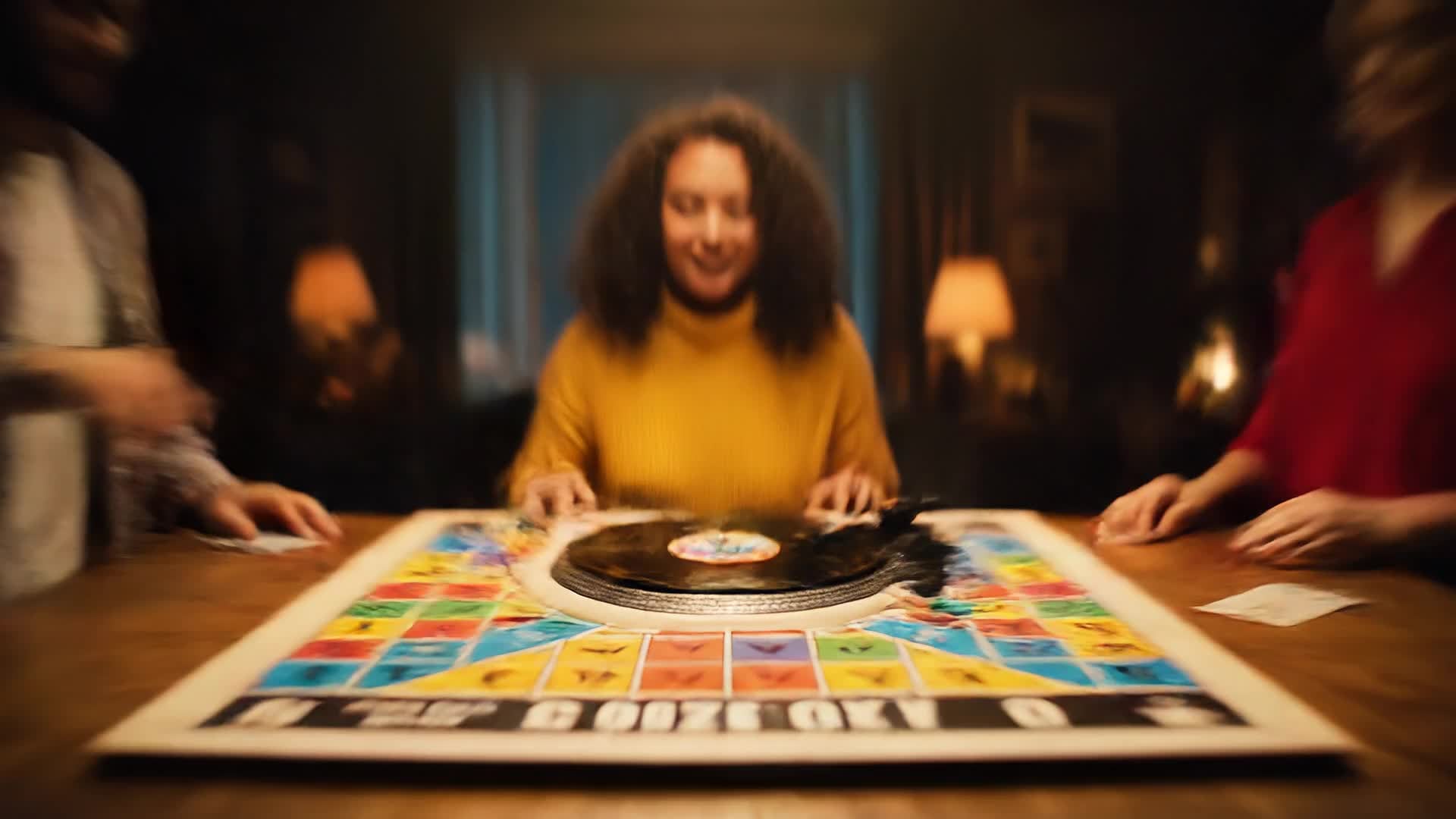

Turn Text Questions into Video Quizzes
Generate complete video quizzes from written questions or scripts using AI in seconds. Media.io’s text-to-video feature allows anyone—from educators to digital marketers—to create quiz videos that look professional and flow naturally. Enter your questions, add choices or hints, and our AI builds a paced, visually stunning video sequence. Customize themes, aspect ratios, or voiceovers to match your audience’s style. This seamless text-to-video workflow turns brainstorming into production quickly, helping you engage learners or followers through vivid, auto-generated storytelling that keeps audiences interacting until the very end.
| Style | Video Quiz Maker Prompt Ideas | Copy & Create |
|---|---|---|
|
Trend Quiz Challenge
|
Start with bold, trending visuals over upbeat music asking viewers to test their knowledge on this week’s viral topics. Each question pops up with quick sound cues, and the timer adds tension. Showcase dynamic transitions between clips to maintain pace. Highlight the score visually to keep users invested. End with a challenge for viewers to share their results. |
|
|
Brand Knowledge Test
|
Open with your brand logo and a voiceover inviting viewers to prove their brand savvy. Display short product-related questions with styled animations or footage. Use visual hints to guide engagement while keeping it playful. Conclude with a branded outro and tagline reminding viewers to visit your site. Ideal for marketers boosting awareness through fun interactive content built entirely with the Media. |
|
|
Mini Educational Quiz
|
Introduce an engaging learning clip featuring bite-sized questions about science, history, or pop culture. Couple each question with visual aids and transitions that make information stick. Keep the quiz concise and interactive, encouraging audience participation. Emphasize callouts like 'Tap to reveal answers!' for interactive touch. |
|
|
Before & After Knowledge Test
|
Kick off with a teaser scene showing two contrasting images or facts. Pose a question inviting viewers to guess what changed or why. Reveal the difference in an animated sequence to surprise and educate. Use voiceovers or captions to narrate context smoothly. This concept turns learning visuals into entertaining, shareable reels made possible by Media.io’s AI-driven video generation. |
|
|
Product Demo Quiz
|
Showcase your product in action while testing your viewers’ attention. Start with a short clip demonstrating usage, then quiz users with 'Did you notice?' style questions. Include smooth zooms and slow-motion shots for cinematic flair. At the end, reveal fun facts or offer a discount code for perfect scores. Great for ecommerce brands that want engaging, conversion-oriented quiz content. |
|
|
Aesthetic Visual Puzzle
|
Begin with a calm or minimalist animated background. Present visual riddles or 'spot the difference' questions using AI-generated imagery. Transition elegantly between scenes with soft music and subtle text movements. Highlight correct answers in visually pleasing reveals. Best suited for creators focusing on ASMR, relaxation, or artistic quiz formats optimized for looping engagement. |








How to Create Video Quiz Maker with Media.io
Create video quiz maker content faster with Media.io using text to video, image to video, video to video, and built-in editing tools.
Enter Your Quiz Idea
Start by typing questions, adding images, or uploading short clips. Media.io’s AI interprets your content to plan transitions, timing, and visual flow instantly. This helps you create video quiz maker content faster with a more structured workflow. You can easily adapt the output for platforms like TikTok, Instagram Reels, and YouTube Shorts.
Customize the Video Flow
Adjust style, pacing, and visuals to suit your audience. Switch between text-to-video, image-to-video, or combined modes for better storytelling impact. This helps you create video quiz maker content faster with a more structured workflow. You can easily adapt the output for platforms like TikTok, Instagram Reels, and YouTube Shorts. The process reduces manual editing and improves overall production efficiency.
Export and Share Easily
With one click, render your complete quiz video and share directly to YouTube, social platforms, or LMS platforms in optimized formats. This helps you create video quiz maker content faster with a more structured workflow. You can easily adapt the output for platforms like TikTok, Instagram Reels, and YouTube Shorts. The process reduces manual editing and improves overall production efficiency. Each step improves visual quality, pacing, and content consistency.
Why Choose Media.io for Video Quiz Maker
AI-Powered Video Generation
Powered by advanced AI, Media.io transforms text or images into video quizzes automatically, cutting editing time from hours to minutes while maintaining professional quality. This makes video quiz maker creation more efficient and easier to manage. It helps improve consistency across different video styles and formats.
Multi-Source Input
Combine text, images, or existing clips to create interactive quizzes quickly. The tool harmonizes all inputs into one cohesive, engaging video. This makes video quiz maker creation more efficient and easier to manage. It helps improve consistency across different video styles and formats.
Editable Templates
Choose from themes designed for education, marketing, or entertainment. Each template is fully editable to match your brand tone and video goals. This makes video quiz maker creation more efficient and easier to manage. It helps improve consistency across different video styles and formats.
Social Media Ready Output
Instantly export your quiz in vertical, square, or landscape formats suitable for TikTok, YouTube Shorts, and Instagram with optimized bitrate and resolution. This makes video quiz maker creation more efficient and easier to manage. It helps improve consistency across different video styles and formats. You can use this feature to produce more engaging and platform-ready content.
Instant Voice and Subtitles
Generate lifelike voiceovers and accurate subtitles in multiple languages. Ensure your quiz videos reach broader audiences with crystal-clear narration. This makes video quiz maker creation more efficient and easier to manage. It helps improve consistency across different video styles and formats.
Built-In Editing Flexibility
Fine-tune your video using trimming, transitions, and overlays directly within Media.io. Achieve polished, on-brand results without switching tools. This makes video quiz maker creation more efficient and easier to manage.
FAQs About
Video Quiz Maker
1. What is a video quiz maker?


A video quiz maker lets you generate interactive quiz videos where viewers answer questions directly in the video format. Media.io’s AI tool simplifies this by turning text or visuals into ready-to-share interactive clips.
2. Do I need editing skills to use Media.io?
No. Media.io’s video quiz maker is built for non-editors. Its AI handles timing, transitions, and formatting automatically while giving you creative control to customize style and tone.
3. Can I use my own videos or images?
Yes, you can upload your own videos, photos, or brand assets. Media.io blends them seamlessly into the quiz flow, keeping all media synchronized with your quiz questions.
4. Is the tool suitable for educators?
Absolutely. Teachers and trainers can create interactive learning modules that increase student participation. Media.io’s AI automates the heavy lifting while preserving educational clarity.
5. Can I export videos for social media?
Yes. You can export your videos optimized for any major platform including TikTok, YouTube, Instagram, and more in one click.
6. Is there a free plan for testing?
Media.io offers a free tier to try essential video quiz maker features. You can explore AI generation, preview results, and upgrade for HD export or advanced editing tools.



