Generate Profile Video with Smarter AI Tools
Turn your intro or bio into a stunning visual story
Create polished profile video content faster with Media.io’s AI workflow. Start from a prompt, upload photos, or refine existing clips to build scroll-stopping videos for Reels, Stories, and feed posts without the usual editing burden. From quick social promos to creator-ready visual storytelling, Media.io helps you turn raw ideas into cleaner, more engaging videos that look made for social media from the first draft.
Turn Photos into a Cinematic Profile Video
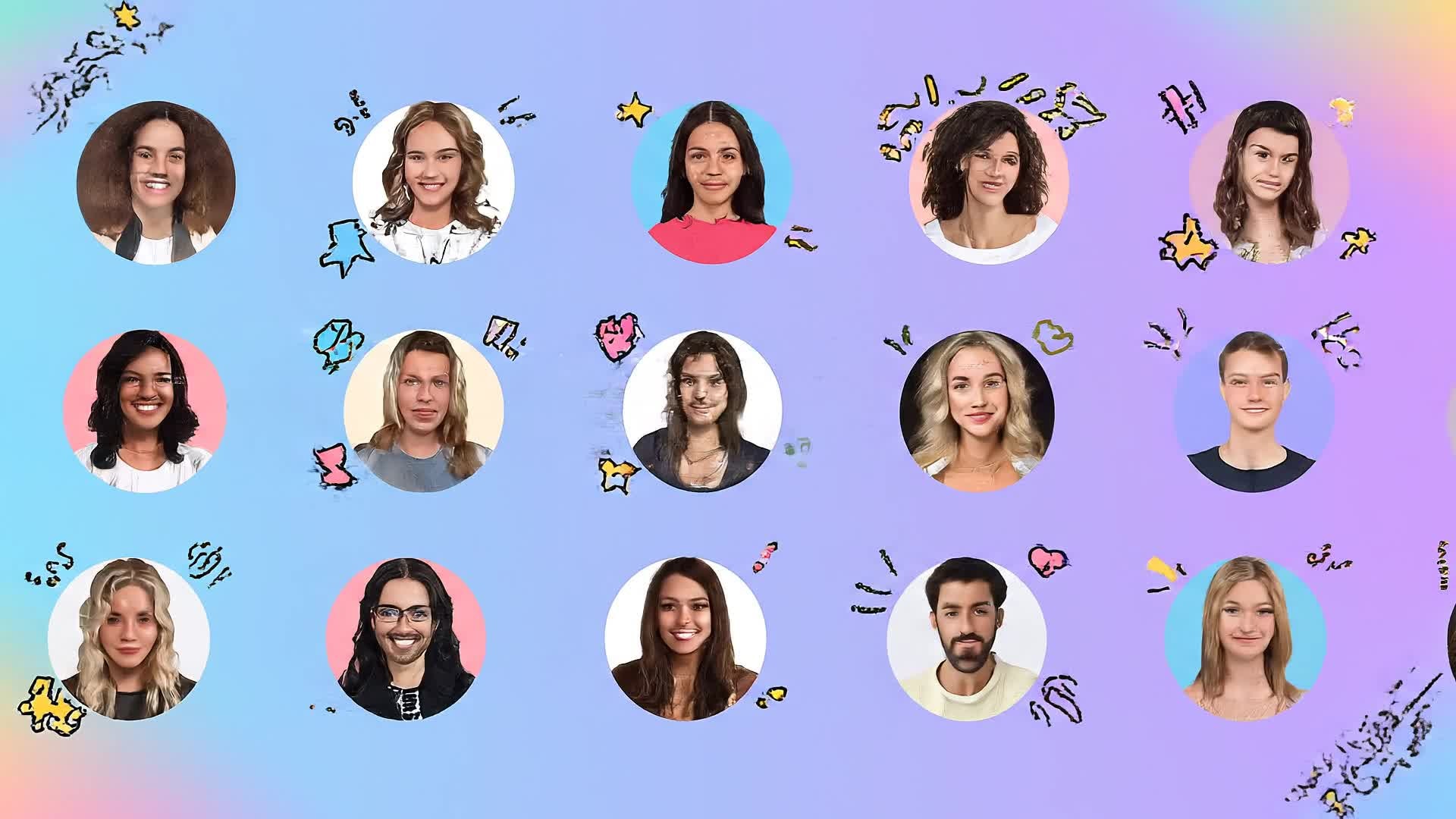
Upload portraits, lifestyle shots, or behind-the-scenes images, and Media.io’s image-to-video technology animates them with transitions, music, and on-screen text that feels alive. Whether you want an artistic showcase or a professional bio intro, every still becomes a moving sequence that builds your story authentically. You can customize pacing, color, and framing while AI ensures a fluid and consistent look. It’s a time-saving way to elevate your personal brand and give static photos new energy through motion storytelling.
Generate a Profile Video from Just Text
No visuals? No problem. With Media.io’s text-to-video feature, write a short introduction or bio and the AI instantly builds a relevant video sequence. Each line of your text becomes a compelling visual clip, styled with typography, expressive motion, and fitting background visuals. For creators, freelancers, and professionals, it’s a fast and inspiring way to visualize your story from words alone. The automatic scene composition, AI voiceover, and soundtrack synchronization ensure that even a simple script feels cinematic and authentic.
| Style | Profile Video Prompt Inspirations | Copy & Create |
|---|---|---|
|
Personal Brand Showcase
|
Open with a motivating quote animated over minimalist graphics. Cut to quick clips of you working, presenting, or creating. Smooth transitions link scenes showing your workflow. Include subtle branding, like your logo fade-in. End with upbeat music and your call to action to connect or follow. Keep pacing energetic but professional for platforms like LinkedIn or portfolio intros. |
|
|
Lifestyle Vlog Style
|
Begin with casual morning scenes and natural lighting. Showcase daily routines and fun moments in between creative work. Add hand-written captions or emojis for a relatable vibe. Use warm color tones and upbeat music to humanize your story. End with a reflection moment and soft outro text introducing your name or brand handle. |
|
|
Before & After Transformation
|
Start by showing a still, silent image of your old setup or state. Then reveal the energetic new you—shot with confidence and strong visuals. Use fast cuts and bold sound transitions to highlight growth. Include time-stamped text labels to mark change. Finish with your current brand symbol or tagline for a satisfying payoff. |
|
|
Business Introduction
|
Open with your brand logo and short statement of mission. Show quick clips of team collaboration, product shots, or workspace. Apply smooth text overlays introducing your role and expertise. Keep color palette brand-consistent. Conclude with company slogan and call-to-action link to learn more. |
|
|
Creative Aesthetic Highlight
|
Start with macro detail shots—color, texture, motion. Blend abstract visuals with typography sharing key traits about you. Use cinematic transitions and slow build music. Add motion blur for an artistic touch. End with a minimal outro emphasizing your name as part of the visual aesthetic. |
|
|
Quick Social Hook
|
Kick off with a strong sound bite or on-screen question like 'Who am I really?'. Flash three dynamic clips showing personality, skills, and goals. Keep pacing under 20 seconds with punchy text overlays. Use trending background music. Close with a bright call-to-follow animation fitting Instagram Reels or TikTok vibe. |








How to Create Profile Video with Media.io
Create profile video content faster with Media.io using text to video, image to video, video to video, and built-in editing tools.
1. Choose Input Type
Start from text, images, or existing clips. Media.io lets you pick how you want your profile story to begin. This helps you create profile video content faster with a more structured workflow. You can easily adapt the output for platforms like TikTok, Instagram Reels, and YouTube Shorts.
2. Let AI Build Your Scene
Watch as AI generates your visuals, music, and transitions. You can customize pacing, tone, and captions instantly. This helps you create profile video content faster with a more structured workflow. You can easily adapt the output for platforms like TikTok, Instagram Reels, and YouTube Shorts. The process reduces manual editing and improves overall production efficiency.
3. Edit and Export Instantly
Preview your video, tweak colors or text, then export high-quality output ready for social, portfolio, or presentation. This helps you create profile video content faster with a more structured workflow. You can easily adapt the output for platforms like TikTok, Instagram Reels, and YouTube Shorts. The process reduces manual editing and improves overall production efficiency. Each step improves visual quality, pacing, and content consistency.
Why Choose Media.io for Profile Video
AI-Powered Story Creation
Transform text or images into expressive videos that introduce who you are. Perfect for creators and professionals wanting instant impact. This makes profile video creation more efficient and easier to manage. It helps improve consistency across different video styles and formats.
Fast Visual Generation
Create a full profile video in minutes thanks to smart AI scene building and prebuilt templates optimized for online platforms. This makes profile video creation more efficient and easier to manage. It helps improve consistency across different video styles and formats. You can use this feature to produce more engaging and platform-ready content.
Flexible Customization
Adjust visuals, font, voice, and music easily. No editing experience required—just intuitive controls and real-time preview. This makes profile video creation more efficient and easier to manage. It helps improve consistency across different video styles and formats.
Ready for All Platforms
Export in aspect ratios ready for LinkedIn intros, YouTube headers, or TikTok bio features with no manual resizing needed. This makes profile video creation more efficient and easier to manage. It helps improve consistency across different video styles and formats. You can use this feature to produce more engaging and platform-ready content.
Consistent Quality Output
Media.io’s rendering engine ensures crisp visuals, clean motion design, and professional-grade color balance every time. This makes profile video creation more efficient and easier to manage. It helps improve consistency across different video styles and formats.
All-in-One Simplicity
Skip multiple tools—create, edit, and export seamlessly in one place, saving hours while achieving studio-level results. This makes profile video creation more efficient and easier to manage. It helps improve consistency across different video styles and formats. You can use this feature to produce more engaging and platform-ready content.
FAQs About
Profile Video
1. What is a profile video used for?


A profile video is a short visual introduction to you or your brand, ideal for LinkedIn, websites, portfolios, or social media bios.
2. Can I make a profile video without filming myself?
Yes. Media.io can generate one using images, stock visuals, or AI-rendered scenes—no camera required.
3. How long should a profile video be?
The best length is usually 20–60 seconds. Media.io helps you keep it concise and visually engaging.
4. Do I need video editing skills?
Not at all. Media.io automates editing, transitions, and timing while you simply guide the story and style.
5. Can I add my logo or text easily?
Yes. You can upload logos, insert bios or career highlights, and let AI animate them into the final video.
6. Is the tool free to try?
You can start making your profile video for free and upgrade later for premium export options.



