Professional Video Maker Made Simple with AI
AI-powered video generation made simple
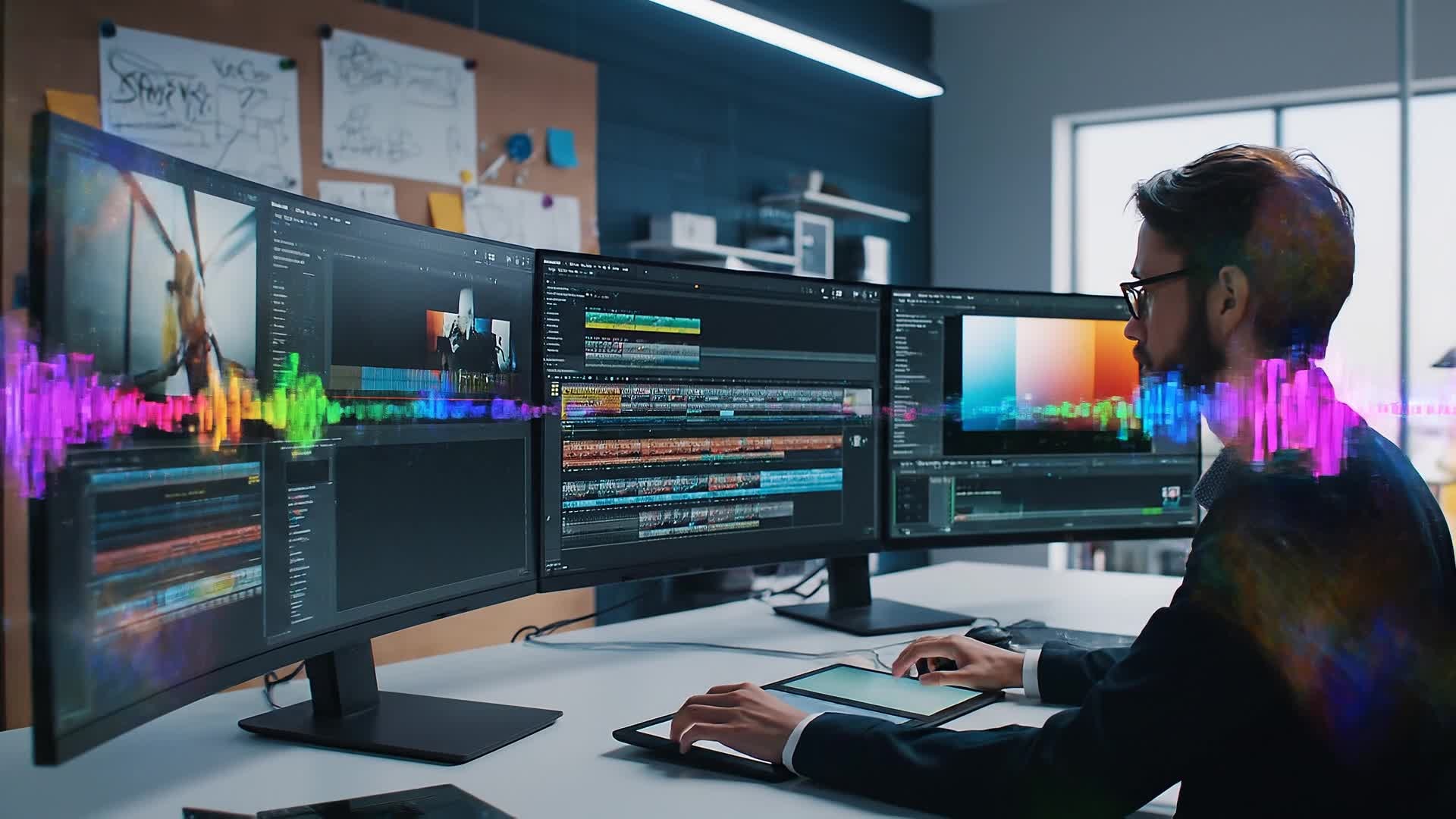
Media.io Professional Video Maker helps you craft high-quality videos effortlessly using advanced AI. Whether you’re a marketer, content creator, or business owner, generate polished videos from text, images, or clips in minutes. Choose your style, upload assets, and let AI bring motion, transitions, and cinematic pacing to life. No editing skills required — you'll get professional-level videos perfect for YouTube, social ads, and brand storytelling in just a few clicks. Turn your ideas into content that looks ready for prime time with Media.io.
Transform Images into Engaging Video Stories
Turn still visuals into motion-first professional video maker content with Media.io’s image-to-video tools. Upload portraits, product shots, travel photos, or campaign creatives, then let AI add movement, pacing, and visual continuity that makes your content feel more dynamic and platform-ready. It’s a faster way to transform static assets into short videos that attract attention, support storytelling, and look more polished across social placements.
Convert Text Ideas into Professional Videos
With Media.io’s AI text-to-video tool, any written idea can become a striking video. Just type your concept, and the AI automatically generates scenes, visuals, and voiceovers that fit your story. Ideal for storytellers, educators, and marketers, it streamlines production and makes video creation accessible even without design experience. Produce content that’s consistent, visually rich, and engaging — whether for social campaigns, product reveals, or explainer videos — all driven by your text input and refined by AI precision.
| Style | AI Prompts for Professional Video Maker | Copy & Create |
|---|---|---|
|
Product Highlight
|
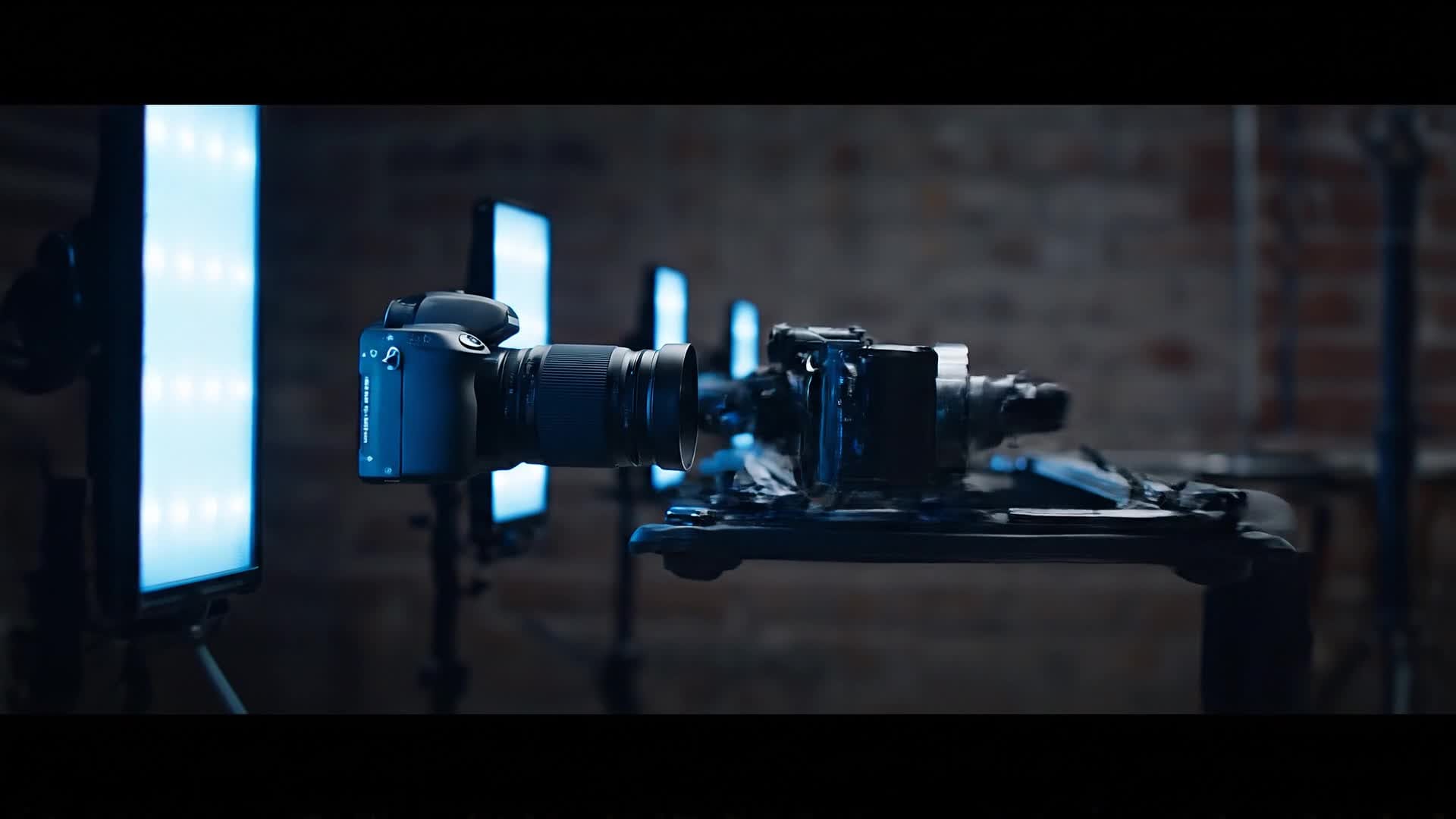
Start with a sliding shot of the product under bold lighting. Use energetic background music to create a modern vibe. Add text overlays with key benefits appearing in sync with visual transitions. Feature close-ups with slow motion effects for emphasis. End with a clean logo animation. Keep the pacing tight to maintain viewer interest and finish with a strong visual call to action. |
|
|
Social Trend Story
|
Begin with a trending sound or viral quote on screen. Cut to scenes of people interacting naturally, smiling, or reacting. Add captions that mimic trending formats. Maintain quick transitions and playful filters to fit social media aesthetic. Conclude with a crisp brand moment that feels organic yet purposeful. Keep it light, emotional, and highly shareable to spark engagement. |
|
|
Before and After
|
Open with the 'Before' side showing an everyday problem. Transition using a quick swipe and upbeat rhythm to the 'After' scene showcasing the transformation. Use AI to simulate lighting, motion, or effect enhancements. Add bold text like 'See the Difference!' mid-video. Close with emotional satisfaction and a subtle logo reveal for impact. |
|
|
Explainer Animation
|
Start with clean animated icons representing the topic. Introduce each step using short, clear visual sequences. Include captions synced to narration or AI voiceover. Highlight benefits visually with smooth movement. End with a bright outro animation that reinforces the key concept. Keep everything concise, rhythmic, and professional for educational or corporate use. |
|
|
Lifestyle Montage
|
Kick off with nature or cityscape b-roll. Mix slow-motion people and candid expressions. Overlay short emotional captions tied to the brand’s message. Maintain soft transitions between clips to create flow. Fade into a cozy or aspirational finale that connects with viewers personally. Add an upbeat soundtrack that gives the montage cinematic warmth. |
|
|
Aesthetic Reels
|
Open with a symmetrical or color-themed shot. Use AI transitions that feel organic and smooth. Add quick flickers of motion graphics enhancing the rhythm. Incorporate minimalist typography and balanced lighting. Keep visuals well-paced and musical for social-friendly looping. End with subtle logo placement and fade-out matching the vibe. |








How to Create Professional Video Maker with Media.io
Create professional video maker content faster with Media.io using text to video, image to video, video to video, and built-in editing tools.
Type or Upload Content
Start by entering text, uploading images, or importing short video clips. Media.io analyzes your materials and prepares them for quick transformation. This helps you create professional video maker content faster with a more structured workflow. You can easily adapt the output for platforms like TikTok, Instagram Reels, and YouTube Shorts.
Customize and Preview Instantly
Choose visual themes, soundtracks, and pacing. AI applies edits, transitions, and motion to suit your narrative while you preview the video instantly. This helps you create professional video maker content faster with a more structured workflow. You can easily adapt the output for platforms like TikTok, Instagram Reels, and YouTube Shorts. The process reduces manual editing and improves overall production efficiency.
Download and Share Anywhere
Export the final video in high resolution. Perfectly optimized for YouTube, Instagram, TikTok, or presentations — ready to publish right away. This helps you create professional video maker content faster with a more structured workflow. You can easily adapt the output for platforms like TikTok, Instagram Reels, and YouTube Shorts. The process reduces manual editing and improves overall production efficiency.
Why Choose Media.io for Professional Video Maker
AI Precision
Generate polished videos automatically from any concept. Media.io’s AI ensures visual balance, pacing, and professional-grade transitions for a studio look. This makes professional video maker creation more efficient and easier to manage.
Multi-Input Creation
Mix text, images, and clips into cohesive productions. Create pro-quality content even when starting from minimal materials. This makes professional video maker creation more efficient and easier to manage. It helps improve consistency across different video styles and formats.
Fast Workflow
Produce professional videos within minutes using an intuitive interface. Skip complex timelines and focus on creativity and output. This makes professional video maker creation more efficient and easier to manage. It helps improve consistency across different video styles and formats.
Built for Social Media
Automatically formats videos for various platforms. Ideal for influencers, brands, and creators targeting quick social reach with professional visuals. This makes professional video maker creation more efficient and easier to manage. It helps improve consistency across different video styles and formats.
Smart Editing Control
Adjust tone, motion, voice, and color grading easily. Fine-tune any AI-generated video to fit your specific creative vision. This makes professional video maker creation more efficient and easier to manage. It helps improve consistency across different video styles and formats.
Cloud Rendering
Save device power with fast cloud processing. Export HD or 4K videos directly from browser — anytime, anywhere. This makes professional video maker creation more efficient and easier to manage. It helps improve consistency across different video styles and formats.
FAQs About
Professional Video Maker
1. What makes Media.io a professional video maker?


Media.io uses AI to automate video editing, motion design, and sound syncing, enabling anyone to produce studio-quality videos quickly without advanced skills.
2. Can I make videos from just text?
Yes. Simply type your script, and Media.io’s text-to-video AI transforms it into visually rich scenes complete with voiceovers and background music.
3. How long does it take to produce a video?
Most videos generate within minutes, depending on length and input type. You can preview results instantly and make quick adjustments before exporting.
4. Do I need editing experience to use it?
No editing background is needed. The interface and AI automation handle technical aspects while letting you focus purely on creativity and storytelling.
5. What formats can I export my videos in?
You can export in popular formats such as MP4, MOV, or WEBM. The output is optimized for social platforms and professional presentations.
6. Is Media.io free to use?
You can start for free with AI tools and basic export options. Premium plans unlock advanced resolutions, effects, and extended video lengths.



