News Intro Maker Made Simple with AI
Generate professional news video intros in seconds
Create polished news intro maker content faster with Media.io’s AI workflow. Start from a prompt, upload photos, or refine existing clips to build scroll-stopping videos for Reels, Stories, and feed posts without the usual editing burden. From quick social promos to creator-ready visual storytelling, Media.io helps you turn raw ideas into cleaner, more engaging videos that look made for social media from the first draft.
Turn Static News Visuals into Motion
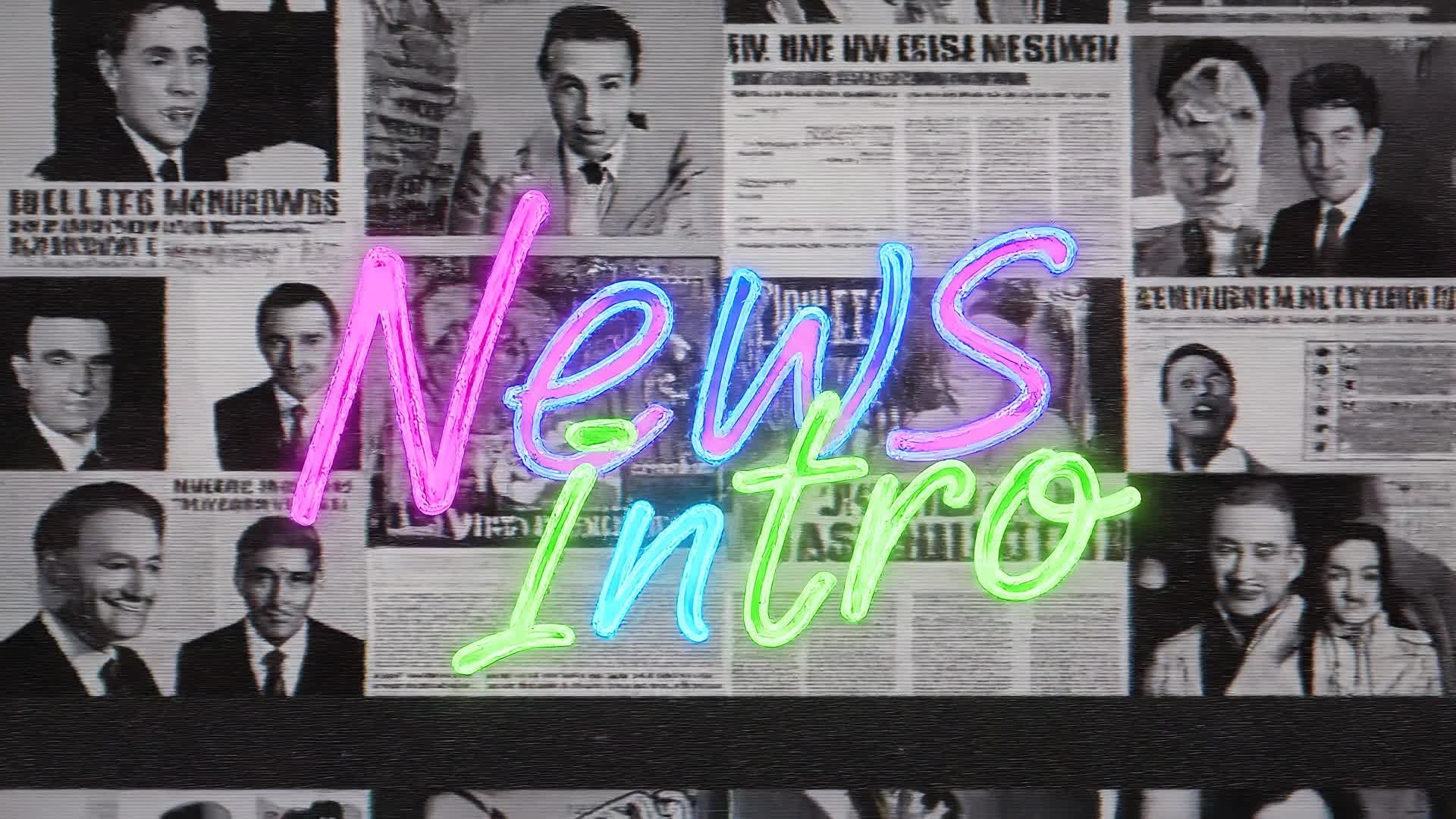
With Media.io’s image-to-video capability, transform still news images, infographics, or logos into dynamic 3D-style movement. Perfect for reporters, vloggers, or digital publishers—upload your shot and let AI animate it into a high-energy intro or transition piece. This is ideal for news highlights, breaking story intros, or recap reels that need polished presentation without manual editing. Achieve stunning visual momentum that fits seamlessly into your story flow and instantly boosts viewer engagement across platforms.
Generate News Intro Maker from Simple Prompts
Type a brief news headline or topic and let Media.io’s AI generate a ready-to-share video opening automatically. In seconds, text becomes animated stories with headlines, transitions, and relevant visuals synced to an on-brand soundtrack. It’s a powerful way for journalists, content creators, or agencies to produce news intros or recap segments daily, without heavy editing. Boost production speed, keep your format fresh, and instantly adapt to breaking updates while maintaining professional consistency.
| Style | Popular News Intro Maker Prompts | Copy & Create |
|---|---|---|
|
Breaking News Alert
|
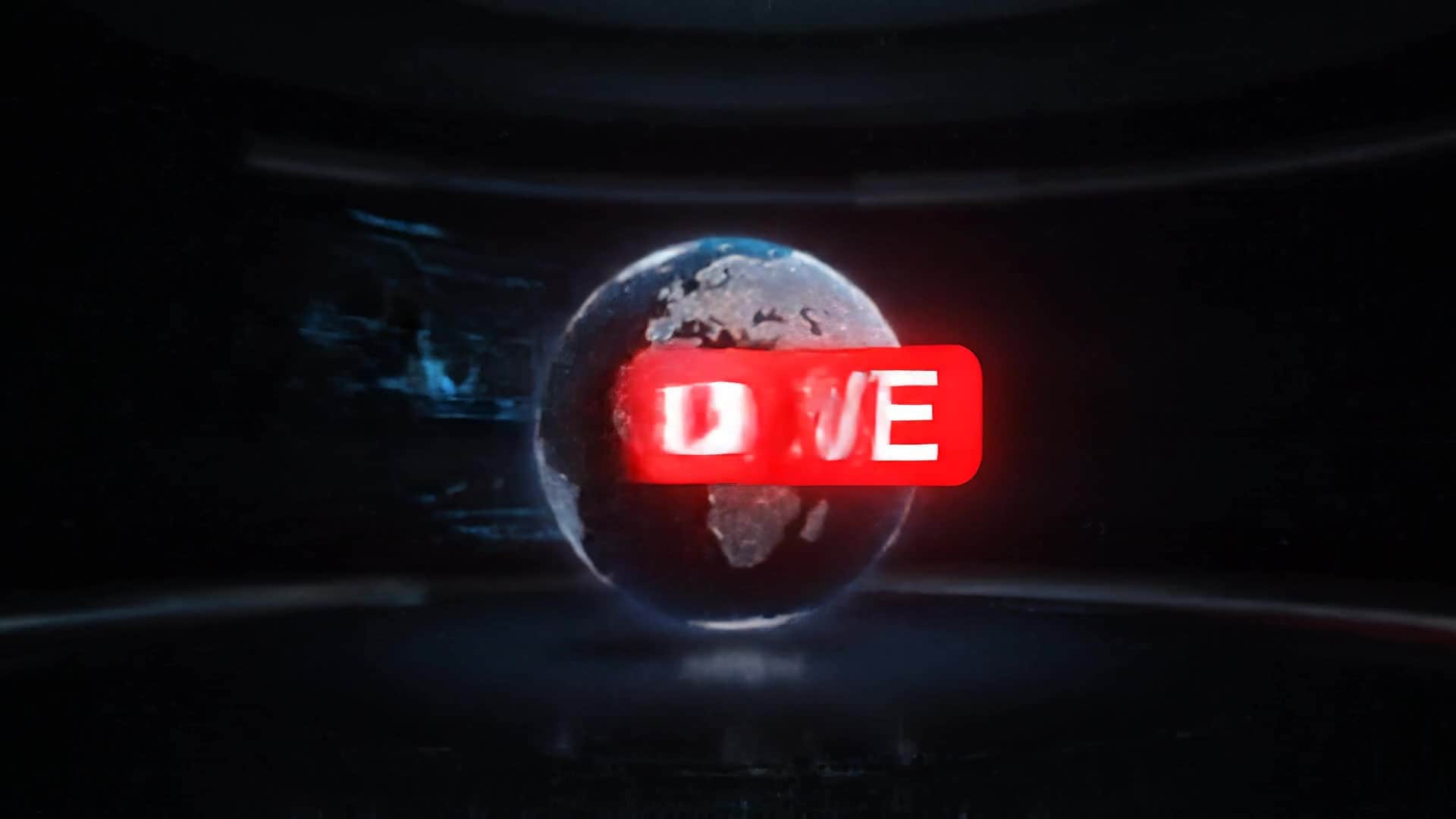
Start with bold red flashes and an iconic news sound sting. Show a spinning globe turning into a digital grid overlay. Cut to animated text reading 'Breaking News'. Layer broadcast lighting effects for urgency. Use short bursts of motion graphics as transitions. Keep it concise, high-energy, and perfect for YouTube or live updates. End with clear channel branding fadeout. |
|
|
Daily News Recap
|
Begin with calm blue tones and soft motion text saying 'Today in Review'. Fade through stills of trending topics. Add subtle camera pan effects across infographics and icons. Include branded lower-thirds for professional polish. Maintain gentle pacing for a smooth newsroom vibe. Finish with elegant outro text synced to light background music. |
|
|
Business Update Intro
|
Use sleek metallic effects with a stock market-inspired soundtrack. Start with city skylines transitioning into ticker visuals. Animate chart-style text lines like 'Market Watch' and 'Global Trends'. Keep transitions sharp and typography clean. Perfect for LinkedIn and YouTube business channels aiming to convey authority and confidence. |
|
|
Tech News Explainer
|
Open with circuit-inspired motion lines that connect into the channel logo. Display text like 'Tech Insights' in futuristic fonts. Blend subtle particle effects for sophistication. Maintain fast camera moves and gradient color lighting. Keep pacing aligned with upbeat electronic music. End on a brief callout for the next story or episode. |
|
|
Sports Headline Opener
|
Start with animated stadium lights flashing across the frame. Transition into action shots of various sports moments. Overlay motion text reading 'Sports Update Live'. Add rhythm-driven cuts synced with energetic sound design. Use team colors or gradient overlays. Conclude with a sharp logo reveal and tagline drop for fan engagement. |
|
|
Evening News Classic
|
Launch with sweeping orbit motion over a virtual globe. Use gold and navy tones for authority. Add lower-third headline animations and subtle lens flare transitions. Include orchestral intro music for gravity. Keep animation restrained yet elegant. Wrap up with station logo fadeout ideal for TV or online editorial. |








How to Create News Intro Maker with Media.io
Create news intro maker content faster with Media.io using text to video, image to video, video to video, and built-in editing tools.
Enter Your News Idea
Type a headline, topic, or summary and let the AI interpret your vision instantly. The text-to-video system suggests visuals, pacing, and animations fit for professional news intros. This helps you create news intro maker content faster with a more structured workflow. You can easily adapt the output for platforms like TikTok, Instagram Reels, and YouTube Shorts. The process reduces manual editing and improves overall production efficiency.
Add Images or Clips
Upload logos, photos, or b-roll to personalize your intro. Media.io’s image-to-video and video remix tools bring static assets to life for stronger storytelling impact. This helps you create news intro maker content faster with a more structured workflow. You can easily adapt the output for platforms like TikTok, Instagram Reels, and YouTube Shorts.
Customize and Export
Tweak colors, transitions, or text if needed. When satisfied, export your intro in HD formats ready for YouTube, Facebook, or broadcast publishing directly. This helps you create news intro maker content faster with a more structured workflow. You can easily adapt the output for platforms like TikTok, Instagram Reels, and YouTube Shorts. The process reduces manual editing and improves overall production efficiency.
Why Choose Media.io for News Intro Maker
AI Intro Automation
Generate complete broadcast-style intros with minimal effort. Media.io automates music, motion, and text layouts to produce professional-quality openings fast. This makes news intro maker creation more efficient and easier to manage.
Logo & Brand Sync
Integrate your branding easily. The AI matches your logo and colors for consistent identity across all news intros and updates. This makes news intro maker creation more efficient and easier to manage. It helps improve consistency across different video styles and formats.
Scene-Level Customization
Edit individual segments, adjust animations, or replace visuals instantly. Keep creative control while saving hours of manual work. This makes news intro maker creation more efficient and easier to manage. It helps improve consistency across different video styles and formats.
Stock Asset Integration
Access high-quality stock visuals and audio that fit seamlessly with your intros. Perfect for creators who need ready-to-use professional resources. This makes news intro maker creation more efficient and easier to manage. It helps improve consistency across different video styles and formats.
Multi-Format Output
Export for landscape, square, or vertical formats optimized for platforms like YouTube Shorts, Instagram Reels, and TikTok effortlessly. This makes news intro maker creation more efficient and easier to manage. It helps improve consistency across different video styles and formats. You can use this feature to produce more engaging and platform-ready content.
Fast Online Rendering
Render polished news intros in the cloud within seconds. No heavy software or complex setups—just smooth browser-based creation. This makes news intro maker creation more efficient and easier to manage. It helps improve consistency across different video styles and formats.
FAQs About
News Intro Maker
1. What is a news intro maker?


It’s an AI-powered tool that creates professional video intros for news segments or channels. You just provide text or visuals, and it auto-generates motion, graphics, and sound.
2. Can I use my own logo and branding?
Yes. You can upload logos, colors, and fonts to ensure your intros match your channel identity perfectly.
3. How fast can I make an intro?
Most users generate a complete intro within minutes. Media.io’s AI rendering takes care of transitions, animations, and sound instantly.
4. Do I need editing experience?
Not at all. The AI handles layout, timing, and graphics. You can fine-tune results visually with simple drag-and-drop adjustments.
5. Is this tool good for YouTube news creators?
Absolutely. Many creators use it for daily news recaps, breaking updates, and info series intros that look network-standard even without a production team.
6. Can I export videos in HD?
Yes. Media.io supports HD and 4K export options for social media and broadcast-quality publishing.



