Bring Your Invitation Video Maker Ideas to Life
Transform your event invite into a captivating video with AI
Use Media.io’s AI-powered invitation video maker to craft beautiful, custom-made invitation videos for weddings, birthdays, product launches, and more — in just minutes. Upload images, enter your event details, and let the AI generate elegant visuals, motion graphics, and stylish text animations automatically. With pre-built templates and full customization, you can produce polished, share-ready invitation videos that perfectly match your event theme and tone. Save hours of editing and impress guests with eye-catching invites that look professionally produced but take no design skills at all.
Turn Photos into Motion Invitations
Transform still images into lively invitation videos using Media.io’s image-to-video AI. Upload your theme images or event photos, select a style, and watch your visuals come alive with dynamic transitions and music. Perfect for weddings, birthdays, baby showers, or business events, this workflow helps you repurpose still images into engaging moving stories in moments. With smart scene detection and smooth animation, you get movement and storytelling that static invites can’t deliver. No need for advanced tools — just choose your vibe, generate, and share a beautifully animated video invitation your guests will remember.

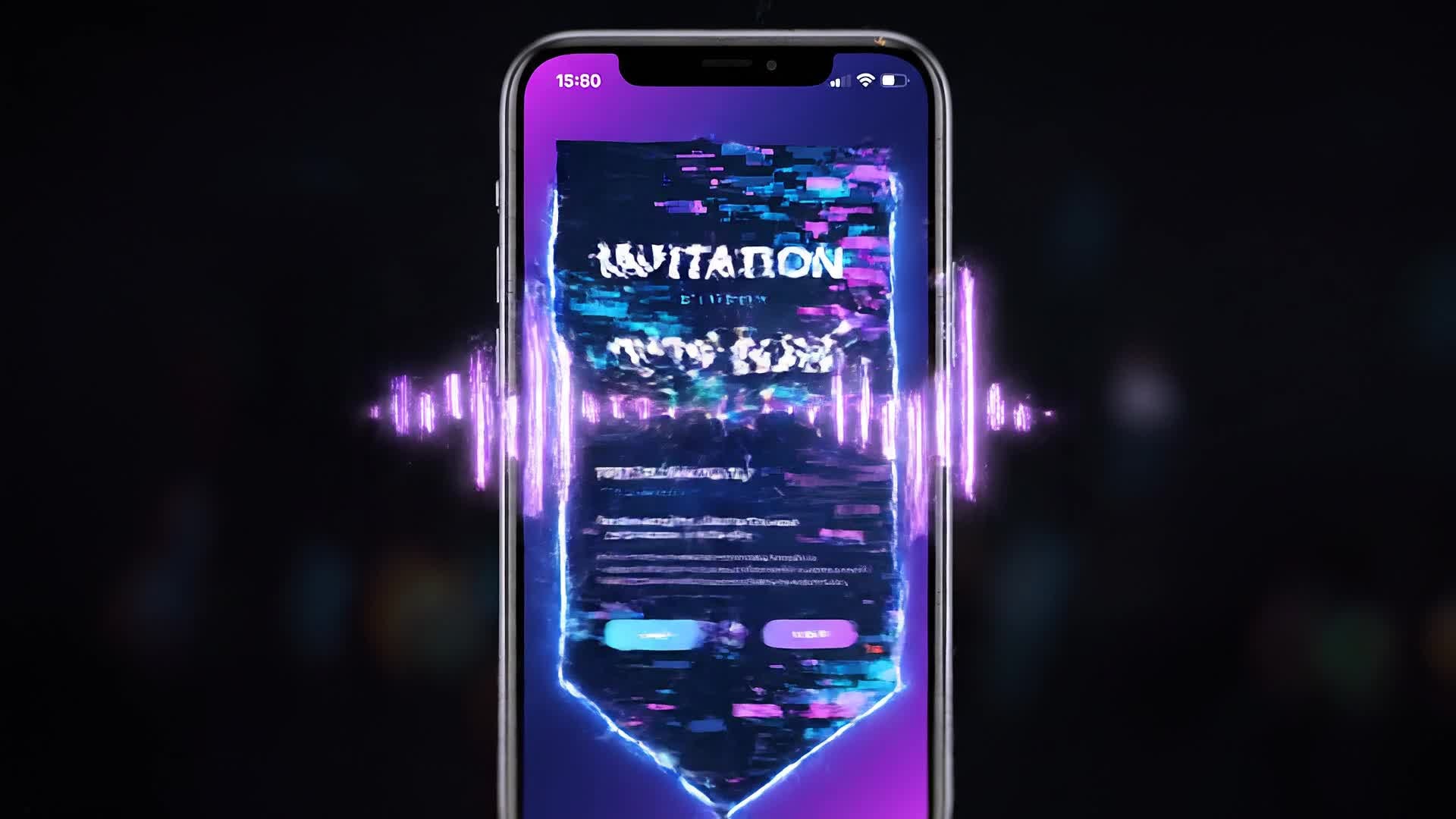
Generate Video Invites from Simple Text Prompts
Let your ideas become motion in seconds. With Media.io’s text-to-video AI, you can describe your celebration theme, venue, mood, or color palette, and instantly turn words into a cinematic invitation video. Whether you want a dreamy wedding feel, upbeat birthday vibe, or modern corporate touch, just type your concept — the AI handles visuals, music, and timing. It’s an effortless way for creators, planners, and event hosts to produce television-quality invitation videos without editing manually. Every video is tailored, easy to update, and fit for instant sharing across social and messaging platforms.
| Style | Inspiring Invitation Video Maker Prompts | Copy & Create |
|---|---|---|
|
Birthday Celebration
|
Open with colorful confetti and bold fonts showing 'Join the Party!' Cut to animated cupcakes and balloons dancing to an upbeat tune. Display event details using playful transitions. Zoom into a photo of the celebrant smiling and overlay the RSVP info. End on flashing neon text 'Let’s Celebrate Together!' Keep the pacing lively for a TikTok-style reel. |
|
|
Corporate Event Launch
|
Start with fast-moving city skyline shots transitioning into modern typography showing the event name. Showcase company highlights with sleek animations. Add pulsing background lights to match upbeat electronic music. Insert brief speaker introductions or product teasers. Close with the date and registration link. Use clean professional visuals for LinkedIn-ready video invitations. |
|
|
Wedding Romance
|
Fade in a field of flowers under soft sunlight. Show text 'Save the Date' appearing with glowing petals. Cut to a montage of love moments with gentle camera movements. Display event location and RSVP through stylish calligraphy. Conclude with golden hearts and cinematic fade-out. Keep transitions slow and elegant for wedding invitation videos. |
|
|
Baby Shower Announcement
|
Begin with animated clouds and gentle pastel tones. Add floating baby icons like rattles and toys drifting across the screen. Display 'A Little One Is on the Way!' in playful animation. Show the parents’ names and date in cozy handwritten font. Add cheerful lullaby music. Conclude with a sweet fade featuring RSVP link for easy sharing on Instagram. |
|
|
Graduation Party
|
Start with animated graduation caps flying up. Transition to text reading 'Celebrate Our Achievements!' Include school colors and confetti bursts. Add video snippets or photos of classmates smiling. End with the time and place in dynamic motion graphics. Keep it upbeat and short to fit social media stories perfectly. |
|
|
Product Launch Invite
|
Open with dramatic lighting and close-up motion of the new product. Display bold animated text 'You’re Invited to Experience Innovation'. Use quick transitions and futuristic background music. Reveal event details with subtle particle effects. End with a sharp call to action: 'Reserve Your Spot Now.' Optimize pacing for YouTube Shorts and promo reels. |








How to Create Invitation Video Maker with Media.io
Create invitation video maker content faster with Media.io using text to video, image to video, video to video, and built-in editing tools.
Enter Your Idea or Upload Photos
Start by typing your event details or uploading related images. The AI analyzes your input and prepares base scenes for your invitation video instantly. This helps you create invitation video maker content faster with a more structured workflow. You can easily adapt the output for platforms like TikTok, Instagram Reels, and YouTube Shorts. The process reduces manual editing and improves overall production efficiency.
Customize with AI Styles and Audio
Choose animation themes, text fonts, and background music. Media.io generates variations and lets you refine colors, captions, or pacing effortlessly. This helps you create invitation video maker content faster with a more structured workflow. You can easily adapt the output for platforms like TikTok, Instagram Reels, and YouTube Shorts.
Preview, Edit, and Export
Review your invitation, trim or polish transitions, and export the final video in MP4 or social-ready formats. Share instantly across platforms. This helps you create invitation video maker content faster with a more structured workflow. You can easily adapt the output for platforms like TikTok, Instagram Reels, and YouTube Shorts. The process reduces manual editing and improves overall production efficiency.
Why Choose Media.io for Invitation Video Maker
Fast AI Video Creation
Produce invitation videos in minutes with smart automation. Media.io uses AI to match your theme with cinematic visuals and perfect pacing instantly. This makes invitation video maker creation more efficient and easier to manage.
Multiple Input Options
Start from text, image, or existing clips. Whether you’re repurposing photos or writing a few lines, Media.io turns it into a complete invite video. This makes invitation video maker creation more efficient and easier to manage.
No Editing Skills Needed
Skip complicated timelines. Use drag-and-drop simplicity with auto-arranged scenes, sound design, and typography tailored to your event style. This makes invitation video maker creation more efficient and easier to manage. It helps improve consistency across different video styles and formats.
Custom Templates for Every Occasion
Access curated layouts for weddings, birthdays, or corporate launches. Each template is editable, letting you personalize colors, fonts, and soundtrack. This makes invitation video maker creation more efficient and easier to manage. It helps improve consistency across different video styles and formats.
Auto Music and Text Sync
Let AI detect speech and beats to synchronize music with animated typography and dynamic cuts effortlessly for engaging flow. This makes invitation video maker creation more efficient and easier to manage. It helps improve consistency across different video styles and formats. You can use this feature to produce more engaging and platform-ready content.
Instant Social Sharing
Export optimized versions for TikTok, Instagram, YouTube, or WhatsApp in one click. Your invitation looks crisp and loads fast on every device. This makes invitation video maker creation more efficient and easier to manage. It helps improve consistency across different video styles and formats.
FAQs About
Invitation Video Maker
1. What types of invitation videos can I create?


You can create wedding, birthday, business, baby shower, graduation, and any event invitation videos. Media.io offers templates and themes for every scenario.
2. Do I need editing skills to use this tool?
No. Media.io handles scene design, animation, and pacing automatically. You just provide text, images, or ideas, and the platform builds your invitation video for you.
3. Can I add my own music or voiceover?
Yes. You can upload background tracks or record a voiceover directly within the editor to make your invitation video more personal and immersive.
4. Is the invitation video maker free to try?
Yes. You can generate and preview videos for free. Upgrading unlocks higher-quality exports, branding control, and extended media features.
5. What formats can I export my invitation video in?
You can export videos in MP4 or social-optimized resolutions suitable for Instagram Reels, YouTube Shorts, and messaging apps.
6. Can I edit or update an invitation after generating it?
Absolutely. You can revise text, change templates, or adjust visuals anytime. Each project remains editable so you can update details instantly.



