Create Baby Videos Online in Seconds
AI-powered tool for parents and creators
Create polished baby video online content faster with Media.io’s AI workflow. Start from a prompt, upload photos, or refine existing clips to build scroll-stopping videos for Reels, Stories, and feed posts without the usual editing burden. From quick social promos to creator-ready visual storytelling, Media.io helps you turn raw ideas into cleaner, more engaging videos that look made for social media from the first draft.
Turn Baby Photos into Lively Video Stories
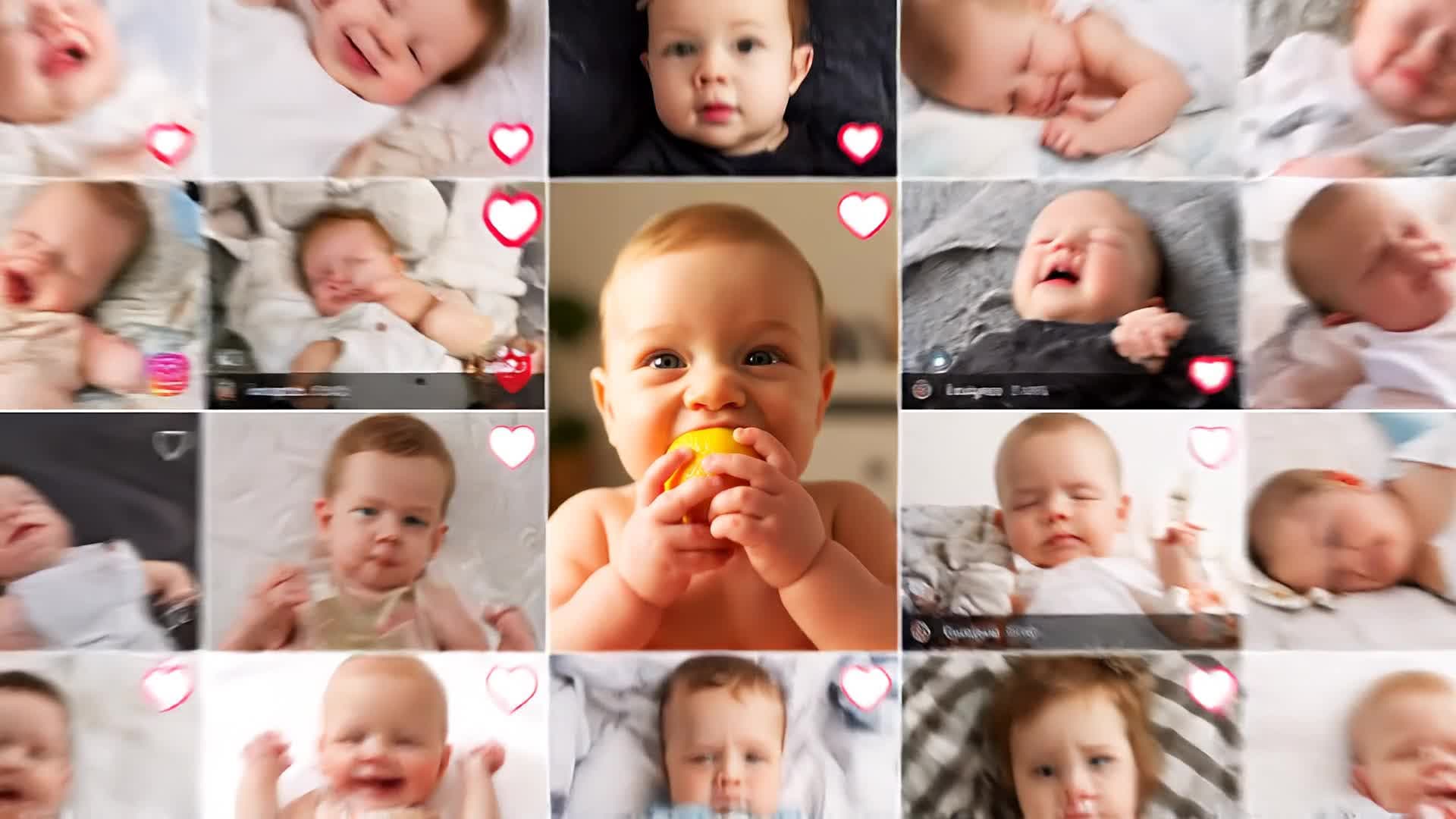
Bring your baby photos to life with Media.io’s AI image-to-video generator. Upload still images and let the system animate smiles, gestures, and cozy scenes to create warm, cinematic short clips. Perfect for milestone collections or memory reels, this feature allows you to transform picture folders into vivid baby video stories without any manual editing. You control transitions, background music, and pacing—all from a single dashboard. Whether you’re a parent assembling first-year highlights or a creator designing family content, you can craft emotion-rich videos that touch hearts in minutes.
Turn Text Ideas into Emotional Baby Videos
Describe your vision and let AI do the rest. Media.io’s text-to-video engine transforms scripts or captions into full video stories, featuring dynamic scenes, music, and transitions built for emotional impact. Great for baby milestones, parenting stories, or content creators narrating newborn journeys, the tool interprets natural text into soft-hued, shareable baby videos ready for YouTube Shorts, TikTok, or Instagram Reels. Just type a few lines and watch your story appear in delightful animated form—all within one intuitive workspace.
| Style | Creative Prompts for Baby Video Online | Copy & Create |
|---|---|---|
|
Milestone Moments
|
Showcase a baby’s first steps captured across several short clips. Begin with anticipation, parents holding their breath, then the baby takes tiny steps toward them. Include gentle applause and smiles. Add upbeat but soft background music. Animate small confetti bursts for excitement. Conclude with a proud close-up of parents hugging the baby. Perfect for social media highlights celebrating progress. |
|
|
Day in the Life
|
Start with a sleepy morning stretch, sunlight hitting the crib. Move through breakfast time, bath bubbles, playtime, and an afternoon nap. Let smooth transitions mirror a calm parental routine. Insert quick laughter shots and gentle filters for warmth. Close with the baby yawning before bedtime. Ideal for creating wholesome reels that reflect real parenting days. |
|
|
Welcome Home Story
|
Open with the baby’s name appearing on a door plaque. Show parents entering the house, carrying the newborn wrapped in a blanket. Add soft lighting and acoustic background music. Zoom in on tiny fingers and candid smiles. Use fade-ins for emotion and end with a simple overlay: ‘Welcome, little one.’ A touching short video intro for new parents to share online. |
|
|
Baby Product Promo
|
Display cheerful close-ups of a baby using a toy or blanket brand. Begin with playful giggles, zoom into the product texture, then show parents interacting naturally. Keep transitions smooth and bright. Add text highlighting comfort, safety, or joy. Perfect for marketers or small shops creating social ads focusing on baby products. |
|
|
Transformation Reel
|
Show a fast-paced before-and-after evolution: newborn to toddler. Combine timed photos or clips into a seamless timeline. Incorporate milestone captions like ‘1 month,’ ‘6 months,’ ‘1 year.’ Add a nostalgic yet upbeat soundtrack. End with a strong final frame showing a smiling toddler waving. Great for emotional retrospectives or family celebration videos. |
|
|
Aesthetic Nursery Vibes
|
Begin with soft-pastel visuals of the nursery decor. Introduce soothing motion—mobile toys spinning, curtains swaying lightly, baby sleeping soundly. Use cinematic focus shifts for calm tone. Overlay minimalist captions describing love and peace. Perfect to create relaxing aesthetic content for social feeds and parenting accounts. |








How to Create Baby Video Online with Media.io
Create baby video online content faster with Media.io using text to video, image to video, video to video, and built-in editing tools.
Enter Text or Upload Photos
Start with a short description or a collection of baby photos. Media.io’s AI interprets your idea and prepares visuals instantly for generation. This helps you create baby video online content faster with a more structured workflow. You can easily adapt the output for platforms like TikTok, Instagram Reels, and YouTube Shorts.
Customize and Preview
Choose your preferred style, background music, and pacing. Review the preview and adjust small details to match your story’s emotion and tone. This helps you create baby video online content faster with a more structured workflow. You can easily adapt the output for platforms like TikTok, Instagram Reels, and YouTube Shorts. The process reduces manual editing and improves overall production efficiency.
Export and Share
Download your polished baby video and share it on Instagram, TikTok, or YouTube. Media.io ensures rendering is fast and smooth so your memory looks perfect. This helps you create baby video online content faster with a more structured workflow. You can easily adapt the output for platforms like TikTok, Instagram Reels, and YouTube Shorts.
Why Choose Media.io for Baby Video Online
AI-Powered Creativity
Automatically turn text or photos into stunning baby videos. Media.io’s AI understands tone and emotion to produce clips that feel lovingly human-made. This makes baby video online creation more efficient and easier to manage.
One-Click Workflow
No editing knowledge required. Upload, prompt, and export effortlessly within minutes, making it easy for parents and creators to capture memories quickly. This makes baby video online creation more efficient and easier to manage. It helps improve consistency across different video styles and formats.
Flexible Input Types
Use images, captions, or short clips—Media.io supports multiple input methods for crafting detailed baby stories that look professionally cut. This makes baby video online creation more efficient and easier to manage. It helps improve consistency across different video styles and formats.
Smart Editing Tools
Fine-tune transitions, colors, and background music with intuitive sliders. The interface ensures perfect aesthetic control even for beginners. This makes baby video online creation more efficient and easier to manage. It helps improve consistency across different video styles and formats.
Instant Social Exports
Generate platform-optimized formats ready for YouTube Shorts, TikTok, or Instagram Reels. Share baby moments instantly and beautifully. This makes baby video online creation more efficient and easier to manage. It helps improve consistency across different video styles and formats.
Fast and Secure Online Access
Work directly in the browser—no installation or lag. Media.io keeps projects safe, quick, and accessible from anywhere. This makes baby video online creation more efficient and easier to manage.
FAQs About
Baby Video Online
1. How can I make a baby video online with AI?


Simply upload your photos or enter a short text about the baby moment you want to capture. Media.io automatically turns it into a smooth, touching video ready to share.
2. Do I need video editing experience to use Media.io?
No experience required. Media.io handles complex editing automatically so you can focus on emotion and story, not software tools.
3. Can I add music or captions to my baby video?
Yes. Choose background music, add custom text overlays, or let AI suggest matching styles for your narrative.
4. Are the generated baby videos suitable for social media?
Absolutely. Each output is optimized for platforms like YouTube, TikTok, and Instagram, making sharing fast and visually perfect.
5. Can I use my baby’s photos safely on Media.io?
Yes. Media.io provides secure cloud processing ensuring your photos and creations remain private and under your control.
6. Is Media.io free to try?
Yes. You can start creating baby videos online for free and upgrade for premium templates and higher export quality anytime.



