App Demo Video Maker Creator for Fast Visual Results
Turn your app interface into sleek, scroll-stopping videos
Transform app screens, product shots, or design prototypes into compelling demo videos with Media.io’s AI-powered app demo video maker. Simply upload your visuals or describe your concept, and our intelligent generator discovers the best pacing, transitions, and UI highlights to engage viewers instantly. Ideal for startups, product teams, and indie developers, Media.io delivers export-ready videos tailored for app stores, social launches, and investor presentations. No professional editing skills needed—just a few clicks and your polished app demo is ready to impress any audience.
Turn App Screenshots into Engaging Motion Demos
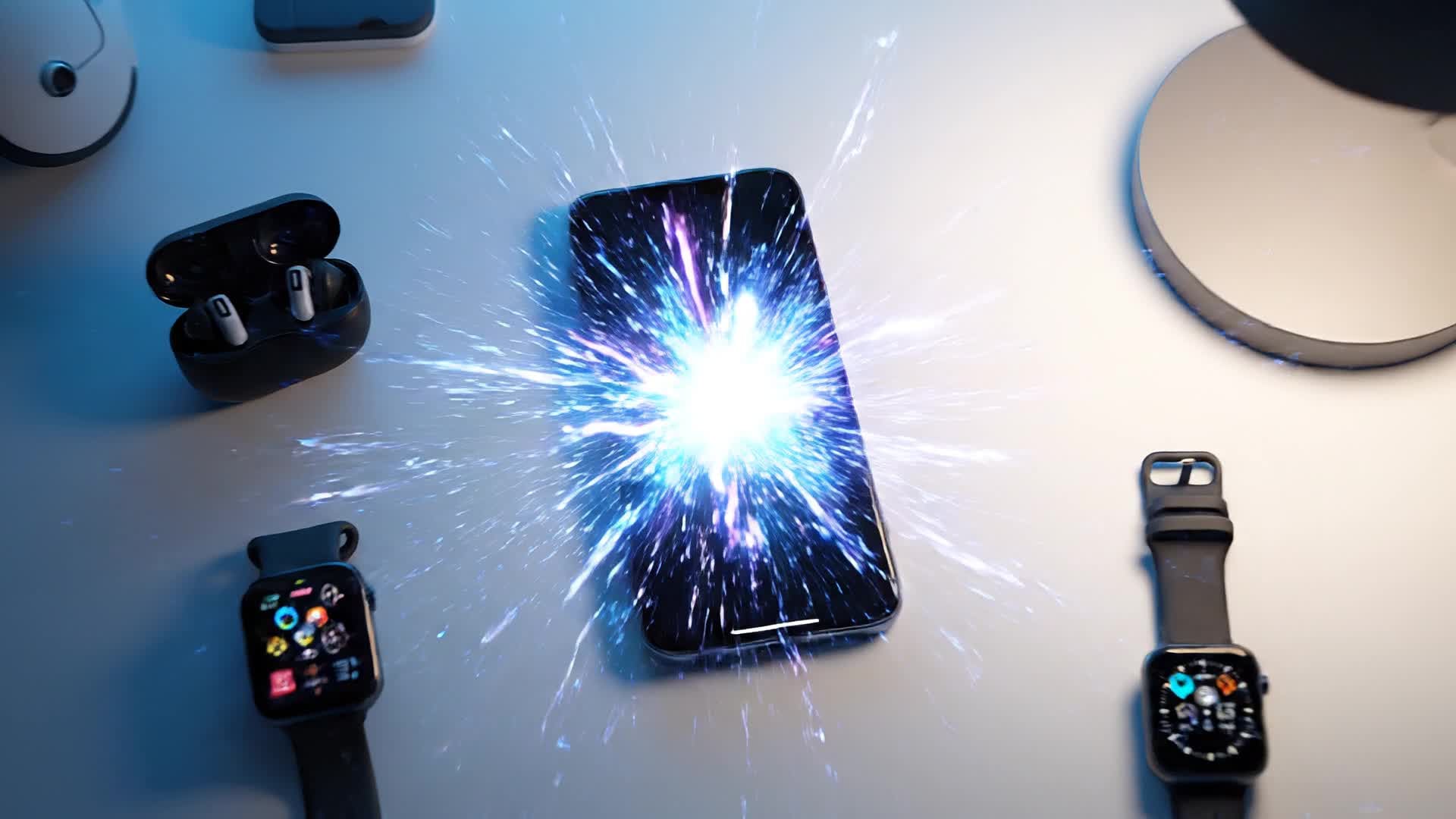
With Media.io’s image-to-video technology, you can showcase your app’s interface or UX flow as a captivating motion video. Import screenshots or UI mockups, and let AI animate screen transitions, gestures, and highlights that mimic real interactions. This approach helps developers and marketers visualize the app experience before launch, while instantly producing social-ready videos that explain functionality visually. Instead of static images, you’ll get a professional motion walkthrough that demonstrates real value, keeping your audience interested and informed. Perfect for product pages, crowdfunding, and social media previews.
Bring Your App Story to Life from Text
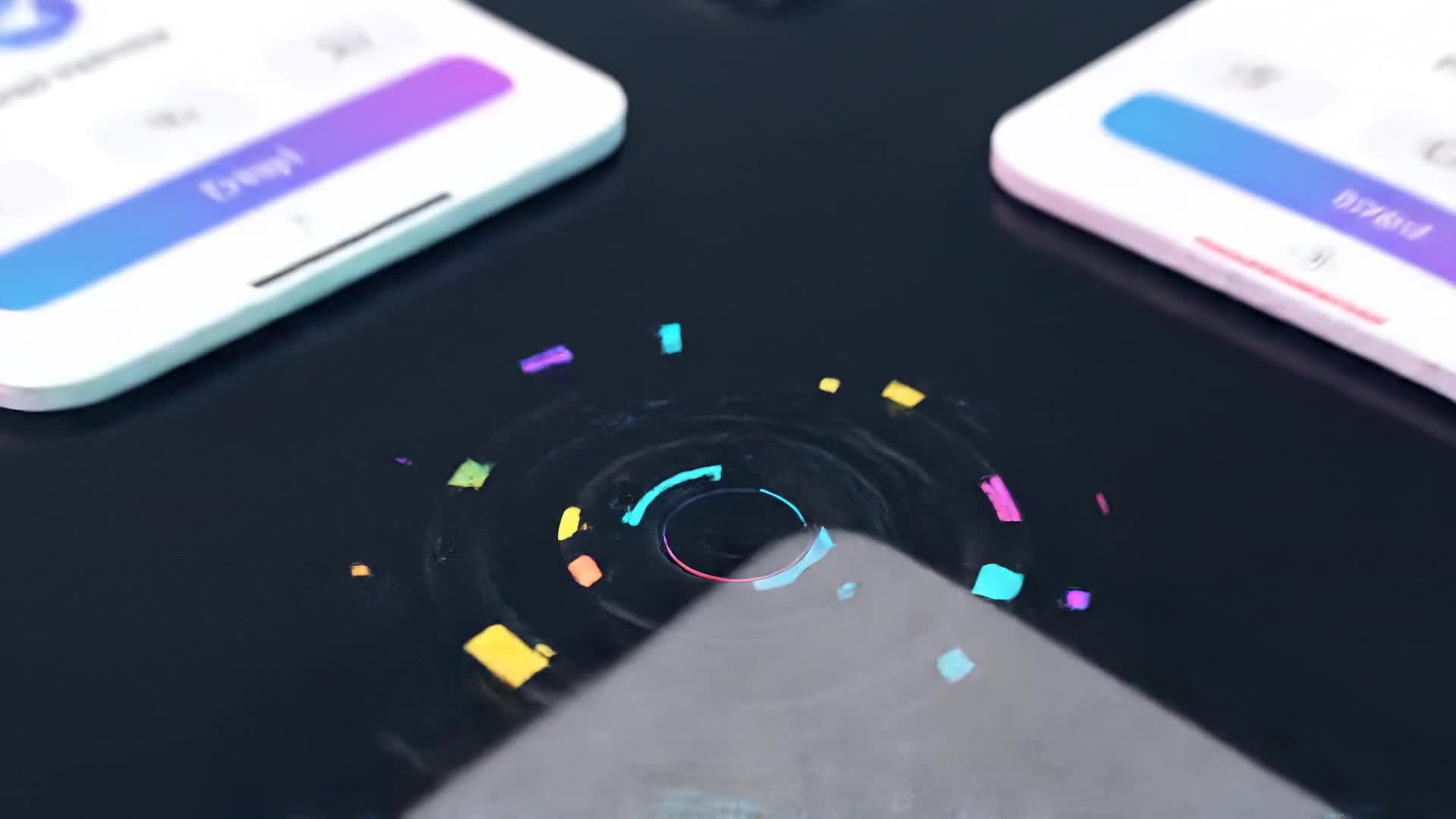
Media.io’s text-to-video AI can turn a simple idea or written script into immersive app showcase videos. Describe what happens on screen—like user journeys, feature highlights, or onboarding steps—and the AI automatically generates relevant visuals, captions, and animations to match. This helps you explain your app’s value proposition efficiently without heavy production time. Whether you’re demoing an MVP to investors or creating a promo teaser, this workflow keeps everything consistent, quick, and brand-aligned. Just type your creative idea, and watch your concept transform into a ready-to-share demo clip.
| Style | AI Prompts for App Demo Video Maker | Copy & Create |
|---|---|---|
|
Product Teaser
|
Begin with a zoom-in of the app logo appearing on a sleek phone. Show quick glimpses of main features in motion—login, dashboard, and analytics. Highlight smooth UI transitions with upbeat music. Use soft light effects to emphasize clarity. Add catchy on-screen text showing 'Fast, Smart, Easy.' End with a subtle CTA inviting viewers to try the app today. |
|
|
Feature Highlight
|
Start by focusing on one standout feature, like smart task tracking. Cut between user interactions and dynamic app animations. Use clear text callouts for benefits such as 'Organize Instantly' or 'Stay Focused.' Add motion gestures and close-up touches to show interactivity. Finish with the app logo fading in and tagline 'Productivity Perfected.' |
|
|
Tutorial-Style Demo
|
Present a step-by-step walkthrough of signing up and creating a project. Highlight smooth scrolling and simple navigation. Transition between screens to show progress tracking. Include helpful captions explaining each tap or swipe. End with a polished outro summarizing the app’s workflow and its core benefit for everyday users. |
|
|
Lifestyle Integration
|
Open with a person using the app during a morning routine. Show real-life scenes blended with on-screen app shots. Add dynamic overlays showing how the app fits seamlessly into daily life. Focus on emotion and practicality. End with vibrant text: 'Empower Your Routine – Try Now.' |
|
|
Before & After Comparison
|
Show the frustration of manual work or cluttered schedules first. Then, switch to clean, fluid visuals of the app solving problems instantly. Use split-screen transitions and soft glows for clarity. Convey progress and satisfaction through motion and color. Conclude with 'Upgrade Your Workflow with AI Support.' |
|
|
Aesthetic Brand Preview
|
Start with slow-paced, cinematic angles of device and UI shots. Use minimalist background audio. Rotate between glowing gradients and app screens gliding smoothly. Keep transitions gentle but visually rich. Close with brand logo and tagline displaying in sync with subtle vibration beats. |








How to Create App Demo Video Maker with Media.io
Create app demo video maker content faster with Media.io using text to video, image to video, video to video, and built-in editing tools.
Type or Upload Your Content
Start with text, images, or short clips featuring your app’s visuals. Media.io recognizes your input type and optimizes it for a compelling demo. This helps you create app demo video maker content faster with a more structured workflow. You can easily adapt the output for platforms like TikTok, Instagram Reels, and YouTube Shorts.
Customize and Preview Instantly
Choose a style, pacing, and background music. The AI intelligently builds transitions, motion paths, and overlays to fit your product vibe. This helps you create app demo video maker content faster with a more structured workflow. You can easily adapt the output for platforms like TikTok, Instagram Reels, and YouTube Shorts. The process reduces manual editing and improves overall production efficiency.
Polish and Export Anywhere
Fine-tune animations, add logo watermarks, and instantly export in vertical or horizontal formats ready for TikTok, YouTube, and app store pages. This helps you create app demo video maker content faster with a more structured workflow. You can easily adapt the output for platforms like TikTok, Instagram Reels, and YouTube Shorts. The process reduces manual editing and improves overall production efficiency. Each step improves visual quality, pacing, and content consistency.
Why Choose Media.io for App Demo Video Maker
AI-Powered Scene Building
Generate smooth demo sequences automatically. Media.io’s AI detects UI focus points and arranges transitions with cinematic flow for top engagement. This makes app demo video maker creation more efficient and easier to manage.
Multi-Source Input
Start from text, screenshots, or short screen captures—Media.io adapts each into lively, cohesive video content that presents your app like a pro. This makes app demo video maker creation more efficient and easier to manage. It helps improve consistency across different video styles and formats.
Instant Editing Tools
Trim, crop, and reframe scenes directly in the editor. Adjust voiceovers, add effects, or update captions without switching platforms. This makes app demo video maker creation more efficient and easier to manage. It helps improve consistency across different video styles and formats.
Auto Branding and Subtitles
Keep brand continuity across assets with automatic color cues and logo placement. Enable AI subtitles for improved clarity and accessibility. This makes app demo video maker creation more efficient and easier to manage. It helps improve consistency across different video styles and formats.
Social-Ready Exports
Choose formats optimized for Reels, Shorts, or TikTok. Export crisp HD files that maintain visual integrity across every platform. This makes app demo video maker creation more efficient and easier to manage. It helps improve consistency across different video styles and formats.
Lightning-Fast Rendering
Save hours of manual editing. Media.io’s cloud engine generates refined app demos within minutes, letting you publish faster and stand out sooner. This makes app demo video maker creation more efficient and easier to manage.
FAQs About
App Demo Video Maker
1. What is an app demo video maker used for?


It helps developers, marketers, and startups create short videos that show how an app works, its interface, and its main features quickly.
2. Can I make an app demo video without footage?
Yes. With Media.io AI, you can generate demos from text prompts or static images, and the system animates everything automatically.
3. Do I need editing experience to use Media.io?
No experience is required. The interface is beginner-friendly, and AI auto-handles transitions, music, and layouts for you.
4. How long does it take to generate a demo video?
Most demos are ready within minutes depending on length and complexity, making Media.io perfect for fast marketing cycles.
5. Can I customize the style and branding?
Absolutely. You can choose colors, fonts, transitions, and music styles that match your app’s theme and visual identity.
6. Is there a free version available?
Media.io provides a free plan that lets you explore AI video creation before upgrading for full export quality and advanced features.



