Create Animated Invitations That Wow
Turn any idea into a moving invite in seconds
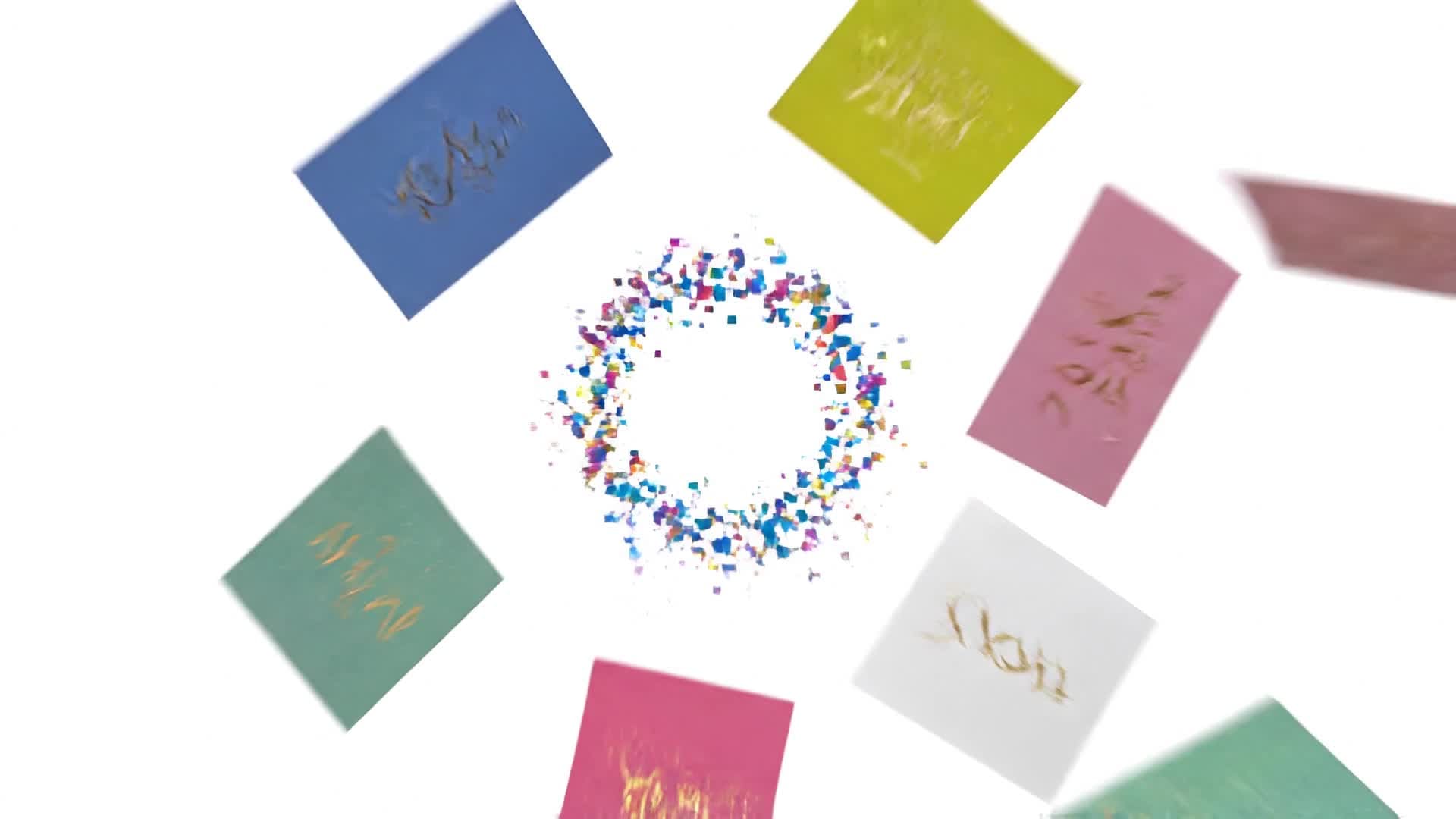
Media.io helps you design animated invitations that instantly impress guests. Whether it’s a wedding, birthday, baby shower, or business launch, you can transform a simple idea into a professional-grade invitation video with our AI video generator. Just enter your text, theme, or upload an image, and the tool brings your concept to life with dynamic motion, transitions, and music. Every invitation looks polished, personalized, and share-ready for any platform. Create stylish, animated invites effortlessly and save hours of manual editing using Media.io’s intelligent design engine.
Turn Your Photos Into Animated Invitations
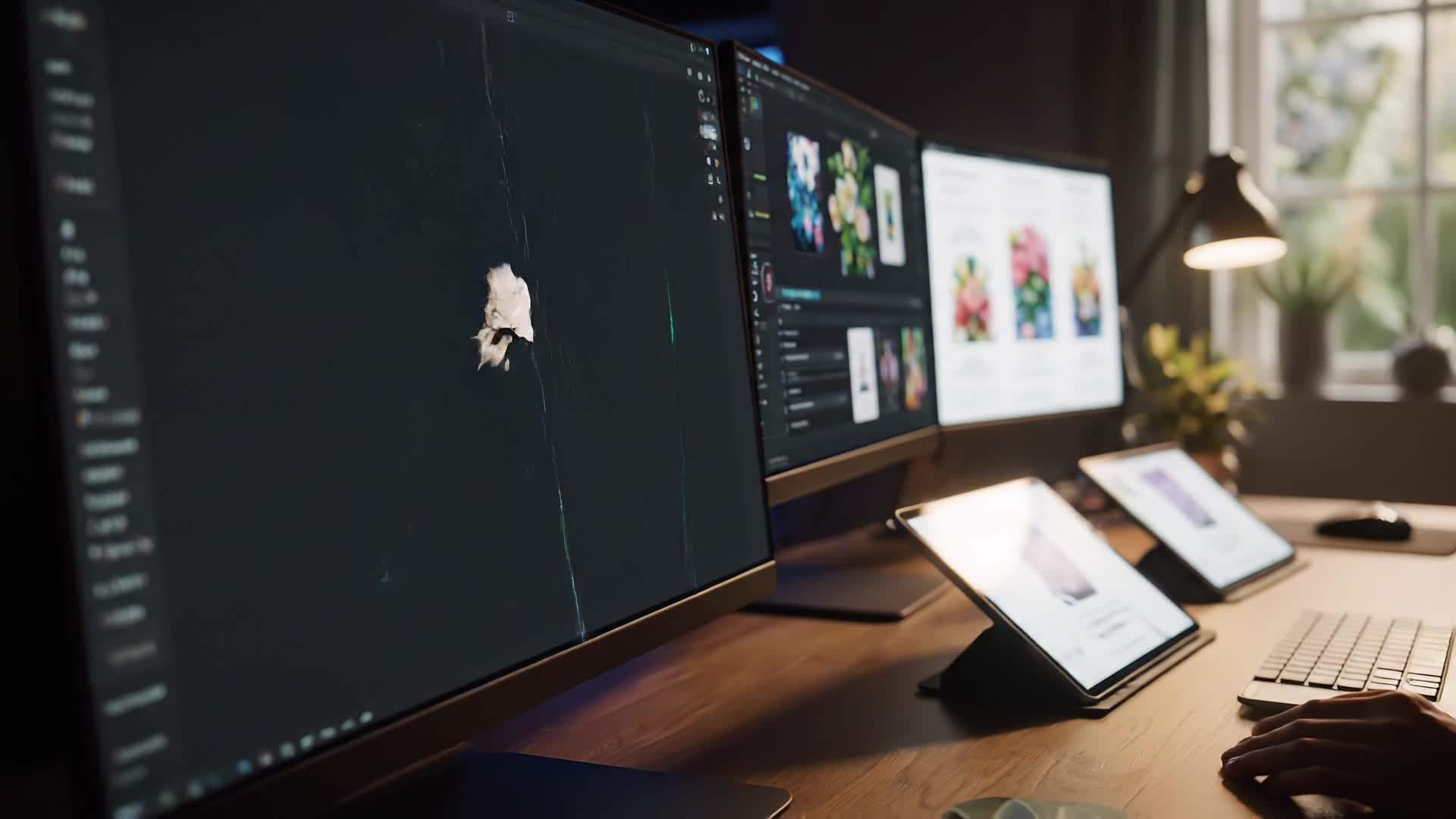
With Media.io’s AI-powered image-to-video tool, you can convert static invitation designs or photos into captivating animated videos in seconds. Just upload an image, pick a style, and our engine adds smooth animations, dynamic transitions, and elegant motion to make your invitation stand out. Perfect for those who have a beautiful design but want to give it motion and life. Whether it’s for a wedding, birthday, or digital campaign, you can create social-media-ready animated invites that look professional and take far less time to produce. You’ll impress guests and clients while staying true to your visual theme effortlessly.
Create Animated Invitations from Text Ideas
Don’t have visuals yet? Just describe your event theme and Media.io’s text-to-video system turns it into a personalized animated invitation. Add details like mood, date, event type, or color scheme, and watch as AI generates fitting visuals, motion graphics, and background music automatically. It’s ideal for marketers, planners, and busy creators who need quick, polished results. Generate captivating invites for birthdays, product launches, or parties in less time than designing a static card. Engage your audience from the first second with a video that feels tailor-made for your event.
| Style | Popular Animated Invitation Video Prompts | Copy & Create |
|---|---|---|
|
Elegant Wedding Invite
|
Design an animated invitation video for a romantic outdoor wedding. Begin with white roses petals drifting across the frame, then introduce watercolor animations of the couple's names. Add gentle acoustic background music and soft fade transitions between clips. Display event details elegantly with serif typography. End with a golden sparkle reveal showing the date and location. Maintain a calm, |
|
|
Birthday Bash
|
Create an upbeat animated invite for a 25th birthday party. Open with confetti bursts synced to energetic music. Flash bright neon text reading 'Let’s Celebrate!' and show a quick montage of balloons, cake, and party decor. Add smooth zoom transitions to highlight the main details. Include a countdown animation to build excitement. Keep the final scene simple with RSVP info appearing sharply on screen. |
|
|
Corporate Event Launch
|
Generate a professional animated invitation for a business launch. Start with clean motion graphics transitioning into company branding colors. Include sleek line animations to introduce event speakers and agenda points. Keep motion steady and sophisticated with loopable background patterns. End with a definitive call to action: 'Join the Innovation Evening!' over a bold fade-out. |
|
|
Baby Shower Theme
|
Design a warm animated invite for a baby shower. Open with pastel clouds floating and gentle lullaby music. Display text like 'A Little One is on the Way!' with friendly animated icons of rattles and bottles. Use soft transitions to introduce event info. End with a smiling cartoon stork flying across the screen carrying the party date. Create the video in soothing tones perfect for social sharing. |
|
|
Holiday Party Reveal
|
Make a festive invitation video for a Christmas celebration. Start with sparkling snowflakes over red and gold backgrounds. Use upbeat jazzy music and rhythmic cuts between holiday icons. Add fun animation of gift boxes opening to reveal message text. Insert a mid-scene invite overlay showing dress code or RSVP. Finish with a cheerful message fade-out wishing viewers happy holidays. |
|
|
Minimalist Modern Design
|
Craft a clean, animated invitation featuring smooth typography transitions and minimal color. Begin with subtle shapes moving behind text introducing the event. Transition text lines elegantly onto the screen in sync with ambient sounds. Use striking title animation for the event name. Keep backgrounds neutral and professional. Close with crisp motion revealing details suitable for upscale modern events. |








How to Create Animated Invitations with Media.io
Create animated invitations content faster with Media.io using text to video, image to video, video to video, and built-in editing tools.
1. Choose Input Type
Start with text, an image, or a short video. Media.io supports all formats so you can create animated invitations your way. This helps you create animated invitations content faster with a more structured workflow. You can easily adapt the output for platforms like TikTok, Instagram Reels, and YouTube Shorts.
2. Let AI Animate
Watch as Media.io’s AI transforms your input into motion graphics with transitions, music, and professional composition automatically. This helps you create animated invitations content faster with a more structured workflow. You can easily adapt the output for platforms like TikTok, Instagram Reels, and YouTube Shorts. The process reduces manual editing and improves overall production efficiency.
3. Edit and Share Instantly
Fine-tune colors, text, and pacing with built-in editing tools and export instantly to MP4 or social media platforms. This helps you create animated invitations content faster with a more structured workflow. You can easily adapt the output for platforms like TikTok, Instagram Reels, and YouTube Shorts. The process reduces manual editing and improves overall production efficiency. Each step improves visual quality, pacing, and content consistency.
Why Choose Media.io for Animated Invitations
Instant AI Animation
Generate an animated invitation from your idea in seconds using real-time AI animation that handles effects and transitions automatically. This makes animated invitations creation more efficient and easier to manage. It helps improve consistency across different video styles and formats. You can use this feature to produce more engaging and platform-ready content.
Drag-and-Drop Simplicity
Upload photos, logos, or text easily without complex editing. Media.io automatically arranges them into smooth animated sequences ready to share. This makes animated invitations creation more efficient and easier to manage.
Professional Templates
Use premium design templates specifically built for weddings, birthdays, and corporate events to create high-quality invitation videos effortlessly. This makes animated invitations creation more efficient and easier to manage. It helps improve consistency across different video styles and formats. You can use this feature to produce more engaging and platform-ready content.
Auto Music & Motion Sync
Let AI pick matching music and timing transitions so every scene of your animated invitation feels dynamic and polished. This makes animated invitations creation more efficient and easier to manage. It helps improve consistency across different video styles and formats. You can use this feature to produce more engaging and platform-ready content.
Flexible Editing Options
Adjust fonts, colors, pacing, and transitions to match your event branding. Export in landscape, square, or vertical video formats for any platform. This makes animated invitations creation more efficient and easier to manage. It helps improve consistency across different video styles and formats.
Share-Ready Output
Publish your animated invitations directly to YouTube, Instagram, or via email invites without extra conversion or file resizing steps. This makes animated invitations creation more efficient and easier to manage. It helps improve consistency across different video styles and formats. You can use this feature to produce more engaging and platform-ready content.
FAQs About
Animated Invitations
1. What is an animated invitation?


An animated invitation is a short video that displays your event details with motion graphics, transitions, and sound to attract viewers’ attention.
2. Can I use my own images or logos in the invitation?
Yes. Media.io lets you upload your own photos, brand elements, or design files that the AI transforms into an animated video instantly.
3. Do I need video editing experience?
Not at all. Media.io is designed for beginners. The AI takes care of animation, ensuring your final invitation looks professional without manual editing.
4. Can I customize colors, fonts, and music?
Absolutely. You can personalize the theme, adjust colors, swap fonts, and even add your preferred soundtrack to fit your event’s mood perfectly.
5. What formats can I export my animated invitations to?
You can export in MP4 or other social media video formats optimized for Instagram, Facebook, or YouTube within one click.
6. Is the Media.io animated invitation generator free?
Media.io offers free previews and quick exports, with premium options for higher resolution or extended customization.



