Home>Comparison>VidMuse AI

VidMuse AI: Music Videos, Product Ads and Credits

A songwriter needs a sequence that follows the track, while a store needs a product ad that survives a scroll. VidMuse AI brings these two briefs into one agent-led workspace, but they are not interchangeable: one starts with music analysis and storyboarding, and the other can begin with a product link. The buying question is whether its generation credits, shot revisions and export rights suit the project you actually plan to release.

Primary Features of VidMuse AI Music Video and Ad Generator

VidMuse AI is an AI music-video and product-ad creation platform that combines song analysis, storyboard-led generation, editable scenes, product-URL ad briefs, UGC and unboxing templates, and a timeline-based finishing workflow.

Core Feature Overview

  • Music-Native Video Storyboarding: Upload an MP3, WAV or supported Suno link and review a visual brief, timed shot list and storyboard before generation. The intended story is planned against lyrics, tempo and section changes rather than generated as a single isolated clip.
  • Music Video Studio and Shot Revision: Creators can select a shot, describe an adjustment and regenerate that portion while keeping the rest of the sequence for review. The cost of repeat generations depends on model, settings and duration.
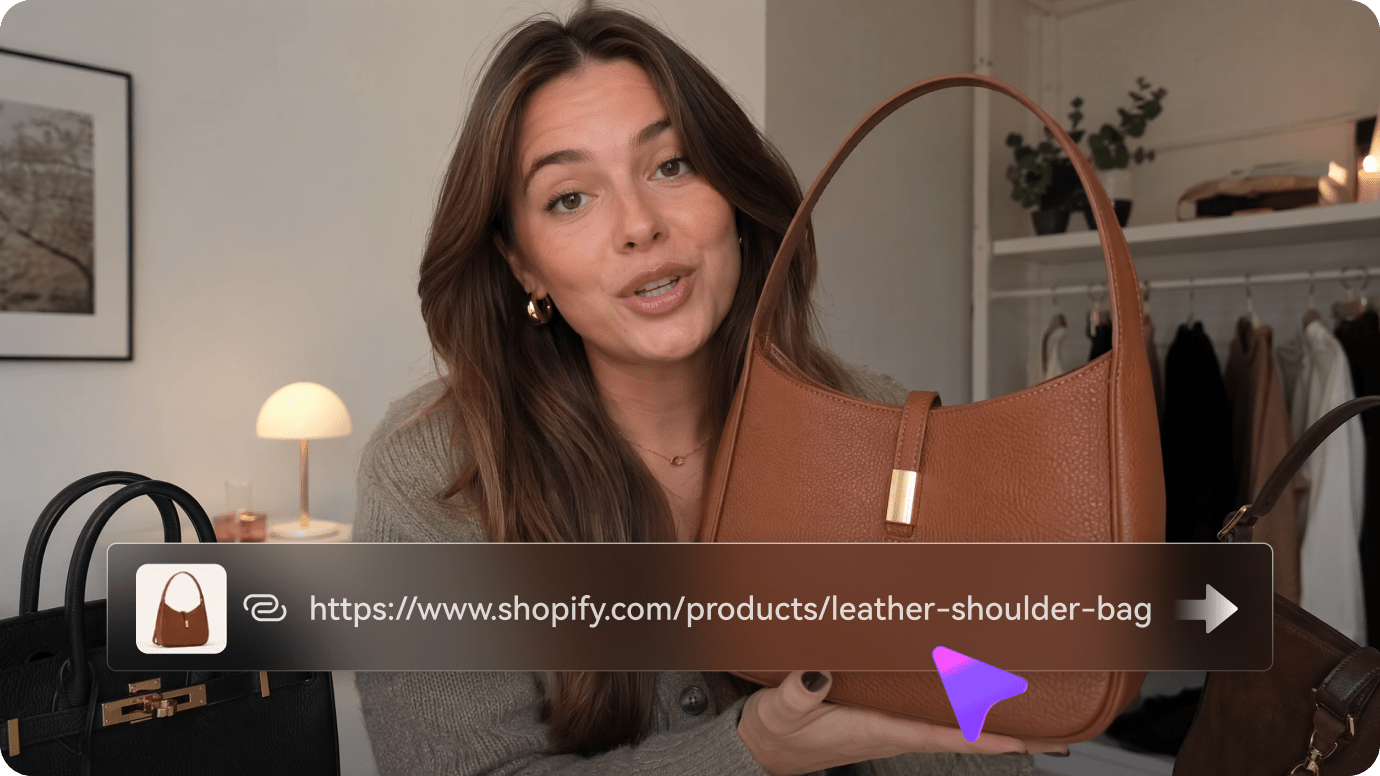
  • Product URL to Video Ads: The ad flow reads a public product or store page and assembles a proposed video direction from the listed offer and imagery. Verify that extracted claims, prices and images match the current listing.
  • UGC, Unboxing and Presenter Formats: VidMuse lists creator-style testimonial, product reveal, review and avatar presenter approaches. These are presentation templates, not evidence that real people endorsed a product.
  • Reference Video Remix and Marketing Kit: Reference-driven ad workflows rebuild creative pacing around a new authorized product, while a publishing kit provides caption and cover ideas. Review source-media rights before a remix.
  • Timeline Editor, Audio and Export: The music workflow documents trimming, shot ordering, subtitles and audio adjustments before delivery. Free trial files have different resolution and watermark terms from paid exports.
Music-Native Video Storyboarding

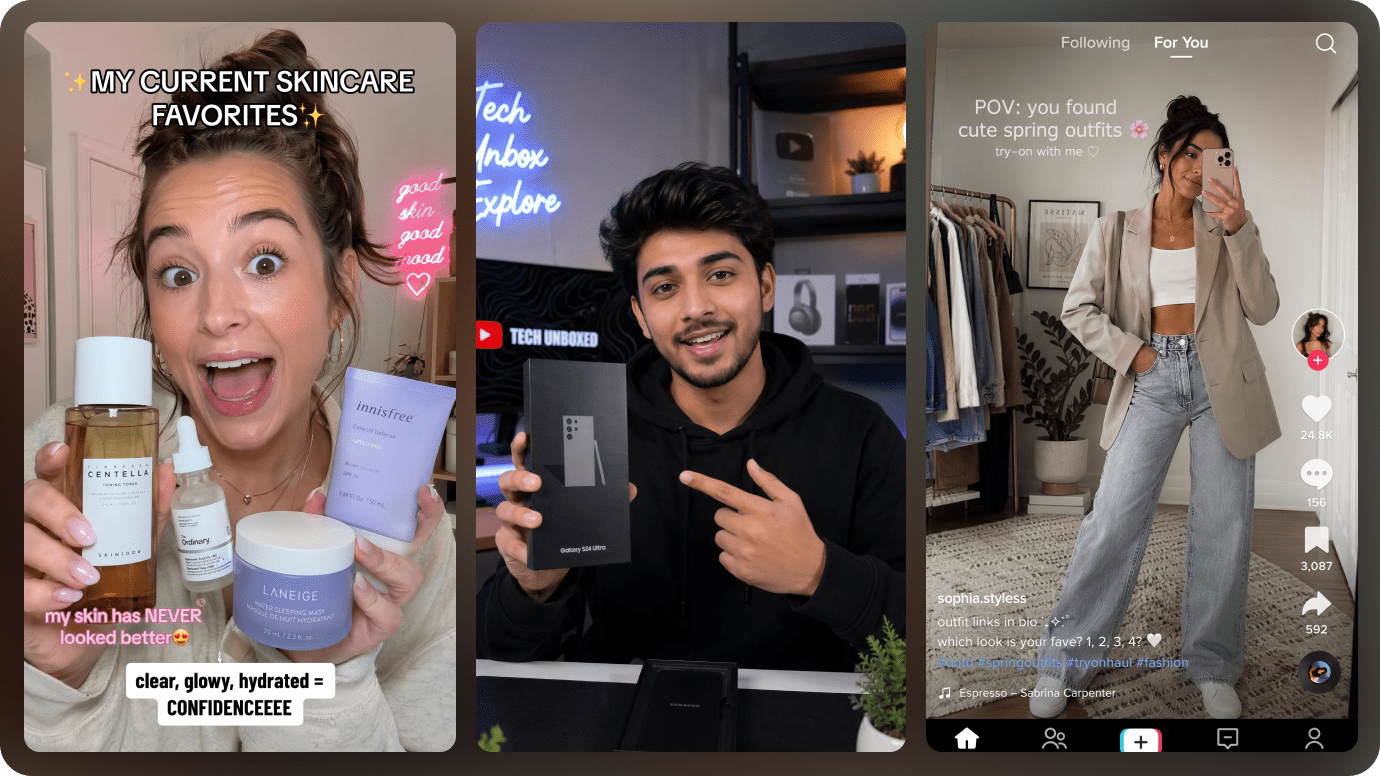
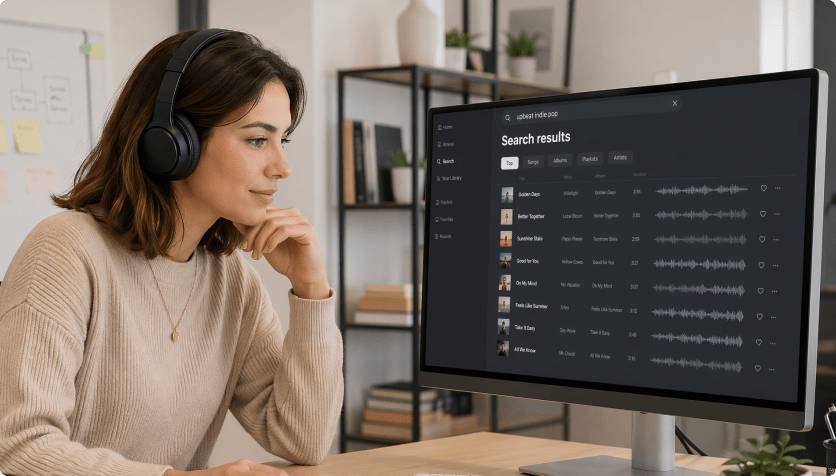
Upload an MP3, WAV or supported Suno link and review a visual brief, timed shot list and storyboard before generation. The intended story is planned against lyrics, tempo and section changes rather than generated as a single isolated clip. For VidMuse AI, a useful first project is independent single release; Plan an atmospheric release video around an original song and adjust scenes as the chorus arrives.

Illustrative Media.io workflow graphic; not a screenshot of VidMuse AI

Music Video Studio and Shot Revision

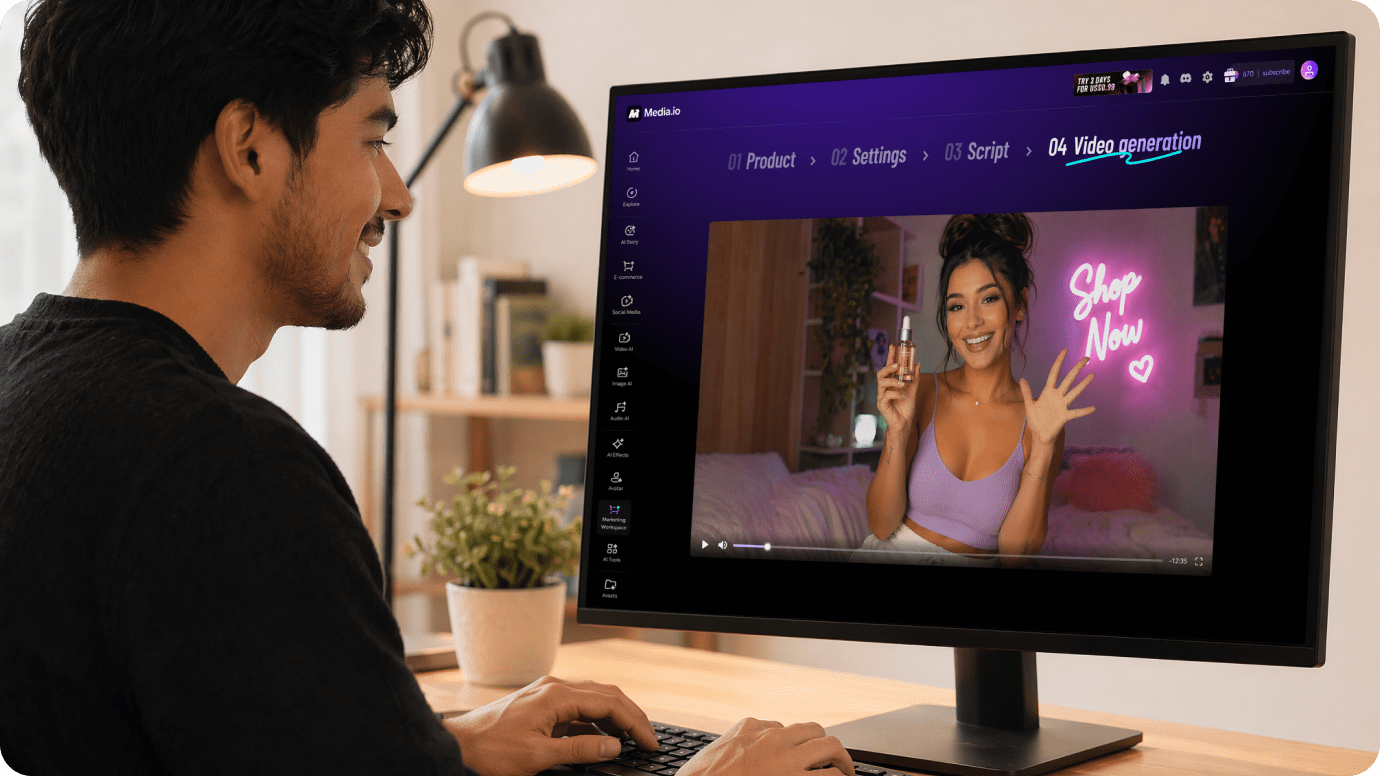
Creators can select a shot, describe an adjustment and regenerate that portion while keeping the rest of the sequence for review. The cost of repeat generations depends on model, settings and duration. Before relying on music video studio and shot revision, check the tradeoff named free trial exports have restrictions: The listed free tier provides 100 one-time credits and 720p exports with a watermark. Commercial use and higher-resolution export require verifying paid-plan rights.

Illustrative Media.io workflow graphic; not a screenshot of VidMuse AI

Product URL to Video Ads

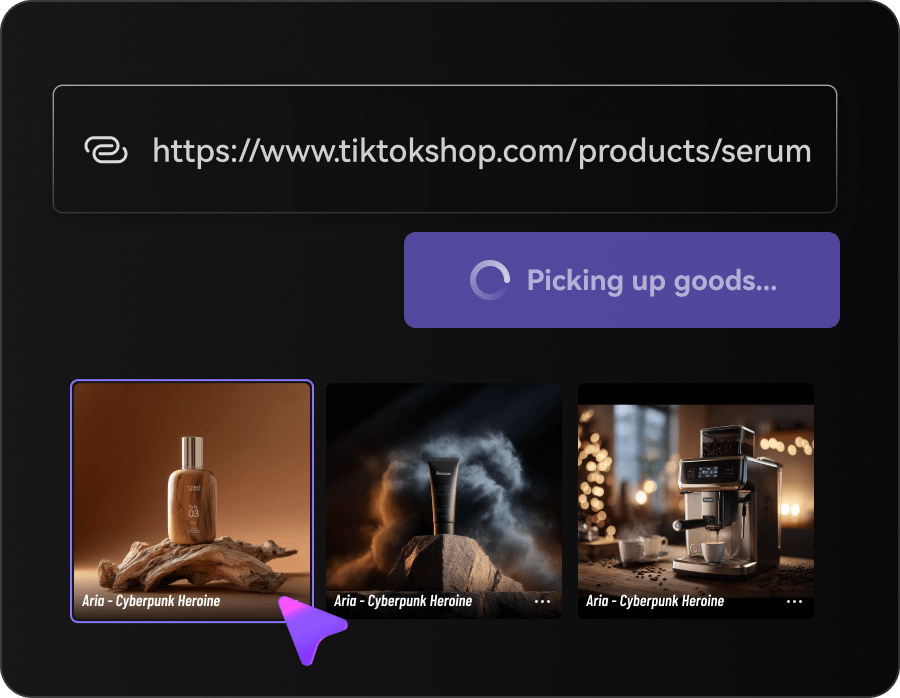
The ad flow reads a public product or store page and assembles a proposed video direction from the listed offer and imagery. Verify that extracted claims, prices and images match the current listing. For VidMuse AI work on music videos and product ads, Convert a product page and its factual benefits into an ad brief, then correct any outdated descriptions before rendering.

Illustrative Media.io workflow graphic; not a screenshot of VidMuse AI

UGC, Unboxing and Presenter Formats

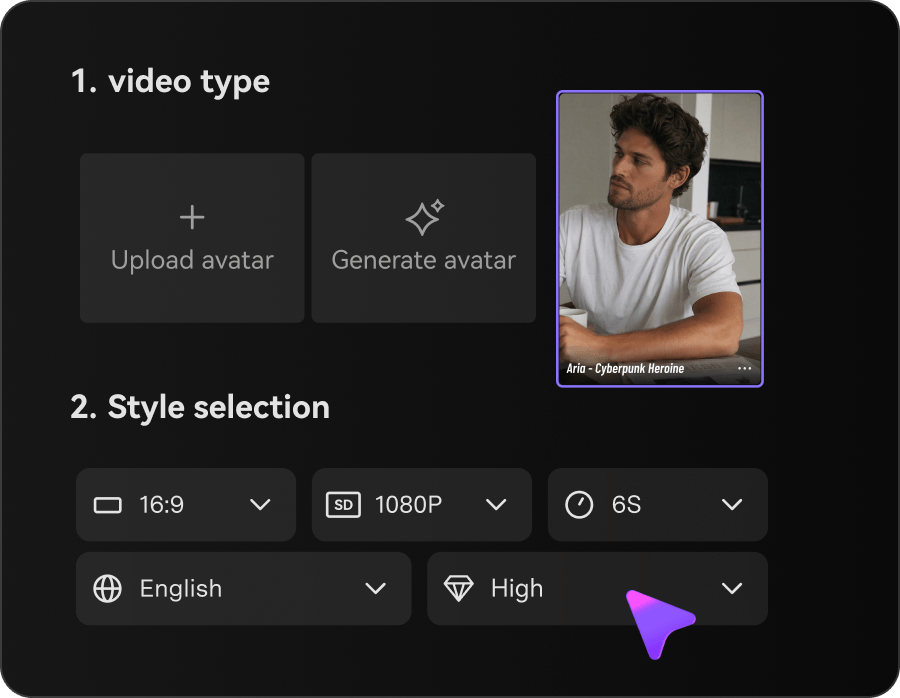
VidMuse lists creator-style testimonial, product reveal, review and avatar presenter approaches. These are presentation templates, not evidence that real people endorsed a product. To assess whether this is repeatable, explore different hooks for the same authorized product without filming a new unboxing every day.

Illustrative Media.io workflow graphic; not a screenshot of VidMuse AI

Reference Video Remix and Marketing Kit

Reference-driven ad workflows rebuild creative pacing around a new authorized product, while a publishing kit provides caption and cover ideas. Review source-media rights before a remix. For a concrete example, try a virtual presenter format against a product demo while avoiding fake customer endorsements.

Illustrative Media.io workflow graphic; not a screenshot of VidMuse AI

Timeline Editor, Audio and Export

The music workflow documents trimming, shot ordering, subtitles and audio adjustments before delivery. Free trial files have different resolution and watermark terms from paid exports. The final check is unused monthly credits are time sensitive: The published billing guidance distinguishes credits renewed each cycle from separately purchased add-ons. Check expiration and cancellation conditions before committing.
Illustrative Media.io workflow graphic; not a screenshot of VidMuse AI

How to Create an AI Video Ad With Media.io

1
2
3
1
Add Your Product Details

Upload product images, paste a product URL, or use both to provide the product information needed for your ad.

2
Choose Your Ad Workflow

Select Video Ads, choose Auto Mode or Guided Mode, and customize the visual style, character, and video settings.

3
Generate and Review the Result

Generate your video ad, review the script and visuals, and refine the result before downloading.

Illustrative Media.io workflow graphic; not a screenshot of VidMuse AI

Best VidMuse AI Workflows for Music and Ecommerce Creators

From independent single release to paid social presenter test, these are distinct projects where VidMuse AI could be useful, with checks that match each task.

Independent Single Release

Plan an atmospheric release video around an original song and adjust scenes as the chorus arrives. A related Media.io workflow to explore is Audio To Music Video.

Artist Performance Teaser

Use authorized artist reference photos for a vertical chorus clip while checking identity consistency between shots.

Shopify Product Launch

Convert a product page and its factual benefits into an ad brief, then correct any outdated descriptions before rendering.

Unboxing Campaign Variations

Explore different hooks for the same authorized product without filming a new unboxing every day. A related Media.io workflow to explore is Picture To Music Video.

Paid Social Presenter Test

Try a virtual presenter format against a product demo while avoiding fake customer endorsements.

Music-Synced Brand Promo

Reuse an owned soundtrack to align cuts and visual transitions with campaign pacing.

VidMuse AI Pricing and Production Limitations

Before planning music videos and product ads, evaluate model credits change total cost and free trial exports have restrictions as carefully as the headline features.

Model Credits Change Total Cost

The public plans separate a monthly credit allocation from actual render costs. The chosen model, length, resolution and number of reworked shots all affect the final bill.

Free Trial Exports Have Restrictions

The listed free tier provides 100 one-time credits and 720p exports with a watermark. Commercial use and higher-resolution export require verifying paid-plan rights.

Music Ownership Is Still Your Responsibility

Uploading an MP3 or Suno link does not transfer a license to use a song or a performer's likeness. Confirm rights before a public release.

Reference Ad Remix Needs Rights Review

A high-performing ad can be a useful pacing reference, but third-party footage, claims or trademarks should not be copied into a new campaign.

Storyboard Does Not Guarantee Continuity

The agent can plan shots and save visual references, but character, package and typography continuity still need inspection in exported frames.

Unused Monthly Credits Are Time Sensitive

The published billing guidance distinguishes credits renewed each cycle from separately purchased add-ons. Check expiration and cancellation conditions before committing.

VidMuse AI vs Media.io: Which Workflow Fits?

The deciding difference for VidMuse AI is its music-native video storyboarding and ugc, unboxing and presenter formats; by comparison, the Media.io AI Ad Generator option focuses on independent single release; compare supported inputs and output rights.

Decision Factor VidMuse AI Media.io
Starting workflow Upload an MP3, WAV or supported Suno link and review a visual brief, timed shot list and storyboard before generation. For independent single release, Media.io AI Ad Generator starts with a targeted tool; VidMuse AI instead emphasizes music-native video storyboarding.
Primary capability Music Video Studio and Shot Revision: Creators can select a shot, describe an adjustment and regenerate that portion while keeping the rest of the sequence for review. Choose a relevant creation feature for independent single release, subject to the tool's current options.
Reference handling The ad flow reads a public product or store page and assembles a proposed video direction from the listed offer and imagery. Use supported reference input where helpful for artist performance teaser.
Editing and revision VidMuse lists creator-style testimonial, product reveal, review and avatar presenter approaches. For shopify product launch, use the available editing and finishing controls as needed.
Output workflow Reference-driven ad workflows rebuild creative pacing around a new authorized product, while a publishing kit provides caption and cover ideas. Check whether unboxing campaign variations needs captions, enhancement or editing after generation.
Cost model The published pricing page lists a 100-credit free trial, 4,000 credits on Pro and additional higher tiers. Check current charges for the AI Ad Generator route, not VidMuse AI subscription pricing.
Key buying constraintThe public plans separate a monthly credit allocation from actual render costs.Confirm supported input and export conditions for music videos and product ads alternatives.
Specialized strength Timeline Editor, Audio and Export. A focused option for paid social presenter test and the corresponding downstream edits.
Best fit Music videos and product ads. For a project like independent single release, choose the Media.io AI Ad Generator workflow over the broader VidMuse AI offering.
Best for VidMuse AI Projects

Choose VidMuse AI If You Need:

Choose VidMuse AI when music-native video storyboarding and music video studio and shot revision are needed in your real work. For paid social presenter test, check cost and revision permissions before committing to production.

  • Independent Single Release: Plan an atmospheric release video around an original song and adjust scenes as the chorus arrives.
  • Artist Performance Teaser: Use authorized artist reference photos for a vertical chorus clip while checking identity consistency between shots.
  • Shopify Product Launch: Convert a product page and its factual benefits into an ad brief, then correct any outdated descriptions before rendering.
  • Unboxing Campaign Variations: Explore different hooks for the same authorized product without filming a new unboxing every day.
  • Paid Social Presenter Test: Try a virtual presenter format against a product demo while avoiding fake customer endorsements.
Visit VidMuse AI
Best for Media.io Artist Performance Teaser Projects

Choose Media.io for Independent Single Release If You Need:

For VidMuse AI readers pursuing independent single release, the Media.io AI Ad Generator route is one option for shopify product launch. It differs from VidMuse AI music video studio and shot revision.

  • Create a Product Video Ad workflow: Begin from a permitted input related to independent single release.
  • Artist Performance Teaser review: Assess whether Media.io output supports artist performance teaser without special manual corrections.
    • Finishing for Shopify Product Launch: Explore relevant Media.io editing tools for shopify product launch.
  • Focused generation scope: Choose only the tools required for unboxing campaign variations.
  • Rights for Paid Social Presenter Test: Use authorized source media and double-check outputs intended for paid social presenter test.
Create a Product Video Ad

Is VidMuse AI Worth It? Our Verdict

Our Take

VidMuse AI deserves consideration when independent single release or artist performance teaser is the core job. The combination of music-native video storyboarding and reference video remix and marketing kit distinguishes its proposition.

The published pricing page lists a 100-credit free trial, 4,000 credits on Pro and additional higher tiers. Export and credit-use rules change with billing and plan; verify checkout details. The purchase risk centers on model credits change total cost and music ownership is still your responsibility. Budget a complete project with corrections and final export.

Choose VidMuse AI for music videos and product ads, especially when product url to video ads is required. Consider Media.io AI Ad Generator when paid social presenter test matters more than the specialist product url to video ads capability; verify output and export terms.

VidMuse AI FAQ: Features, Pricing and Alternatives

What can VidMuse AI create from a song or product link?
faq faq

VidMuse AI is an AI music-video and product-ad creation platform that combines song analysis, storyboard-led generation, editable scenes, product-URL ad briefs, UGC and unboxing templates, and a timeline-based finishing workflow.

Upload an MP3, WAV or supported Suno link and review a visual brief, timed shot list and storyboard before generation. The intended story is planned against lyrics, tempo and section changes rather than generated as a single isolated clip.

Creators can select a shot, describe an adjustment and regenerate that portion while keeping the rest of the sequence for review. The cost of repeat generations depends on model, settings and duration.

The published pricing page lists a 100-credit free trial, 4,000 credits on Pro and additional higher tiers. Export and credit-use rules change with billing and plan; verify checkout details.

The public plans separate a monthly credit allocation from actual render costs. The chosen model, length, resolution and number of reworked shots all affect the final bill. The listed free tier provides 100 one-time credits and 720p exports with a watermark. Commercial use and higher-resolution export require verifying paid-plan rights.

Plan an atmospheric release video around an original song and adjust scenes as the chorus arrives. Uploading an MP3 or Suno link does not transfer a license to use a song or a performer's likeness. Confirm rights before a public release.

VidMuse lists creator-style testimonial, product reveal, review and avatar presenter approaches. These are presentation templates, not evidence that real people endorsed a product.

For independent single release, compare the Media.io AI Ad Generator path against VidMuse AI results. It can handle a distinct video step; VidMuse AI remains more specific to music video studio and shot revision, so compare current plan costs and usage rights.

If your recurring task is paid social presenter test, the main question is whether the advantages of music-native video storyboarding outweigh the limitations. The agent can plan shots and save visual references, but character, package and typography continuity still need inspection in exported frames.

What Media.io Creators Say About Their Workflow

Media.io AI video generator user
Sarah L.

Content Creator

star star star star half star

Media.io makes it much easier to test different AI video styles without jumping between several platforms. I can start with a text prompt or image, compare model results, and then resize or polish the clip for social media in the same workspace.

Media.io AI video creator
John D.

Social Media Marketer

star star star star half star

I use Media.io to create quick product clips, ad concepts, and short-form videos from images. The biggest advantage is that generation does not feel like the final step - I can continue with music, captions, enhancement, and format conversion before publishing.

Media.io AI video editing user
Emily T.

Freelance Designer

star star star star half star

The workflow is approachable even when I am experimenting with unfamiliar AI models. I can animate artwork, try different motion prompts, preview the output, and prepare a cleaner final version without needing advanced video-editing experience.

Media.io Online Tools Quality Rating:
vote 4.7 (162,357 Votes)
media.io

AI Video Generator star

Easily generate videos from text or images

Generate