Home>Comparison>QuickFrame AI

QuickFrame AI Review: From Brand Brief to Launch-Ready Video Ad

An AI video ad is useful only if a team can turn it into a campaign-ready asset without rebuilding the brand message from scratch. QuickFrame AI, now closely integrated with MNTN, addresses that process with website-based creative briefs, script and visual generation, editing controls and direct publishing routes. Unlike a general text-to-video playground, it emphasizes launch workflows for connected TV and social advertising. The question is how well its brand tools, export rights and post-free-trial subscription costs align with your channel. This review separates documented ad production features from marketing promises.

Key Features of QuickFrame AI Video Ads

QuickFrame is an AI video advertising platform that develops product or website briefs into scripted ad concepts with generated visuals, voiceover and music, while providing Brand Profiles, timeline-based revisions, creative checks and campaign-ready publishing options for connected TV and social channels.

Core Feature Overview

QuickFrame AI Video Generator from a Website Brief

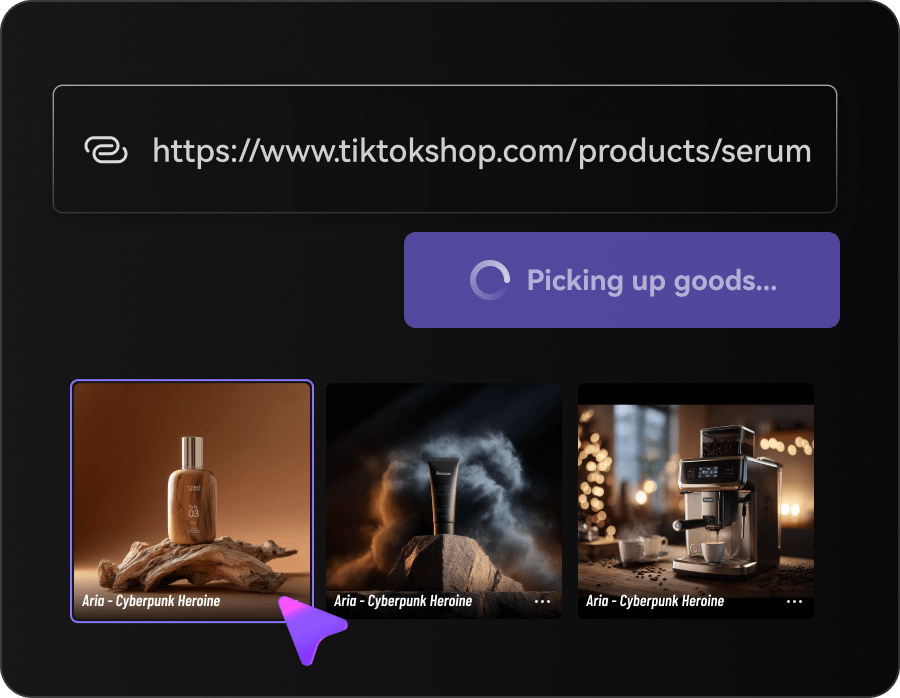
QuickFrame accepts a website URL or creative prompt to begin an advertising project, helping connect copy and visuals to a product. That can reduce manual setup for a small marketer, but generated claims, pricing messages and brand references still require human approval.

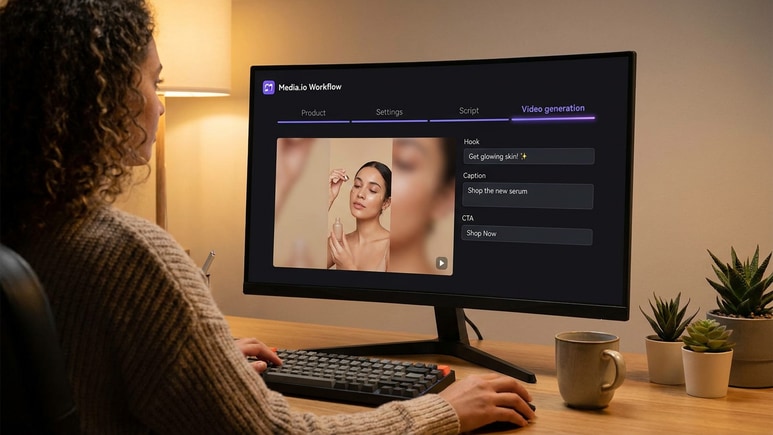
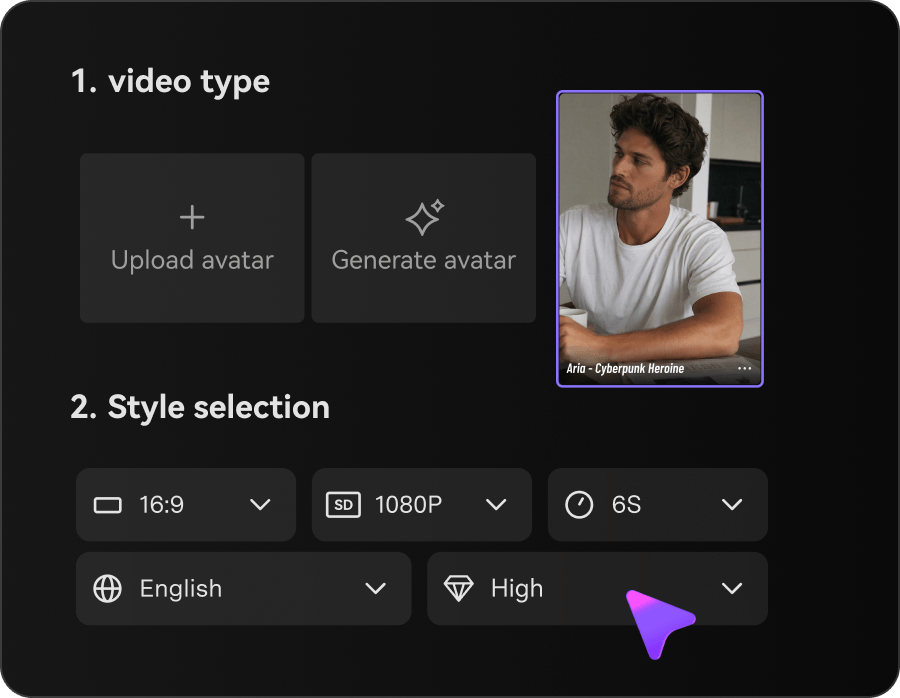
Illustrative Media.io creation workflow graphic, not a QuickFrame AI product screenshot

QuickFrame AI Script Generator, Visuals and Voiceover

Its official help describes generating a video package with script, visuals, narration and music. This is more complete than an isolated motion clip and better suited to a short ad concept. Review pronunciation, calls to action and brand language before activation.

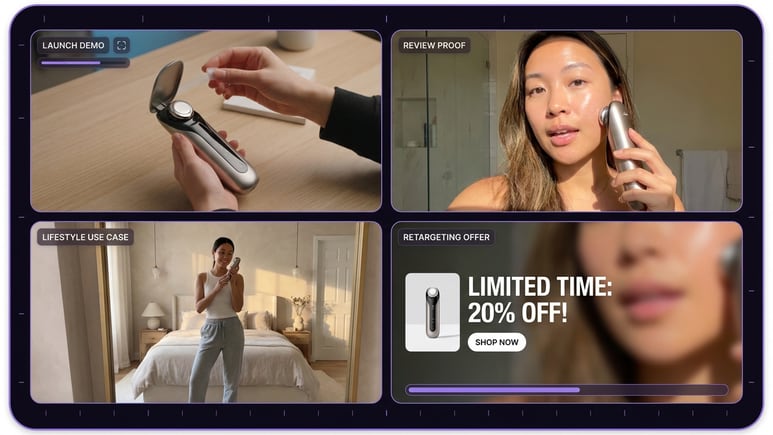
Illustrative Media.io creation workflow graphic, not a QuickFrame AI product screenshot

Brand Profiles and Consistent Subjects

QuickFrame markets brand profiles plus consistent products, locations and characters across generated work. That is useful for agencies making several creative variations, although logos, packaging and disclaimers must be checked against real source assets.

Illustrative Media.io creation workflow graphic, not a QuickFrame AI product screenshot

Timeline Editing and Scene Replacement

The platform offers a timeline editor, editing assistant and scene replacement to revise generated ads. An editing stage is important because first-pass footage often needs timing changes and copy corrections, particularly for a 15- or 30-second commercial.

Illustrative Media.io creation workflow graphic, not a QuickFrame AI product screenshot

CTV and Social Readiness Checks

Its product positioning includes best-practice checks for connected TV and social channels. These may help teams prepare formats and composition, but they do not replace platform policy reviews or guaranteed ad approval.

Illustrative Media.io creation workflow graphic, not a QuickFrame AI product screenshot

Direct Publishing and Paid Plans

QuickFrame's official materials show publishing or download options for MNTN and integrations with TikTok, Meta and Google Ads. Its pricing page lists a limited free starting allowance and paid credit subscriptions. Measure the total cost of variations and edits, not just the first generated ad.

Illustrative Media.io creation workflow graphic, not a QuickFrame AI product screenshot

How to Create a Product Video Ad Online with Media.io

1
2
3
1
Step 1: Open AI Ad Generator

Start with a product, service or brand objective and gather the approved images, positioning and offer details.

2
Step 2: Write a concise ad brief

Set the target customer, key benefit, scene structure and call to action. Avoid unsupported performance or price claims.

3
Step 3: Generate and verify the ad

Review the video, narration, branding and final format before exporting for the intended advertising channel.

Illustrative Media.io creation workflow graphic, not a QuickFrame AI product screenshot

Who Benefits Most from QuickFrame AI?

The strongest QuickFrame use cases have a distribution plan, a brand brief and a performance objective before generation begins.

CTV Commercial Concept

Translate a product launch brief into a connected-TV-style spot, then review text legibility, audio mix and required advertiser disclosures. For a more testimonial-style product explanation, consider a product review video maker.

Performance Creative Variations

Create several hooks around the same product for testing. Keep the landing page and offer consistent so creative changes are the variable being evaluated.

TikTok Product Promotion

Build a vertical short with the strongest benefit in its opening seconds. Check captions, pacing and a platform-safe call to action.

Meta Feed and Stories Ads

Reuse approved product assets with distinct crops and opening copy for feed and story placements, then verify safe zones for UI overlays.

Agency Multi-Brand Work

Maintain separate brand profiles and asset libraries so one client's colors, voice and claims do not migrate into another account.

Restaurant or Local Service Ad

Start from a clear website and service offer, generate a short advert and check that venue imagery, hours and pricing represent the actual business.

QuickFrame AI Considerations Before Launch

This is an ad production system, so the meaningful restrictions involve approvals, quotas, channels and the difference between an AI draft and a compliant campaign.

Free Credit Allowance Is Limited

The public QuickFrame site lists 20 one-time free credits, and MNTN help mentions a free first video. Those descriptions do not guarantee unlimited ad production, so test one representative brief first.

Intro Discounts Are Temporary

Its published pricing advertises promotional first-month prices with higher standard renewals. Budget against the recurring amount and read the cancellation terms instead of treating a trial discount as the normal monthly cost.

Generated Brand Claims Need Approval

A website-to-video workflow can import facts, tone and product descriptions, but prices, results, regulatory claims and disclaimers must be verified before running paid media.

Not a Full Broadcast Editing Suite

MNTN's help center explicitly distinguishes QuickFrame AI from a full traditional production editor. Teams needing complex compositing, grading or precise sound mixing may still require a separate tool.

Publishing Integration Does Not Guarantee Approval

Direct connections to MNTN and social ad managers can shorten export steps but do not remove review queues, platform ad standards or licensing requirements.

Credits and Output Volume Are Separate Planning Issues

Starter, Pro and Max have different published credit amounts and approximate project ranges. The cost of multiple hooks, languages and revisions may exceed an estimate based on one export.

QuickFrame AI vs Media.io: Ad Workflow or Flexible Video Maker?

QuickFrame is shaped around the campaign lifecycle. Media.io's AI Ad Generator and related tools can be useful for standalone ad creative and adjacent content production.

Decision Factor QuickFrame AI Media.io
Marketing starting point Website and brand prompts to campaign creative Product brief and task-based AI ad generation
Script and voice AI script, narration, music and visuals Ad generation and selected audio tools
Brand consistency Brand profiles and consistent subjects promoted Review supplied brand assets in each project
Scene changes Timeline and scene replacement tools Task-specific generation with editing/finishing options
CTV workflow CTV checks and MNTN Performance TV distribution Export creative for external campaign workflow
Social advertising TikTok, Meta and Google Ads integrations listed Create social ad assets; platform upload separate
Free entryOne-time free credits or first video depending on entryConfirm current Media.io credit access
Recurring price Starter, Pro and Max credit tiers Verify cost of chosen content task
Best fit Teams running multi-channel paid ad campaigns Teams producing short ad concepts and creative assets
Best for QuickFrame AI Projects

Choose QuickFrame AI If You Need:

Choose QuickFrame AI when you are running CTV or social ads, need brand-level production organization and expect to publish through MNTN or connected ad managers.

  • Operate a paid ad campaign with a website-derived creative brief and brand profile.
  • Generate scripts, visuals, voiceover and music as parts of one advertising concept.
  • Revise scenes and timing against a specific campaign objective.
  • Publish through MNTN or supported social ad-manager integrations.
  • Budget based on recurring subscription rates and credit needs for creative variations.
Visit QuickFrame AI
Best for Connected Creation

Choose Media.io If You Need:

Choose Media.io when the main need is making or refining an individual product ad, UGC-style concept or branded short video before using a separate distribution workflow. For an ad concept built around a creator-style hook, see the AI UGC ads workflow.

  • Make an individual product ad or UGC-style creative without a media-buying account.
  • Transform source images into short product video concepts.
    • Use a specialized generator for ecommerce demos and visual promotions.
  • Need separate media finishing or enhancements after the first generation.
  • Prefer to publish through an independent ad workflow after reviewing the asset.
Create an AI Video Ad

QuickFrame AI Verdict: Worth It for Advertisers?

Our Take

QuickFrame is compelling because generation is only the first step. Its published workflow combines brand inputs, ad-specific editing and publishing integrations, aligning with the needs of performance teams rather than hobby video experimenters.

The critical checks are promotion versus renewal price, the credits needed for variants, and whether the final ad is compliant with the target platform. Its own help center warns that QuickFrame AI is not a complete broadcast post-production suite.

Choose QuickFrame for a coordinated advertising pipeline across MNTN and social networks. Choose Media.io for creating and polishing a focused ad asset with more freedom to select a separate publishing path. In either case, have a human approve product claims and the call to action.

QuickFrame AI Frequently Asked Questions

What is QuickFrame AI?
faq faq

QuickFrame AI is an AI-powered ad creative platform connected with MNTN, offering video generation, revision, brand management and publishing options for CTV and social channels.

Yes. It supports website and prompt-based briefs and can assemble scripts, visuals, voiceovers and music for commercial concepts. Marketers should verify product facts and brand assets.

QuickFrame's public site lists 20 one-time free credits, while the MNTN help center describes a free first video. Check which onboarding offer applies to your account.

The main QuickFrame site lists Starter at $39 per month after promotion, Pro at $99 and Max at $250, with introductory discounts. Credit quantities and prices may change, so verify live checkout.

Official MNTN help pages describe publishing directly to MNTN Performance TV. QuickFrame also lists export and publishing to other advertising channels.

Its official product page advertises direct connections to TikTok Ads Manager, Meta Ads Manager and Google Ads Manager. Account authorization and each platform's approval process still apply.

Yes. The official website lists both generation routes, along with options for extending video, providing brand references and editing generated scenes.

No. MNTN's help documentation explicitly says it is not a full production or broadcast editing suite. Complex post-production may require additional software.

Media.io AI Ad Generator can produce video ad concepts and product creative. QuickFrame has a stronger documented direct distribution workflow for advertising teams.

What Media.io Creators Say About Their Workflow

Media.io AI video generator user
Sarah L.

Content Creator

star star star star half star

Media.io makes it much easier to test different AI video styles without jumping between several platforms. I can start with a text prompt or image, compare model results, and then resize or polish the clip for social media in the same workspace.

Media.io AI video creator
John D.

Social Media Marketer

star star star star half star

I use Media.io to create quick product clips, ad concepts, and short-form videos from images. The biggest advantage is that generation does not feel like the final step - I can continue with music, captions, enhancement, and format conversion before publishing.

Media.io AI video editing user
Emily T.

Freelance Designer

star star star star half star

The workflow is approachable even when I am experimenting with unfamiliar AI models. I can animate artwork, try different motion prompts, preview the output, and prepare a cleaner final version without needing advanced video-editing experience.

Media.io Online Tools Quality Rating:
vote 4.7 (162,357 Votes)
media.io

AI Video Generator star

Easily generate videos from text or images

Generate