Home>Comparison>PostSyncer AI

PostSyncer AI Studio: Social Video, Scheduling and Team Limits

Publishing the same campaign across several social accounts creates a different problem from generating one beautiful clip. PostSyncer AI combines content scheduling, team workspaces, analytics and an AI Studio that creates images and video. The key decision is whether your team values distribution and account management enough to pay for the full social platform, especially when AI model credits and posting API quotas are separate limits.

Primary Features of PostSyncer AI Studio and Social Scheduler

PostSyncer is a social media management platform that pairs AI Studio image and video generation with a multi-platform publishing calendar, social accounts, shared workspaces, analytics, unified comments and REST API or MCP-based scheduling workflows.

Core Feature Overview

  • AI Image and Video Studio: PostSyncer's pricing page lists access to several image and video generation models within its social publishing suite, using monthly AI credits.
  • Multi-Platform Scheduling: The service manages scheduled posts and drafts across more than ten social platforms and keeps a unified calendar for publication planning.
  • Team Workspaces: Paid tiers separate brands or clients into workspaces and permit multiple collaborators without a standard per-seat fee.
  • Analytics and Comment Inbox: Account performance metrics and a consolidated comments inbox help teams assess posts after publishing, not just create assets.
  • REST API and MCP Integration: Official plan details advertise posting APIs and MCP clients, but daily posting quotas vary by tier and platform.
  • AI Content Agent and Captions: The service also offers caption assistance and a content agent for developing posts from source material, which can be paired with media generation.

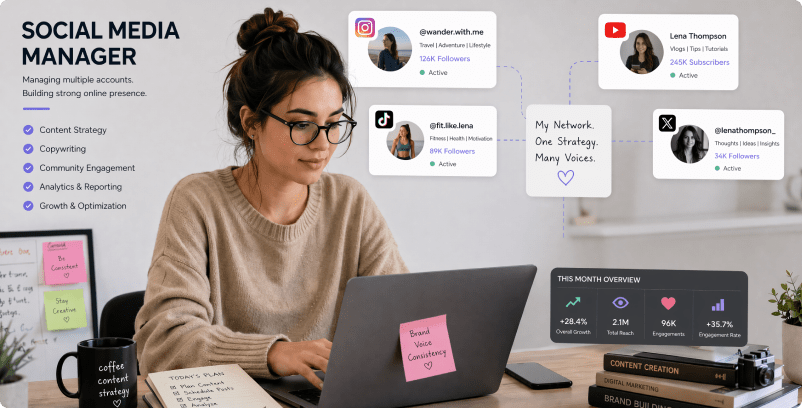
AI Image and Video Studio

PostSyncer's pricing page lists access to several image and video generation models within its social publishing suite, using monthly AI credits. For PostSyncer AI, a useful first project is two-platform video launch; Generate an authorized teaser, tailor captions and schedule separate posts for different audiences.

Illustrative Media.io workflow graphic; not a screenshot of PostSyncer AI

Multi-Platform Scheduling

The service manages scheduled posts and drafts across more than ten social platforms and keeps a unified calendar for publication planning. Before relying on multi-platform scheduling, check the tradeoff named account counts vary by tier: The plan table lists different numbers of connected social accounts, so agency operating cost depends on channel count.

Illustrative Media.io workflow graphic; not a screenshot of PostSyncer AI

Team Workspaces

Paid tiers separate brands or clients into workspaces and permit multiple collaborators without a standard per-seat fee. For PostSyncer AI work on AI-assisted social content creation and scheduling, Turn approved product details into a media asset while separately checking the published sales copy.

Illustrative Media.io workflow graphic; not a screenshot of PostSyncer AI

Analytics and Comment Inbox

Account performance metrics and a consolidated comments inbox help teams assess posts after publishing, not just create assets. To assess whether this is repeatable, use one inbox to review viewer reactions after a short campaign goes live.

Illustrative Media.io workflow graphic; not a screenshot of PostSyncer AI

REST API and MCP Integration

Official plan details advertise posting APIs and MCP clients, but daily posting quotas vary by tier and platform. For a concrete example, connect an approved scheduler to internal workflows, making allowances for per-platform daily posting caps.

Illustrative Media.io workflow graphic; not a screenshot of PostSyncer AI

AI Content Agent and Captions

The service also offers caption assistance and a content agent for developing posts from source material, which can be paired with media generation. The final check is ai model access can shift: Models and their credits are advertised in an evolving AI Studio catalog. Verify actual generation settings and output rights before committing to a plan.

Illustrative Media.io workflow graphic; not a screenshot of PostSyncer AI

How to Create a Reel-Ready Video With AI

1
2
3
1
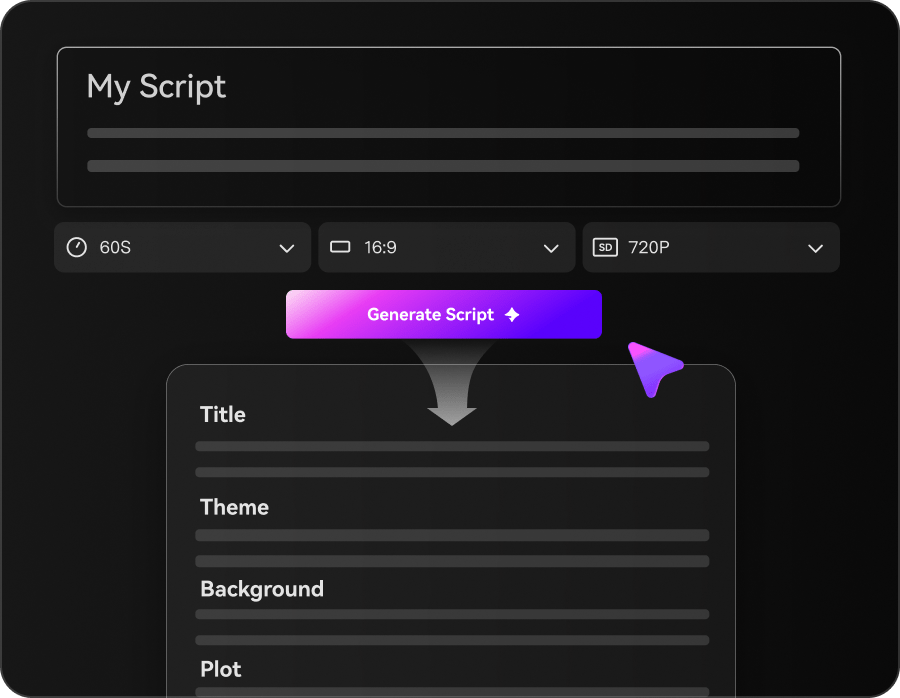
Choose a topic and Write Your Script 

Start with a topic, prompt, or script to outline your video idea.

2
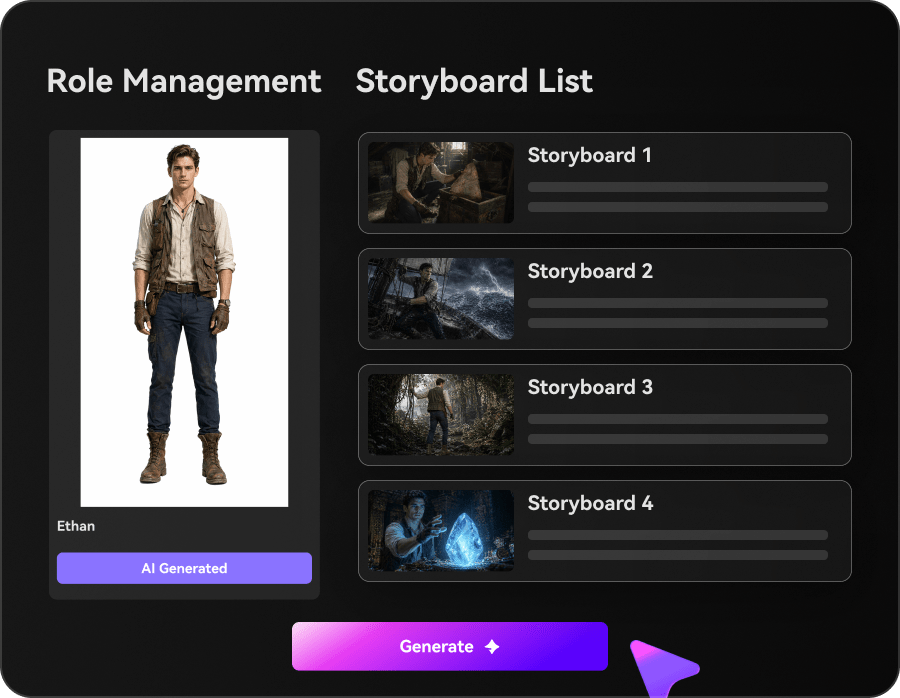
Customize Characters and Storyboard

Review the story structure, adjust character styles, and choose music and subtitles for your video.

3
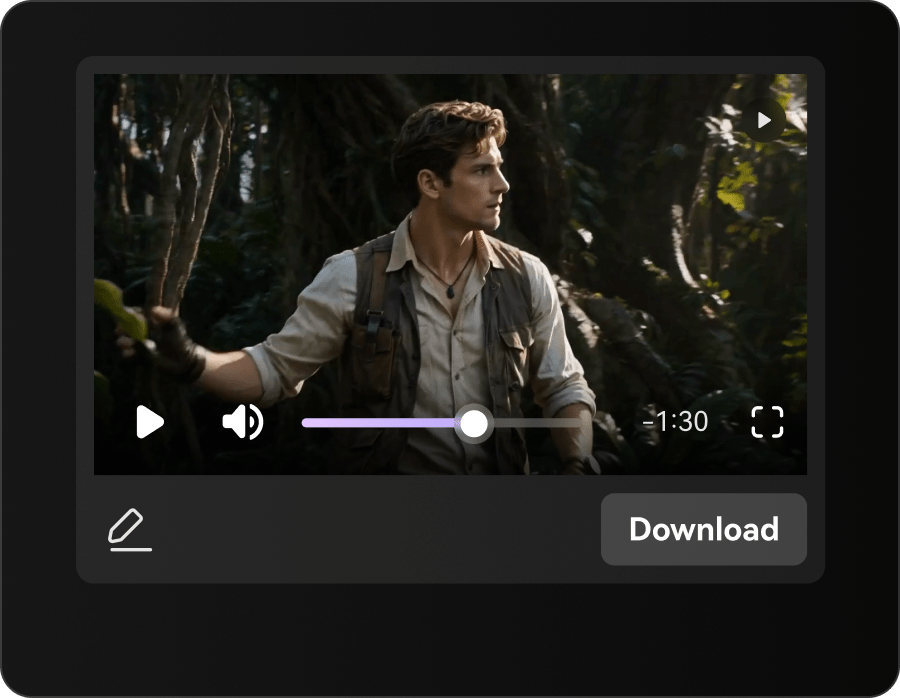
Generate and Export

Generate your AI video, review the result, and export your finished video for social media.

Illustrative Media.io workflow graphic; not a screenshot of PostSyncer AI

PostSyncer AI Use Cases for Publishing Teams

From two-platform video launch to api content pipeline, these are distinct projects where PostSyncer AI could be useful, with checks that match each task.

Two-Platform Video Launch

Generate an authorized teaser, tailor captions and schedule separate posts for different audiences. A related Media.io workflow to explore is Viral Reels Generator.

Agency Client Calendar

Keep unrelated clients in separate workspaces and confirm account and posting limits before onboarding.

Scheduled Product Promotion

Turn approved product details into a media asset while separately checking the published sales copy.

Comment Response Monitoring

Use one inbox to review viewer reactions after a short campaign goes live. A related Media.io workflow to explore is AI Social Media Content Generator.

API Content Pipeline

Connect an approved scheduler to internal workflows, making allowances for per-platform daily posting caps.

Multi-Creator Review Workflow

Coordinate revisions and handoff through a shared workspace rather than sending loose files between collaborators.

PostSyncer Pricing, Credits and Platform Limits

Before planning AI-assisted social content creation and scheduling, evaluate ai credits are not unlimited posts and account counts vary by tier as carefully as the headline features.

AI Credits Are Not Unlimited Posts

Unrestricted scheduled drafts do not imply unlimited AI generation. Published plans list defined monthly AI credit allowances.

Account Counts Vary by Tier

The plan table lists different numbers of connected social accounts, so agency operating cost depends on channel count.

API Posting Quotas Apply

The REST API has tier-based daily and per-platform posting limits that must be checked before automating high-volume calendars.

Additional Workspaces Cost Extra

Beyond included workspaces, the public pricing page lists an extra recurring fee per workspace. A client portfolio can change the bill.

Platform Permissions Can Change

Successful posting depends on each destination network's supported API format and current authorization conditions.

AI Model Access Can Shift

Models and their credits are advertised in an evolving AI Studio catalog. Verify actual generation settings and output rights before committing to a plan.

PostSyncer vs Media.io: Publishing Hub or Asset Creation?

The deciding difference for PostSyncer AI is its ai image and video studio and analytics and comment inbox; by comparison, the Media.io Viral Studio option focuses on two-platform video launch; compare supported inputs and output rights.

Decision Factor PostSyncer AI Media.io
Starting workflow PostSyncer's pricing page lists access to several image and video generation models within its social publishing suite, using monthly AI credits. For two-platform video launch, Media.io Viral Studio starts with a targeted tool; PostSyncer AI instead emphasizes ai image and video studio.
Primary capability Multi-Platform Scheduling: The service manages scheduled posts and drafts across more than ten social platforms and keeps a unified calendar for publication planning. Choose a relevant creation feature for two-platform video launch, subject to the tool's current options.
Reference handling Paid tiers separate brands or clients into workspaces and permit multiple collaborators without a standard per-seat fee. Use supported reference input where helpful for agency client calendar.
Editing and revision Account performance metrics and a consolidated comments inbox help teams assess posts after publishing, not just create assets. For scheduled product promotion, use the available editing and finishing controls as needed.
Output workflow Official plan details advertise posting APIs and MCP clients, but daily posting quotas vary by tier and platform. Check whether comment response monitoring needs captions, enhancement or editing after generation.
Cost model PostSyncer lists Starter at $29 per month or about $24 per month billed annually, and plan-dependent AI credit, workspace and social account limits. Check current charges for the Viral Studio route, not PostSyncer AI subscription pricing.
Key buying constraintUnrestricted scheduled drafts do not imply unlimited AI generation.Confirm supported input and export conditions for AI-assisted social content creation and scheduling alternatives.
Specialized strength AI Content Agent and Captions. A focused option for api content pipeline and the corresponding downstream edits.
Best fit Ai-assisted social content creation and scheduling. For a project like two-platform video launch, choose the Media.io Viral Studio workflow over the broader PostSyncer AI offering.
Best for PostSyncer AI Projects

Choose PostSyncer AI If You Need:

Choose PostSyncer AI when ai image and video studio and multi-platform scheduling are needed in your real work. For api content pipeline, check cost and revision permissions before committing to production.

  • Two-Platform Video Launch: Generate an authorized teaser, tailor captions and schedule separate posts for different audiences.
  • Agency Client Calendar: Keep unrelated clients in separate workspaces and confirm account and posting limits before onboarding.
  • Scheduled Product Promotion: Turn approved product details into a media asset while separately checking the published sales copy.
  • Comment Response Monitoring: Use one inbox to review viewer reactions after a short campaign goes live.
  • API Content Pipeline: Connect an approved scheduler to internal workflows, making allowances for per-platform daily posting caps.
Visit PostSyncer AI
Best for Media.io Agency Client Calendar Projects

Choose Media.io for Two-Platform Video Launch If You Need:

For PostSyncer AI readers pursuing two-platform video launch, the Media.io Viral Studio route is one option for scheduled product promotion. It differs from PostSyncer AI multi-platform scheduling.

  • Make Reels With AI workflow: Begin from a permitted input related to two-platform video launch.
  • Agency Client Calendar review: Assess whether Media.io output supports agency client calendar without special manual corrections.
    • Finishing for Scheduled Product Promotion: Explore relevant Media.io editing tools for scheduled product promotion.
  • Focused generation scope: Choose only the tools required for comment response monitoring.
  • Rights for API Content Pipeline: Use authorized source media and double-check outputs intended for api content pipeline.
Make Reels With AI

Is PostSyncer AI Worth It? Our Verdict

Our Take

PostSyncer AI deserves consideration when two-platform video launch or agency client calendar is the core job. The combination of ai image and video studio and rest api and mcp integration distinguishes its proposition.

PostSyncer lists Starter at $29 per month or about $24 per month billed annually, and plan-dependent AI credit, workspace and social account limits. The website offers a 7-day trial; verify current checkout terms. The purchase risk centers on ai credits are not unlimited posts and api posting quotas apply. Budget a complete project with corrections and final export.

PostSyncer is a better fit when connected social channels, scheduled posting, team comments and client workspaces are central to the job. Media.io is more relevant for creating or finishing an individual video asset. A social agency may use both, because a video generator does not replace a publishing calendar.

PostSyncer AI FAQ: Features, Pricing and Alternatives

What does PostSyncer AI Studio generate?
faq faq

PostSyncer is a social media management platform that pairs AI Studio image and video generation with a multi-platform publishing calendar, social accounts, shared workspaces, analytics, unified comments and REST API or MCP-based scheduling workflows.

PostSyncer's pricing page lists access to several image and video generation models within its social publishing suite, using monthly AI credits.

The service manages scheduled posts and drafts across more than ten social platforms and keeps a unified calendar for publication planning.

PostSyncer lists Starter at $29 per month or about $24 per month billed annually, and plan-dependent AI credit, workspace and social account limits. The website offers a 7-day trial; verify current checkout terms.

Unrestricted scheduled drafts do not imply unlimited AI generation. Published plans list defined monthly AI credit allowances. The plan table lists different numbers of connected social accounts, so agency operating cost depends on channel count.

Generate an authorized teaser, tailor captions and schedule separate posts for different audiences. The REST API has tier-based daily and per-platform posting limits that must be checked before automating high-volume calendars.

Account performance metrics and a consolidated comments inbox help teams assess posts after publishing, not just create assets.

For two-platform video launch, compare the Media.io Viral Studio path against PostSyncer AI results. It can handle a distinct video step; PostSyncer AI remains more specific to multi-platform scheduling, so compare current plan costs and usage rights.

If your recurring task is api content pipeline, the main question is whether the advantages of ai image and video studio outweigh the limitations. Successful posting depends on each destination network's supported API format and current authorization conditions.

What Media.io Creators Say About Their Workflow

Media.io AI video generator user
Sarah L.

Content Creator

star star star star half star

Media.io makes it much easier to test different AI video styles without jumping between several platforms. I can start with a text prompt or image, compare model results, and then resize or polish the clip for social media in the same workspace.

Media.io AI video creator
John D.

Social Media Marketer

star star star star half star

I use Media.io to create quick product clips, ad concepts, and short-form videos from images. The biggest advantage is that generation does not feel like the final step - I can continue with music, captions, enhancement, and format conversion before publishing.

Media.io AI video editing user
Emily T.

Freelance Designer

star star star star half star

The workflow is approachable even when I am experimenting with unfamiliar AI models. I can animate artwork, try different motion prompts, preview the output, and prepare a cleaner final version without needing advanced video-editing experience.

Media.io Online Tools Quality Rating:
vote 4.7 (162,357 Votes)
media.io

AI Video Generator star

Easily generate videos from text or images

Generate