Home>Comparison>Placeit AI Video Generator

Placeit Video Maker: Animation Templates, Video and Subscription

When a product launch needs a polished social animation, choosing between a customizable video template and a true prompt-to-video model matters. Placeit AI Video Generator is a common search phrase, yet Placeit's documented video offering centers on editable templates alongside logos, design assets and mockups. This review separates what its browser editor demonstrably offers from AI video generation claims, then considers who benefits from a template workflow and who needs original moving footage.

Primary Features of Placeit Video Maker and Animated Templates

Placeit is a browser-based design and video-template platform offering customizable animated intros, text animation, promotional videos, logo assets, mockups and downloadable branded media; its published documentation does not establish a general prompt-to-video model comparable to dedicated AI video generators.

Core Feature Overview

  • Customizable Video Templates: Placeit provides premade video layouts for social promotion, intros and visual branding that users personalize instead of generating every shot from text.
  • Animated Text and Slide Controls: Its help documentation describes editing title text, colors, backgrounds and animated slides in a selected template before preview and download.
  • Branding and Logo Assets: Video creation sits beside logo templates, graphic designs and mockups, allowing one campaign to reuse consistent visual branding.
  • Browser-Based Preview and Editing: The editor previews selected video scenes and supports changing permitted template elements; it is not presented as a full timeline filmmaker.
  • Subscription Video Downloads: Placeit subscriptions include video assets and other design resources, with commercial licensing described in the official subscription help pages.
  • Mockups and Product Presentation: Creators can combine branded videos with product mockups for storefronts and social advertising, although the formats are separate template families.
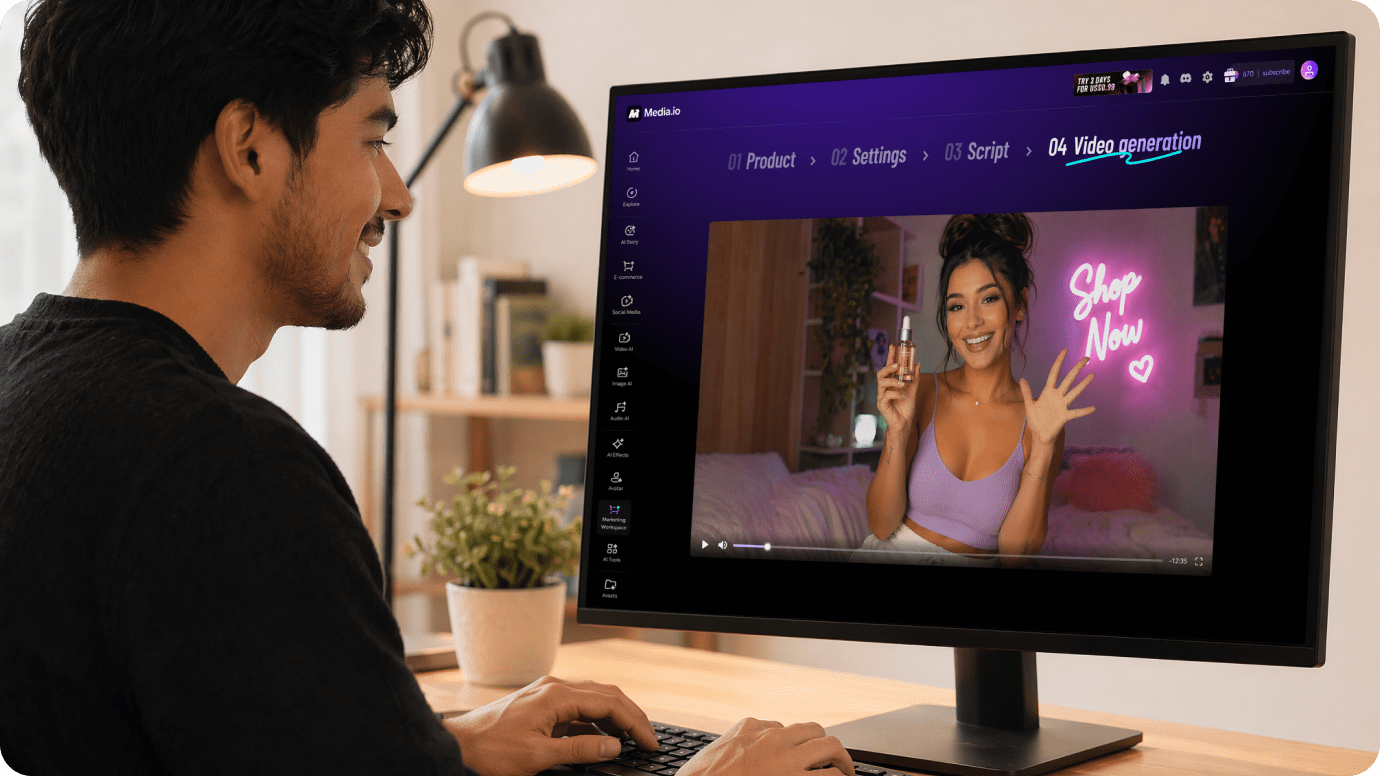
Customizable Video Templates

Placeit provides premade video layouts for social promotion, intros and visual branding that users personalize instead of generating every shot from text. For Placeit AI Video Generator, a useful first project is ecommerce sale announcement; Personalize a seasonal sale animation with a verified discount and existing shop colors rather than trying to synthesize a new cinematic product shot.

Illustrative Media.io workflow graphic; not a screenshot of Placeit AI Video Generator

Animated Text and Slide Controls

Its help documentation describes editing title text, colors, backgrounds and animated slides in a selected template before preview and download. Before relying on animated text and slide controls, check the tradeoff named exact template coverage varies: The asset catalog is substantial but cannot guarantee a particular sector, visual style or brand placement. Search before committing to a campaign.

Illustrative Media.io workflow graphic; not a screenshot of Placeit AI Video Generator

Branding and Logo Assets

Video creation sits beside logo templates, graphic designs and mockups, allowing one campaign to reuse consistent visual branding. For Placeit AI Video Generator work on template-based promo video and brand design, Place an existing logo into a compatible animation and check legibility on small screens.

Illustrative Media.io workflow graphic; not a screenshot of Placeit AI Video Generator

Browser-Based Preview and Editing

The editor previews selected video scenes and supports changing permitted template elements; it is not presented as a full timeline filmmaker. To assess whether this is repeatable, produce matching storefront mockups and a branded teaser while checking the licensing terms for each asset.

Illustrative Media.io workflow graphic; not a screenshot of Placeit AI Video Generator

Subscription Video Downloads

Placeit subscriptions include video assets and other design resources, with commercial licensing described in the official subscription help pages. For a concrete example, adapt an event template with accurate schedule and venue details; verify that all text stays visible across its animated slides.

Illustrative Media.io workflow graphic; not a screenshot of Placeit AI Video Generator

Mockups and Product Presentation

Creators can combine branded videos with product mockups for storefronts and social advertising, although the formats are separate template families. The final check is complex motion needs another tool: Storyboards, multi-shot generation and new camera movement require a different creative workflow than template personalization.
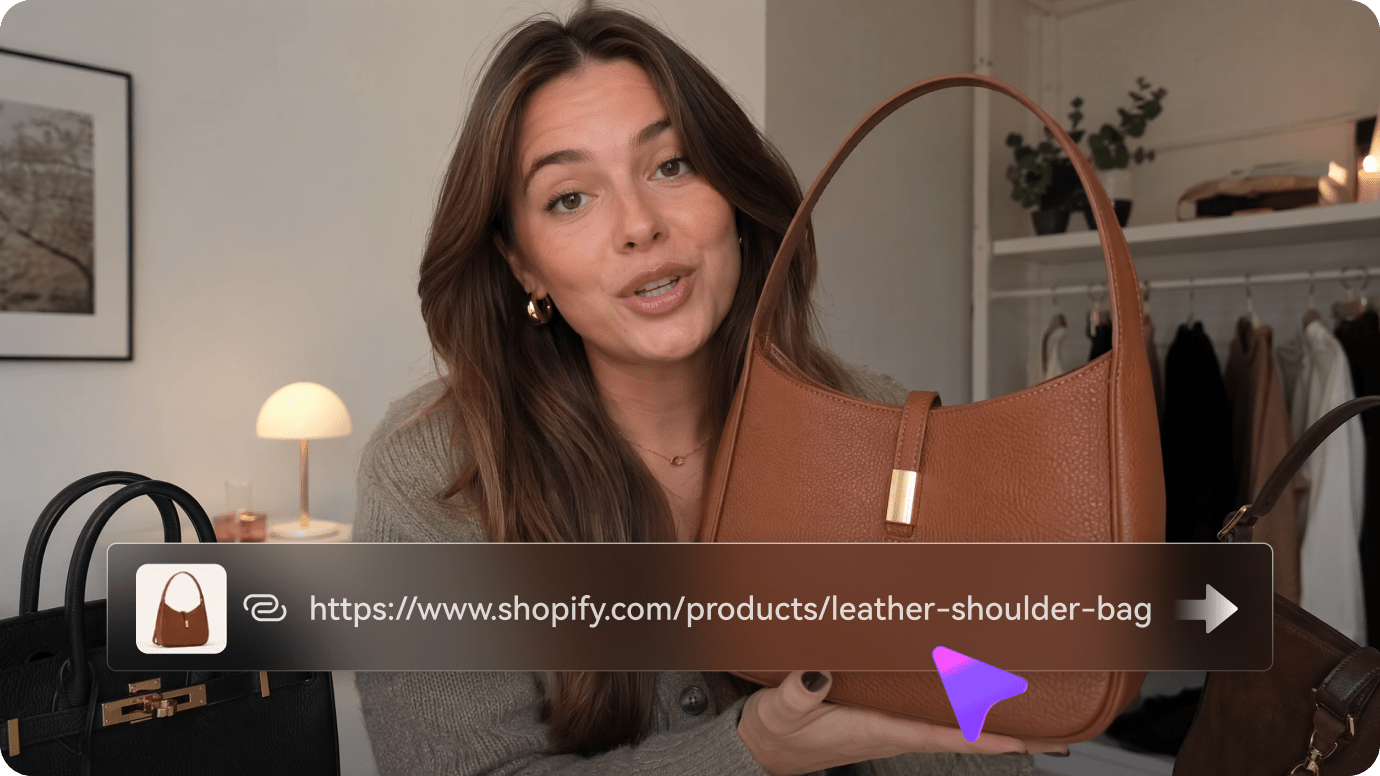
Illustrative Media.io workflow graphic; not a screenshot of Placeit AI Video Generator

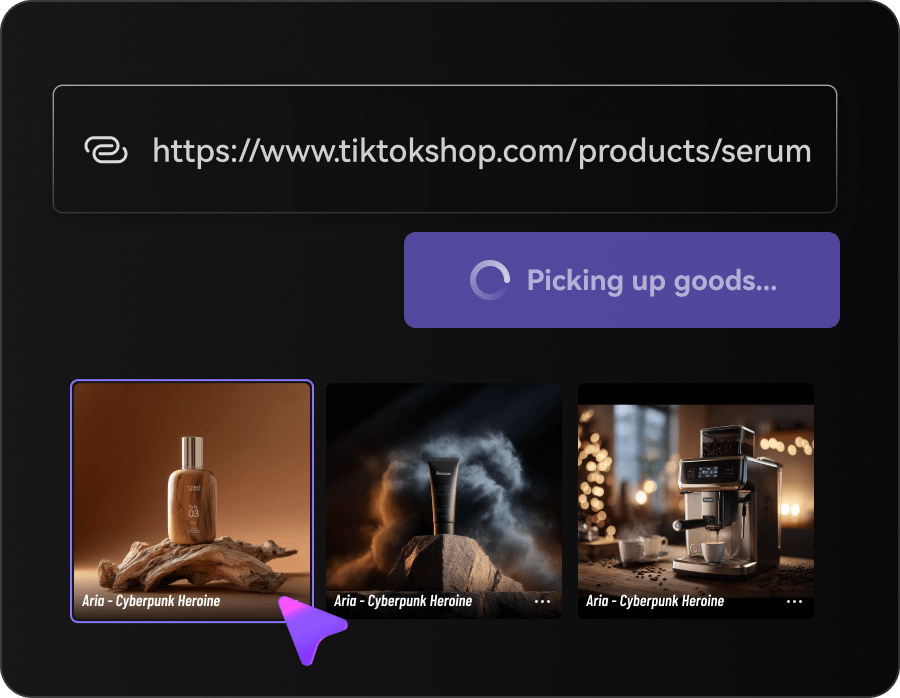
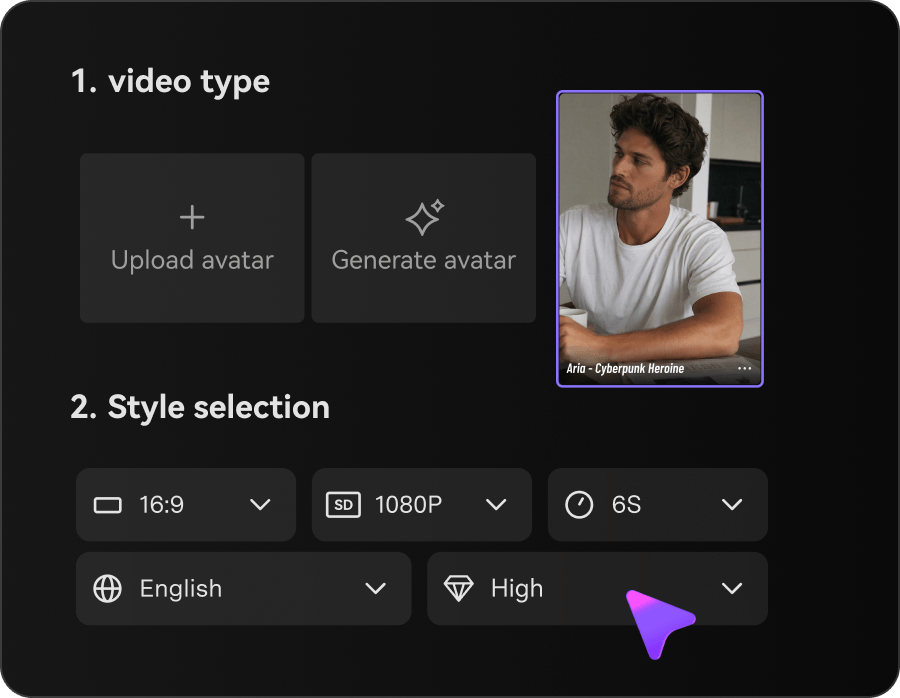
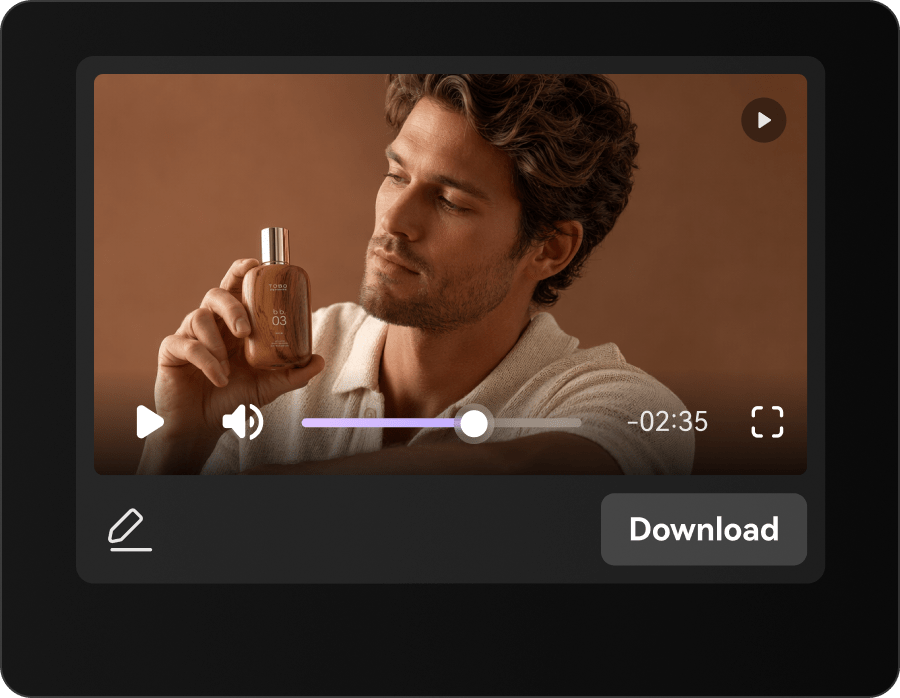
How to Generate a Product Video Ad With Media.io

1
2
3
1
Add your product details

Start from authorized images and verified benefits for the offer.

2
Set ad direction

Choose the campaign-oriented generation workflow and specify a hook.

3
Preview and refine

Check product fidelity, text accuracy and the final call to action.

Illustrative Media.io workflow graphic; not a screenshot of Placeit AI Video Generator

Placeit Video Template Use Cases

From ecommerce sale announcement to event promo slide, these are distinct projects where Placeit AI Video Generator could be useful, with checks that match each task.

Ecommerce Sale Announcement

Personalize a seasonal sale animation with a verified discount and existing shop colors rather than trying to synthesize a new cinematic product shot. A related Media.io workflow to explore is Product Demo Video Maker.

YouTube Channel Intro

Select an animated opener, replace channel text and preview the pacing before downloading.

Creator Logo Reveal

Place an existing logo into a compatible animation and check legibility on small screens.

Product Mockup Campaign

Produce matching storefront mockups and a branded teaser while checking the licensing terms for each asset. A related Media.io workflow to explore is Ecommerce Video Ad Generator.

Event Promo Slide

Adapt an event template with accurate schedule and venue details; verify that all text stays visible across its animated slides.

Repeatable Client Designs

Use a controlled collection of preset layouts to deliver consistent promotions for several small clients.

Placeit Video Maker Limitations to Review

Before planning template-based promo video and brand design, evaluate templates are not generative film models and exact template coverage varies as carefully as the headline features.

Templates Are Not Generative Film Models

A Placeit animated design is edited inside a predefined scene. It does not imply text-to-video footage, actor identity control or cinematic prompt adherence.

Exact Template Coverage Varies

The asset catalog is substantial but cannot guarantee a particular sector, visual style or brand placement. Search before committing to a campaign.

Editable Fields Depend on the Template

Text, colors and image placeholders are not equally customizable in every layout. Inspect preview controls on the exact design.

Subscription Terms Matter

Official help discusses unlimited downloads during a subscription; check the live checkout, renewal terms and license for your intended use.

Creative Repetition Can Be Visible

Using a common animation across several ads may make the campaign look familiar. Distinguish it with original claims, artwork and brand choices.

Complex Motion Needs Another Tool

Storyboards, multi-shot generation and new camera movement require a different creative workflow than template personalization.

Placeit vs Media.io: Video Templates or Original AI Ads?

The deciding difference for Placeit AI Video Generator is its customizable video templates and browser-based preview and editing; by comparison, the Media.io AI Ad Generator option focuses on ecommerce sale announcement; compare supported inputs and output rights.

Decision Factor Placeit AI Video Generator Media.io
Starting workflow Placeit provides premade video layouts for social promotion, intros and visual branding that users personalize instead of generating every shot from text. For ecommerce sale announcement, Media.io AI Ad Generator starts with a targeted tool; Placeit AI Video Generator instead emphasizes customizable video templates.
Primary capability Animated Text and Slide Controls: Its help documentation describes editing title text, colors, backgrounds and animated slides in a selected template before preview and download. Choose a relevant creation feature for ecommerce sale announcement, subject to the tool's current options.
Reference handling Video creation sits beside logo templates, graphic designs and mockups, allowing one campaign to reuse consistent visual branding. Use supported reference input where helpful for youtube channel intro.
Editing and revision The editor previews selected video scenes and supports changing permitted template elements; it is not presented as a full timeline filmmaker. For creator logo reveal, use the available editing and finishing controls as needed.
Output workflow Placeit subscriptions include video assets and other design resources, with commercial licensing described in the official subscription help pages. Check whether product mockup campaign needs captions, enhancement or editing after generation.
Cost model Placeit subscription help describes access to customizable videos, logos and mockups with commercial licensing. Check current charges for the AI Ad Generator route, not Placeit AI Video Generator subscription pricing.
Key buying constraintA Placeit animated design is edited inside a predefined scene.Confirm supported input and export conditions for template-based promo video and brand design alternatives.
Specialized strength Mockups and Product Presentation. A focused option for event promo slide and the corresponding downstream edits.
Best fit Template-based promo video and brand design. For a project like ecommerce sale announcement, choose the Media.io AI Ad Generator workflow over the broader Placeit AI Video Generator offering.
Best for Placeit AI Video Generator Projects

Choose Placeit AI Video Generator If You Need:

Choose Placeit AI Video Generator when customizable video templates and animated text and slide controls are needed in your real work. For event promo slide, check cost and revision permissions before committing to production.

  • Ecommerce Sale Announcement: Personalize a seasonal sale animation with a verified discount and existing shop colors rather than trying to synthesize a new cinematic product shot.
  • YouTube Channel Intro: Select an animated opener, replace channel text and preview the pacing before downloading.
  • Creator Logo Reveal: Place an existing logo into a compatible animation and check legibility on small screens.
  • Product Mockup Campaign: Produce matching storefront mockups and a branded teaser while checking the licensing terms for each asset.
  • Event Promo Slide: Adapt an event template with accurate schedule and venue details; verify that all text stays visible across its animated slides.
Visit Placeit AI Video Generator
Best for Media.io YouTube Channel Intro Projects

Choose Media.io for Ecommerce Sale Announcement If You Need:

For Placeit AI Video Generator readers pursuing ecommerce sale announcement, the Media.io AI Ad Generator route is one option for creator logo reveal. It differs from Placeit AI Video Generator animated text and slide controls.

  • Generate Video Ads workflow: Begin from a permitted input related to ecommerce sale announcement.
  • YouTube Channel Intro review: Assess whether Media.io output supports youtube channel intro without special manual corrections.
    • Finishing for Creator Logo Reveal: Explore relevant Media.io editing tools for creator logo reveal.
  • Focused generation scope: Choose only the tools required for product mockup campaign.
  • Rights for Event Promo Slide: Use authorized source media and double-check outputs intended for event promo slide.
Generate Video Ads

Is Placeit AI Video Generator Worth It? Our Verdict

Our Take

Placeit AI Video Generator deserves consideration when ecommerce sale announcement or youtube channel intro is the core job. The combination of customizable video templates and subscription video downloads distinguishes its proposition.

Placeit subscription help describes access to customizable videos, logos and mockups with commercial licensing. Confirm the current subscription price on Placeit's checkout rather than applying unrelated AI video credit rates. The purchase risk centers on templates are not generative film models and editable fields depend on the template. Budget a complete project with corrections and final export.

Choose Placeit when your campaign needs fast, consistent logo reveals, template-based text animation or mockups, and the available designs fit your brand. Choose Media.io when you need newly generated video scenes rather than personalization of an existing template; compare actual exports and licensing before purchase.

Placeit AI Video Generator FAQ: Features, Pricing and Alternatives

Is Placeit a genuine prompt-to-video AI generator?
faq faq

Placeit is a browser-based design and video-template platform offering customizable animated intros, text animation, promotional videos, logo assets, mockups and downloadable branded media; its published documentation does not establish a general prompt-to-video model comparable to dedicated AI video generators.

Placeit provides premade video layouts for social promotion, intros and visual branding that users personalize instead of generating every shot from text.

Its help documentation describes editing title text, colors, backgrounds and animated slides in a selected template before preview and download.

Placeit subscription help describes access to customizable videos, logos and mockups with commercial licensing. Confirm the current subscription price on Placeit's checkout rather than applying unrelated AI video credit rates.

A Placeit animated design is edited inside a predefined scene. It does not imply text-to-video footage, actor identity control or cinematic prompt adherence. The asset catalog is substantial but cannot guarantee a particular sector, visual style or brand placement. Search before committing to a campaign.

Personalize a seasonal sale animation with a verified discount and existing shop colors rather than trying to synthesize a new cinematic product shot. Text, colors and image placeholders are not equally customizable in every layout. Inspect preview controls on the exact design.

The editor previews selected video scenes and supports changing permitted template elements; it is not presented as a full timeline filmmaker.

For ecommerce sale announcement, compare the Media.io AI Ad Generator path against Placeit AI Video Generator results. It can handle a distinct video step; Placeit AI Video Generator remains more specific to animated text and slide controls, so compare current plan costs and usage rights.

If your recurring task is event promo slide, the main question is whether the advantages of customizable video templates outweigh the limitations. Using a common animation across several ads may make the campaign look familiar. Distinguish it with original claims, artwork and brand choices.

What Media.io Creators Say About Their Workflow

Media.io AI video generator user
Sarah L.

Content Creator

star star star star half star

Media.io makes it much easier to test different AI video styles without jumping between several platforms. I can start with a text prompt or image, compare model results, and then resize or polish the clip for social media in the same workspace.

Media.io AI video creator
John D.

Social Media Marketer

star star star star half star

I use Media.io to create quick product clips, ad concepts, and short-form videos from images. The biggest advantage is that generation does not feel like the final step - I can continue with music, captions, enhancement, and format conversion before publishing.

Media.io AI video editing user
Emily T.

Freelance Designer

star star star star half star

The workflow is approachable even when I am experimenting with unfamiliar AI models. I can animate artwork, try different motion prompts, preview the output, and prepare a cleaner final version without needing advanced video-editing experience.

Media.io Online Tools Quality Rating:
vote 4.7 (162,357 Votes)
media.io

AI Video Generator star

Easily generate videos from text or images

Generate