Home>Comparison>MakeUGC AI

MakeUGC AI: Video Ads, UGC and Pricing

Shooting new creator-style ads for every product angle can be expensive, especially when a brand needs multiple actors and formats. MakeUGC AI focuses on synthetic presenters and product demonstrations for that problem, including product-in-hand formats and an API for teams that need repeated output. The purchase decision should separate the cost of an avatar from the cost of a final ad, and confirm what image, voice and product rights are required before publishing.

Key Features of MakeUGC AI UGC Video Generator

MakeUGC AI is an AI UGC advertising studio offering talking virtual actors, lip-synced scripts, custom avatars, product-in-hand demonstrations, model-based product video generation, and REST API or MCP integration for automated ad workflows.

Core Feature Overview

  • Talking AI Actors and Scripted Ads: Choose an approved avatar and voice, supply a script and generate a presenter-led video. Claims in the script should still be verified against the actual offer.
  • Product-in-Hand Video Formats: MakeUGC documents product placement modes for apparent hand-held demonstrations. Review physical dimensions, logos and whether the generated shot misrepresents usage.
  • Custom AI Actors and Voices: Brands can create custom presenters using permitted inputs. Rights to a real person's likeness or voice must be documented for commercial advertising.
  • Multi-Model Video and Image Tools: The platform API advertises several third-party model families with different costs and resolution options. Model availability is subject to live documentation.
  • Platform API and MCP Integrations: MakeUGC provides REST endpoints, authentication, job status checks and an MCP integration. Keep API keys server-side and build approval steps into batch jobs.
  • Shared App and API Credit Pool: The official documentation states that API calls draw from the same credit balance as studio work. Teams should watch per-request credit charges and concurrency.
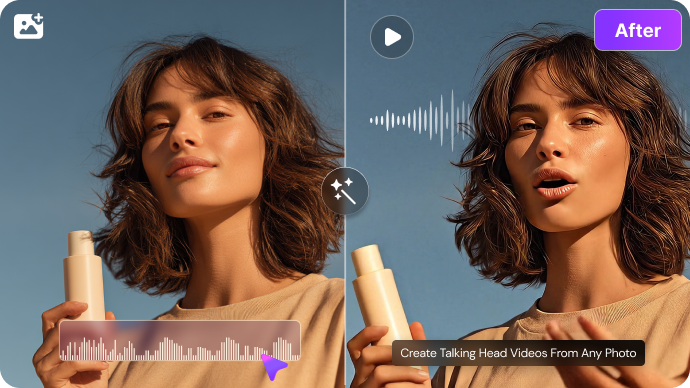

Talking AI Actors and Scripted Ads

Choose an approved avatar and voice, supply a script and generate a presenter-led video. Claims in the script should still be verified against the actual offer. For MakeUGC AI, a useful first project is product testimonial concept; Produce a clearly synthetic presenter explaining real product features without fabricating customer satisfaction.

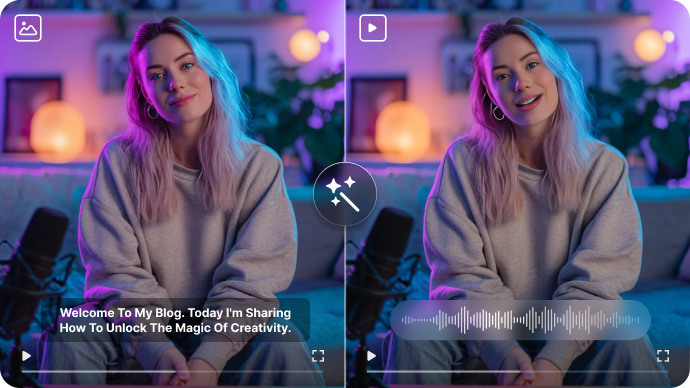
Illustrative Media.io workflow graphic; not a screenshot of MakeUGC AI

Product-in-Hand Video Formats

MakeUGC documents product placement modes for apparent hand-held demonstrations. Review physical dimensions, logos and whether the generated shot misrepresents usage. Before relying on product-in-hand video formats, check the tradeoff named talking actor jobs are metered: The official API examples list a defined credit charge for common talking-actor jobs. Budget failed-job retries and custom avatar creation separately.

Illustrative Media.io workflow graphic; not a screenshot of MakeUGC AI

Custom AI Actors and Voices

Brands can create custom presenters using permitted inputs. Rights to a real person's likeness or voice must be documented for commercial advertising. For MakeUGC AI work on UGC actors and API-generated ads, Test multiple authorized avatar styles for the same brand message and offer.

Illustrative Media.io workflow graphic; not a screenshot of MakeUGC AI

Multi-Model Video and Image Tools

The platform API advertises several third-party model families with different costs and resolution options. Model availability is subject to live documentation. To assess whether this is repeatable, turn concise product benefits into short UGC-style footage for a store page.

Illustrative Media.io workflow graphic; not a screenshot of MakeUGC AI

Platform API and MCP Integrations

MakeUGC provides REST endpoints, authentication, job status checks and an MCP integration. Keep API keys server-side and build approval steps into batch jobs. For a concrete example, use approved translated copy with a selected voice and inspect spoken accuracy.

Illustrative Media.io workflow graphic; not a screenshot of MakeUGC AI

Shared App and API Credit Pool

The official documentation states that API calls draw from the same credit balance as studio work. Teams should watch per-request credit charges and concurrency. The final check is integration is not campaign measurement: The REST API can generate assets, but it does not replace attribution, targeting, creative approval or real ad performance testing.

Illustrative Media.io workflow graphic; not a screenshot of MakeUGC AI

How to Generate a Product Video Ad With Media.io

1
2
3
1
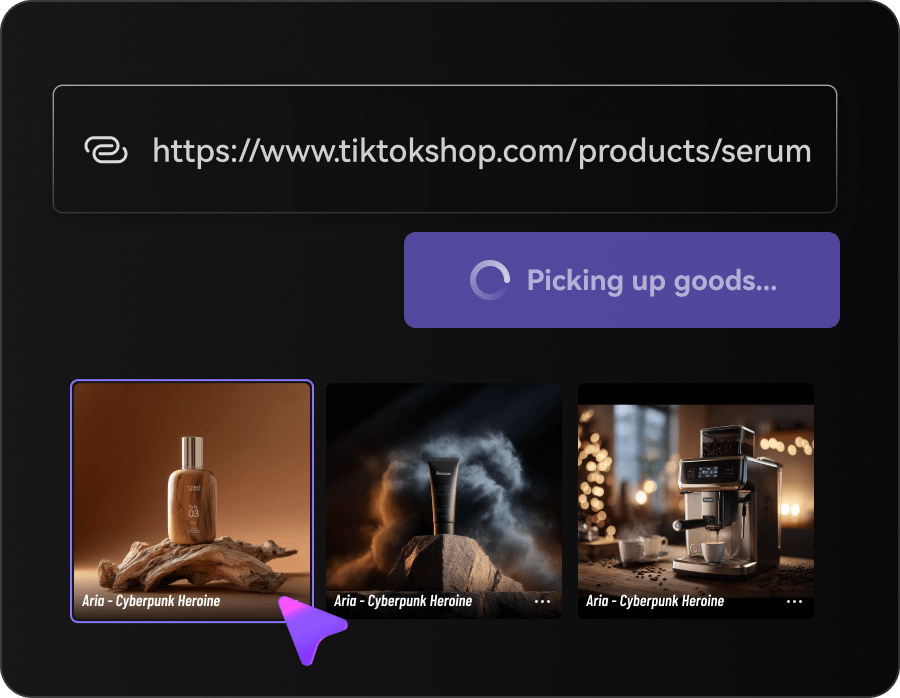
Add your product details

Start from authorized images and verified benefits for the offer.

2
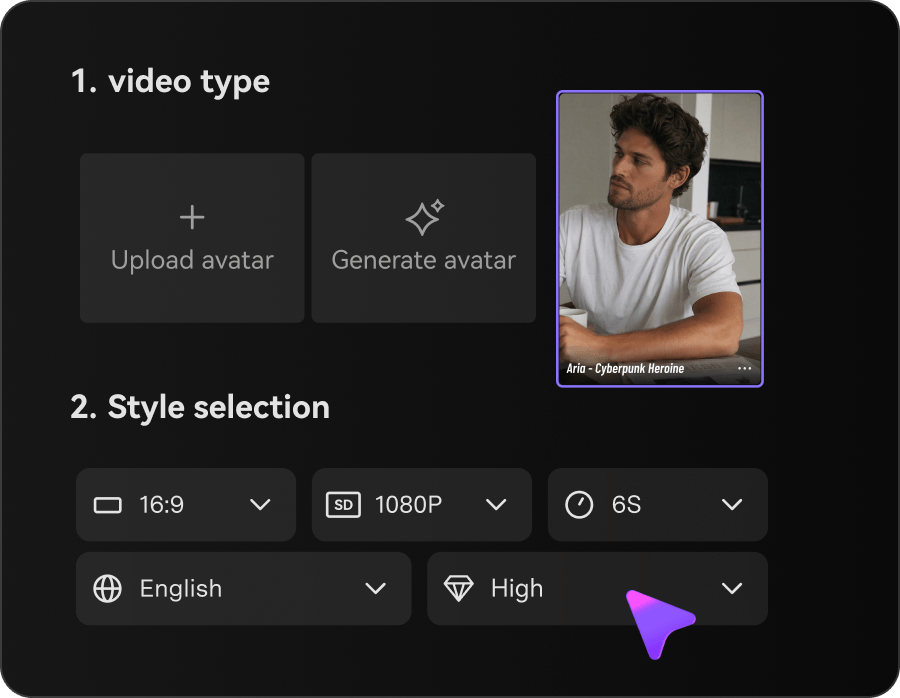
Set ad direction

Choose the campaign-oriented generation workflow and specify a hook.

3
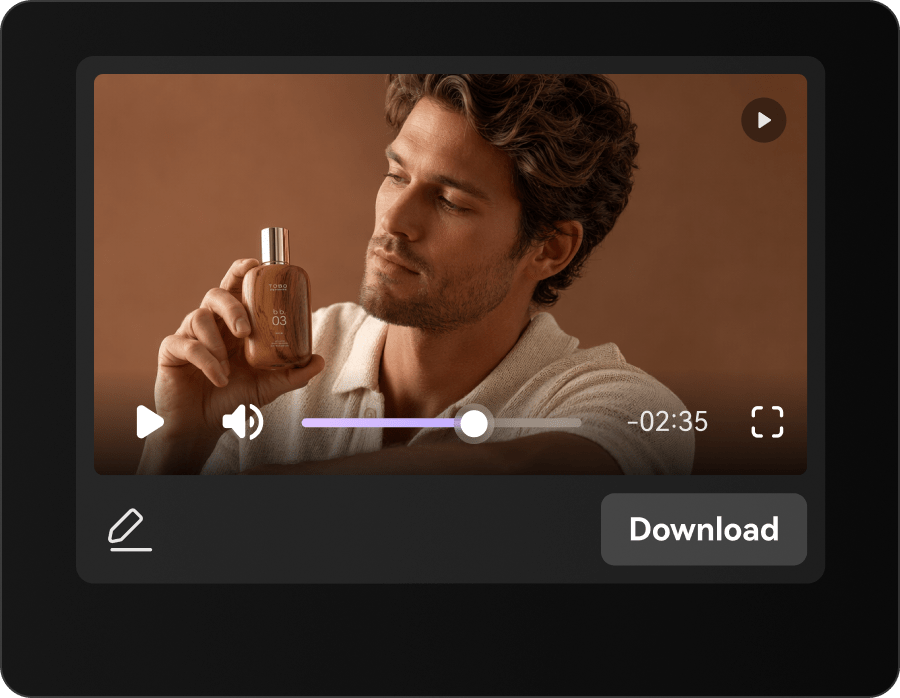
Preview and refine

Check product fidelity, text accuracy and the final call to action.

Illustrative Media.io workflow graphic; not a screenshot of MakeUGC AI

MakeUGC AI Advertising Scenarios

From product testimonial concept to localized script production, these are distinct projects where MakeUGC AI could be useful, with checks that match each task.

Product Testimonial Concept

Produce a clearly synthetic presenter explaining real product features without fabricating customer satisfaction. A related Media.io workflow to explore is AI Ad Generator.

Package-in-Hand Demo

Show a product package in a demonstration frame while checking label and shape accuracy.

Influencer-Like Ad Variant

Test multiple authorized avatar styles for the same brand message and offer.

Ecommerce Landing Video

Turn concise product benefits into short UGC-style footage for a store page. A related Media.io workflow to explore is AI UGC Ad Generator.

Localized Script Production

Use approved translated copy with a selected voice and inspect spoken accuracy.

Programmatic Creative Tests

Call an API to generate approved variants, then use a human review gate before publishing.

MakeUGC AI Rights, Credits and API Tradeoffs

Before planning UGC actors and API-generated ads, evaluate api and studio share credits and talking actor jobs are metered as carefully as the headline features.

API and Studio Share Credits

The documentation states that one balance covers both app and API activity. An automated job can compete with an editor's remaining budget.

Talking Actor Jobs Are Metered

The official API examples list a defined credit charge for common talking-actor jobs. Budget failed-job retries and custom avatar creation separately.

Custom Actor Requires Legal Permission

Using a real person's face or voice in ads can trigger consent, disclosure and advertising obligations.

Generated Product Handling May Be Inaccurate

A synthetic hand can change package proportions, visible logos or the way an object is held. Final review is necessary for factual advertising.

Model Rates Vary Widely

Different model families, quality tiers and lengths have separate pricing schedules. Verify the job cost before scaling a campaign.

Integration Is Not Campaign Measurement

The REST API can generate assets, but it does not replace attribution, targeting, creative approval or real ad performance testing.

MakeUGC AI vs Media.io: Which Workflow Fits?

The deciding difference for MakeUGC AI is its talking ai actors and scripted ads and multi-model video and image tools; by comparison, the Media.io AI Ad Generator option focuses on product testimonial concept; compare supported inputs and output rights.

Decision Factor MakeUGC AI Media.io
Starting workflow Choose an approved avatar and voice, supply a script and generate a presenter-led video. For product testimonial concept, Media.io AI Ad Generator starts with a targeted tool; MakeUGC AI instead emphasizes talking ai actors and scripted ads.
Primary capability Product-in-Hand Video Formats: MakeUGC documents product placement modes for apparent hand-held demonstrations. Choose a relevant creation feature for product testimonial concept, subject to the tool's current options.
Reference handling Brands can create custom presenters using permitted inputs. Use supported reference input where helpful for package-in-hand demo.
Editing and revision The platform API advertises several third-party model families with different costs and resolution options. For influencer-like ad variant, use the available editing and finishing controls as needed.
Output workflow MakeUGC provides REST endpoints, authentication, job status checks and an MCP integration. Check whether ecommerce landing video needs captions, enhancement or editing after generation.
Cost model MakeUGC's API docs state that the app and API share a credit balance, with an example talking-actor job priced at 100 credits. Check current charges for the AI Ad Generator route, not MakeUGC AI subscription pricing.
Key buying constraintThe documentation states that one balance covers both app and API activity.Confirm supported input and export conditions for UGC actors and API-generated ads alternatives.
Specialized strength Shared App and API Credit Pool. A focused option for localized script production and the corresponding downstream edits.
Best fit Ugc actors and api-generated ads. For a project like product testimonial concept, choose the Media.io AI Ad Generator workflow over the broader MakeUGC AI offering.
Best for MakeUGC AI Projects

Choose MakeUGC AI If You Need:

Choose MakeUGC AI when talking ai actors and scripted ads and product-in-hand video formats are needed in your real work. For localized script production, check cost and revision permissions before committing to production.

  • Product Testimonial Concept: Produce a clearly synthetic presenter explaining real product features without fabricating customer satisfaction.
  • Package-in-Hand Demo: Show a product package in a demonstration frame while checking label and shape accuracy.
  • Influencer-Like Ad Variant: Test multiple authorized avatar styles for the same brand message and offer.
  • Ecommerce Landing Video: Turn concise product benefits into short UGC-style footage for a store page.
  • Localized Script Production: Use approved translated copy with a selected voice and inspect spoken accuracy.
Visit MakeUGC AI
Best for Media.io Package-in-Hand Demo Projects

Choose Media.io for Product Testimonial Concept If You Need:

For MakeUGC AI readers pursuing product testimonial concept, the Media.io AI Ad Generator route is one option for influencer-like ad variant. It differs from MakeUGC AI product-in-hand video formats.

  • Generate Video Ads workflow: Begin from a permitted input related to product testimonial concept.
  • Package-in-Hand Demo review: Assess whether Media.io output supports package-in-hand demo without special manual corrections.
    • Finishing for Influencer-Like Ad Variant: Explore relevant Media.io editing tools for influencer-like ad variant.
  • Focused generation scope: Choose only the tools required for ecommerce landing video.
  • Rights for Localized Script Production: Use authorized source media and double-check outputs intended for localized script production.
Generate Video Ads

Is MakeUGC AI Worth It? Our Verdict

Our Take

MakeUGC AI deserves consideration when product testimonial concept or package-in-hand demo is the core job. The combination of talking ai actors and scripted ads and platform api and mcp integrations distinguishes its proposition.

MakeUGC's API docs state that the app and API share a credit balance, with an example talking-actor job priced at 100 credits. Other model-based video costs depend on the selected generation route. The purchase risk centers on api and studio share credits and custom actor requires legal permission. Budget a complete project with corrections and final export.

Choose MakeUGC AI for UGC actors and API-generated ads, especially when custom ai actors and voices is required. Consider Media.io AI Ad Generator when localized script production matters more than the specialist custom ai actors and voices capability; verify output and export terms.

MakeUGC AI FAQ: Features, Pricing and Alternatives

What kind of UGC video ads can MakeUGC produce?
faq faq

MakeUGC AI is an AI UGC advertising studio offering talking virtual actors, lip-synced scripts, custom avatars, product-in-hand demonstrations, model-based product video generation, and REST API or MCP integration for automated ad workflows.

Choose an approved avatar and voice, supply a script and generate a presenter-led video. Claims in the script should still be verified against the actual offer.

MakeUGC documents product placement modes for apparent hand-held demonstrations. Review physical dimensions, logos and whether the generated shot misrepresents usage.

MakeUGC's API docs state that the app and API share a credit balance, with an example talking-actor job priced at 100 credits. Other model-based video costs depend on the selected generation route.

The documentation states that one balance covers both app and API activity. An automated job can compete with an editor's remaining budget. The official API examples list a defined credit charge for common talking-actor jobs. Budget failed-job retries and custom avatar creation separately.

Produce a clearly synthetic presenter explaining real product features without fabricating customer satisfaction. Using a real person's face or voice in ads can trigger consent, disclosure and advertising obligations.

The platform API advertises several third-party model families with different costs and resolution options. Model availability is subject to live documentation.

For product testimonial concept, compare the Media.io AI Ad Generator path against MakeUGC AI results. It can handle a distinct video step; MakeUGC AI remains more specific to product-in-hand video formats, so compare current plan costs and usage rights.

If your recurring task is localized script production, the main question is whether the advantages of talking ai actors and scripted ads outweigh the limitations. Different model families, quality tiers and lengths have separate pricing schedules. Verify the job cost before scaling a campaign.

What Media.io Creators Say About Their Workflow

Media.io AI video generator user
Sarah L.

Content Creator

star star star star half star

Media.io makes it much easier to test different AI video styles without jumping between several platforms. I can start with a text prompt or image, compare model results, and then resize or polish the clip for social media in the same workspace.

Media.io AI video creator
John D.

Social Media Marketer

star star star star half star

I use Media.io to create quick product clips, ad concepts, and short-form videos from images. The biggest advantage is that generation does not feel like the final step - I can continue with music, captions, enhancement, and format conversion before publishing.

Media.io AI video editing user
Emily T.

Freelance Designer

star star star star half star

The workflow is approachable even when I am experimenting with unfamiliar AI models. I can animate artwork, try different motion prompts, preview the output, and prepare a cleaner final version without needing advanced video-editing experience.

Media.io Online Tools Quality Rating:
vote 4.7 (162,357 Votes)
media.io

AI Video Generator star

Easily generate videos from text or images

Generate