Home>Comparison>Frameo AI Video Generator

Frameo AI Video Generator: Film Agent and Timeline Review

The hard part of an AI film is often not the first shot but managing the revisions around it. Frameo AI Video Generator positions an agent, Canvas and Timeline as a connected workspace for that work. A user can bring a script or visual references, iterate on individual shots and keep the sequence in context. Its value depends on whether that collaborative workflow reduces editing friction enough to justify the subscription and model credits.

Primary Features of Frameo AI Video Generator and Film Agent

Frameo AI Video Generator is an agent-assisted filmmaking workspace that turns ideas, scripts and visual references into planned scenes, editable Canvas shots, reusable character and style references, and a coordinated Timeline for final video assembly.

Core Feature Overview

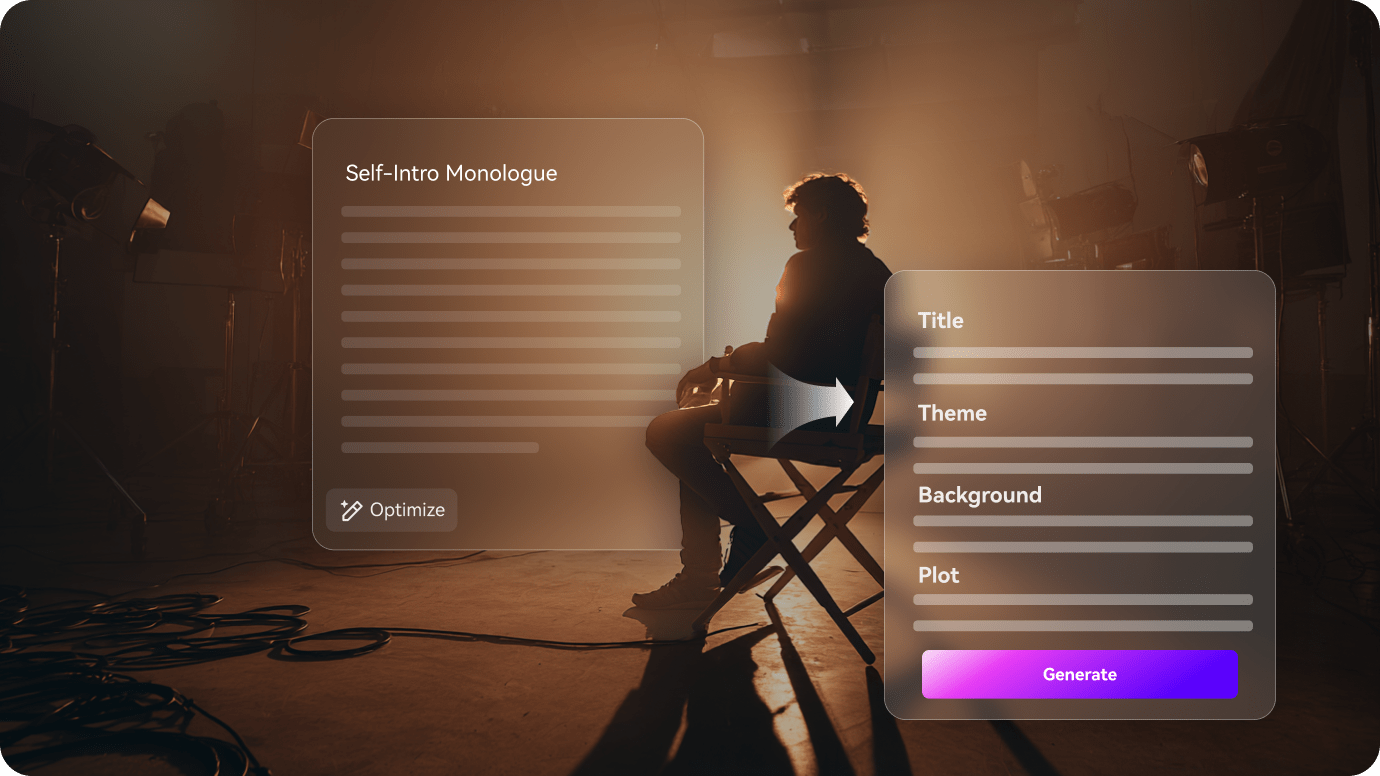
  • Conversational AI Video Agent: Users tell an agent what a scene should accomplish and provide references for mood and framing. The agent helps organize and refine the plan instead of producing an uneditable final film.
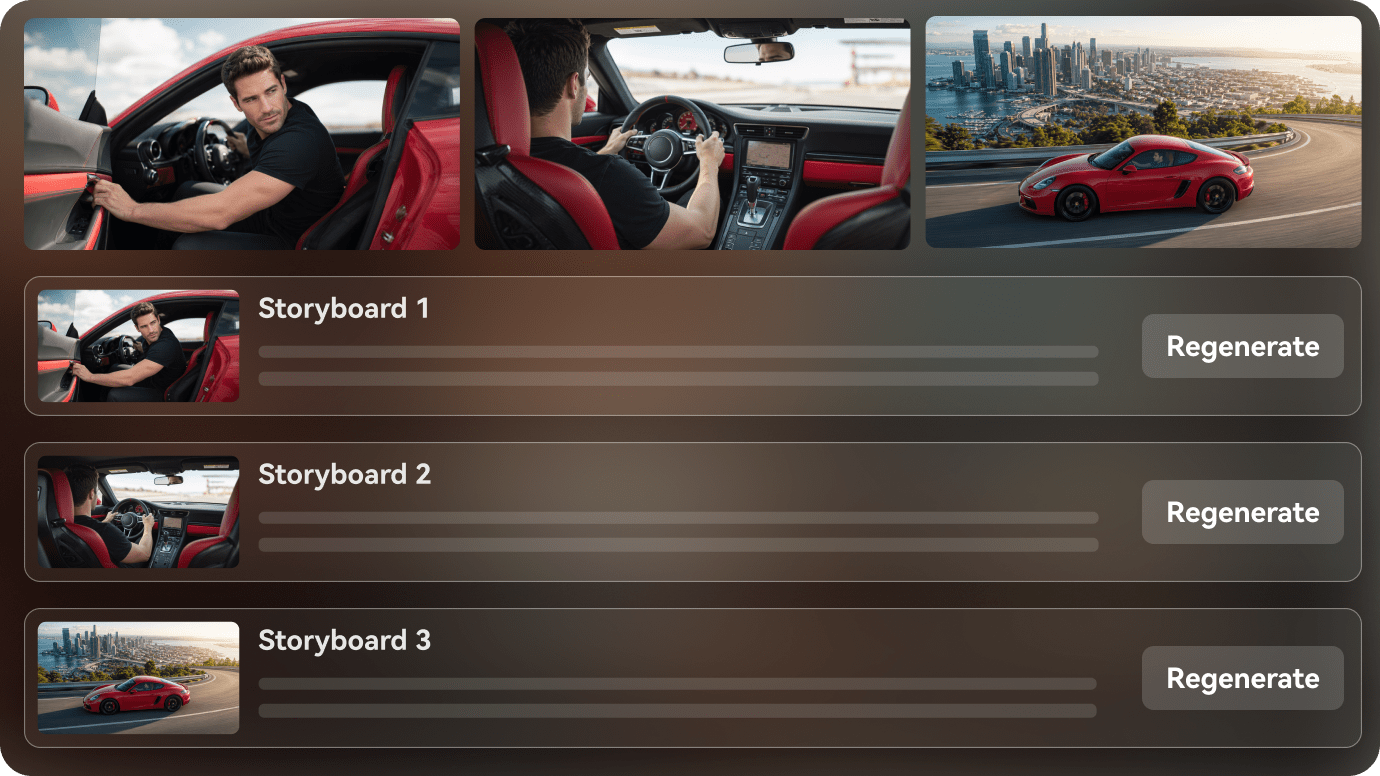
  • Storyboard and Scene Planning: Frameo translates ideas into a sequence that can be reviewed one shot at a time. A storyboard still needs narrative and timing decisions from the creator.
  • Canvas-Based Shot Revisions: The site describes revising a scene on Canvas and carrying the updated shot into the project. This reduces full-sequence rebuilding for local changes.
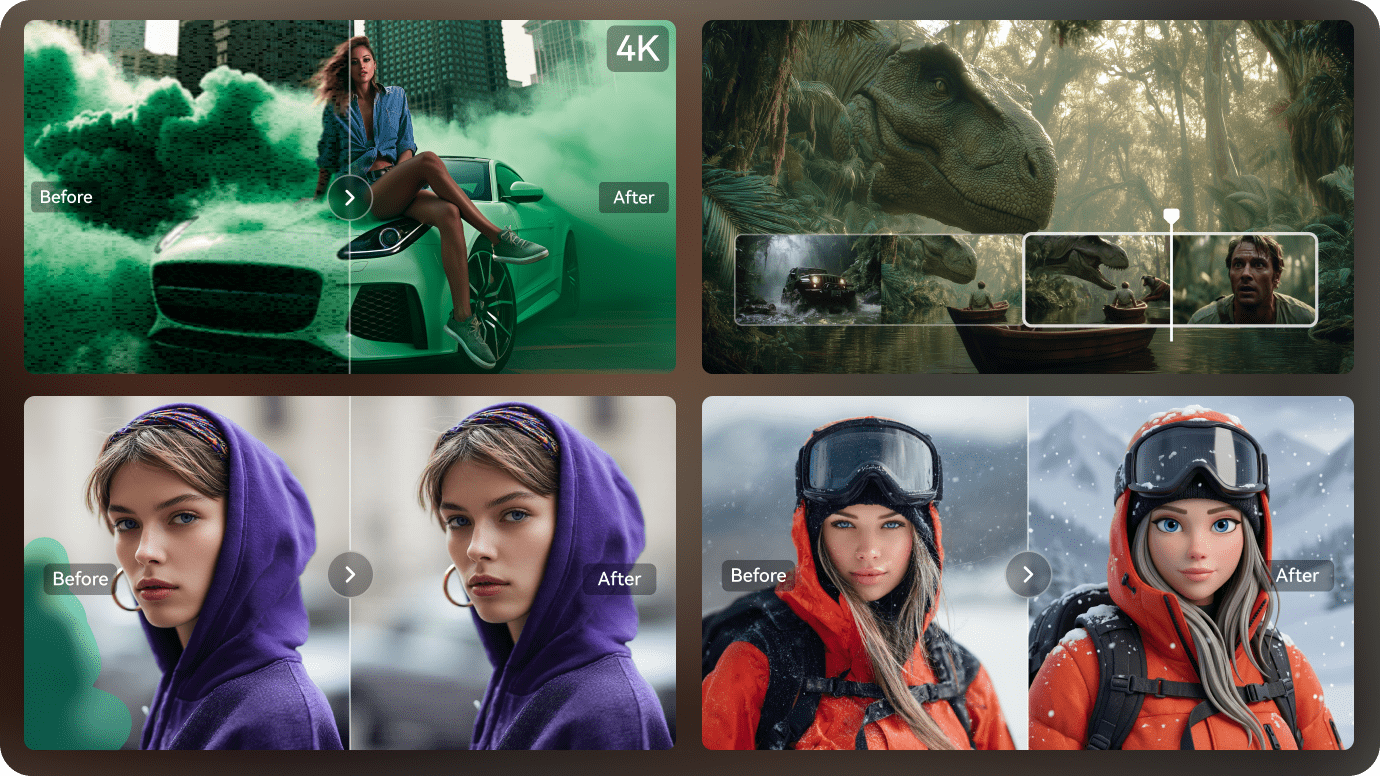
  • Timeline for Final Assembly: Creators can arrange scenes, change pacing and work with sound in a single production workspace. Check whether specialized post-production is required afterward.
  • Reusable Character and Style References: Saved people, product looks and style choices help guide later shots. Reference consistency is a workflow aid rather than a guarantee of perfect outputs.
  • Team Projects and Shared Credits: Frameo's pricing page emphasizes pooled credits across unlimited team members and an Infinity Pass on Studio for standard image generation. Video generation still has separate credit use.
Conversational AI Video Agent

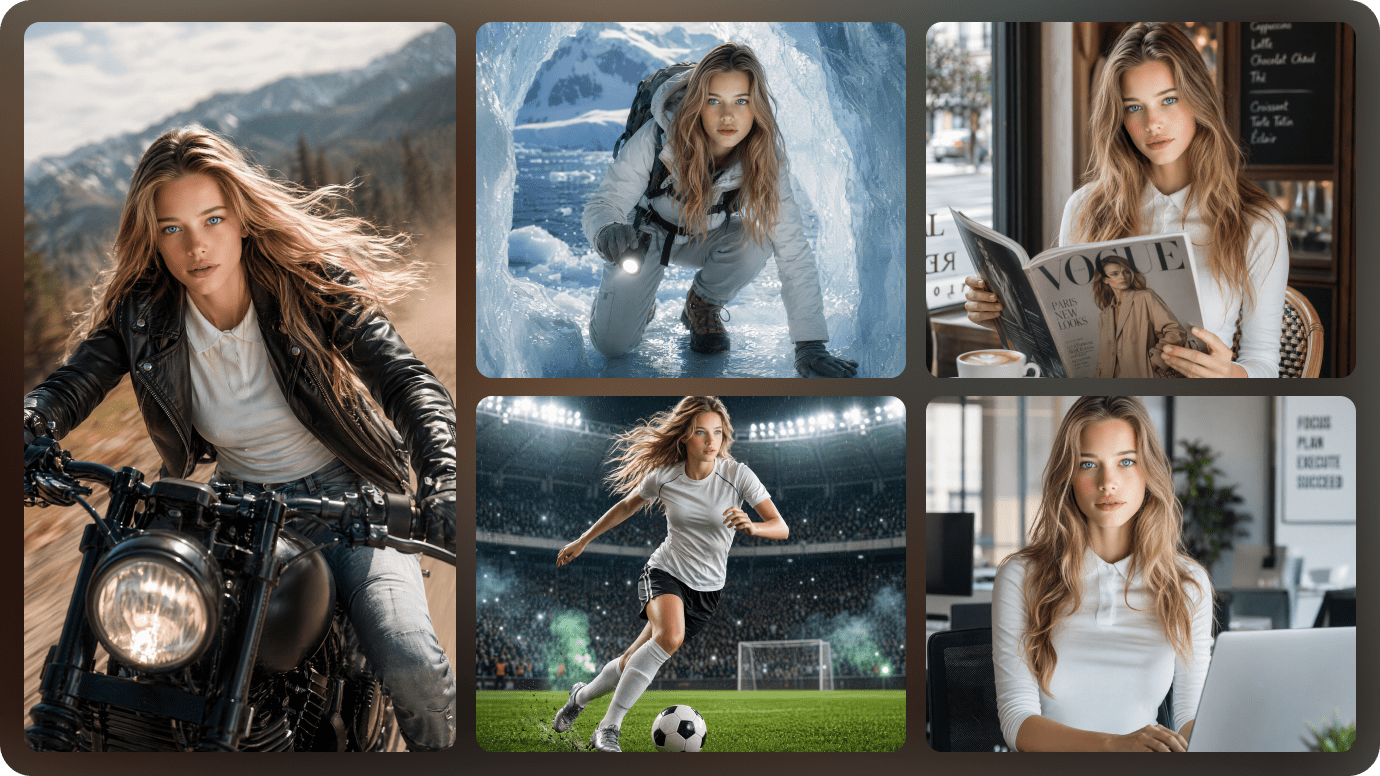
Users tell an agent what a scene should accomplish and provide references for mood and framing. The agent helps organize and refine the plan instead of producing an uneditable final film. For Frameo AI Video Generator, a useful first project is short film previsualization; Turn a written scene into candidate shots and revise framing without losing the overall script.

Illustrative Media.io workflow graphic; not a screenshot of Frameo AI Video Generator

Storyboard and Scene Planning

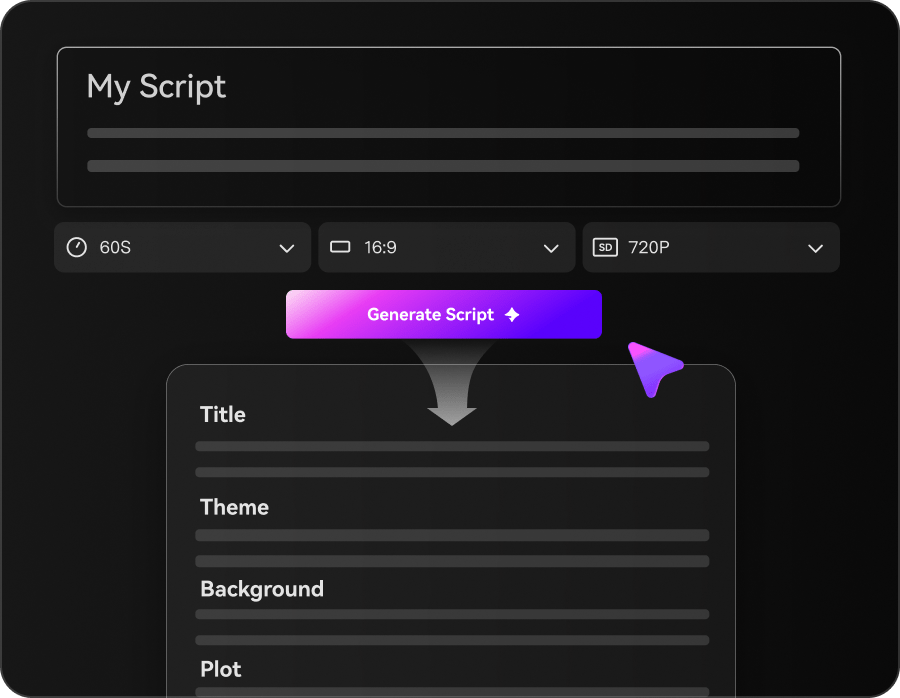
Frameo translates ideas into a sequence that can be reviewed one shot at a time. A storyboard still needs narrative and timing decisions from the creator. Before relying on storyboard and scene planning, check the tradeoff named agent direction still needs review: The agent can plan scenes, but a human must decide whether a generated shot matches the script, character and target audience.

Illustrative Media.io workflow graphic; not a screenshot of Frameo AI Video Generator

Canvas-Based Shot Revisions

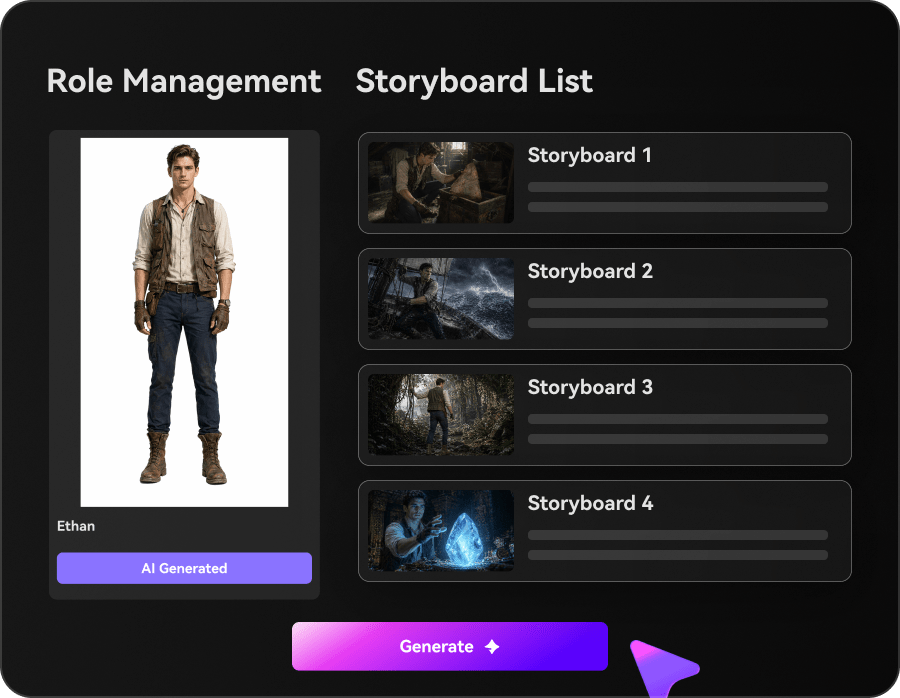
The site describes revising a scene on Canvas and carrying the updated shot into the project. This reduces full-sequence rebuilding for local changes. For Frameo AI Video Generator work on agent filmmaking with collaborative shot revisions, Develop a sequence of approved product shots for a client before polishing the final commercial.

Illustrative Media.io workflow graphic; not a screenshot of Frameo AI Video Generator

Timeline for Final Assembly

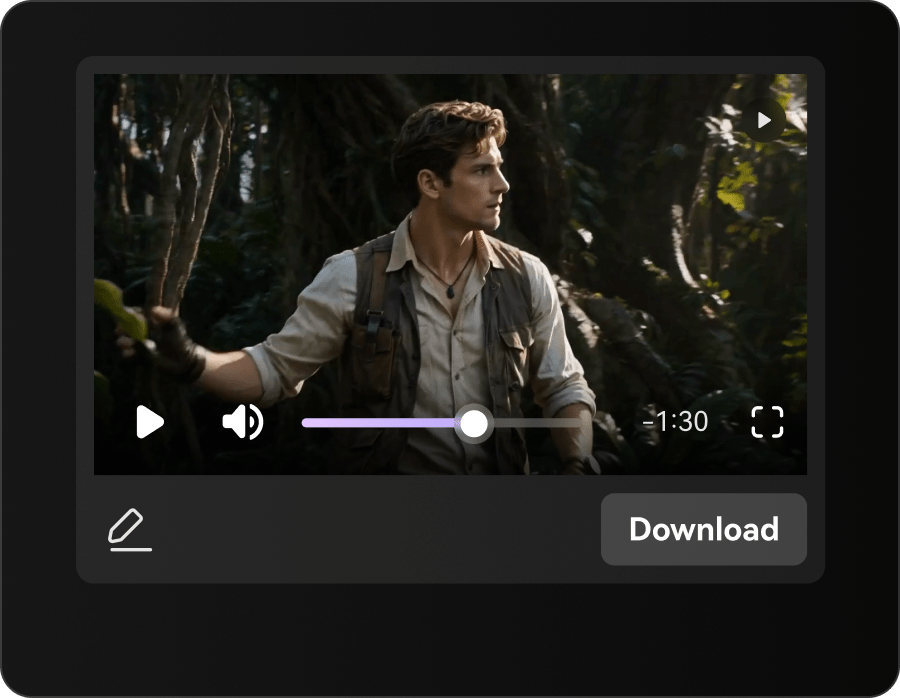
Creators can arrange scenes, change pacing and work with sound in a single production workspace. Check whether specialized post-production is required afterward. To assess whether this is repeatable, pair original music with a visual direction and adjust sequence pacing as the track changes.

Illustrative Media.io workflow graphic; not a screenshot of Frameo AI Video Generator

Reusable Character and Style References

Saved people, product looks and style choices help guide later shots. Reference consistency is a workflow aid rather than a guarantee of perfect outputs. For a concrete example, let collaborators comment on the same evolving project rather than sending disconnected clips.

Illustrative Media.io workflow graphic; not a screenshot of Frameo AI Video Generator

Team Projects and Shared Credits

Frameo's pricing page emphasizes pooled credits across unlimited team members and an Infinity Pass on Studio for standard image generation. Video generation still has separate credit use. The final check is auto-cancel rules are unusual: Frameo says subscriptions may not renew after 60 days without generation activity. Verify the actual renewal conditions for your billing cycle.
Illustrative Media.io workflow graphic; not a screenshot of Frameo AI Video Generator

How to Build a Story Video From a Script

1
2
3
1
Describe Your Story Concept

Enter a prompt or script outlining the plot, key characters, and intended video style.

2
Review Characters and Storyboard

Customize character appearances, choose a visual style, and review the storyboard, music, and subtitles.

3
Generate and Export Your Video

Generate your story video, review the final scenes, and export the finished video.

Illustrative Media.io workflow graphic; not a screenshot of Frameo AI Video Generator

Who Benefits From Frameo AI Film Workflows

From short film previsualization to creative team review, these are distinct projects where Frameo AI Video Generator could be useful, with checks that match each task.

Short Film Previsualization

Turn a written scene into candidate shots and revise framing without losing the overall script. A related Media.io workflow to explore is AI Storyboard Generator.

Episodic Character Planning

Reuse a fictional character reference across multiple scenes and inspect changes side by side.

Agency Product Pitch

Develop a sequence of approved product shots for a client before polishing the final commercial.

Music Video Planning

Pair original music with a visual direction and adjust sequence pacing as the track changes. A related Media.io workflow to explore is Script To Video.

Creative Team Review

Let collaborators comment on the same evolving project rather than sending disconnected clips.

Shot-Specific Reshoot

Change a single weak generated scene and preserve the edits already made around it.

Frameo AI Video Generator Tradeoffs for Teams

Before planning agent filmmaking with collaborative shot revisions, evaluate video credits are not unlimited images and agent direction still needs review as carefully as the headline features.

Video Credits Are Not Unlimited Images

The official pricing FAQ separates premium video-model credits from Infinity Pass standard image generation. An image allowance does not cover every video render.

Agent Direction Still Needs Review

The agent can plan scenes, but a human must decide whether a generated shot matches the script, character and target audience.

Reference Consistency Can Drift

Reusing style and character assets helps but does not assure identical faces, objects or logos across models and shots.

Team Credit Pools Require Governance

With no per-seat fee, many collaborators can draw from the same credit allowance. Establish approval and budget controls for costly iterations.

Final Edit May Need Outside Software

Canvas and Timeline cover many revisions, but advanced grading, sound mixing or compliance checks may still need specialist tools.

Auto-Cancel Rules Are Unusual

Frameo says subscriptions may not renew after 60 days without generation activity. Verify the actual renewal conditions for your billing cycle.

Frameo AI Video Generator vs Media.io: Which Workflow Fits?

The deciding difference for Frameo AI Video Generator is its conversational ai video agent and timeline for final assembly; by comparison, the Media.io Script to Video option focuses on short film previsualization; compare supported inputs and output rights.

Decision Factor Frameo AI Video Generator Media.io
Starting workflow Users tell an agent what a scene should accomplish and provide references for mood and framing. For short film previsualization, Media.io Script to Video starts with a targeted tool; Frameo AI Video Generator instead emphasizes conversational ai video agent.
Primary capability Storyboard and Scene Planning: Frameo translates ideas into a sequence that can be reviewed one shot at a time. Choose a relevant creation feature for short film previsualization, subject to the tool's current options.
Reference handling The site describes revising a scene on Canvas and carrying the updated shot into the project. Use supported reference input where helpful for episodic character planning.
Editing and revision Creators can arrange scenes, change pacing and work with sound in a single production workspace. For agency product pitch, use the available editing and finishing controls as needed.
Output workflow Saved people, product looks and style choices help guide later shots. Check whether music video planning needs captions, enhancement or editing after generation.
Cost model Frameo's official pricing page describes pooled team credits, no seat fees, an Infinity Pass for Studio image generation and auto-cancellation based on inactivity. Check current charges for the Script to Video route, not Frameo AI Video Generator subscription pricing.
Key buying constraintThe official pricing FAQ separates premium video-model credits from Infinity Pass standard image generation.Confirm supported input and export conditions for agent filmmaking with collaborative shot revisions alternatives.
Specialized strength Team Projects and Shared Credits. A focused option for creative team review and the corresponding downstream edits.
Best fit Agent filmmaking with collaborative shot revisions. For a project like short film previsualization, choose the Media.io Script to Video workflow over the broader Frameo AI Video Generator offering.
Best for Frameo AI Video Generator Projects

Choose Frameo AI Video Generator If You Need:

Choose Frameo AI Video Generator when conversational ai video agent and storyboard and scene planning are needed in your real work. For creative team review, check cost and revision permissions before committing to production.

  • Short Film Previsualization: Turn a written scene into candidate shots and revise framing without losing the overall script.
  • Episodic Character Planning: Reuse a fictional character reference across multiple scenes and inspect changes side by side.
  • Agency Product Pitch: Develop a sequence of approved product shots for a client before polishing the final commercial.
  • Music Video Planning: Pair original music with a visual direction and adjust sequence pacing as the track changes.
  • Creative Team Review: Let collaborators comment on the same evolving project rather than sending disconnected clips.
Visit Frameo AI Video Generator
Best for Media.io Episodic Character Planning Projects

Choose Media.io for Short Film Previsualization If You Need:

For Frameo AI Video Generator readers pursuing short film previsualization, the Media.io Script to Video route is one option for agency product pitch. It differs from Frameo AI Video Generator storyboard and scene planning.

  • Create Story Videos workflow: Begin from a permitted input related to short film previsualization.
  • Episodic Character Planning review: Assess whether Media.io output supports episodic character planning without special manual corrections.
    • Finishing for Agency Product Pitch: Explore relevant Media.io editing tools for agency product pitch.
  • Focused generation scope: Choose only the tools required for music video planning.
  • Rights for Creative Team Review: Use authorized source media and double-check outputs intended for creative team review.
Create Story Videos

Is Frameo AI Video Generator Worth It? Our Verdict

Our Take

Frameo AI Video Generator deserves consideration when short film previsualization or episodic character planning is the core job. The combination of conversational ai video agent and reusable character and style references distinguishes its proposition.

Frameo's official pricing page describes pooled team credits, no seat fees, an Infinity Pass for Studio image generation and auto-cancellation based on inactivity. Exact plan prices should be confirmed at checkout. The purchase risk centers on video credits are not unlimited images and reference consistency can drift. Budget a complete project with corrections and final export.

Choose Frameo AI Video Generator for agent filmmaking with collaborative shot revisions, especially when canvas-based shot revisions is required. Consider Media.io Script to Video when creative team review matters more than the specialist canvas-based shot revisions capability; verify output and export terms.

Frameo AI Video Generator FAQ: Features, Pricing and Alternatives

Is Frameo an AI film agent or only a video model?
faq faq

Frameo AI Video Generator is an agent-assisted filmmaking workspace that turns ideas, scripts and visual references into planned scenes, editable Canvas shots, reusable character and style references, and a coordinated Timeline for final video assembly.

Users tell an agent what a scene should accomplish and provide references for mood and framing. The agent helps organize and refine the plan instead of producing an uneditable final film.

Frameo translates ideas into a sequence that can be reviewed one shot at a time. A storyboard still needs narrative and timing decisions from the creator.

Frameo's official pricing page describes pooled team credits, no seat fees, an Infinity Pass for Studio image generation and auto-cancellation based on inactivity. Exact plan prices should be confirmed at checkout.

The official pricing FAQ separates premium video-model credits from Infinity Pass standard image generation. An image allowance does not cover every video render. The agent can plan scenes, but a human must decide whether a generated shot matches the script, character and target audience.

Turn a written scene into candidate shots and revise framing without losing the overall script. Reusing style and character assets helps but does not assure identical faces, objects or logos across models and shots.

Creators can arrange scenes, change pacing and work with sound in a single production workspace. Check whether specialized post-production is required afterward.

For short film previsualization, compare the Media.io Script to Video path against Frameo AI Video Generator results. It can handle a distinct video step; Frameo AI Video Generator remains more specific to storyboard and scene planning, so compare current plan costs and usage rights.

If your recurring task is creative team review, the main question is whether the advantages of conversational ai video agent outweigh the limitations. Canvas and Timeline cover many revisions, but advanced grading, sound mixing or compliance checks may still need specialist tools.

What Media.io Creators Say About Their Workflow

Media.io AI video generator user
Sarah L.

Content Creator

star star star star half star

Media.io makes it much easier to test different AI video styles without jumping between several platforms. I can start with a text prompt or image, compare model results, and then resize or polish the clip for social media in the same workspace.

Media.io AI video creator
John D.

Social Media Marketer

star star star star half star

I use Media.io to create quick product clips, ad concepts, and short-form videos from images. The biggest advantage is that generation does not feel like the final step - I can continue with music, captions, enhancement, and format conversion before publishing.

Media.io AI video editing user
Emily T.

Freelance Designer

star star star star half star

The workflow is approachable even when I am experimenting with unfamiliar AI models. I can animate artwork, try different motion prompts, preview the output, and prepare a cleaner final version without needing advanced video-editing experience.

Media.io Online Tools Quality Rating:
vote 4.7 (162,357 Votes)
media.io

AI Video Generator star

Easily generate videos from text or images

Generate