en:AI Goodbye 2025
en:Say Goodbye to 2025, Welcome 2026 with AI
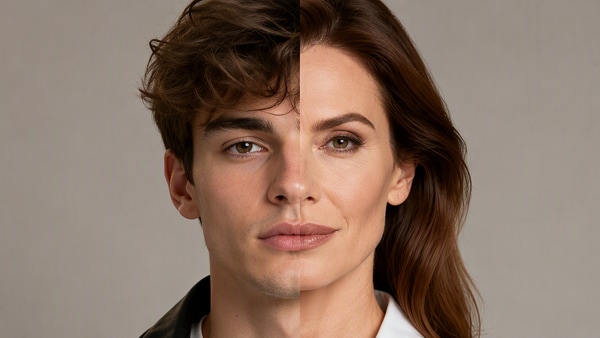
en:As the New Year approaches, a new viral trend is taking over social media: the en:AI Goodbye 2025 videoen:. This emotional and creative video effect allows you to generate a short clip where you meet, hug, and say goodbye to your 2025 self, then seamlessly transition into a hopeful en:AI Welcome 2026 en:video.
en:With
en:Media.io's AI Goodbye 2025 video generator
en:, anyone can create a cinematic New Year farewell video in just minutes-no video editing experience needed. Whether you're sharing memories, expressing emotions, or celebrating a fresh start, en:Media.io en:helps you say goodbye to 2025 and welcome 2026 in a truly meaningful way.
en:How to Create AI Goodbye 2025 Photo?
en:Creating an emotional en:AI Goodbye 2025 en:photo is one of the most popular New Year trends. With the en:Goodbye 2025 effecten:, you can visually say goodbye to your 2025 self and set up a meaningful transition into an en:AI Welcome 2026 video en:using AI.
en:Upload Your Photo for AI Goodbye 2025
en:Upload a clear, front-facing portrait photo to Media.io. For the best en:AI Goodbye 2025 en:result, choose a well-lit image with a simple background. This photo will be used to generate your Goodbye 2025 scene and support a smoother en:welcome 2026 video effect.
en:Apply the Goodbye 2025 Effect with AI
en:Select the en:AI Goodbye 2025 effect en:and let the en:AI Goodbye 2025 effect en:work automatically. The AI will create a realistic scene symbolizing you hugging or saying goodbye to your 2025 self, laying the emotional foundation for an en:AI Goodbye 2025 effect.
en:Download and Share Your Goodbye 2025 Creation
en:Download your AI-generated Goodbye 2025 photo. en:Pro Tip: Click on the en:Generate Video en:button to create your en:AI Goodbye 2025 video.
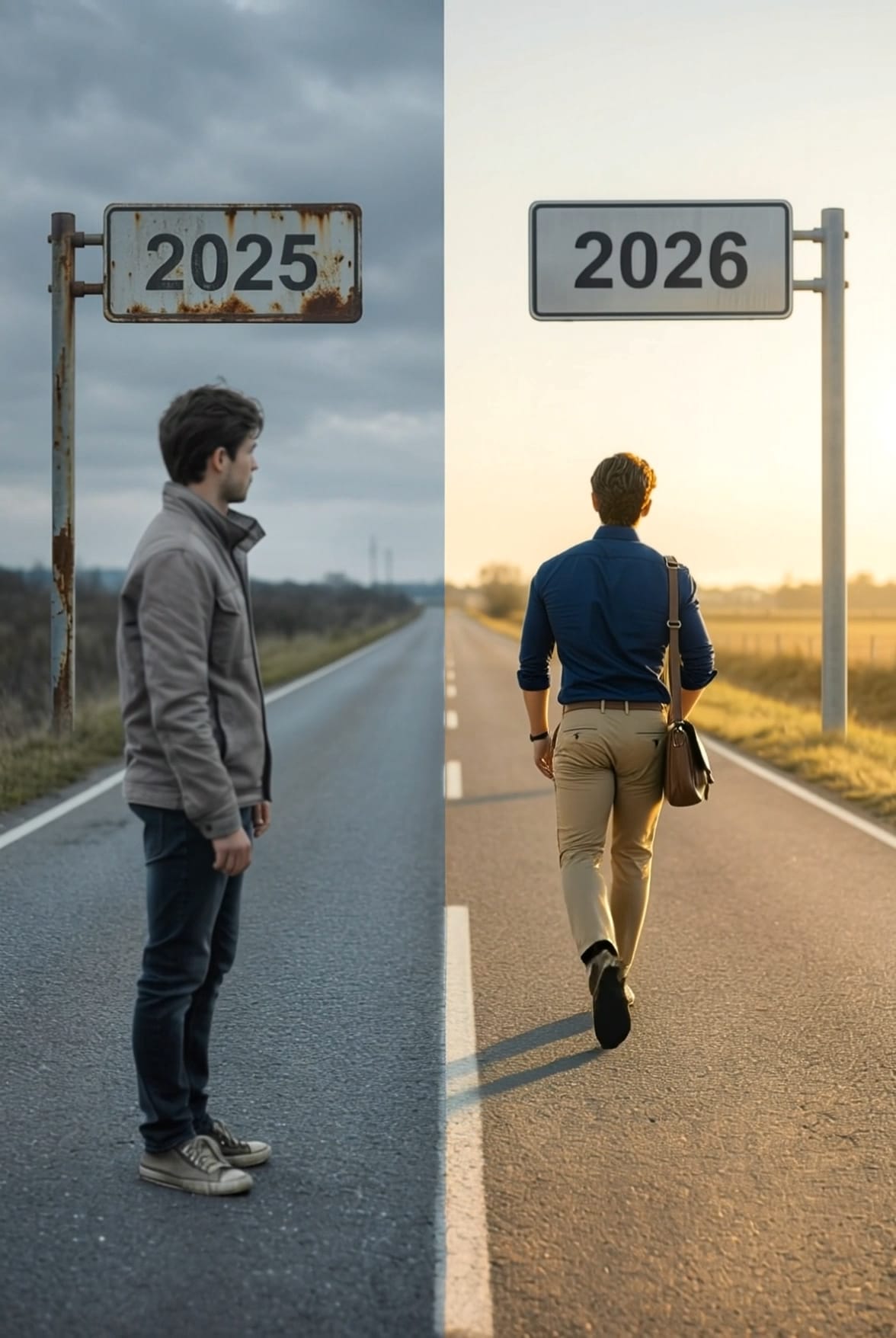
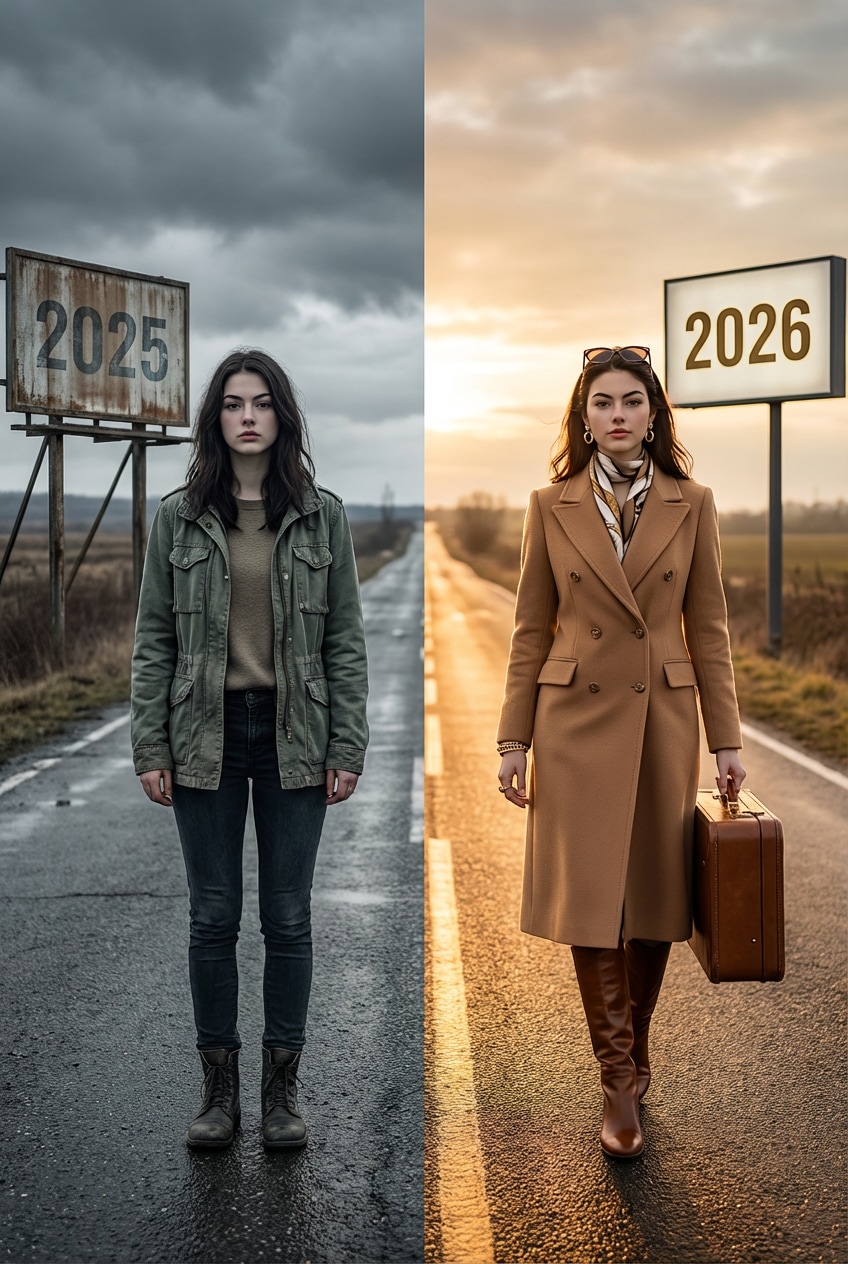
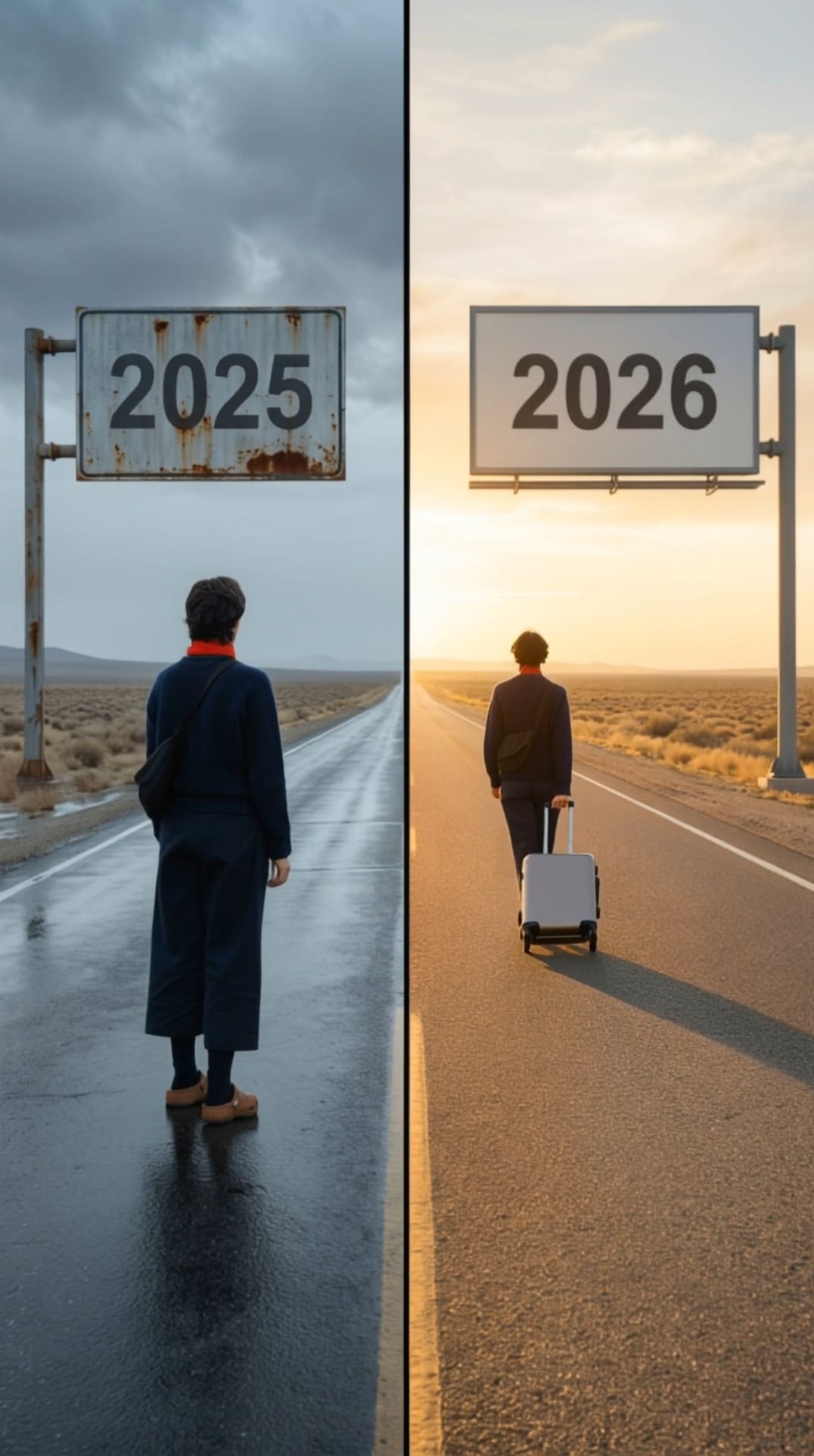
en:AI Goodbye 2025 Photo Templates
en:How to Create an AI Goodbye 2025 Video
en:Creating an emotional en:AI Goodbye 2025 video en:is a popular New Year trend. With the en:Goodbye 2025 effecten:, you can turn a single photo into a meaningful farewell video and smoothly transition into an en:AI Welcome 2026 video.
en:Create or Upload Your AI Goodbye 2025 Photo
en:Upload a clear, front-facing portrait photo to Media.io. If you have already created an en:AI Goodbye 2025 photoen:, you can reuse it directly. This image will be used by the en:AI Goodbye 2025 video generator en:to produce realistic motion.
en:Apply the Goodbye 2025 Effect
en:Choose the en:Goodbye 2025 effecten:, designed for New Year farewell scenes. The AI automatically adds emotional transitions and movement, turning your photo into a cinematic en:AI Goodbye 2025 video en:while preparing a smooth en:welcome 2026 video effect.
en:Generate and Download Your Video
en:Click on the en:Generate Video en:button to create your en:AI Goodbye 2025 videoen:. Within seconds, your en:AI Welcome 2026 video en:will be ready to download or share online.
en:AI Goodbye 2025 Video Examples








en:Key Features of the AI Goodbye 2025 Video Generator
en:Explore how the en:AI Goodbye 2025 video generator en:helps you create emotional, cinematic New Year videos with ease. From personal reflection to viral short-form content, Media.io makes the en:goodbye 2025 effect en:and en:welcome 2026 video effect en:accessible to everyone.

en:Emotional AI Motion
en:Designed for personal reflection and New Year journaling, the en:ai goodbye 2025 video en:uses realistic body movement, facial expressions, and hugs to create an authentic farewell moment. Enhanced visuals refined with en:AI Image to Image en:make each goodbye feel deeply heartfelt.

en:One-Click Creation
en:No timeline editing or filters required. With one click, anyone can generate a professional en:ai goodbye 2025 videoen:. Combined with image enhancement via en:AI Image to Image en:, the creation process is fast, simple, and beginner-friendly.

en:Built for Viral Platforms
en:Every en:ai goodbye 2025 video en:is automatically optimized for vertical viewing, making it ideal for TikTok, Instagram Reels, and YouTube Shorts. Visual consistency improved through en:AI Image to Image en:helps your en:welcome 2026 video effect en:stand out.

en:2025 → 2026 Transition
en:Perfect for countdown and storytelling videos, the generator seamlessly blends en:ai goodbye 2025 en:with an inspiring en:ai welcome 2026 videoen:. Key frames enhanced using en:AI Image to Image en:ensure a smooth, emotionally impactful transition into the New Year.
en:FAQs About
en:AI Goodbye 2025
en:1. What is an AI Goodbye 2025 video and why is it trending?


An en:AI Goodbye 2025 video en:is a short, AI-generated or AI-enhanced video designed to say farewell to the year 2025, often using cinematic transitions, emotional storytelling, and dynamic text or image effects. It is trending because creators, brands, and individuals use it on social media and websites to summarize memories, achievements, or milestones before transitioning into the new year.
en:2. How does the Goodbye 2025 effect work in AI videos?
en:The en:Goodbye 2025 effectIn genere combina transizioni video AI, tipografia animata, musica di sottofondo ed effetti visivi come tracce di luce, visuali time-lapse o sovrapposizioni che cambiano di anno in anno. L'intelligenza artificiale analizza le immagini o le clip fornite dall'utente e applica automaticamente transizioni e tempi fluidi, creando video dall'aspetto professionale senza capacità di editing avanzate.
3. Qual è il miglior generatore di video AI Addio 2025?
il miglioreen:AI Goodbye 2025 video generatorDi solito offre modelli preimpostati, selezione automatica di scene, animazione di testo e sincronizzazione musicale. Gli strumenti di prima classifica in Google SERP spesso enfatizzano la facilità d'uso, il rendering rapido e gli stili personalizzabili, consentendo agli utenti di generare rapidamente unen:AI Goodbye 2025 videoPer social media, campagne di marketing o condivisione personale.
4. Posso creare un video AI Welcome 2026 dallo stesso progetto?
Sì, molti strumenti video AI ti consentono di passare senza problemi da unAddio 2025 videoin unen:AI Welcome 2026 video. Modificando i prompt di testo, le sovrapposizioni dell'anno e i temi visivi, gli utenti possono creare un video completo di transizione del nuovo anno che chiude simbolicamente il 2025 e accoglie il 2026 con effetti e messaggi edificanti.
5. Ho bisogno di competenze di editing video per creare un video AI Goodbye 2025?
No, non hai bisogno di competenze professionali di editing video per creare unen:AI Goodbye 2025 video. La maggior parteAI Goodbye 2025 Generatori videosono progettati per principianti e si basano sull'automazione. Gli utenti semplicemente caricano foto o clip, scelgono unen:goodbye 2025 effect, e personalizzare il testo come i titoli dell'anno o i messaggi. L'intelligenza artificiale gestisce i tempi delle scene, le transizioni e gli effetti visivi, rendendo facile la creazione di video di alta qualità in pochi minuti.