















Converti Stili Video con AI Online
Carica il tuo video originale, scegli uno stile e lascia che l’AI lo trasformi in un video più creativo, rifinito e pronto per essere condiviso.
Trasferimento Stile Video AI per Ogni Aspetto
Trasforma le tue riprese con lo strumento trasferimento stile video-to-video AI di Media.io. Applica filtri video pronti per trasformare clip comuni in video anime, cinematografici, cartoon, artistici, fantasy o stilizzati, mantenendo intatto il movimento e la struttura della scena originale.
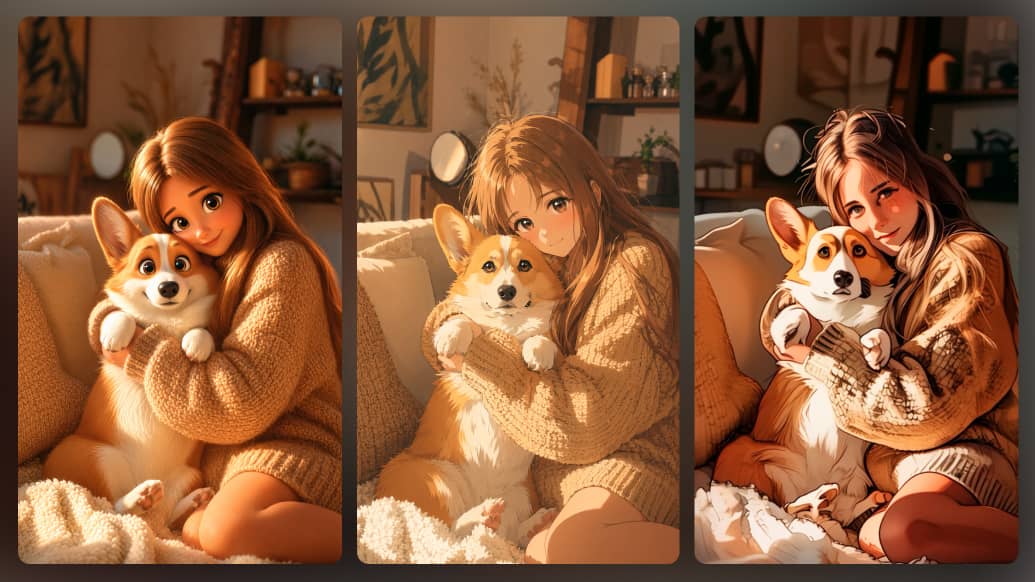
Restilizza Video con AI Mantenendo il Movimento
Dai un nuovo look al tuo video senza perdere ciò che lo rende reale. Il trasferimento stile video AI di Media.io mantiene movimento, ritmo e flusso della scena originali, mentre migliora le tue riprese con filtri AI sorprendenti—perfetto per trasformare clip quotidiani in video social, annunci e contenuti creativi che catturano l’attenzione.
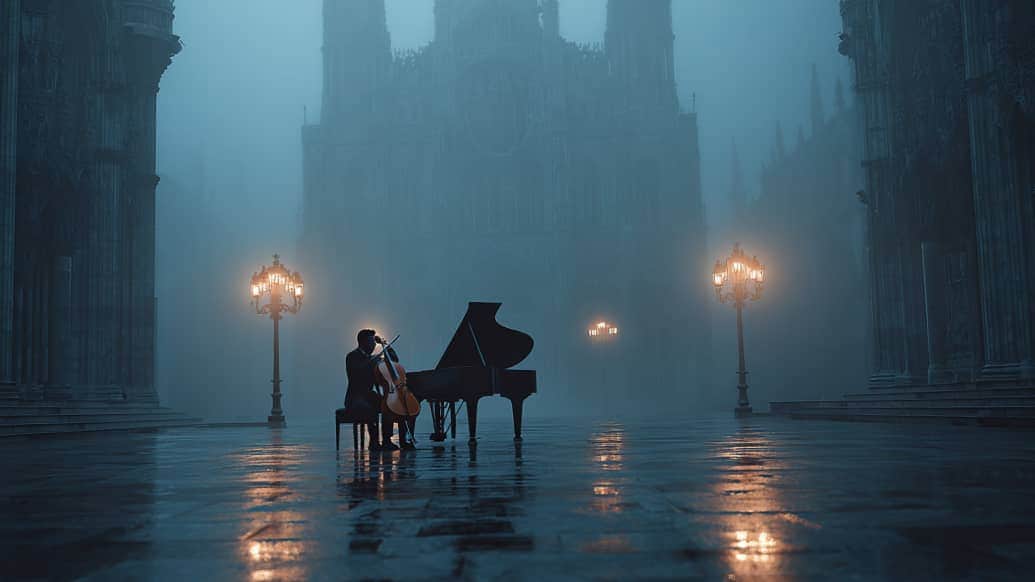
Trasferimento Stile Video AI in un Unico Flusso Creativo
Media.io è più di uno strumento per il trasferimento stile video AI. Come piattaforma AI tutto-in-uno per la creazione di video, ti aiuta a generare, restilizzare, modificare, migliorare e rifinire video online. Inizia con da testo a video or da immagine a video, trasforma le tue riprese con filtri video AI, quindi perfeziona i tuoi contenuti con editing video, miglioramenti, rimozione watermark, e strumenti audio—tutto in un unico e fluido flusso di lavoro.
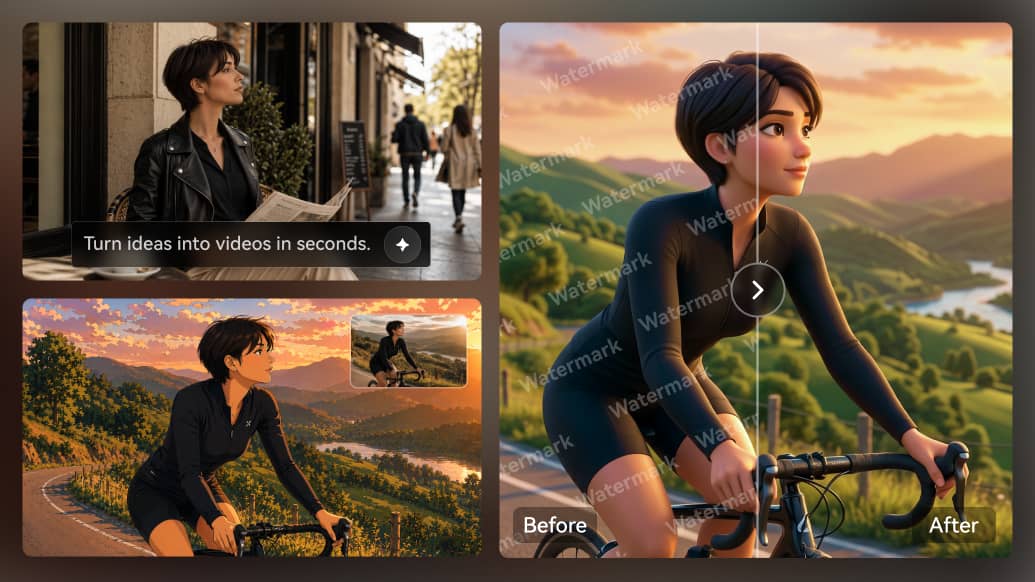
Come Trasformare un Video con l’AI
Crea un nuovo video potenziato dall’AI dalle tue riprese esistenti in pochi semplici passaggi. Carica il tuo video, scegli uno stile visivo o inserisci un prompt, e lascia che Media.io trasformi il movimento originale, il soggetto e la struttura della scena in un nuovo video pronto per essere condiviso online.
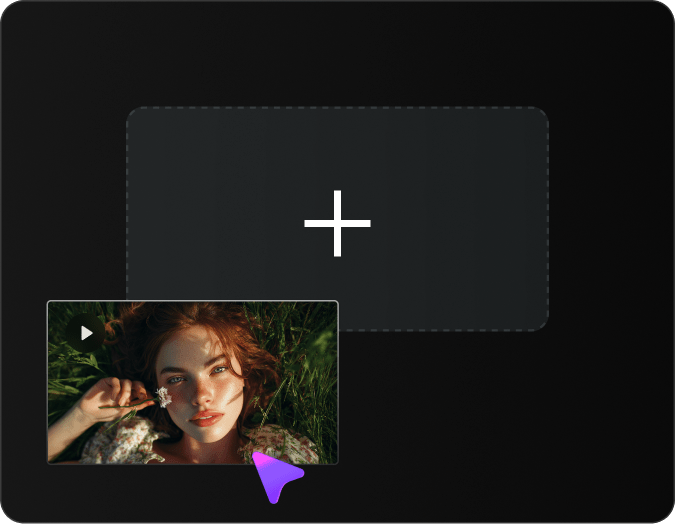
Carica il Tuo Video
Carica la clip video che vuoi trasformare. Puoi iniziare con un selfie video, clip prodotto, vlog di viaggio, video di animali, ballo, materiale social media, o qualsiasi breve video che desideri restilizzare con l’AI.
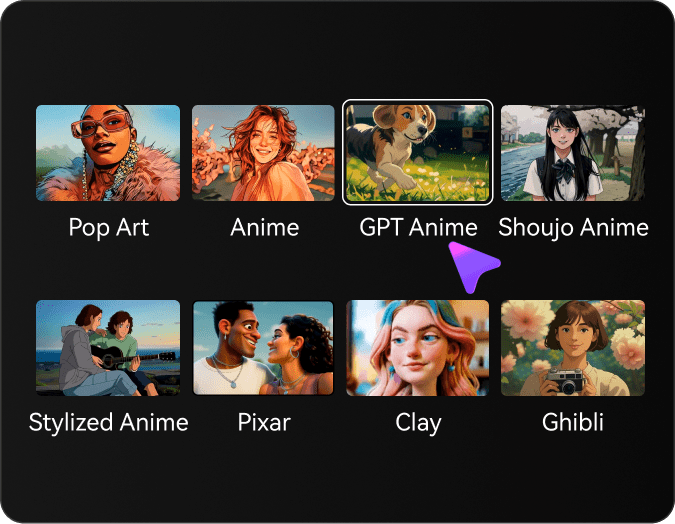
Scegli uno Stile
Scegli tra clay, anime (2D/J-anime), GPT-manga, shojo manga, stile Ghibli, Pixar-3D, pop art o look film realistico. Regola l’Intensità Stile per bilanciare identità e stilizzazione.
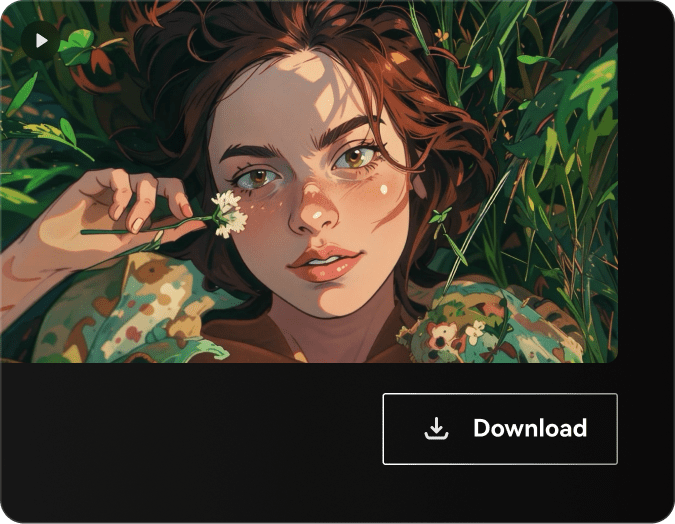
Genera e Scarica
Clicca su Genera e lascia che l’AI restilizzi la tua clip. In pochi secondi, otterrai una trasformazione di alta qualità nel look che preferisci—anteprima
Filtri Video in Evidenza su Media.io
Esplora una varietà di filtri video AI progettati per trasformare le tue riprese in stili creativi sorprendenti.




Cosa Dicono gli Utenti di Media.io Video-to-Video
Scopri come creatori, marketer, piccole imprese e utenti comuni trasformano le loro riprese in nuovi video AI con Media.io. Dai contenuti social, promo prodotti a vlog, annunci e montaggi creativi, gli utenti amano la facilità con cui possono restilizzare video online senza competenze avanzate di editing.


Media.io mi ha aiutato a trasformare un semplice selfie video in una clip molto più creativa per TikTok e Instagram Reels. Amo che il movimento originale rimanga naturale mentre il nuovo stile visivo fa risaltare il video.

Questo strumento è perfetto quando ho bisogno di nuovi contenuti senza pianificare un’altra ripresa. Posso riutilizzare lo stesso materiale e creare rapidamente versioni diverse per annunci, post e test campagne.

Utilizzo Media.io per rendere più accattivanti i video dei miei prodotti. Dona alle mie clip uno stile creativo nuovo, mantenendo il prodotto chiaro e facile da riconoscere.

Le mie riprese grezze sembravano un po’ piatte. Con Media.io Video-to-Video posso aggiungere uno stile cinematografico o artistico online e rendere i miei video più rifiniti prima di condividerli.

Per piccole campagne risparmio molto tempo al nostro team. Possiamo trasformare un video in più versioni creative per social, promo prodotto e contenuti brandizzati.

Media.io è uno strumento eccellente per esperimenti creativi veloci. Quando i clienti vogliono vedere diversi orientamenti visivi, posso generare video AI molto più velocemente rispetto alla modifica manuale di tutto.
FAQ su Video-to-Video AI
Cos’è Video-to-Video AI e come funziona?
Video-to-Video AI è una tecnologia avanzata che trasforma video esistenti in nuovi stili usando l’intelligenza artificiale. Analizza il contenuto, il movimento e la struttura del tuo video di origine, poi applica modelli AI per generare un nuovo video con stili artistici, effetti o modifiche diverse, mantenendo il movimento e la composizione originali.
Posso convertire video in diversi stili artistici usando l’AI?
Sì! Il nostro Video-to-Video AI supporta diversi stili artistici, inclusi anime, cartoon, pittura a olio, acquerello, cyberpunk e altro. Basta caricare il video, selezionare lo stile desiderato e l’AI trasformerà le tue riprese, mantenendo movimento fluido e coerenza temporale.
Quali formati e risoluzioni video sono supportati?
Media.io supporta tutti i principali formati video tra cui MP4, MOV, AVI, MKV e WebM. Puoi lavorare con video fino a risoluzione 4K. L’AI mantiene la risoluzione originale oppure ti permette di eseguire upscaling del video durante il processo di trasformazione per una qualità superiore.
Quanto tempo richiede la trasformazione video con l’AI?
Il tempo di elaborazione dipende dalla lunghezza e risoluzione del video. Tipicamente una clip di 10 secondi richiede 2-5 minuti, mentre video più lunghi possono impiegare 10-30 minuti. La nostra AI elabora ogni fotogramma con cura per garantire risultati di alta qualità e passaggi fluidi tra le scene.
Posso usare Video-to-Video AI per progetti commerciali?
Sì! I video creati con Video-to-Video AI di Media.io possono essere usati per scopi commerciali, inclusi campagne marketing, contenuti social, video YouTube, annunci pubblicitari e presentazioni professionali. Gli utenti Premium hanno pieno diritto commerciale sui loro video trasformati.
L’AI mantiene la coerenza del video tra i fotogrammi?
Assolutamente. Il nostro Video-to-Video AI usa algoritmi avanzati di coerenza temporale per garantire risultati fluidi e senza sfarfallio. L’AI analizza i fotogrammi adiacenti per mantenere coerenza di stile, colore e presenza degli oggetti nell’intera sequenza video.
Quali sono i migliori casi d’uso per Video-to-Video AI?
Video-to-Video AI è perfetto per content creator, marketer, registi e influencer social. I casi d’uso includono creare versioni animate di riprese dal vivo, video musicali artistici, contenuti promozionali stilizzati, reel social, video educativi ed effetti visivi unici per storytelling.
Sono necessarie competenze tecniche per usare Video-to-Video AI?
Nessuna esperienza tecnica richiesta! Il nostro Video-to-Video AI ha un’interfaccia intuitiva. Basta caricare il video, scegliere uno stile o inserire un prompt testuale che descriva l’aspetto desiderato, regolare le impostazioni se necessario e lasciare lavorare l’AI. L’intero processo è progettato per utenti di ogni livello.
Scopri Altri Generator Video AI su Media.io

Crea Straordinari Nuovi Visual convertendo un Video in un altro Stile con Media.io Video AI Generator Online
 4.7 (162,357 Voti)