Create Better YouTube Clip Maker in Less Time
Make shareable YouTube videos from text, images, or clips effortlessly
Media.io YouTube Clip Maker helps creators, marketers, and brands generate scroll-stopping videos in minutes. Whether you’re cutting highlights from a long video, transforming text ideas into motion, or animating still images, this tool combines AI precision with creative simplicity. Generate eye-catching YouTube Shorts or highlight reels automatically—no editing experience needed. Customize templates, add music, and export in HD for instant publishing. Streamline your content flow and make every moment shareable with AI-powered speed and style using Media.io.
Turn Your Photos into Dynamic YouTube Videos
Transform static images into captivating motion clips with Media.io’s AI image-to-video feature. Perfect for creators who want to repurpose product shots, event photos, or thumbnails into short YouTube reels that pop. Simply upload your images, select a visual mood, and let AI animate them into professional-grade motion content. Add captions, effects, and background music to give your visuals a smooth flow. With this capability, you can make impactful storytelling videos for your channel without a production team—all powered by smart automation and real-time rendering.
Create Videos from Any Text Prompt
Media.io’s Text-to-Video AI lets you turn written ideas into complete YouTube-ready videos in just a few clicks. Whether it’s a story, promo, tutorial, or trend explainer, type what you want and watch it become a dynamic visual sequence. Ideal for busy creators and marketers, it saves production time while maintaining a polished, professional look. Generate background clips, character animations, and voiceover-ready scenes to match your message perfectly. Create captivating videos easily, designed to perform across YouTube Shorts, Reels, or other social feeds.
| Style | AI Prompts for YouTube Clip Maker | Copy & Create |
|---|---|---|
|
Trend Recap
|
Show quick flashes of trending topics from the week—gaming, travel, recipes. Overlay bold text with each trend name and upbeat background music. Shift camera angles rapidly to create motion energy and finish with a split-screen of a creator reacting. Add a catchy ending frame inviting viewers to subscribe for the next trend recap. Maintain a smooth pacing and bright tone suitable for a Shorts audience. |
|
|
Lifestyle Vlog
|
Start with a morning coffee pour, then shift to quick cuts of daily routine moments. Use natural light and casual on-screen text to keep authenticity. Show time-lapse of working, relaxing, and heading out for a quick walk. Add subtle background sound for warmth. End the clip with a smile and a short caption encouraging viewers to subscribe for more everyday vibes. |
|
|
Product Demo
|
Open with a close-up of the product under good lighting. Show hands-on use in different angles, emphasizing main features. Add motion transitions to showcase functionality smoothly. Insert a line of text highlighting key benefits. End with a zoom-out scene revealing the product in lifestyle context. Keep visuals crisp and movement engaging to fit YouTube’s instant attention needs. |
|
|
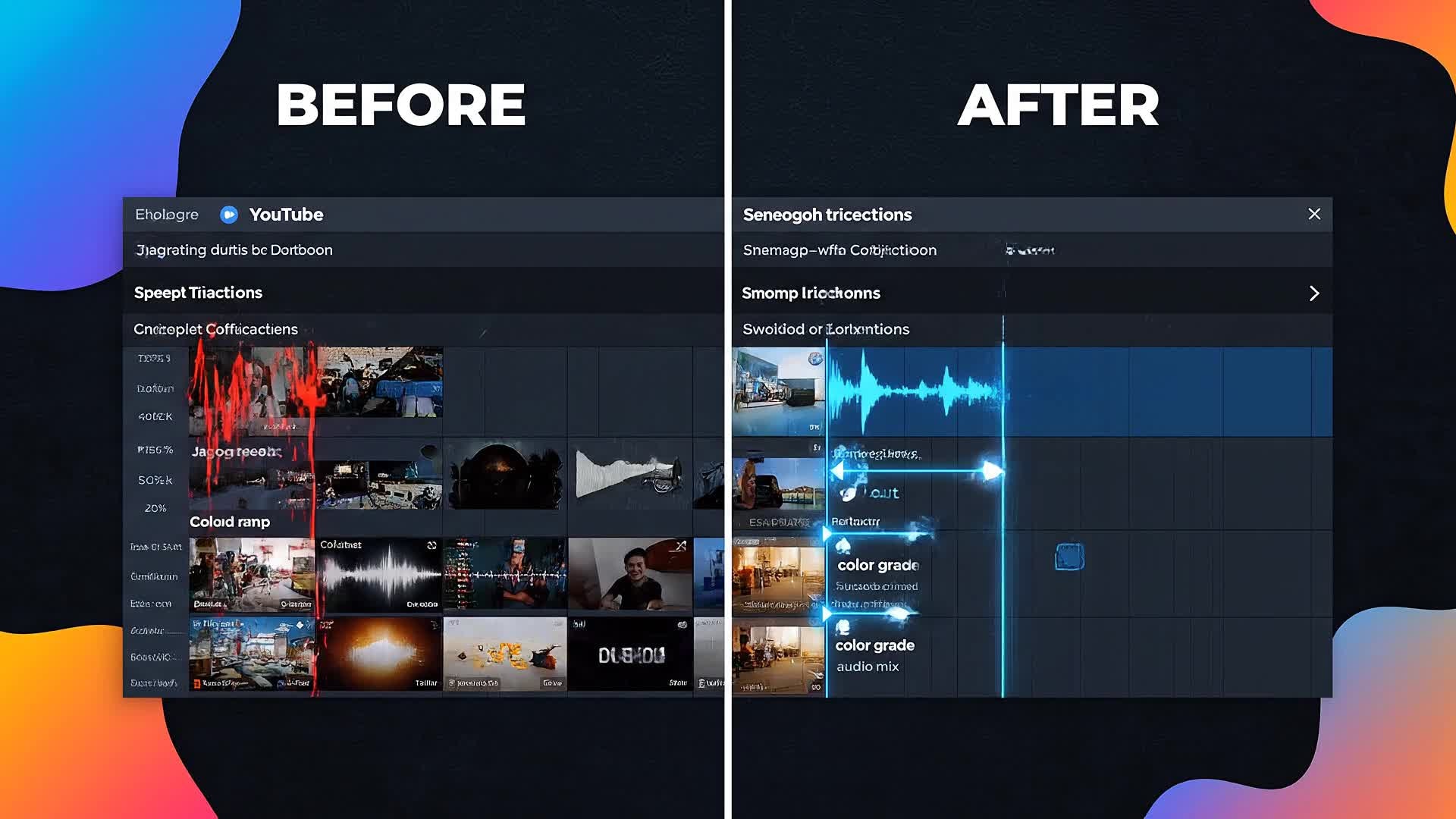
Before and After
|
Begin with a raw, unedited clip and overlay text ‘Before.’ Then apply AI transformations or color correction, labeling it as ‘After.’ Add motion graphics showing the change in a swipe action effect. Include a side-by-side moment to impress viewers. Finish with upbeat music and a text cue like ‘Edited with Media.io.’ The aesthetic should feel satisfying and visually clear. |
|
|
Tutorial Short
|
Open with a hook statement like ‘Make this in 30 seconds!’ Show step-by-step actions quickly—text to clip, image animation, background add-ons. Keep instructions short with clear on-screen tips. Use a voiceover or captions to guide viewers. Finish with a result shot that looks professional and encourage the audience to try it themselves. Maintain bright colors and fast cuts. |
|
|
Aesthetic Visual
|
Show serene visuals—urban mornings, glowing neon signs, or cozy interiors. Use slow-motion pans and minimal text overlays for a calm tone. Blend soft music and subtle transitions to deliver a soothing visual experience. Close with an inspiring message like ‘Create your world with AI.’ Perfect for background or ambient-focused YouTube segments. |








How to Create a YouTube Clip Maker with Media.io
Create YouTube clip maker content faster with Media.io using text to video, image to video, video to video, and built-in editing tools.
1. Choose Input Type
Start with a script, image, or raw video clip. Media.io supports all input styles for quick, seamless setup. This helps you create YouTube clip maker content faster with a more structured workflow. You can easily adapt the output for platforms like TikTok, Instagram Reels, and YouTube Shorts.
2. Let AI Create
The AI engine turns your concept into a ready-made YouTube video with visuals, text, and transitions synced perfectly. This helps you create YouTube clip maker content faster with a more structured workflow. You can easily adapt the output for platforms like TikTok, Instagram Reels, and YouTube Shorts. The process reduces manual editing and improves overall production efficiency. Each step improves visual quality, pacing, and content consistency.
3. Edit and Export
Fine-tune visuals, add music or voiceover, then export in HD format ready to upload to YouTube instantly. This helps you create YouTube clip maker content faster with a more structured workflow. You can easily adapt the output for platforms like TikTok, Instagram Reels, and YouTube Shorts. The process reduces manual editing and improves overall production efficiency. Each step improves visual quality, pacing, and content consistency.
Why Choose Media.io for YouTube Clip Maker
AI-Powered Video Creation
Generate high-quality YouTube clips automatically using smart AI that understands pacing, visuals, and tone. This makes YouTube clip maker creation more efficient and easier to manage. It helps improve consistency across different video styles and formats. You can use this feature to produce more engaging and platform-ready content.
Multiple Input Options
Make videos from text, photos, or footage—Media.io adapts to your creative workflow quickly. This makes YouTube clip maker creation more efficient and easier to manage. It helps improve consistency across different video styles and formats.
Fast Video Editing
Trim, combine, and stylize your content with real-time editing tools built right into the YouTube Clip Maker. This makes YouTube clip maker creation more efficient and easier to manage. It helps improve consistency across different video styles and formats. You can use this feature to produce more engaging and platform-ready content.
Custom Branding
Add logos, watermarks, and intros to ensure every clip fits your channel’s identity effortlessly. This makes YouTube clip maker creation more efficient and easier to manage. It helps improve consistency across different video styles and formats. You can use this feature to produce more engaging and platform-ready content.
Ready for Social Sharing
Export optimized formats for YouTube Shorts or long-form videos that keep your audience engaged. This makes YouTube clip maker creation more efficient and easier to manage. It helps improve consistency across different video styles and formats. You can use this feature to produce more engaging and platform-ready content.
Browser-Based Simplicity
No installs needed. Create professional-level YouTube videos online directly from your browser. This makes YouTube clip maker creation more efficient and easier to manage. It helps improve consistency across different video styles and formats.
FAQs About
YouTube Clip Maker
1. What is the Media.io YouTube Clip Maker?


It’s an AI-driven tool that helps you create polished YouTube videos or Shorts automatically from text, images, or clips in minutes.
2. Do I need editing experience to use it?
No. Everything is automated and beginner-friendly. You can generate, adjust, and export videos instantly with simple controls.
3. Can I upload my own footage?
Yes. Upload your clips, and Media.io will help you trim, highlight, and stylize them for fast YouTube publishing.
4. Is the YouTube Clip Maker free?
Media.io offers a free version with export options, plus premium features for advanced editing and higher resolution output.
5. Can I make YouTube Shorts with it?
Absolutely. The tool is optimized for YouTube Shorts, offering vertical format presets and quick pacing edits.
6. Is it available on mobile?
Yes, you can access Media.io’s YouTube Clip Maker through any mobile browser for on-the-go video creation.



