AI Video Compilation Maker Online
Turn your clips into cinematic compilations instantly
Create polished video compilation maker content faster with Media.io’s AI workflow. Start from a prompt, upload photos, or refine existing clips to build scroll-stopping videos for Reels, Stories, and feed posts without the usual editing burden. From quick social promos to creator-ready visual storytelling, Media.io helps you turn raw ideas into cleaner, more engaging videos that look made for social media from the first draft.
Turn Photos into Dynamic Video Compilations
Media.io makes it easy to transform still images into motion-filled video compilations that tell a story. Upload your pictures and let the AI animate transitions, apply cinematic effects, and sync each frame to rhythm-perfect background music. Whether you’re making travel highlights, memory montages, or product showcases, the platform automates the movement and flow that keep audiences watching. What once required complex editing software now happens in just a few clicks—producing immersive visuals with professional polish right in your browser.
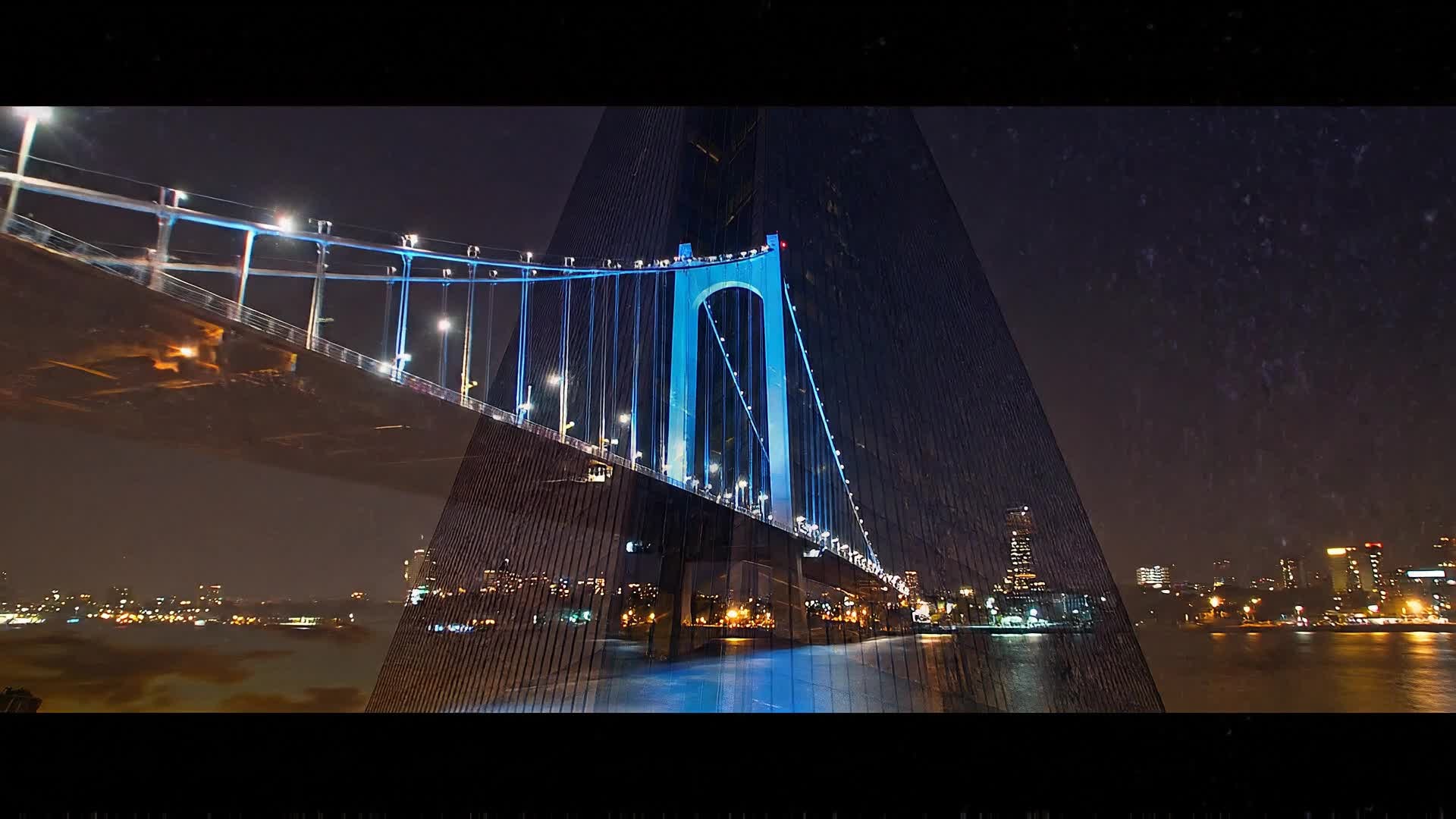
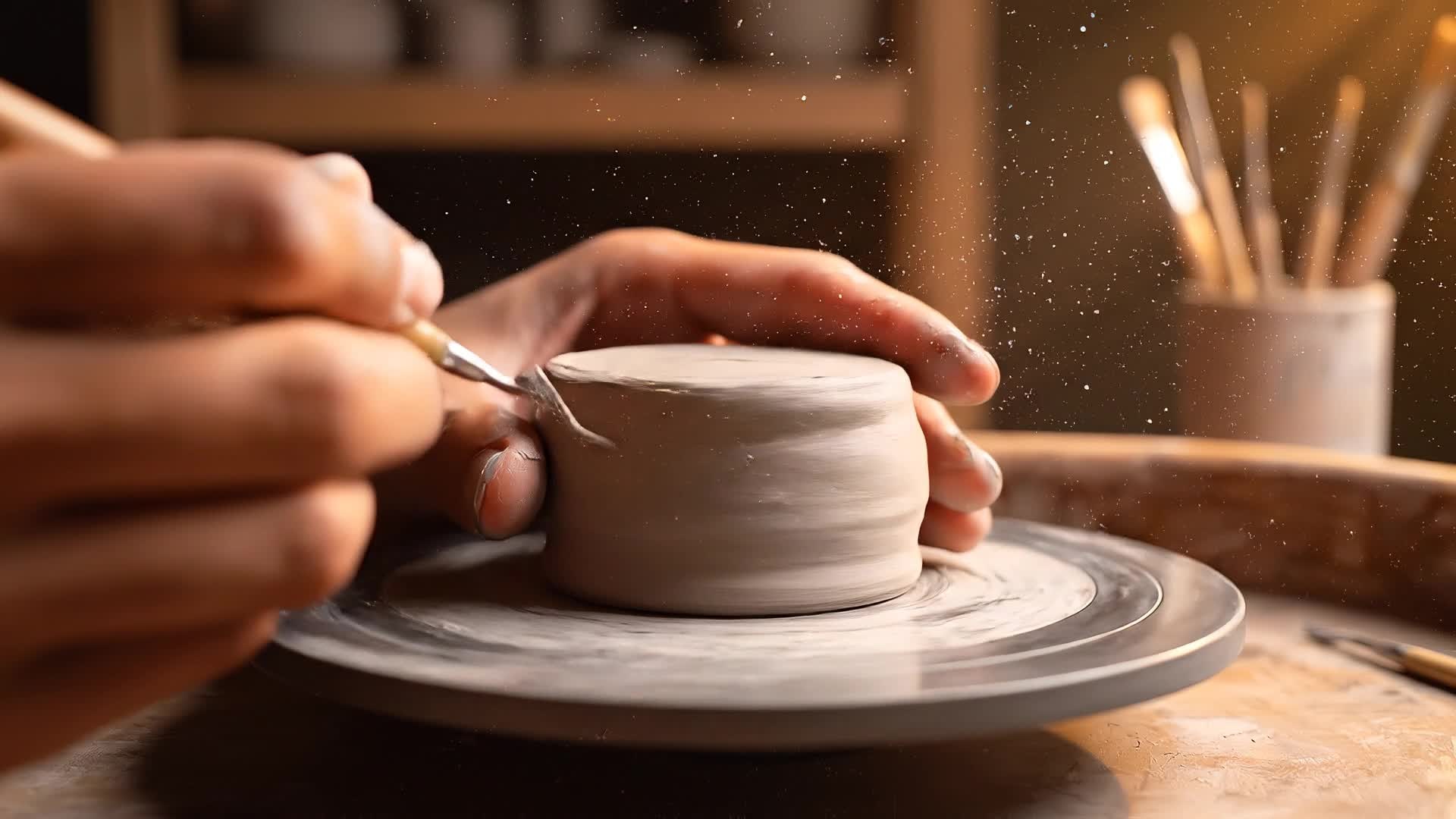
Generate a Compilation from Just an Idea
Don’t have footage yet? Media.io’s text-to-video feature lets you generate compilations instantly from a written idea. Just describe what you want—AI analyzes tone, tempo, and keywords to build a stunning visual story. It’s perfect for creators brainstorming new series, brands planning content calendars, or anyone crafting reels without recording. Turn any concept into a social-ready sequence, complete with visuals, captions, and transitions that look fully produced. Create, edit, and share—all powered by intelligent automation.
| Style | Video Compilation Maker Prompt Ideas | Copy & Create |
|---|---|---|
|
Trend Recap
|
Open with a quick title frame 'This Month’s Hottest TikTok Sounds!' followed by snippets of viral challenges synced to the tracks. Show transitions with split screens highlighting creators dancing or reacting. Add motion blur between scenes for seamless flow. Wrap up with text inviting viewers to try the trend next. Keep the cut upbeat and loopable to boost engagement. |
|
|
Lifestyle Moments
|
Begin with a chill morning coffee pour, then transition to sunny outdoor scenes, friends laughing, and cozy home shots. Add subtle lens flares for warmth. Use background acoustic music to match the calm vibe. Include minimalist captions like 'Moments That Matter'. End with a fading smile shot to leave emotional resonance. Perfect for daily vlog compilations or feel-good reels. |
|
|
Product Showcase
|
Start with a branded splash animation, then reveal close-up shots of the product from different angles. Use camera pans and zooms that feel dynamic. Overlay clean captions describing features. Insert quick customer-use clips for authenticity. Finish with a logo outro and upbeat call to action. Keep pacing lively and professional to fit online ads or launch teasers. |
|
|
Before & After Glow-Up
|
Open with the 'before' clip using low saturation, then switch to vibrant color grading for the 'after' reveal. Add sweeping transition lines and zoom in as the change hits. Keep rhythm in sync with dramatic sound drops. Include quick text emphasizing the transformation. End with friendly on-screen text like 'Your Turn Next!'. Ideal for beauty, decor, or renovation videos. |
|
|
Mini Tutorial
|
Kick off with bold text 'Quick Edit Hack'. Show step-by-step clips demonstrating a fast tool or creative trick. Overlay arrows or highlights pointing at key actions. Add lively captions matching each phase. End with 'Now Try It!' as final text. Keep duration short, transitions sharp, and repetition minimal for optimal short-form retention. |
|
|
Aesthetic Montage
|
Fade in with slow-motion sunset shots, matched with lo-fi music. Transition through abstract textures, reflections, and gentle camera movements. Layer soft text overlays like 'Breathe. Create. Repeat.'. Focus on color harmony between scenes. End with a gentle zoom out revealing the full frame composition. Best for relaxing visual compilations meant to inspire or calm. |








How to Create Video Compilation Maker with Media.io
Create video compilation maker content faster with Media.io using text to video, image to video, video to video, and built-in editing tools.
Enter Text or Upload Clips
Start by typing your video idea or selecting your footage. Media.io’s AI instantly understands your goal and prepares the perfect compilation flow. This helps you create video compilation maker content faster with a more structured workflow. You can easily adapt the output for platforms like TikTok, Instagram Reels, and YouTube Shorts.
Customize Transitions and Effects
Choose from cinematic transitions, sync to beats, and apply AI filters that enhance colors and lighting—all inside a single intuitive workspace. This helps you create video compilation maker content faster with a more structured workflow. You can easily adapt the output for platforms like TikTok, Instagram Reels, and YouTube Shorts. The process reduces manual editing and improves overall production efficiency. Each step improves visual quality, pacing, and content consistency.
Preview and Export Instantly
Generate your full compilation within seconds, then download or share directly to social platforms in high quality and optimized formats. This helps you create video compilation maker content faster with a more structured workflow. You can easily adapt the output for platforms like TikTok, Instagram Reels, and YouTube Shorts. The process reduces manual editing and improves overall production efficiency. Each step improves visual quality, pacing, and content consistency.
Why Choose Media.io for Video Compilation Maker
AI-Powered Compilation
Automatically merge your clips and images into cohesive compilations without manual editing effort. This makes video compilation maker creation more efficient and easier to manage. It helps improve consistency across different video styles and formats. You can use this feature to produce more engaging and platform-ready content.
Smart Music Sync
Media.io matches visual transitions perfectly with background beats, ensuring every compilation feels cinematic. This makes video compilation maker creation more efficient and easier to manage. It helps improve consistency across different video styles and formats.
Multiple Input Options
Create from text, images, or existing footage. Generate stunning results no matter your starting point. This makes video compilation maker creation more efficient and easier to manage. It helps improve consistency across different video styles and formats.
Browser-Based Editing
No software required—craft professional compilations directly online, accessible from any device. This makes video compilation maker creation more efficient and easier to manage. It helps improve consistency across different video styles and formats. You can use this feature to produce more engaging and platform-ready content.
Instant Export Formats
Export in 16:9, 9:16, or square for YouTube, TikTok, and Instagram in just one click. This makes video compilation maker creation more efficient and easier to manage. It helps improve consistency across different video styles and formats. You can use this feature to produce more engaging and platform-ready content.
Creator-Friendly Templates
Access AI presets and styles made for viral trends, giving every video a professional start point. This makes video compilation maker creation more efficient and easier to manage. It helps improve consistency across different video styles and formats. You can use this feature to produce more engaging and platform-ready content.
FAQs About
Video Compilation Maker
1. What is a video compilation maker?


It’s an online tool that helps you merge multiple clips or images into a single dynamic video with transitions, music, and effects automatically.
2. Can I use Media.io to combine short videos quickly?
Yes. Media.io lets you upload several short clips and instantly merges them into smooth compilations ready for social sharing.
3. Does it require video editing skills?
No. The AI handles editing and transitions automatically, so beginners can create professional compilations effortlessly.
4. Can I add my own music to compilations?
Absolutely. You can upload custom soundtracks or choose from Media.io’s royalty-free music library for the best match.
5. Is the tool free to start?
Yes, you can try creating compilations for free. Premium options are available for high-resolution exports and extra features.
6. What formats do Media.io compilations support?
You can export MP4, MOV, and other popular formats optimized for YouTube, Instagram, and TikTok publishing.



