Create Better Twitch Intro Maker in Less Time
Instantly generate your stream opener and grow your channel
Media.io Twitch Intro Maker helps streamers create eye-catching, professional intros powered by AI. Simply type your concept, upload visuals, or choose from high-quality templates to match your Twitch brand. With automatic motion, music sync, and logo animation, you can design an impressive intro that keeps viewers hooked from the start. Perfect for gamers, creators, and anyone looking to stand out on Twitch without wasting time editing manually. Get high-quality outputs optimized for streaming and ready to upload instantly with just a few clicks.
Turn Any Image into a Dynamic Twitch Intro
With Media.io Image-to-Video AI, transform static images or screenshots into stunning animated Twitch openers. Upload your channel logo, background, or artwork, and let our AI bring your visuals to life with smooth transitions, effects, and music synchronization. Whether you’re personalizing your channel identity or promoting a new stream, you can produce consistent, professional motion visuals without needing to animate manually. Customizable templates ensure your intro fits perfectly with your Twitch layout and maintains brand consistency across every upload.
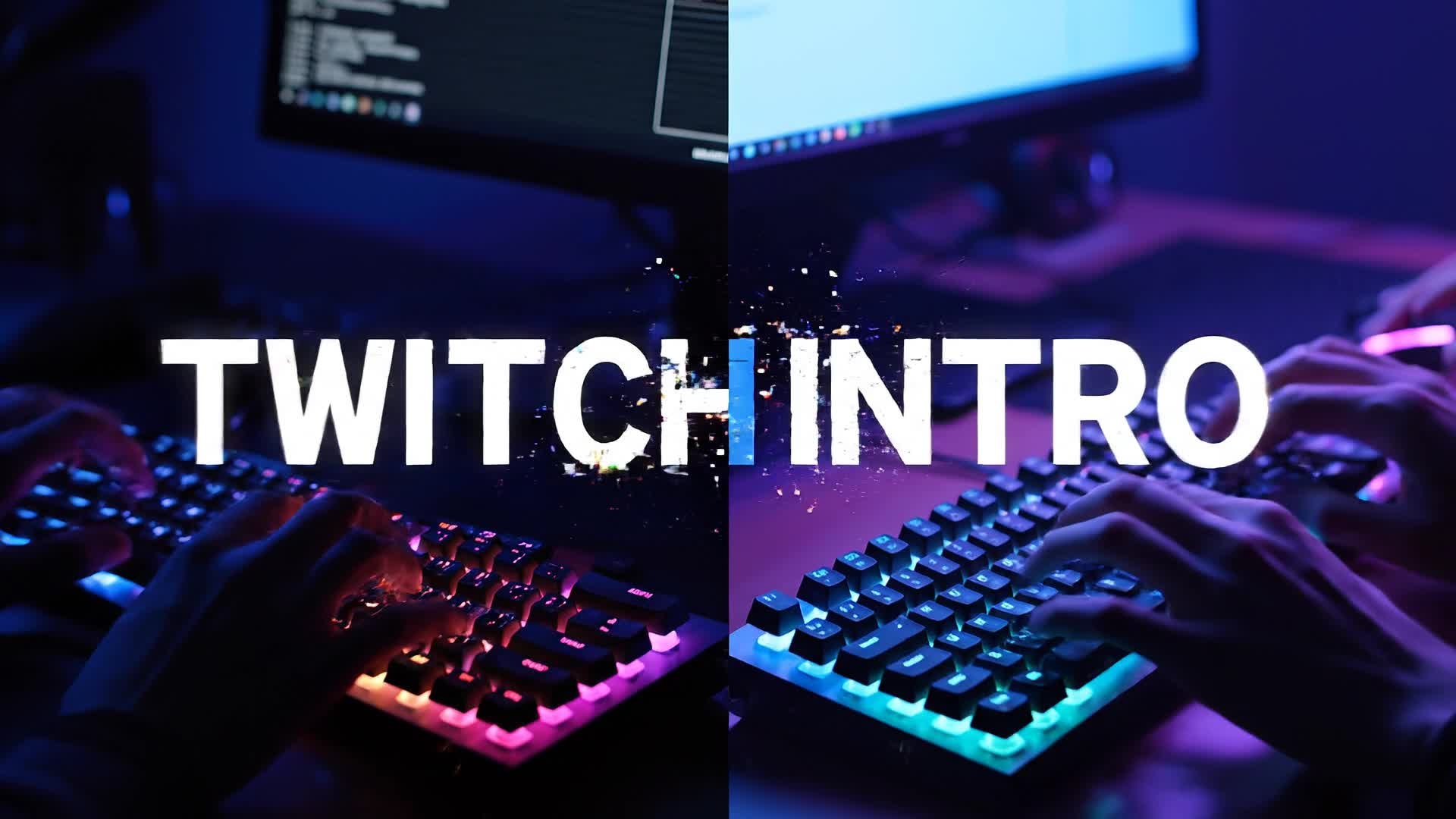
Generate Twitch Intros from Text Instantly
Don’t have footage? Just describe your idea. Media.io Text-to-Video AI can turn written prompts into fully realized Twitch intros within seconds. Type what you want your intro to look like—scene tone, effects, background, or energy style—and the system generates a high-resolution, platform-ready clip. It’s ideal for new streamers or creators updating their visual identity quickly. With advanced text understanding and cinematic styling, every AI-generated intro looks professional and feels uniquely yours.
| Style | Twitch Intro Maker Prompt Ideas | Copy & Create |
|---|---|---|
|
Epic Gamer Start
|
Design a 10-second Twitch intro with dramatic lighting and intense background beats. Focus on the streamer’s logo pulsing with glowing trails. Add a fiery animation revealing the text 'Level Up Live'. Switch scenes quickly to showcase gameplay effects like explosions and electric bursts. End with a cinematic fade-out for a seamless transition into the live stream. |
|
|
Clean Minimalist Reveal
|
Generate a sleek 8-second Twitch intro featuring a simple white background with minimal motion graphics. The streamer’s logo smoothly appears in the center surrounded by subtle particle movements. Keep transitions soft, aligned with ambient sound effects. Display the name in modern sans-serif typography for a professional look that fits any category of Twitch channel. |
|
|
Retro Arcade Style
|
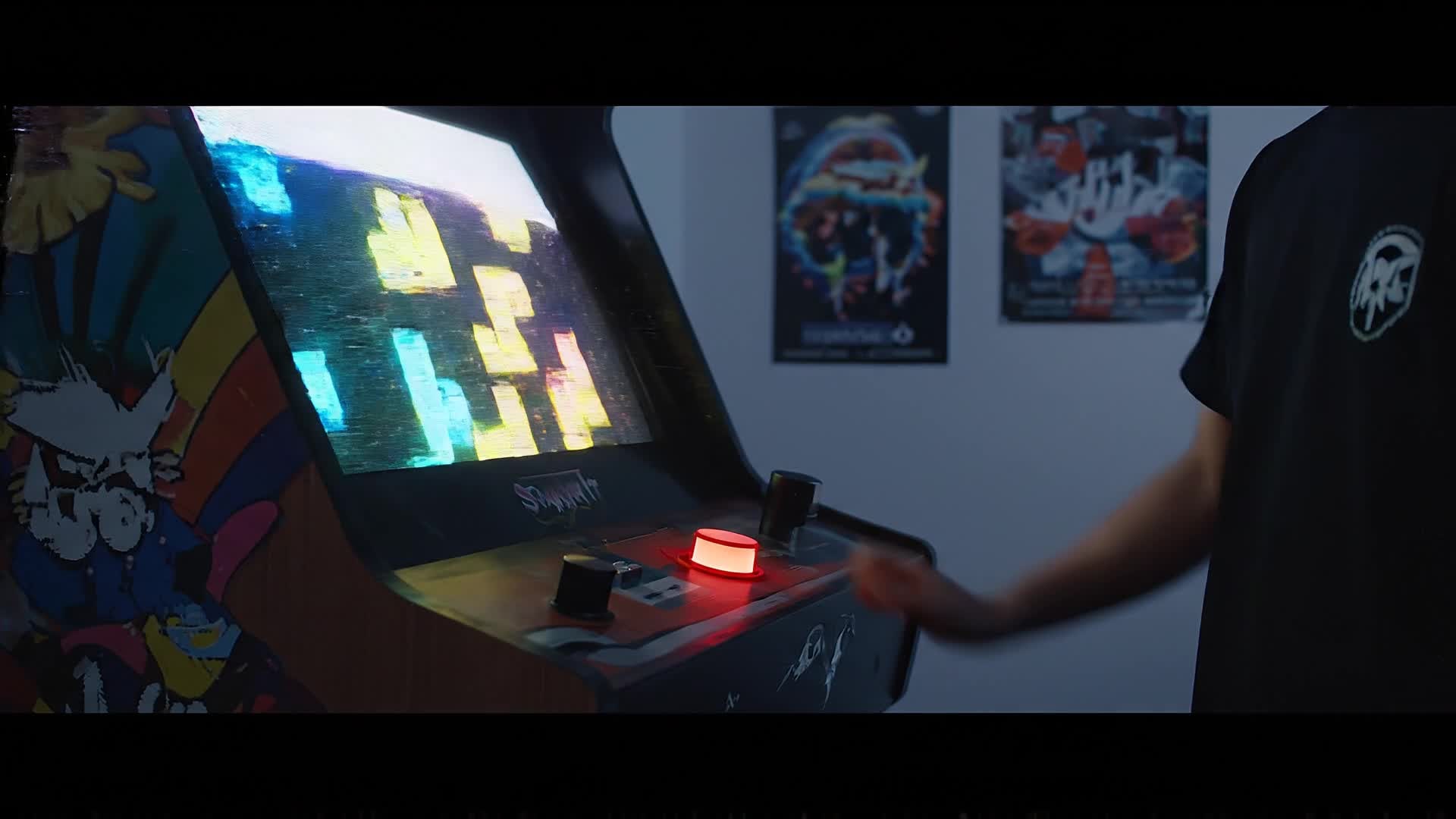
Create a 12-second nostalgic intro using pixel graphics and chiptune music. Start with a glowing arcade machine and zoom into the screen where the streamer’s avatar appears. Flash scoreboards, retro color palettes, and pixel-styled borders. Add the tagline ‘Press Start to Watch’ with colorful animation. Finish with a screen glitch transition to begin the live broadcast. |
|
|
Tech Futuristic Loop
|
Produce a looping Twitch intro built with metallic lines, cyber-blue hues, and quick camera rotations. Include flying digital effects connecting to the streamer logo. Add subtle robotic sounds merged with a quick synth beat. End with a smooth pulse glow that resets seamlessly for live backgrounds or countdown screens. |
|
|
Lifestyle Stream Opener
|
Generate a warm intro showing real-life creator moments—coffee brewing, mic adjustment, and smile before live. Blend cinematic angles with smooth jazz-style beats. Reveal the channel name with a simple overlay as the background blurs softly. Use elegant transitions to make it feel authentic yet polished. |
|
|
Before/After Channel Rebrand
|
Showcase a channel glow-up transformation in under 15 seconds. Start with the old logo in grayscale, glitch it out, then reveal the new logo in vibrant colors. Add energetic beats and quick motion text saying ‘Welcome to the New Stream Era’. Conclude with the signature animation revealing subscription call-to-action style graphics. |








How to Create Twitch Intro Maker with Media.io
Create twitch intro maker content faster with Media.io using text to video, image to video, video to video, and built-in editing tools.
1. Enter Your Idea or Upload Assets
Start by typing a short concept or uploading your Twitch logo, artwork, or background image. Media.io’s AI automatically analyzes them to match your visual tone and gaming style. This helps you create twitch intro maker content faster with a more structured workflow. You can easily adapt the output for platforms like TikTok, Instagram Reels, and YouTube Shorts.
2. Generate Animated Intros in Seconds
Watch as the AI engine converts your inputs into eye-catching Twitch intros complete with transitions, sound, and visual effects perfectly synced to stream energy. This helps you create twitch intro maker content faster with a more structured workflow. You can easily adapt the output for platforms like TikTok, Instagram Reels, and YouTube Shorts. The process reduces manual editing and improves overall production efficiency. Each step improves visual quality, pacing, and content consistency.
3. Customize, Edit, and Export
Tweak text, timing, or effects using Media.io’s built-in editor. Export in HD or optimized Twitch-ready formats and upload immediately to your channel. This helps you create twitch intro maker content faster with a more structured workflow. You can easily adapt the output for platforms like TikTok, Instagram Reels, and YouTube Shorts.
Why Choose Media.io for Twitch Intro Maker
AI-Powered Video Creation
Let smart algorithms generate stunning intro visuals automatically, saving hours of manual editing. This makes twitch intro maker creation more efficient and easier to manage. It helps improve consistency across different video styles and formats. You can use this feature to produce more engaging and platform-ready content.
Multiple Input Modes
Use text, images, or existing clips to craft your Twitch intros in the way that fits your creative process best. This makes twitch intro maker creation more efficient and easier to manage. It helps improve consistency across different video styles and formats. You can use this feature to produce more engaging and platform-ready content.
Fast & Easy Editing
Edit, trim, and style intros quickly without complex video software or design skills required. This makes twitch intro maker creation more efficient and easier to manage. It helps improve consistency across different video styles and formats. You can use this feature to produce more engaging and platform-ready content.
Stream-Ready Templates
Start fast with professional templates designed specifically for Twitch intros and gamer branding. This makes twitch intro maker creation more efficient and easier to manage. It helps improve consistency across different video styles and formats. You can use this feature to produce more engaging and platform-ready content.
Automatic Audio Sync
Audio tracks intelligently sync with animations, ensuring seamless, impactful intros every time. This makes twitch intro maker creation more efficient and easier to manage. It helps improve consistency across different video styles and formats. You can use this feature to produce more engaging and platform-ready content.
HD Export for Every Channel
Download high-definition intros optimized for Twitch and compatible with all popular streaming tools. This makes twitch intro maker creation more efficient and easier to manage. It helps improve consistency across different video styles and formats. You can use this feature to produce more engaging and platform-ready content.
FAQs About
Twitch Intro Maker
1. What is the best way to make a Twitch intro?


The easiest way is using Media.io Twitch Intro Maker. You can type a brief prompt or upload your visuals, and AI instantly generates a custom intro ready for your channel.
2. Can I make a Twitch intro for free?
Yes, Media.io offers free intro generation options so you can create and download sample intros without needing professional editing tools.
3. Do I need editing experience to use this tool?
No. Media.io is designed for all creators. Its AI automates transitions, effects, and timing so you can focus on your channel’s look and feel.
4. Can I add my logo and music?
Absolutely. You can upload your own logo, select background tracks, and personalize animation styles to match your Twitch branding.
5. Are the intros optimized for Twitch guidelines?
Yes. Media.io’s templates and exports fit Twitch-compatible resolutions and aspect ratios, ensuring smooth playback during streams.
6. How long should my Twitch intro be?
Most effective Twitch intros are 5–15 seconds long. Media.io helps you create attention-grabbing intros that load fast and maintain viewer engagement.



