Make Tribute Video Maker from Text, Images, or Clips
Honor memories beautifully with AI-powered storytelling
Celebrate loved ones, special milestones, or unforgettable moments with Media.io Tribute Video Maker. This AI-driven tool transforms your photos, text, and short clips into emotionally powerful tribute videos within minutes. Whether you’re creating a memorial slideshow, a retirement highlight, or a birthday message, Media.io makes it effortless to personalize each scene with music, transitions, and text overlays. No editing experience needed—just upload, customize, and instantly generate a touching story ready to share or save forever.
Transform Tribute Video Maker Photos into Videos
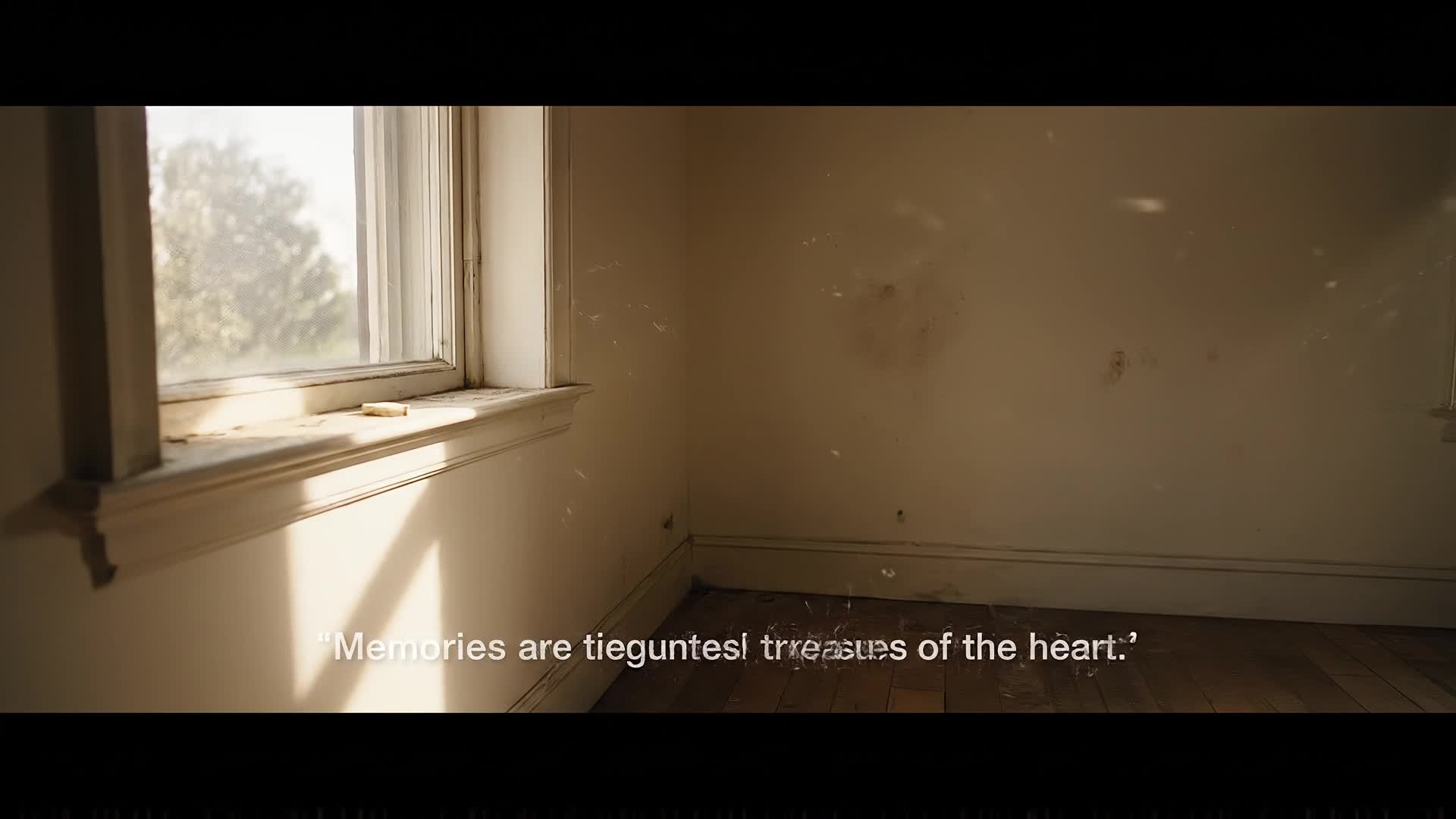
Transform static images into cinematic motion with Media.io’s AI-powered image-to-video feature. Perfect for tribute and memorial projects, this function animates photos with smooth transitions, gentle zooms, and emotional pacing—creating an evocative storytelling flow that brings every memory to life. Simply upload your favorite snapshots, personalize the background music and captions, and let the AI craft a heartfelt tribute video worthy of sharing with family or at events. It’s the easiest way to revive your photo collections into meaningful keepsakes that truly move people.
Make Tribute Video Maker Videos from Ideas
Media.io’s text-to-video capability lets you build a touching video story straight from your written message. Just type your heartfelt tribute, and watch the AI visualize it with relevant imagery, music, and pacing that matches your tone—whether it’s a celebration of life, farewell message, or thank-you sequence. You can personalize the theme, tempo, and captions to reflect your sentiment. Perfect for social shares, ceremonies, or virtual gatherings, this feature helps you tell emotional stories even if you don’t have footage ready, turning words into visual meaning effortlessly.
| Style | Ready-To-Use Tribute Video Prompts | Copy & Create |
|---|---|---|
|
Memorial Slideshow
|
Start with a serene background of clouds and soft piano. Display a gentle fade-in of the person’s name and years of life. Transition to family photos and favorite moments with slow zoom effects. Overlay heartfelt quotes describing their character. End with an image of dawn symbolizing hope and continuity. Perfect for YouTube or event displays celebrating their memory. |
|
|
Birthday Tribute
|
Open with colorful confetti and joyful beats. Show childhood photos moving into adulthood milestones using upbeat transitions. Add captions like '30 years of smiles' and 'Cheers to more adventures'. Highlight friendships and laughter moments. End with a message of love and gratitude, ready for social media celebration posts. |
|
|
Retirement Celebration
|
Begin with workplace snapshots and quotes from colleagues. Show transformations from first day to last with cheerful background music. Add banners like 'A journey well traveled'. Include moments of teamwork and fun. Wrap up with smiling faces and future wishes overlayed on a sunset scene. |
|
|
Family Anniversary
|
Start with nostalgic photos of a wedding or family start. Move through decades with gentle fades and romantic background tones. Feature milestones, vacations, and candid joy. Overlay quotes about love’s endurance. Conclude with current-day clips symbolizing unity and everlasting affection. |
|
|
Pet Tribute
|
Open with paw prints appearing one by one over a peaceful meadow. Transition through photos of cuddles, walks, and playful moments. Add captions describing personality traits. Include soft guitar background and slow pans to show companionship. End with a heart symbol fade and the words ‘Forever Loved.’ |
|
|
Hero Tribute
|
Begin with a bold intro displaying the person’s name over cinematic drums. Show action shots or achievements followed by family and community moments. Add a motivational quote to honor their courage. Ease into slower transitions showing legacy and impact. Conclude with a fade-out and uplifting background track to inspire viewers. |








How to Create Tribute Video Maker with Media.io
Create tribute video maker content faster with Media.io using text to video, image to video, video to video, and built-in editing tools.
1. Add Text, Images or Clips
Upload photos, write your message, or attach short video moments. Media.io combines them into a cohesive tribute layout automatically. This helps you create tribute video maker content faster with a more structured workflow. You can easily adapt the output for platforms like TikTok, Instagram Reels, and YouTube Shorts.
2. Let AI Create Your Story
The AI crafts timing, transitions, and music that match your tone—producing a polished tribute video within minutes, ready for review. This helps you create tribute video maker content faster with a more structured workflow. You can easily adapt the output for platforms like TikTok, Instagram Reels, and YouTube Shorts. The process reduces manual editing and improves overall production efficiency. Each step improves visual quality, pacing, and content consistency.
3. Edit and Export Instantly
Tweak text, swap visuals, and adjust soundtracks easily. Once done, export your finished tribute video and share it anywhere online. This helps you create tribute video maker content faster with a more structured workflow. You can easily adapt the output for platforms like TikTok, Instagram Reels, and YouTube Shorts. The process reduces manual editing and improves overall production efficiency.
Why Choose Media.io for Tribute Video Maker
AI-Powered Storytelling
Media.io’s engine analyzes your content to generate tone-matched transitions, music, and pacing for emotionally engaging tribute videos. This makes tribute video maker creation more efficient and easier to manage. It helps improve consistency across different video styles and formats.
Multiple Input Types
Start from text, photos, or existing clips—Media.io adapts each input to create cinematic-quality tribute videos in seconds. This makes tribute video maker creation more efficient and easier to manage. It helps improve consistency across different video styles and formats.
Personalized Music and Themes
Choose from emotional or uplifting background tracks and themes that suit memorials, birthdays, or milestone tributes. This makes tribute video maker creation more efficient and easier to manage. It helps improve consistency across different video styles and formats. You can use this feature to produce more engaging and platform-ready content.
Fast Cloud Rendering
Produce high-quality videos quickly without heavy downloads. Media.io processes everything securely in the cloud for smooth results. This makes tribute video maker creation more efficient and easier to manage.
Built-In Editing Tools
Fine-tune captions, transitions, and visuals directly in your browser, giving you professional touches with no editing experience needed. This makes tribute video maker creation more efficient and easier to manage. It helps improve consistency across different video styles and formats. You can use this feature to produce more engaging and platform-ready content.
Share-Ready Outputs
Export optimized tribute videos ready for YouTube, Facebook, or private sharing, ensuring smooth playback on any device. This makes tribute video maker creation more efficient and easier to manage. It helps improve consistency across different video styles and formats. You can use this feature to produce more engaging and platform-ready content.
FAQs About
Tribute Video Maker
1. What is a tribute video maker?


A tribute video maker helps you combine photos, text, and music into a touching visual story to honor someone or celebrate a special moment.
2. Do I need video editing experience?
No. Media.io uses AI to automate editing, transitions, and sound matching, so anyone can create a professional tribute video easily.
3. Can I make a tribute video from photos only?
Yes. Upload your photos, and the AI will animate them with transitions and music to create an emotional slideshow video.
4. Is this tool free to use?
Media.io offers free basic access to create and preview tribute videos, with optional premium features for advanced customization.
5. What type of events can I make tributes for?
You can create memorials, birthdays, retirements, anniversaries, or thank-you tributes—all customizable with personal themes and soundtracks.
6. Can I edit the video after AI generation?
Yes. You can adjust clips, swap photos, edit text, and change background music before finalizing and exporting your tribute video.



