AI Trailer Maker for Creators
Turn your ideas into cinematic trailers effortlessly
Create polished trailer maker content faster with Media.io’s AI workflow. Start from a prompt, upload photos, or refine existing clips to build scroll-stopping videos for Reels, Stories, and feed posts without the usual editing burden. From quick social promos to creator-ready visual storytelling, Media.io helps you turn raw ideas into cleaner, more engaging videos that look made for social media from the first draft.
Make Motion Trailers from Images
With Media.io’s AI-powered image-to-video feature, static images become dynamic trailer scenes. Upload key visuals or storyboards, and our tool animates them with cinematic camera motion, transitions, and audio that fit your theme. Whether you’re previewing a movie, product, or event, this feature turns stills into emotionally immersive sequences. Bring your visuals to life without manual editing or motion design skills—ideal for fast creators who need impact and speed.
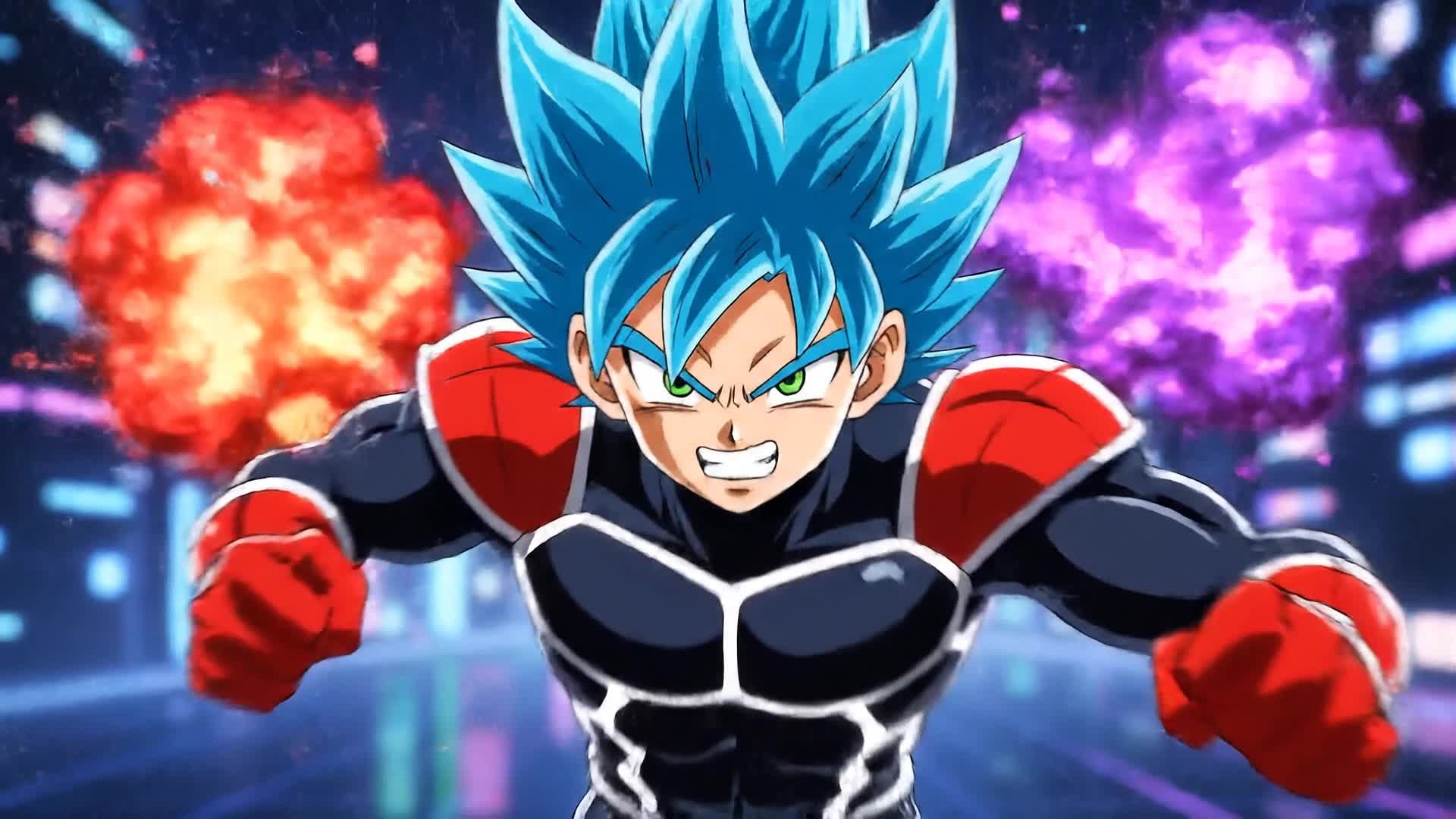

Write It. Watch It. Your Story in Motion.
Transform any written idea into a stunning video trailer with Media.io’s text-to-video AI. Just describe your theme or story flow, and our platform turns your words into beautifully edited scenes with music, visuals, and pacing that match your vision. Perfect for storytellers, marketers, or content creators who want professional results without spending hours editing. Let your imagination lead and Media.io bring it to life instantly.
| Style | Trailer Maker Video Prompt Ideas | Copy & Create |
|---|---|---|
|
Movie Teaser
|
Start with a dark screen fading into flashing light frames. Show quick glimpses of characters in conflict, a chase scene, and a cliffhanger ending shot. Add rising tension music that builds suspense. Keep transitions tight and frame cuts aligned with beats. End with text revealing the title and release date. Suitable for film teasers and YouTube Shorts alike. |
|
|
Product Launch
|
Begin with a sleek close-up of the product under dramatic lighting. Reveal its key features through smooth motion shots and animated overlays. Add inspirational voice-over text and rhythmic background music. Transition to real-life usage scenes that show practical benefits. Finish with a strong logo animation and a tagline that encourages viewers to learn more. |
|
|
Event Promo
|
Kick off with crowd shots and quick flashes of anticipation. Include text motion announcing event details synced to energetic music. Cut between performers, lights, and reactions for an immersive vibe. Add smooth zoom-in transitions to build momentum. End the video with a bold 'Tickets Available Now' text overlay and your event logo. |
|
|
Before & After Transformation
|
Open with a dull, unedited clip showing the 'before'. Use quick jump-cuts as AI-driven visuals enhance lighting, colors, and movement. Transition into the vibrant 'after' footage with upbeat sound effects. Show results in split-screen moments for contrast. Conclude with a text overlay prompting viewers to 'Create Your Own Transformation' instantly. |
|
|
Viral Lifestyle Clip
|
Start with a relatable scene—a morning routine or road trip moment. Use handheld camera motion for authenticity. Mix in quick transitions, laughter, and real reactions synced to catchy audio. Build momentum through jump transitions and time-lapse moments. Finish with a reflective shot or text quote to inspire engagement and shares. |
|
|
Tech Brand Highlight
|
Introduce a futuristic soundtrack and glowing interface visuals. Pull in close-ups of circuit-like textures or AI-driven animations. Overlay key brand benefits with subtle motion effects. Cut to users interacting with technology seamlessly in real life. Wrap up with a brand mark reveal in sync with an electronic sound cue, leaving a lasting impression. |








How to Create Trailer Maker with Media.io
Create trailer maker content faster with Media.io using text to video, image to video, video to video, and built-in editing tools.
Add Media or Write a Script
Upload videos, images, or simply describe your idea in text. Media.io’s AI interprets your input to start building a cinematic trailer instantly. This helps you create trailer maker content faster with a more structured workflow. You can easily adapt the output for platforms like TikTok, Instagram Reels, and YouTube Shorts.
Customize and Enhance
Adjust pacing, trim clips, and apply visual effects. Choose background music, captions, and motion transitions to tailor the trailer’s mood and story flow. This helps you create trailer maker content faster with a more structured workflow. You can easily adapt the output for platforms like TikTok, Instagram Reels, and YouTube Shorts. The process reduces manual editing and improves overall production efficiency.
Export and Share Anywhere
Download in high quality or share directly to YouTube, TikTok, or Instagram. Deliver your AI-created trailer in minutes and make it go live instantly. This helps you create trailer maker content faster with a more structured workflow. You can easily adapt the output for platforms like TikTok, Instagram Reels, and YouTube Shorts. The process reduces manual editing and improves overall production efficiency.
Why Choose Media.io for Trailer Maker
Instant AI Generation
Skip long editing sessions—Media.io instantly builds story-driven trailers using advanced AI. This makes trailer maker creation more efficient and easier to manage. It helps improve consistency across different video styles and formats.
Text-to-Video Creativity
Turn written ideas into dynamic trailer scenes that look handcrafted by professionals. This makes trailer maker creation more efficient and easier to manage. It helps improve consistency across different video styles and formats. You can use this feature to produce more engaging and platform-ready content.
Smart Image Animation
Bring still images to life with camera motion, effects, and audio that create cinematic appeal. This makes trailer maker creation more efficient and easier to manage. It helps improve consistency across different video styles and formats. You can use this feature to produce more engaging and platform-ready content.
Auto Soundtrack Sync
AI automatically matches visuals with fitting background music for emotional storytelling. This makes trailer maker creation more efficient and easier to manage. It helps improve consistency across different video styles and formats. You can use this feature to produce more engaging and platform-ready content.
Full Editing Flexibility
Fine-tune scenes, trim shots, and adjust transitions without leaving the browser. This makes trailer maker creation more efficient and easier to manage. It helps improve consistency across different video styles and formats. You can use this feature to produce more engaging and platform-ready content.
Ready for Every Platform
Export in social-friendly formats and aspect ratios to share on YouTube, TikTok, or Instagram instantly. This makes trailer maker creation more efficient and easier to manage. It helps improve consistency across different video styles and formats. You can use this feature to produce more engaging and platform-ready content.
FAQs About
Trailer Maker
1. What is the Media.io Trailer Maker?


It’s an AI-powered tool that helps you create cinematic trailers from text, images, or videos. No editing skills needed—just input your idea and the AI handles the rest.
2. Can I make a video trailer from still images?
Yes. Upload static photos, and Media.io animates them with cinematic motion, transitions, and music to create an engaging trailer.
3. Is the AI Trailer Maker free to use?
You can start for free, with premium options for higher resolution exports and advanced customization features.
4. Can I edit after AI generates the trailer?
Absolutely. After generation, you can edit scenes, adjust cuts, add text overlays, or change music before exporting your video.
5. What kinds of trailers can I make?
You can create film teasers, product launches, event promos, or social media trailers—all customized to your visual style.
6. Does Media.io support mobile use?
Yes. The AI Trailer Maker works seamlessly in browsers on desktop, tablet, or mobile, letting you create anytime, anywhere.



