Create Top Text Bottom Text Videos Fast
AI-powered captions and meme-style visuals in minutes
Bring humor, clarity, and impact to your videos with Media.io’s AI Top Text Bottom Text Generator. Effortlessly create meme-style or promotional videos by adding perfectly placed captions at the top and bottom. Whether you’re crafting viral TikToks or branded short videos, our AI automatically aligns fonts, colors, and timing for maximum engagement. Turn any idea, photo, or script into share-ready content without editing skills. With Media.io, your top and bottom text designs look professional every time—no manual formatting or complex tools needed.
Turn Images Into Captivating Captioned Videos
Transform your still images into motion videos that pop with top and bottom text overlays using Media.io AI. Upload an image, choose your caption style, and our tool adds dynamic motion, zoom, and transitions. Perfect for memes, social posts, or storytelling visuals, this feature helps creators produce attention-grabbing videos from static content. Each frame is automatically resized and text-fitted for popular platforms like TikTok, Instagram, and YouTube. Save time, stay consistent with your branding, and keep your captions visually crisp without manual editing.
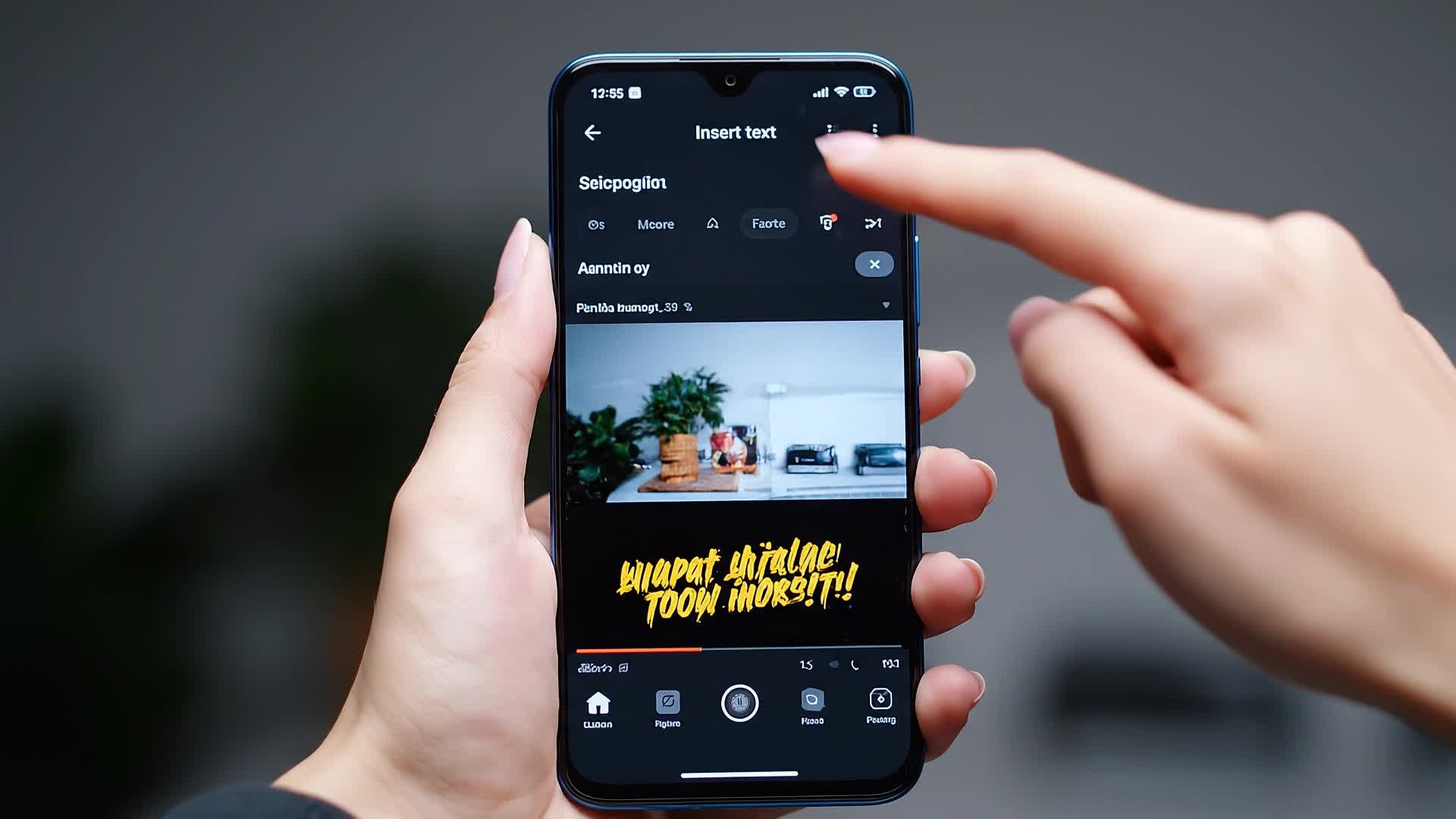
Convert Text Ideas into Captioned Videos Instantly
Let AI transform your creative idea into a complete top and bottom text video in seconds. Simply type a short concept, and Media.io generates visuals, motion, and caption placement that match your script. From tutorials to promotional clips and memes, every output feels fresh and ready for social engagement. You don’t need to worry about fonts or layout—our system automatically balances the text for both clarity and aesthetic appeal, delivering powerful short videos at the click of a button.
| Style | Top Text Bottom Text Video Ideas | Copy & Create |
|---|---|---|
|
Viral Reaction
|
Show a quick sequence of someone dropping their coffee, freeze on the spill, and overlay bold top text reading 'Monday Mood.' Add bottom text 'Before 9 AM.' Use a funny sound effect, then cut to a cheerful recovery moment. End with upbeat music and a smiling close-up. Keep the text large and well-timed for Instagram Reels. |
|
|
Tutorial Highlight
|
Begin with a close-up of a craft project on a messy desk. Add top text 'DIY Glow Jar.' Show quick steps while keeping captions simple and helpful. Display bottom text 'Easy and Fun.' Maintain a friendly tone and soft lo-fi beat. Finish with a call to action inviting viewers to try it. |
|
|
Product Promo
|
Display the product unboxing scene with top text 'Unwrap the Magic.' Show the item in use with quick cuts. Add bottom text 'Shop Now on Media.io.' Include gentle camera pans to create motion. Sync captions to beat-driven background music. |
|
|
Before & After
|
Show a dull clip first with top text 'Before Editing.' Reveal the enhanced video using color correction and motion with bottom text 'After Media.io AI.' Highlight transformation clearly. Use upbeat sound and rapid transition so viewers sense improvement instantly. |
|
|
Lifestyle Aesthetic
|
Open with sunrise over a coffee shop window. Use top text 'Slow Mornings Hit Different.' Transition through serene scenes. Add bottom text 'Peace in a Cup.' Keep pacing relaxed and visual flow smooth. End with music that fades softly. |
|
|
Trend Remix
|
Take a trending meme format and customize it with your brand tone. Add top text that hooks immediately, like 'When deadlines hit hard.' Set bottom text 'But coffee saves the day.' Keep transitions punchy and align text beat-wise for TikTok or Shorts rhythm. |








How to Create Top Text Bottom Text with Media.io
Create top text bottom text content faster with Media.io using text to video, image to video, video to video, and built-in editing tools.
Enter Text or Upload Media
Start by adding your text, image, or video. Media.io supports multiple sources, letting you build from scratch or repurpose content fast. This helps you create top text bottom text content faster with a more structured workflow. You can easily adapt the output for platforms like TikTok, Instagram Reels, and YouTube Shorts.
Customize with AI Captions
Our AI automatically applies top and bottom text, adjusts layout, and syncs to your visuals. Choose fonts, themes, and motion styles easily. This helps you create top text bottom text content faster with a more structured workflow. You can easily adapt the output for platforms like TikTok, Instagram Reels, and YouTube Shorts. The process reduces manual editing and improves overall production efficiency.
Preview and Export
Instantly preview your captioned video, adjust minor details, and export in your preferred format for TikTok, Instagram, or YouTube. This helps you create top text bottom text content faster with a more structured workflow. You can easily adapt the output for platforms like TikTok, Instagram Reels, and YouTube Shorts. The process reduces manual editing and improves overall production efficiency. Each step improves visual quality, pacing, and content consistency.
Why Choose Media.io for Top Text Bottom Text
Smart Caption Placement
AI detects visual balance, ensuring your top and bottom text always align perfectly with subjects in frame. This makes top text bottom text creation more efficient and easier to manage. It helps improve consistency across different video styles and formats. You can use this feature to produce more engaging and platform-ready content.
Multiple Input Options
Start from text, images, or existing clips. Media.io adapts smoothly for any creative project or platform goal. This makes top text bottom text creation more efficient and easier to manage.
Instant Meme Style Output
Generate meme-ready videos instantly with automatic text formatting and strong visual contrast. This makes top text bottom text creation more efficient and easier to manage. It helps improve consistency across different video styles and formats. You can use this feature to produce more engaging and platform-ready content.
Quick Social Export
Export captioned videos optimized for Instagram Reels, TikTok, YouTube Shorts, and more in seconds. This makes top text bottom text creation more efficient and easier to manage. It helps improve consistency across different video styles and formats. You can use this feature to produce more engaging and platform-ready content.
Creative Control
Edit text size, font, position, and animations effortlessly. Achieve unique visuals that match your style. This makes top text bottom text creation more efficient and easier to manage. It helps improve consistency across different video styles and formats.
Fast AI Workflow
Experience rapid processing and cloud rendering powered by Media.io AI for instant results. This makes top text bottom text creation more efficient and easier to manage. It helps improve consistency across different video styles and formats.
FAQs About
Top Text Bottom Text
1. What is a top text bottom text video?


It’s a short video with captions placed at the top and bottom of the screen, often used for memes, reactions, or tutorials to boost engagement.
2. How do I make a top and bottom text video?
Upload your clip or photo to Media.io, enter your captions, and let the AI handle placement and styling automatically.
3. Can I use my own fonts?
Yes, Media.io lets you select from preset styles or upload fonts to match your visual brand preferences.
4. Does it work for social media videos?
Absolutely. Every output is optimized for vertical formats like TikTok, Instagram Reels, and YouTube Shorts.
5. Can I edit after generating?
Yes, you can tweak text, colors, transitions, and more before exporting your final file.
6. Is the tool beginner-friendly?
Definitely. Media.io’s AI handles technical formatting so anyone can create clean, professional-looking videos fast.



