Timeline Video Maker Creator for Fast Visual Results
Transform stories and moments into sleek animated timelines
Media.io Timeline Video Maker helps creators and marketers produce visually captivating timeline videos in just minutes. Whether you're presenting company history, educational milestones, or personal memories, Media.io’s AI turns photos, text, and clips into polished visual stories with seamless flow. Adjust pacing, transitions, and color themes easily to reflect your style. No advanced editing needed—the platform helps you save time while delivering content that feels cinematic, cohesive, and ready to share instantly across platforms.
Turn Images into a Dynamic Timeline Story
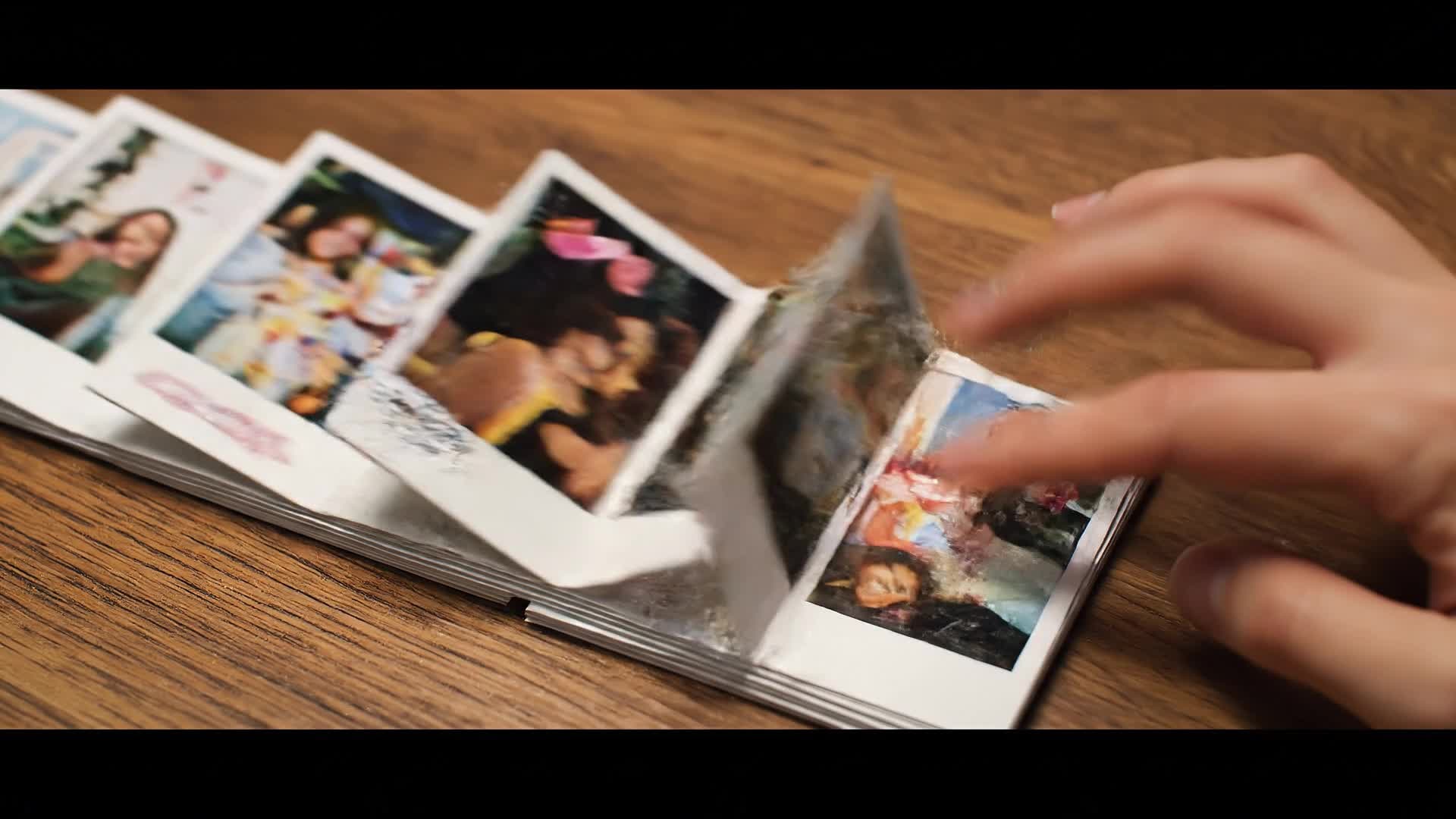
Bring static images to life with Media.io’s image-to-video capability, designed specifically for timeline storytelling. Upload photos of key moments, milestones, or product launches and let AI animate them into motion with smooth transitions and captions that follow your sequence. It’s perfect for social media reels, company showcases, or classroom projects where visual progression matters. With timeline precision and automatic frame alignment, you can instantly build an engaging narrative that feels professionally edited without touching complex editing software.

Generate Timeline Videos from Text Prompts
Describe your concept in plain language and let Media.io generate timeline video maker videos from text in a much faster, more creator-friendly workflow. Instead of building every scene manually, you can turn ideas, hooks, captions, and campaign concepts into video drafts that are easier to refine, style, and publish for Reels, Shorts, and other short-form formats.
| Style | Creative Prompts for Timeline Video Maker | Copy & Create |
|---|---|---|
|
Trend Recap
|
Create a video timeline showing yearly fashion trends from 2010 to 2024. Start with runway shots fading into streetwear clips. Use soft transitions and colorful animations between each year. Add upbeat music and fast motion cuts for energy. End with a closing caption summarizing how styles evolved over time. |
|
|
Product Launch Journey
|
Develop a timeline of a startup’s major launches using product images and milestone graphics. Begin with the first prototype shot, then transition to team moments, investor days, and viral campaign scenes. Insert dynamic captions showing each year. Close with a strong callout of the most recent release. |
|
|
Before & After Milestone
|
Show a home renovation progress timeline. Open with 'Before' exterior shots fading into construction time-lapse, then unveil “After” modern interiors with smooth zooms. Add monthly captions and color-coded frames for clarity. Finish with a satisfying final reveal text: 'Transformation Complete!' |
|
|
Educational Timeline
|
Build a history-focused video timeline about major space exploration milestones. Start with black-and-white rocket launches, then shift to colorful high-res Mars rover clips. Add labeled years and event highlights. Keep motion consistent and transitions smooth for an engaging classroom-ready result. |
|
|
Life Moments Reel
|
Design a personal life journey video timeline starting from childhood to present. Sequence family photos, travel memories, and celebrations with calming background music. Add date markers and subtle parallax effects. Finish with warm text: 'Every step counts.' Ideal for sharing on social or gifting. |
|
|
Brand Growth Story
|
Showcase your company milestones in a professional timeline format. Combine event photos, marketing clips, and award shots. Use branded color overlays, clean text animations, and elegant fade transitions. End with a tagline card: 'Growing Together Since 2010.' Great for presentations and social reels. |








How to Create Timeline Video Maker with Media.io
Create timeline video maker content faster with Media.io using text to video, image to video, video to video, and built-in editing tools.
Add Your Media or Text
Upload images, clips, or simple text descriptions of your timeline story. Media.io’s AI organizes them in a chronological flow automatically. This helps you create timeline video maker content faster with a more structured workflow. You can easily adapt the output for platforms like TikTok, Instagram Reels, and YouTube Shorts.
Customize and Polish
Edit styles, captions, and transitions within minutes. Adjust colors, fonts, or music using an intuitive drag-and-drop editor. This helps you create timeline video maker content faster with a more structured workflow. You can easily adapt the output for platforms like TikTok, Instagram Reels, and YouTube Shorts. The process reduces manual editing and improves overall production efficiency.
Export and Share
Download your polished timeline video in HD and share it instantly across YouTube, Instagram, or your website. This helps you create timeline video maker content faster with a more structured workflow. You can easily adapt the output for platforms like TikTok, Instagram Reels, and YouTube Shorts. The process reduces manual editing and improves overall production efficiency. Each step improves visual quality, pacing, and content consistency.
Why Choose Media.io for Timeline Video Maker
AI-Powered Sequencing
Media.io arranges your clips and captions in perfect timeline order using smart detection, saving hours of manual editing. This makes timeline video maker creation more efficient and easier to manage. It helps improve consistency across different video styles and formats.
Drag-and-Drop Simplicity
Build timeline videos easily without a steep learning curve. Media.io streamlines video creation for beginners and pros alike. This makes timeline video maker creation more efficient and easier to manage.
Multiple Creation Modes
Start from text, images, or existing videos. Mix them effortlessly for custom timelines that reflect your narrative style. This makes timeline video maker creation more efficient and easier to manage. It helps improve consistency across different video styles and formats.
Instant Style Templates
Choose from timeline presets with motion graphics, typography, and transitions that match your brand tone instantly. This makes timeline video maker creation more efficient and easier to manage. It helps improve consistency across different video styles and formats. You can use this feature to produce more engaging and platform-ready content.
Fast AI Rendering
Generate high-quality videos in minutes, not hours. Media.io’s cloud AI handles processing quickly, ensuring fast turnaround for creators. This makes timeline video maker creation more efficient and easier to manage.
Export for Any Platform
Create timeline videos ready for every social channel—Instagram, YouTube, LinkedIn—optimized for native formats and aspect ratios. This makes timeline video maker creation more efficient and easier to manage. It helps improve consistency across different video styles and formats. You can use this feature to produce more engaging and platform-ready content.
FAQs About
Timeline Video Maker
1. What is a timeline video maker?


It’s a tool that helps you turn events, milestones, or progress stories into animated video timelines using AI for editing and transitions.
2. Can I make a timeline video from photos?
Yes. Upload your images, arrange them chronologically, and Media.io’s AI will animate transitions to create a flowing video.
3. Is Media.io’s timeline video maker beginner-friendly?
Absolutely. The interface is intuitive with AI assistance, so anyone can create high-quality videos without editing experience.
4. Can I use my own music or voiceover?
Yes, you can upload background music or narration. Media.io syncs your audio smoothly with the visual timeline.
5. Does Media.io add watermarks?
Free exports may include a subtle watermark, but premium users can generate videos without any branding.
6. Can I edit after generating the timeline video?
Yes. You can tweak scenes, adjust captions, and refine transitions anytime before final export.



