Create Better Square Video Maker in Less Time
Turn your ideas into captivating square videos with AI
Media.io’s AI-powered Square Video Maker lets you instantly create scroll-stopping videos for Instagram, TikTok, and Facebook. Just upload your clips, images, or text, and our AI automatically formats everything into a crisp square layout that looks perfect on any platform. Add music, captions, transitions, or brand logos with just a few clicks. Whether you’re promoting products, sharing tutorials, or building your social feed, Media.io helps you produce professional square videos that draw attention and drive engagement effortlessly.
Transform Images into Dynamic Square Videos
With Media.io, static images come to life. Upload product photos, selfies, or brand visuals and instantly turn them into motion-rich square videos perfect for ads, posts, or reels. The AI adds smooth animations, camera movement, and transitions to make every frame pop. You can adjust pacing, aspect ratio, and style within seconds, creating a consistent visual identity for every platform. Ideal for eCommerce brands, influencers, and social storytellers looking to boost engagement while saving hours on editing.
Generate Square Videos from Text Prompts
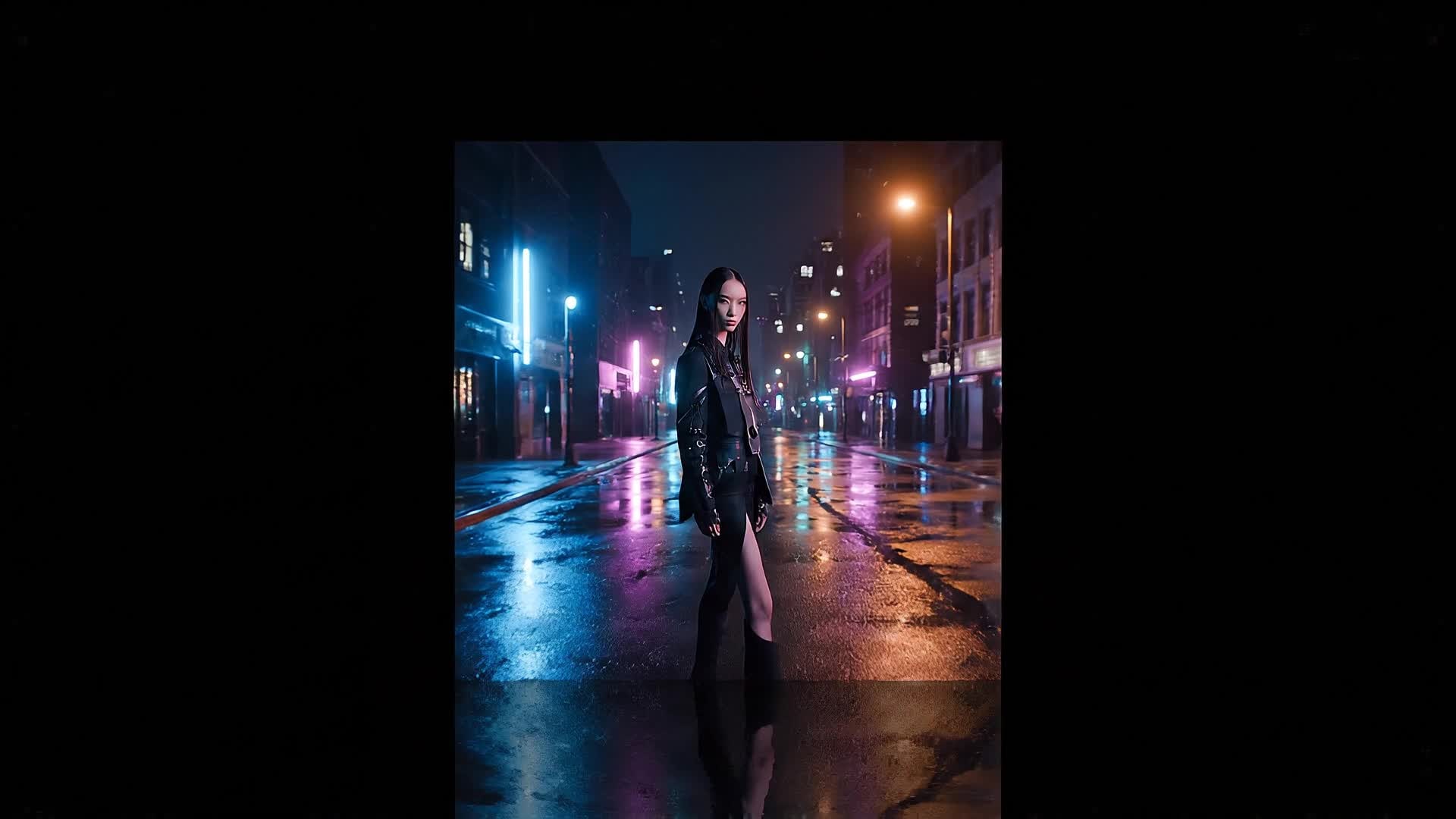
Describe your concept in plain language and let Media.io generate square video maker videos from text in a much faster, more creator-friendly workflow. Instead of building every scene manually, you can turn ideas, hooks, captions, and campaign concepts into video drafts that are easier to refine, style, and publish for Reels, Shorts, and other short-form formats.
| Style | Square Video Maker Prompt Inspiration | Copy & Create |
|---|---|---|
Product Promo | Start with a close-up of your product against a clean background. Zoom out to show lifestyle shots where it’s being used. Add upbeat music and dynamic camera pans. Overlay bold text with your brand name. Include quick shots of happy customers. Finish with a simple call to action that feels cinematic and social-ready. Keep each cut fast for maximum engagement. | |
Tutorial Setup | Open with a quick title card showing what viewers will learn. Show step-by-step visuals of the process, zooming in on key actions. Use clear captions and occasional pop-up emojis to add energy. Keep camera movement smooth and focus transitions clean. Add friendly voiceover or background beats. End with a clean summary screen reminding users to try your method today. | |
Before & After | Begin with a static image or short clip of a problem. Fade into the solution result filling the square frame. Highlight the texture or effect change with a slow zoom. Add a mid-tempo track that builds excitement. Show quick text like 'Then' and 'Now' to reinforce the transformation. Keep it short but visually punchy for social feeds. | |
Lifestyle Moment | Show a warm sunrise or city view to set the mood. Transition into daily activities that match your brand message. Add subtle motion graphics like floating text or light leaks. Keep everything square and centered to look great on Instagram. Use calm yet modern background sounds. Finish with a simple logo fade-out or tagline. | |
Viral Aesthetic Loop | Start with an abstract texture or gradient animation. Add slow transitions that loop seamlessly in square format. Use color tones matching trending aesthetics. Overlay simple words like 'Focus', 'Relax', or 'Create'. Keep music ambient and soothing. End with an infinite loop that encourages replays on social platforms. | |
Mini Ad Story | Open with a bold text hook that catches attention. Show your service or product solving a quick problem. Alternate between close-up shots and wide angles. Use crisp transitions matched to strong beats. Display a testimonial or social proof overlay. Conclude with a fast-cut outro featuring your logo and tagline. |








How to Create Square Video Maker with Media.io
Create square video maker content faster with Media.io using text to video, image to video, video to video, and built-in editing tools.
Enter Your Idea
Type a short prompt or upload text to let AI generate your video script and visual concept instantly. This helps you create square video maker content faster with a more structured workflow. You can easily adapt the output for platforms like TikTok, Instagram Reels, and YouTube Shorts. The process reduces manual editing and improves overall production efficiency. Each step improves visual quality, pacing, and content consistency.
Add Images or Footage
Upload photos or short clips for the AI to polish, animate, and perfectly adjust to a square layout. This helps you create square video maker content faster with a more structured workflow. You can easily adapt the output for platforms like TikTok, Instagram Reels, and YouTube Shorts. The process reduces manual editing and improves overall production efficiency. Each step improves visual quality, pacing, and content consistency.
Edit, Preview, and Export
Customize captions, filters, and styles, then export your finished square video for any social platform in seconds. This helps you create square video maker content faster with a more structured workflow. You can easily adapt the output for platforms like TikTok, Instagram Reels, and YouTube Shorts. The process reduces manual editing and improves overall production efficiency. Each step improves visual quality, pacing, and content consistency.
Why Choose Media.io for Square Video Maker
Fast AI Creation
Generate stylish square videos automatically in seconds using advanced AI workflows for creators on the go. This makes square video maker creation more efficient and easier to manage. It helps improve consistency across different video styles and formats. You can use this feature to produce more engaging and platform-ready content.
Flexible Input
Use text, images, or existing clips to start your project. The AI adapts to any input format with precision. This makes square video maker creation more efficient and easier to manage. It helps improve consistency across different video styles and formats.
Auto Layout Optimization
Every scene is framed perfectly for square ratio with smart cropping and alignment powered by AI. This makes square video maker creation more efficient and easier to manage. It helps improve consistency across different video styles and formats. You can use this feature to produce more engaging and platform-ready content.
Rich Editing Tools
Trim clips, add captions, adjust music, and tweak colors easily within a clean online editor. This makes square video maker creation more efficient and easier to manage. It helps improve consistency across different video styles and formats. You can use this feature to produce more engaging and platform-ready content.
Social-Ready Exports
Export in HD formats ready for Instagram, TikTok, or Facebook without further resizing hassles. This makes square video maker creation more efficient and easier to manage. It helps improve consistency across different video styles and formats. You can use this feature to produce more engaging and platform-ready content.
Creative Templates
Choose from modern square video templates to match your brand style and quickly launch engaging visuals. This makes square video maker creation more efficient and easier to manage. It helps improve consistency across different video styles and formats. You can use this feature to produce more engaging and platform-ready content.
FAQs About
Square Video Maker
1. What is a square video maker? 

A square video maker is a tool that creates videos with a 1:1 aspect ratio perfect for social media platforms like Instagram and Facebook. Media.io helps you do this automatically with AI.
2. Why should I make square videos?
Square videos occupy more screen space on mobile, increasing visibility and engagement. They perform better across various social platforms where users scroll vertically.
3. Can I turn existing clips into square format?
Yes. Upload your clips to Media.io and the AI automatically resizes and reframes them into a professional square layout with balanced composition.
4. Is Media.io’s square video maker free to use?
You can start using the tool for free with basic features. Premium options are available for higher-resolution outputs and advanced effects.
5. Can I add text and music to my video?
Absolutely. You can overlay text, add soundtracks, and apply effects directly inside the editor before downloading your final video.
6. Do I need editing experience?
Not at all. Media.io is designed for beginners and professionals alike. Its intuitive AI handles complex edits so you can create polished videos easily.




