Make Scroll-Stopping Videos for Any Platform
Turn ideas into viral videos with AI
Media.io’s Social Media Video Maker helps you create short-form, share-ready videos in minutes. Upload images, clips, or text, and let AI instantly craft polished visuals that grab attention. Whether you’re building TikTok content, Instagram Reels, or YouTube Shorts, our tool provides ready styles, captions, and transitions that match your message. Skip tedious editing—Media.io transforms your creativity into captivating videos automatically. Generate branded, engaging clips that stand out and grow your audience instantly. It’s the easiest way to design and scale your content effortlessly.
Turn Still Images into Dynamic Posts
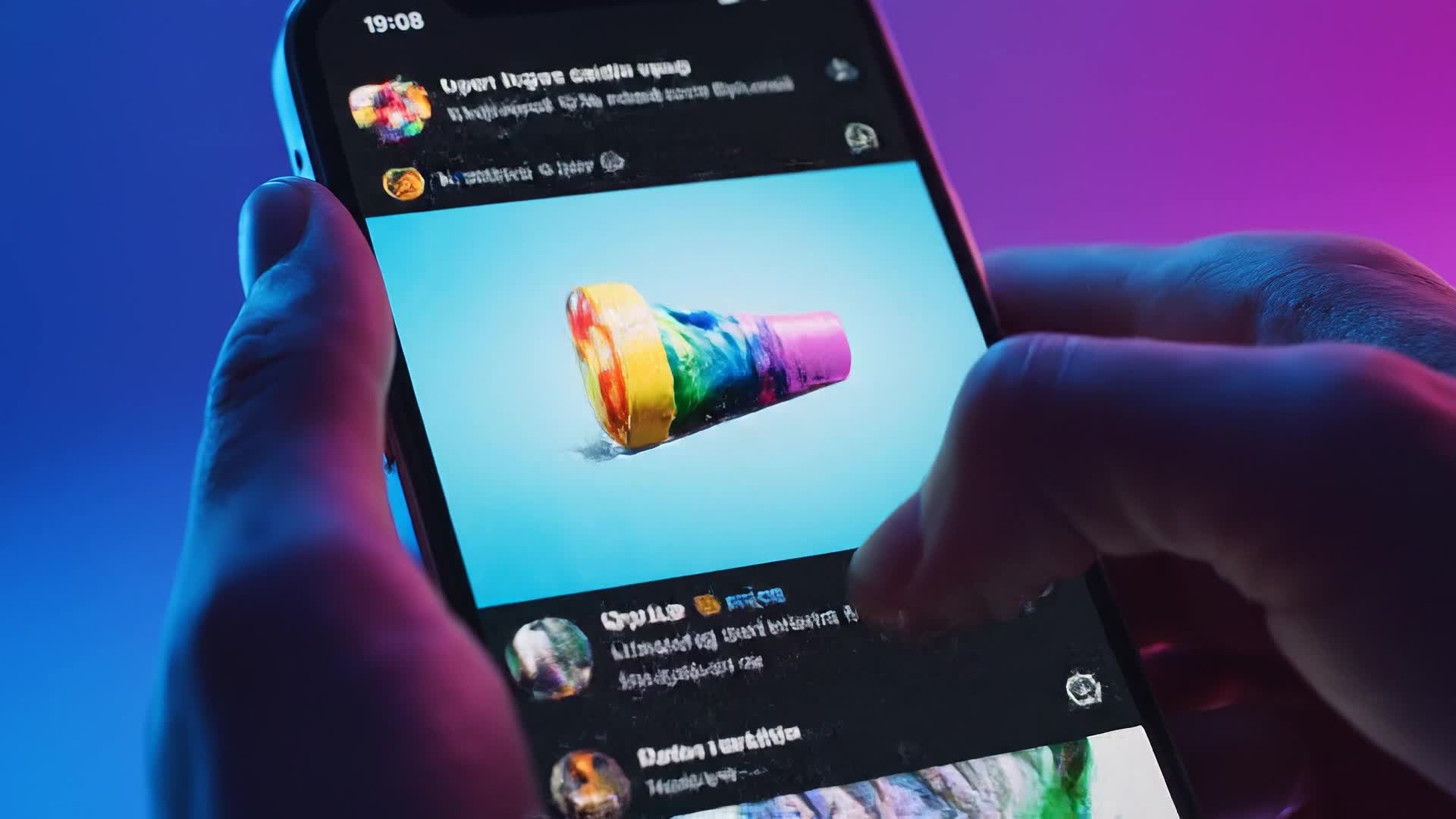
With Media.io’s AI Image-to-Video tool, transform static photos into lively short clips that move, zoom, and tell a story. Perfect for highlighting products, travel memories, or lifestyle moments, each image comes alive with motion effects and music. This feature helps brands and content creators repurpose images into captivating video posts that feel native to platforms like TikTok, Instagram, and Facebook. Generate polished results in seconds without complex editing, and keep your feed fresh, visually consistent, and ready to impress your followers with minimal effort.
Convert Text Ideas into Engaging Videos
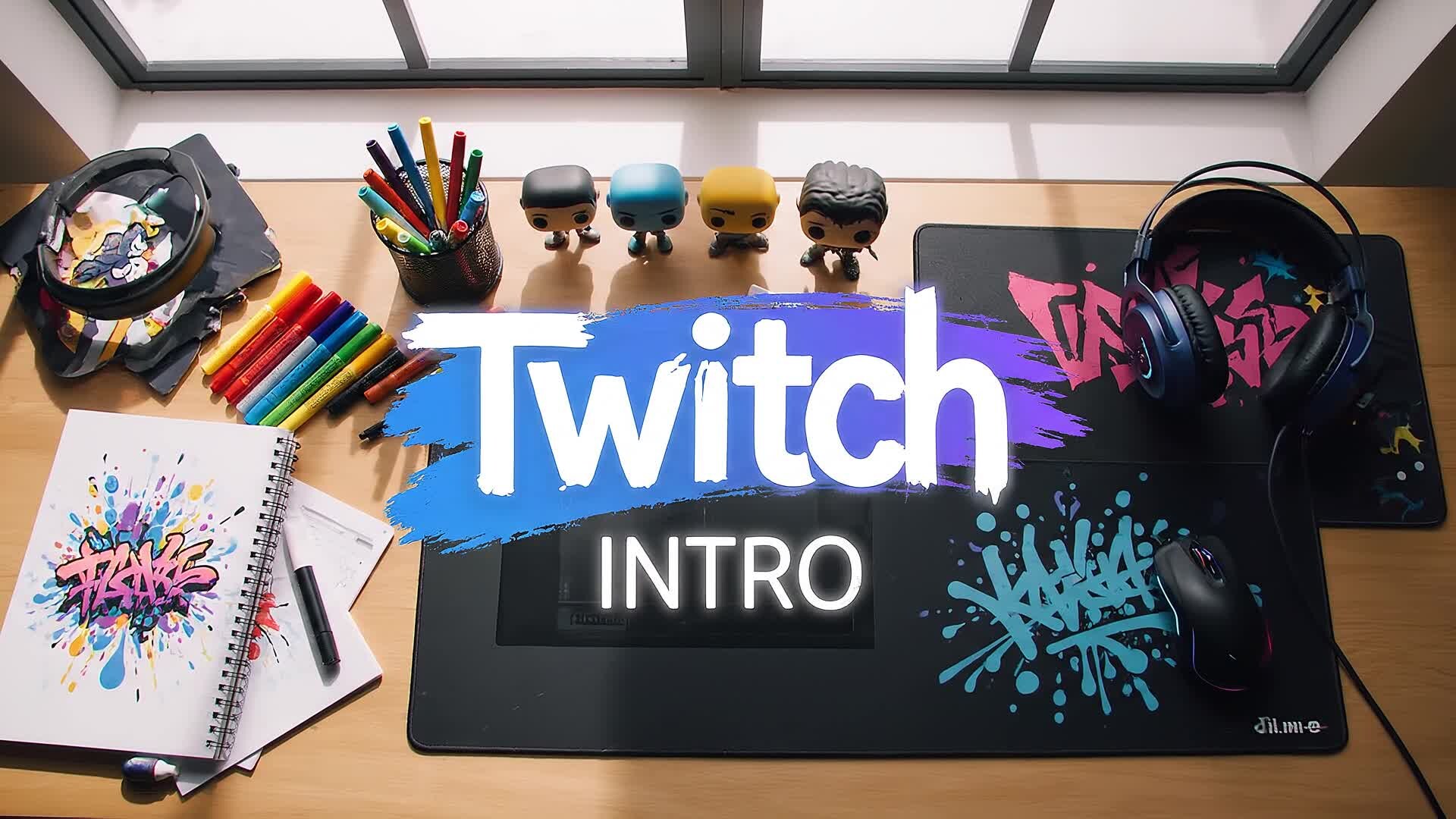
Got a script, idea, or product copy? Use Media.io’s AI Text-to-Video Maker to instantly convert words into compelling social media visuals. The tool automatically selects scenes, music, and motion styles that fit your message—ideal for creators, marketers, and entrepreneurs looking to post engaging video content regularly. Easily craft announcements, tutorials, or promos in a few clicks, and watch your message come to life. No need to film or edit manually—simply describe what you want and get quick, professional results every time.
| Style | Social Media Video Maker Ideas You Can Try | Copy & Create |
|---|---|---|
|
Trending Challenge
|
Create a short clip following a current social trend, using upbeat music and snappy transitions. Start with a bold hook on-screen to capture curiosity. Show a quick before-and-after reveal or transformation that matches the trend. Keep each scene under two seconds to maintain engagement. Finish with a fun caption encouraging others to join. Perfect for TikTok and Reels audiences who love fast-paced content. |
|
|
Lifestyle Snapshot
|
Film or photo sequence showcasing a day-in-the-life moment. Begin with a relatable morning setup, then move through snippets of daily activities. Add on-screen text with short affirmations or timestamps. Finish with a calm outro and cheerful background sound. Keep the tone authentic and natural, making it feel like a behind-the-scenes glimpse worth following. |
|
|
Product Promo
|
Highlight a product or brand with visually engaging shots. Start with a dynamic logo reveal or unboxing moment. Show close-ups of product features in action with lighting that matches your brand palette. End with clear on-screen pricing or call-to-action. Maintain energetic pacing and upbeat sound that makes the clip loop seamlessly on social feeds. |
|
|
Mini Tutorial
|
Demonstrate a quick how-to that solves a problem viewers care about. Open with a direct teaser like 'Fix this in 10 seconds!' Show each step with visual clarity, using zoom-ins and text labels. Wrap up with the final result and emphasize simplicity. Use upbeat background audio to keep it lively and informative in under 30 seconds. |
|
|
Before & After
|
Show a stunning transformation using split-screen or fade transitions. Begin with a plain or unedited state, then shift dramatically to the improved version. This could feature room makeovers, editing techniques, or personal glow-ups. Add captions highlighting the process, and close with a smooth loop for maximum replay value. |
|
|
Aesthetic Mood
|
Craft a soothing, cinematic scene that evokes emotion. Start with gentle motion and ambient light shifts. Layer background music that complements the mood. Mix wide and close-up shots to create depth. Use minimal text overlays for visual storytelling. Ideal for creators aiming to inspire calm or creativity across Reels and Shorts. |








How to Create Social Media Video Maker with Media.io
Create social media video maker content faster with Media.io using text to video, image to video, video to video, and built-in editing tools.
Describe Your Idea or Upload Media
Start by adding text, an image, or an existing clip. The AI instantly interprets your input and prepares a creative base for your video. This helps you create social media video maker content faster with a more structured workflow. You can easily adapt the output for platforms like TikTok, Instagram Reels, and YouTube Shorts. The process reduces manual editing and improves overall production efficiency.
Customize and Generate Instantly
Pick styles, layouts, and soundtracks that match your platform goals. Media.io automatically renders an editable short-form video within seconds. This helps you create social media video maker content faster with a more structured workflow. You can easily adapt the output for platforms like TikTok, Instagram Reels, and YouTube Shorts.
Polish and Share Everywhere
Fine-tune colors, captions, or logos, then export in optimized formats for TikTok, Instagram, or YouTube. Deliver polished videos ready to engage audiences. This helps you create social media video maker content faster with a more structured workflow. You can easily adapt the output for platforms like TikTok, Instagram Reels, and YouTube Shorts. The process reduces manual editing and improves overall production efficiency.
Why Choose Media.io for Social Media Video Maker
AI-Powered Video Creation
Generate high-quality social videos automatically using advanced AI that understands pacing, tone, and platform trends. This makes social media video maker creation more efficient and easier to manage. It helps improve consistency across different video styles and formats. You can use this feature to produce more engaging and platform-ready content.
Fast Editing Workflow
Produce and edit videos faster than ever with real-time previews and drag-and-drop simplicity. This makes social media video maker creation more efficient and easier to manage. It helps improve consistency across different video styles and formats. You can use this feature to produce more engaging and platform-ready content.
Multi-Input Flexibility
Create videos from text, images, or clips—all within one intuitive tool designed for social media output. This makes social media video maker creation more efficient and easier to manage. It helps improve consistency across different video styles and formats. You can use this feature to produce more engaging and platform-ready content.
Auto Captions and Music Sync
Add on-brand captions and background music automatically, so your stories feel ready for sharing immediately. This makes social media video maker creation more efficient and easier to manage. It helps improve consistency across different video styles and formats. You can use this feature to produce more engaging and platform-ready content.
Templates for Every Platform
Access ready-to-use styles optimized for TikTok, Reels, Shorts, and more, ensuring perfect aspect ratios and flow. This makes social media video maker creation more efficient and easier to manage. It helps improve consistency across different video styles and formats. You can use this feature to produce more engaging and platform-ready content.
Export and Schedule Ready
Download or directly integrate your content into popular posting workflows for consistent, time-saving publishing. This makes social media video maker creation more efficient and easier to manage. It helps improve consistency across different video styles and formats. You can use this feature to produce more engaging and platform-ready content.
FAQs About
Social Media Video Maker
1. What is a social media video maker?


It’s a tool that helps you create platform-ready videos quickly using templates, AI, and customization options—no editing experience required.
2. Can I make videos for multiple platforms?
Yes. Media.io automatically formats your video for TikTok, Instagram, YouTube, and other major platforms with optimized dimensions.
3. Do I need video editing skills?
No. The AI handles design, trimming, and transitions automatically, letting you focus on creativity instead of software controls.
4. Can I upload my own media?
Absolutely. You can upload images, clips, or text scripts to generate unique videos that fit your brand style.
5. How long does it take to create a video?
Most users generate complete video drafts in under a minute, allowing for fast iterations and quick sharing.
6. Is the tool free to try?
Yes. You can try Media.io’s social media video maker for free and explore all essential features before upgrading.



