Design Scary Video Maker That Stand Out
AI-Powered Horror Video Creation in Minutes
With Media.io’s AI scary video maker, you can create haunting visuals and chilling stories in minutes—no editing skills required. Type a creepy scenario or upload spooky images, and our AI turns them into immersive horror shorts ready for YouTube, TikTok, or Halloween campaigns. Capture eerie lighting, suspenseful motion, and cinematic sound effects automatically. Whether you’re a content creator, marketer, or filmmaker wanting dark-themed videos, this tool transforms your ideas into captivating fear-inducing clips that viewers can’t scroll past.
Make Scary Video Maker Content Move from Images
Bring life to your horror artwork, eerie stills, or Halloween props using Media.io’s image-to-video AI. Upload any frightening image, and the algorithm automatically adds dynamic motion, fog, flickering lights, or shadows to make it spine-chilling. Perfect for YouTube intros, haunted event teasers, or storytelling montages, the tool transforms static visuals into immersive cinematic horror scenes without manual editing. The process is fast and versatile—ideal for creators who want powerful scary sequences that feel real but are generated in seconds.
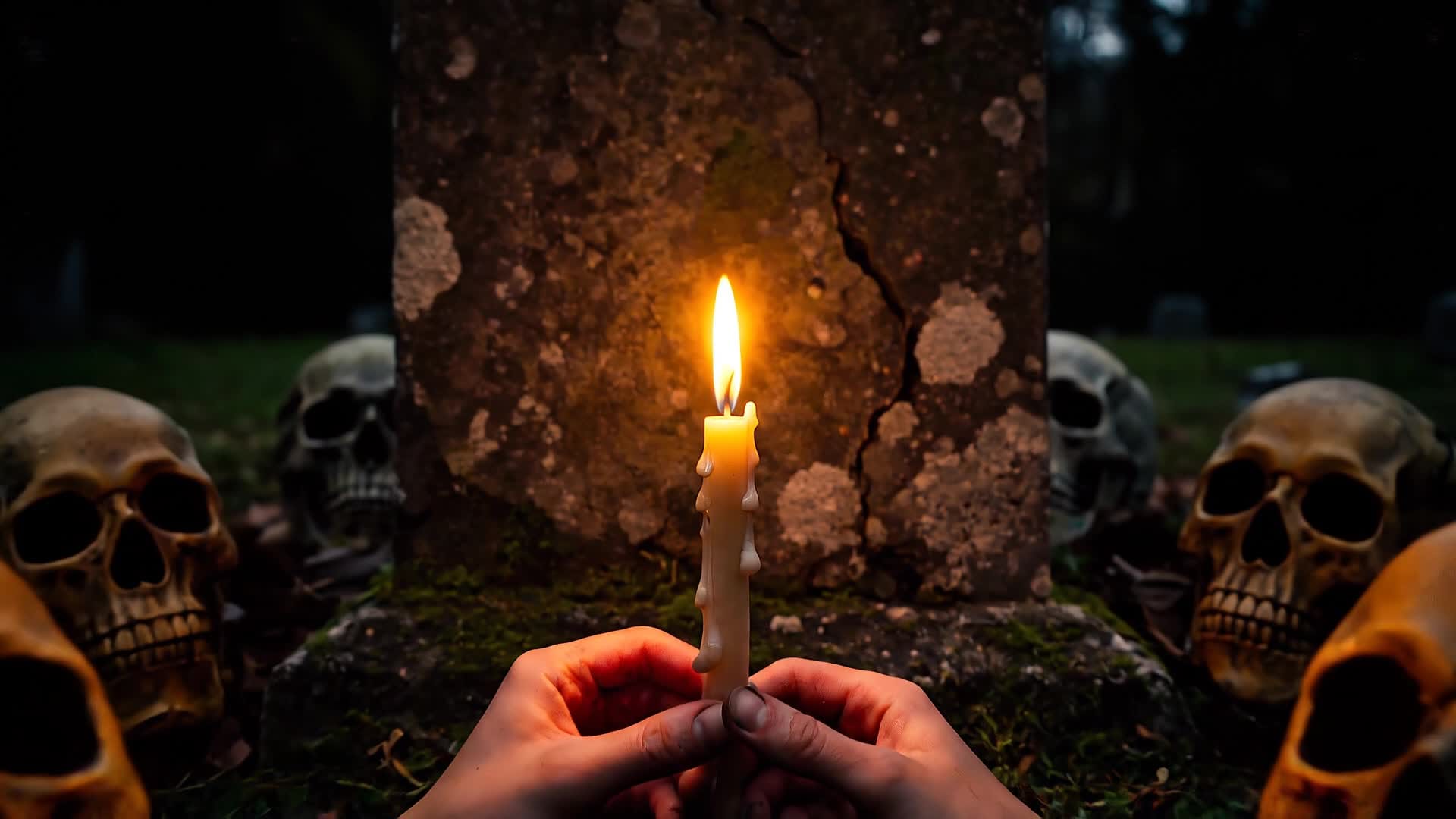
Generate Scary Video Maker from Simple Prompts
Media.io’s text-to-video feature lets you generate fear from words alone. Just describe the chilling atmosphere or twisted scene you imagine, and our AI automatically creates a realistic scary video complete with matching visuals and sound. Great for creepy story narrations, horror game teasers, or paranormal channel posts, this method saves time while keeping full creative control. The result is cinematic and ready to share, helping you keep your audience engaged with fresh, terrifying content every time you create.
| Style | Scary Video Maker Prompt Ideas | Copy & Create |
|---|---|---|
|
Viral Haunted House
|
Show a group entering an abandoned mansion with cheerful laughter that quickly fades. Capture the flicker of old bulbs, whispers from the basement, and doors creaking on their own. Use camera shakes for realism. Reveal mysterious markings on the walls as panic builds. End with the door slamming shut from inside and an empty entrance hall left outside. |
|
|
Urban Legend Clip
|
Begin under a quiet streetlight in the city late at night. Have a figure walk into a misty alley where shadows seem to move differently. The mood turns eerie as street sounds fade and whispers echo. Reveal glowing eyes in the dark and a phone dropping to the ground. Add pulsing sound effects and transition to black for a viral twist ending. |
|
|
Halloween Product Promo
|
Start with festive pumpkins and glow lights turning into a creepy setup. Display a Halloween decor or costume under flickering strobes. Cut between normal and unsettling angles to add thrill. Use jump cuts with screams fading into laughter. End by flashing your product tagline alongside spooky sound elements that keep attention. |
|
|
Tutorial: Make It Spooky
|
Begin showing plain footage of a living room setup. Add thunder sounds, slow color shifts to dark tones, and drop temperature. Reveal how AI effects transform normal scenes into horror backdrops. Show before-and-after transitions with ghost overlays. Conclude with the perfect cue for creators to try their own scary transformation today. |
|
|
Before & After Horror Scene
|
Display an ordinary park at noon fading into dusk. Gradually add fog, eerie sound layers, and flickering lanterns. Show silhouettes forming in the background as the sky turns red. Contrast it with the original footage side by side. Emphasize the ease of building atmosphere using the scary video maker for haunting effect. |
|
|
Aesthetic Dark Mood Reel
|
Focus on slow camera movements across old wallpapers, candles, and empty hallways. Mix close-ups of texture and minimal motion. Let dim light and soft rumble create mood. Add cinematic filters for moody realism. Wrap with a chilling reveal that turns still beauty into a nightmare feel. |








How to Create Scary Video Maker with Media.io
Create scary video maker content faster with Media.io using text to video, image to video, video to video, and built-in editing tools.
Start with Text, Image, or Footage
Upload a still, paste your script, or drop a short clip into Media.io to start shaping your scary concept instantly. This helps you create scary video maker content faster with a more structured workflow. You can easily adapt the output for platforms like TikTok, Instagram Reels, and YouTube Shorts. The process reduces manual editing and improves overall production efficiency.
Let AI Generate Chilling Scenes
The AI recreates dynamic lighting, motion, and haunted effects automatically to match your prompt. This helps you create scary video maker content faster with a more structured workflow. You can easily adapt the output for platforms like TikTok, Instagram Reels, and YouTube Shorts. The process reduces manual editing and improves overall production efficiency. Each step improves visual quality, pacing, and content consistency.
Polish and Export Anywhere
Add sound, subtitles, or filters, then export your finished scary video for social posts, teasers, or storytelling. This helps you create scary video maker content faster with a more structured workflow. You can easily adapt the output for platforms like TikTok, Instagram Reels, and YouTube Shorts. The process reduces manual editing and improves overall production efficiency. Each step improves visual quality, pacing, and content consistency.
Why Choose Media.io for Scary Video Maker
AI-Level Realism
Create cinematic horror quality automatically with realistic lighting, shadow effects, and motion crafted by AI. This makes scary video maker creation more efficient and easier to manage. It helps improve consistency across different video styles and formats. You can use this feature to produce more engaging and platform-ready content.
Multiple Creation Modes
Make scary videos from text prompts, images, or existing clips so you can experiment with different storytelling approaches. This makes scary video maker creation more efficient and easier to manage. It helps improve consistency across different video styles and formats. You can use this feature to produce more engaging and platform-ready content.
Fast Rendering
Produce ready-to-share content in minutes, ideal for last-minute Halloween campaigns or viral horror trends. This makes scary video maker creation more efficient and easier to manage. It helps improve consistency across different video styles and formats. You can use this feature to produce more engaging and platform-ready content.
Customizable Scenes
Edit visuals, pacing, and tone directly in the interface to align your scary video with your creative vision. This makes scary video maker creation more efficient and easier to manage. It helps improve consistency across different video styles and formats. You can use this feature to produce more engaging and platform-ready content.
Social Media Ready
Export optimized clips for TikTok, Reels, or YouTube Shorts in ideal formats and ratios with no extra setup. This makes scary video maker creation more efficient and easier to manage. It helps improve consistency across different video styles and formats. You can use this feature to produce more engaging and platform-ready content.
No Editing Skills Needed
Simply describe your scene and let Media.io’s AI scary video generator handle technical details effortlessly. This makes scary video maker creation more efficient and easier to manage. It helps improve consistency across different video styles and formats.
FAQs About
Scary Video Maker
1. What is a scary video maker?


A scary video maker like Media.io is an AI-powered tool that generates eerie videos from text, images, or clips. It helps you build horror or suspense content fast without manual editing.
2. Can I make a scary video from just text?
Yes. Describe your frightening idea, and the AI turns it into a complete horror video with visuals, atmosphere, and sound effects automatically.
3. Is the scary video maker free to try?
You can start free online with Media.io and explore AI scary video generation features before upgrading for advanced options.
4. Can I use my own sounds or music?
Yes, after generating your clip, you can easily layer your own audio, ambient sound, or soundtrack inside Media.io’s editor.
5. Is it suitable for beginners?
Absolutely. The interface is intuitive, requiring no technical experience, making it easy for new creators to produce professional-looking scary videos.
6. Where can I share the finished video?
Export your scary videos directly for TikTok, YouTube, Instagram, or any platform that supports MP4 or short-form video formats.




