Design Save The Date Video Maker That Stand Out
Turn your story into a moving invitation powered by AI
The Media.io Save the Date Video Maker helps you craft elegant, eye-catching videos that tell your story beautifully. Whether you’re announcing your wedding, engagement, or any milestone event, our AI automatically turns your text, photos, and clips into a cinematic invitation in minutes. Select a style, enter your details, and see your announcement come alive with tailored transitions, fonts, and music. Deliver high-quality outputs suited for Instagram, WhatsApp, or digital invites—no editing skills required. Save time, impress your guests, and set the perfect tone for your big day.
Transform Photos into Romantic Motion Videos
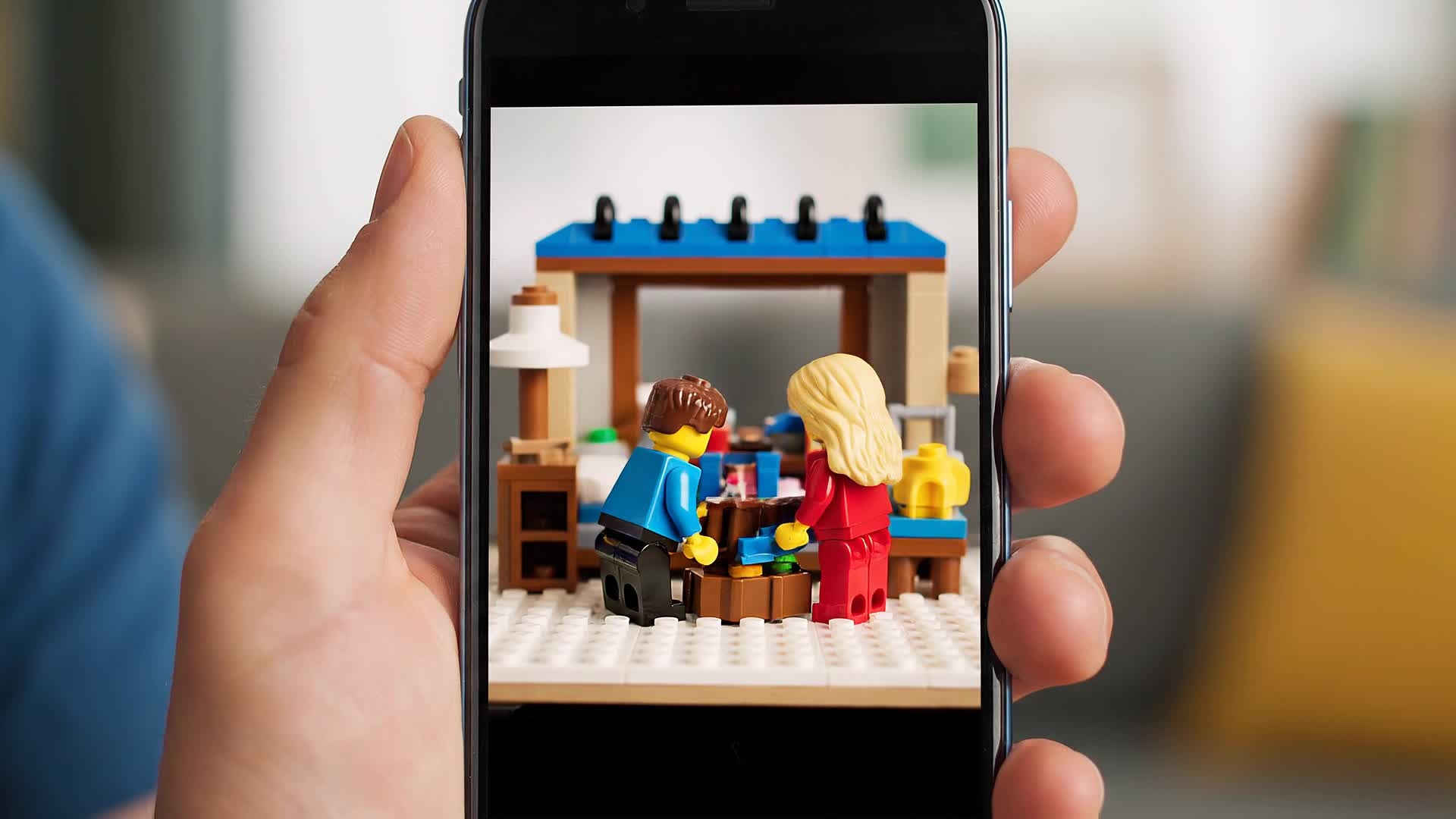
With Media.io’s image-to-video feature, you can instantly turn your favorite engagement or couple photos into cinematic, moving clips that feel alive. Simply upload your stills, and our AI animates transitions, depth effects, and smooth camera motion to bring emotional warmth to each frame. Perfect for couples who want a personalized touch without needing editing software, the tool automatically syncs visuals with elegant music and text overlays. Whether you want a classic, modern, or boho vibe, Media.io helps you transform static images into story-driven save the date videos that stand out on social media and video invitations alike.
Generate Save the Date Videos from Text
Simply describe your vision—like your wedding venue, theme, or date—and Media.io’s text-to-video engine brings it to life in just a few clicks. Our AI turns short written prompts into cinematic sequences with visuals, music, and transitions that match your tone. Great for couples, event planners, or marketers, it lets you create professional-looking announcement videos without filming anything. Share instantly on social platforms or send directly to family and friends as digital keepsakes. Every output is high-quality, customizable, and created to fit your story’s unique style and mood.
| Style | Save the Date Video Maker Prompt Ideas | Copy & Create |
|---|---|---|
|
Modern Minimalist
|
Use white backgrounds and thin serif fonts for a clean save the date announcement. Show clips of the couple laughing, hands touching, or soft smiles under warm light. Let the music be ambient and airy. Add text overlays with simple transitions. Focus on emotional minimalism and elegant pacing to convey sincerity and timelessness. |
|
|
Rustic Outdoor
|
Capture wooden tables, green meadows, and golden-hour lighting. Overlay handwritten fonts saying “Save the Date.” Add gentle wind sounds and a cozy acoustic soundtrack. Show real or AI-generated shots of the countryside. Keep transitions soft, embracing natural tones to match a rustic wedding aesthetic. |
|
|
Luxury Glam
|
Show elegant chandeliers, champagne pouring, and slow-motion gestures framed by lights. Add metallic gold text animation revealing the wedding date. Blend orchestral or piano music. Use smooth slow zooms to accentuate detail and opulence. Perfect for luxury wedding invitations that demand sophistication. |
|
|
Tropical Romance
|
Feature beach clips, turquoise waters, palm trees, and flowing dresses. Overlay bright cursive fonts and upbeat instrumental sound. Show both day and dusk scenes for a dreamy flow. Blend transitions like water droplets or lens flare. Create a cheerful and refreshing vibe ideal for destination weddings. |
|
|
Cinematic Black Tie
|
Display formal attire, elegant poses, and black background transitions. Add dramatic orchestral hits synced with key text moments. Include macro shots of rings or champagne flutes clinking. End with sweeping titles that announce the date grandly while maintaining a refined, movie-trailer tone. |
|
|
Playful Animated
|
Use cartoon illustrations or animated icons of hearts, fireworks, and confetti. Incorporate bright pastel backgrounds and charming text transitions. Add cheerful, rhythmic music. Switch scenes quickly to keep the energy high. Perfect for couples who want an energetic and youthful save the date style. |








How to Create Save The Date Video Maker with Media.io
Create save the date video maker content faster with Media.io using text to video, image to video, video to video, and built-in editing tools.
Describe or Upload Your Story
Start with text, images, or video clips. Tell Media.io what theme you want and let the AI interpret your story instantly. This helps you create save the date video maker content faster with a more structured workflow. You can easily adapt the output for platforms like TikTok, Instagram Reels, and YouTube Shorts.
Customize with Style and Music
Choose templates, color moods, soundtracks, and fonts to match your personality. See real-time previews before exporting. This helps you create save the date video maker content faster with a more structured workflow. You can easily adapt the output for platforms like TikTok, Instagram Reels, and YouTube Shorts. The process reduces manual editing and improves overall production efficiency.
Download and Share Anywhere
Export high-quality videos perfectly sized for Instagram, email, or your wedding website. Share instantly with your guests. This helps you create save the date video maker content faster with a more structured workflow. You can easily adapt the output for platforms like TikTok, Instagram Reels, and YouTube Shorts. The process reduces manual editing and improves overall production efficiency.
Why Choose Media.io for Save The Date Video Maker
AI-Powered Creativity
Generate romantic save the date videos that look expertly produced using only text or images. Media.io’s AI adds cinematic movement, transitions, and sound automatically. This makes save the date video maker creation more efficient and easier to manage.
Fast and Effortless
Create your full announcement in minutes instead of hours. No editing experience is required, just your story and a quick prompt. This makes save the date video maker creation more efficient and easier to manage. It helps improve consistency across different video styles and formats.
Multiple Input Options
Start with photos, clips, or text—Media.io adapts to your input for flexible storytelling that fits any event invitation or social post. This makes save the date video maker creation more efficient and easier to manage. It helps improve consistency across different video styles and formats.
Full Customization
Adjust templates, transitions, fonts, and music to match your wedding theme. Fine-tune every detail easily in your browser. This makes save the date video maker creation more efficient and easier to manage. It helps improve consistency across different video styles and formats.
Share-Ready Formats
Media.io exports optimized videos for WhatsApp, Instagram, YouTube, and more so your save the date announcement looks flawless everywhere. This makes save the date video maker creation more efficient and easier to manage. It helps improve consistency across different video styles and formats.
High-Quality Output
Enjoy crisp visuals, fluid motion, and balanced sound design that makes your invitation video feel polished and professional every time. This makes save the date video maker creation more efficient and easier to manage. It helps improve consistency across different video styles and formats. You can use this feature to produce more engaging and platform-ready content.
FAQs About
Save The Date Video Maker
1. What is a Save the Date video maker?


It’s an online tool that helps you create personalized video invitations easily. With Media.io, you can generate stunning save the date clips using AI in just minutes.
2. Can I add my own music or photos?
Yes. Upload your favorite images and choose custom music tracks to make the video feel truly yours.
3. Do I need video editing skills?
Not at all. Media.io is fully beginner-friendly. The AI handles animations, transitions, and syncing automatically for you.
4. Can I customize the style or font?
Absolutely. You can pick from dozens of font styles, color palettes, and templates to match your event’s vibe perfectly.
5. Is it free to try?
Yes, you can try Media.io’s Save the Date Video Maker free online and upgrade later for premium templates and exports.
6. What format are the videos exported in?
Videos are exported in MP4 format, compatible with all major devices, and perfect for sharing across platforms.



